ASUS ROG Maximus Z890 Hero BTF Review

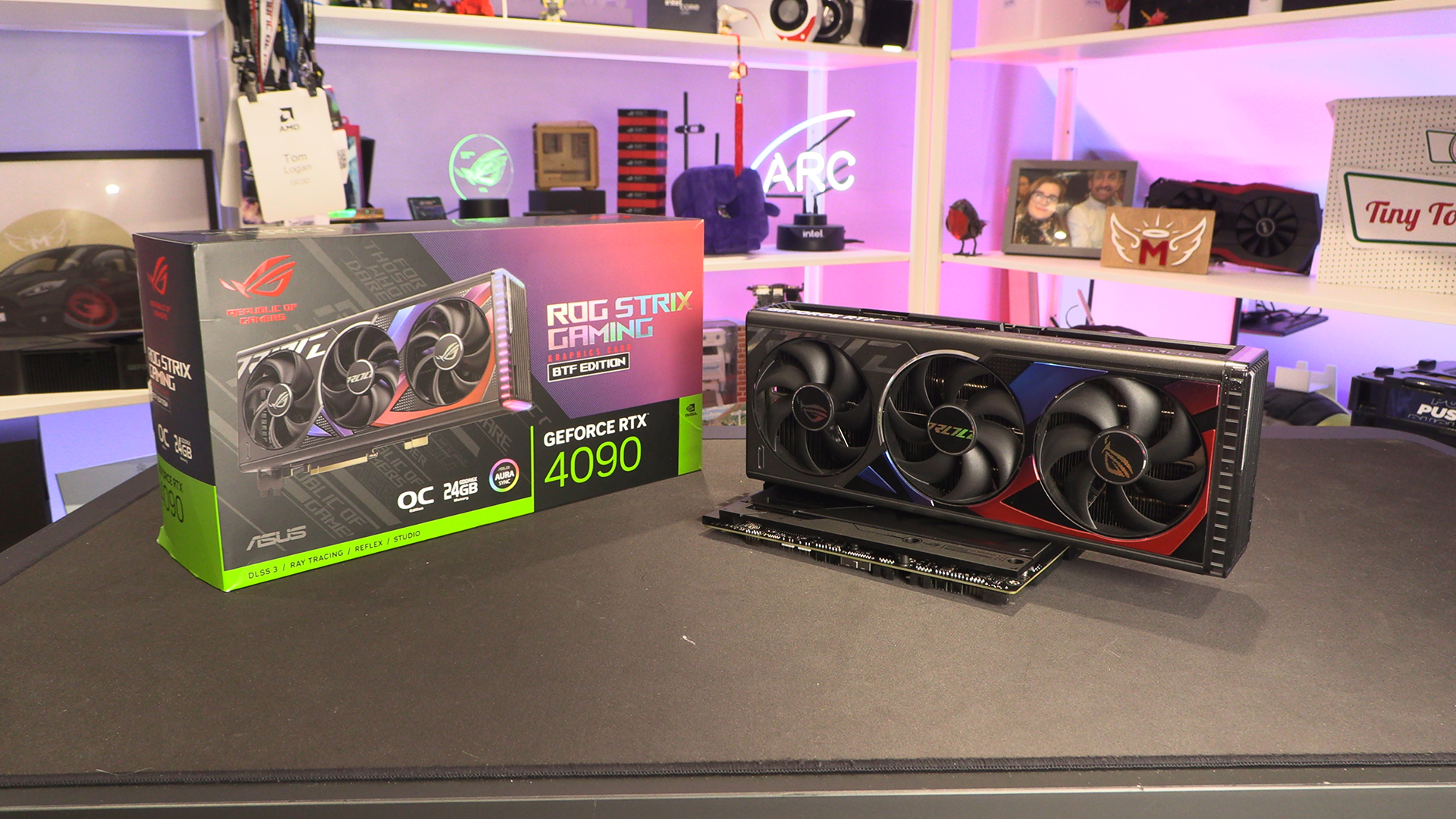
Strix RTX 4090 BTF
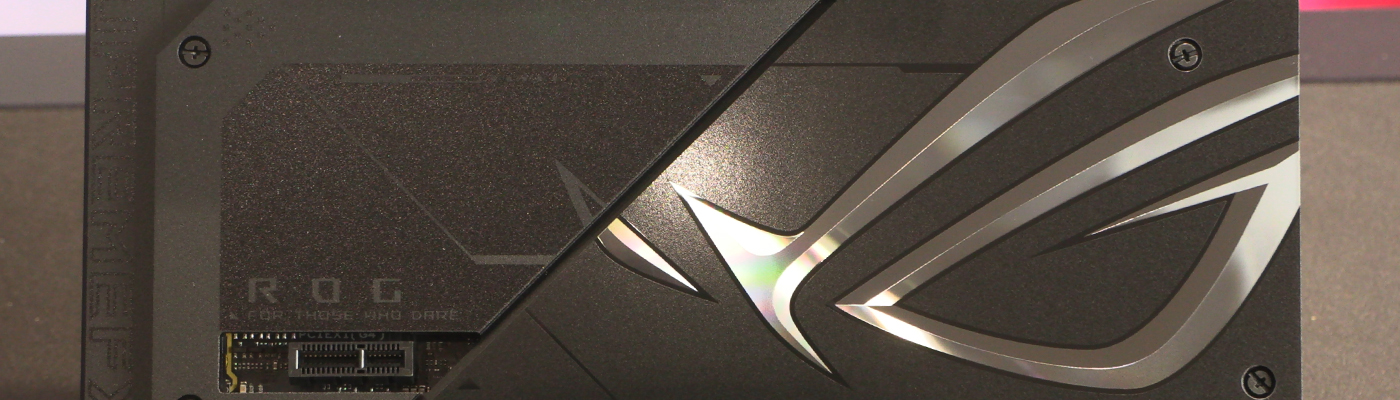
Strix RTX 4090 BTF
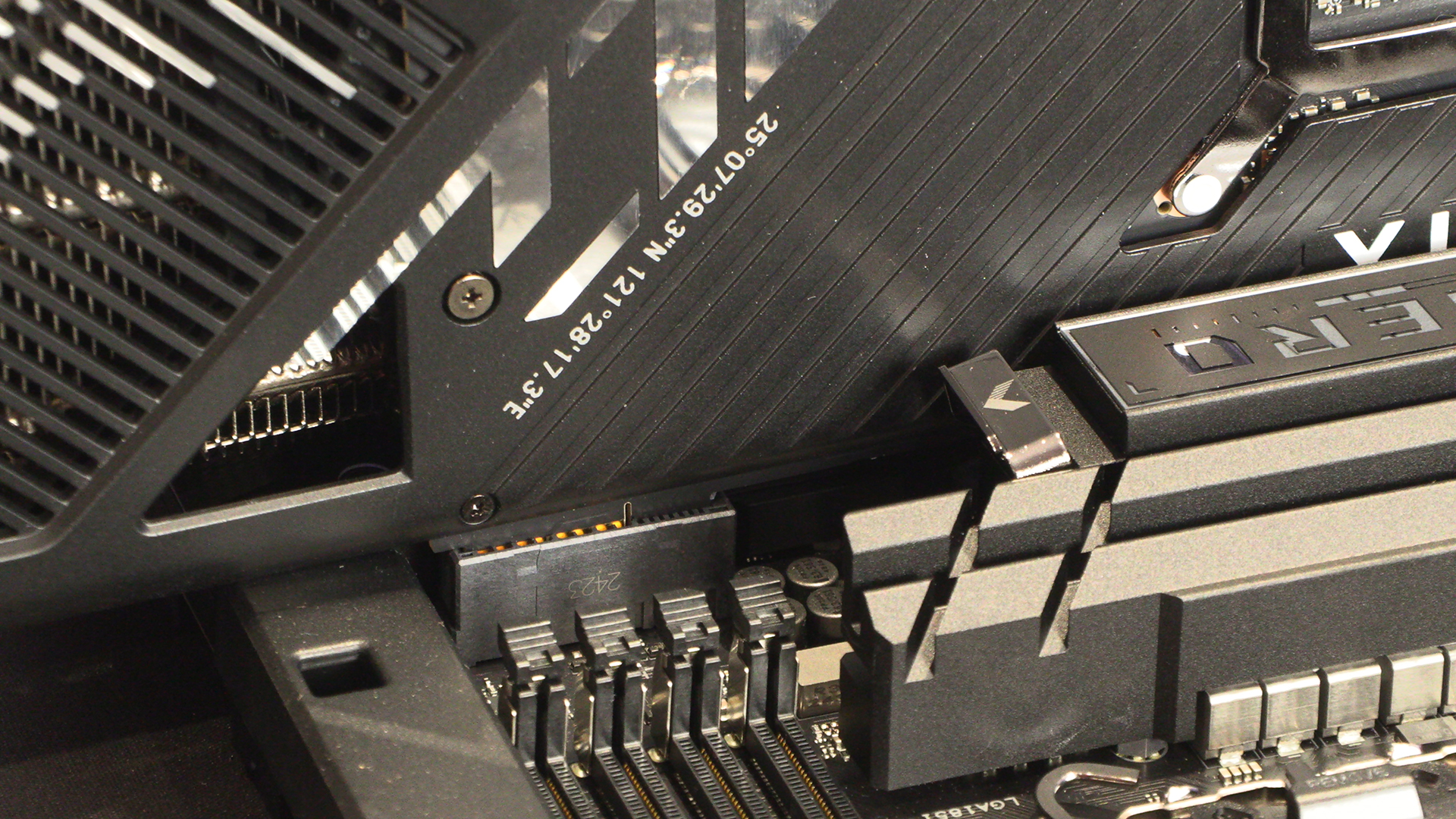
The bottom edge of the ROG Strix RTX 4090 BTF has extra connectors. These are how the power gets delivered from the motherboard to your graphics card. The left hand lot are your standard PCI Express data transfer pins. The right hand ones go into a special connector on the PCB you can just see above the ROG Eye on the Hero BTF.
Whilst we have this image up, look beneath the square hole on the right edge and you’ll spot a black header. This is the Nvidia power input we saw on the previous page. Having it so close to the delivery point makes perfect sense.
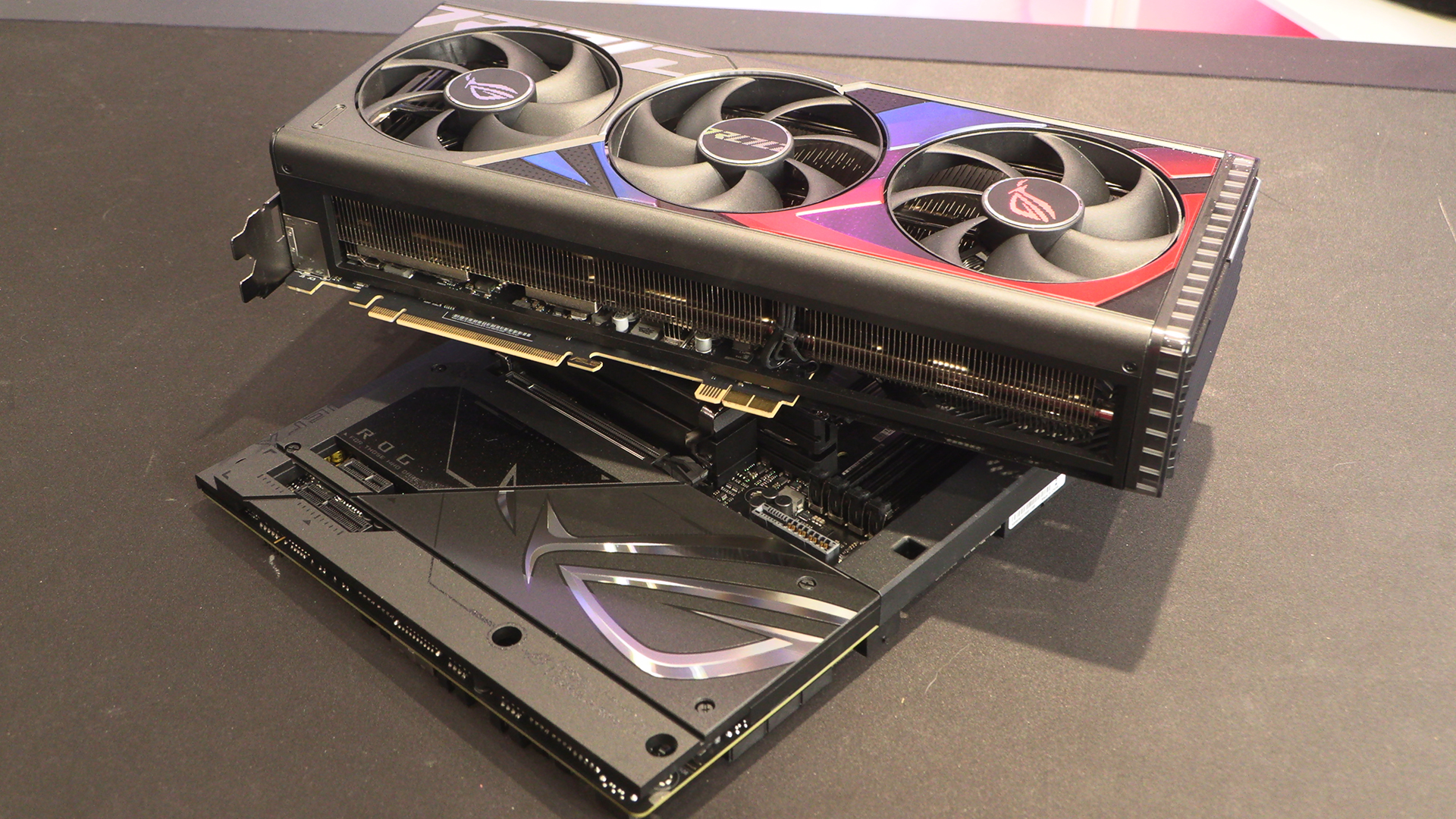
If you’re one of those people who can’t get enough ROG Eye logos in their life, this view should sate you. We love the mirrored finishes ASUS are adding lately. Yes they’re not for those of you who like stealth builds, but for those of us who don’t mind Blackpool lights…
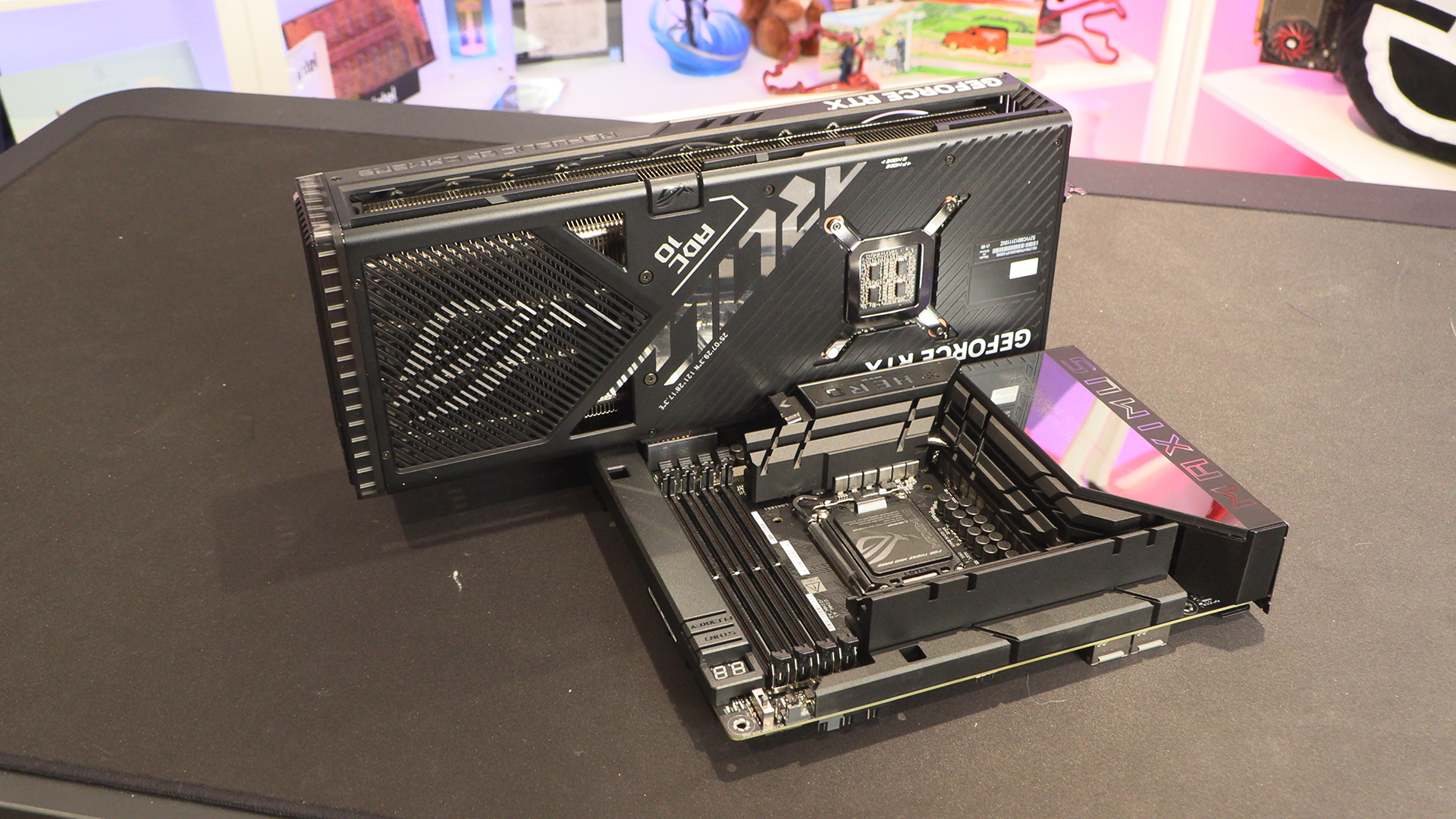
This is how the power works for a BTF GPU. The power is plugged into the motherboard and then gets pushed through this connector to the card itself. Given that GPU power cables are the hardest thing to hide, even in the compact Nvidia format, this design is the cornerstone of the BTF idea.
It’s crazy how the Hero BTF is a full size ATX motherboard that looks larger than most, and yet the moment you slide a RTX 4090 into it it’s suddenly tiny.