ASUS ROG Maximus Z890 Hero BTF Review

In Detail
In Detail
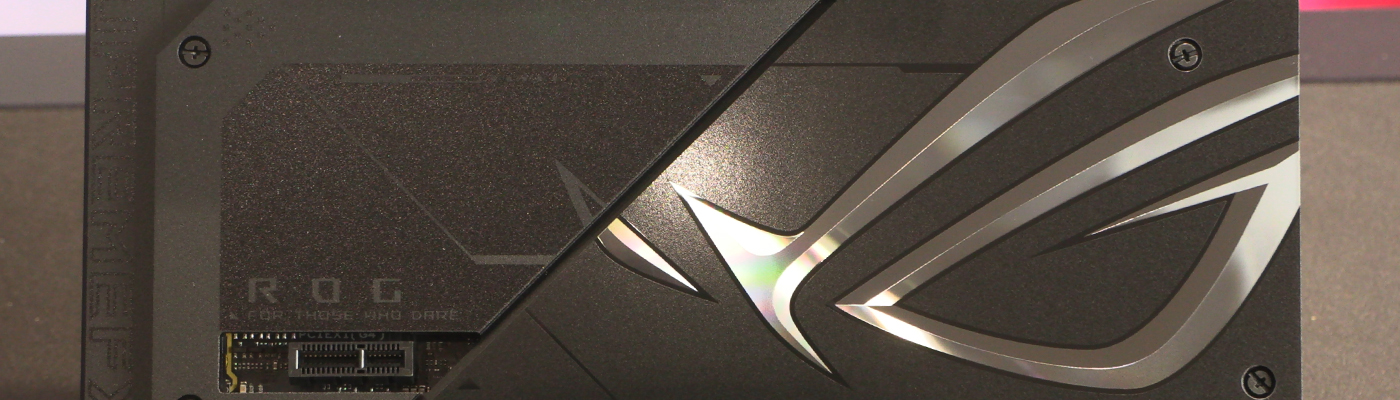
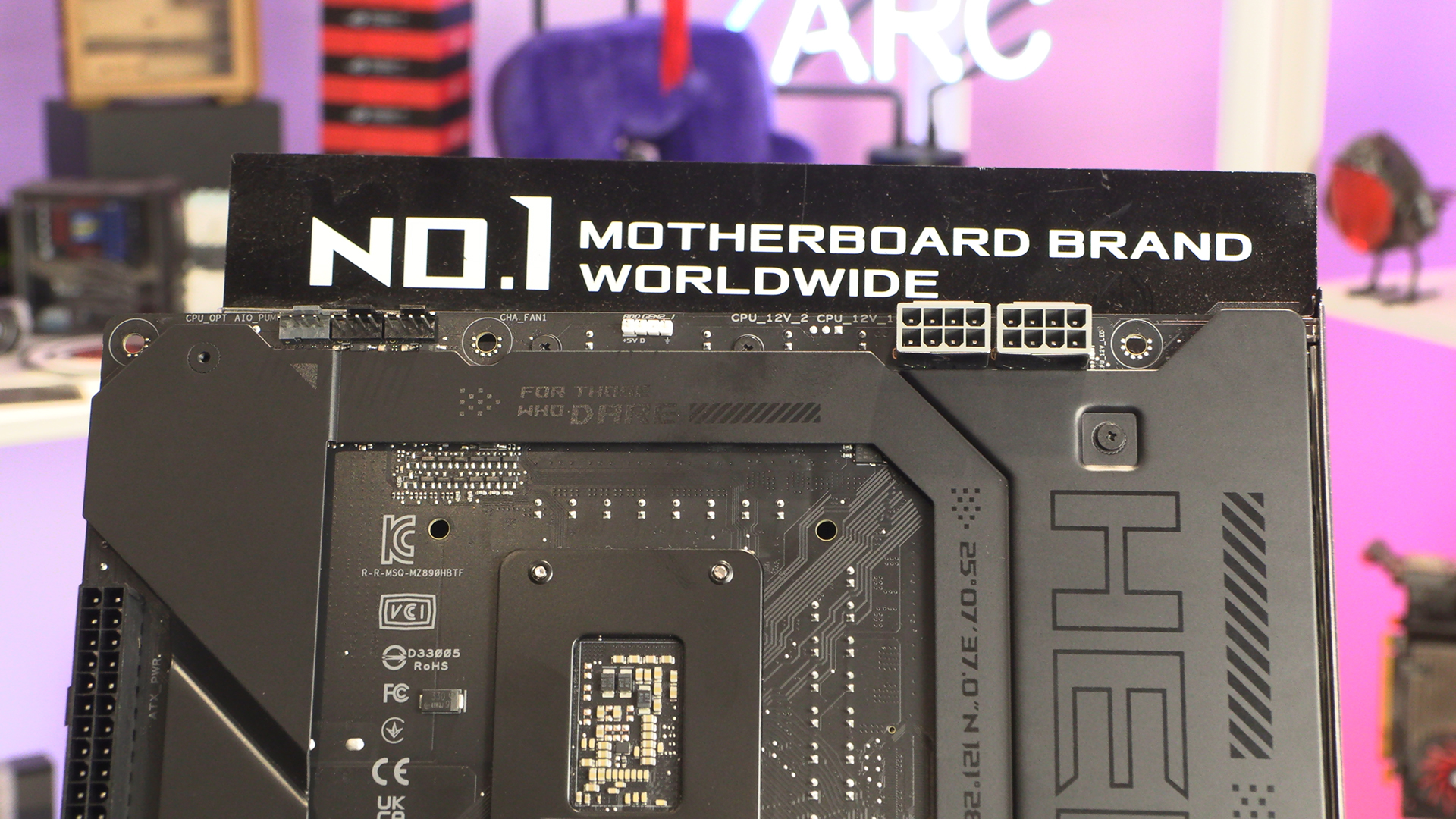
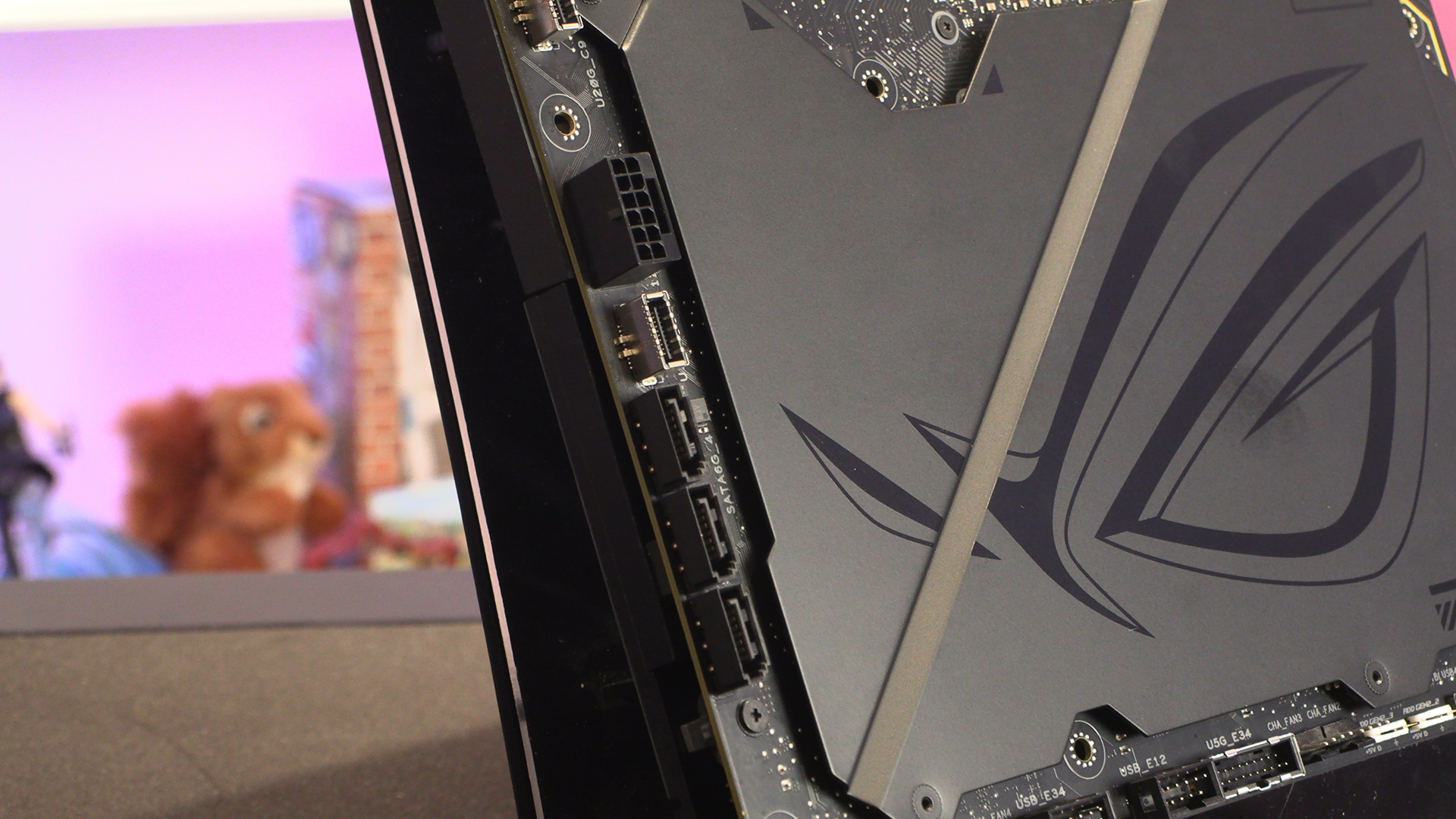
It still feels slightly transgressive to be flipping a motherboard over to look at the important bits. We’re sure in time we’ll get used to it. After 30-odd years of hardware involvement I’m just more used to things being a certain way up. Nonetheless when you do turn the Maximus Hero BTF over you get all the good things you would expect on a ROG motherboard. We have plenty of cooling options and the de rigueur grey power inputs. Why are all 8pin ATX power connectors grey this past year? Has the world run out of black plastic?
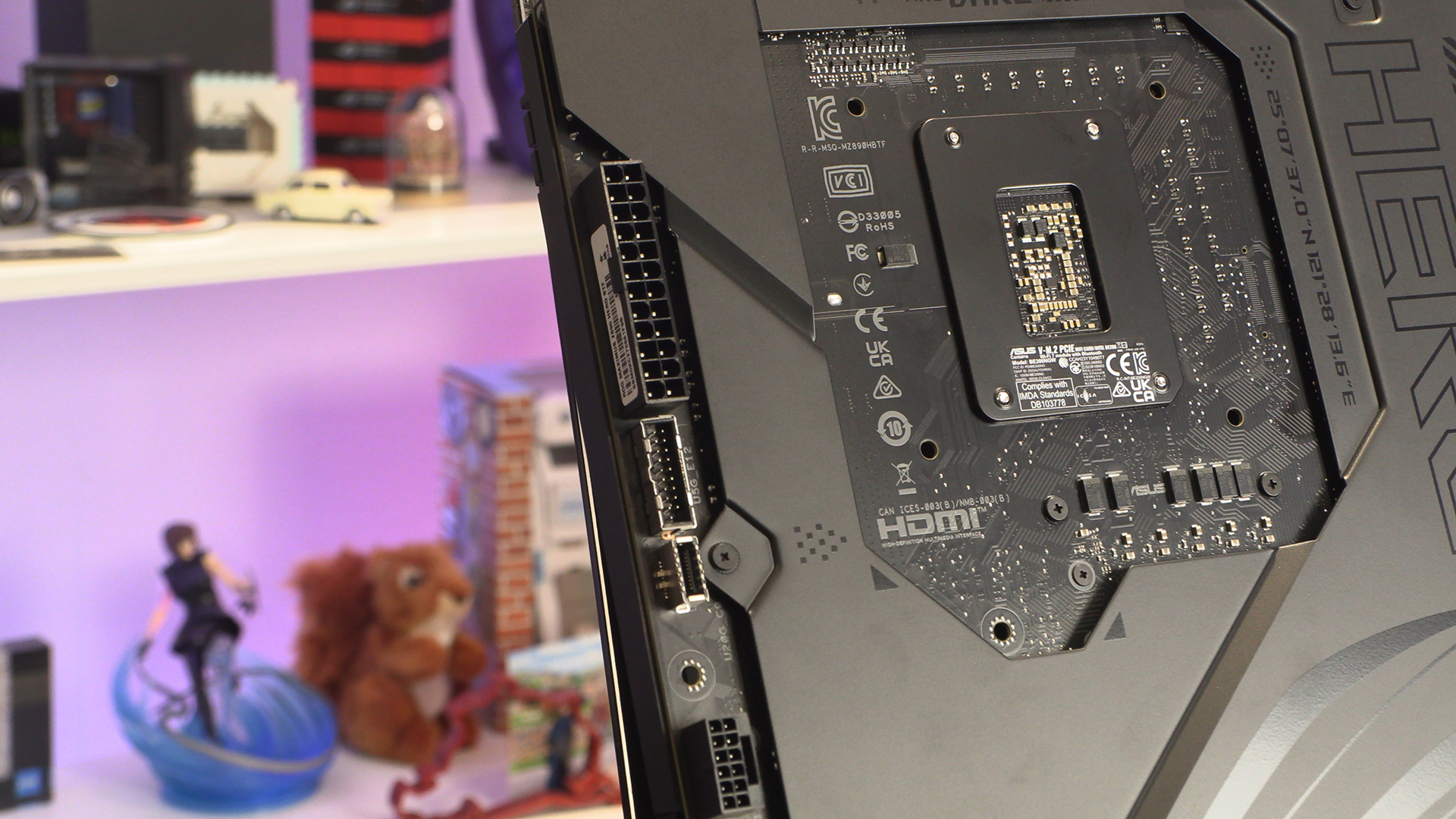
In keeping with the kind of connection cornucopia one hopes to find on the Hero BTF. Front panel Type-A USB ports are handy, but this is the first of two front panel USB Type-C connectors below it. Both come with sturdy armour too. Nice.
Pay Attention
This is arguably the most important bit of the PCB. A solid GPU power connection is vital to giving you the fewest headaches. With the Strix RTX 4090 BTF, or indeed any RTX 4090 card, you’re going to be drawing ALL the power. It’s worth taking a moment to ensure everything is plugged in properly. At least with the USB Type-C and SATA ports we can also see here, that’s less of an issue.
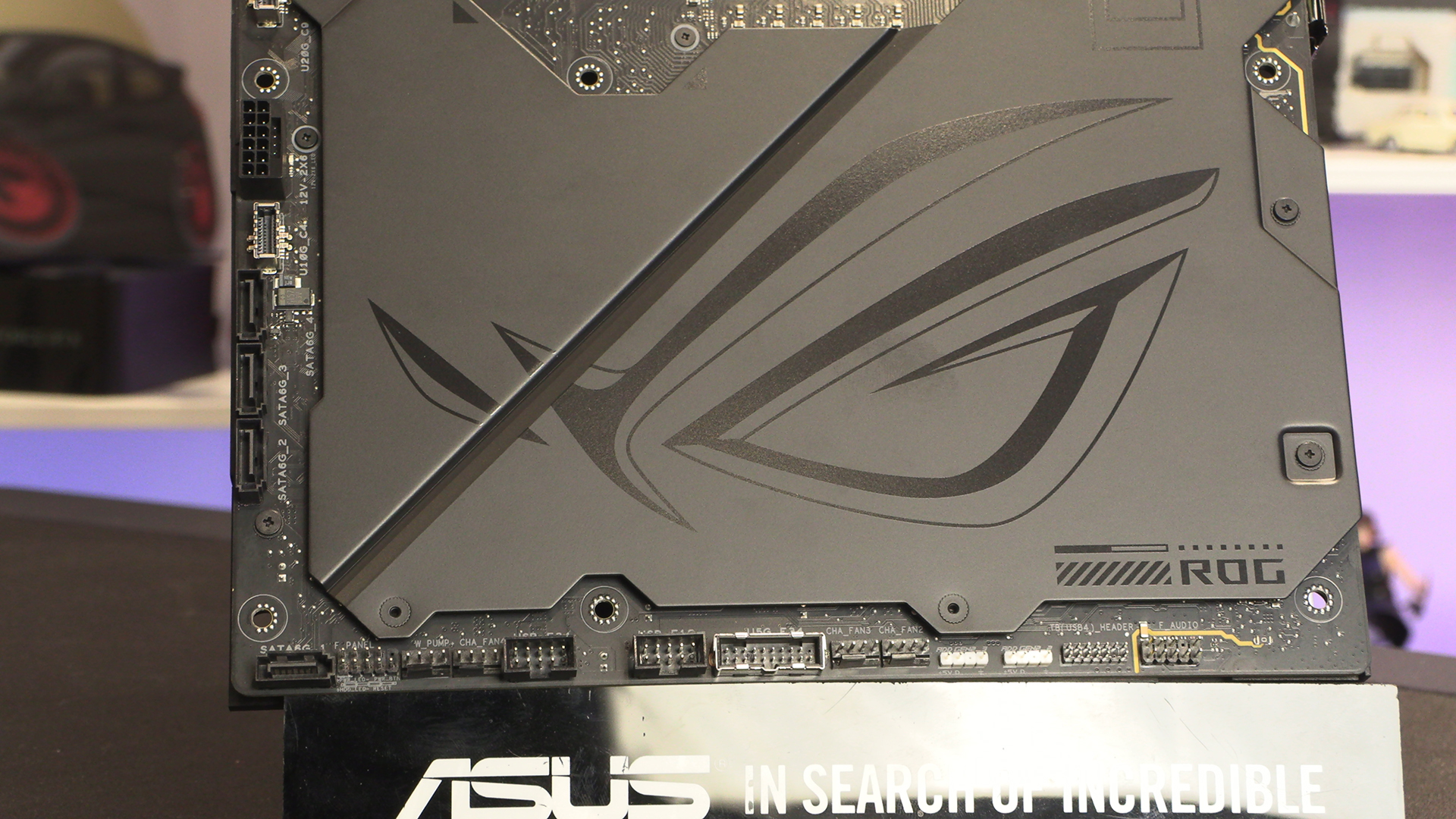
The bottom edge has all the connectors we’ve come to expect from this end of a PCB. With four fan headers it’s also all we’ve come to expect from the Maximus Hero BTF. You don’t get to be part of the ROG Maximus range without having tons of user options.
Lastly an overall view again. Oddly without all the slots and heatsinks in the way, it’s easier to see what cable goes where despite it being mirrored from our usual viewpoint.
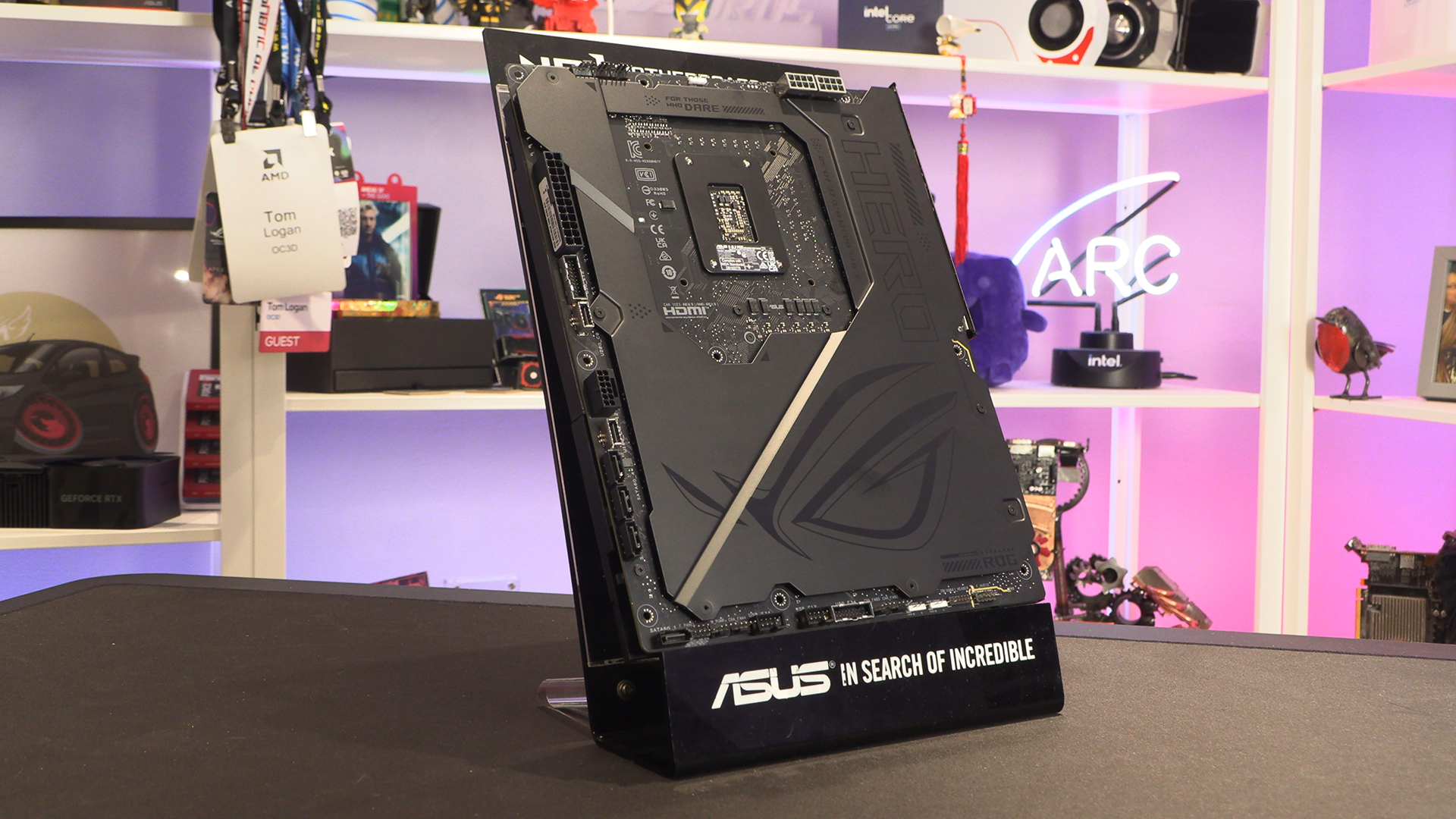
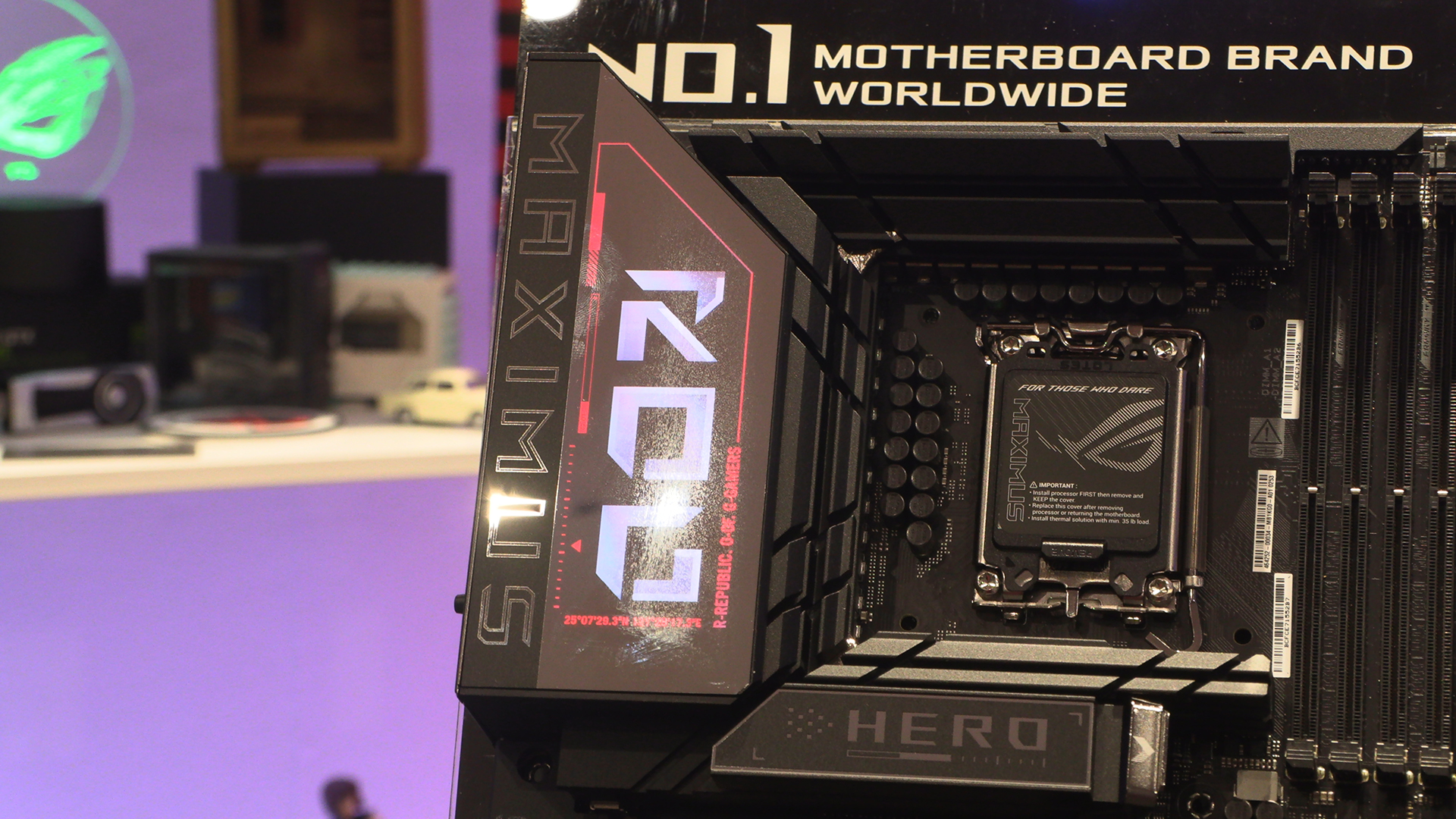
It might not be quite as fancy as the insane display on the MSI Godlike, but it’s the next best thing. Bold and beautiful. This picture also gives you another chance to gasp at the verticality of the VRM heatsink. It’s a monster.