


ASUS ROG Strix B860-G and B860-A Overview

ASUS ROG Strix B860-G In Detail
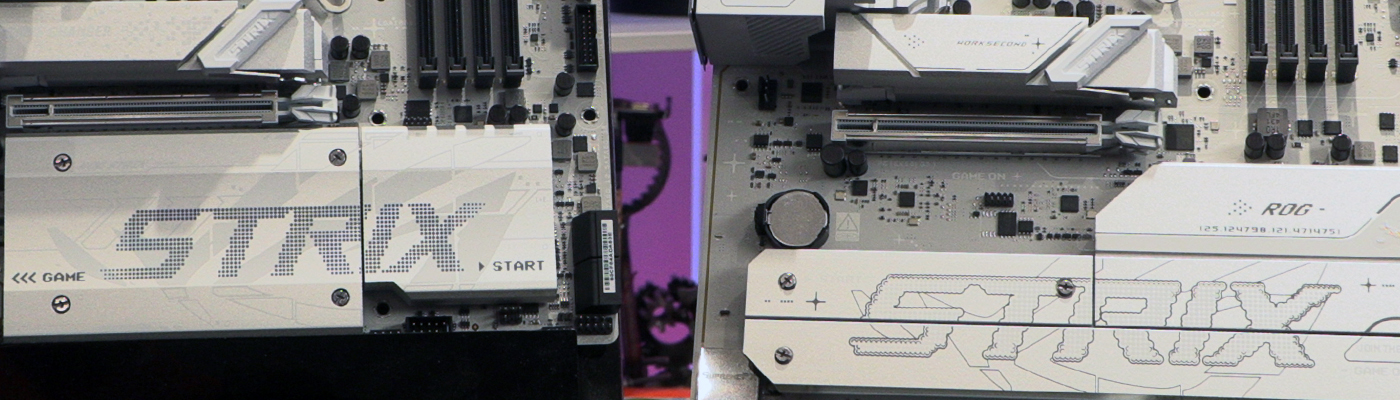
ASUS ROG Strix B860-G In Detail
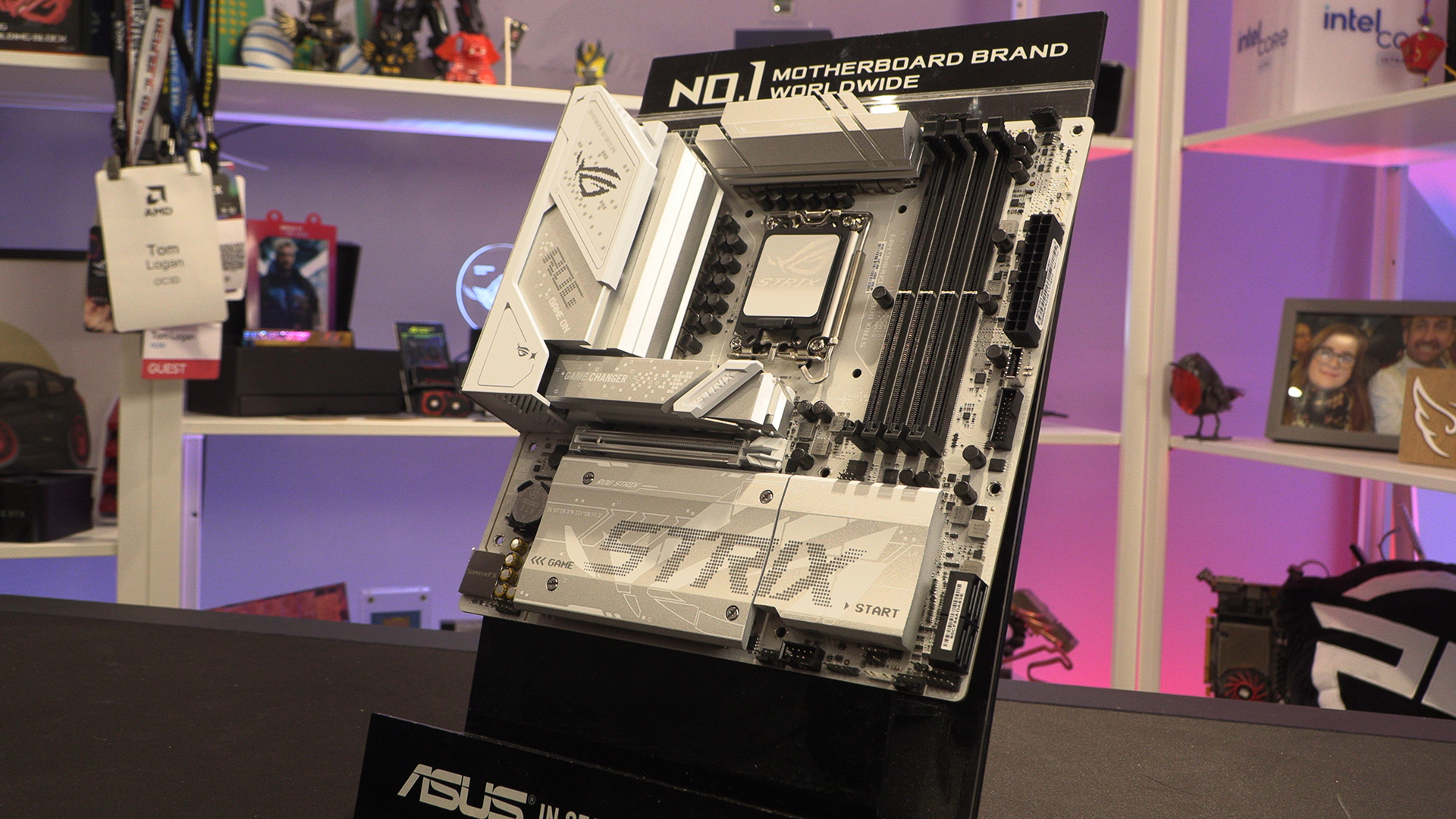
Normally when you look at a mATX you can see the stuff missing. The designer of the Strix-G though has given you a full M.2 heatsink, so it looks like the PCB has been shortened in the middle rather than cutting the bottom off. It’s cool either way.
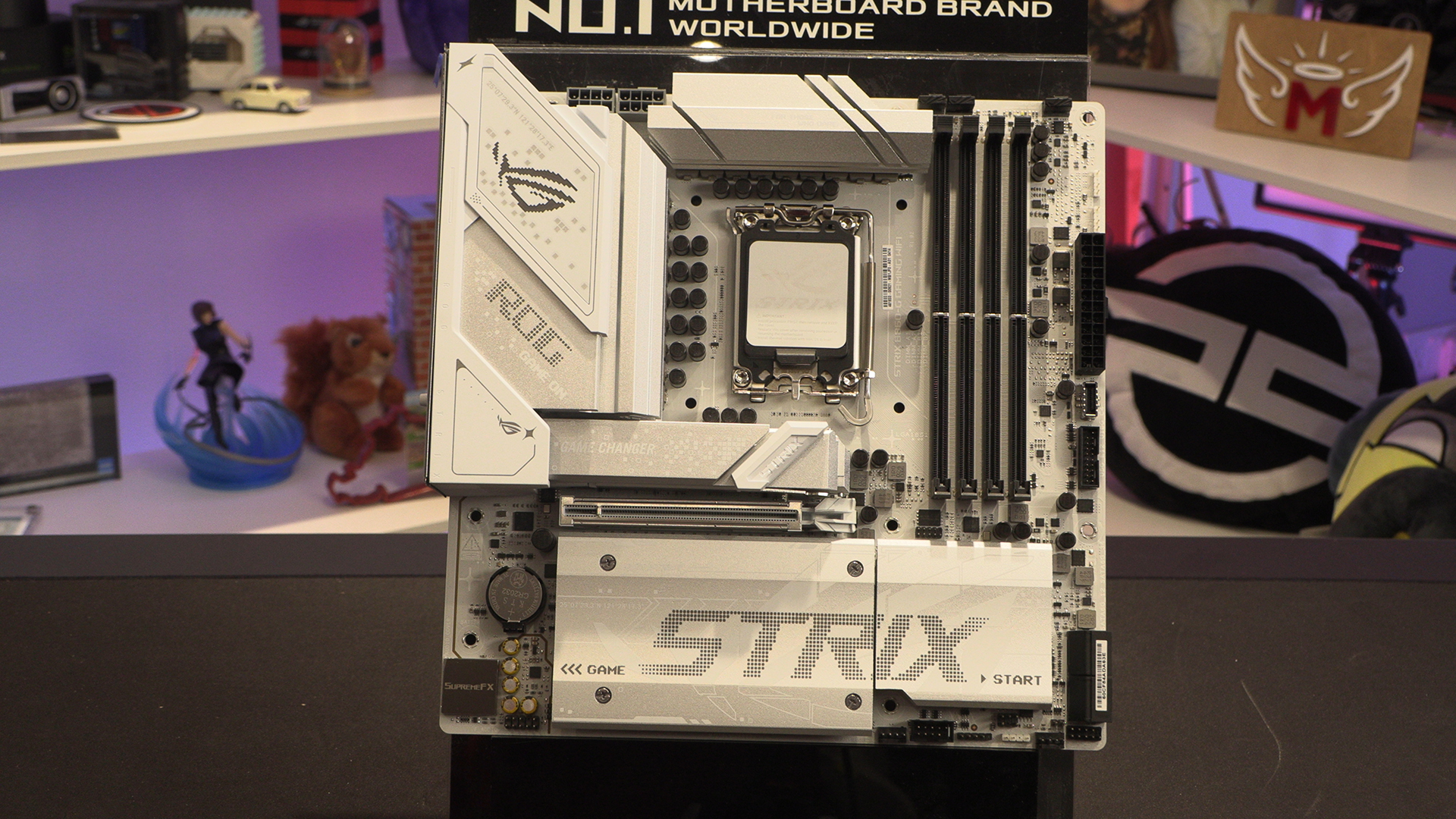
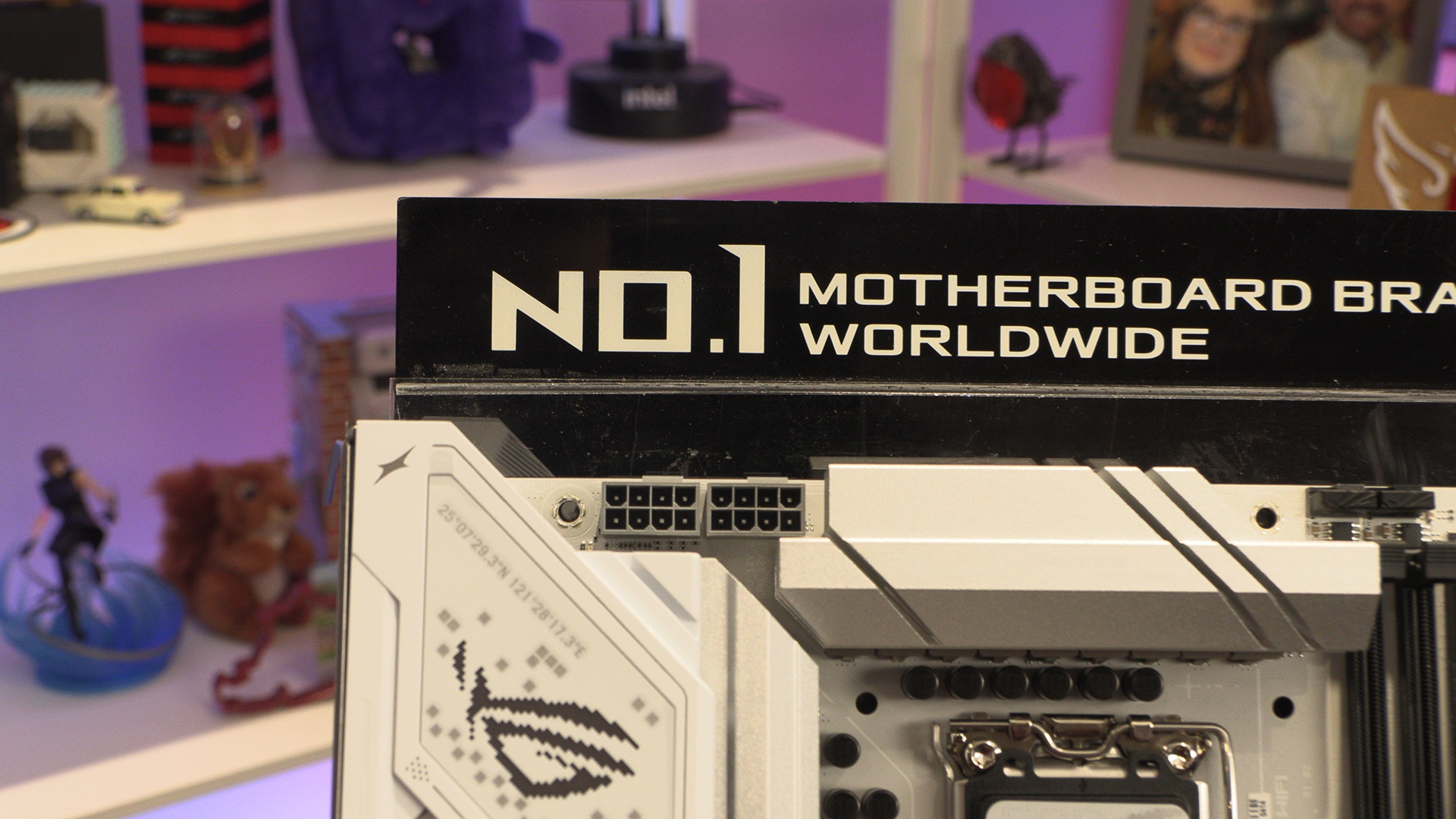
We won’t repeat ourselves within the same preview. Wondering about grey plastics only gets you so far. At the top left we have two 8pin 12V CPU power inputs to keep your Core Ultra processor fed. There are another 12 to feed as we’ve recently told you.
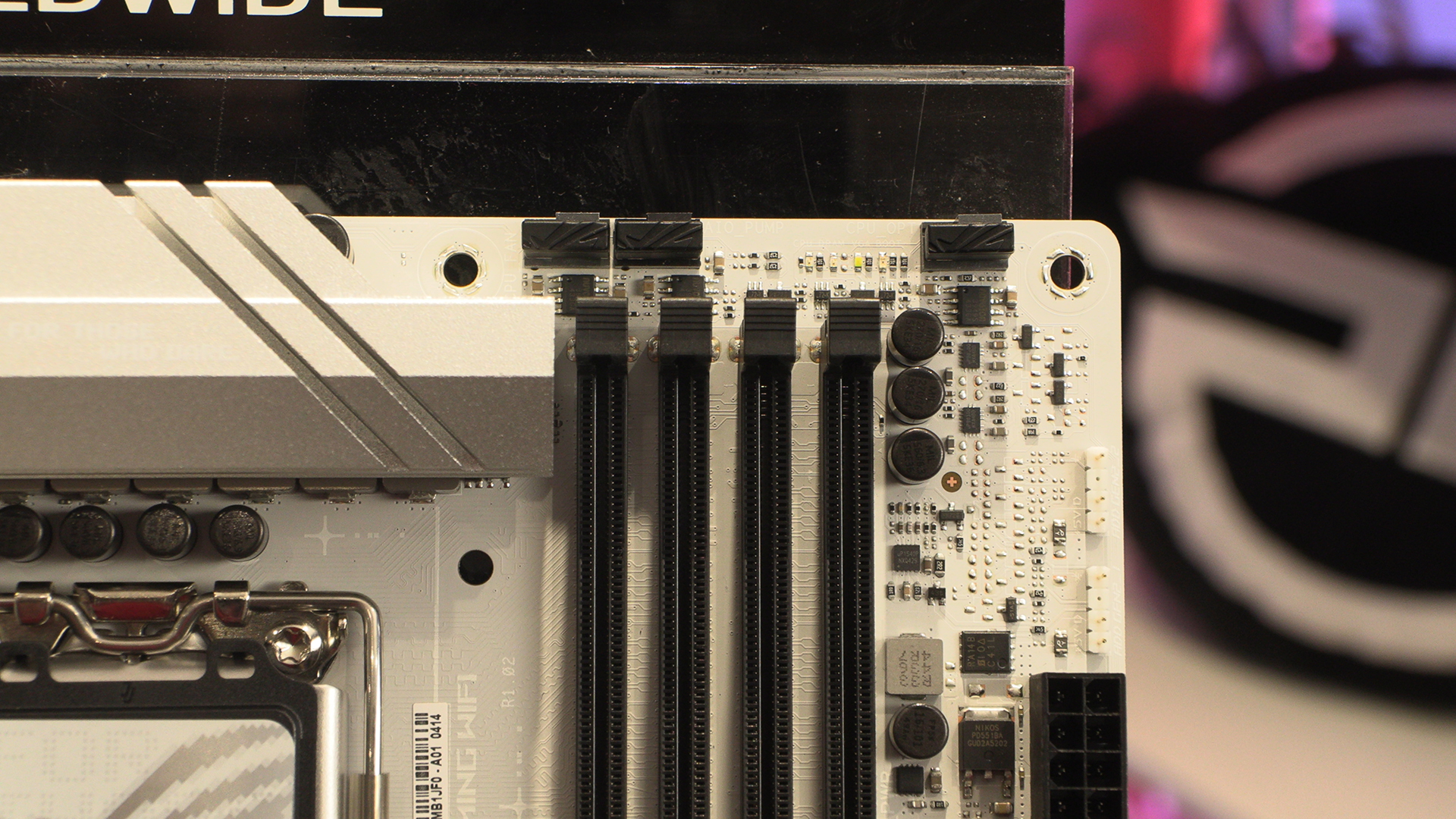
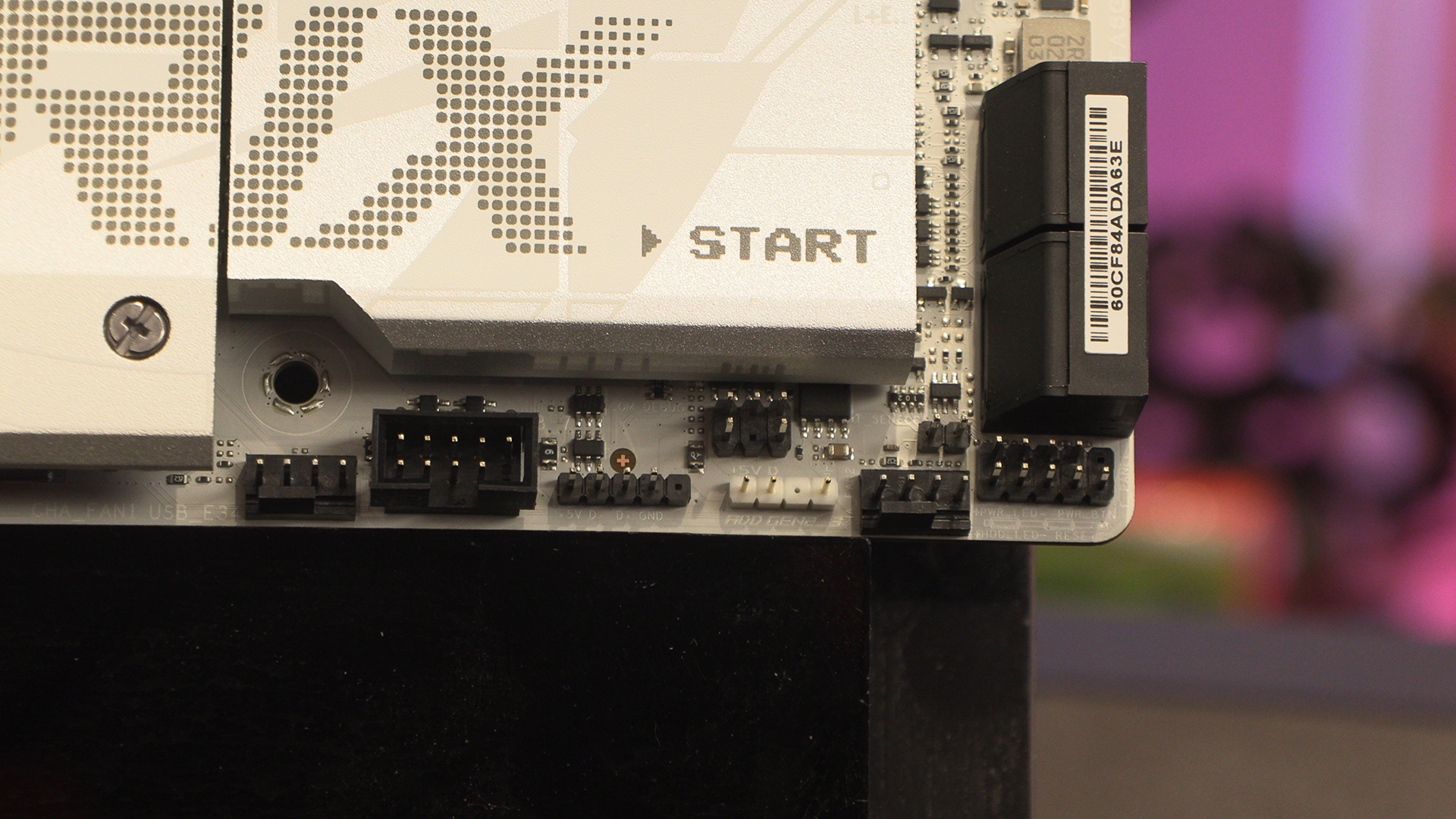
Moving around the PCB reveals a design not that far removed from the A we showed on the previous page. The big change is the moving of one ARGB header to here. We know. Wild stuff.
5G Type-A front panels for those of you with older USB devices, or a single 10G Type-C should you want to plug your phone in.
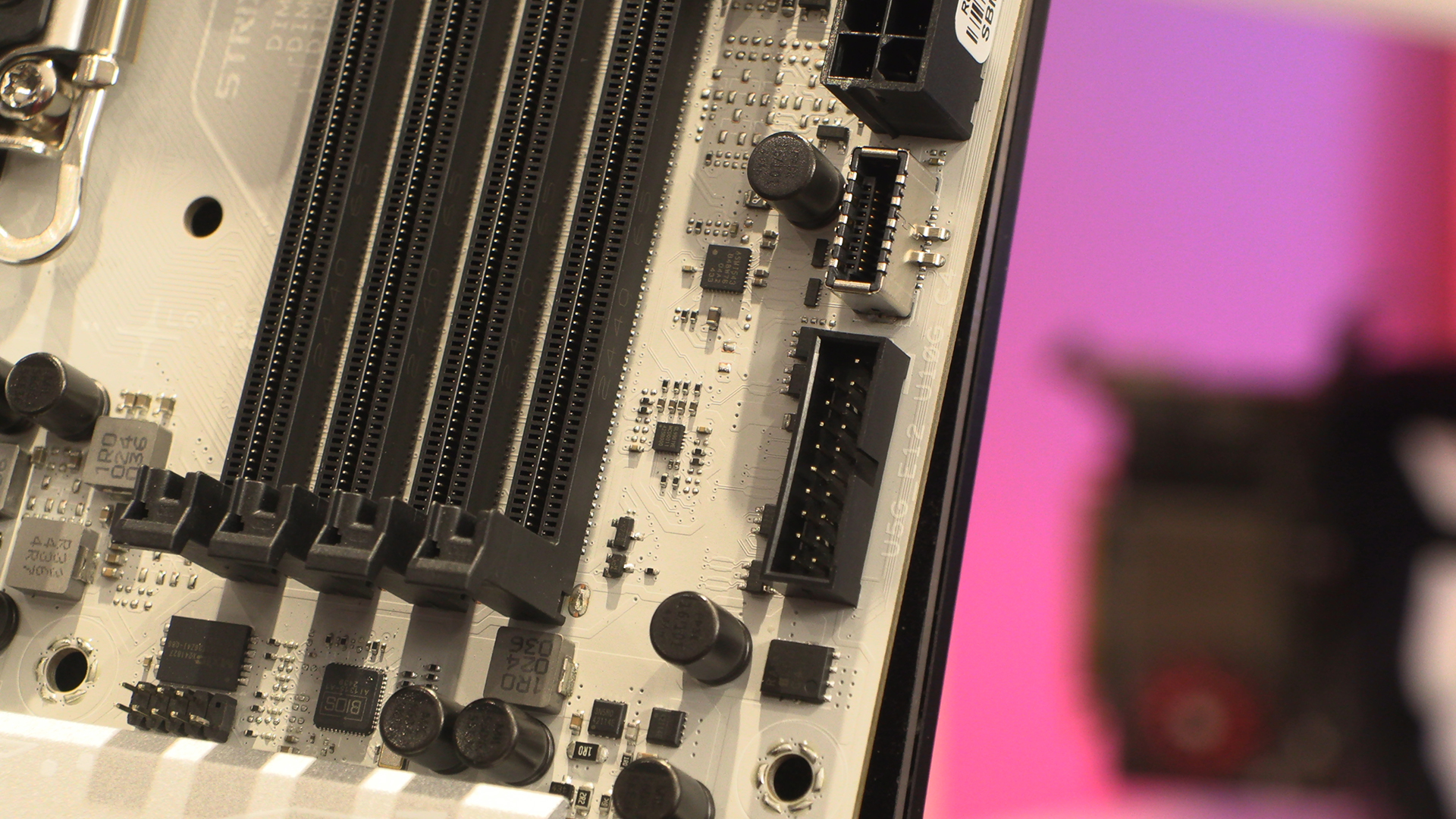
The downside of an mATX layout is that it all gets a bit squished eventually. Still with RGB headers, USB 2.0 front panel, 4 SATA ports and a couple of fan headers the Strix-G is hardly short of places to plug things in.
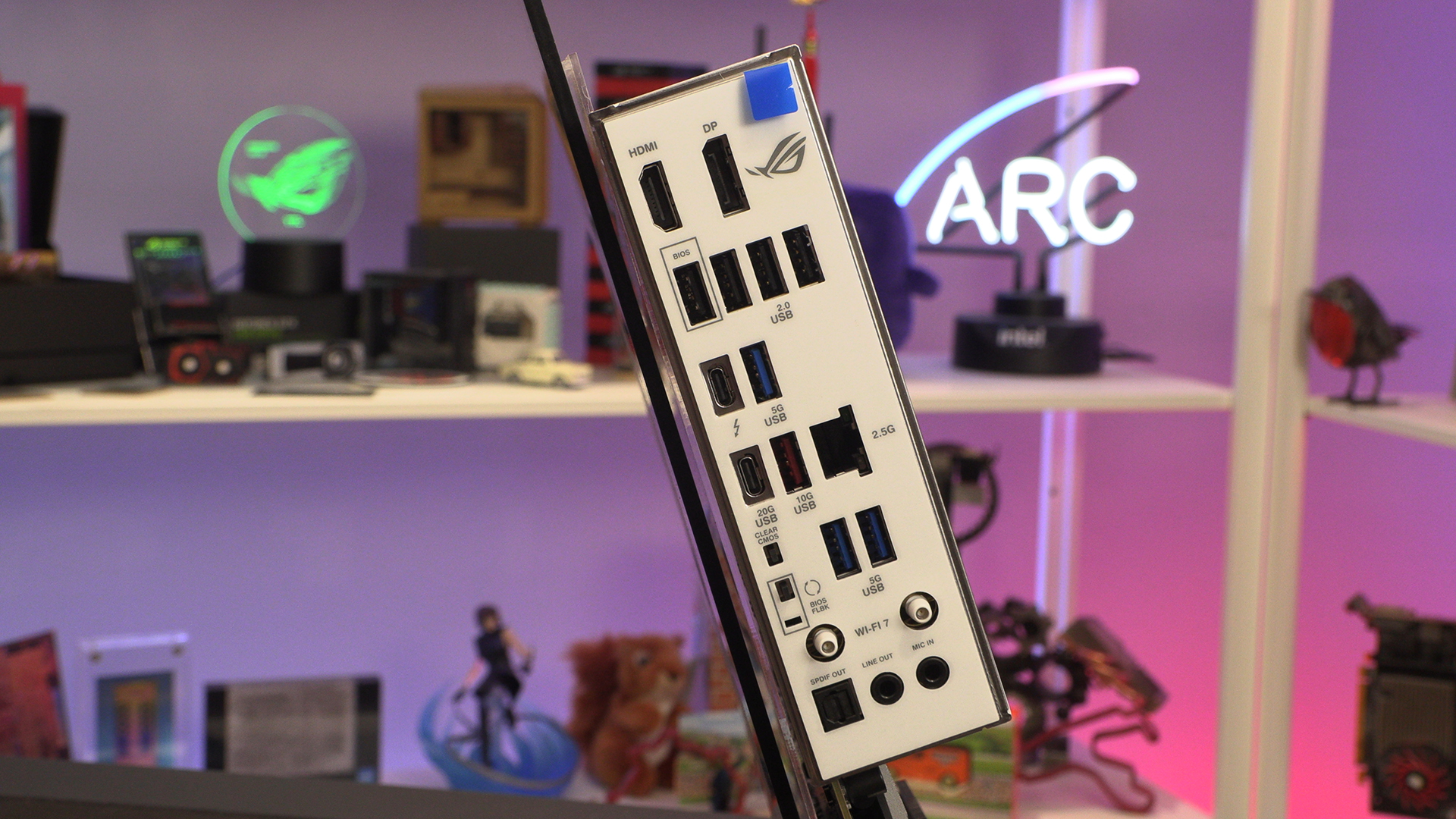
Around the back we have a IO section with one minor change when compared to the Strix-A, and that’s the middle USB Type-A port has moved from 10G red to 5G blue. You still get a 2.5G LAN and WiFi 7 though. Much to recommend it.
Both the A and G – G shown here – sport a 14+1+2+1 80A Smart Power Stage. Easily enough for any of the Core Ultra processors you care to install.
Discuss the Strix B860 pair in our OC3D Forums.

