ASUS ROG Strix Z890-I Gaming WiFi Review

Up Close
Up Close
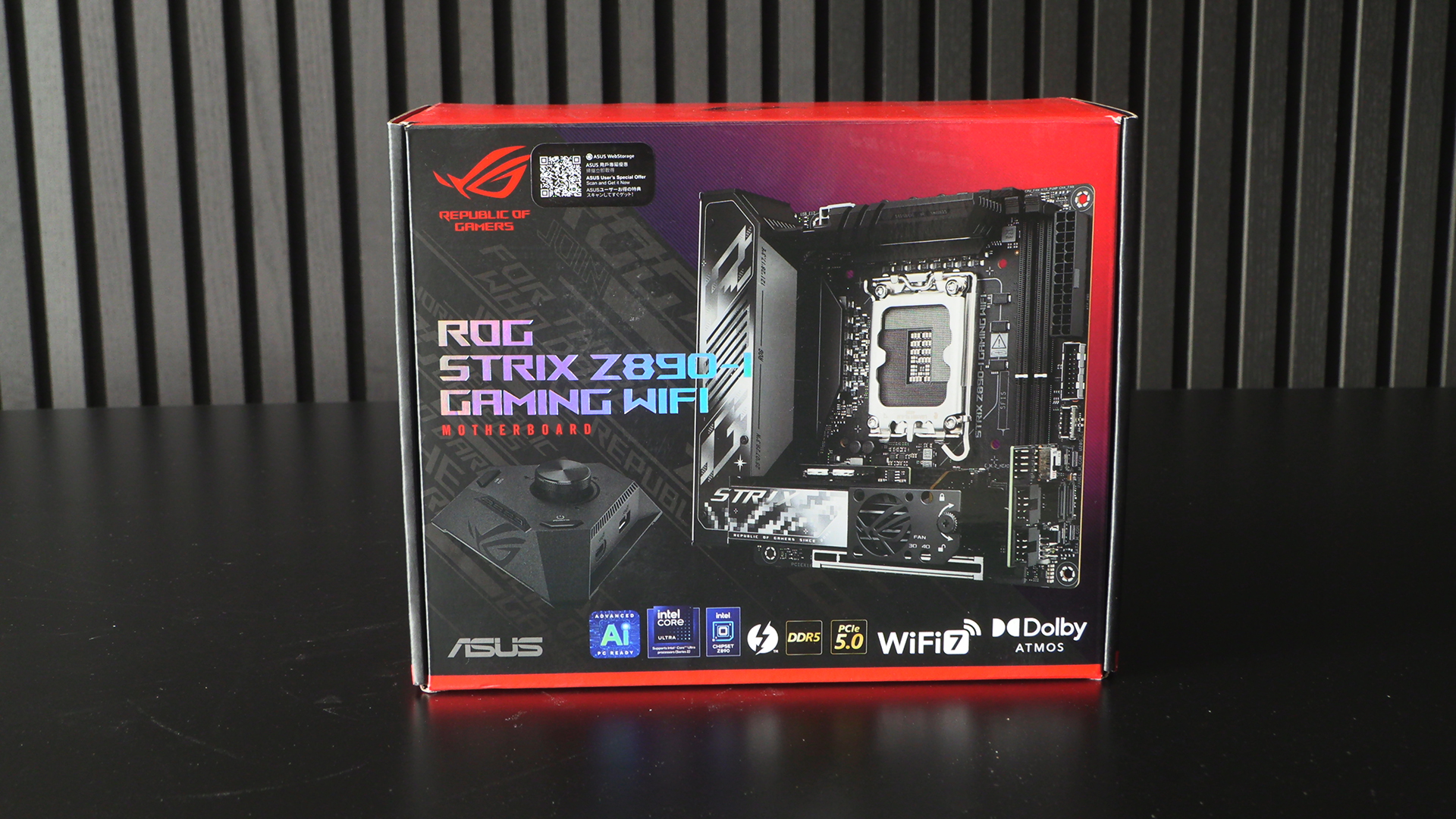
You can forget how small ITX motherboards are if you’ve not had one for a while. Because of the big Hive II included in the box it’s very deep, but still has a small footprint.
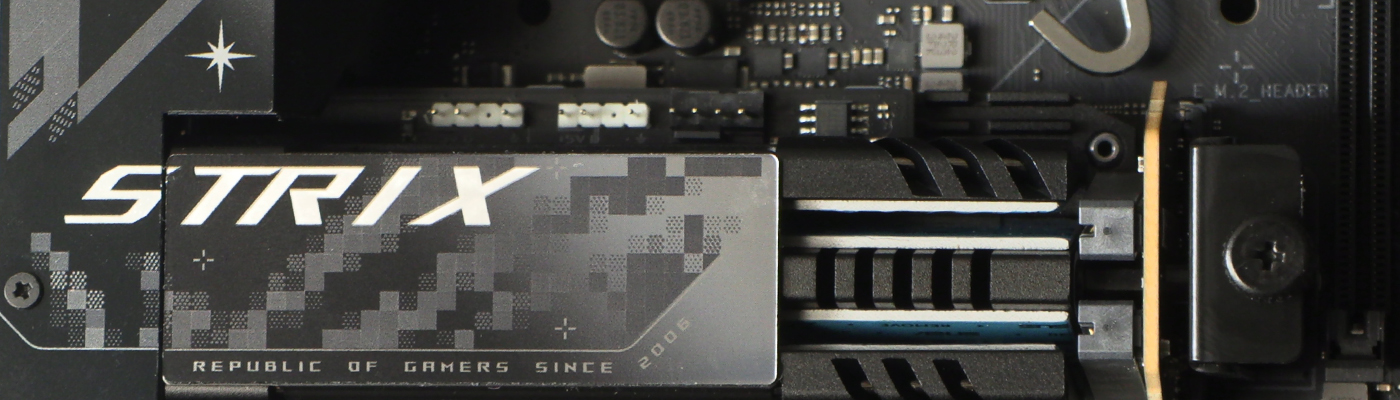
ASUS have crammed a lot onto this tiny footprint. We admit we still hate the pixelated look with the heat of a thousand suns, but it seems we’re stuck with it until the next design refresh. Hurry up ROG, give the Strix an aesthetic more in keeping with these modern, high def times.
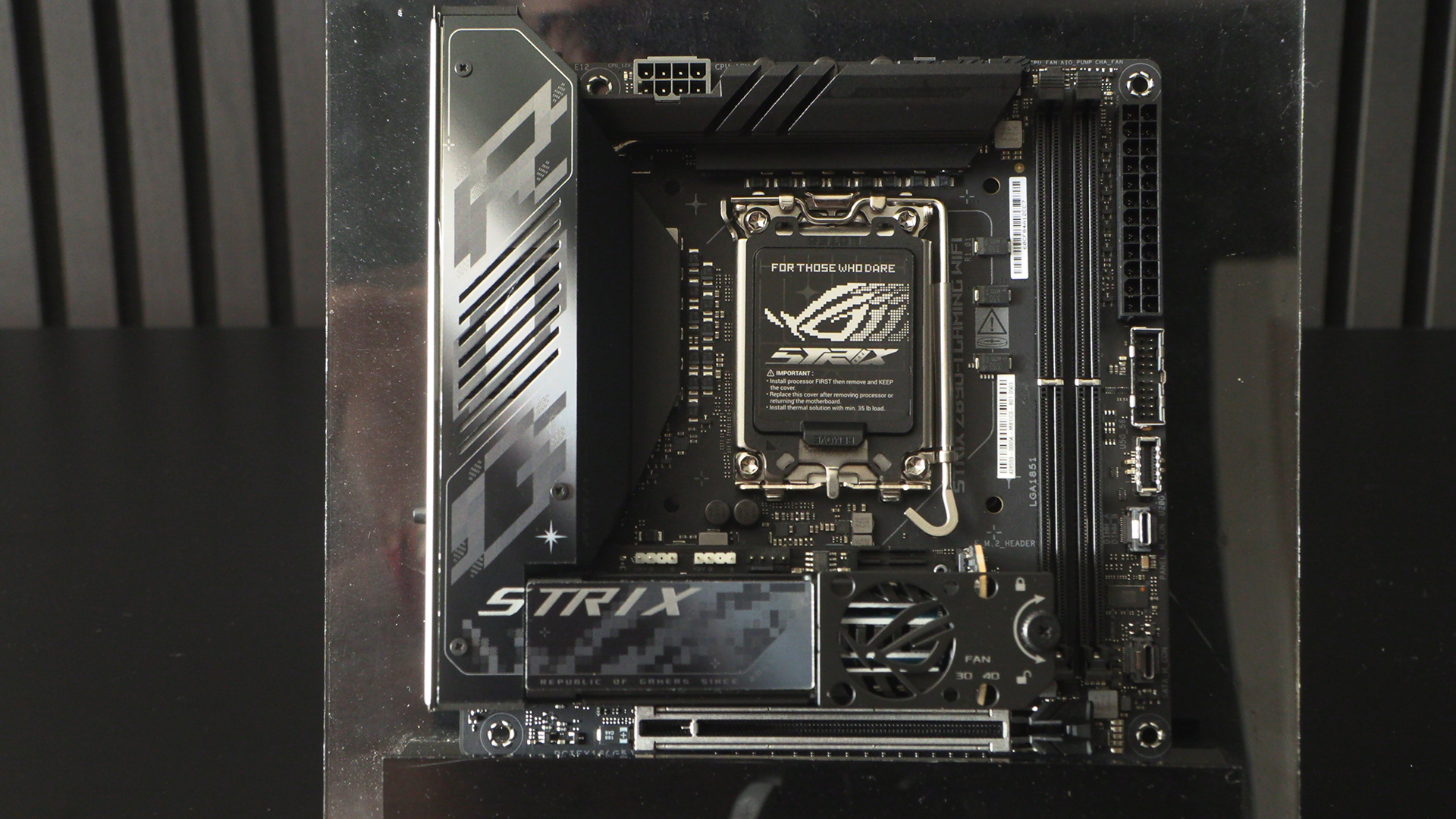
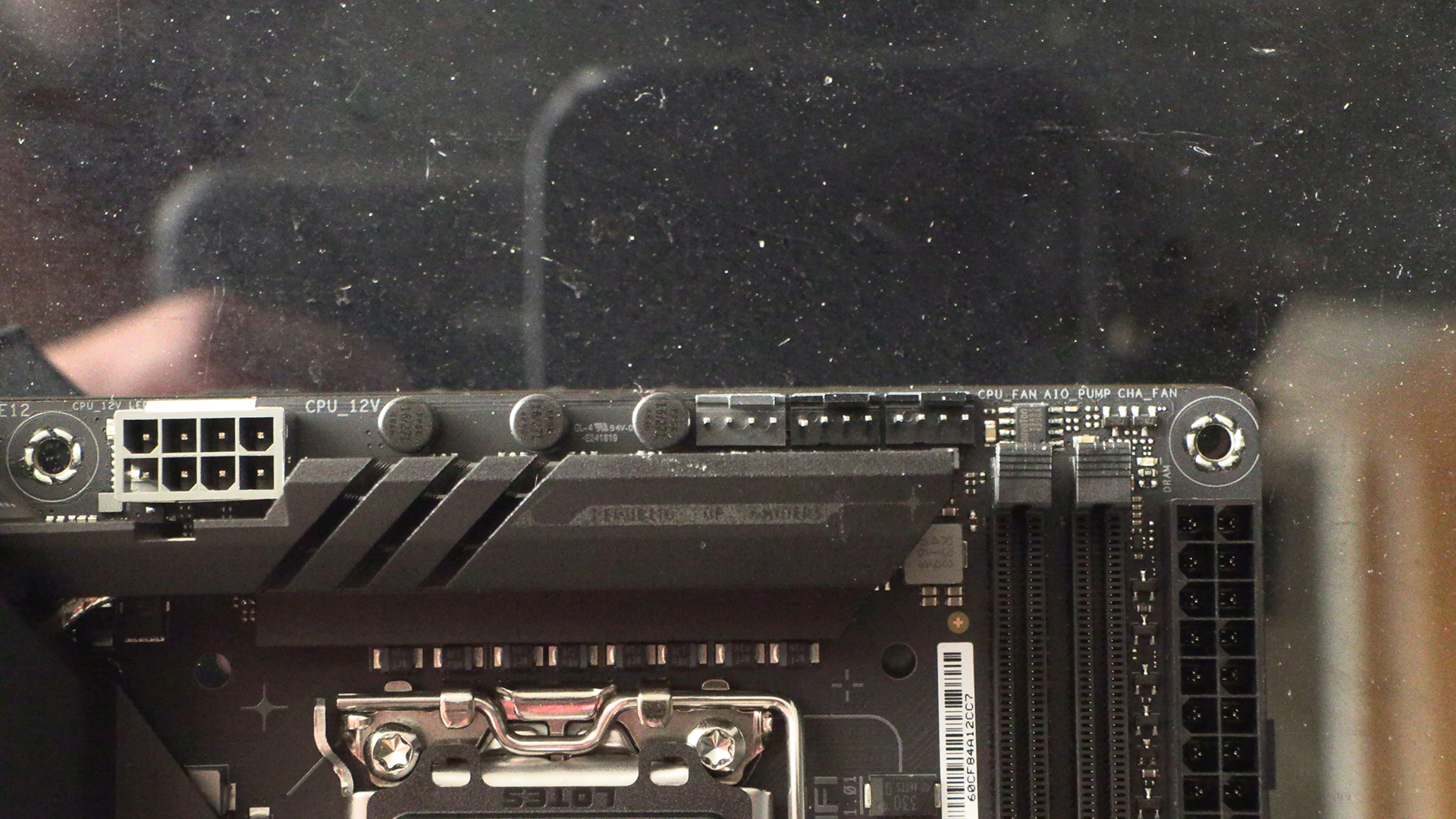
The top end of the Strix Z890-I Gaming WiFi has all the usual things. CPU power input, CPU fan headers. It’s nice that ASUS have lived up to the ROG name by giving the Strix pump headers. AIOs are so affordable, and so useful, that you’d be mad to stick with air.
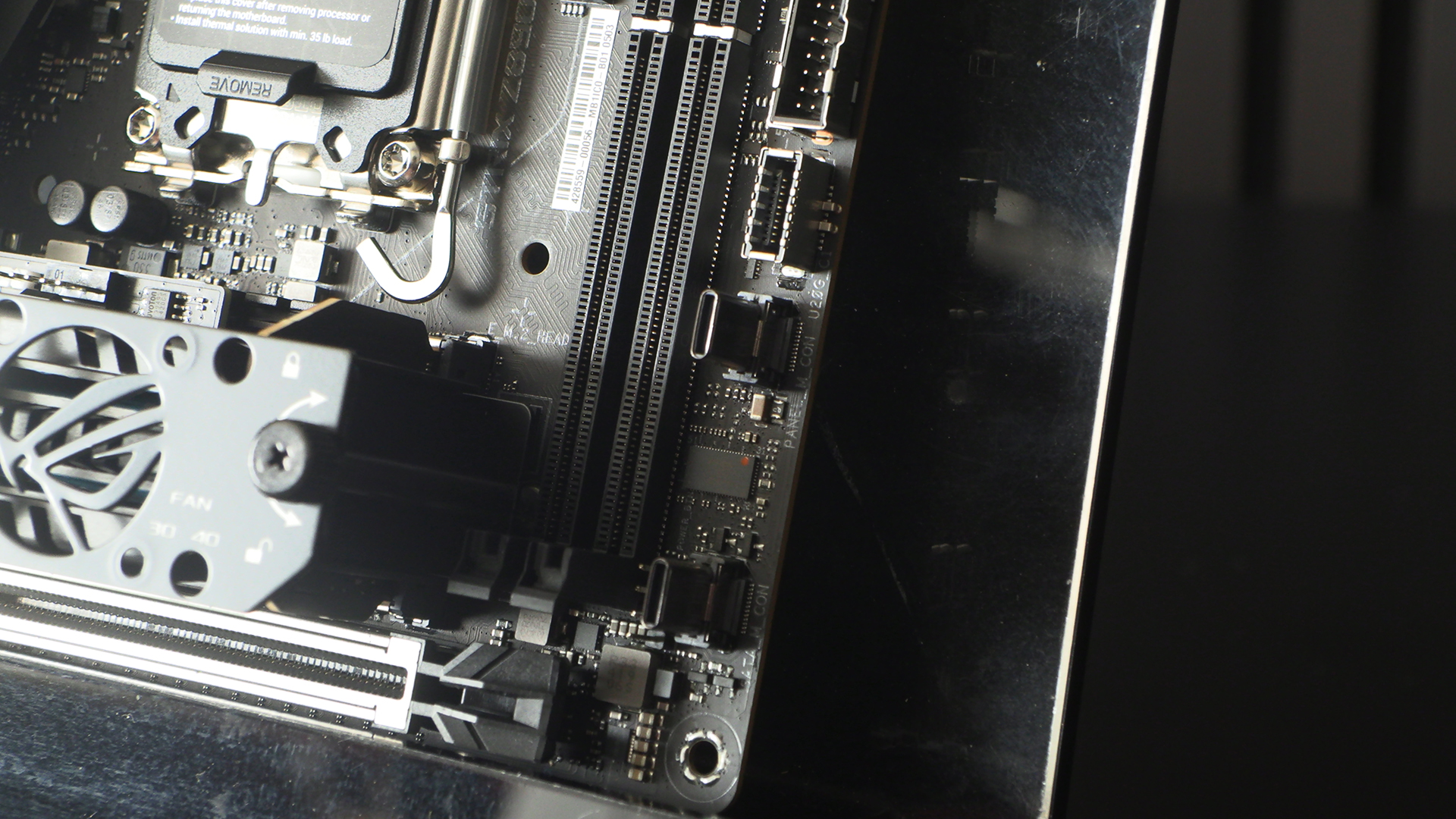
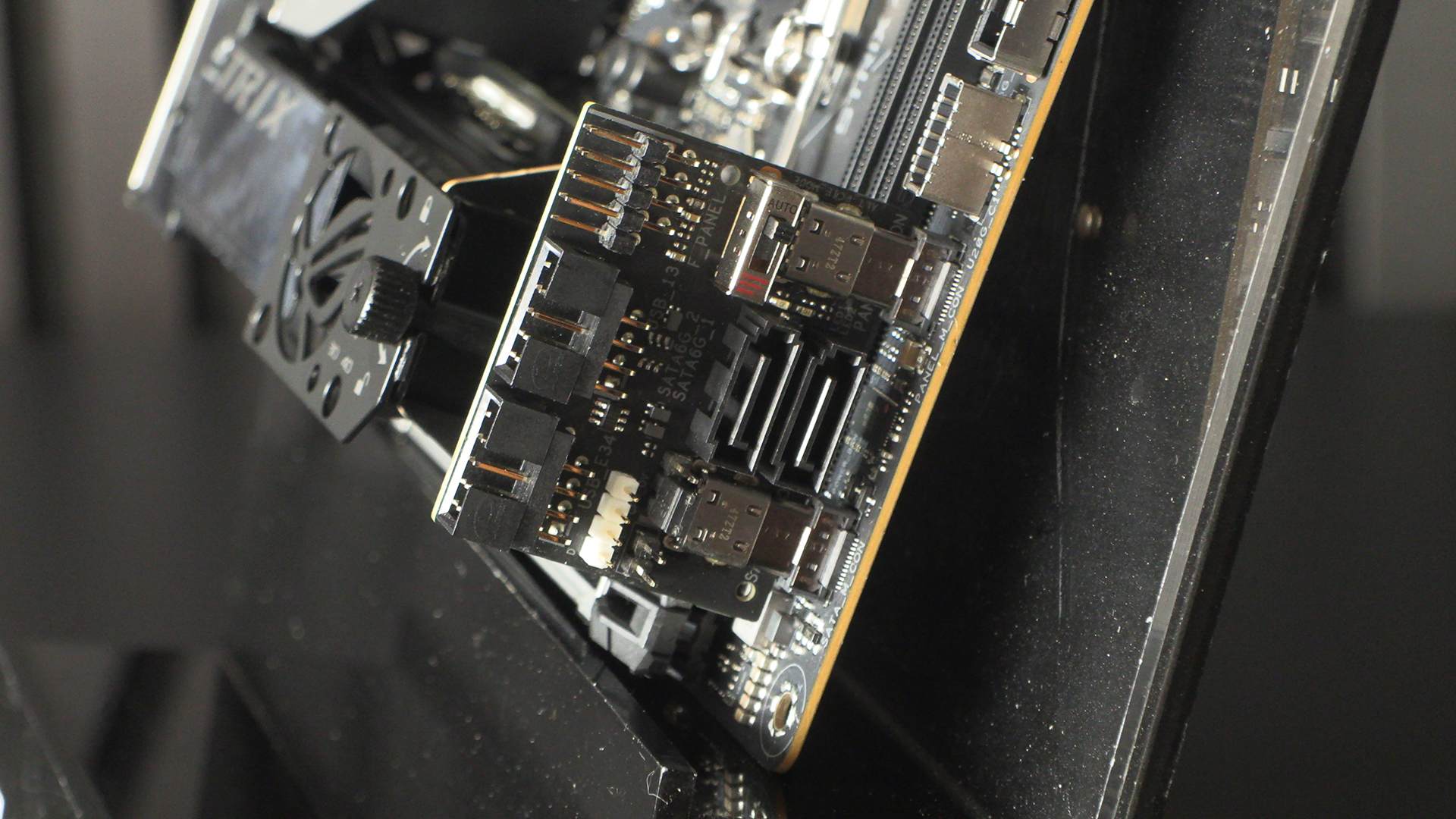
Front panel USB connectors, both with steel armour, are found above a couple of odd connectors. What are they for? Well it’s a daughter board. Why explain when we can show.
This daughter board has all the important stuff. Two USB 2.0 headers, 2 SATA ports, and the all important front panel connectors. When you’re limited horizontally, build upwards.
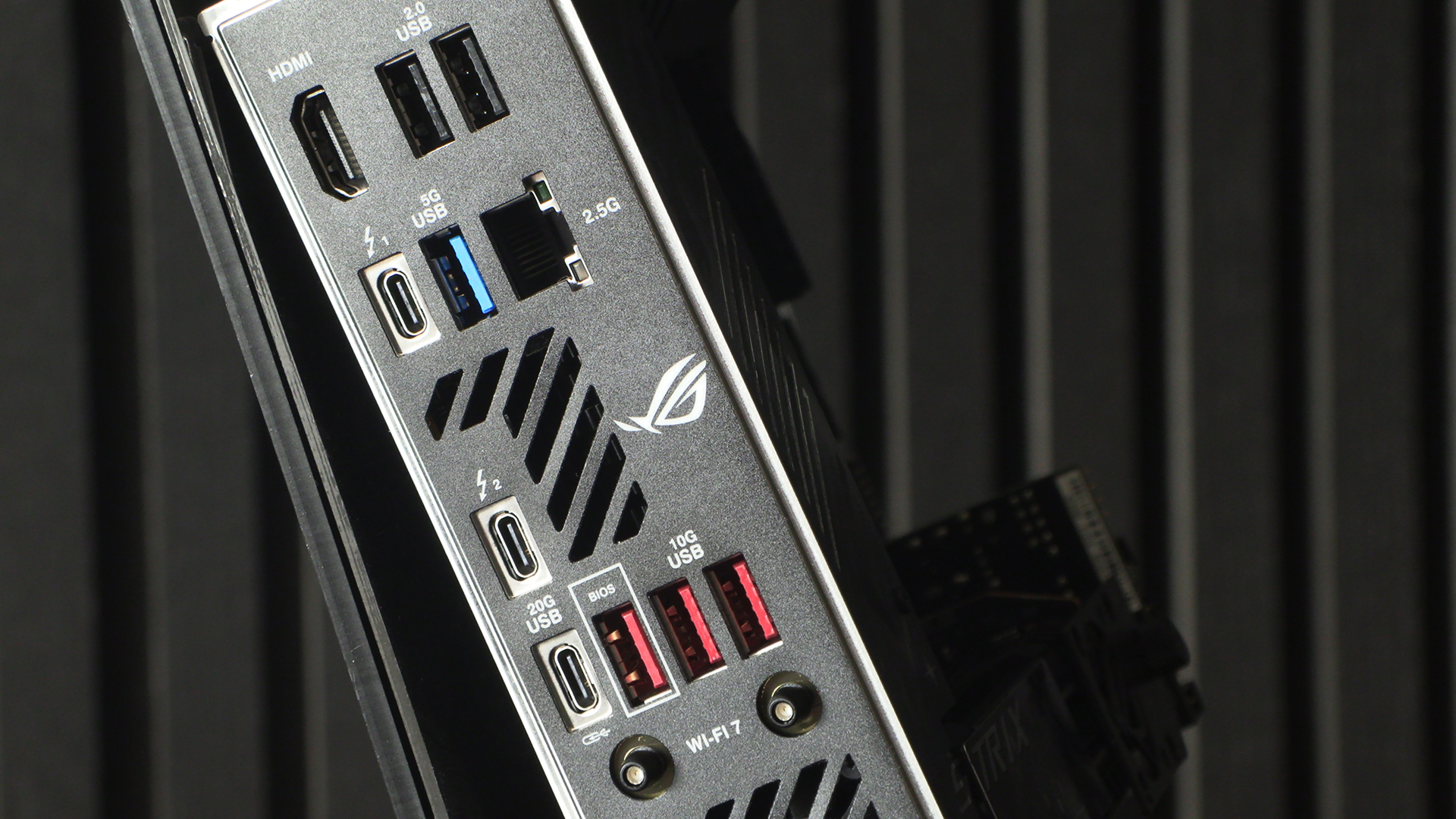
When you glance at the back you could be forgiven for assuming all is fairly standard for an ITX motherboard. Stop and look again though. Two Thunderbolt 4 ports! Two. On an ITX motherboard. ASUS are not mucking about.
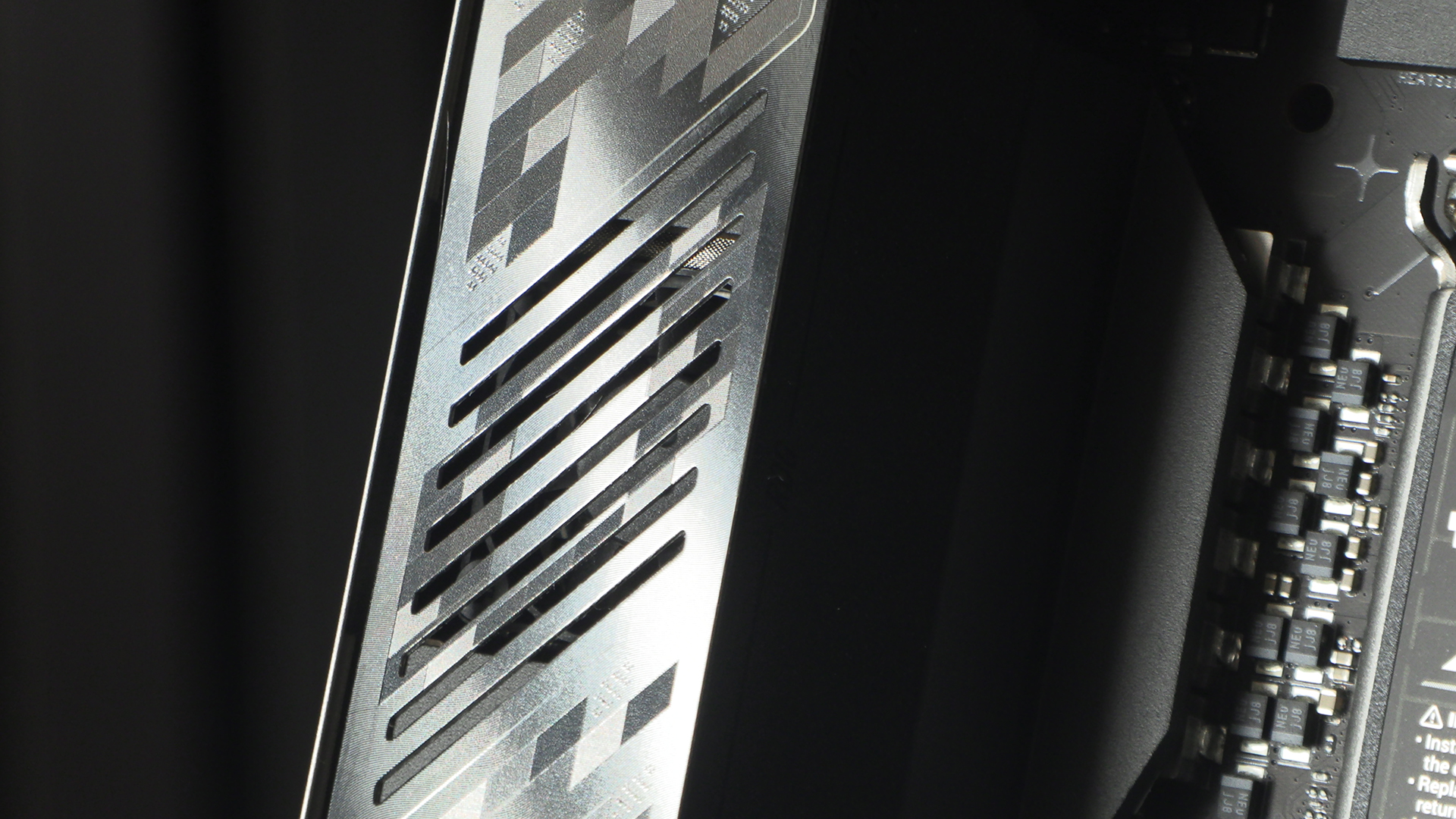
The VRM section has a built in fan you can just about see through the vents. Perfect for keeping the VRMs cool. ITX motherboards are always about maximising available space, and the Strix Z890-I is no exception. Beneath that fan is the VRM section itself. On this Strix Z890-I it’s far beefier than you might imagine. 10 110A Power stages for the main event, with +1 and +2 in 90A form and the final +1 in 80A. 10+1+2+1. Very much in keeping with the Republic of Gamers performance ethos.
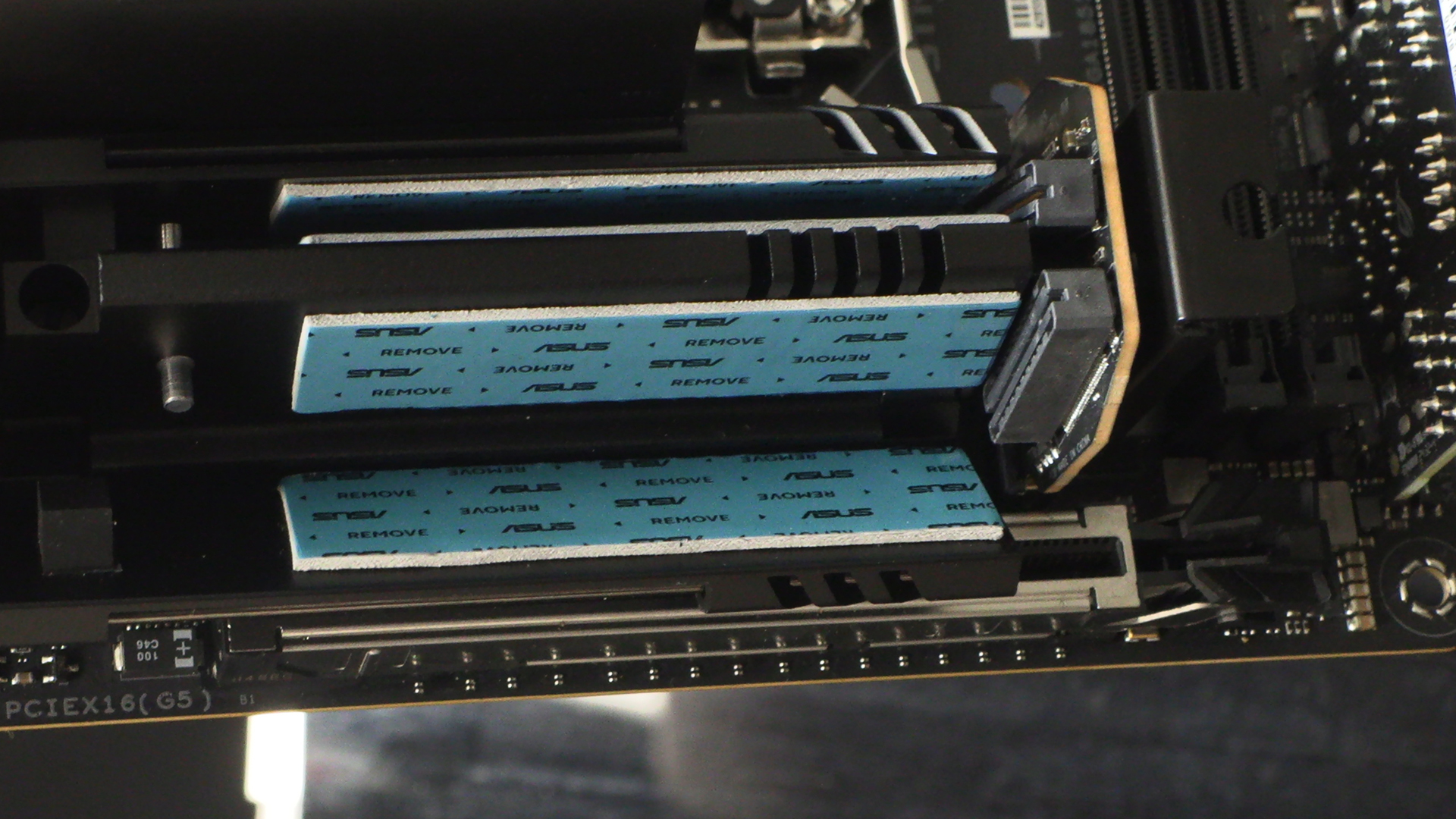
Plenty of heavy thermal pads to keep your M.2 drives cool. You’ll have already seen the fan in the photos above.
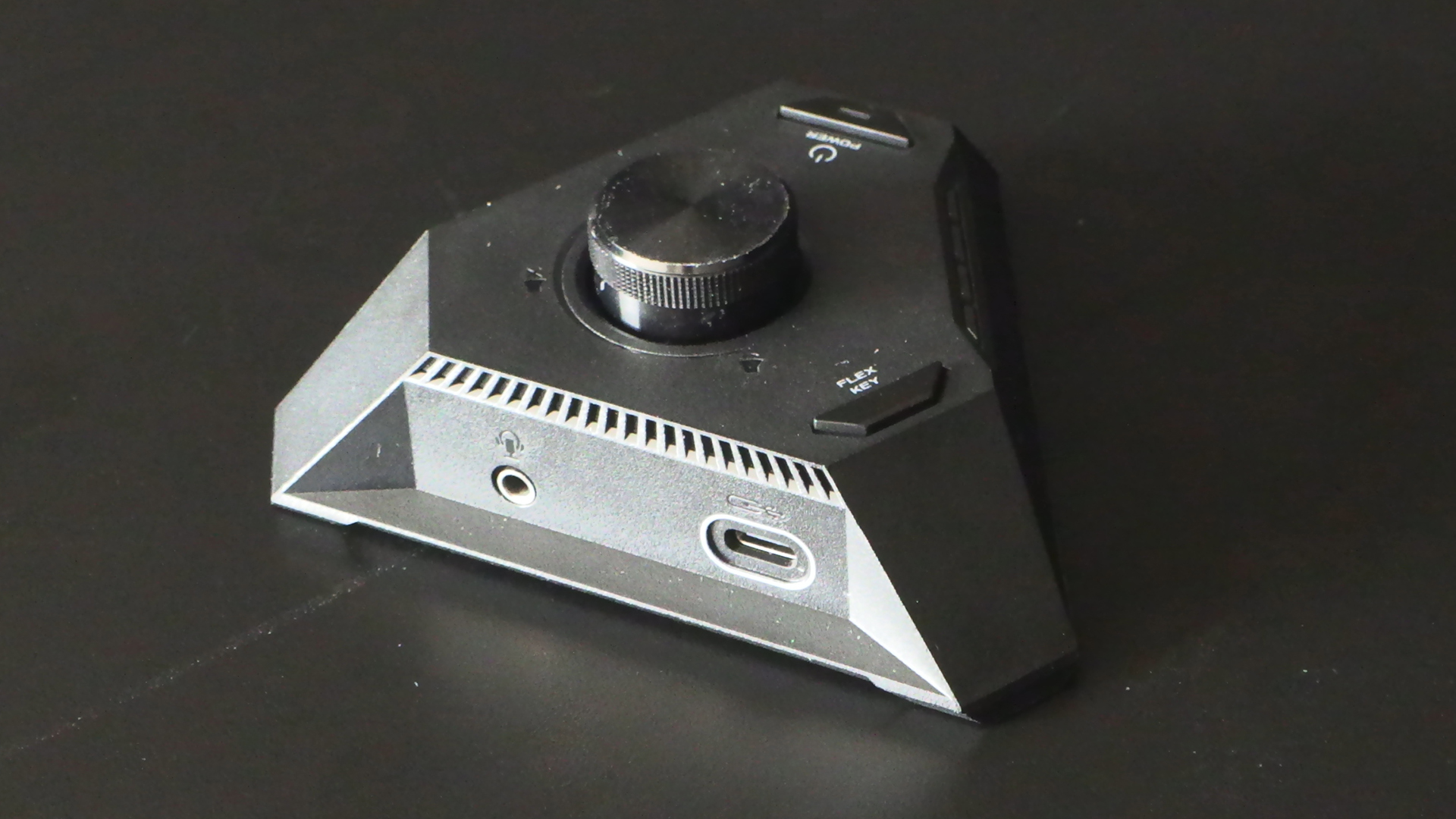
This is the ROG Hive II. A controller that provides you with USB ports – one Type-A, one Type-C – a volume control and the ASUS Flex Key. To save you peering into your case the row of LEDs here are the Q-LEDs that reflect the POST status. Handy.
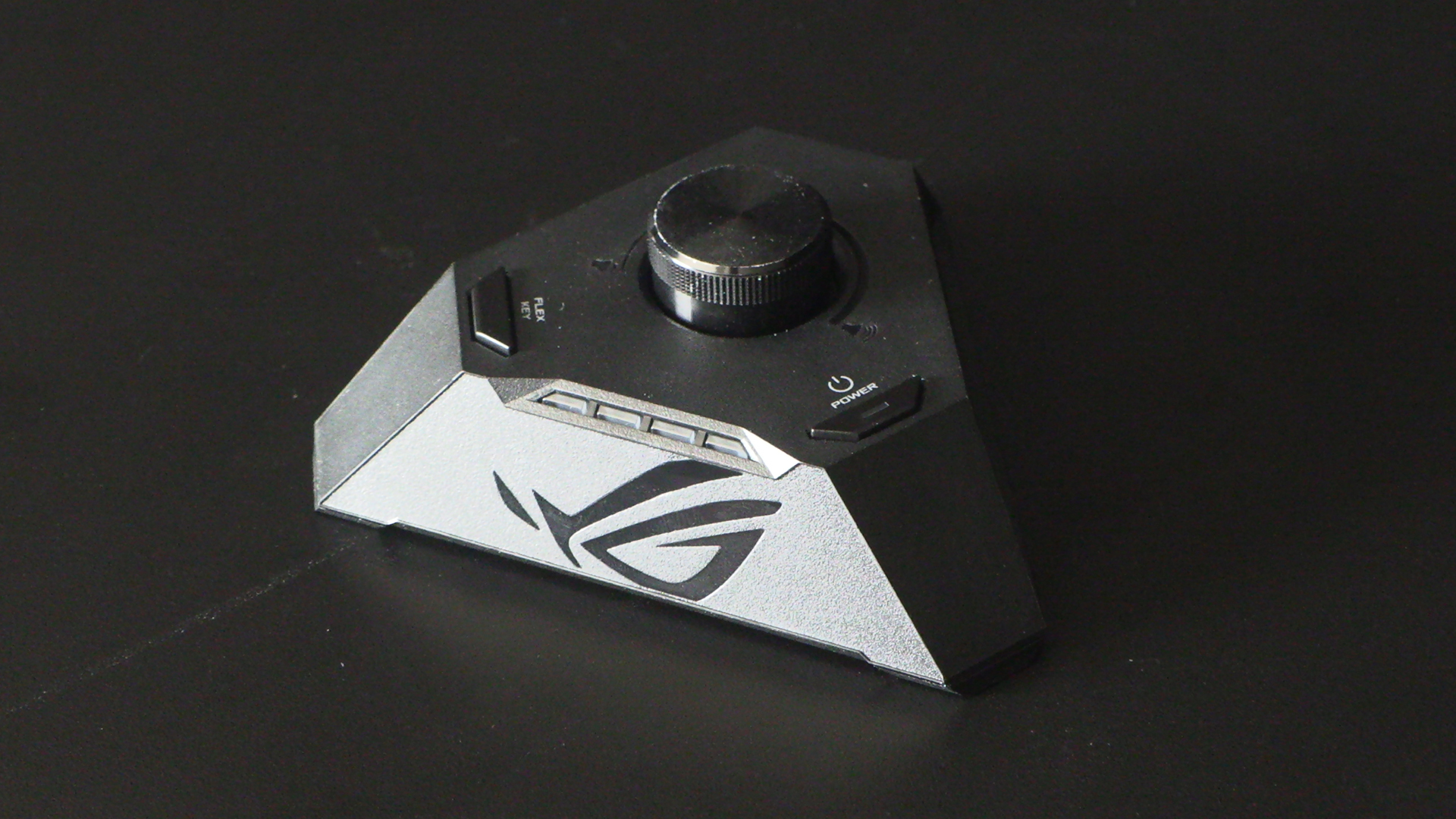
If you haven’t got a lot of desk space you’ll be pleased to know the Hive II is magnetic so will stick to the side of your case, or filing cabinet, or anywhere that’s metal.