Gigabyte X870E Aorus Master Preview

Board Tour
Board Tour
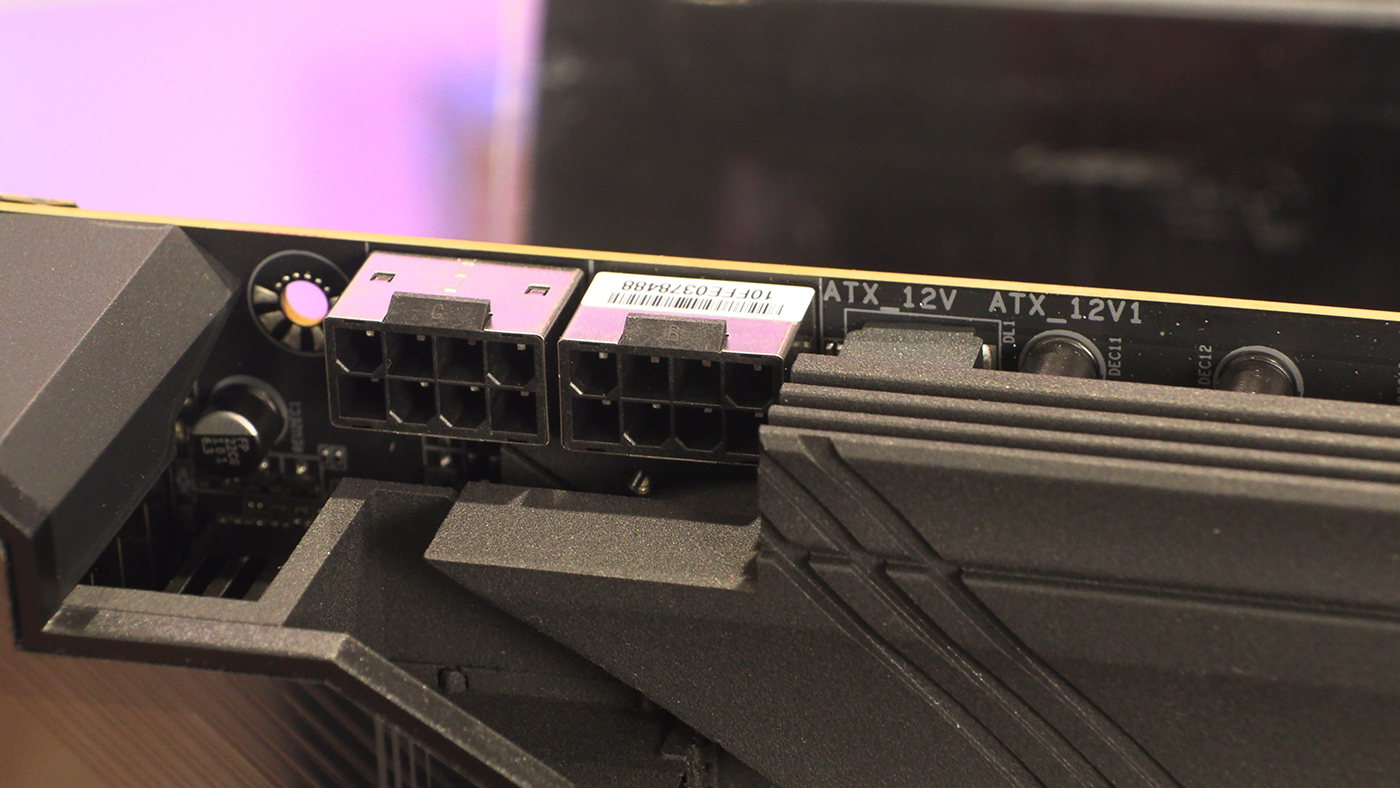
Begin at the beginning. Two 8 pin 12V CPU power ensure that you can keep even a Ryzen 9 9950X satiated.
The Aorus Master has a pair of CPU fan headers next to two ARGB headers. Although we’ve only taken a relatively deep dive into two motherboards so far, it’s curious that both have replaced a lot of RGB with ARGB. Obviously it makes perfect sense. Everything is addressable RGB now. It’s a shame more game companies don’t utilise the technology.
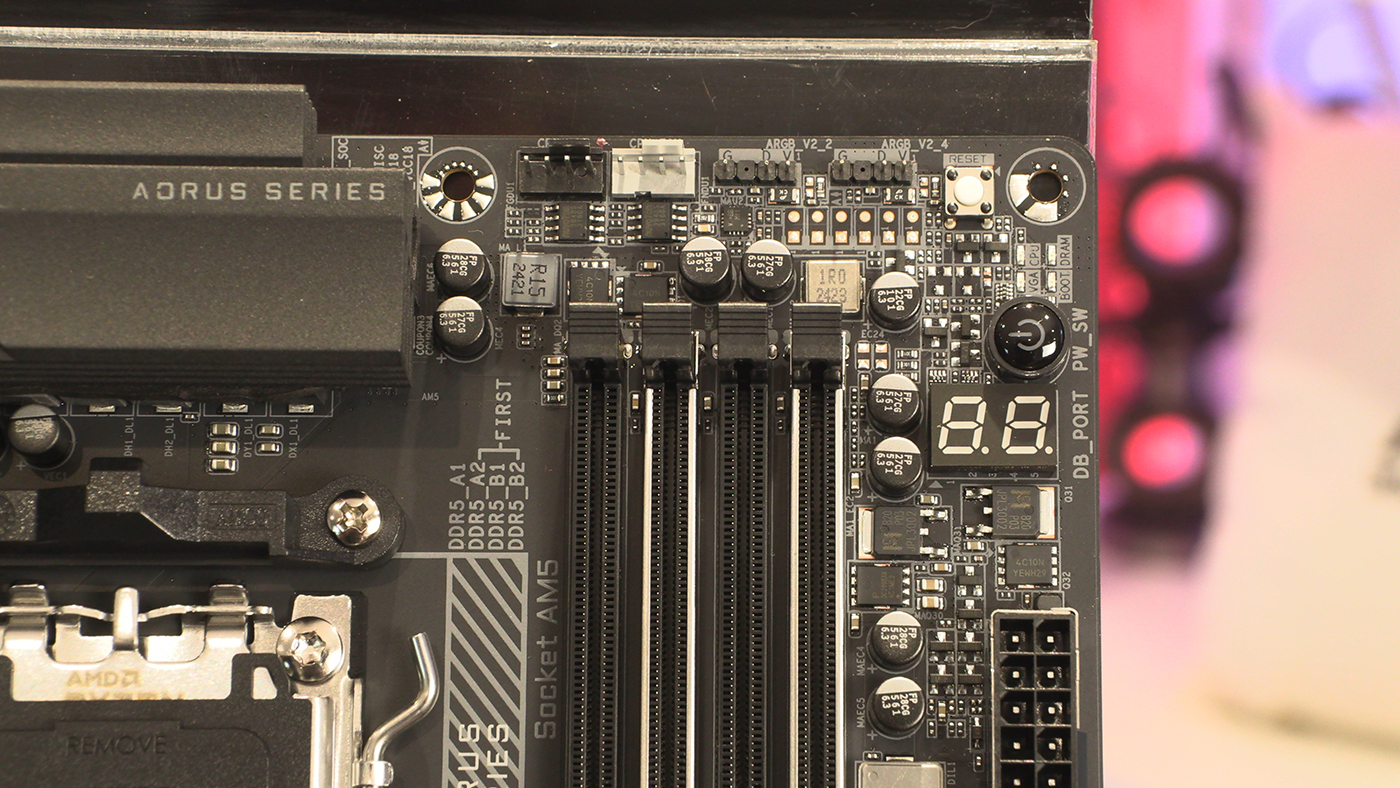
Those of you who invested in the Gigabyte Sensor Panel will be pleased to note that the X870E Aorus Master continues to support it. We know it’s not totally mainstream, but hardware like that has always been for the nerds and geeks amongst us. Eventually we win the cultural war. Just look at comic books.
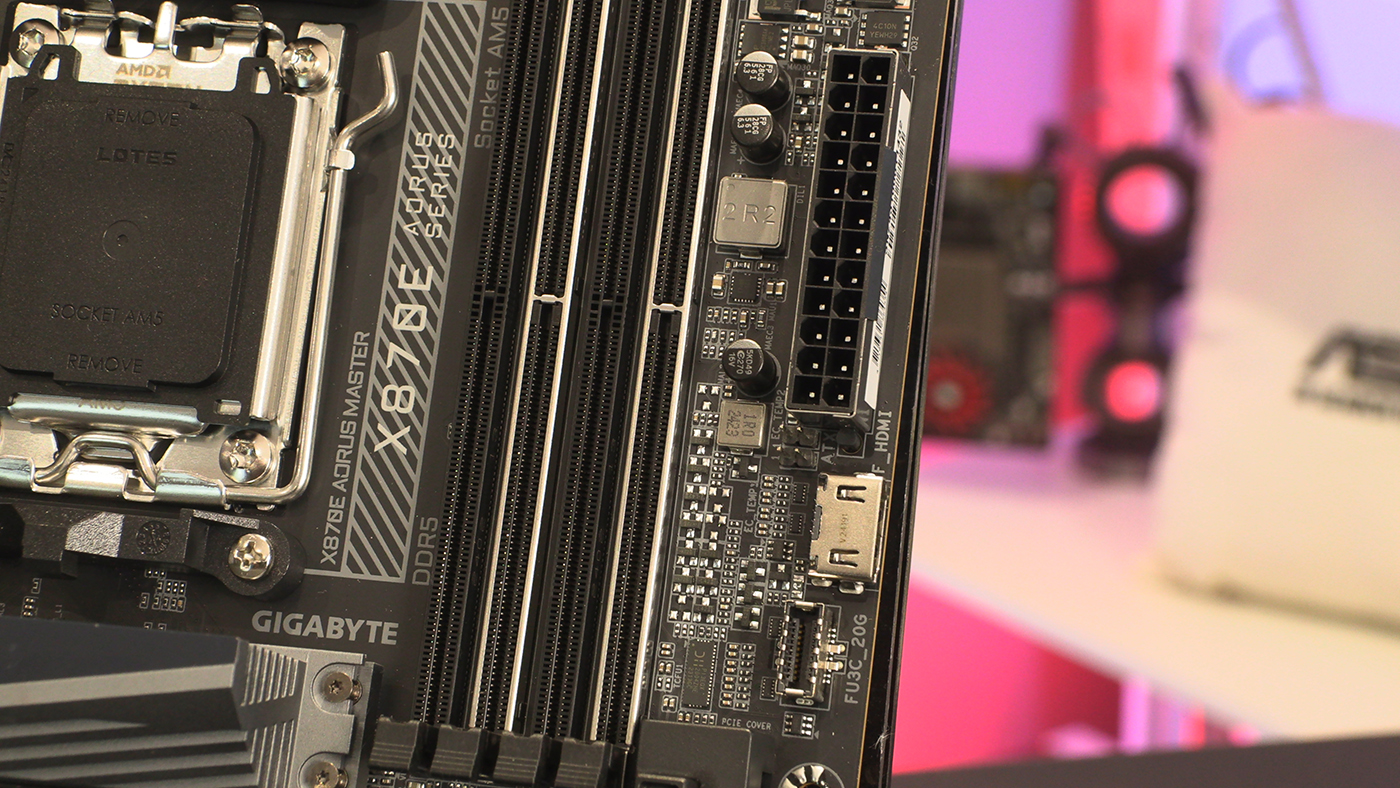
We adore the horizontal fan headers. There was a vogue a while ago for horizontal connectors, but it never really took off. As people who love a tidy cable system, we wish more were this way. At least it means you don’t need a whole new case like the rear mounted idea.
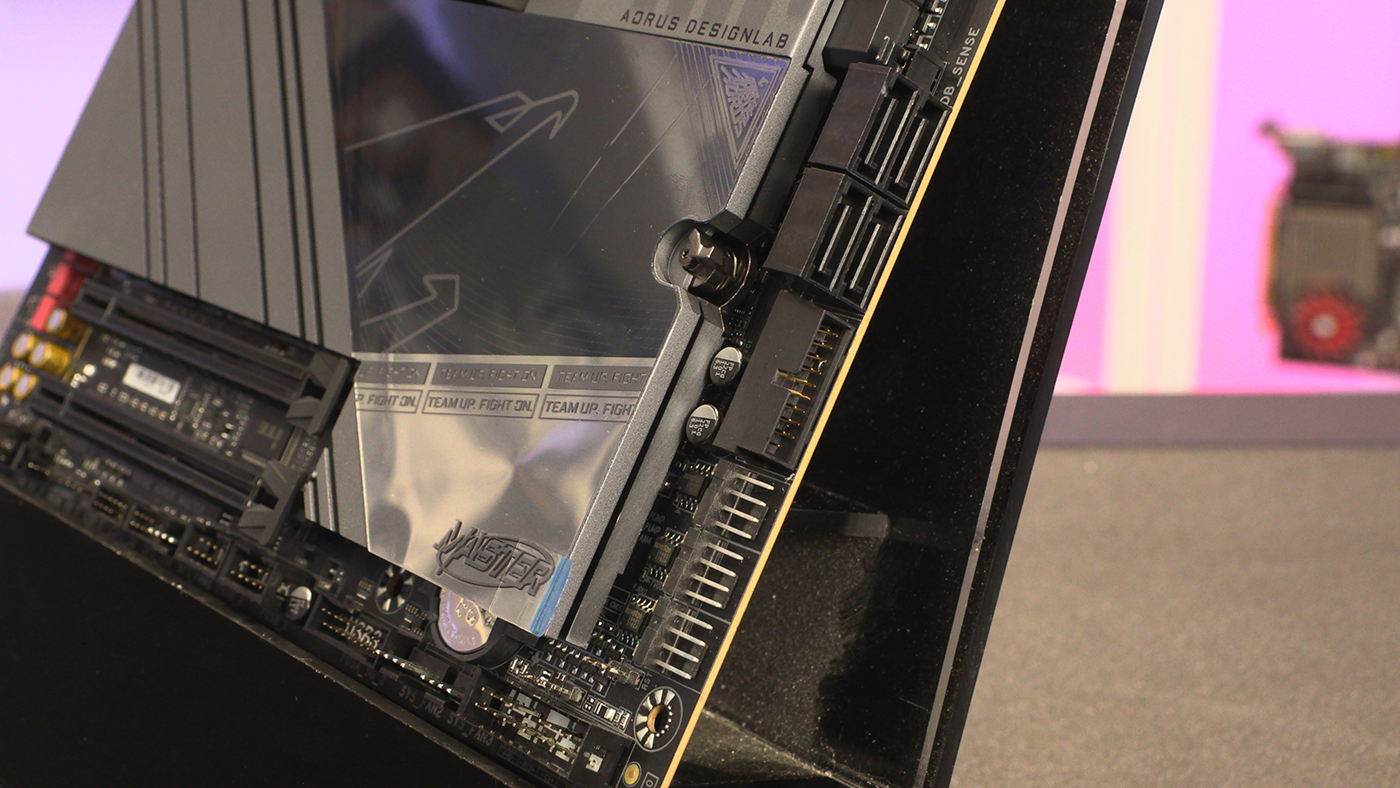
Because you can never have too much cooling, there are even more fan headers as we move to the bottom edge. As well as the standard front panel connectors of course.
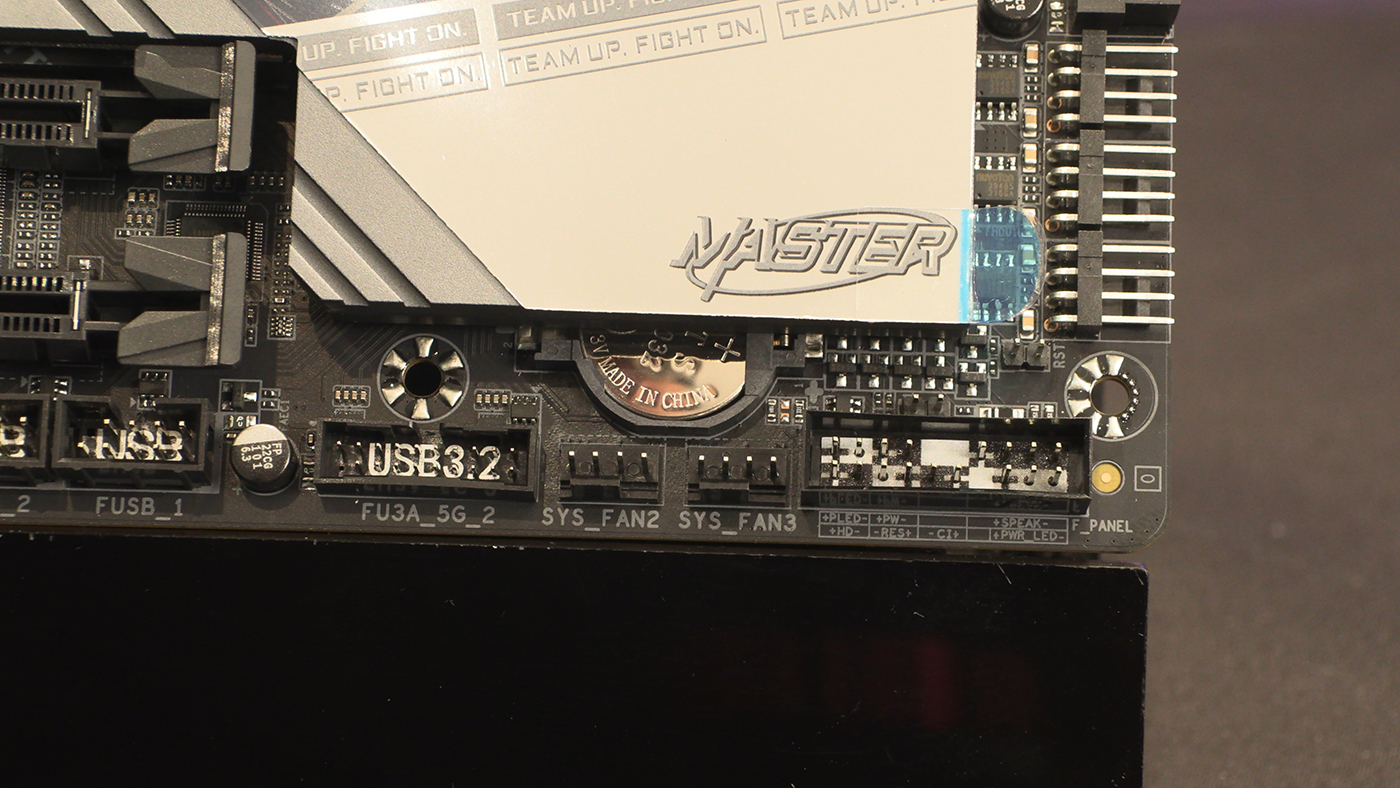
Front panel USB is definitely something that’s hugely popular. So many of our devices utilise USB – I have twelve on my desk right now – you can never have too many connections. With the Gigabyte Aorus Master being at the flagship end of their range, you can be assured that the newest X870E delivers plenty of headers.
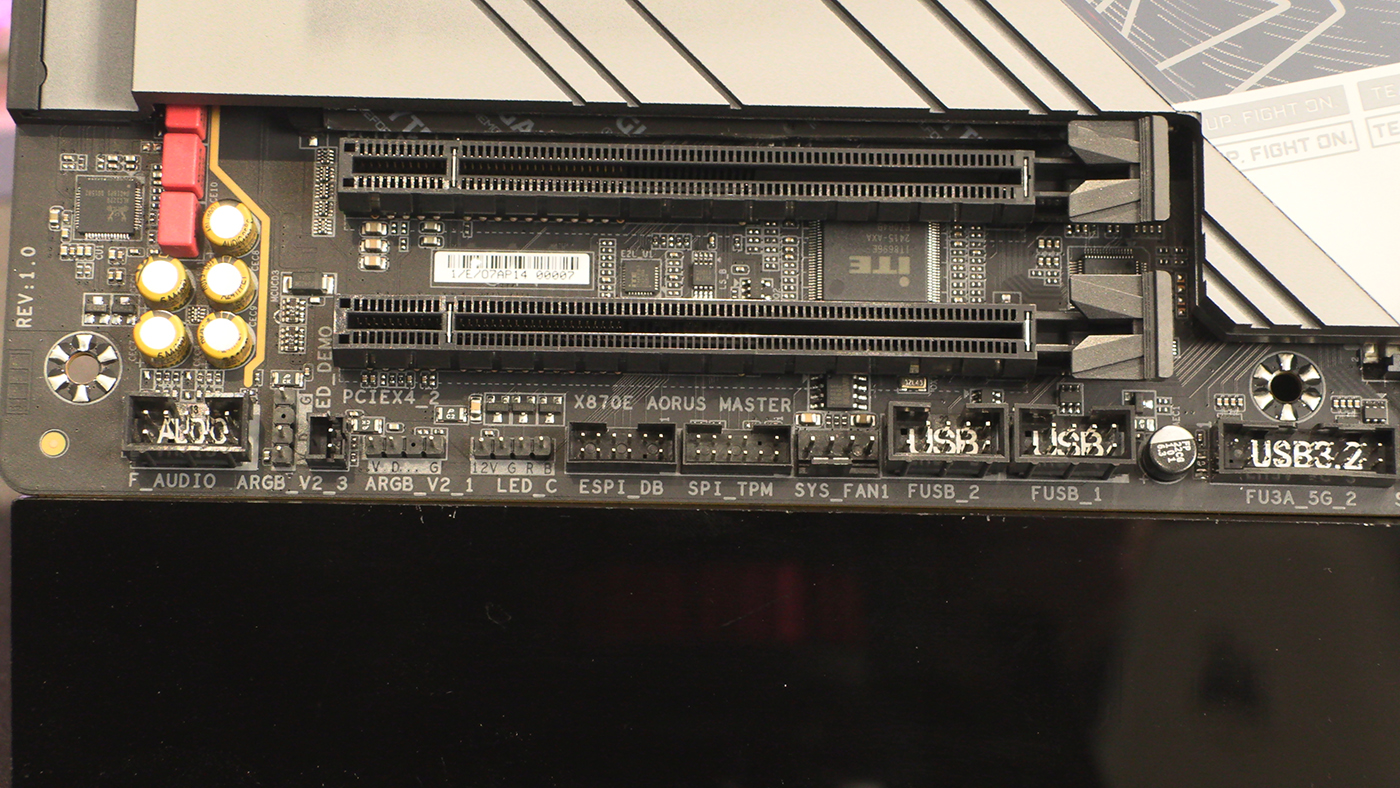
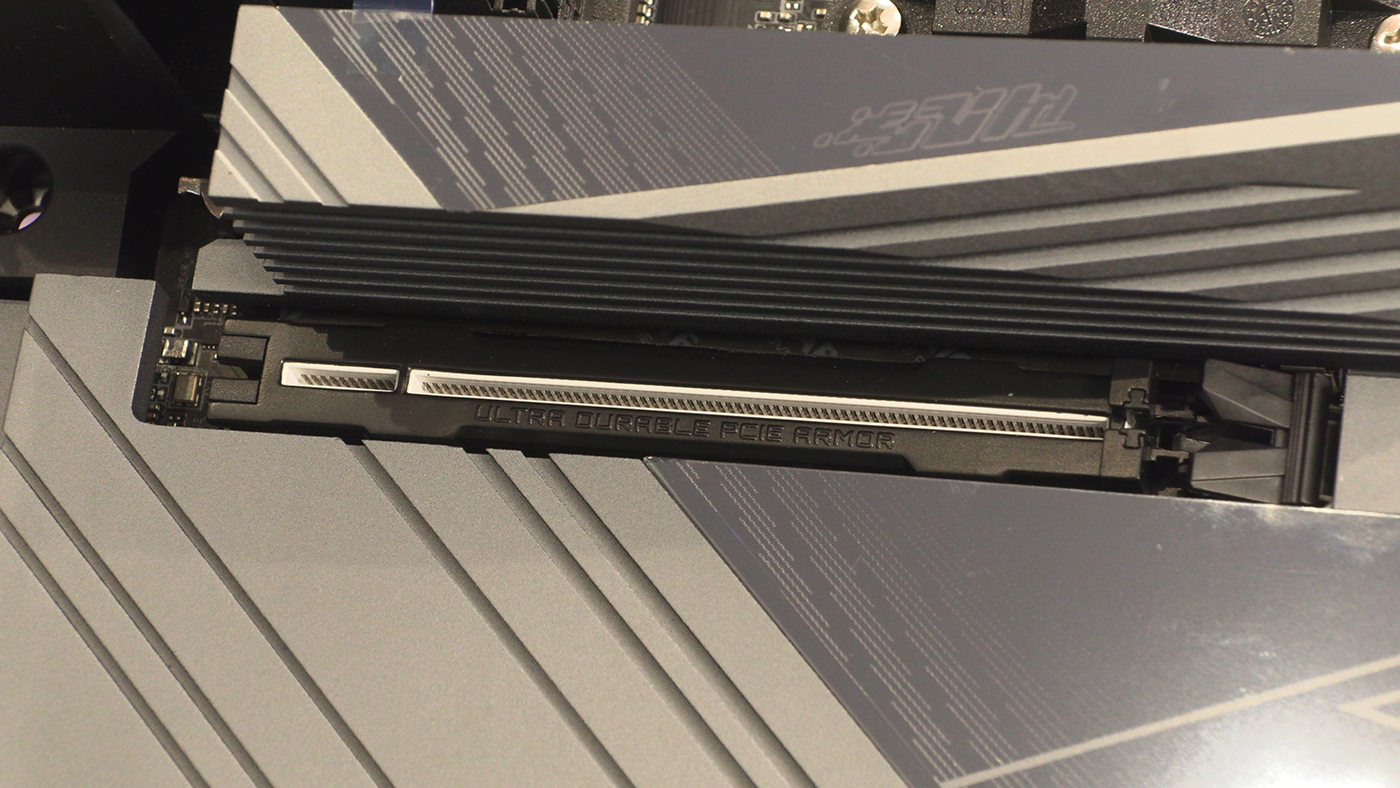
We’ve seen durable slots before, normally with metal shielding. Just look at the DIMM slots above for two examples. The X870E Aorus Master has a seriously durable PCI Express slot. Perfect if you’ve got a chonky graphics card and worry about the weight pulling on your motherboard.