Gigabyte Z68XP-UD3P Review

Touch BIOS
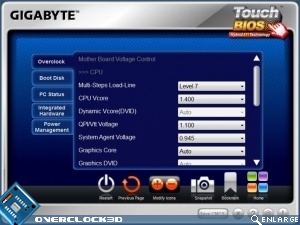
Rather than include a UEFI BIOS Gigabyte are persisting with their Touch BIOS utility. This is just like UEFIs that we’ve seen but all the tweaking is done via Windows and you can then save the settings from there and reboot. This is a bit of a double-edged sword as the “TOUCH BIOS!!!!” is so large on the box that it’s always a disappointment to see that it’s just a utility, but on the other hand it’s at least very smooth to navigate, something that can’t be claimed about all the in-built ones.
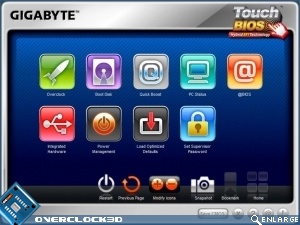
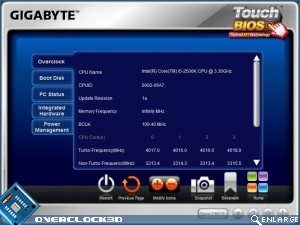
Now if they could combine the looks and functionality of this with ‘live’ changes they’d definitely be onto something.
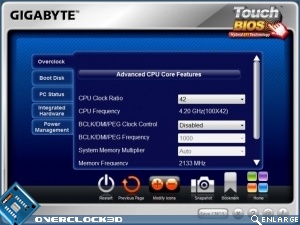
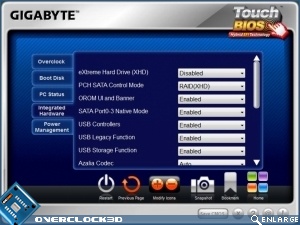
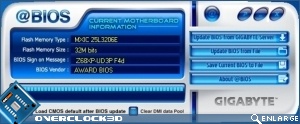
The @BIOS updater is one of the best around, being easy to see what you’ve currently got installed and equally it’s easy to find an updated one if one exists. All in all the Gigabyte suite of applications and utilities is actually worthy of installing and that’s a bold statement indeed.