
MSI MAG B650 Tomahawk WiFi Review

Board Tour
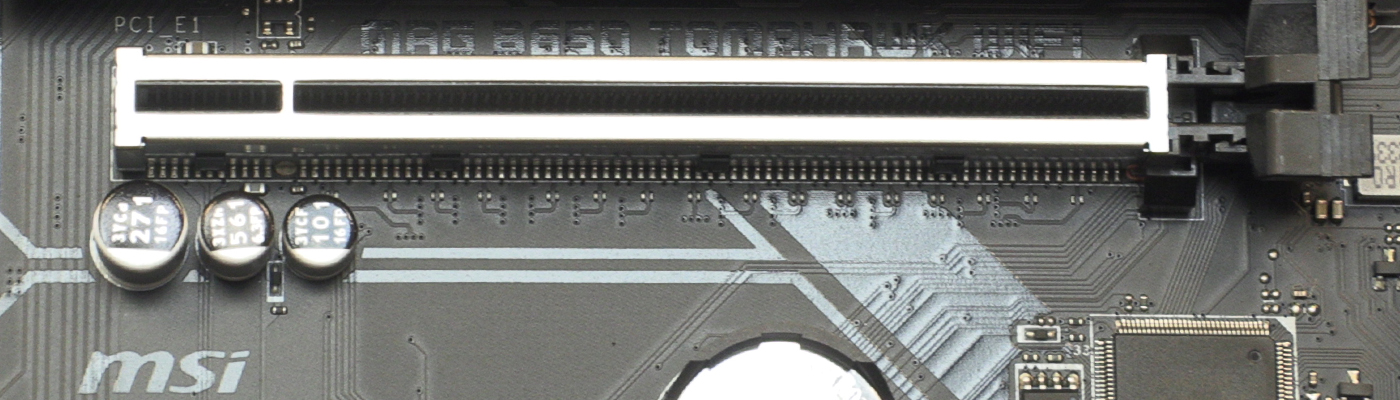
B650 Tomahawk Review

Board Tour

The aforementioned 80A power phases require more than just a 8+4 CPU power input, hence the two 8pin ones found here. Uncompromising.
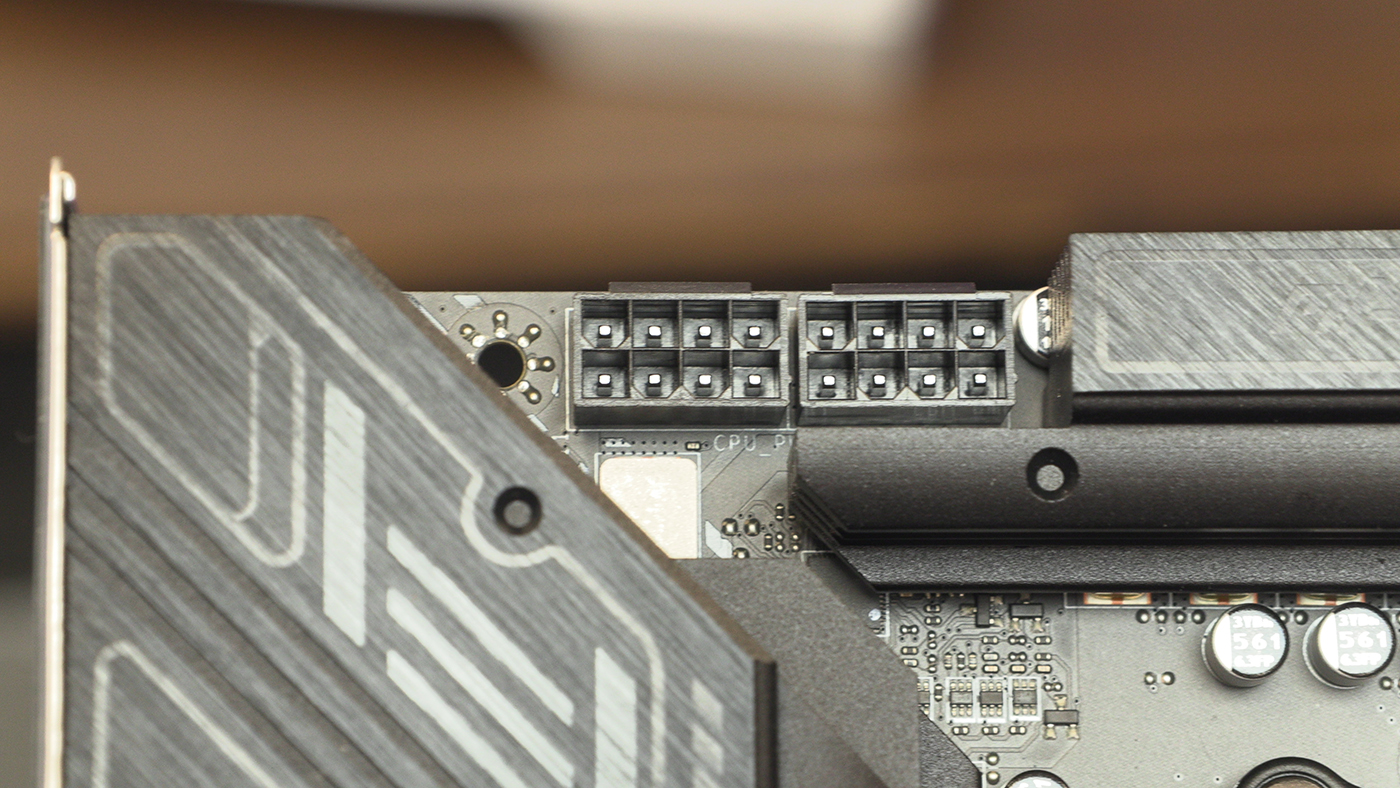
B650 Tomahawk ATX Power

The top right hand corner boasts four fan headers – two CPU and two System – as well as a pair of the MSI Mystic Light headers. One ARGB, one regular RGB.
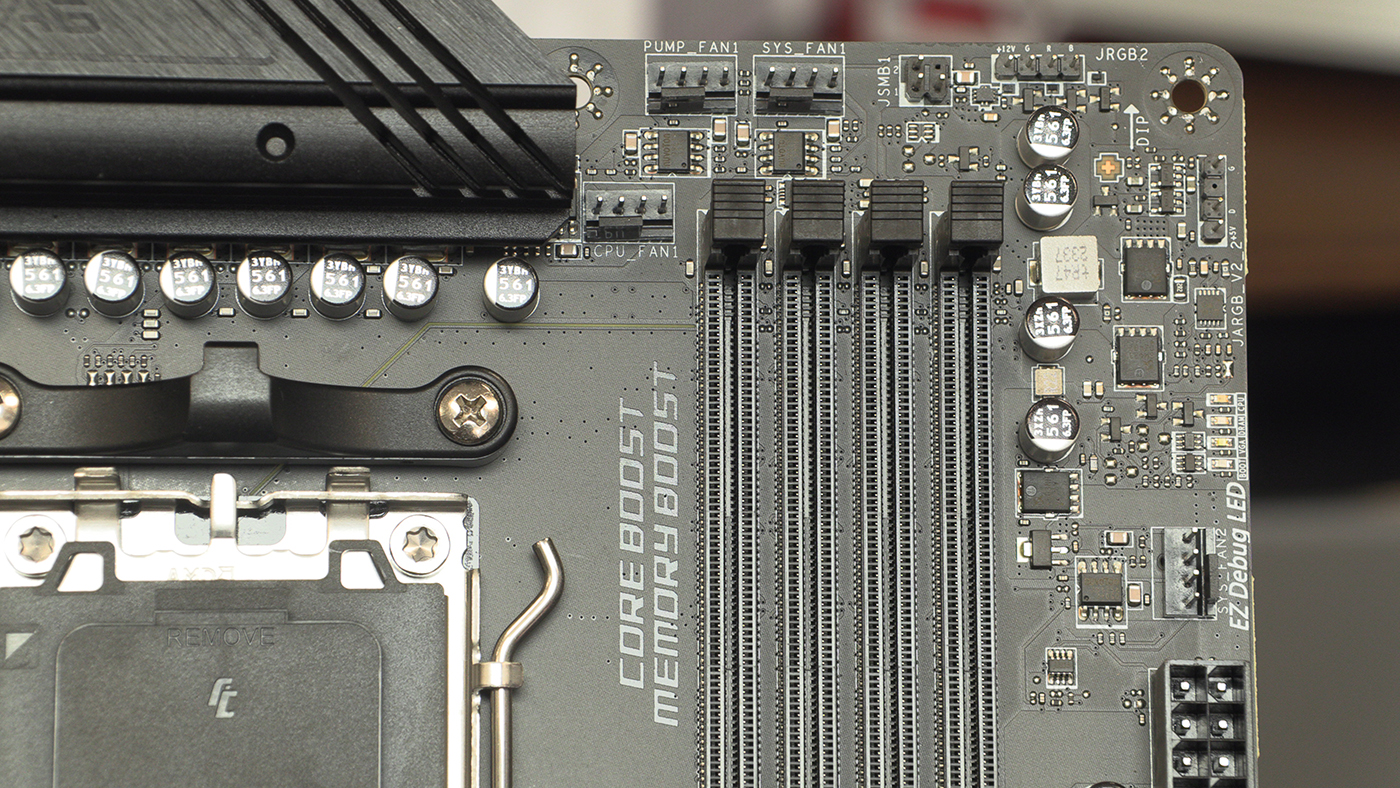
B650 Tomahawk CPU Headers

Front panel USB Type-C and Type-A ensure that if you have a modern case you’ll be able to make full use of your front panel connections. Anything to save us hunting around the back of the case when trying to pull stuff off of memory cards is a bonus.
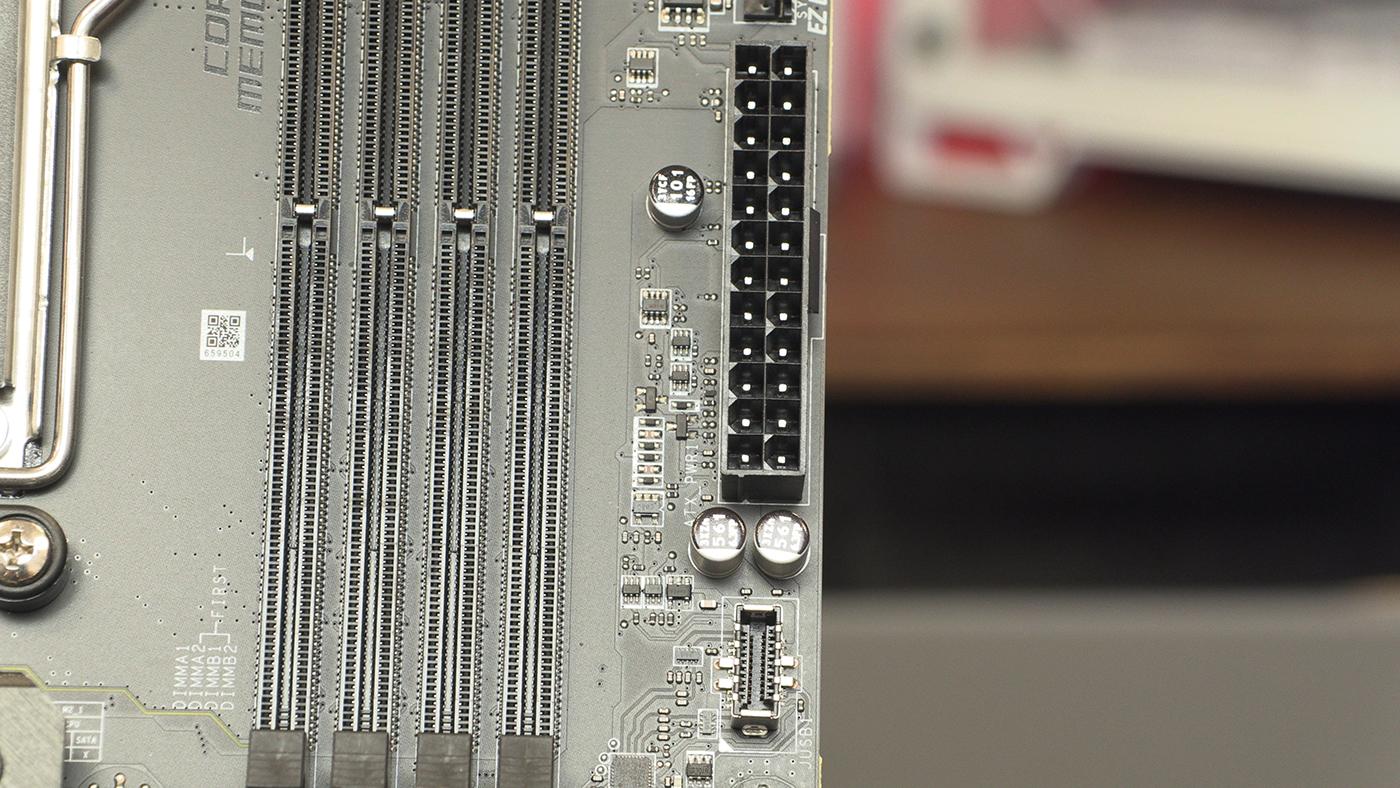
B650 Tomahawk Front Panel

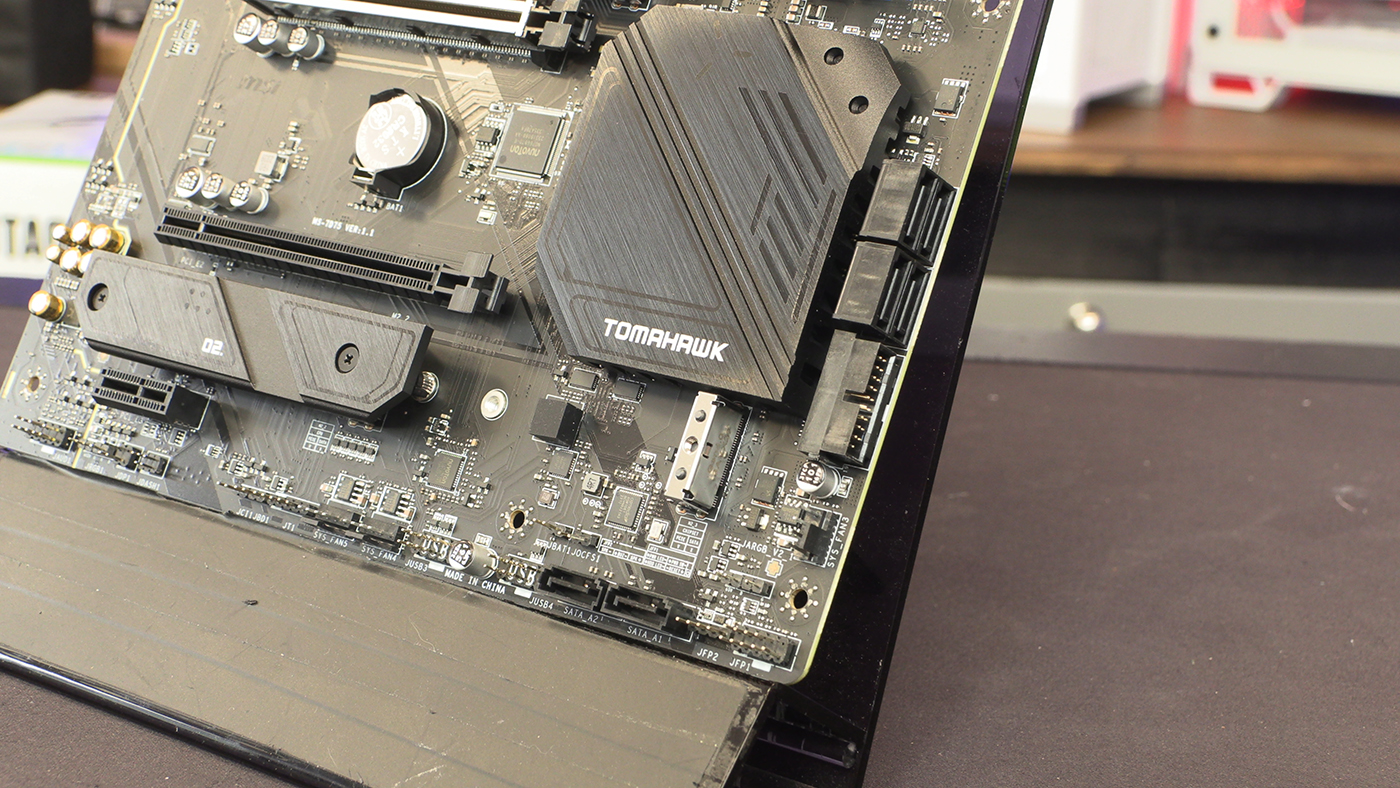
MSI haven’t scrimped on the number of cooling options you get. As well as four fans up top, you get three more down here.
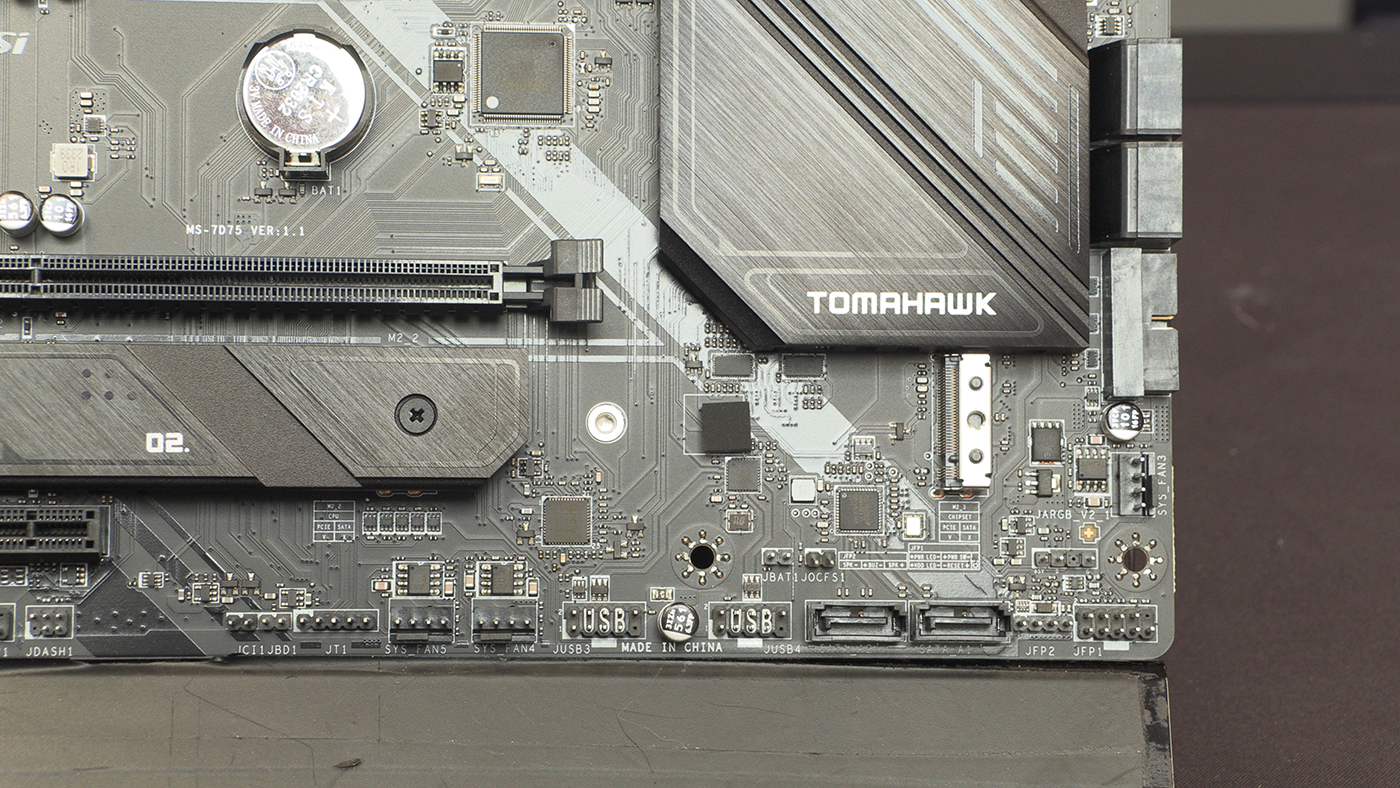
B650 Tomahawk SATA

Alongside the 6 SATA ports the B650 Tomahawk has three Gen 4 M.2 slots too. No, you don’t get any PCIe 5.0 slots, but it’s not like Gen4 NVME storage is on the slow side.
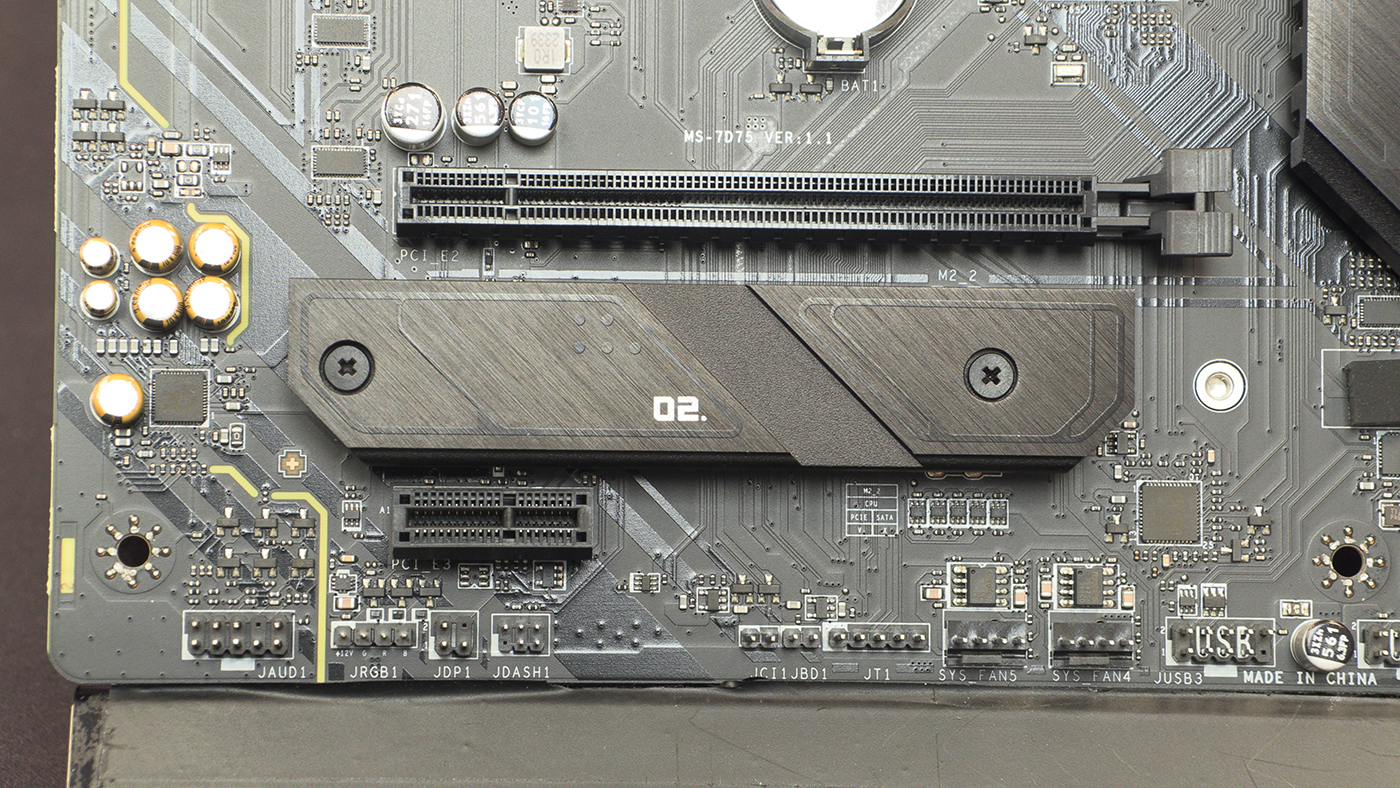

B650 Tomahawk M.2

Tom Logan - TTL - tinytomlogan

Tom Logan - TTL - tinytomlogan

The dude from the videos, really not that tiny, fully signed up member of the crazy cat man club.

Follow Tom Logan - TTL - tinytomlogan on Twitter
View more about me and my articles.

Uh-oh! It looks like you're using an ad blocker.

OC3D relies on ads to provide free content and sustain our operations. By white listing us on your ad blocker, you help support us and ensure we can continue offering valuable content without any cost to you. We only run our own hand picked ads from Industry brands like MSI, BeQuiet, Sapphire and PC-Specialist - meaning they are all relevent to the content you are reading.

We truly appreciate your understanding and support. Thank you for considering whitelisting OC3D
