MSI MAG B850 Tomahawk Max WiFi Review

Board Tour
Board Tour
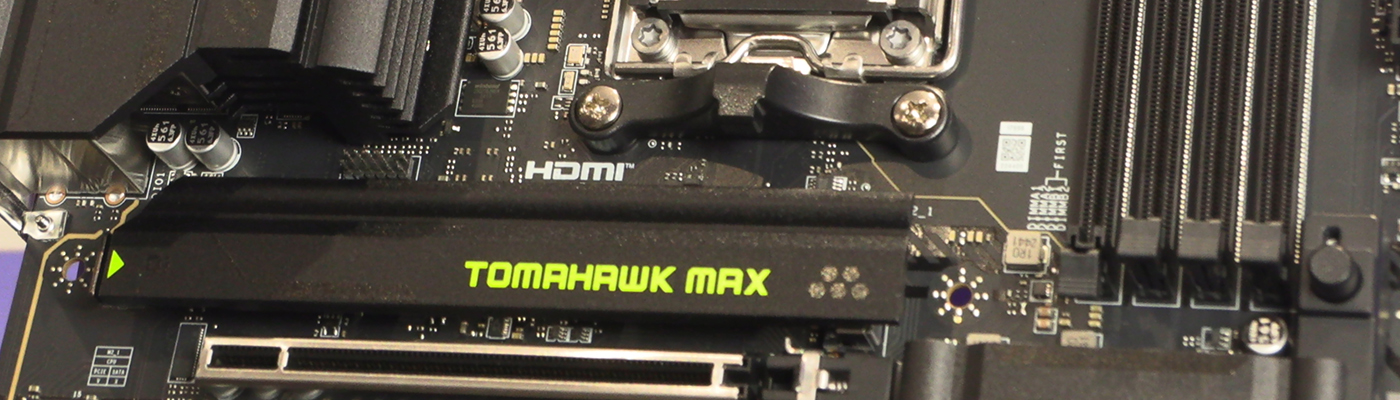
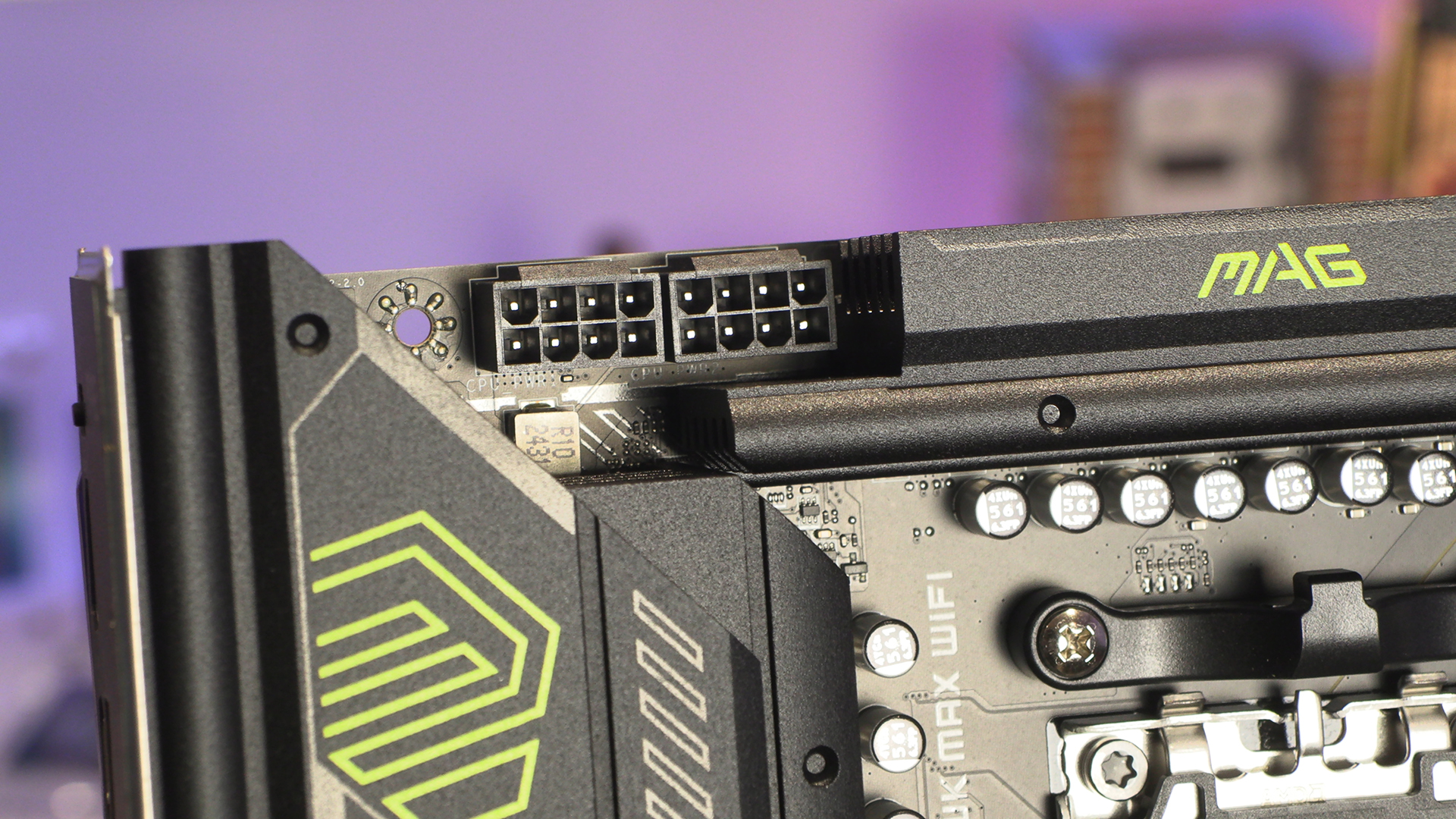
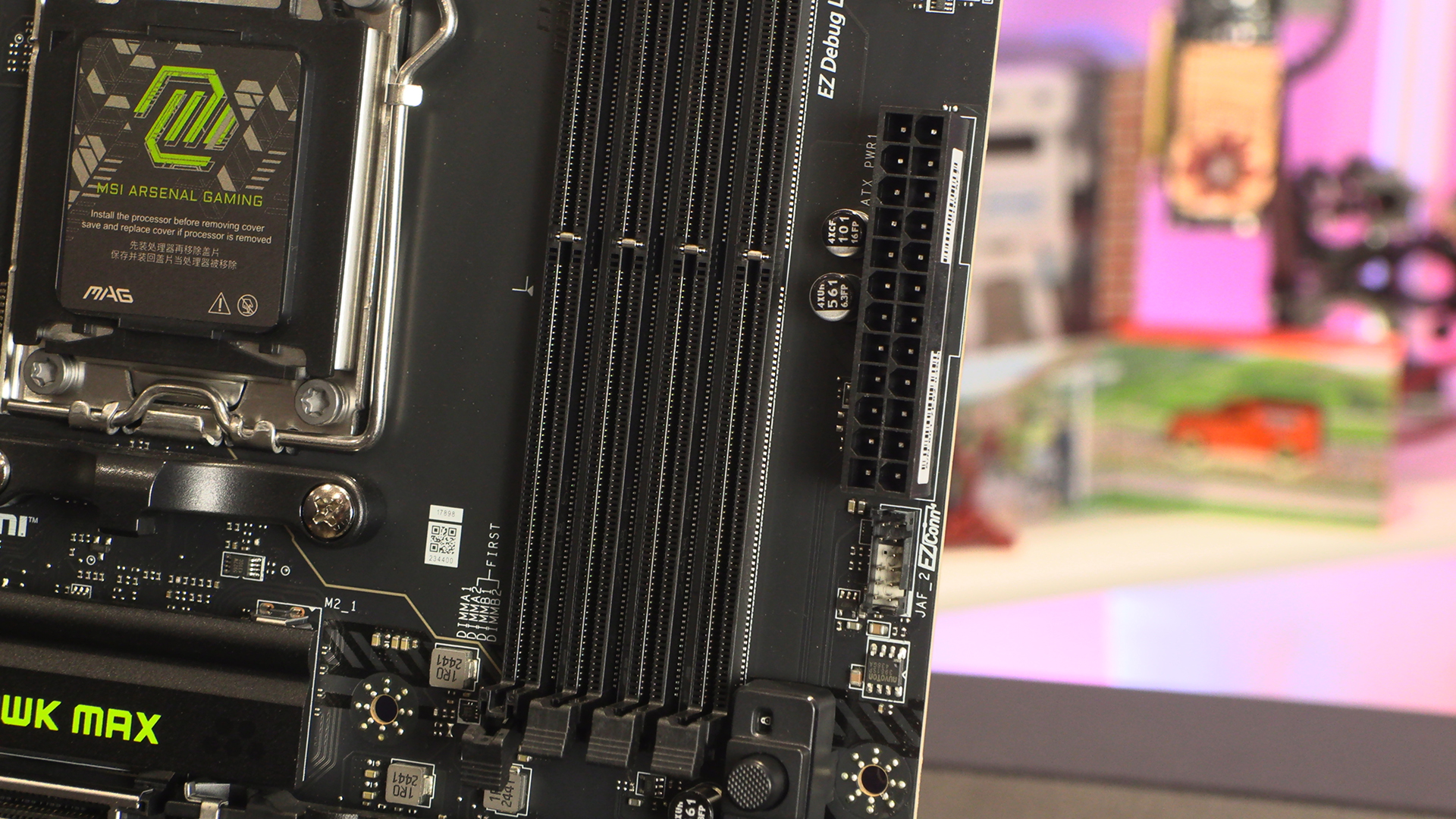
The MSI MAG B850 Tomahawk Max WiFi tour will be very familiar to anyone who has seen a Tomahawk before. For those who haven’t, we start with two 8pin 12V CPU power inputs.
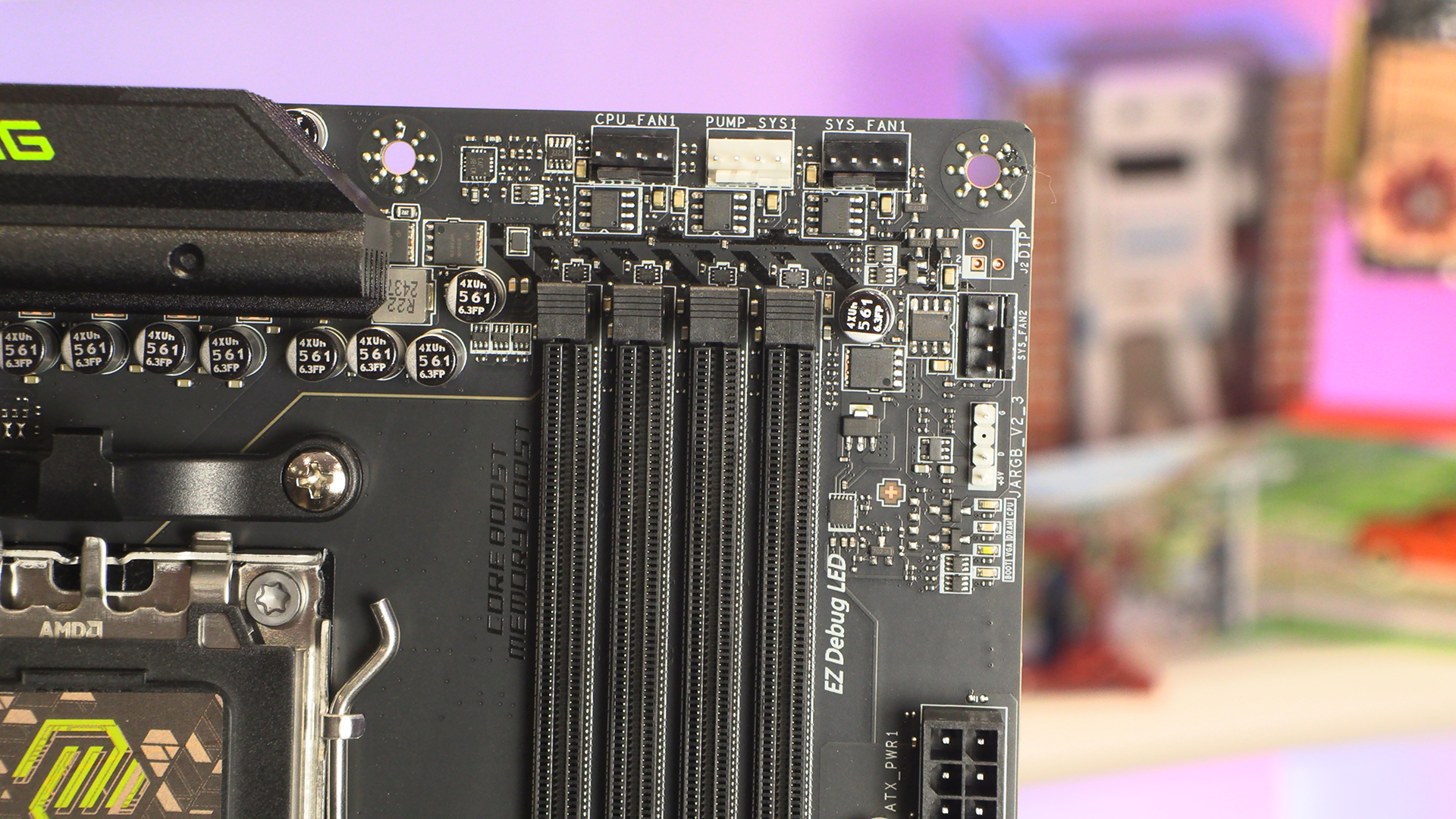
Just as an example of why we love the Tomahawk range so much, four fan headers here. We often see two, or maybe three on mid-range models, but four fan headers on an entry level board is impressive. It speaks of an understanding of the user’s needs. Kudos.
If you’ve grown weary of endless connectors and cable splitters, the MSI EZ-Conn (in JAF2 format) has system fan, ARGB and Front USB 2.0 headers all built into a single cable that plugs in here.
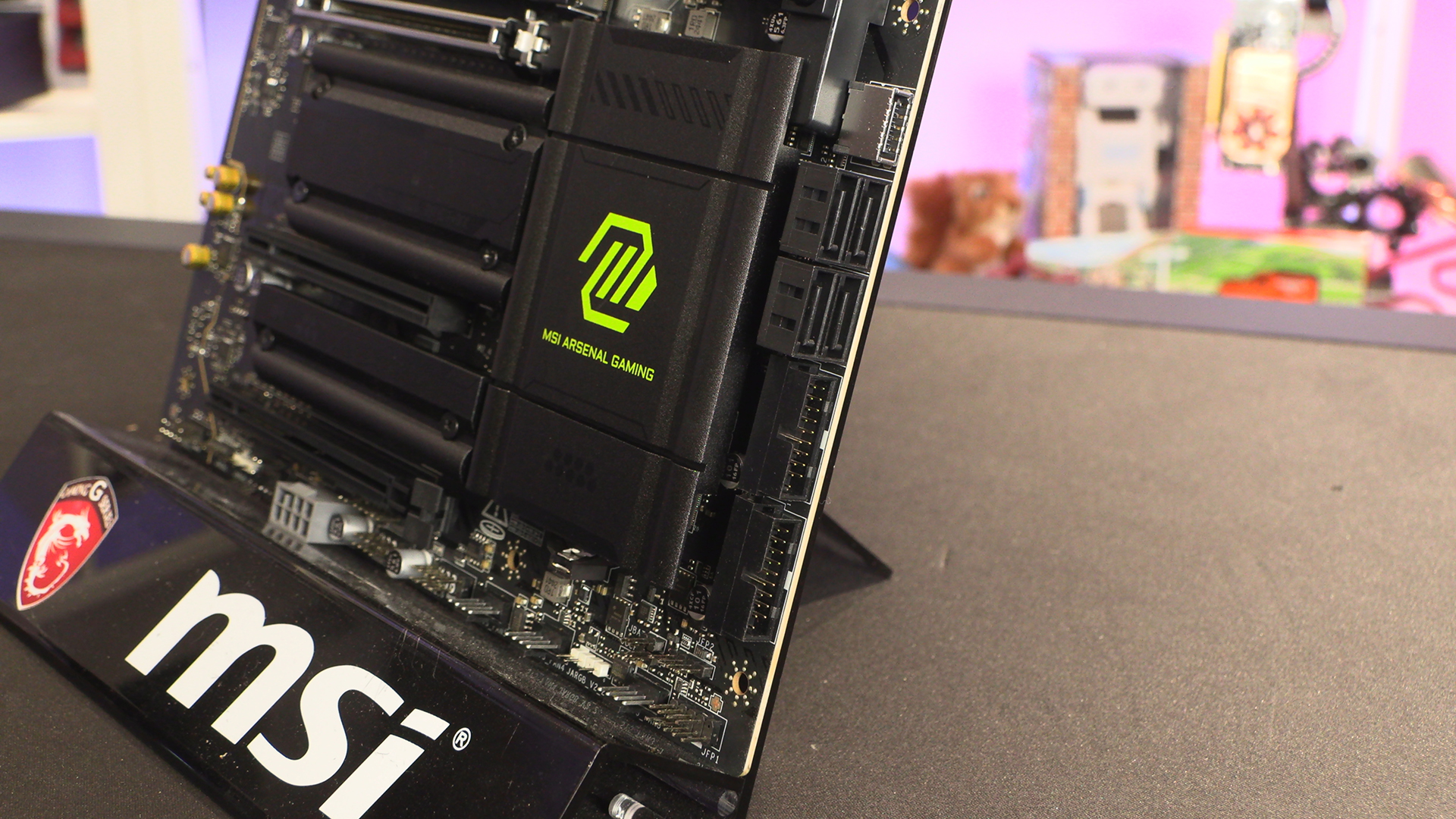
Front panel USB is well catered for with two USB 3.2 Type-A headers and a Type-C. They surround the 4 SATA ports for those of you with existing storage you wish to bring across to the B850 Tomahawk Max.
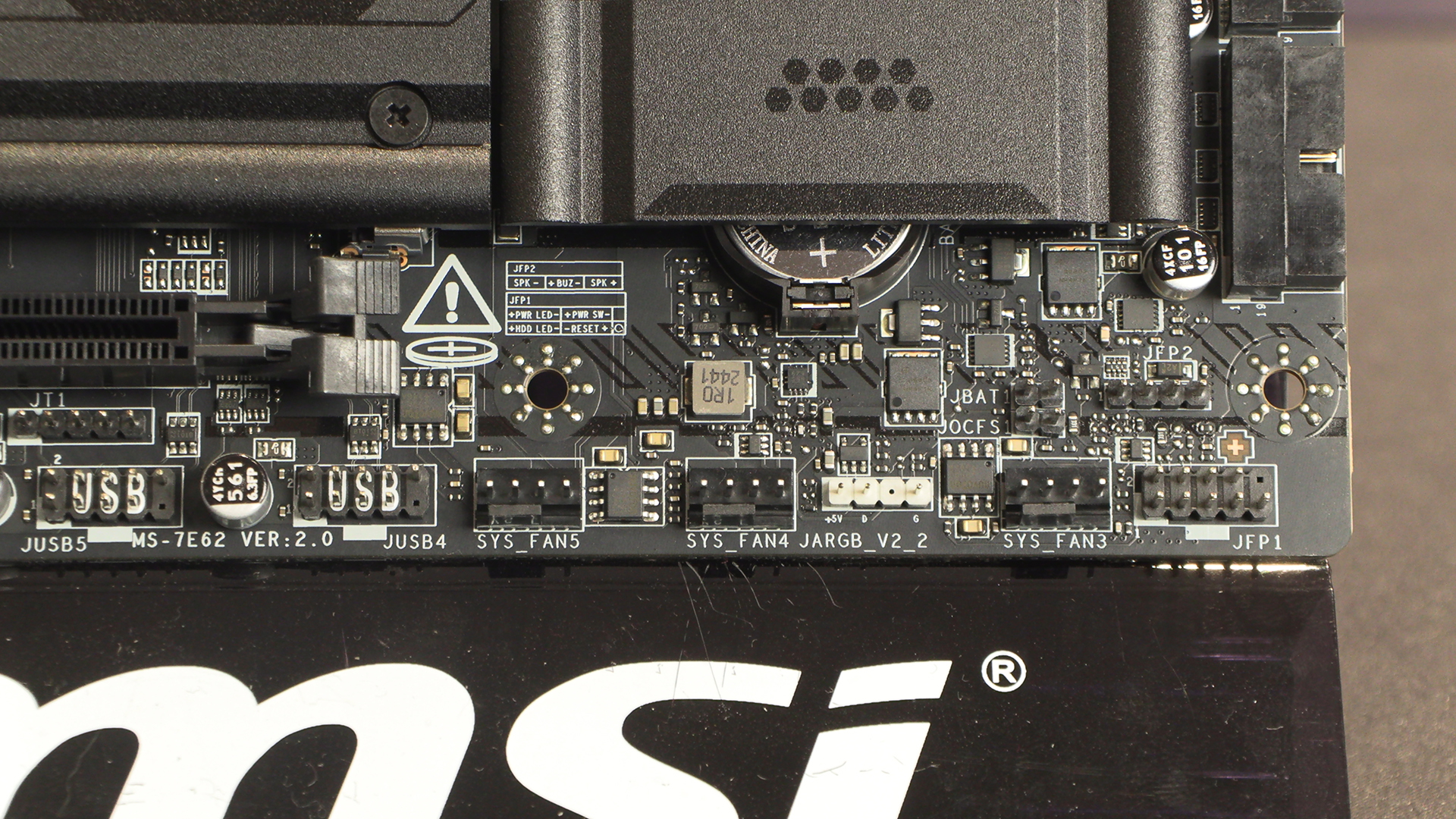
Three more system fan headers surround another ARGB one. We like having the case front panel connectors listed on the PCB too – middle of this picture – as it saves us ferreting around for the manual.
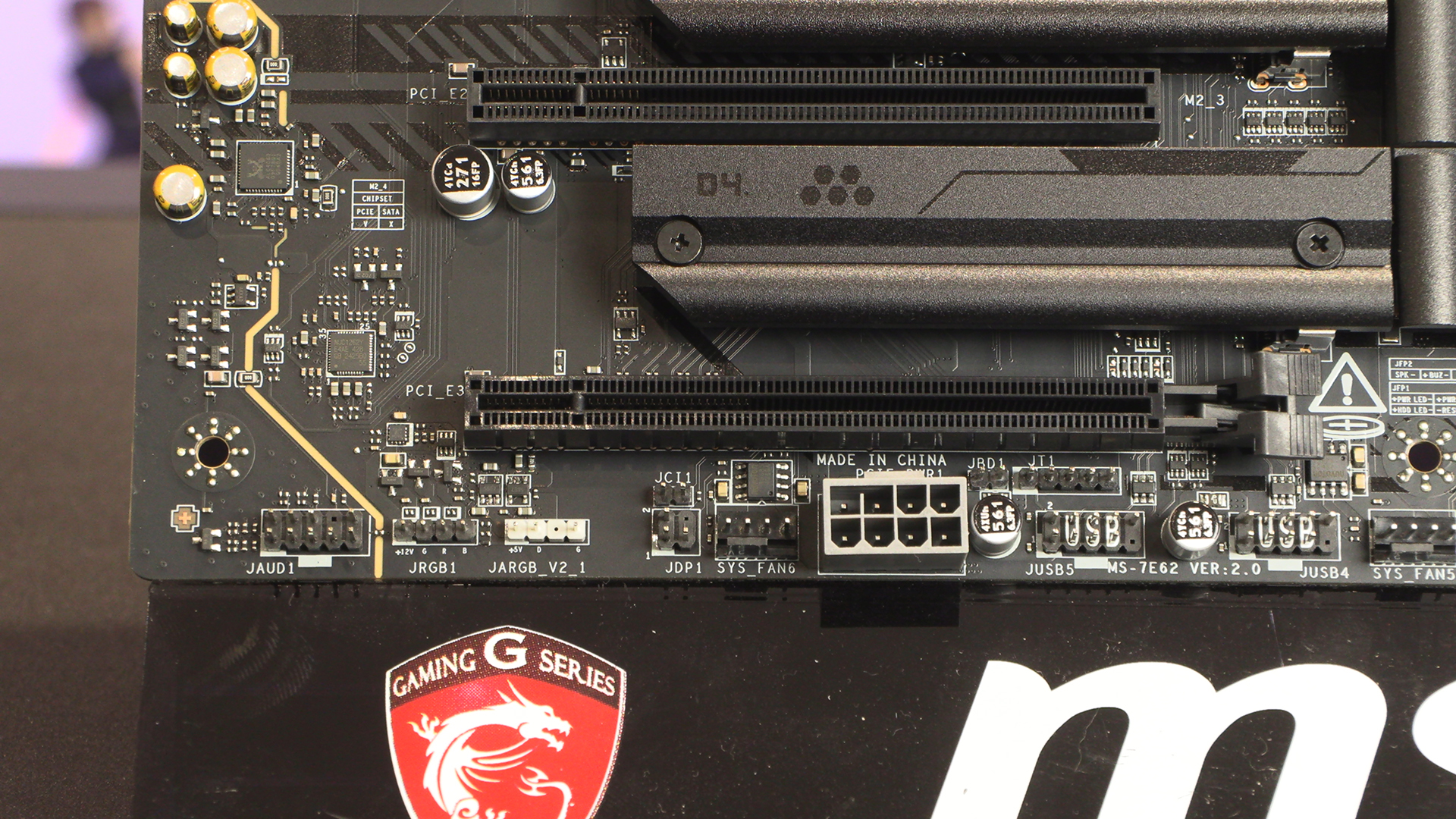
Lastly the Tomahawk Max sports two USB 2.0 front panel headers, an additional PCIe power input and one each of fan header, ARGB header and regular RGB. Just because this is in the affordable MAG range of MSI PCBs doesn’t mean you’re being left out if you choose it.
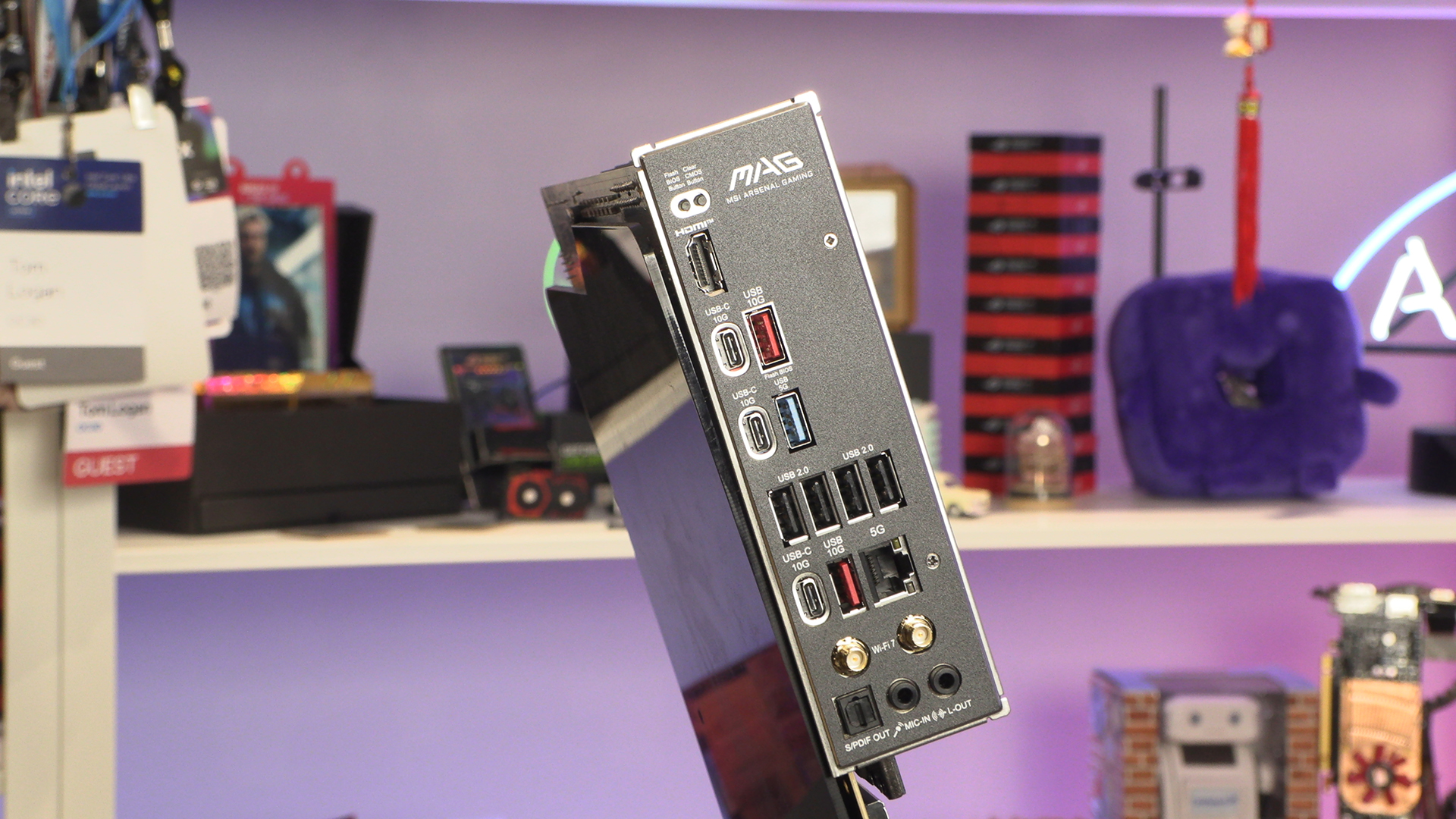
Around the back we find a plentiful selection of USB connectors. Perfect if you have a lot of peripherals. Certainly more than we saw on the Strix B850. With 5G LAN and WiFi 7 you can be sure your networking has plenty of bandwidth too.