MSI MAG X870E Gaming Max WiFi Review

X870E Gaming Max Board Tour
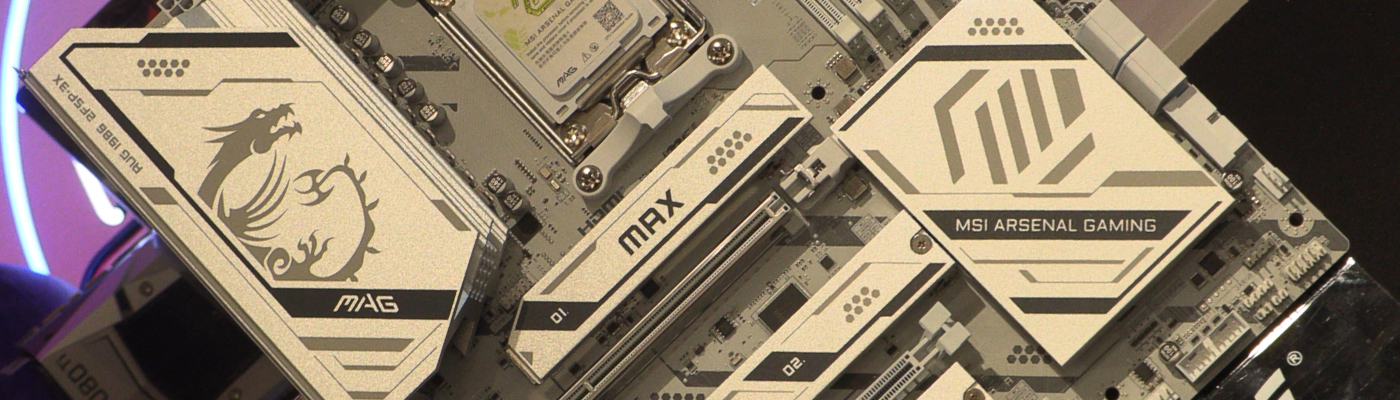
X870E Gaming Max Board Tour
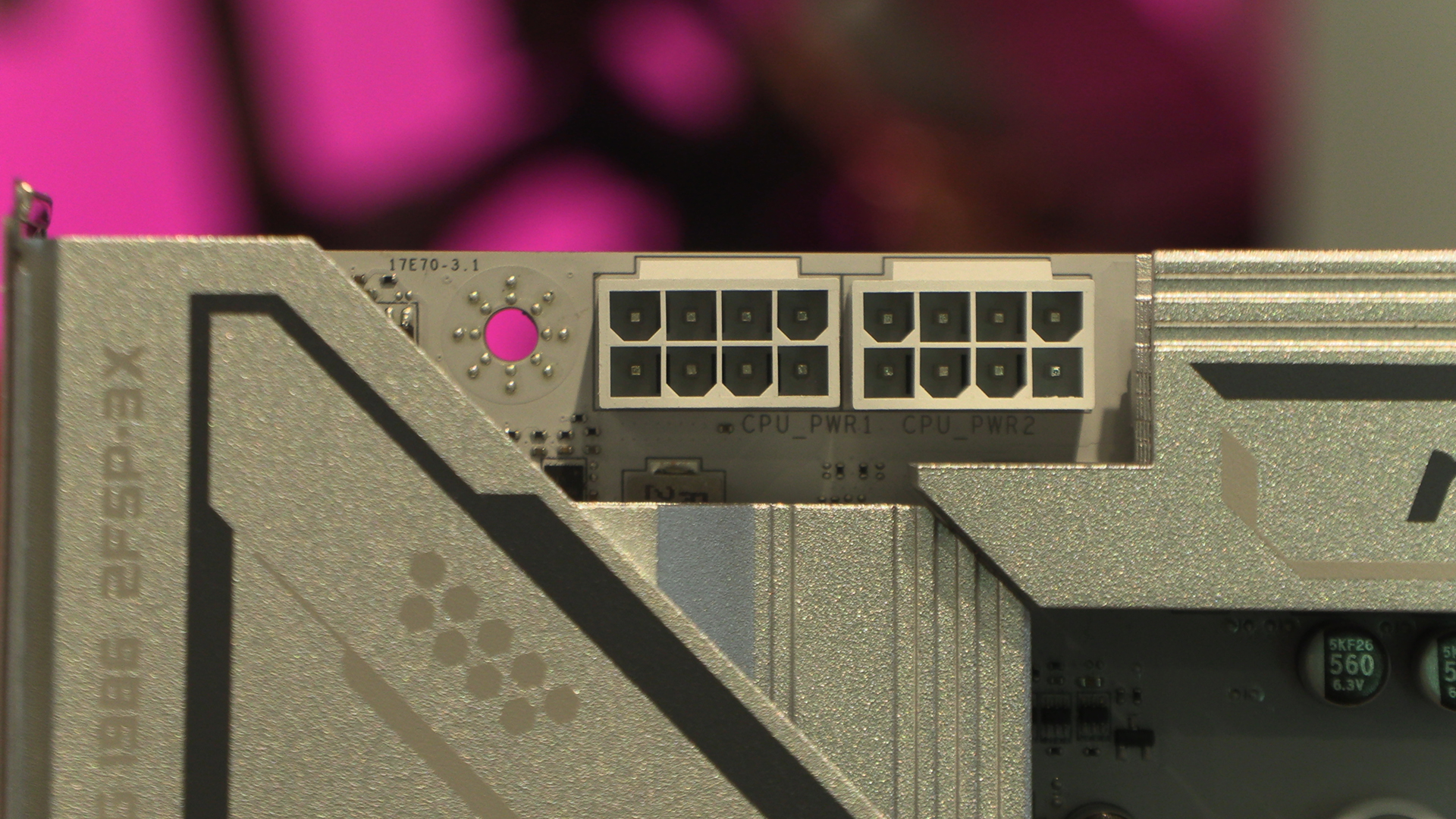
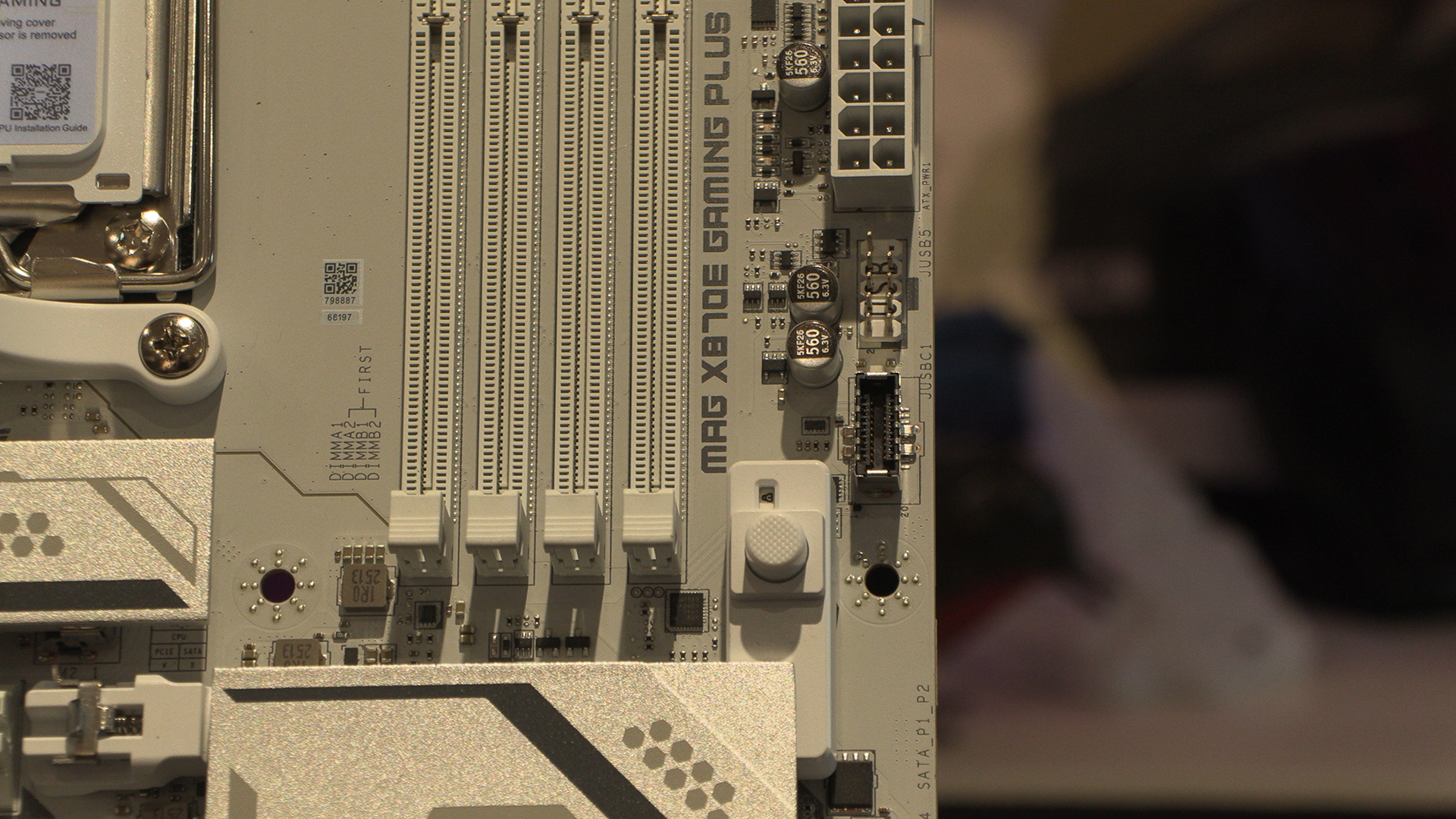
Starting off with the top left CPU power headers. It’s nice to see MSI giving us enough room to get our fingers in. We’ve lost more skin in this part of motherboards as we have on anything since our dabblings with a Zalman Flower many moons ago.
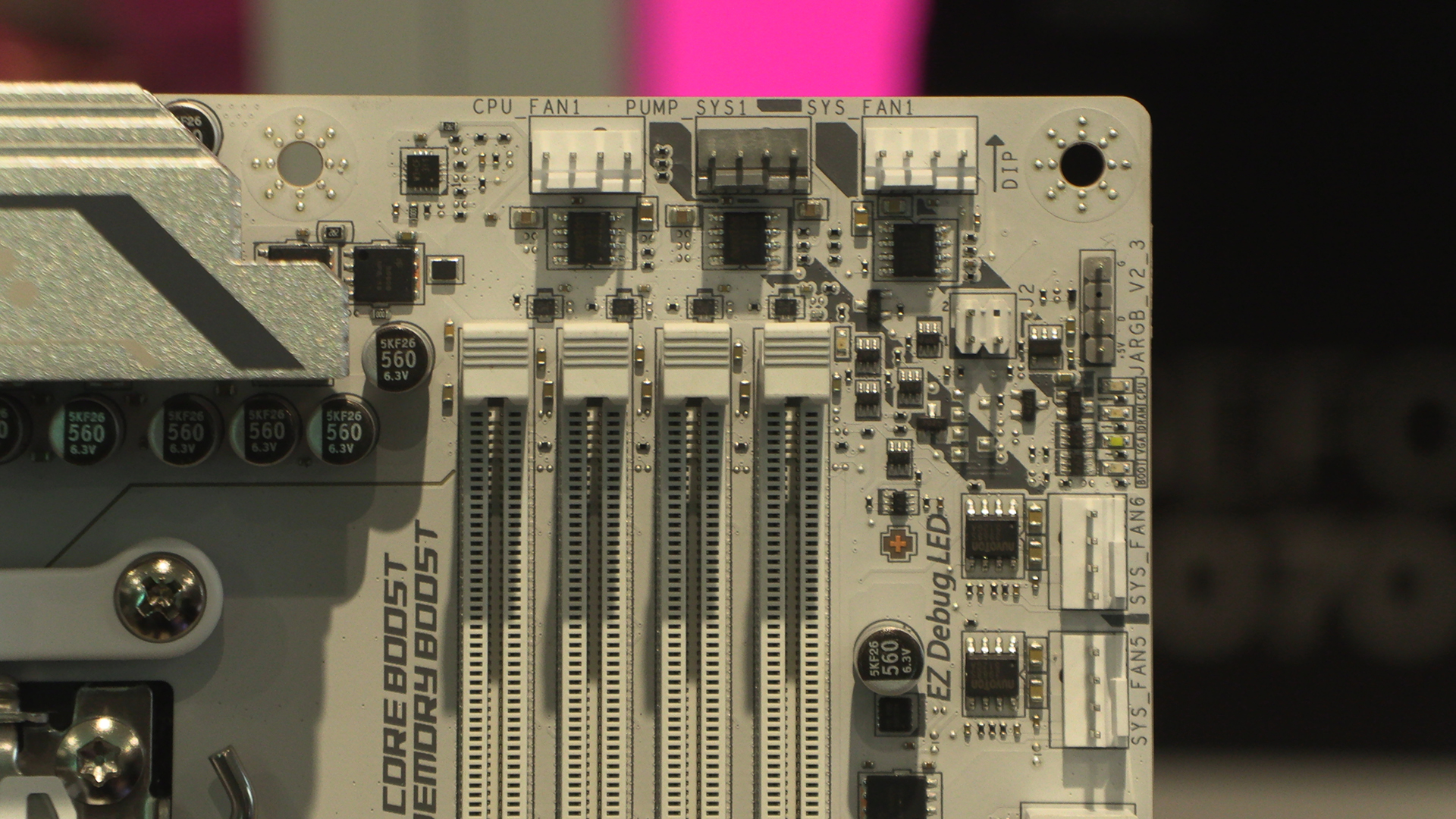
There are plenty of fan headers in the top right. Obviously we have CPU and Pump options, but there are a lot of case fan headers too. Perfect if you love a lot of airflow.
As well as the front panel USB Type-C header, we can see the GPU release button. We’ve mentioned these a lot, but as people who swap stuff in and out on a daily basis, it’s a time saver. It’s also great for those of you with fingers like sausages.
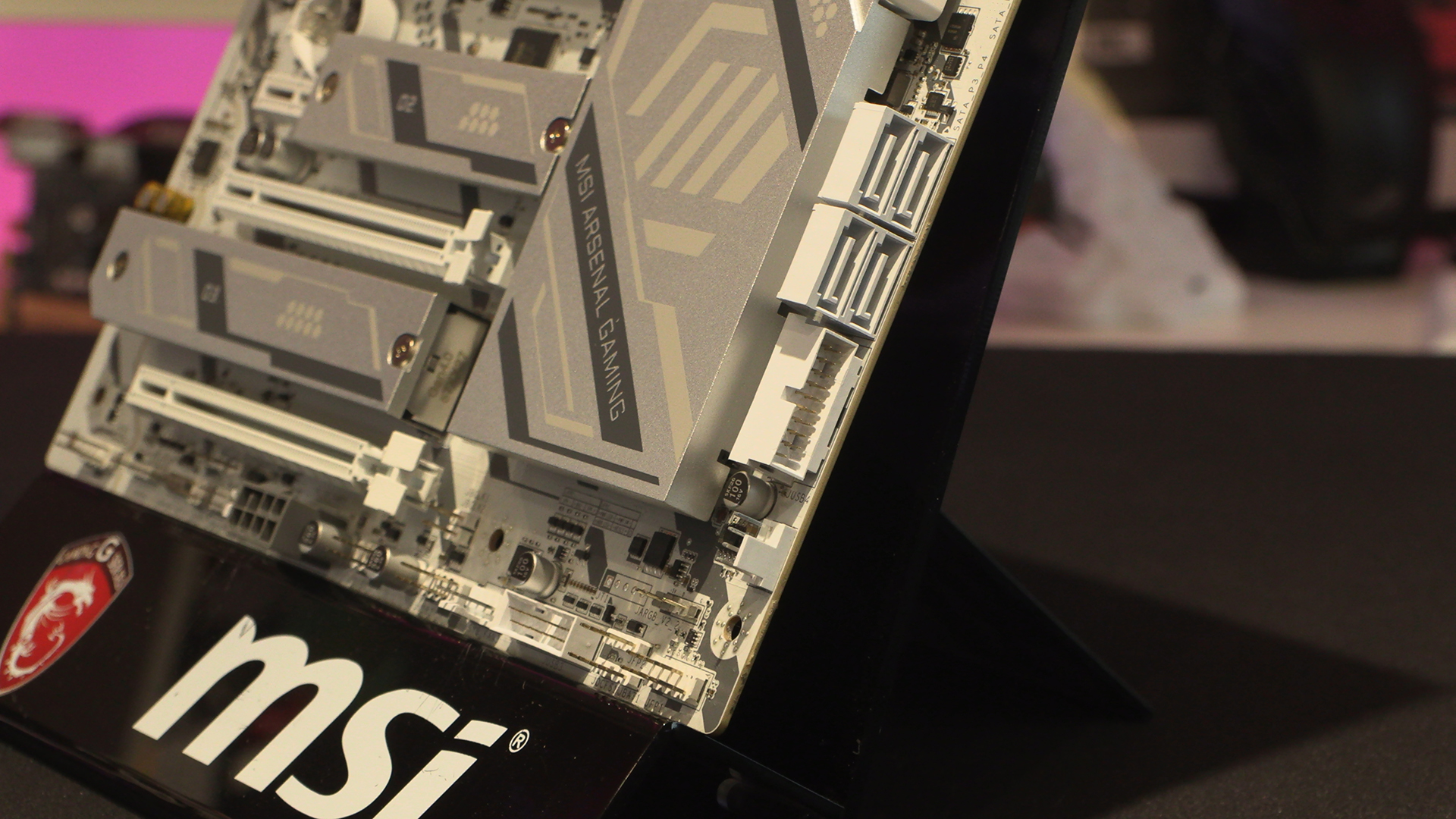
This shot best exemplifies the MSI approach on the Gaming Max. So many white motherboards go with the affordable black plastic option. Half measures. This X870E is so white it could be used as a Christmas card. Four SATA ports and the front panel Type-A USB sit alongside another case fan header.
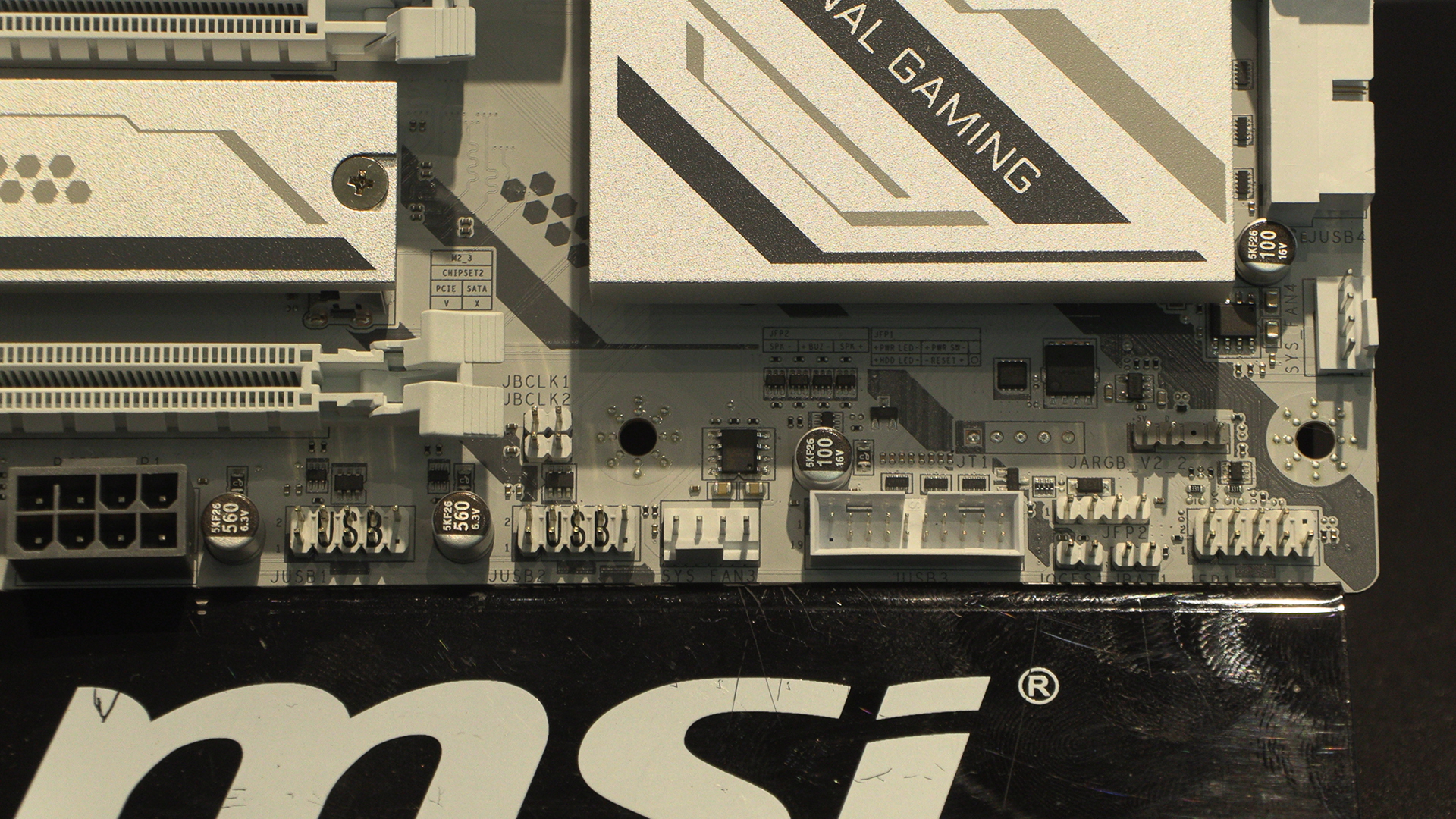
If that wasn’t enough for you, around the corner we have yet more front panel USB and fans to be found, as well as another part of the MSI Mystic Light system.
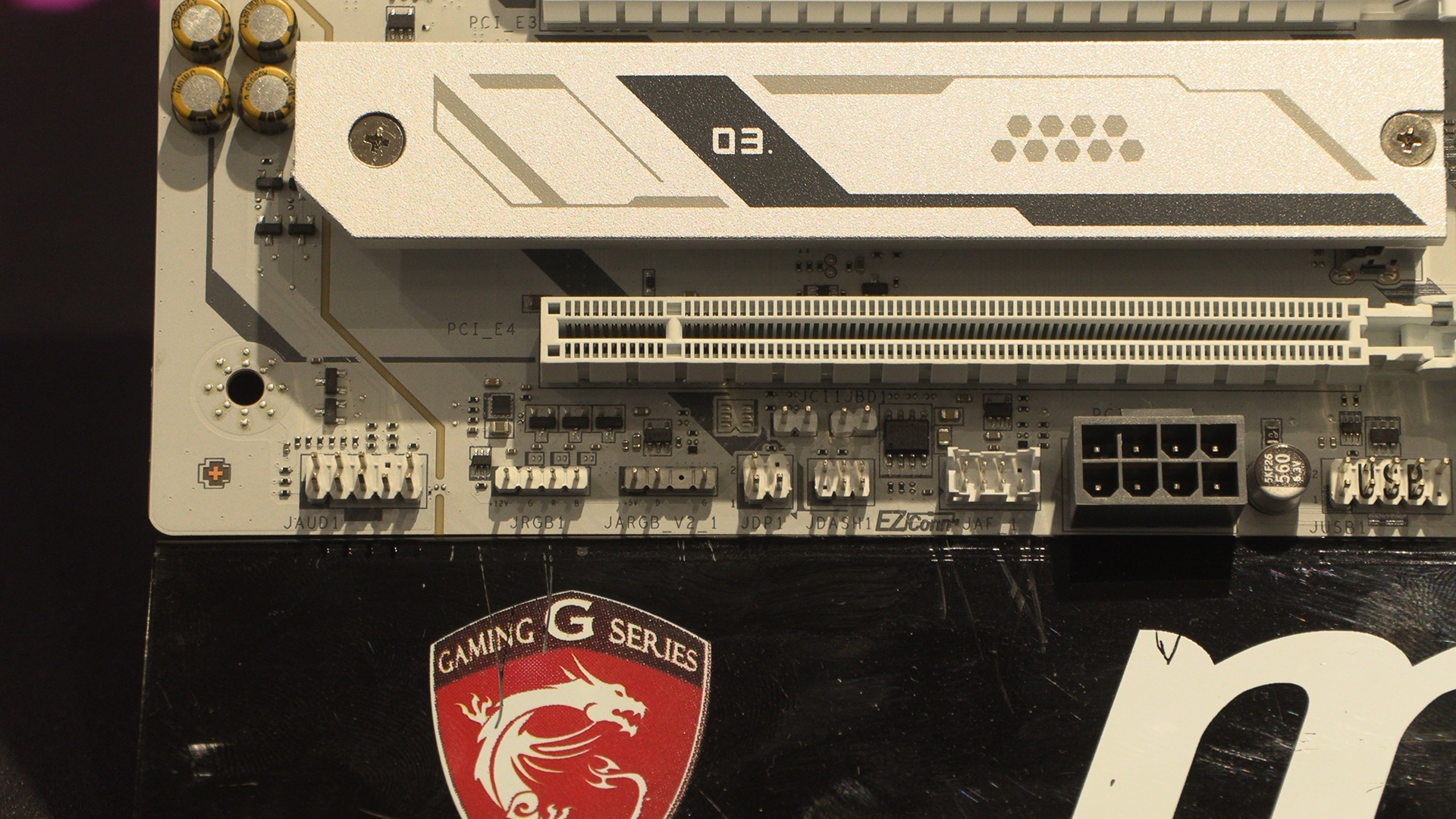
The bottom left finishes up the front panel Audio header and the last two parts of their Mystic Light setup. You also get the MSI EZConn connection that wraps the relevant parts of an AIO into a single header for easy connection. Hence the name.
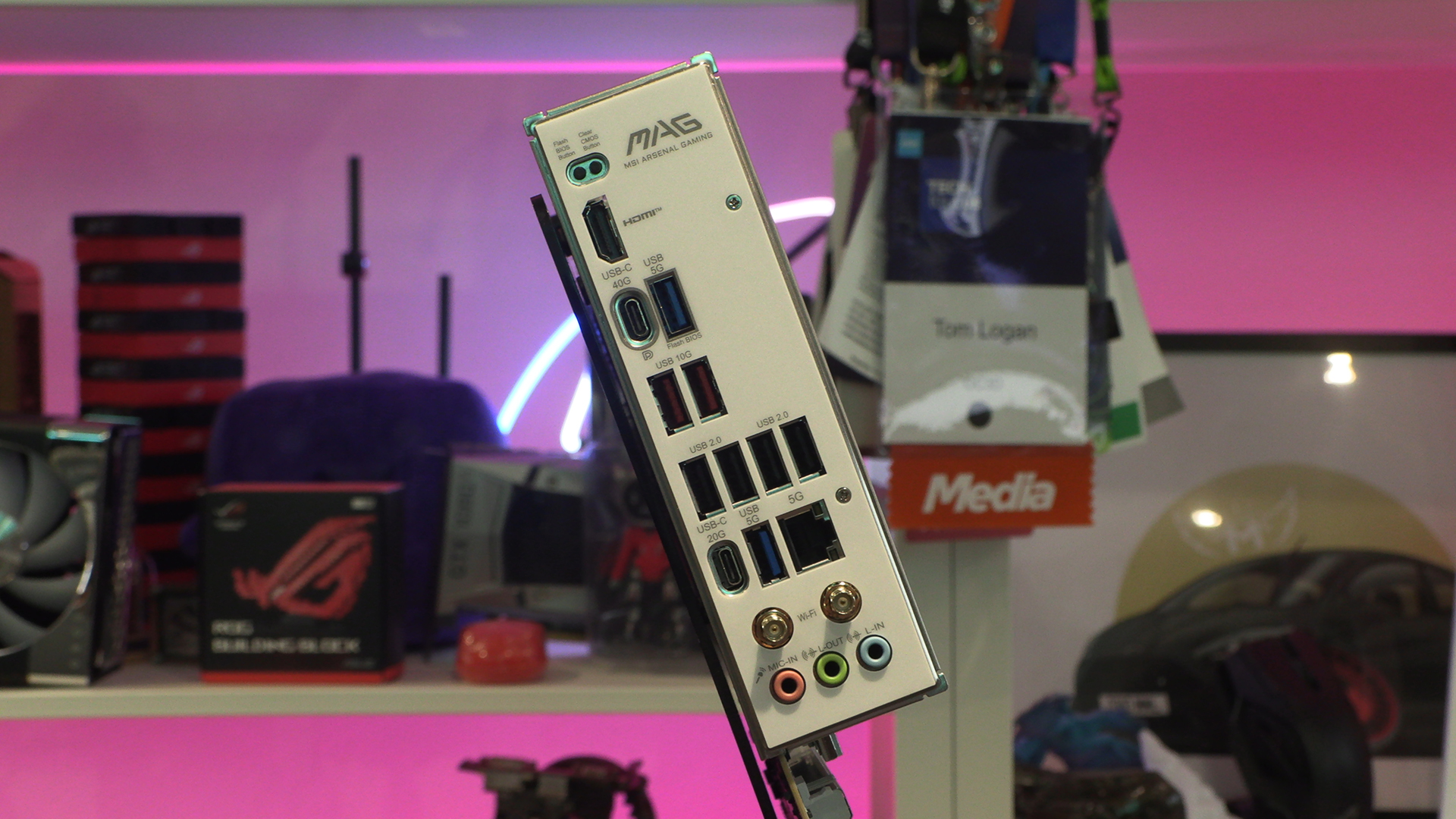
Lastly around the back there are plenty of USB connection options for those of you with a lot of peripherals. Should you want fast data throughput there are a pair of 10G Type-A ports. If you want to go faster still then a 20G and 40G Type-C ports are available, with the latter able to be used as a display output.