MSI MAG Z890 Tomahawk Review

Up Close

Up Close
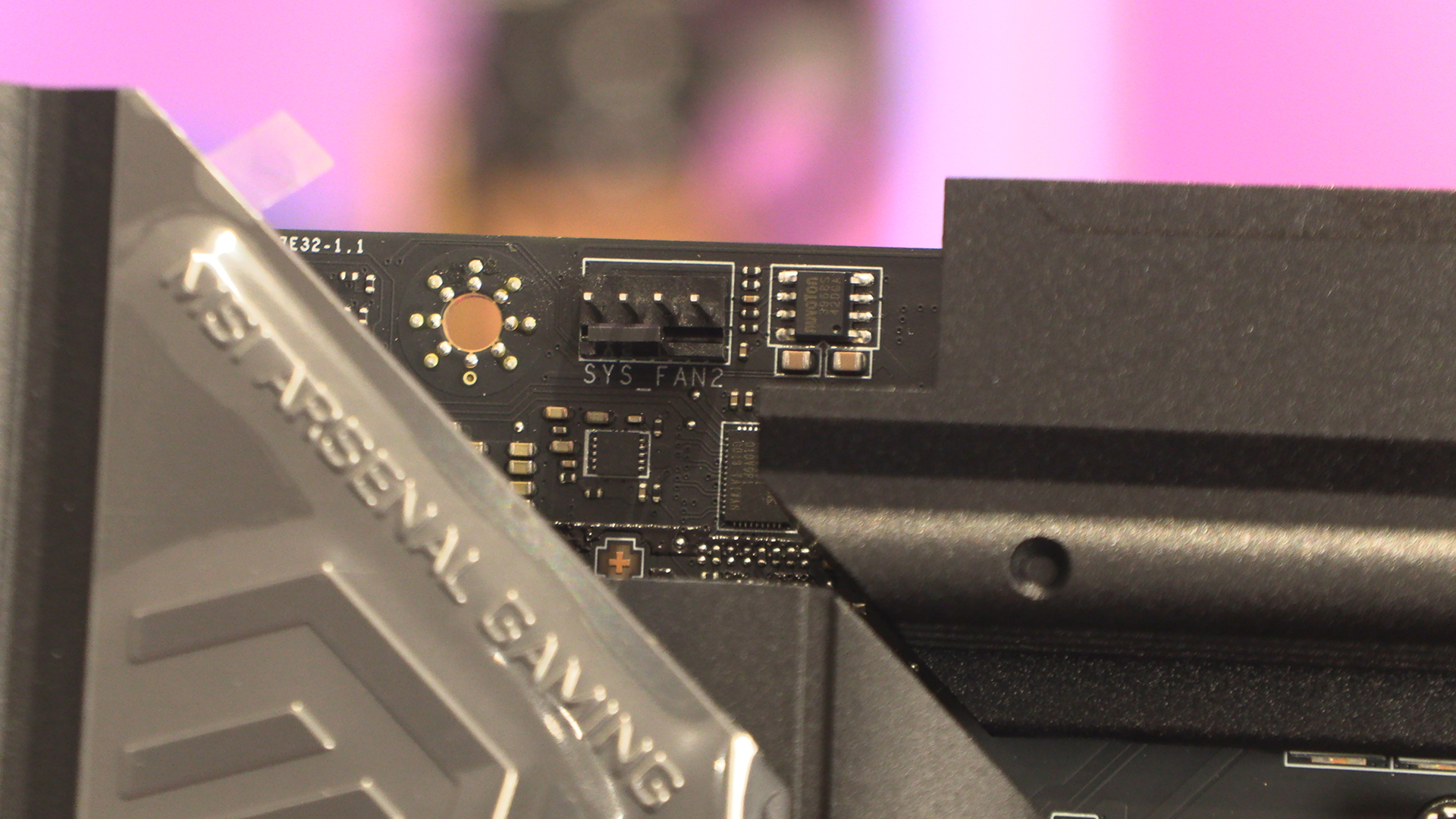
Where we’d normally find the CPU power, instead we’ve got a single fan header. Perfect placement if your case has an exhaust fan, as ours does.
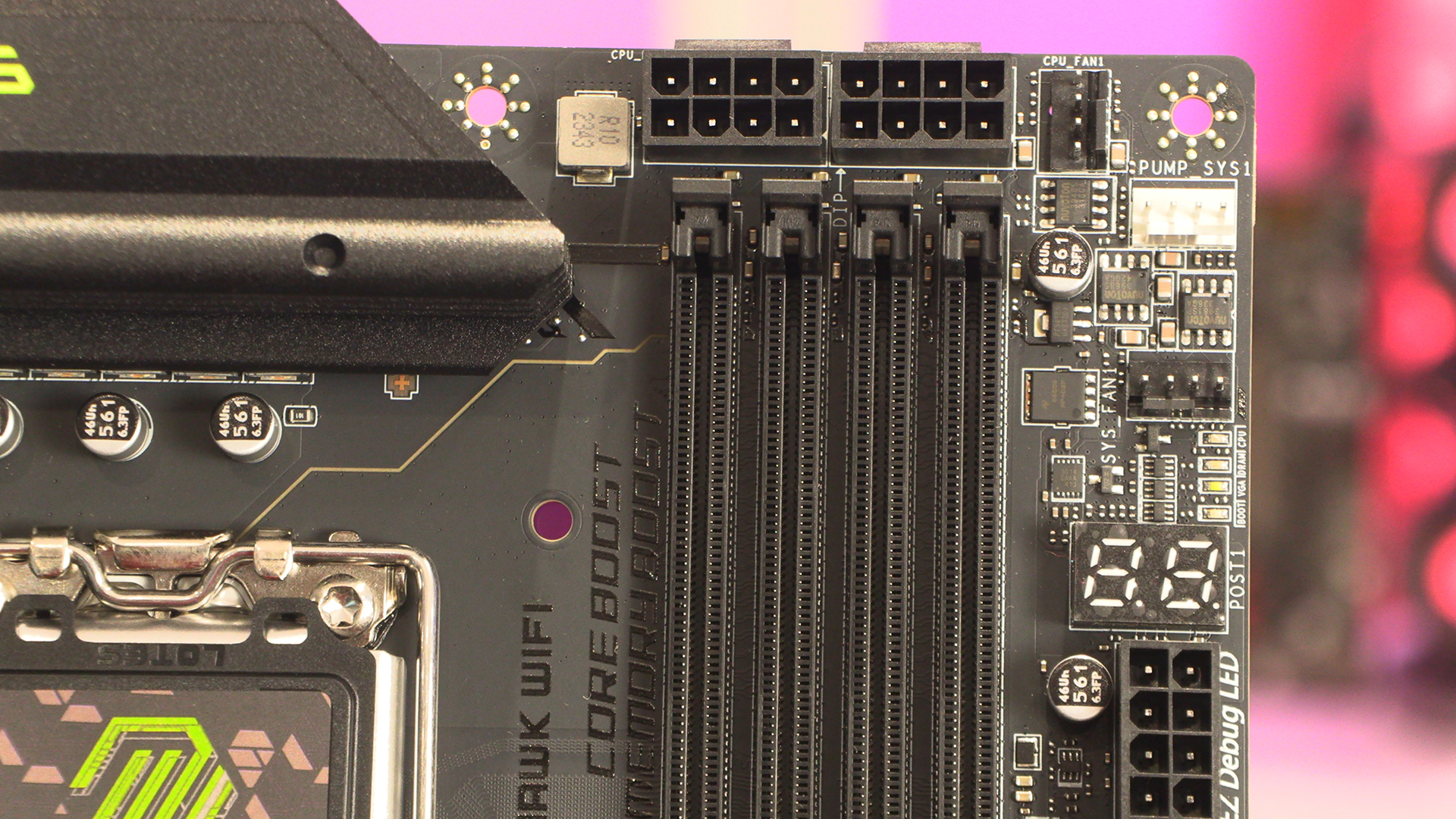
The top corner finds the two 8pin 12V CPU power connectors sitting alongside three fan headers. Clear POST indicators are also found at this end of the Tomahawk.
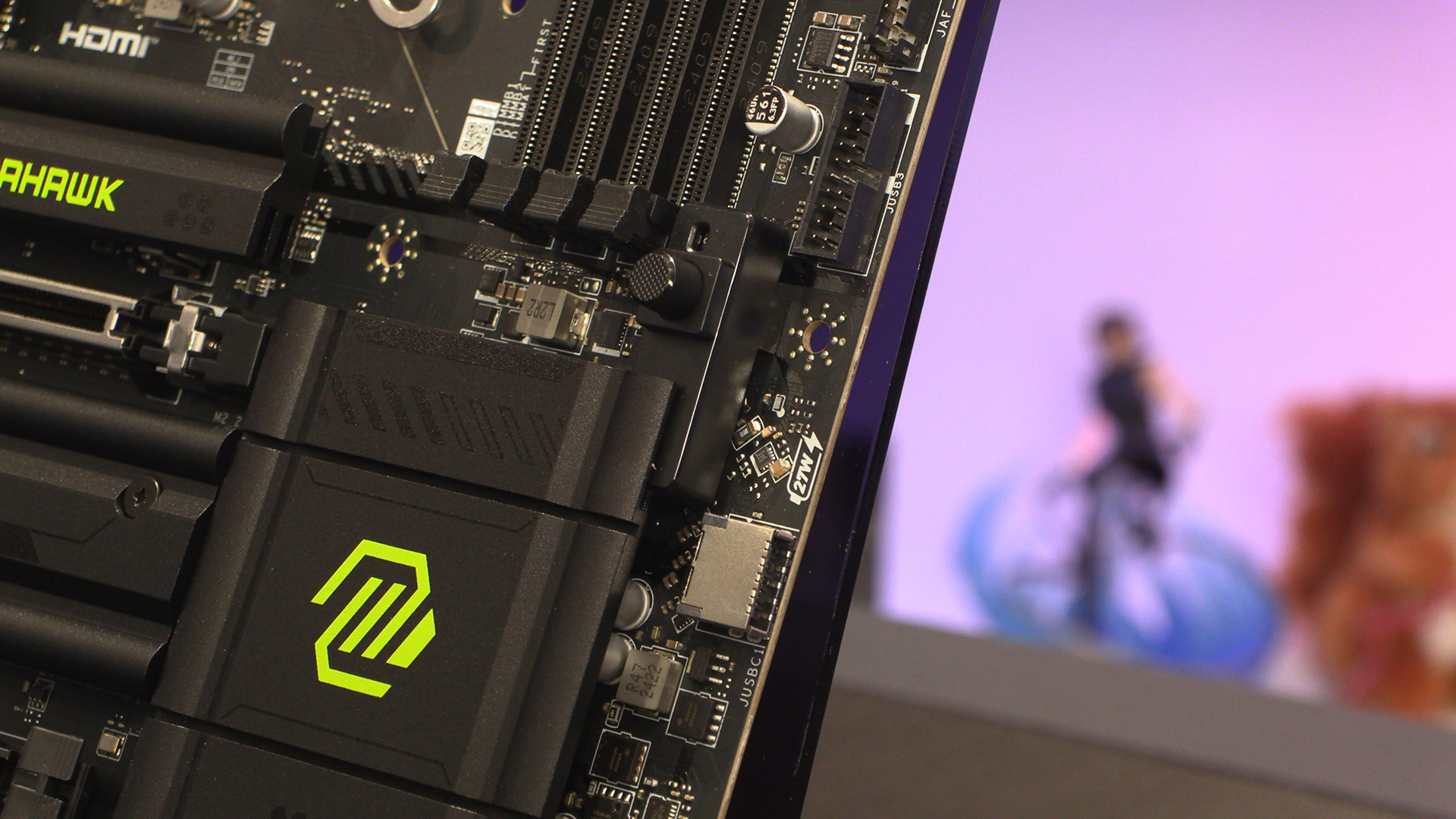
Fast charging USB Type-C ports are very much a feature of this years motherboards. The Tomahawk is no exception, boasting a 27W front panel Type-C header out of the box. Nice. We also love the GPU EZ-latch that lets you unplug your graphics card from the slot without requiring lolly sticks or very thin fingers.
You can never have too many fan headers, and MSI supply the Z890 Tomahawk with three more on the bottom edge, just next to the twin ARGB LED connections.
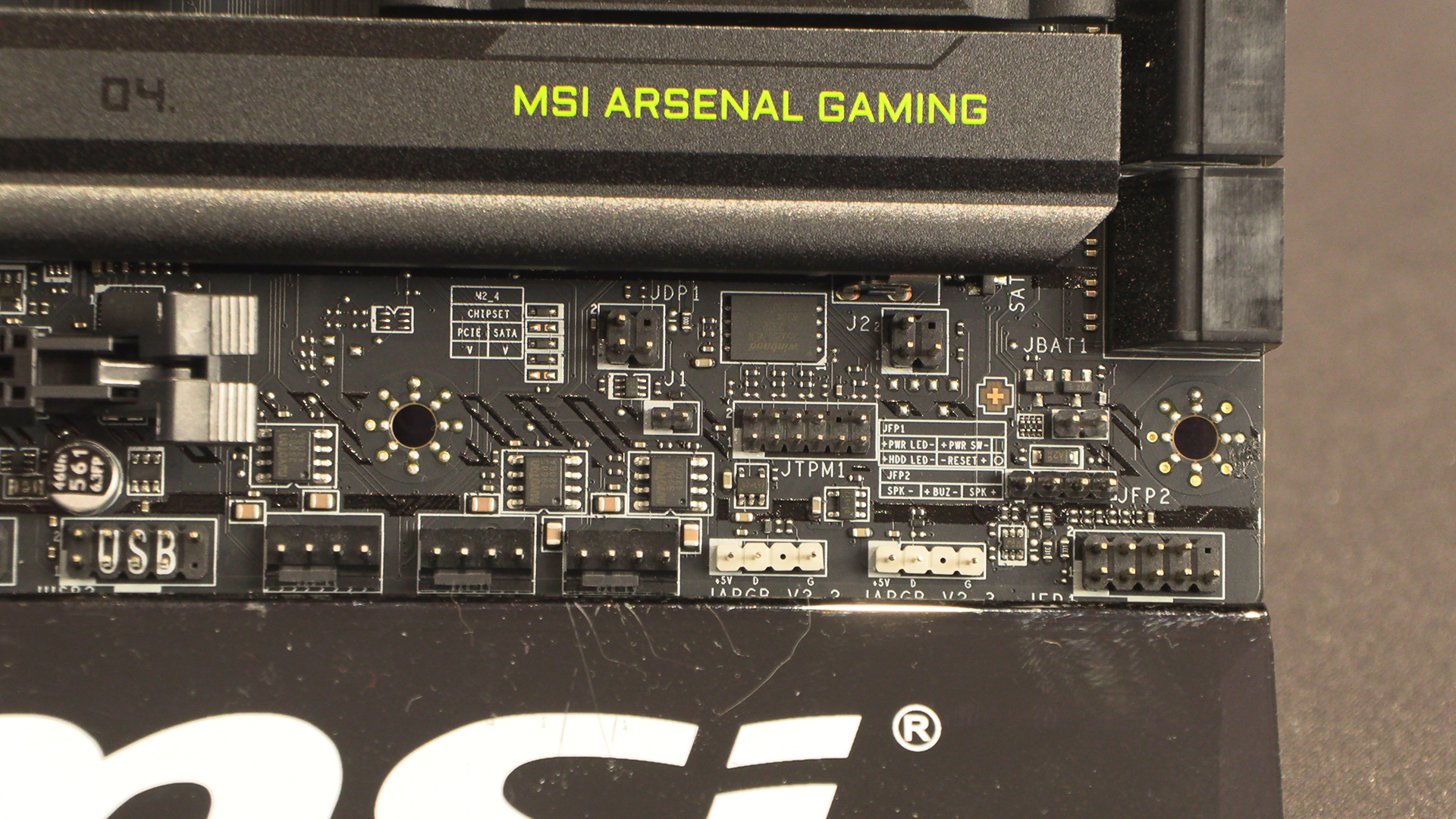
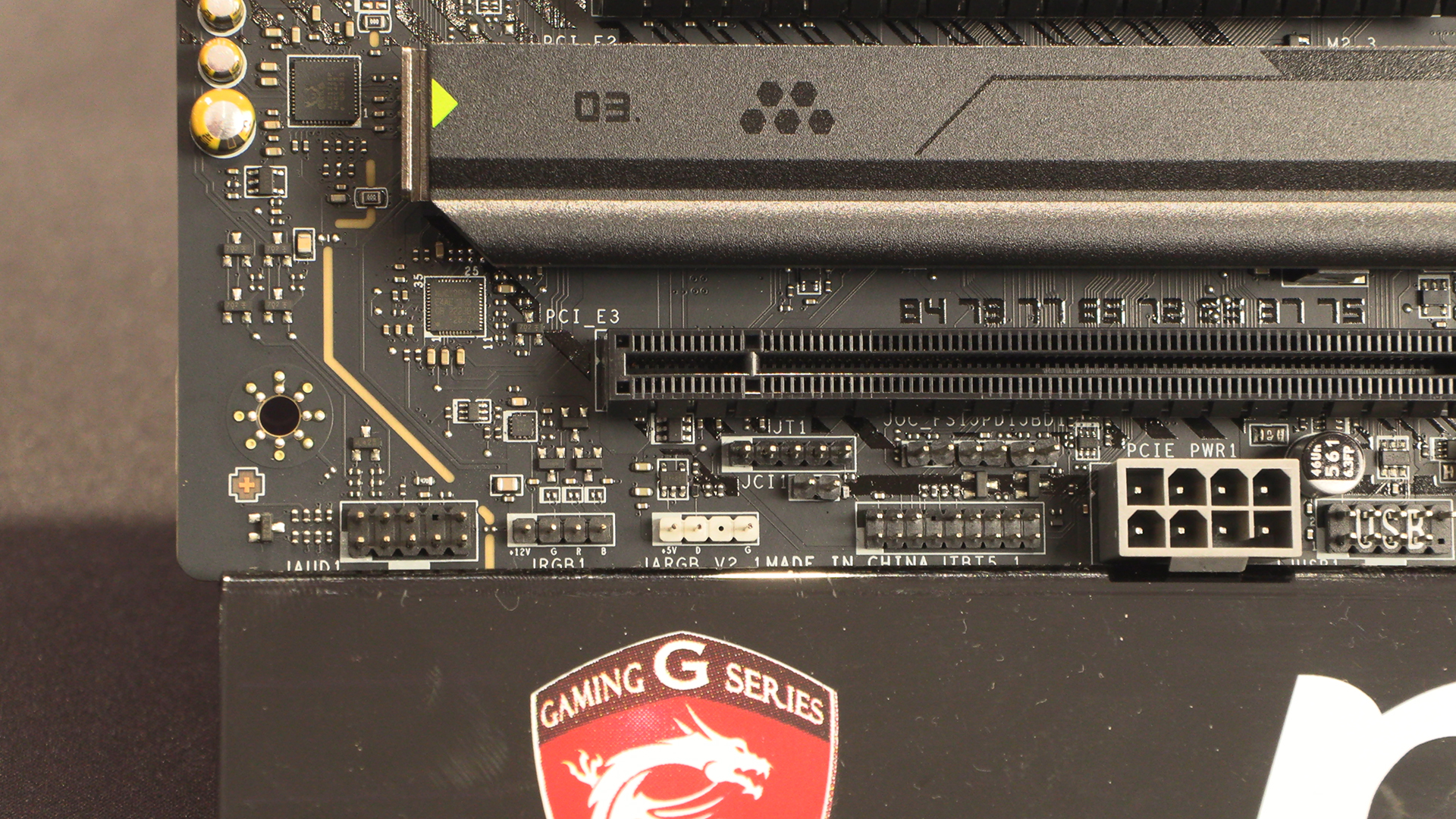
We know we could talk about the RGB and ARGB headers for the Mystic Light system. We must admit we’re still befuddled that all the Z890 motherboards seem to have grey plastic 8 pin PCIe Power connectors not black ones, except the white motherboards which have black plastics. It’s insanity.
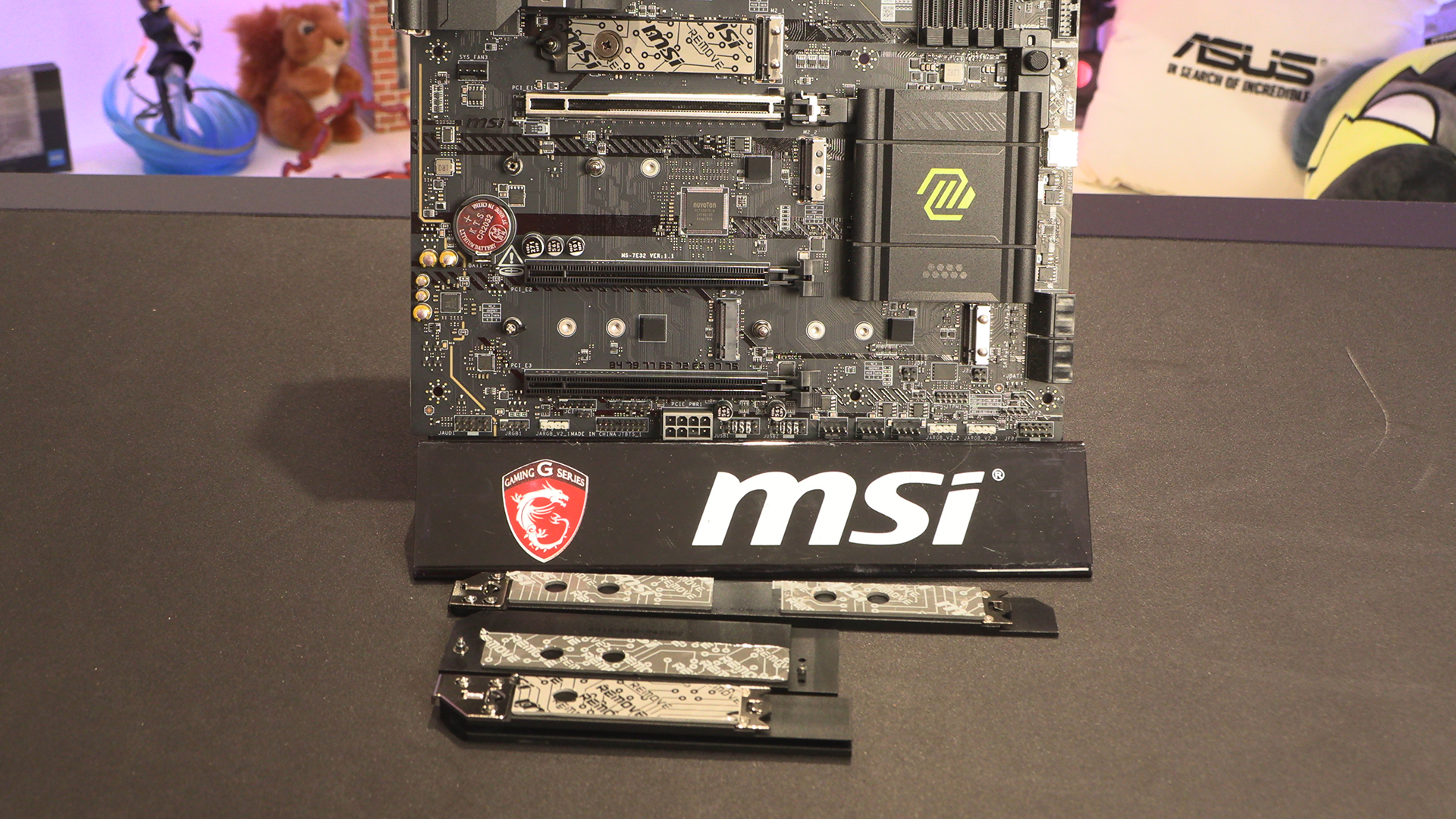
A lot of the M.2 heatsinks we see are a homogeneous block. With the Tomahawk each M.2 slot has its own heatsink. Given that thermal pads don’t last forever, the fewest times you can remove them the better. This way you can gradually upgrade without worrying about ruining the performance of an extant drive.
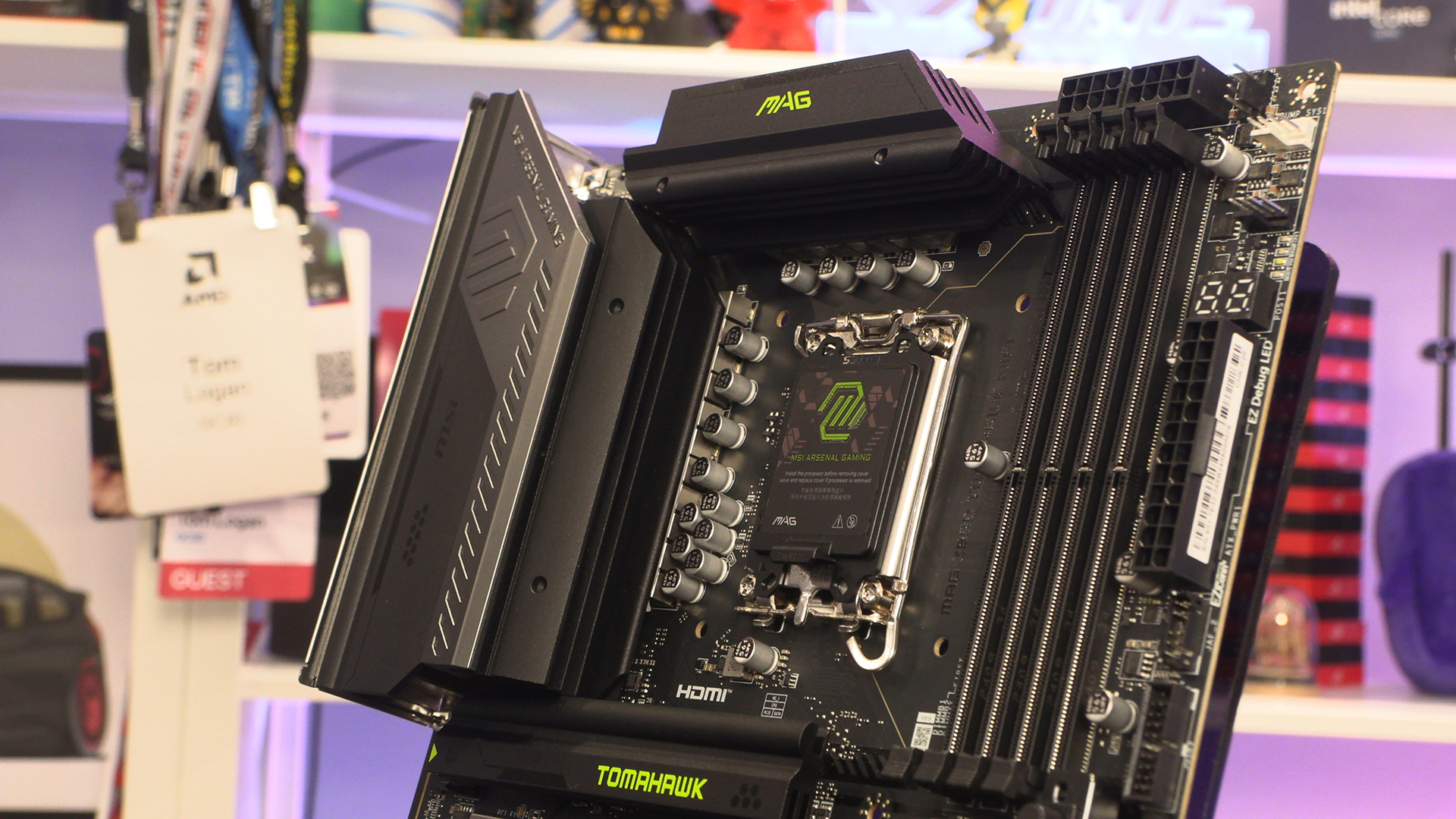
The Z890 Tomahawk might only be in the MAG range of MSI motherboards, but that doesn’t mean it’s breathless in the power stakes. 16 dual rail 90A power stages sit beneath those thick black fins. Given how efficient we know the Intel Core Ultra processors to be, that’s more than enough.
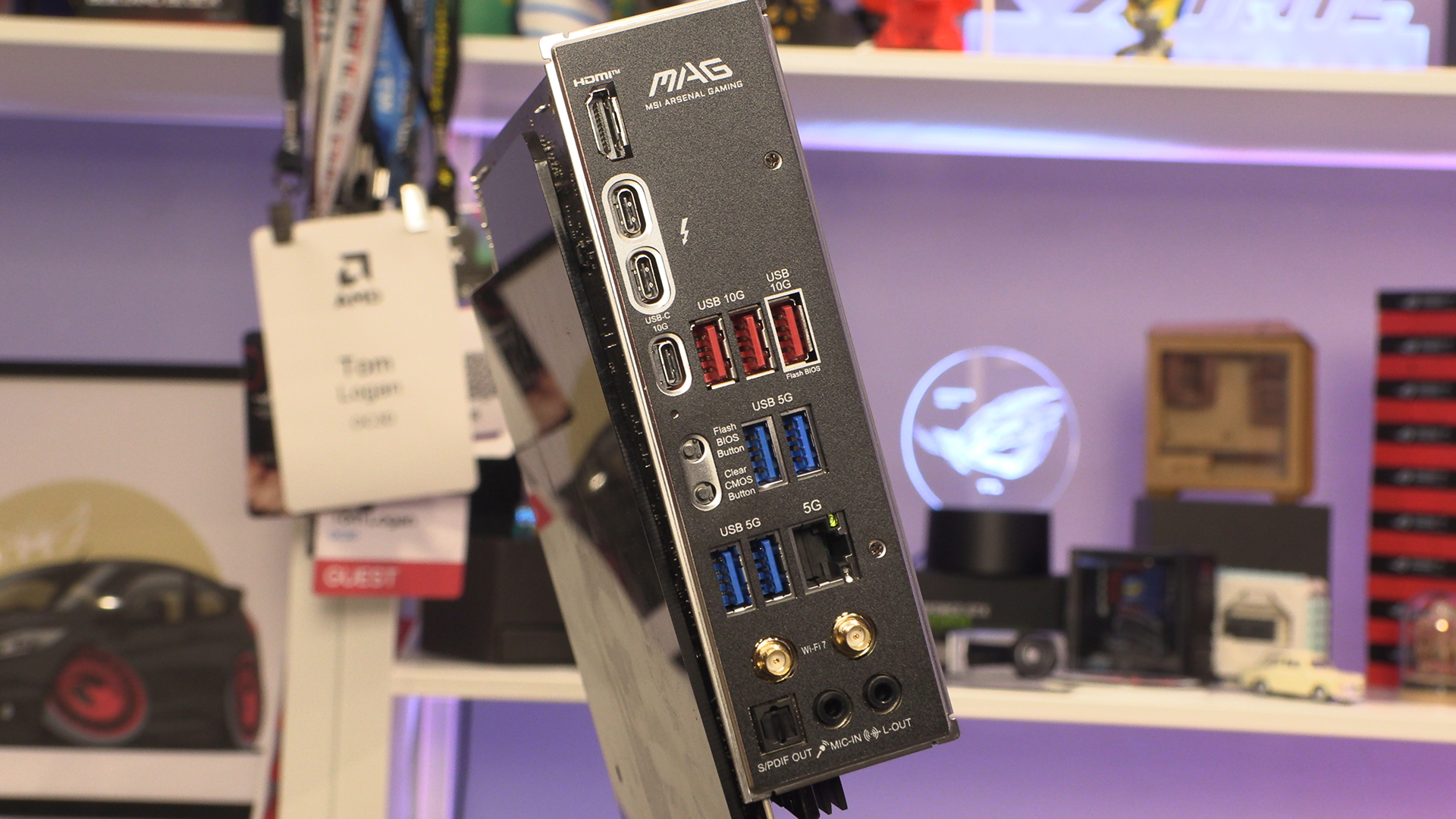
Lastly around the back the MAG Z890 Tomahawk doesn’t have quite the finesse we’ve seen from a lot of the recent MSI motherboards. Nonetheless everything is clearly laid out and clearly labelled. We’d be churlish to find anything to complain about. There are plenty of USB ports, and even an HDMI if you plan to use the non-F versions of the new Intel Ultra processors for iGPU fun and games.