MSI MEG Z890 Unify-X Preview

Up Close
Up Close
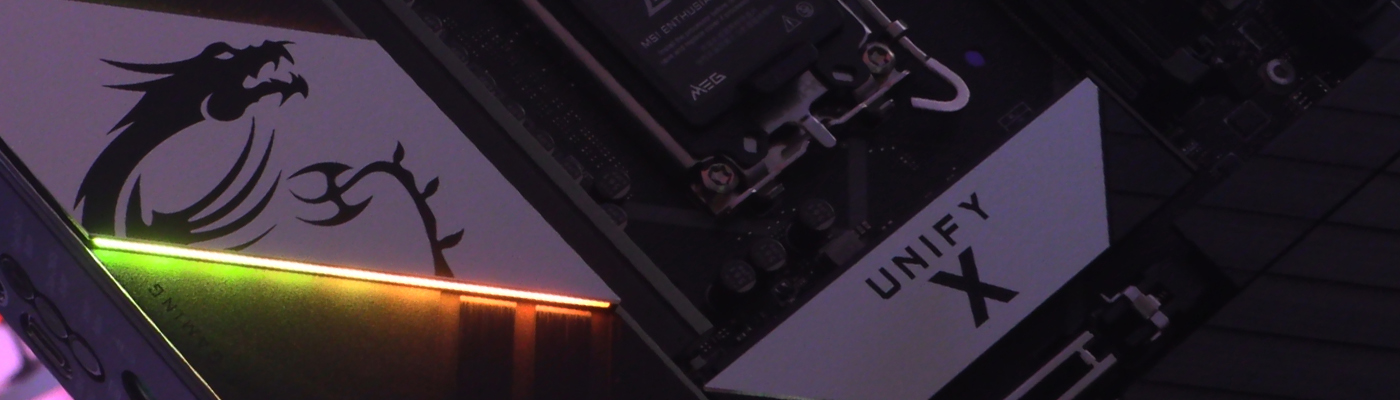
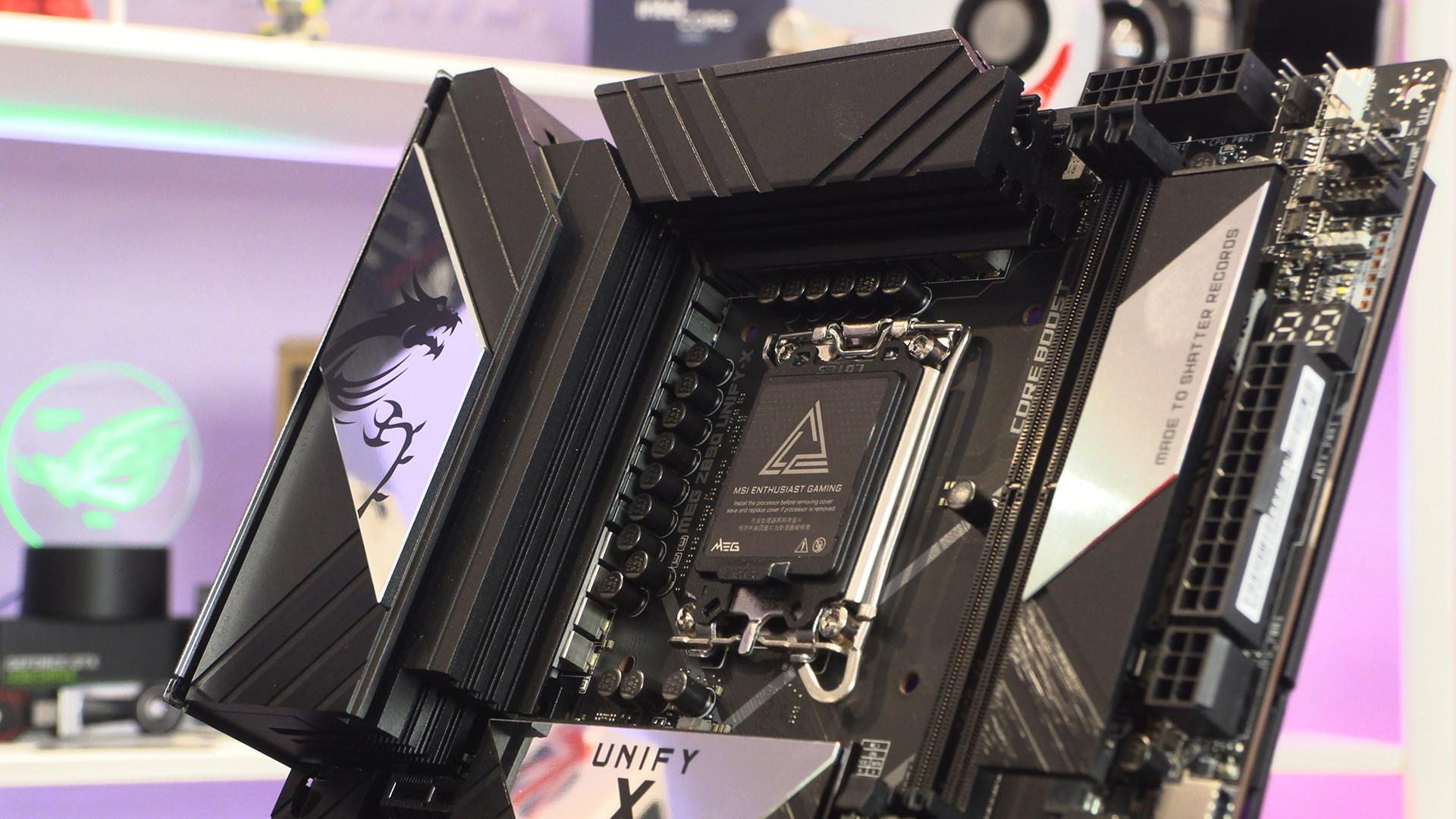
There is no denying the VRM heatsinks on the MSI MEG Unify-X are chunky. No wonder the CPU power connectors have been moved. There is no room. You can even see a heatpipe peeking out.
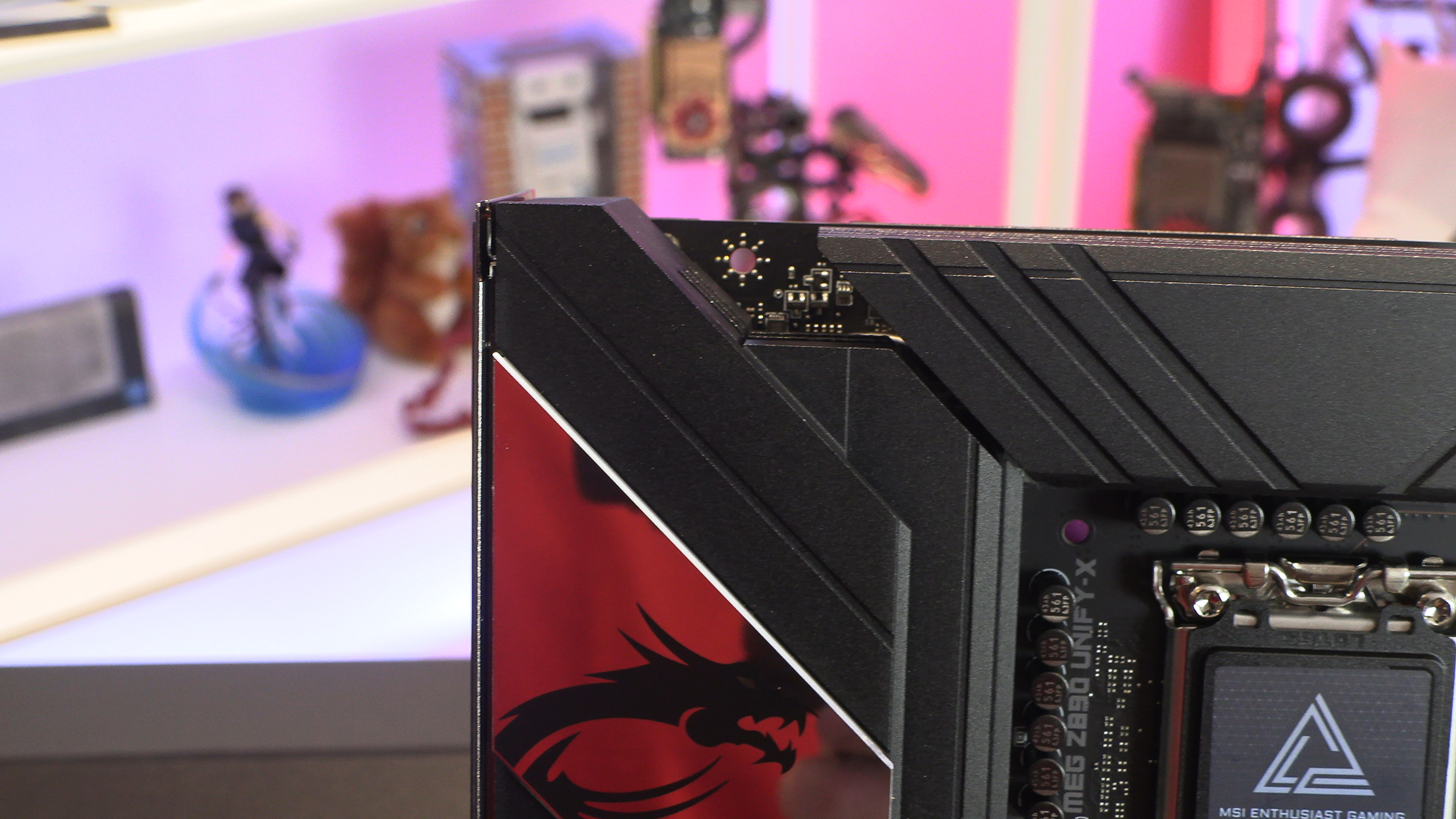
Curiously this is yet another motherboard we’ve seen with the CPU 12V power inputs placed above the DIMM slots. To paraphrase the famous meme, ‘it’s still strange that it’s happened twice’.
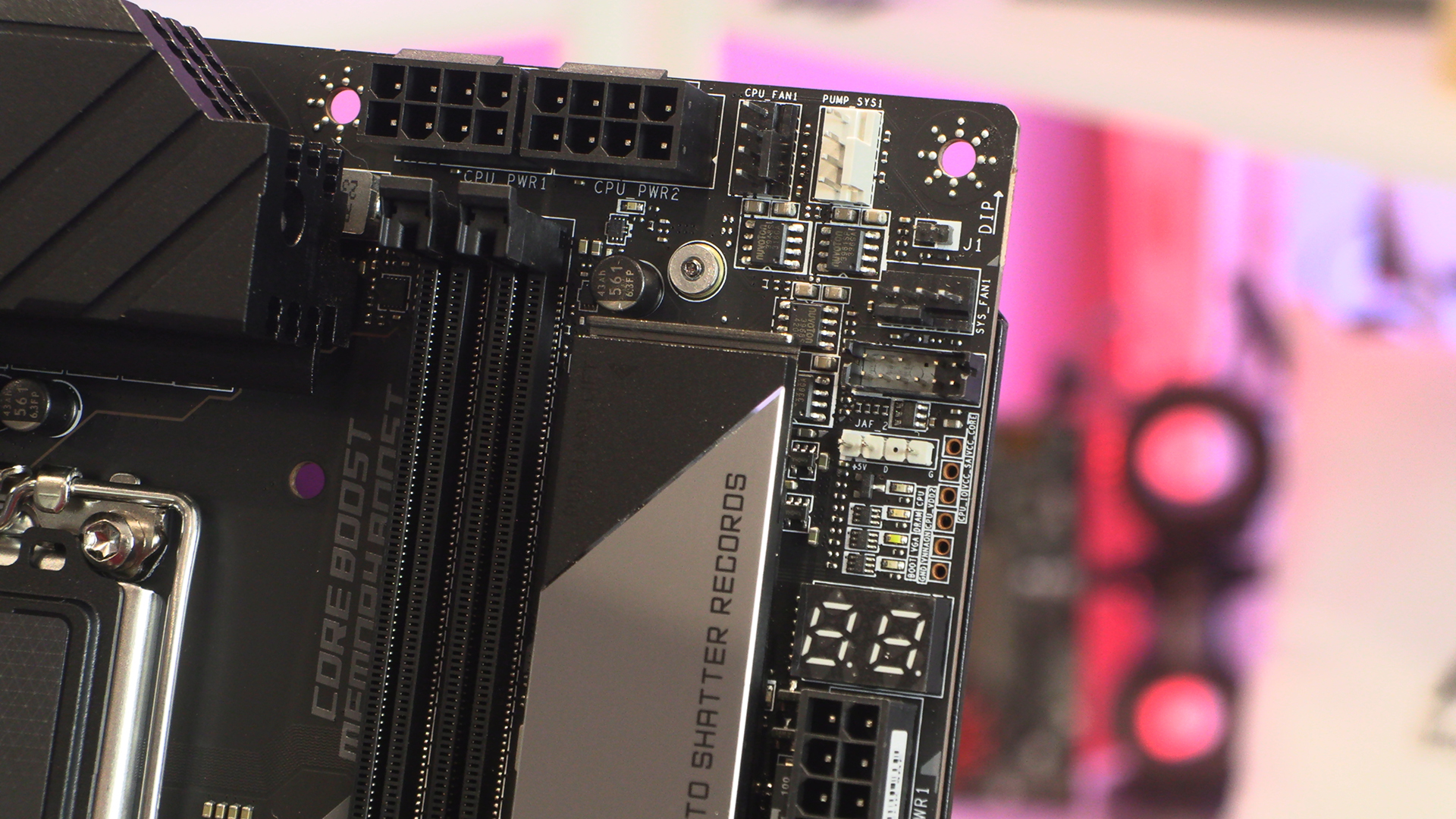
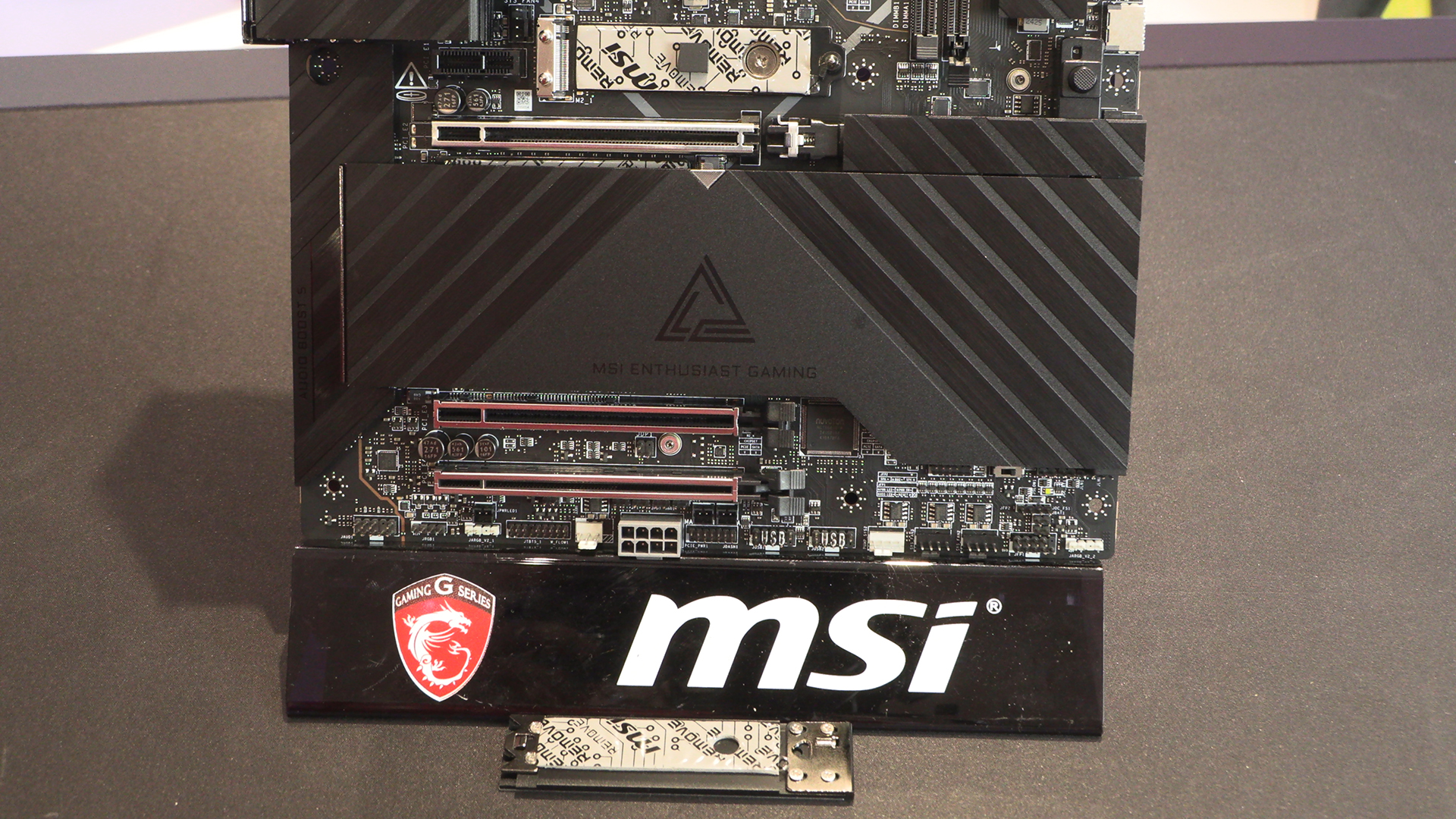
Continuing around we have a USB Type-C front panel header, a pair of Type-A front panel USB, all leading to four SATA ports. Four SATA ports is very much the norm on the Z890 motherboards.
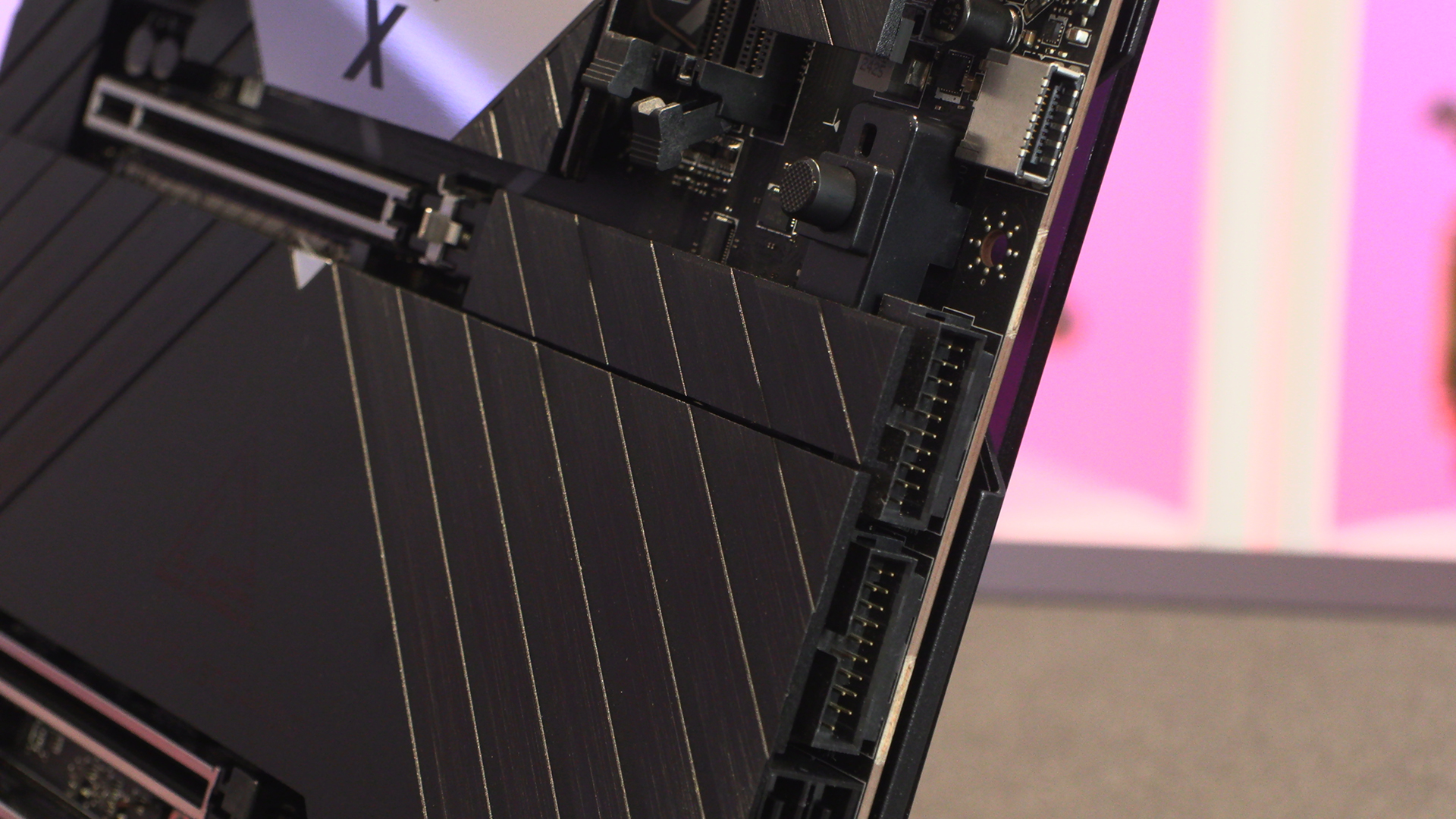
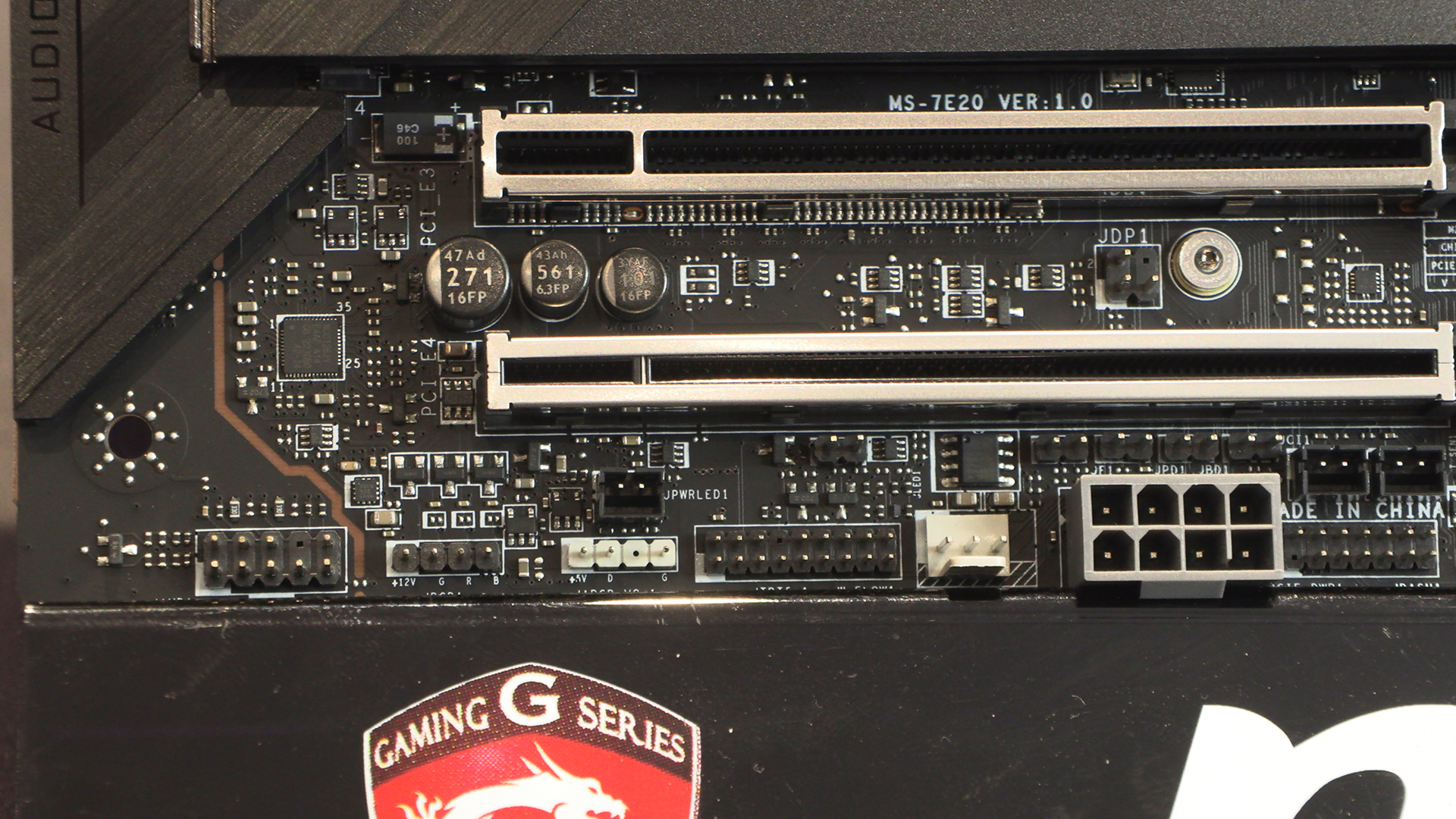
Three fan headers sit neatly between the two USB 2.0 Type-A front panel connectors, and the regular MSI front panel connector. There is a BIOS switch, just in case you really muck up your overclock attempts. Finally on the bottom right the ARGB header is perfectly aligned should your case intake fans be the addressable kind.

Lastly we’ve got the extra 8 pin power input for high overclocking scenarios. We note again that most of the 8 pin connectors are in grey plastic this year, across all the brands. Odd. The MSI MEG Unify-X also has regular and addressable RGB headers beneath the fully armoured PCI Express slots.
Power and Storage
Like the Z890 Carbon, the Unify-X has 20+2+1+1 110A SPS Direct power. The ‘stacked high’ nature of the VRM heatsink might have been a clue to the powerful nature of it. Clearly the Intel Ultra 200S processor range has a lot of new things under the hood. All of the Z890s we’ve seen so far have an extra VNNAON phase. VNNAON being high efficiency, always on, memory access.
The primary Gen5 slot we’ll show you in a moment. In the meantime gently taking off the primary heatsink reveals 4 PCIe Gen 4 M.2 slots. Plenty fast enough to not leave you waiting, but G4 options are also affordable enough you could populate them all without being forced to live on soup.
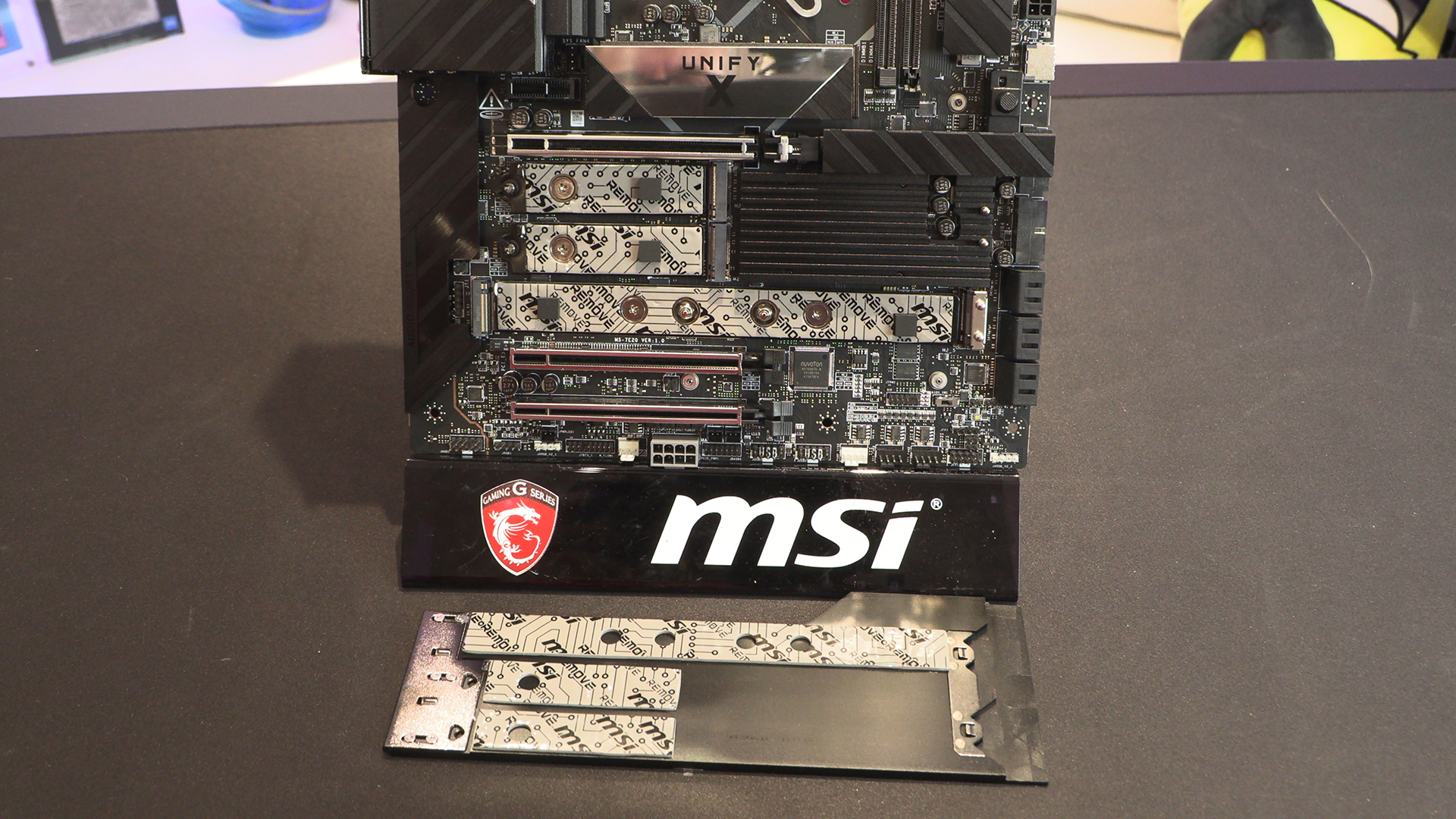
The main M.2 slot on the Unify-X has a very shiny heatsink. We will always enjoy toolless installation, especially with fiddly M.2 drives.
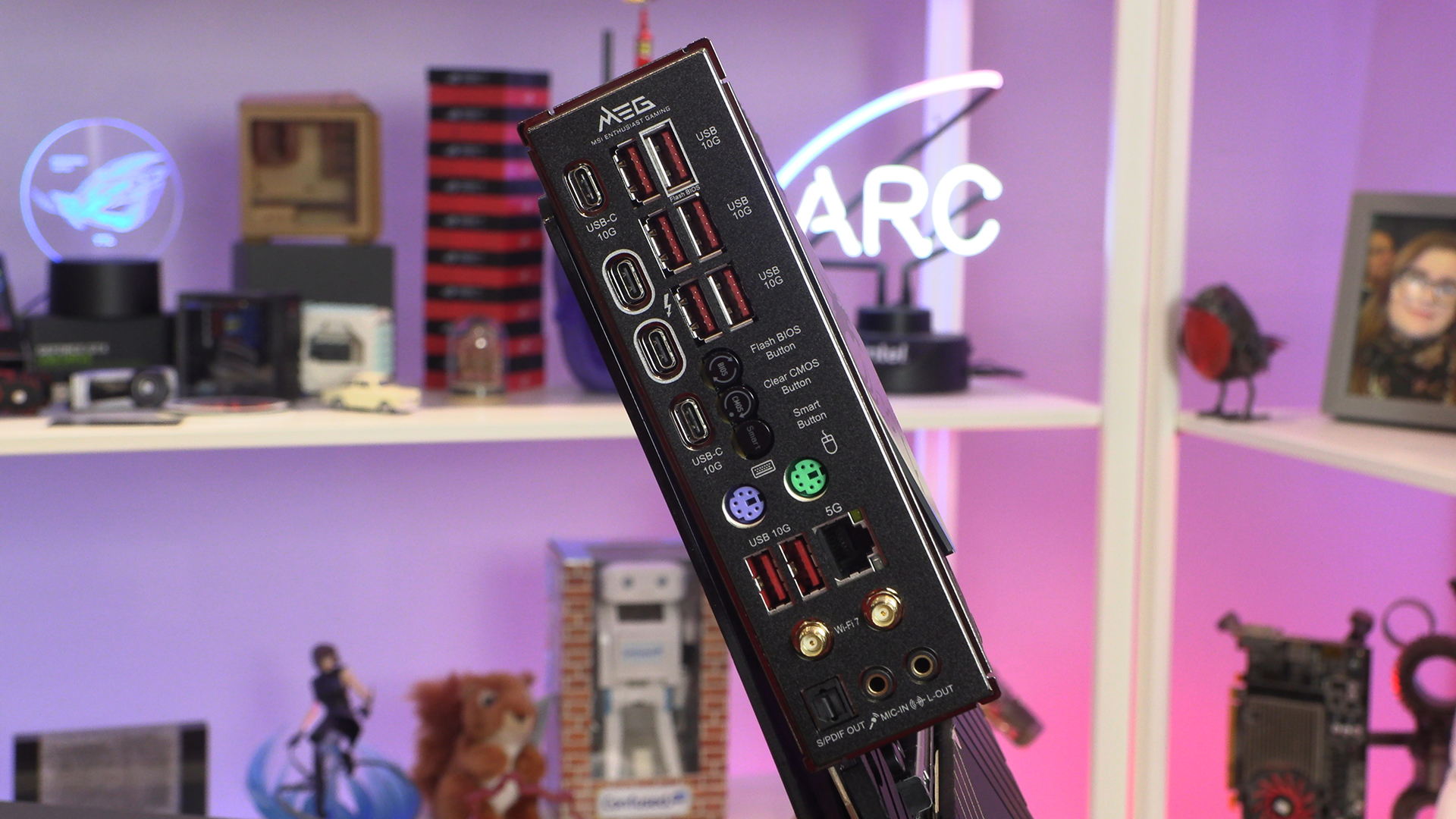
Should you be kind enough to have read through all of our recent MSI content then you’ll be aware of our love for their redesigned IO section. It’s glorious. Everything where you want it to be, and clearly labelled. There are two fewer USB 10G Type-A ports here than on the Carbon, but still more than enough for most people. Even if you stream flight sims you won’t run out.