MSI X870E Tomahawk Max WiFi Project Zero Review

Project Zero Tour
Project Zero Tour
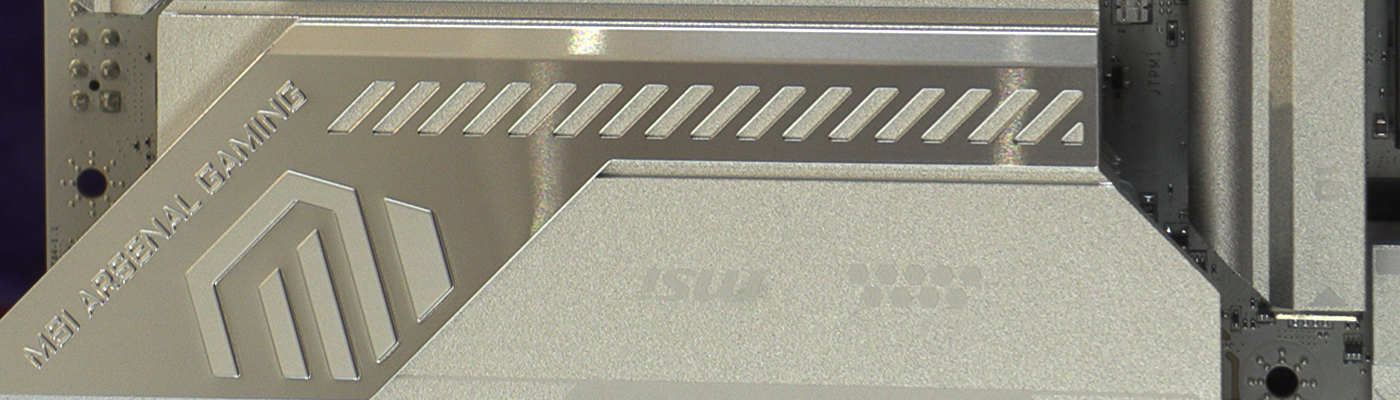
It’s always a bit of a headfreak looking at the reverse of a back connect motherboard. It looks like everything is on the wrong side. Of course one you install it you’re actually flipping it over, so it ends up being in it’s normal orientation. Albeit deeper on the Z axis than normal.
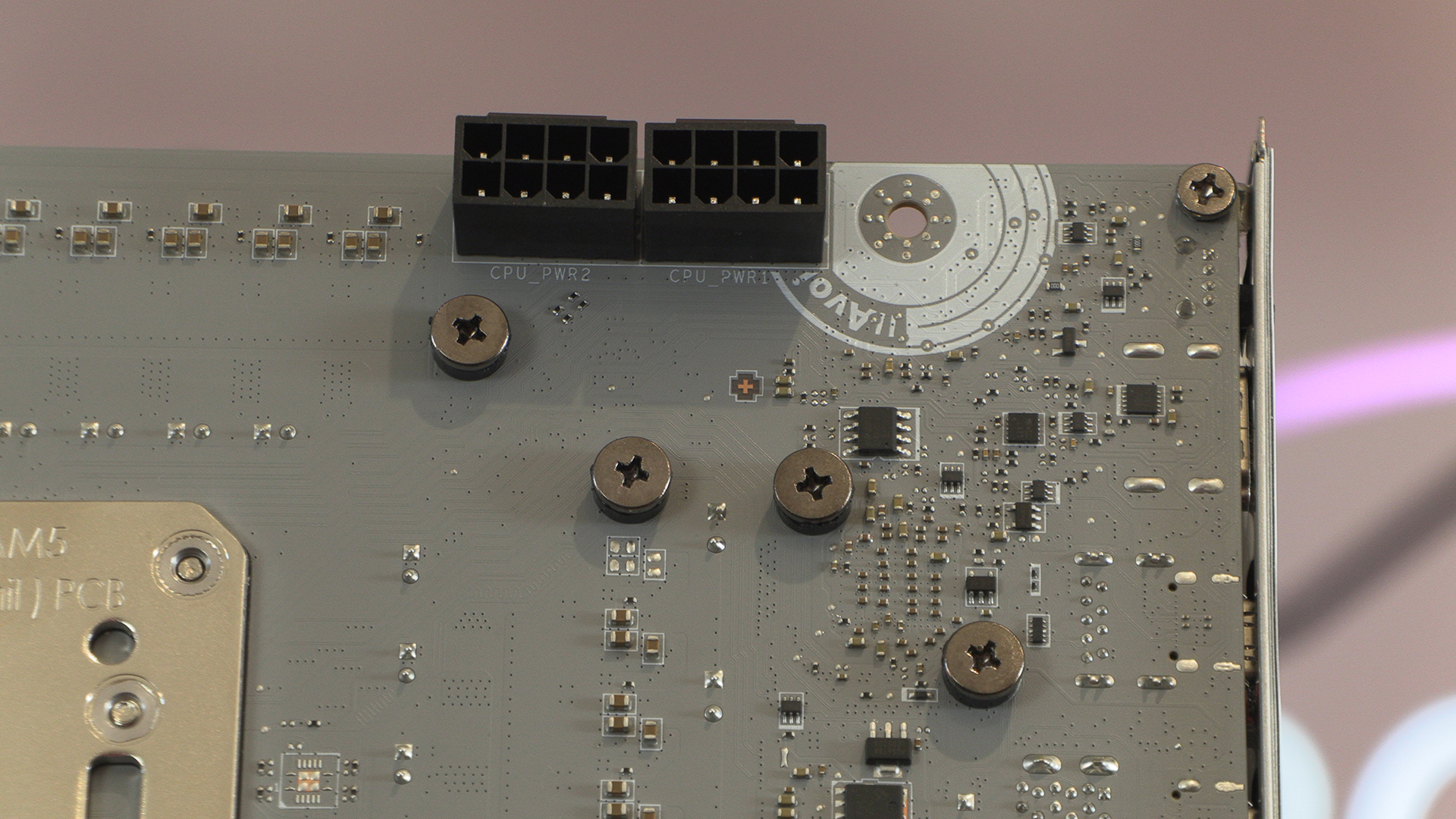
MSI obviously used a lot of silvery grey plastics on the side you can see. This leaves all the black ones for the black. Four fan headers make up the top left. Or is it right? For the purposes of this we’ll go with the photographic orientation.
Below the 24 pin ATX power input is MSIs EZConn connector. This either lets you connect the whole of a P-Series MSI AIO to your system with a single cable or, if you’ve another brand, an adaptor cable lets you plug an ARGB, Fan Header and USB connector into this single header. Quality stuff and another way to tidy up the cable spaghetti.
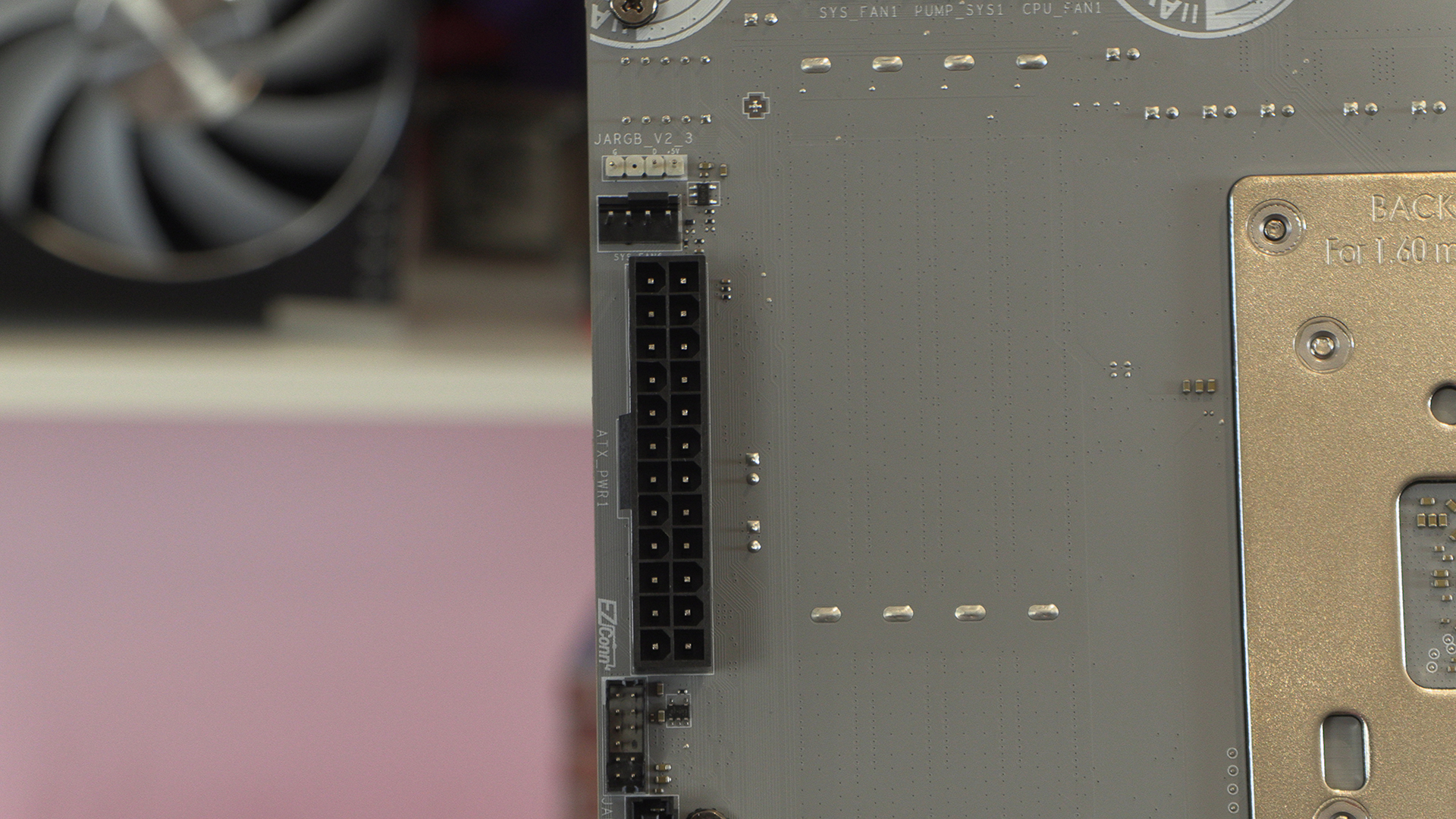
Two SATA ports of the four total sit below the aforementioned EZConn header.
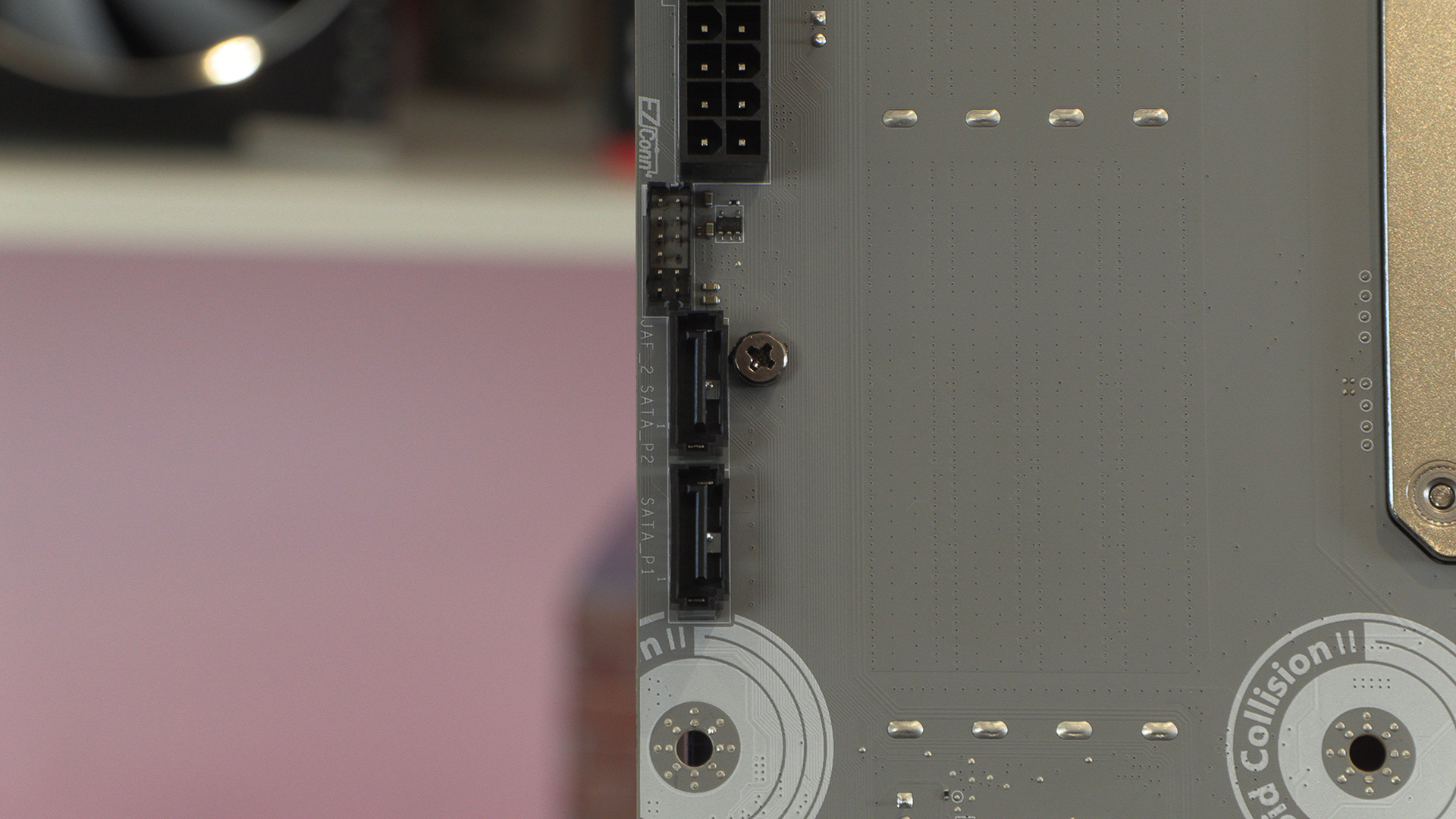
There certainly isn’t a dearth of fan headers on the X870E Tomahawk Max PZ. If you plan to use some of the high end processors in the AMD range then you need all the cooling you can get, so this makes perfect sense.
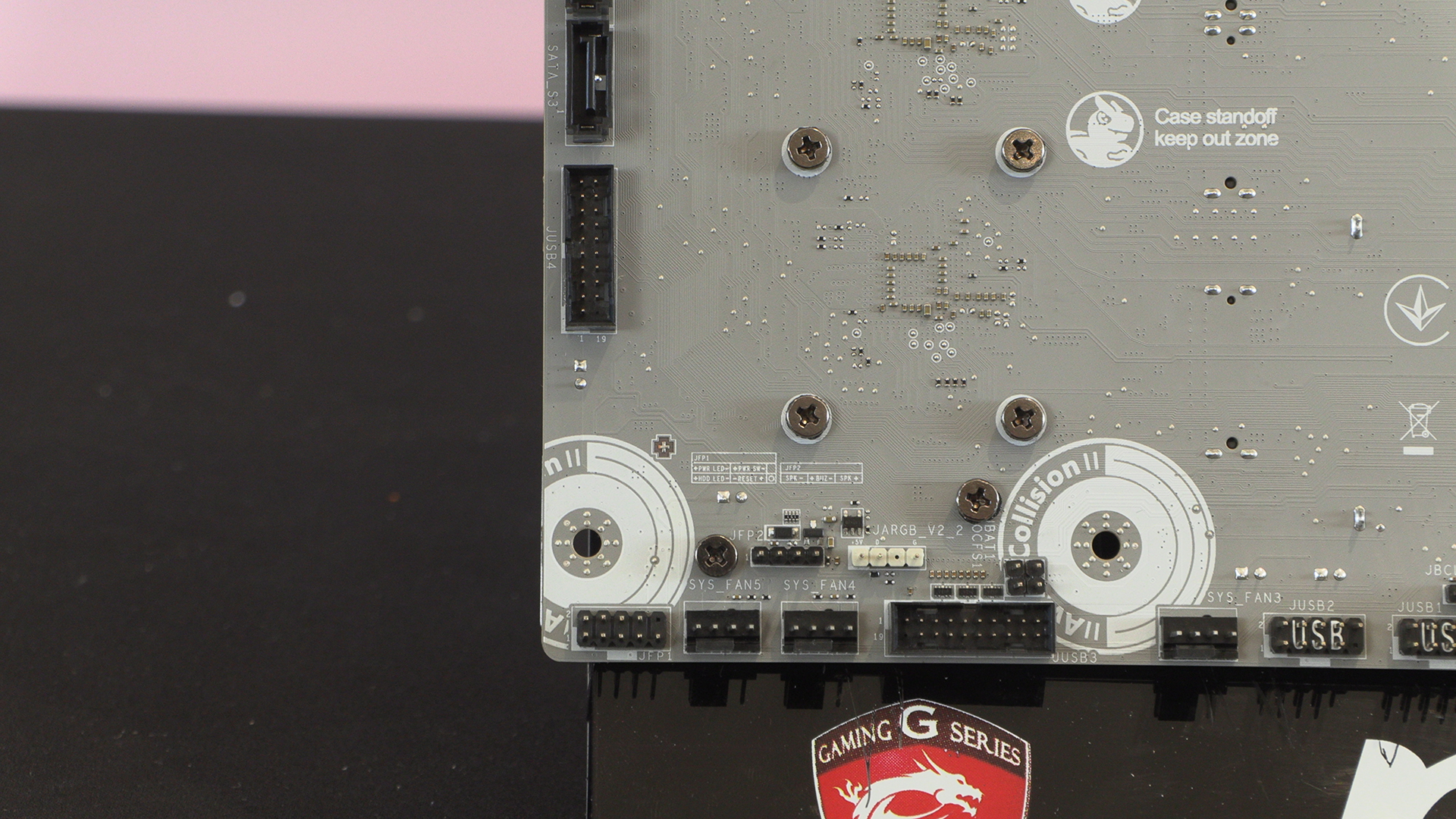
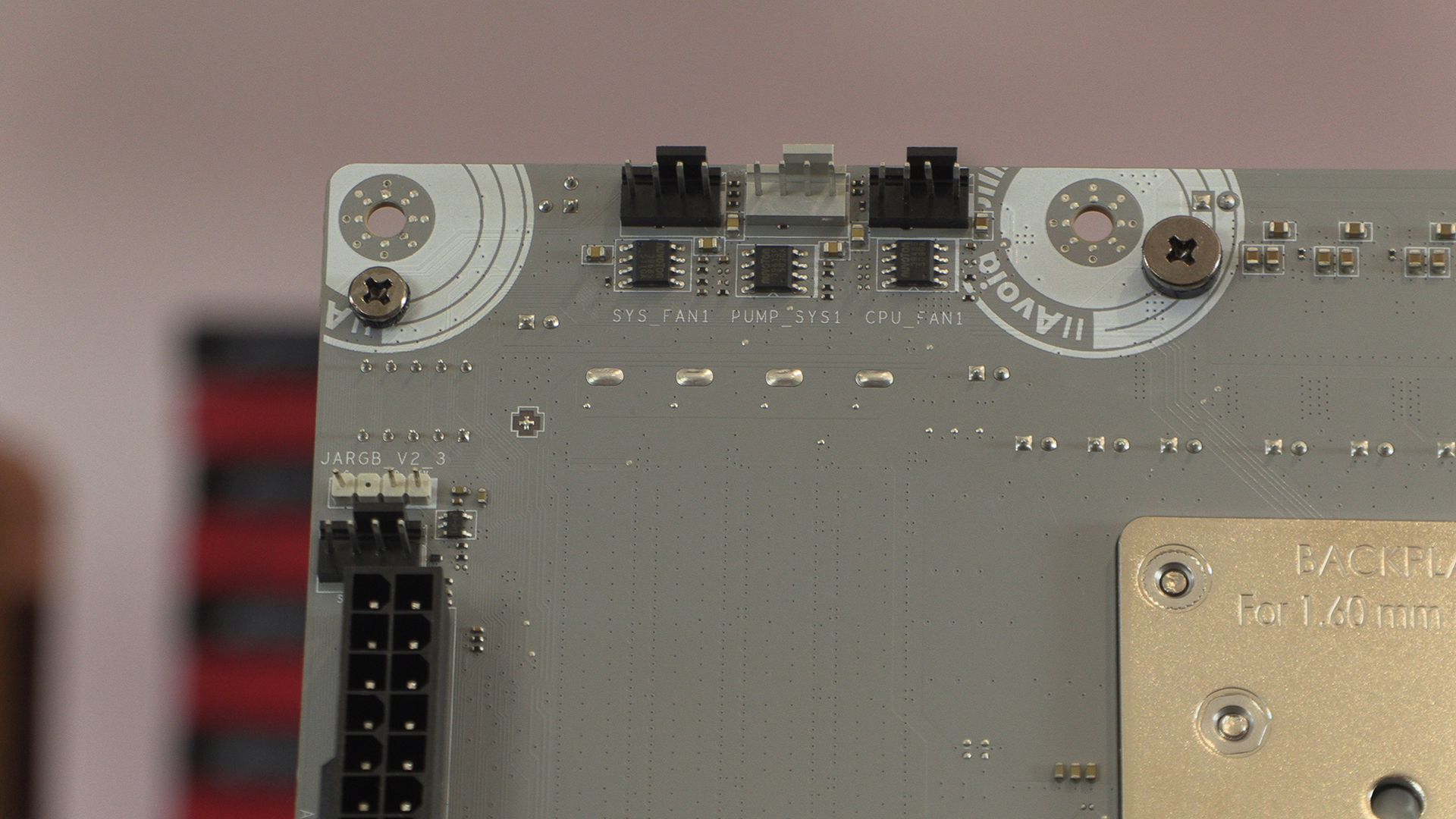
Lastly at the bottom right corner there are more of the Mystic Light ecosystem headers, as well as another fan header. Should you have a particularly demanding setup then the extra PCIe Power header here ensures you’ll always have enough. When used in conjunction with the 24 pin ATX connector you end up with 420W of available power. 14A/168W for the fan headers, 3A/36W RGB and 5.5A/165W Peak for PCIe 5.1 readiness.
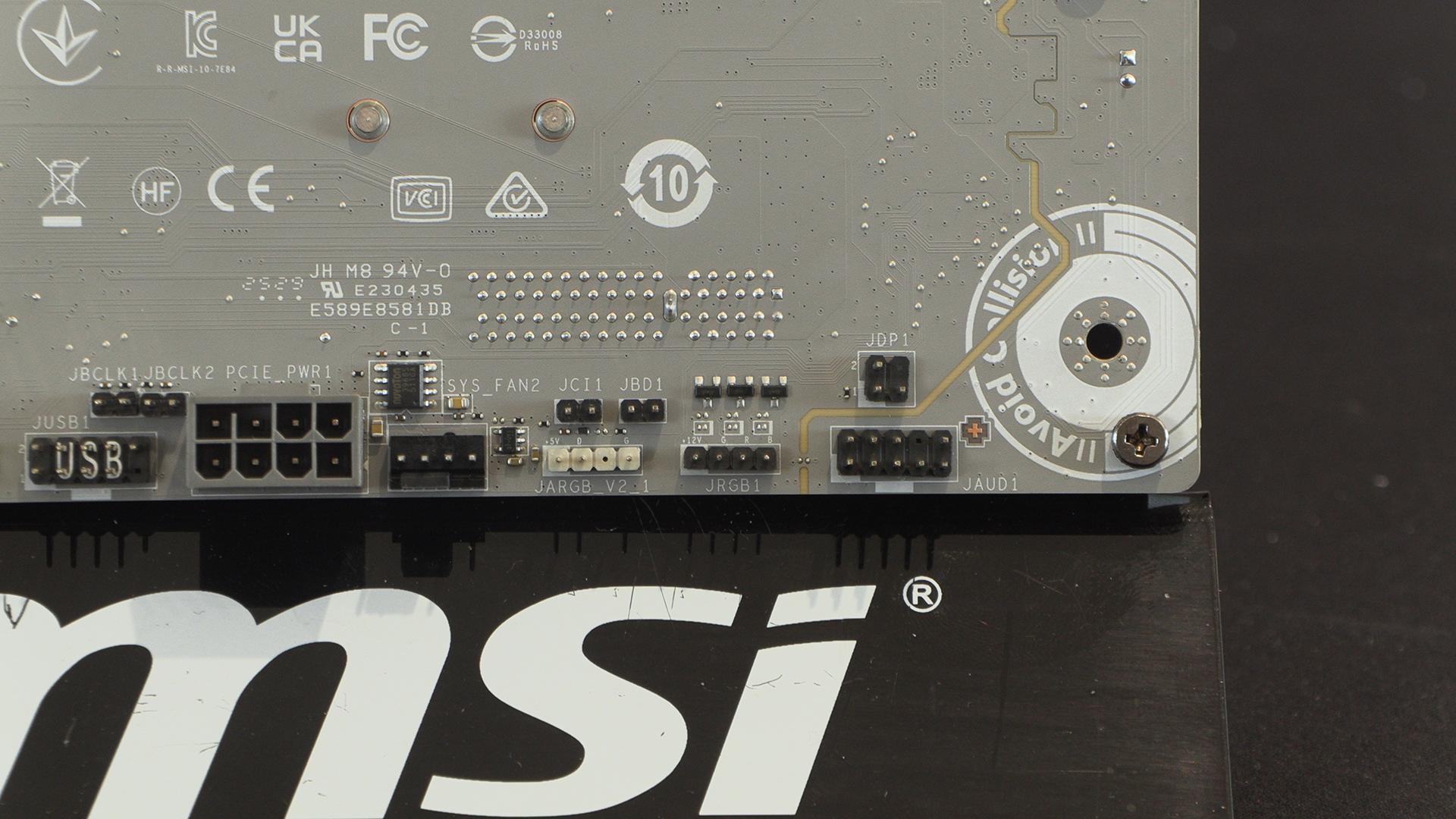
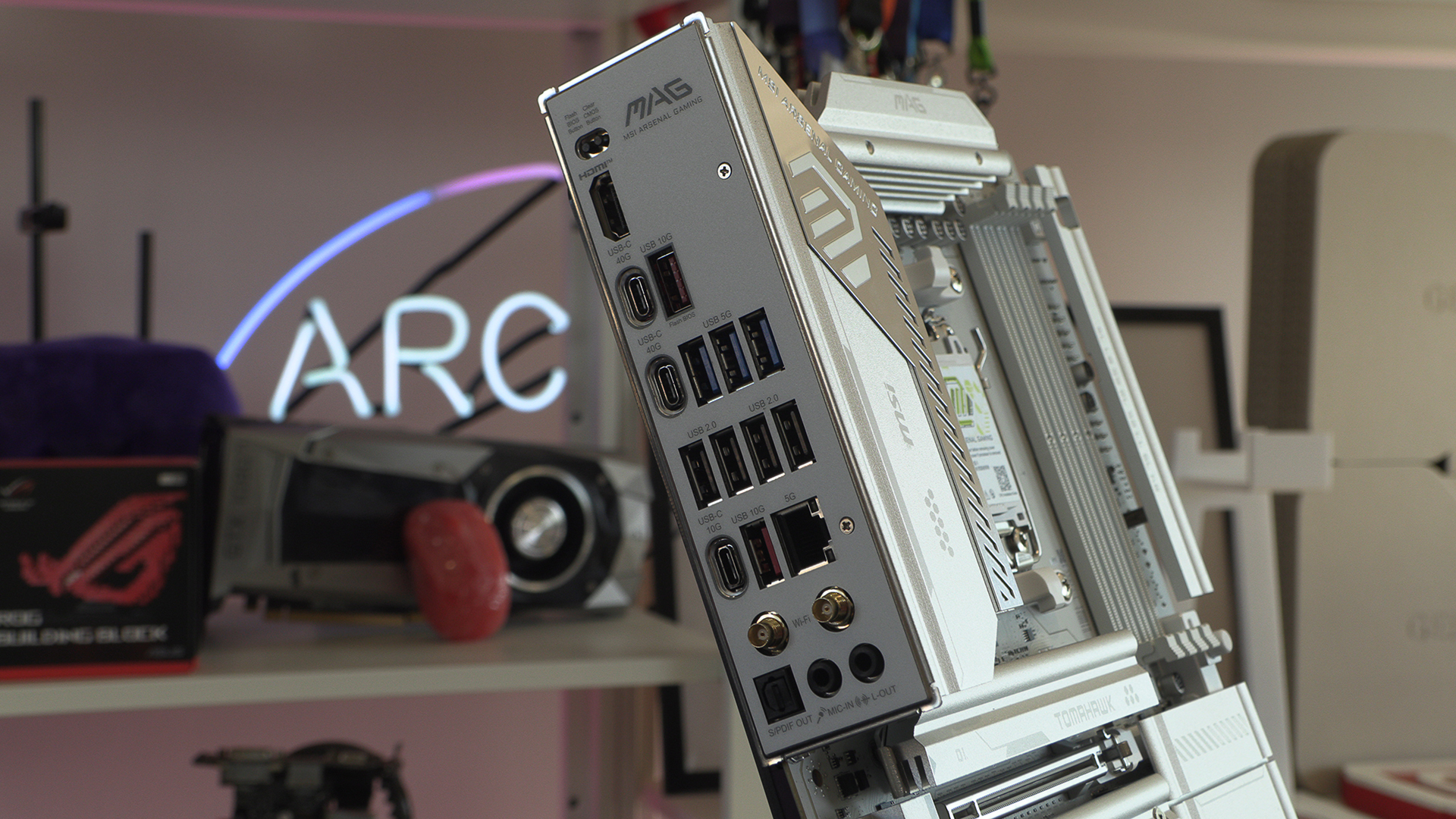
As you’d expect from an X870E equipped motherboard the Tomahawk Max has tons of USB connectors on the back, with all flavours covered. True WiFi 7 – 320Mhz for 5.8Gbp/s transfer rates – ensures you’ll never be left twiddling your thumbs.