Sapphire Pure X870A Review

Up Close
Up Close
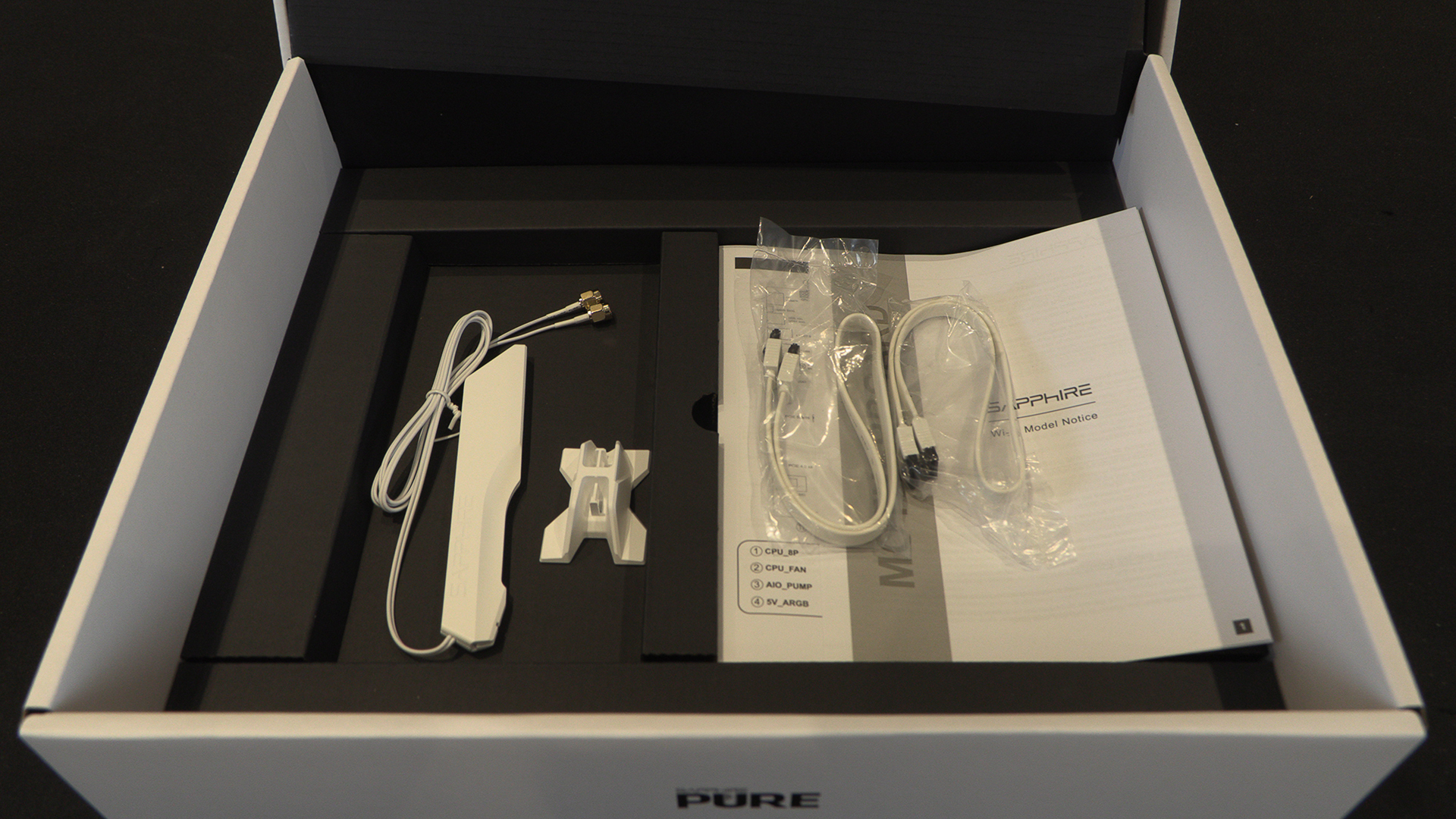
The Sapphire Pure is at the more affordable end of the market and the included accessories reflect this. However, we’d always rather save money than spend it on things that just live in the box. Yes it makes for a less dramatic box opening, but those only last an afternoon. Affordability you feel forever.
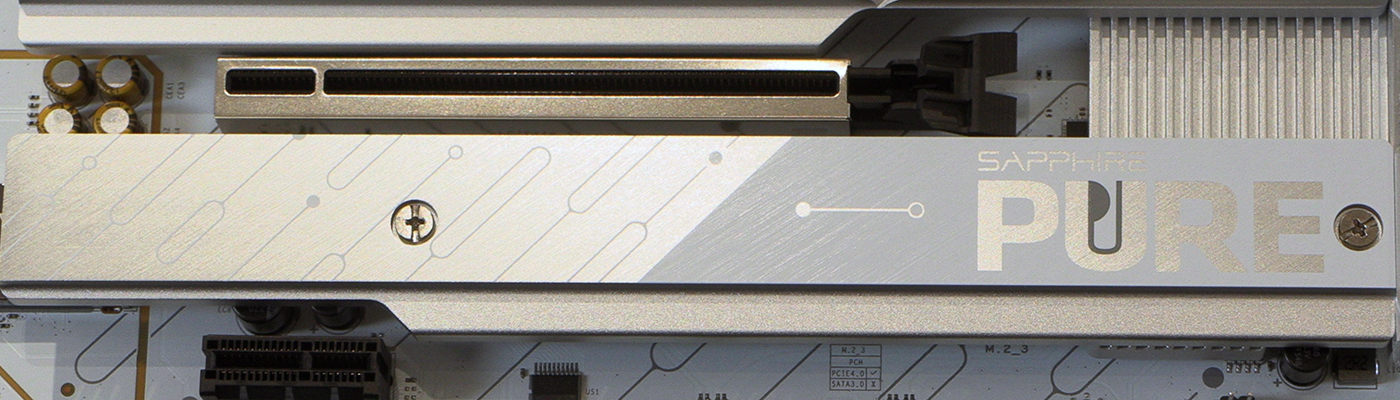
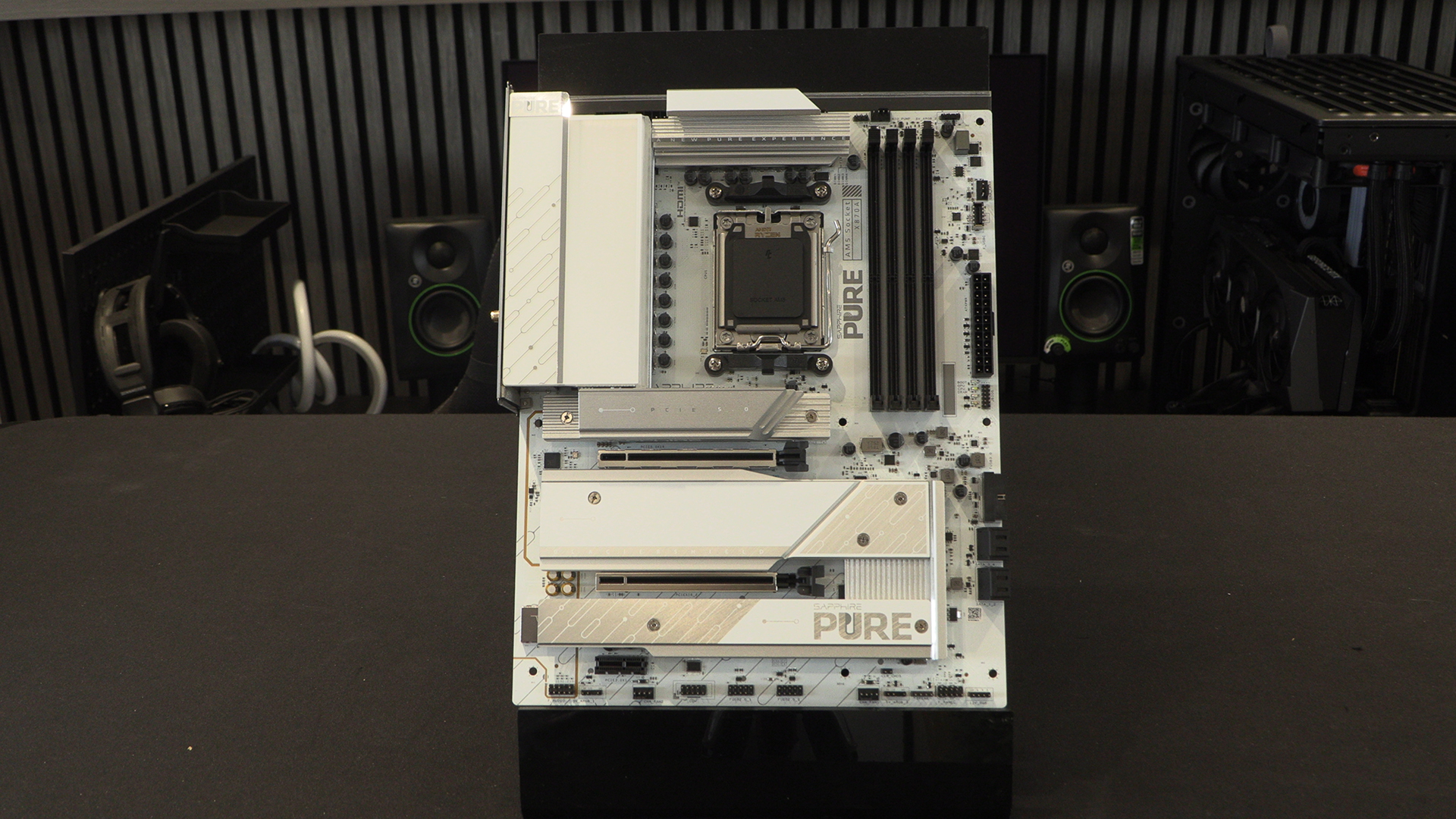
Here is the Pure in all its glory. Sapphire have gone all in on the white and silver aesthetic, so you know the boss is happy. Additionally it matches a lot of other white hardware, saving you the hassle of getting matching components for a full build. Going the extra mile for a white PCB didn’t go unnoticed.
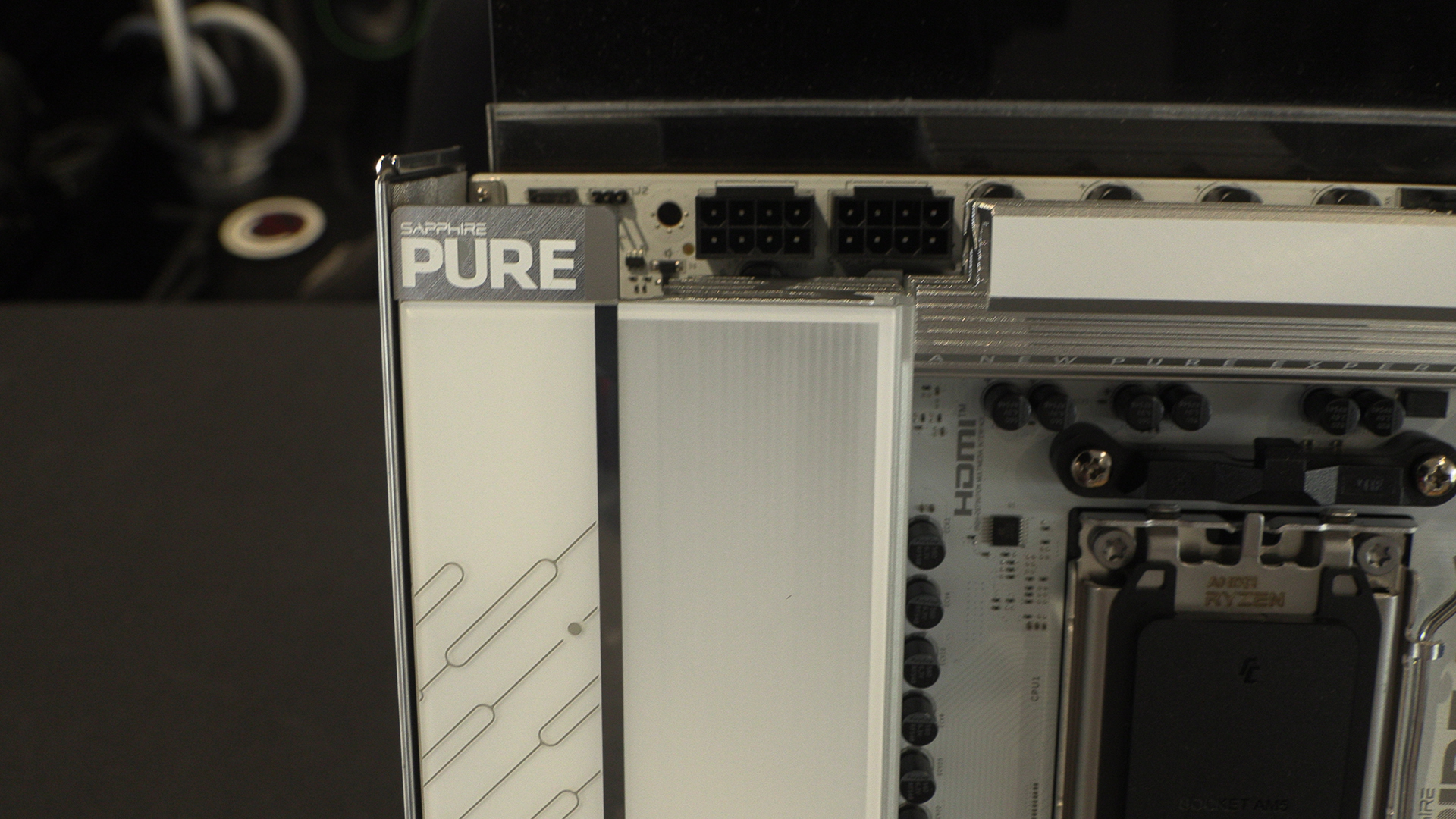
As always our tour begins at the top left, and as always that’s taken up by the 12V CPU power inputs. Just mind the Pure logo as it’s sharper than it looks.
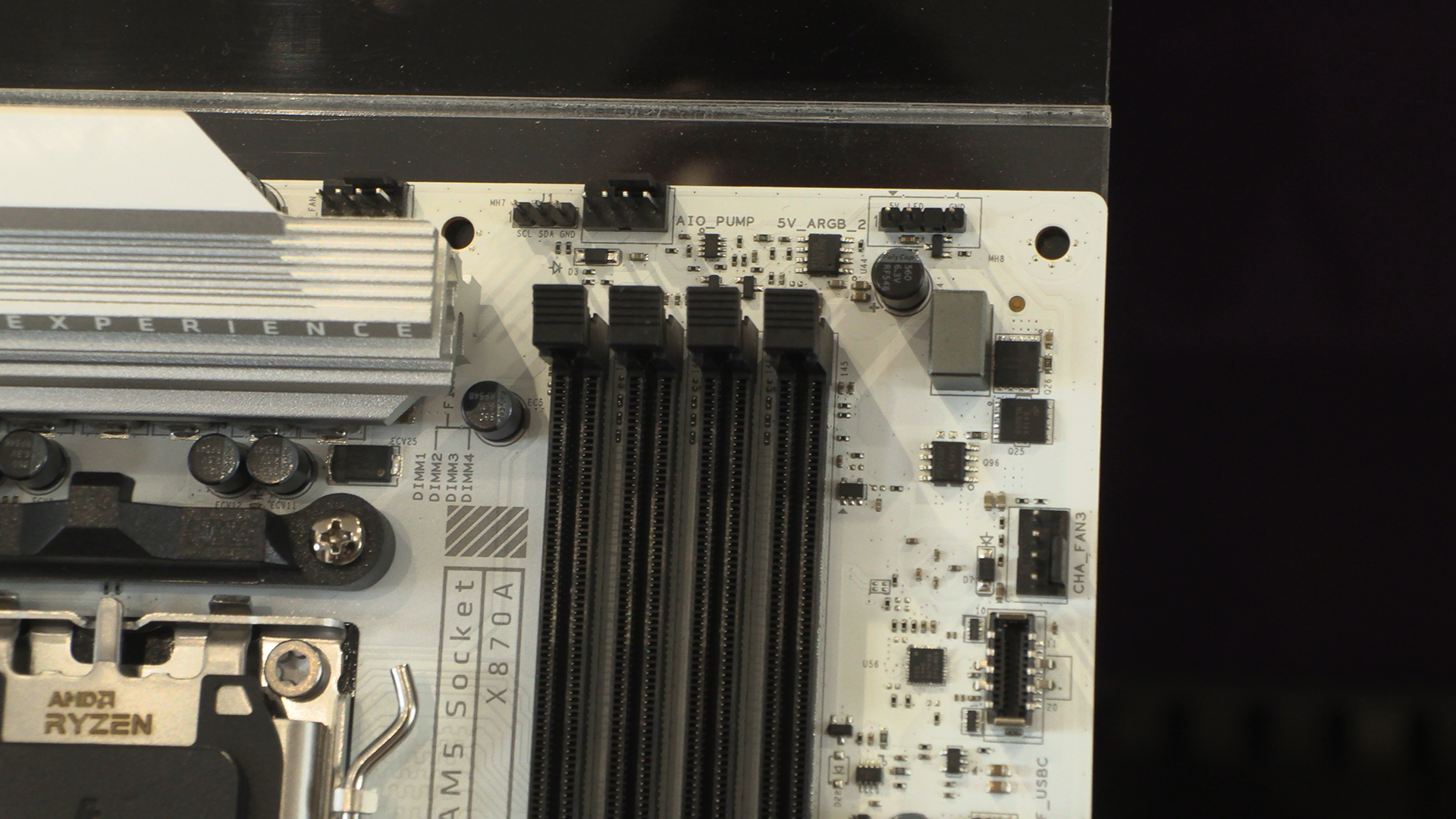
When you’ve seen as many motherboards as we have you can spot the sections which give away where it sits in the market. With a couple of CPU fan headers and a single system fan connector, the top right corner is stripped back, but not shorn of interest. Just don’t think what it would cost to fill all four DIMM slots right now. Lastly at the bottom right is the front panel Type-C header.
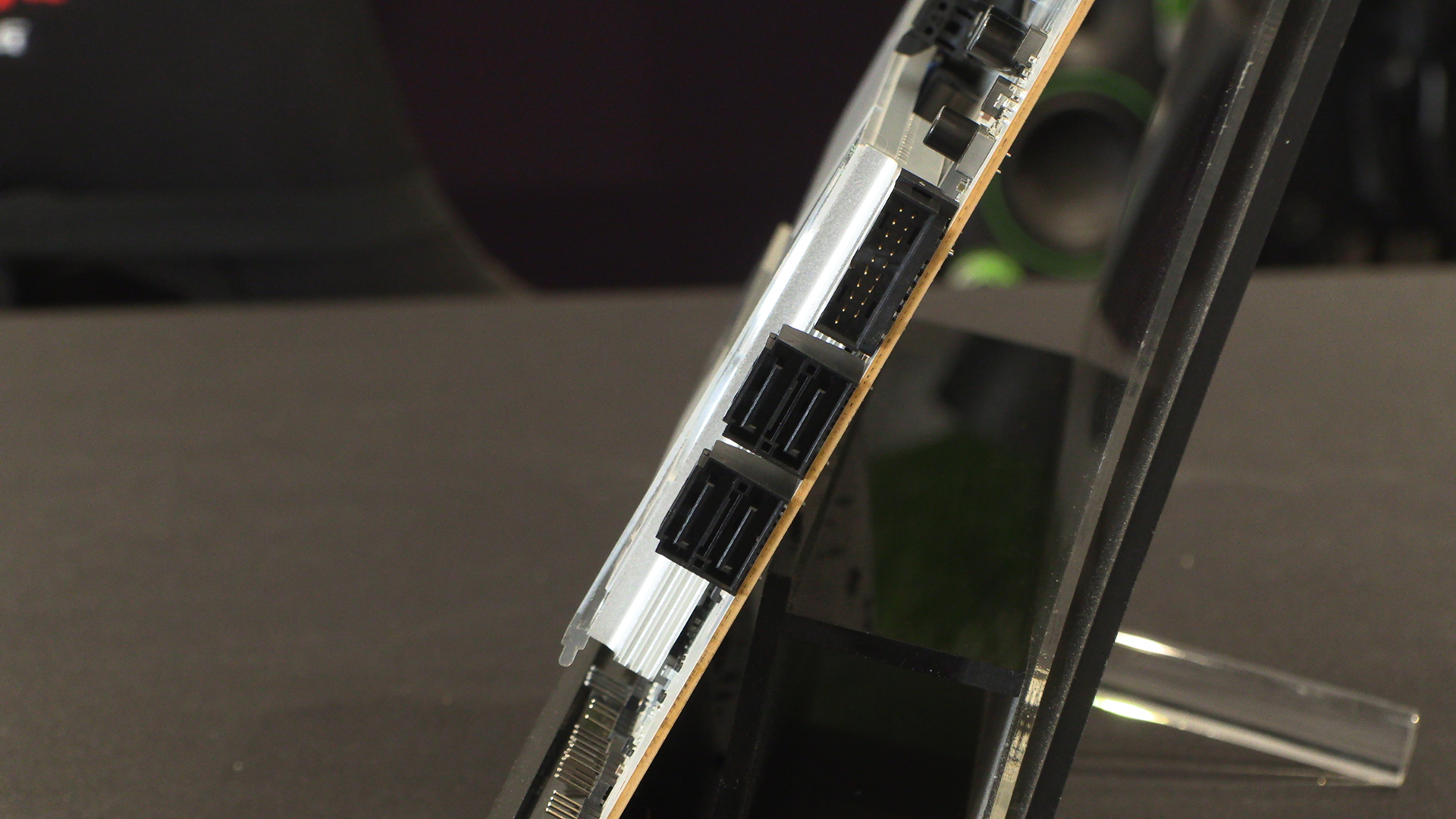
Moving further around we have the Type-A front panel header and the standard X870 four SATA ports. With just three M.2 slots you might need to take advantage of these if you have a particularly large data hoarding problem.
Down Below
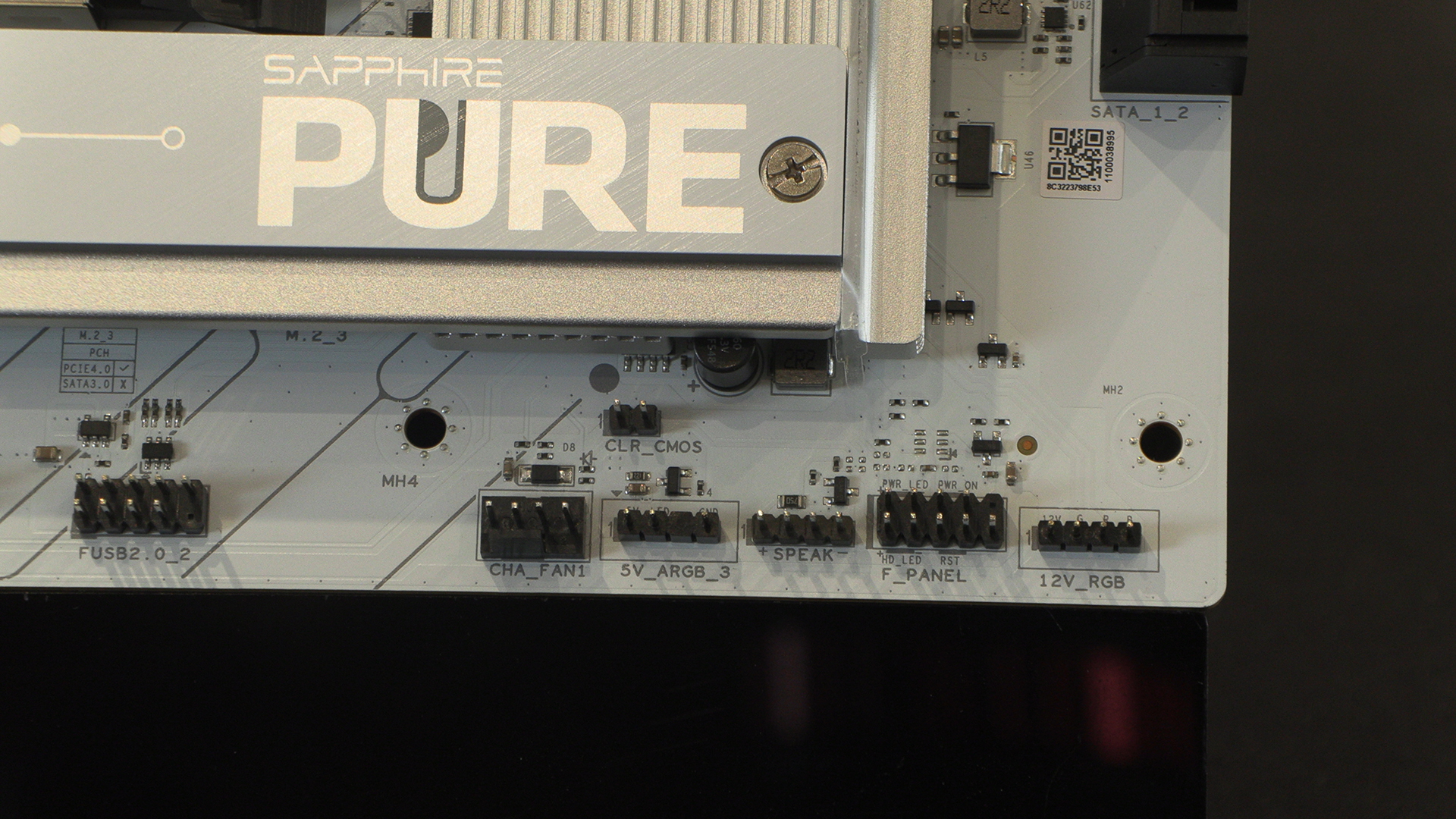
The bottom right continues the simplicity of the top right. However, we quite like it. Rarely has it been so easy to see where all the front panel connectors go. It’s certainly better than many others where we’re reliant on a zoomed in photo to give us a clue. You can also see the lighting cable headers for both ARGB and regular RGB.
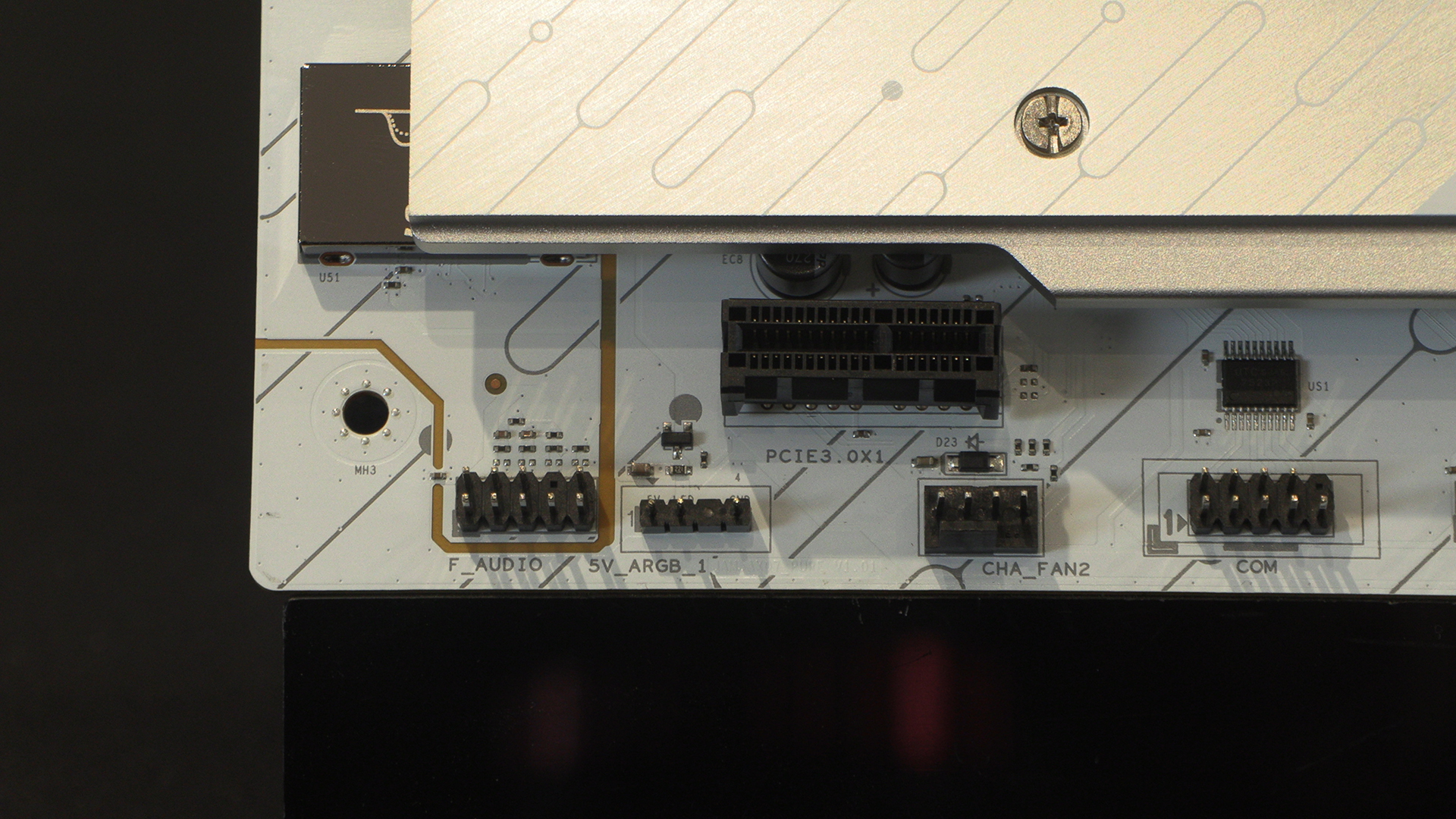
The bottom left corner contains some familiar faces in the form of the final system fan, ARGB controller and front panel audio header.
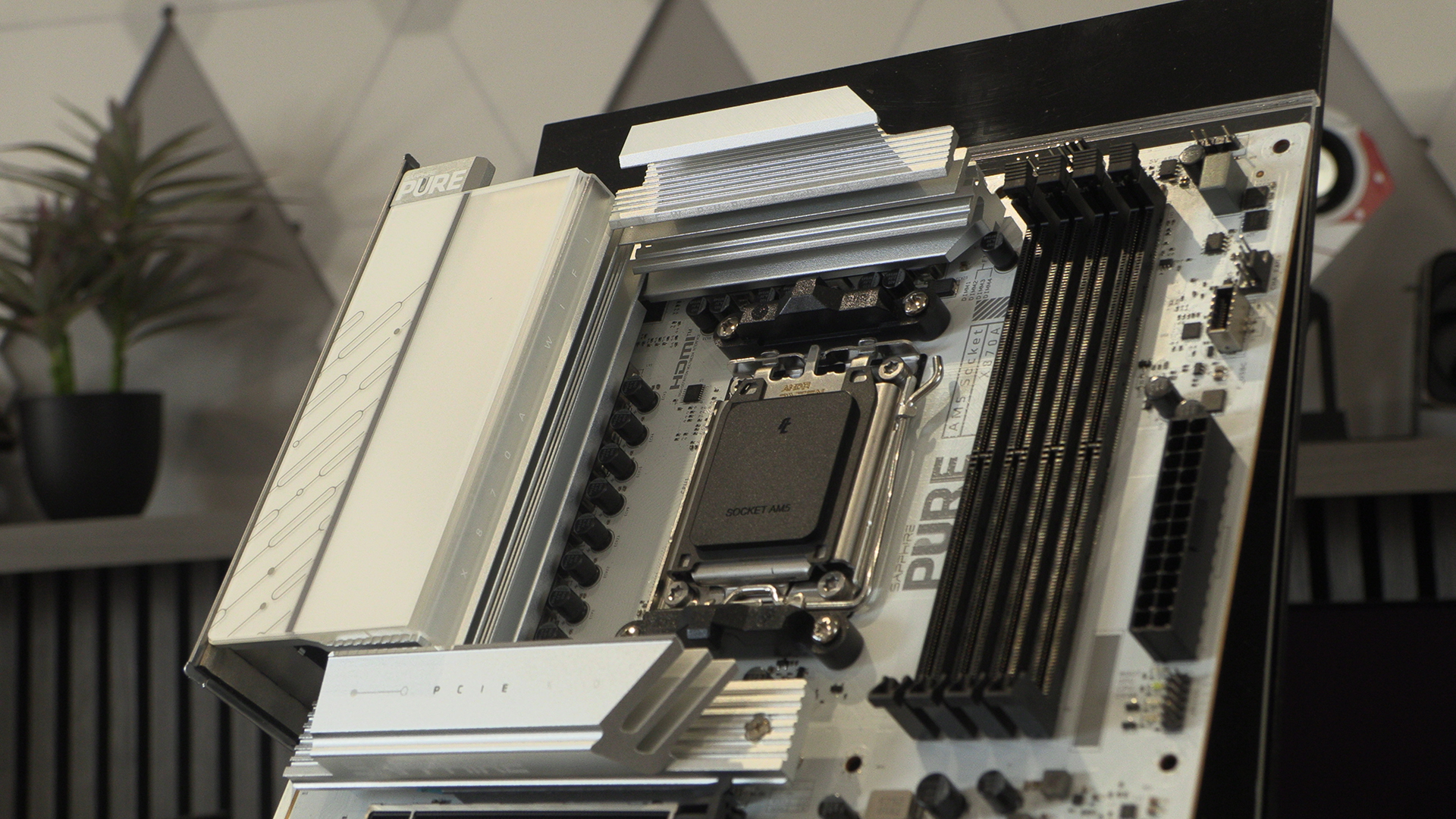
Beneath those towering heatsinks beats a 14+2+1 power stage. Sapphire are tight lipped about how many Amps there are, but given that we’ve not met a X870 motherboard that couldn’t run all the Ryzen processors, and that it flew through our Ryzen 9 9900X testing, it’s enough.
Around the Back
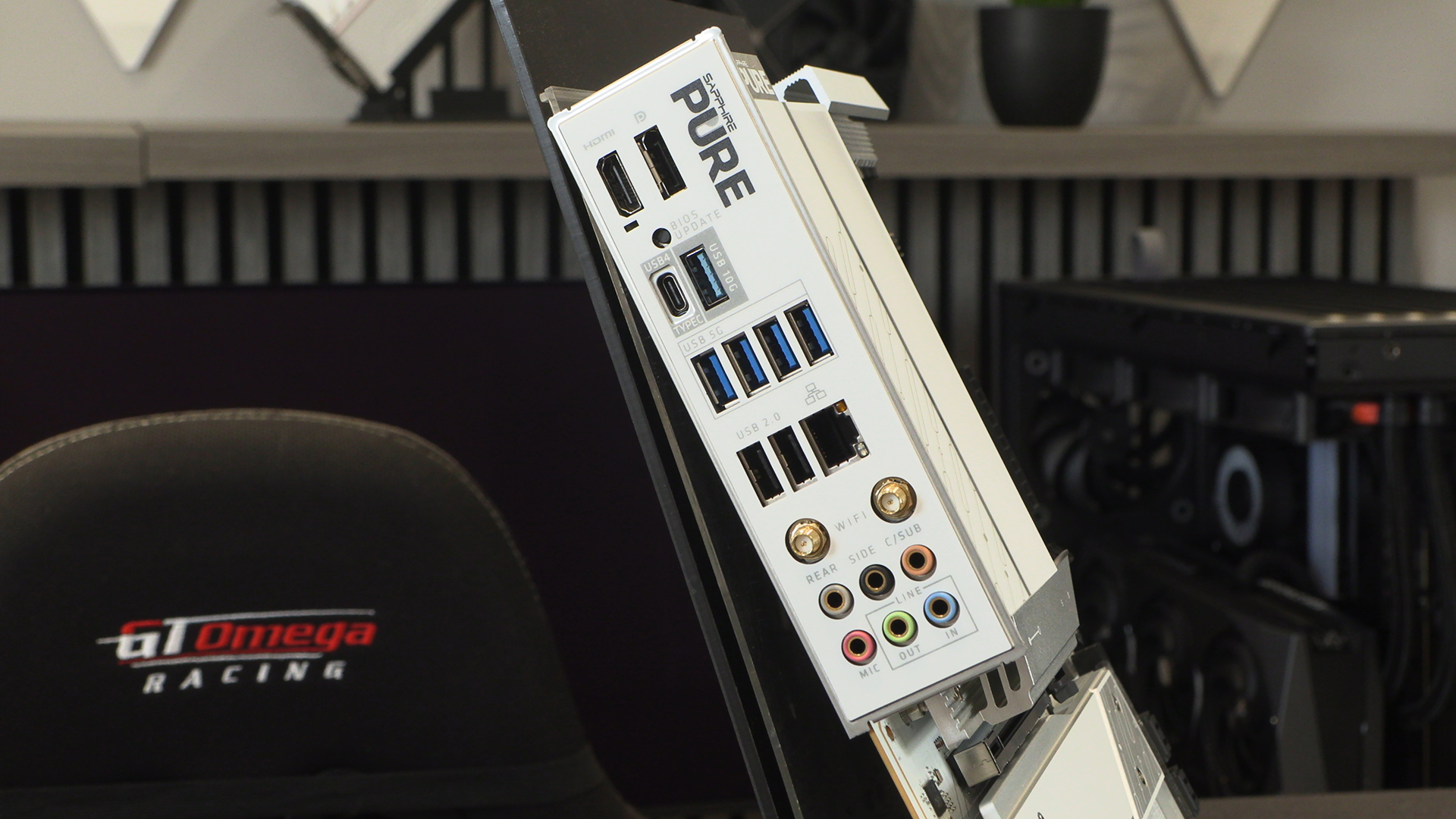
Lastly the rear has 7 Type A USB ports, a single Type-C, and the WiFi 7 and LAN ports that connect your rig to the Information Super Highway.