Bioshock Remastered PC Performance Review


Graphical Options and Settings
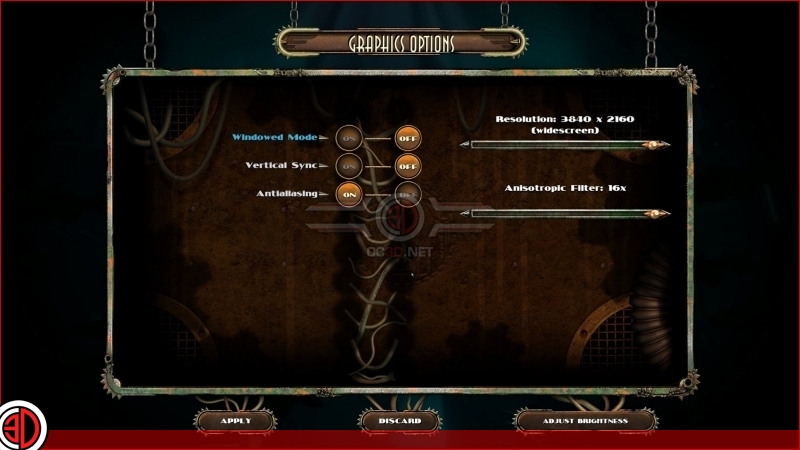
When it comes to graphics options the PC versions of Bioshock and Bioshock 2 are rather lacklustre, offering no options to change any graphical details apart from Anisotropic Filtering and Anti-Aliasing.
Bioshock does have an expanded FOV option, though this seems to be more of a leftover from the original game rather than a whole new option. An FOV slider would have been preferable, though it is worth remembering that this is a free upgrade.
Sadly the game lacks support for 21:9 resolutions, though players could try to edit the game’s resolution through the game’s INI files, though this may not work for all players.
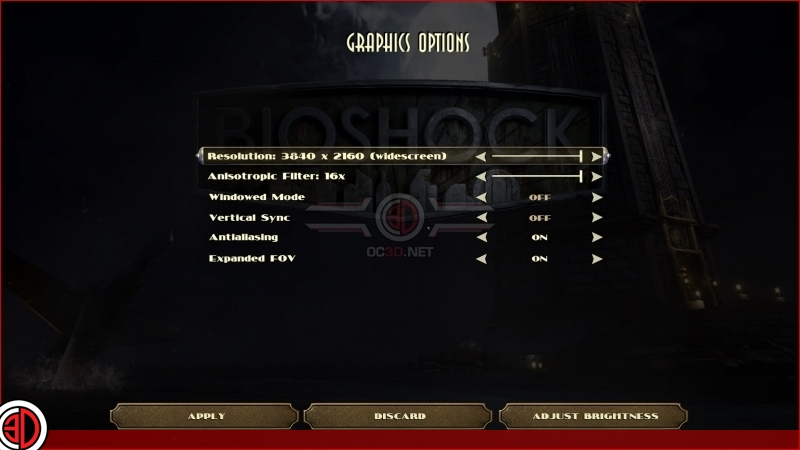
Bioshock 2 lacks any FOV options, which is a huge fault for any FPS game on PC. AN FOV slider would have been a great addition to the game, though we understand that this lack of new features may be a result of this game being a free upgrade for PC players.
With how easy this game is to run a supersampling option would have been a nice addition to see in Bioshock Remastered.