


CableMod 90 and 180 Degree 12VHPWR Adapter Guide

12VHPWR Variant A
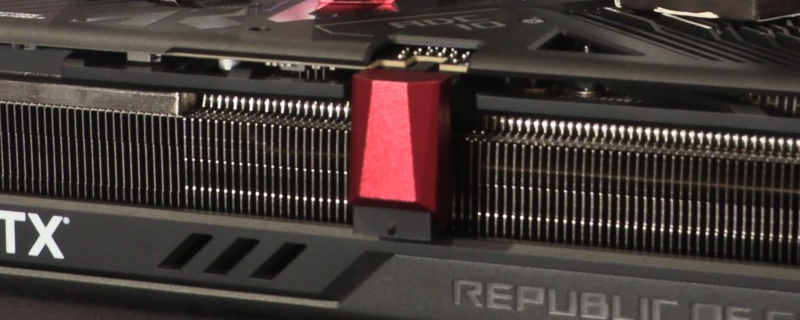
For an example of a graphics cards with a “Variant A” 12VHPWR cable, we grabbed an ASUS RTX 4080, a graphics card that has the 4-pin section of its connector at the bottom of the connector and away from the graphics card’s PCB.
This orientation placed our 12VHPWR connector’s plastic clip at the top of the graphics card, making it easy to access when used with CableMod’s variant A adaptor, but hard to access when used with CableMod’s 180-degree Variant A adaptor.

90-Degree
With a 90-degree variant A adaptor, you can see that the adaptor points downwards when used with a Variant A 12VHPWR connection. Using a Variant B connector would result in the adaptor pointing upwards, which is not the way that most PC builders would want to route their 12VHPWR cable.

180-Degree
With a 180-degree connector, users of CableMod’s 12VHPWR adaptor can route their PCIe cables down the back of their graphics cards, keeping them out of view if they vertically mount their GPU inside their PC case.
If you used a Variant B adaptor with this graphics card, the connector would not be usable, as the connector would be pointed the wrong way and point its output into your GPU’s heatsink. Please make sure that you are buying a correctly oriented CableMod connector for your GPU.
Users of the 180-degree Variant A connector will have trouble removing this connector from their graphics cards, as the plastic clip on this connector’s 12VHPWR adaptor are difficult to access. We recommend removing your graphics card from your system and then removing your PSU cable first, and then trying to remove your 12VHPWR angled adaptor. This will make your adaptor’s clips a lot easier to access.

