Palit RTX 5090 GameRock Review

Up Close
Up Close
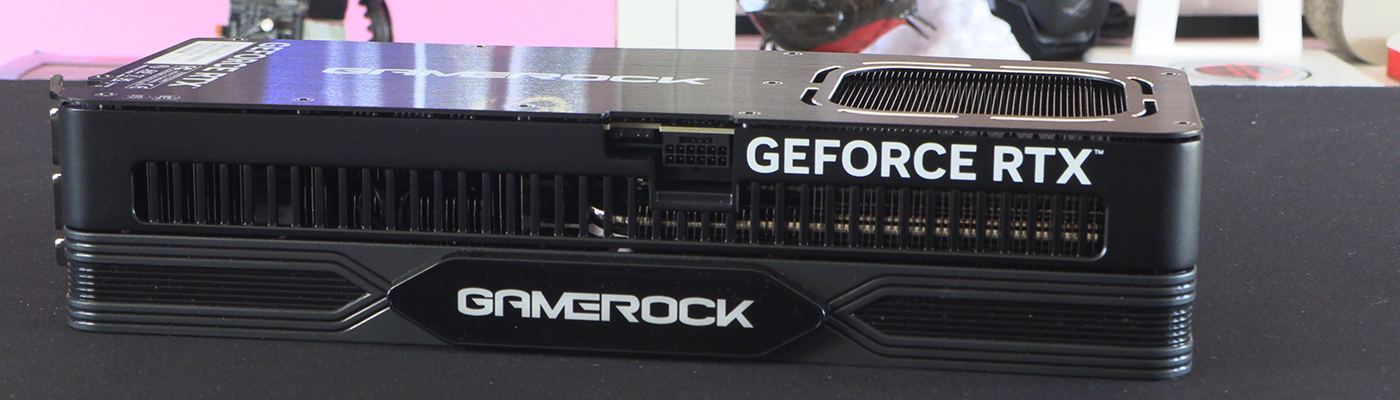
Given that Palit have totally redesigned the fan surround on the 5000 GameRock series we’re not surprised the box art goes big on this element. As we said before, we like the old design, but we accept its gaudy nature was divisive.
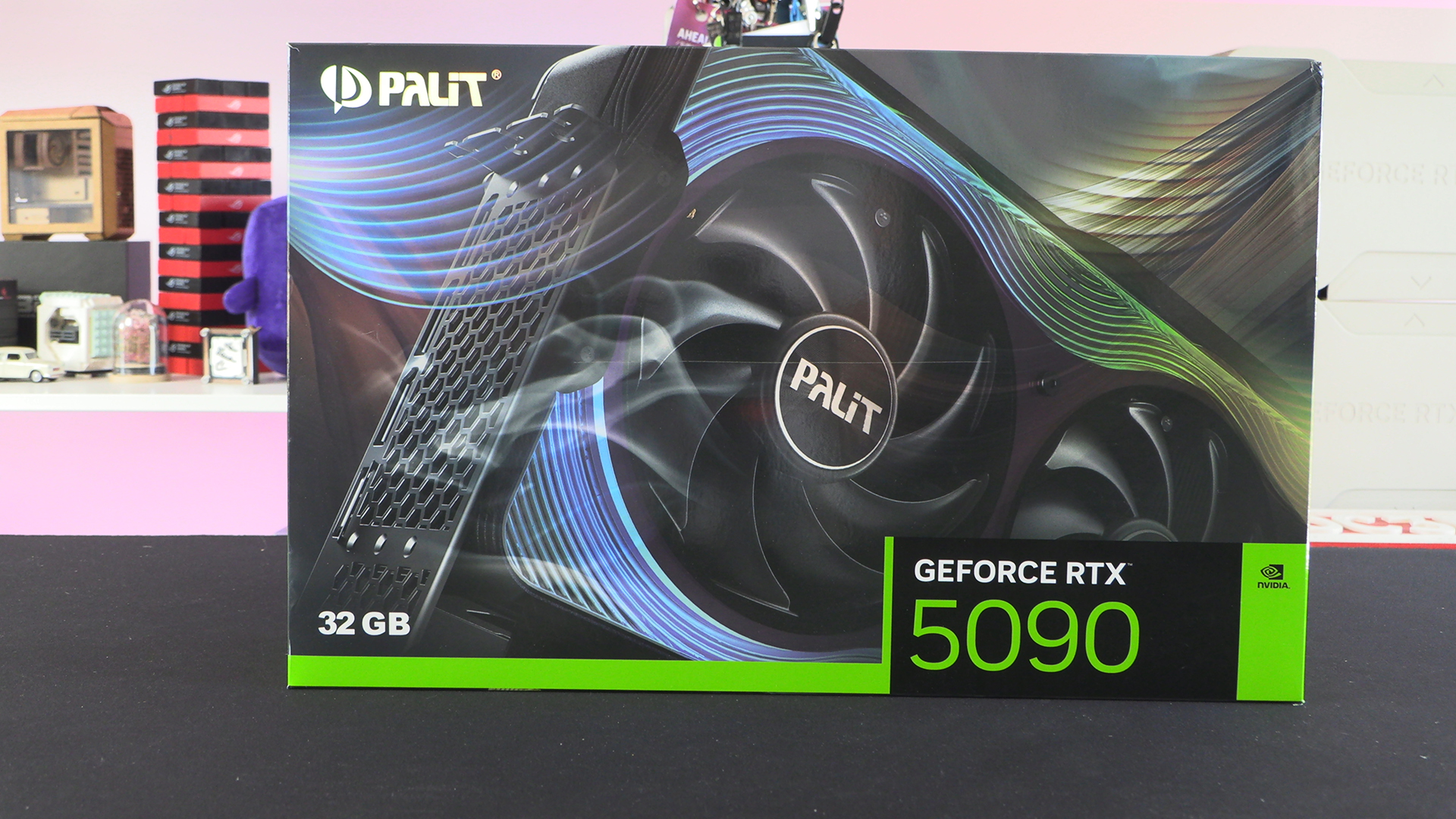
Here is the new cooler design. You get a mirror backing, with stepped “lenses” on top. The success of this depends very much on how demanding you are about the colour of your system lighting. Even here, with the card clearly off, you can see that there is blue around the fans, and that gives way to a single line of purple. Most clearly visible either side of the central fan on the lower half. This diffraction is going to affect the RGB colour you pick. Probably best if you don’t mind colour cycling rather than a rigid “this hue or nothing” approach.
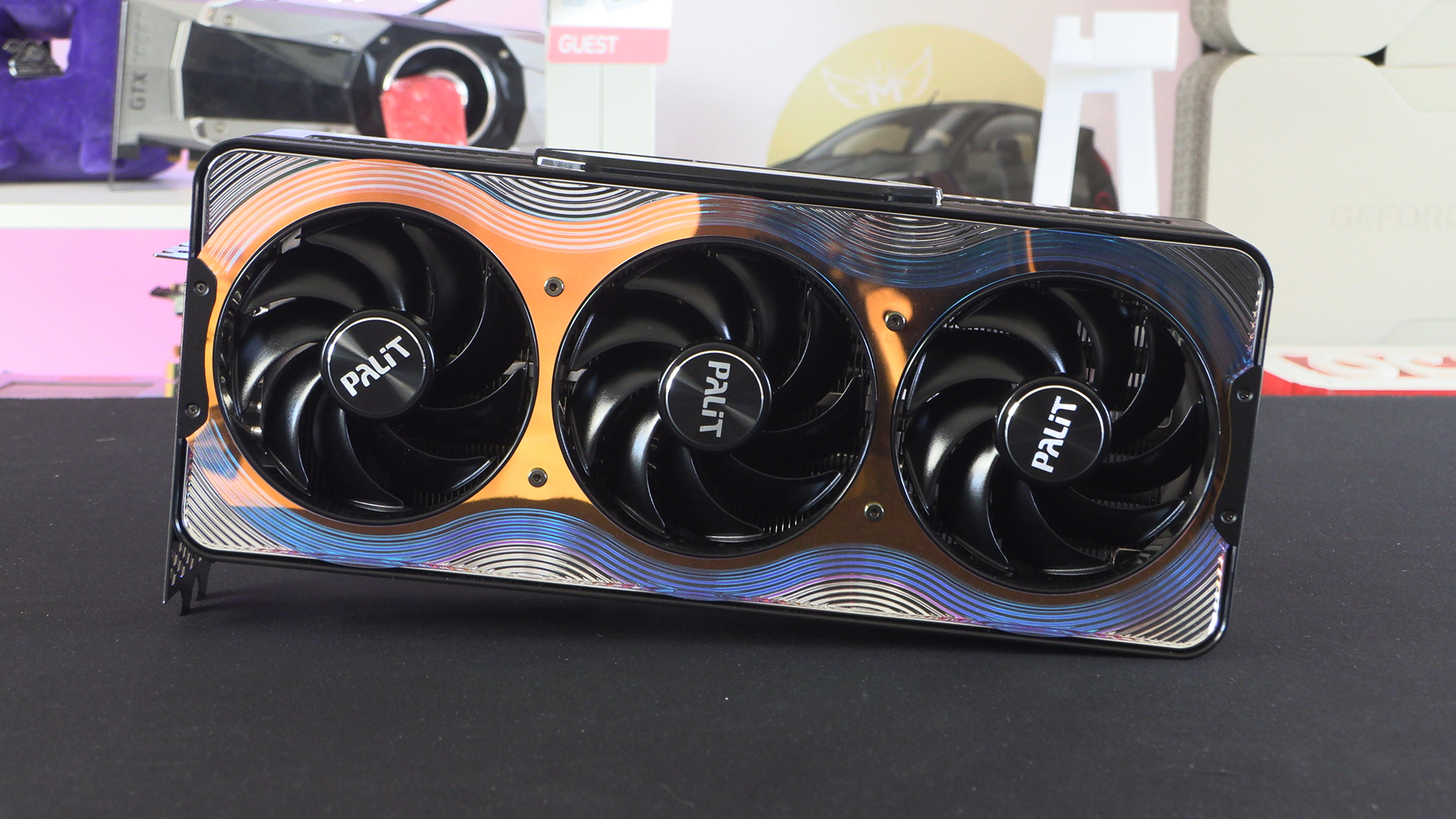
Around the back the GameRock font has finally been changed from the Guitar Hero one of old. That’s probably going to get Palit a few extra sales from that alone.
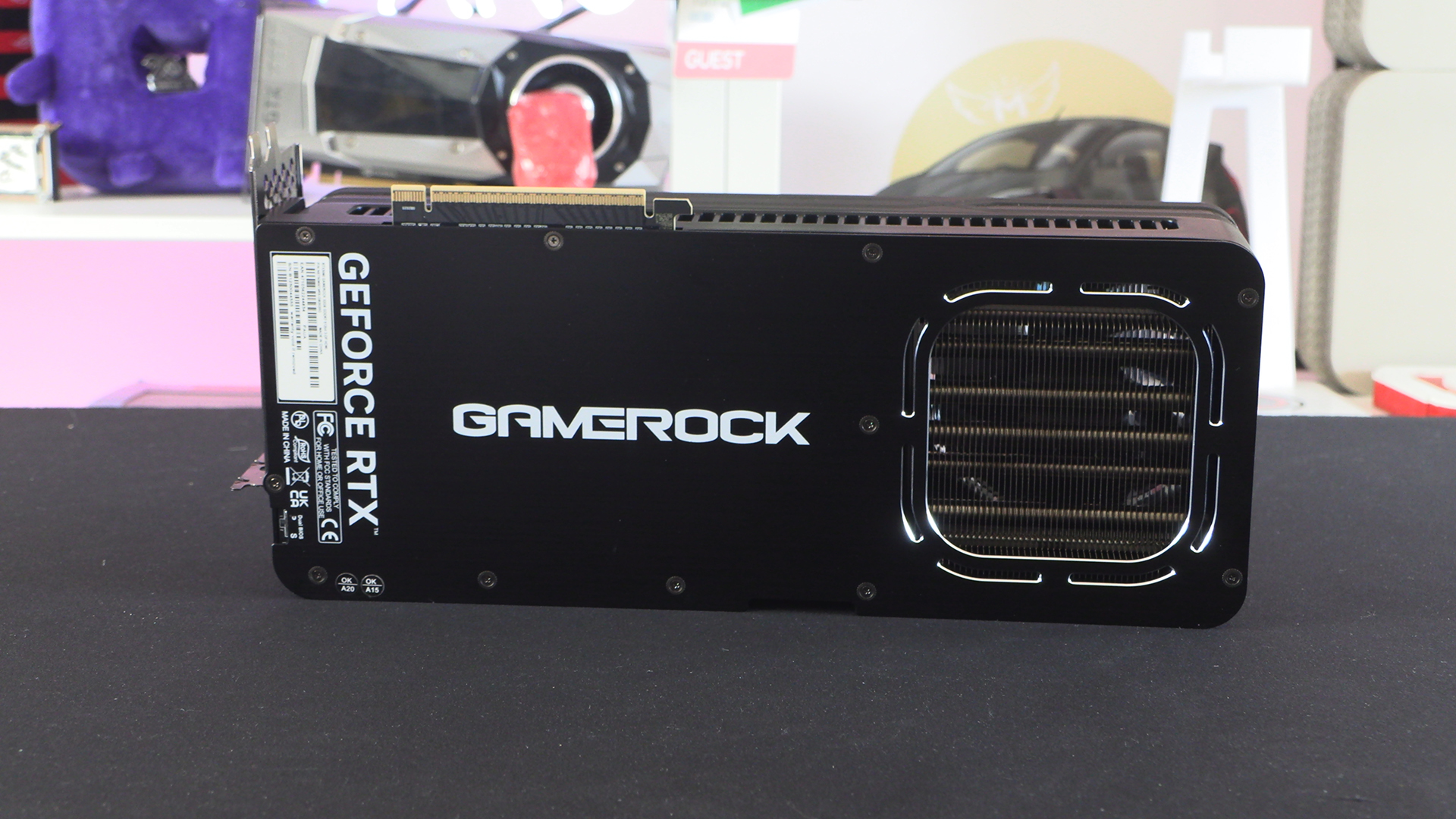
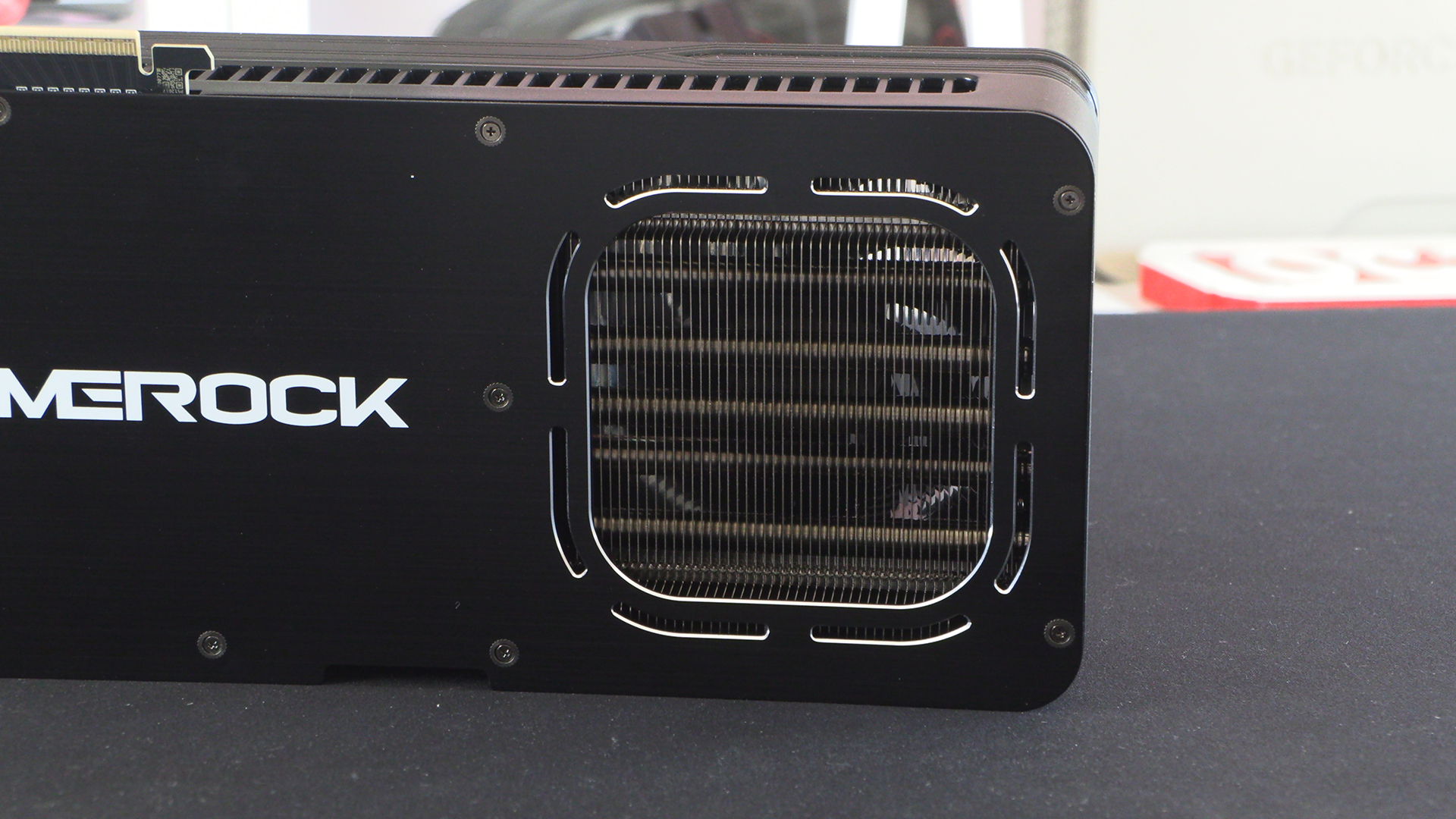
Large cutouts are very much the fashion now and with good reason. The difference getting some extra cool air through the card and into the top of your rig cannot be overstated. Especially on cards as lengthy as this. We know that older case designs struggled with long cards. You ended up with a top/bottom split and your CPU cooler desperate for cool air. This cut out solved that problem, and the Palit GameRock has a huge one for extra effectiveness.
What Else?
It’s fair to say that the edges of the Palit GameRock are not its strong suit. The combination of twist pattern on the fan surround and the big columns of the heatsink cover are jarring to our eye. It also, especially on the facing edge, looks a bit plastic and cheap. Obviously a RTX 5090 is actually none of those things, but we don’t want it to look like it might be.
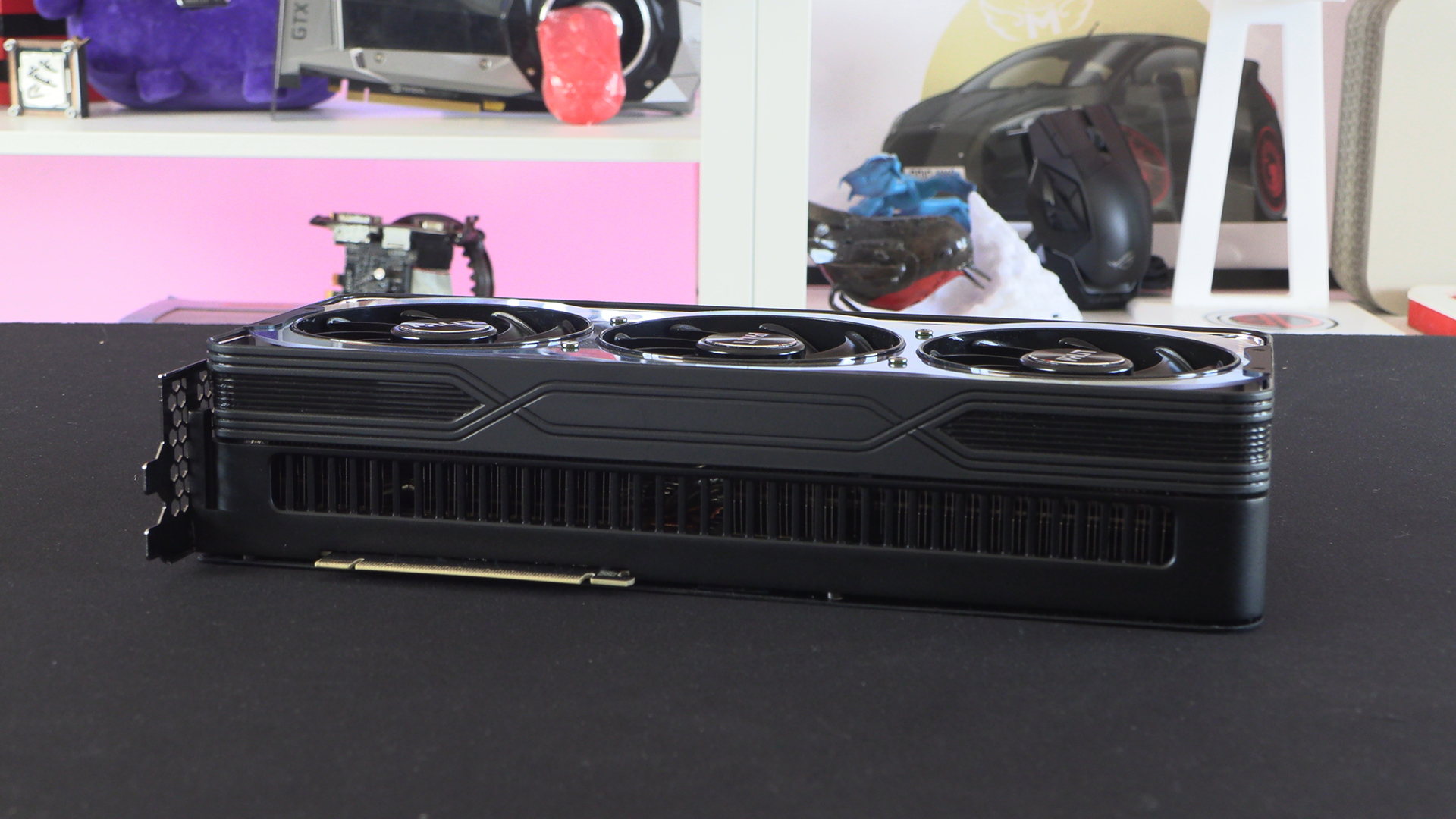
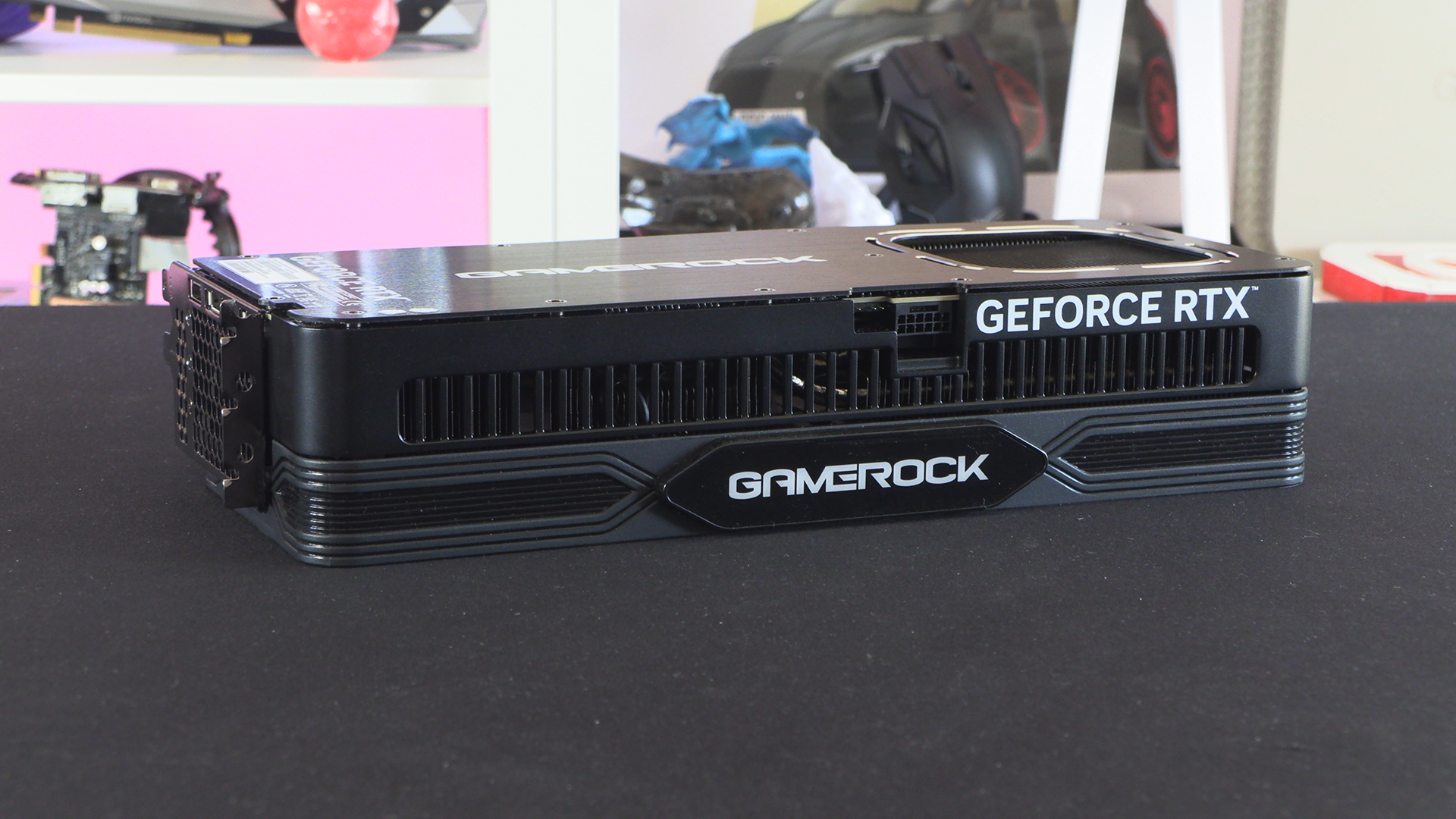
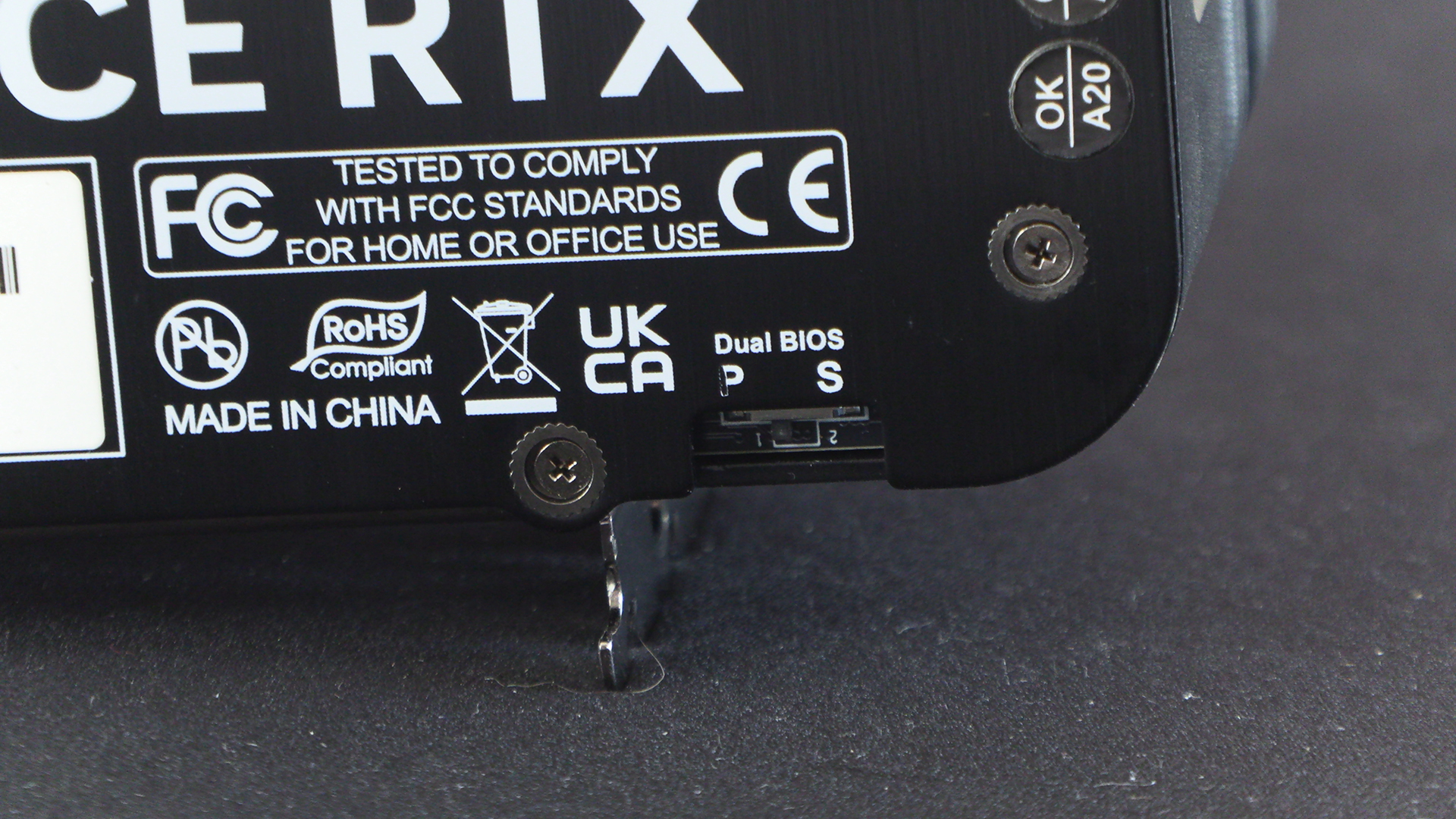
With this much performance on tap you might be keen on flicking the BIOS to silent mode. The cooler on the GameRock is good enough that you don’t need it for noise or heat reasons, but we know some people have exceptional hearing. Or maybe you just want to save a few Watts at the wall by putting a ceiling on the clock speed.
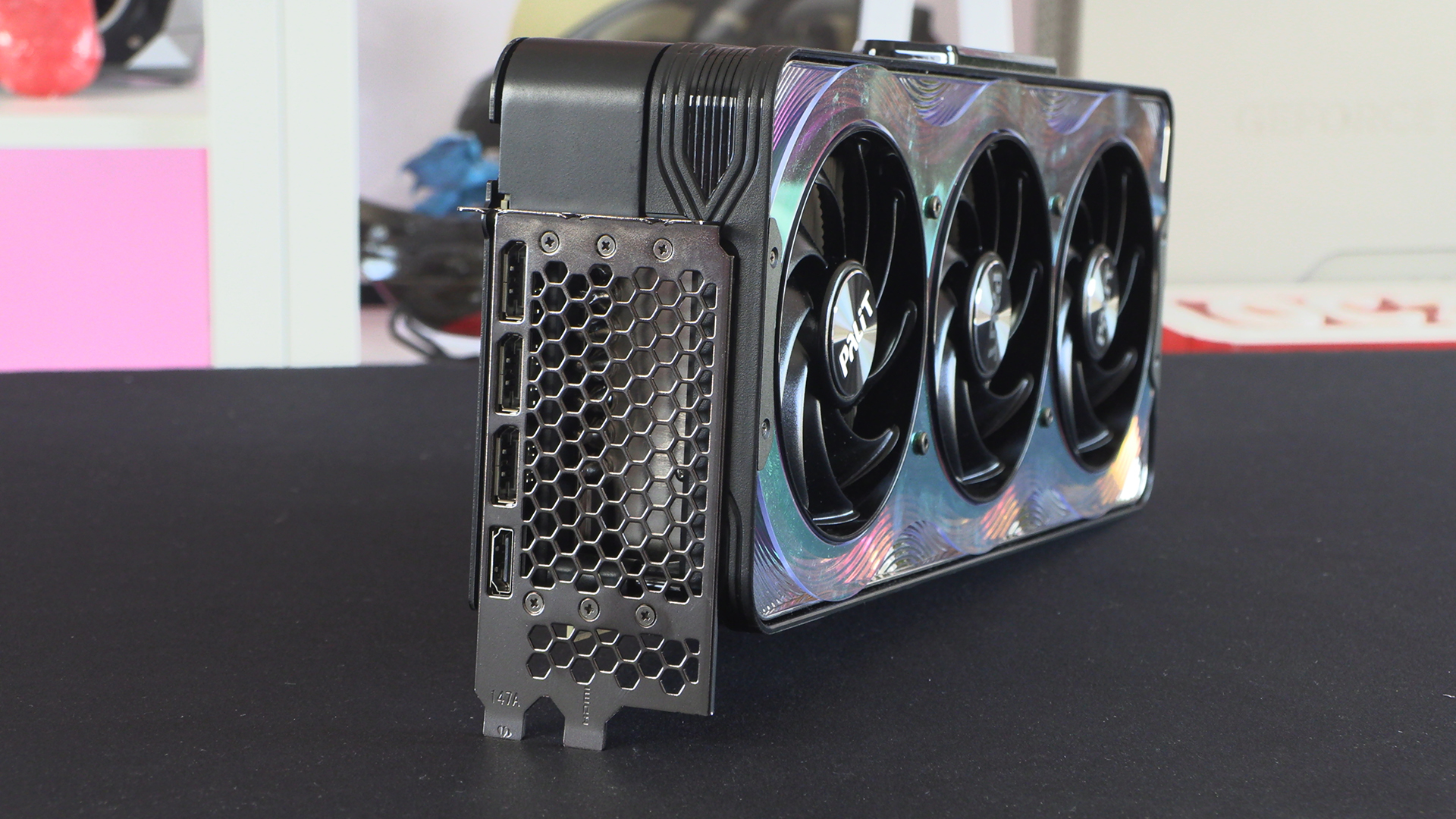
Lastly at the back we have the familiar three DisplayPort outputs and HDMI. You can also catch a glimpse of how much metal there is beneath that shroud. And, of course, the depth of the fan surround itself.