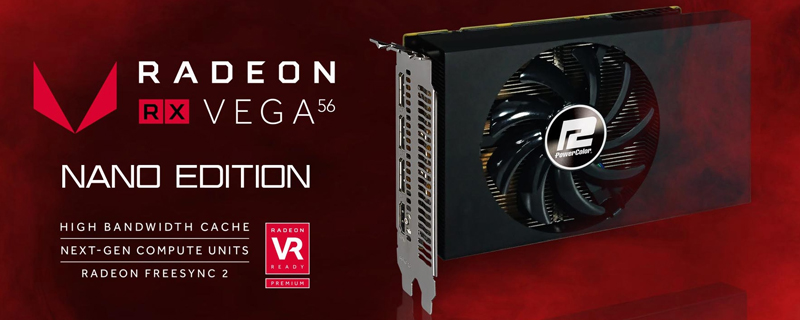
PowerColor RX VEGA 56 8GB NANO Edition Review

Test Setup
PowerColor RX Vega 56 Nano Edition
Intel i7 6850K
ASUS X99 Strix
Corsair ROG Dominator Platinum 3200
Corsair RM1000i
Corsair LX 512GB OS
Corsair LS 480GB x2 Raid0 Games
Corsair H100i V2
Windows 10
Undervolting
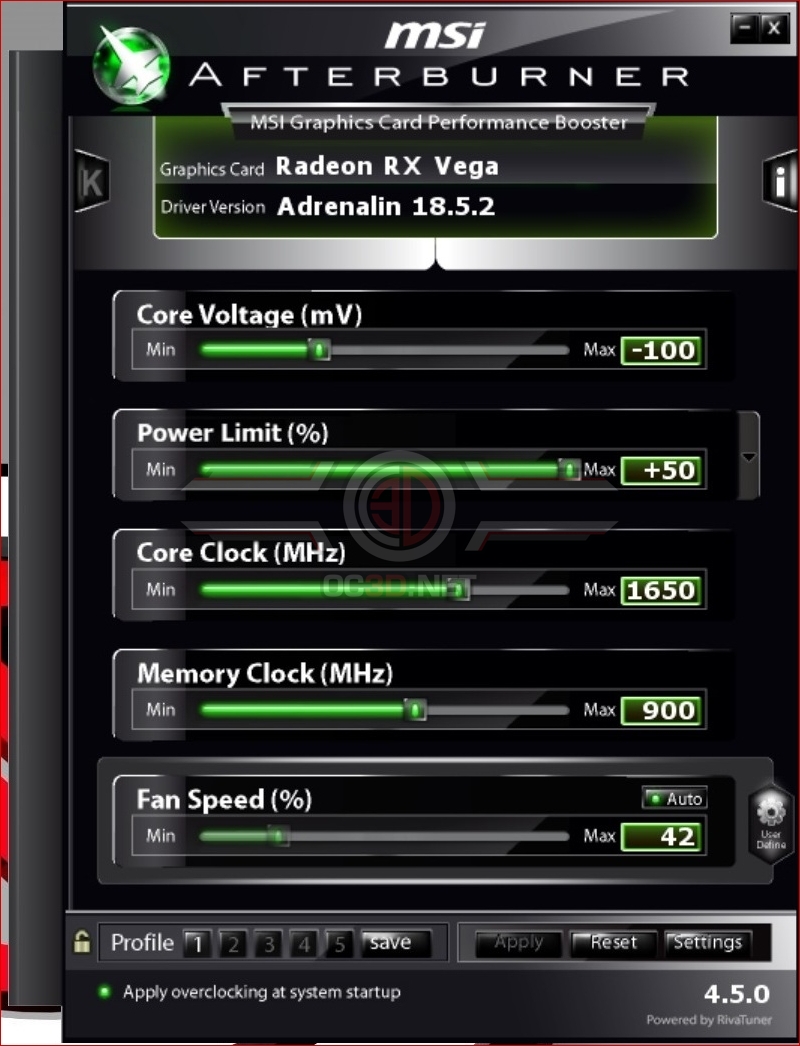
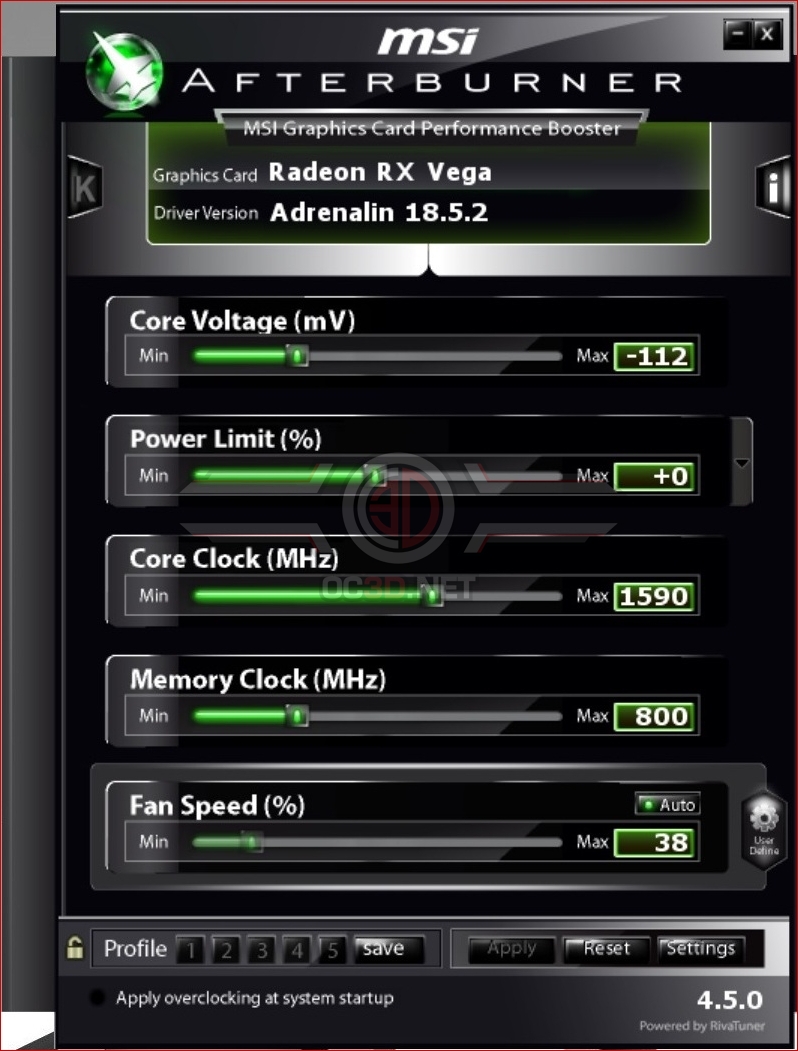
We discovered in our first reviews of the Vega architecture that the card responds well to a little undervolting and so, exploring that idea further, we have three sets of results today. Stock and overclocked as you have come to expect, but we’re also running a stock card undervolted in the hopes that this will give greater thermal overheads, thus allowing the card to boost higher and bring better performance.
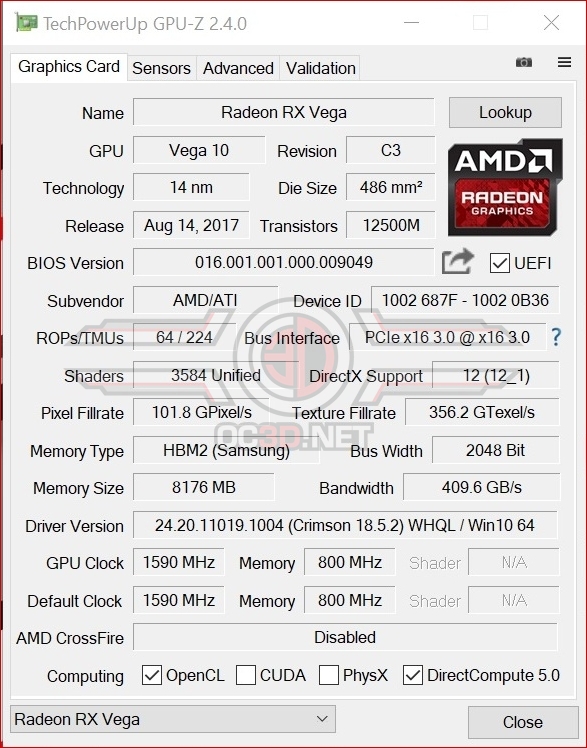
Overclocking
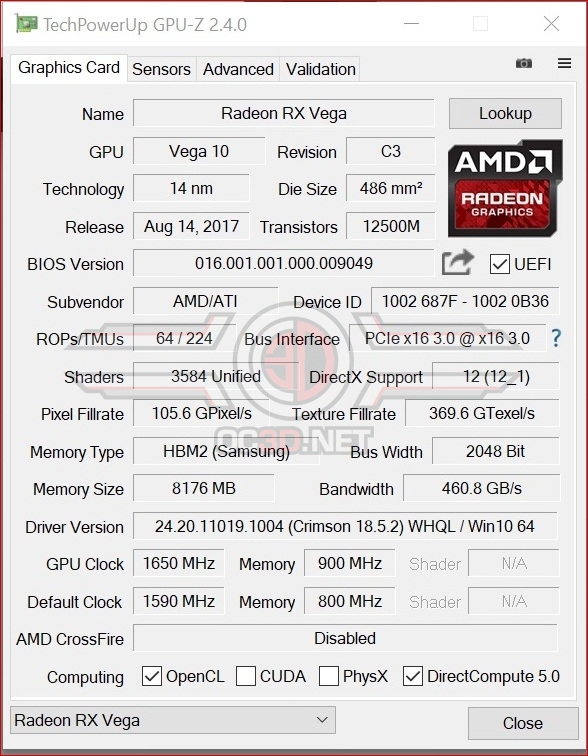
Now we’ve undervolted it we had to see how fast we could push the card and as you can see it ends up much higher than the default clock speed. Clearly a little time overclocking the RX Vega in the right manner brings much greater rewards than simply pushing everything northwards and hoping for the best.