





Star Wars: Battlefront – AMD VS Nvidia Performance Review

Graphical Options and Settings
PC gaming is about options, options to choose exactly how you wish to play your game, be it with the graphics cranked up to max, or at lowered settings in order to achieve a desired framerate. In online games the framerate is more important than in single player experiences, as a higher, steady framerate can mean the difference between life and death when competing with other players online.
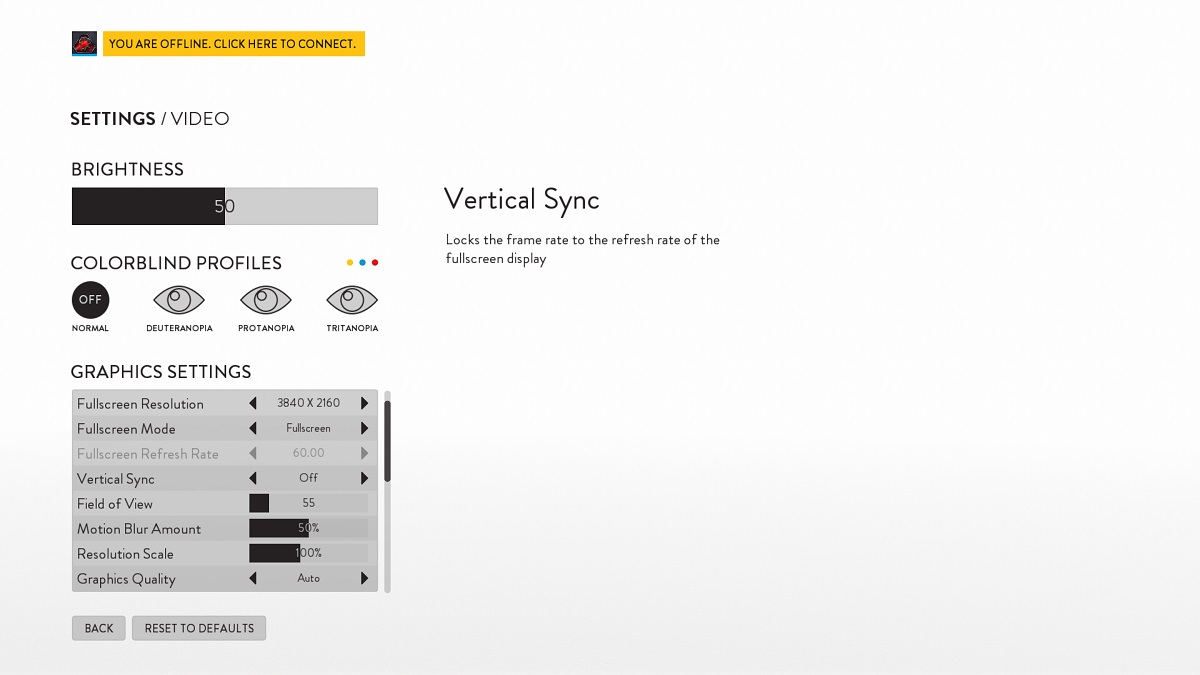
The graphical options menu is a very simple, yet effective design, offering full resolution, refresh rate and even Field of View (FOV) options, the latter of which is commonly missing from FPS games. One thing that DICE has added to the game is a collection of colorblind settings, which is not just a single option but covers a selection of potential eyesight problems the user may have, which is a great thing for those who suffer from colourblindness.
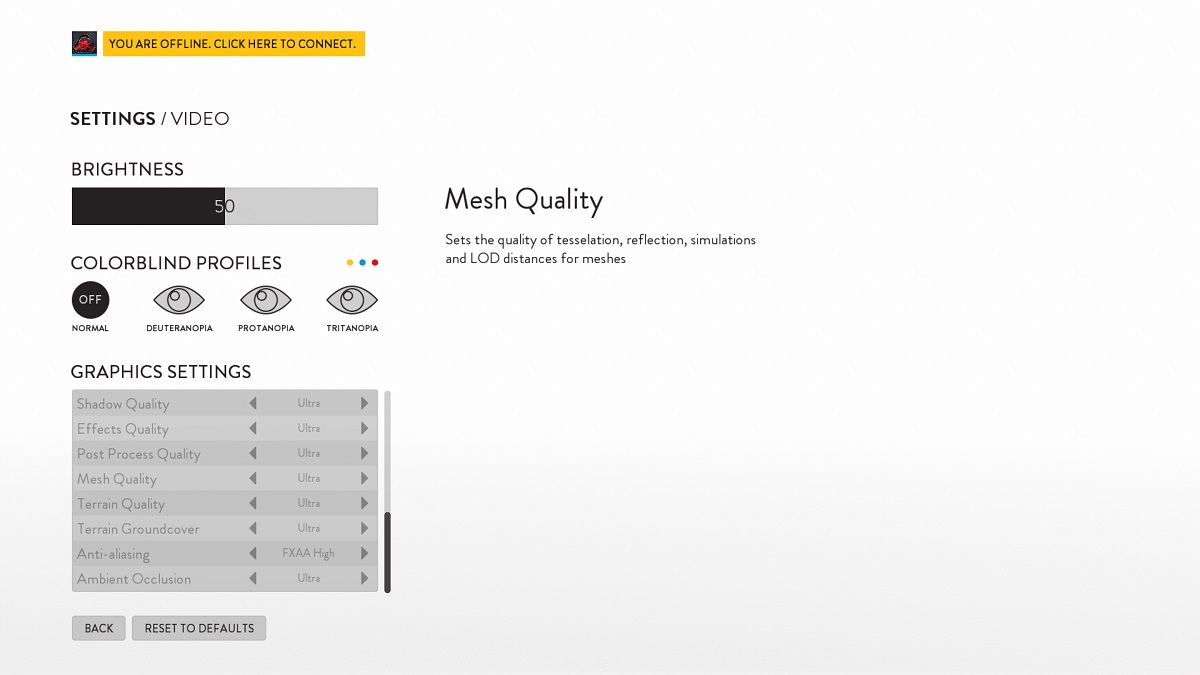
In the graphical options menu you can select the games default, low, medium, high or ultra presets, but you also have the option to choose the games custom option, which will give you full control over the games visuals.
As standard the game will only use the FXAA High option for Anti-aliasing in the games default presets, but this can be added if the player wishes, which will have a large performance impact.
In the next few pages we will be comparing and contrasting the games default graphical presets, so without futher ado, let’s have a look.
The game has a hard framerate cap of 200FPS, but this is way higher than your typical high end 144Hz or 165Hz monitor can even display, so this can’t be considered a bad point.
