Ducky Cushion 98 Keyboard Review

Up Close
Up Close
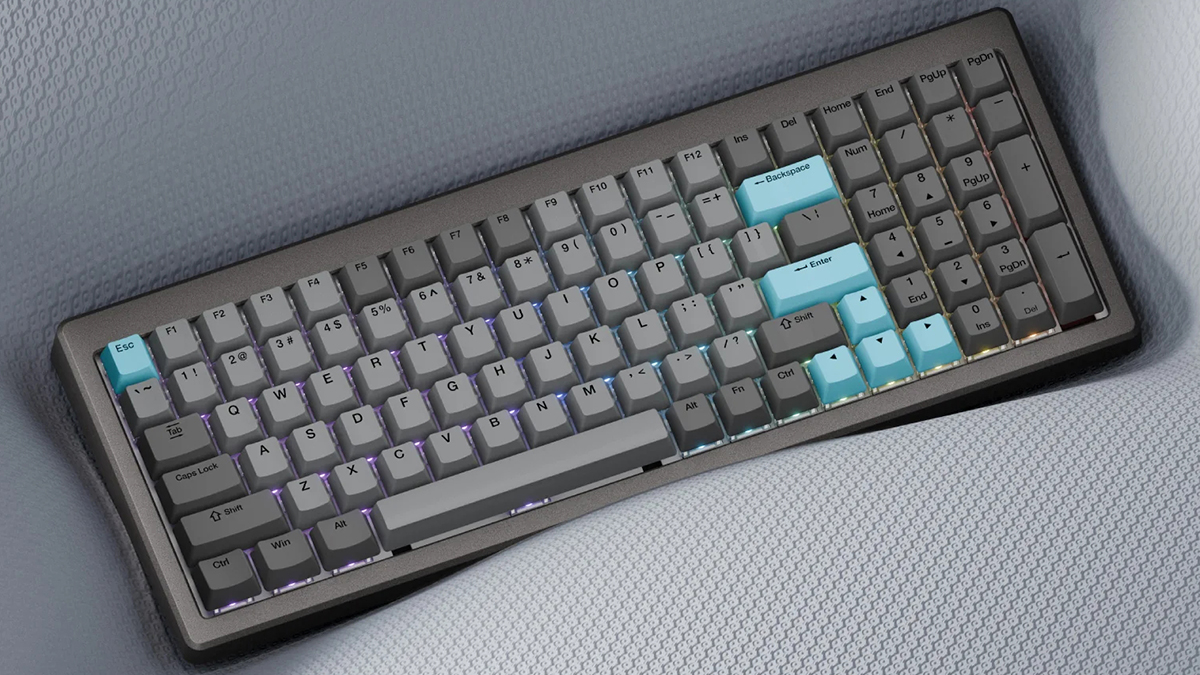
We’d love some détente. Here we are late on a Sunday night typing away. We’d love some lounging about. Luckily things like the Ducky Cushion 98 fire our imagination and make us want to share them with you immediately.
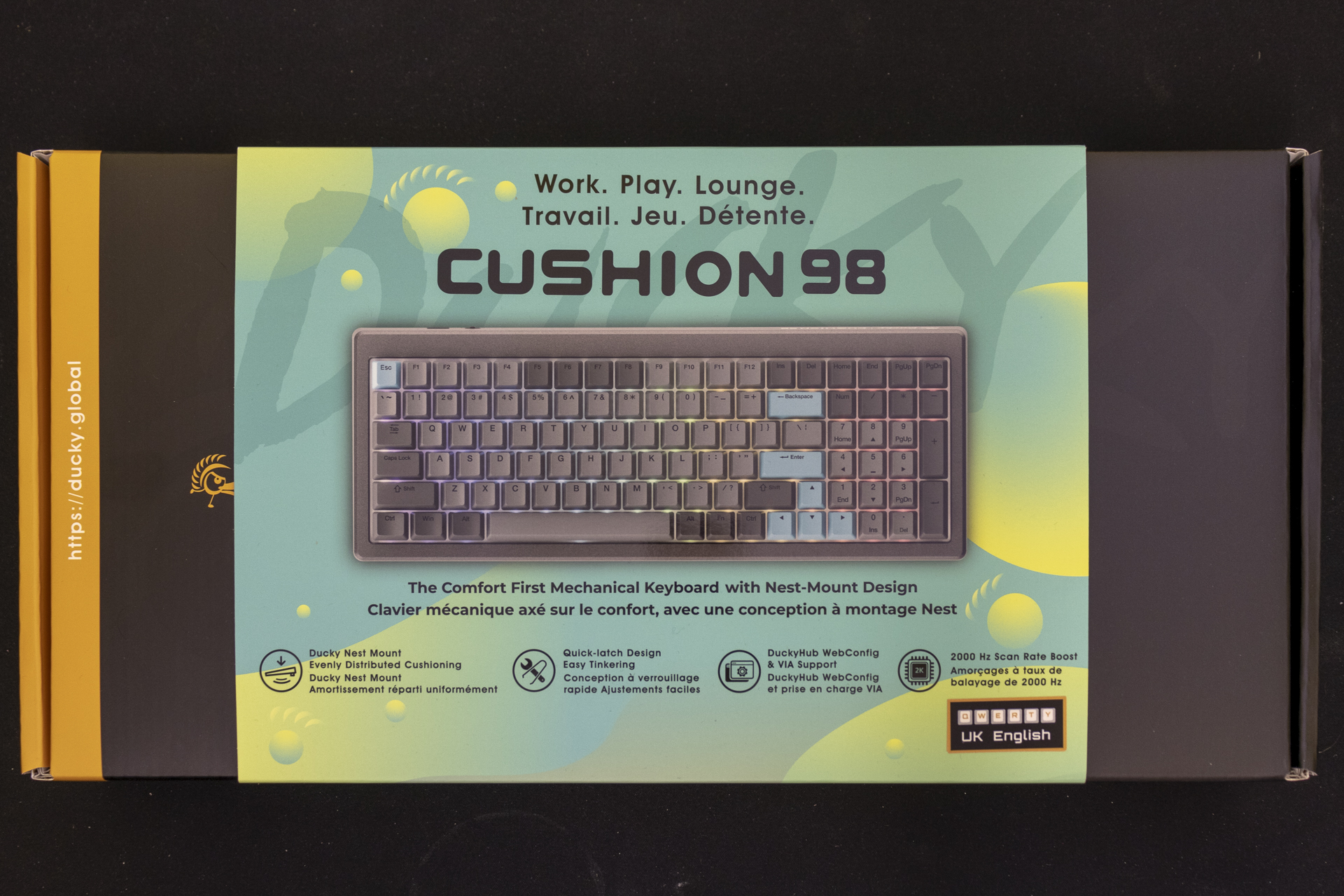
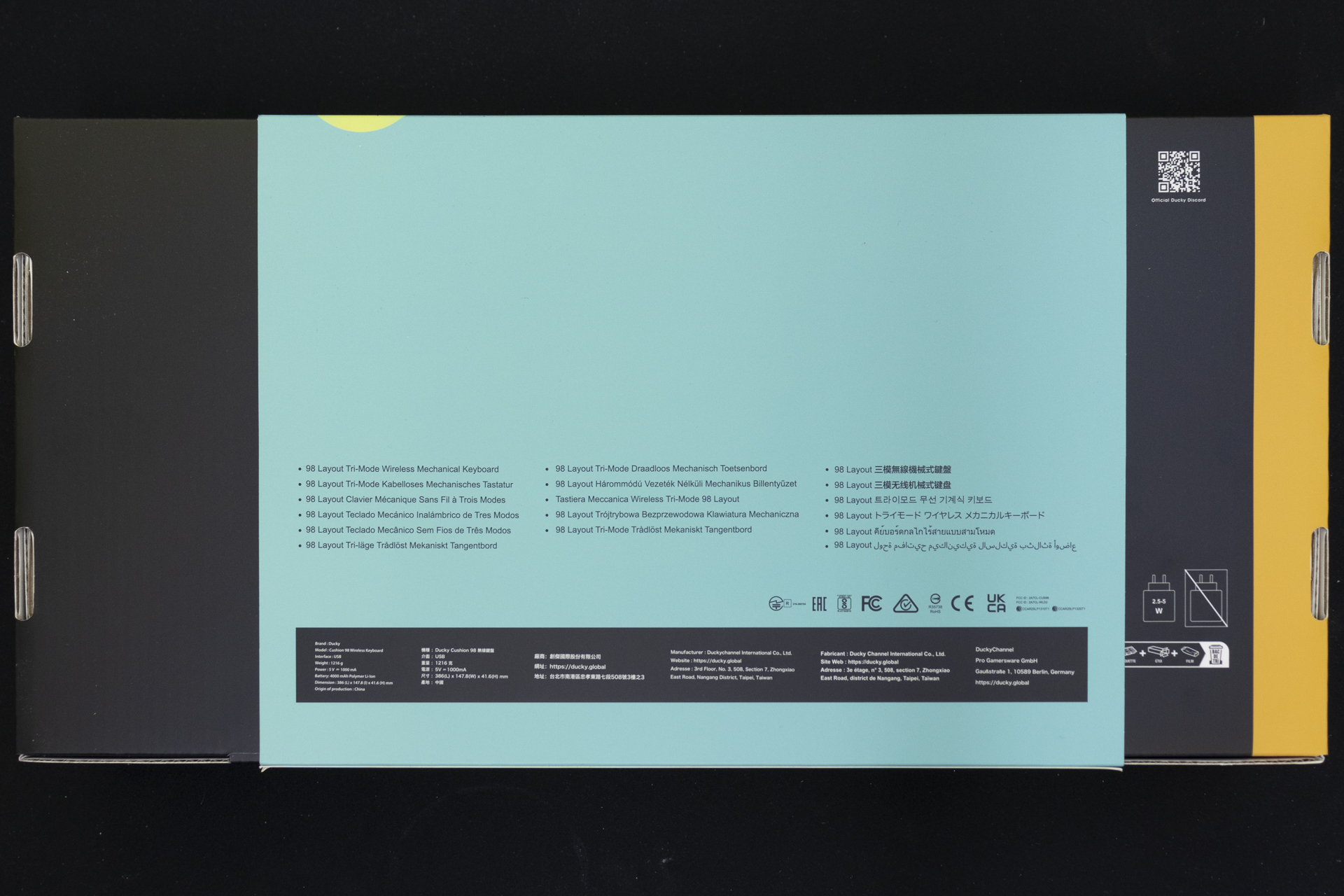
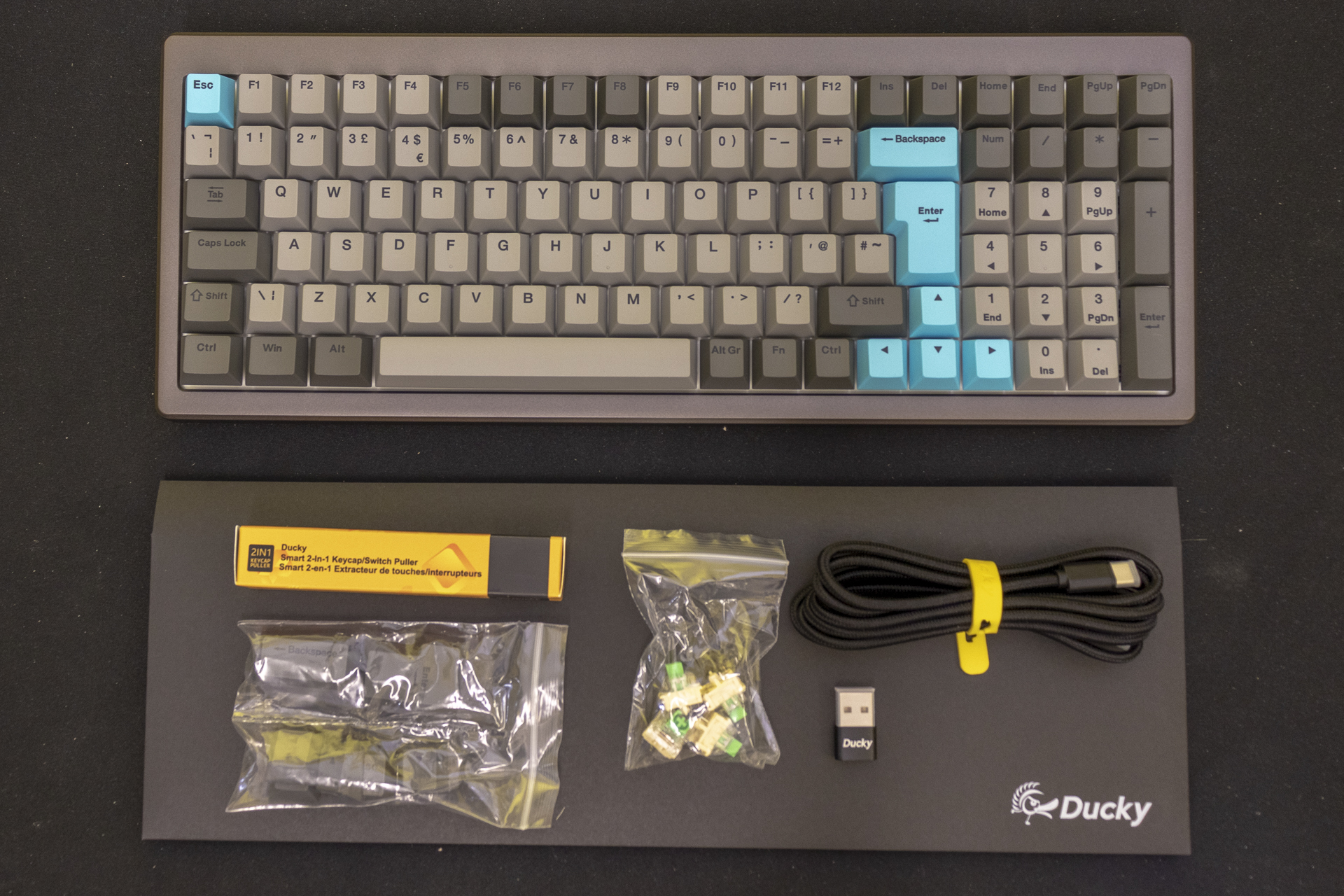
The packaging is certainly robust, and once you get the slip cover off the Cushion 98 is revealed. Or, rather, the cotton bag it comes in. Other accessories are a combined keycap and switch puller. You also get some black keys to replace the bright blue ones, if those aren’t your thing. We like them. Four spare switches ensure that you can replace any quickly if necessary. We’re not saying we’ve had any issues, but naturally when you’ve got 100 key switches it’s possible for a faulty one to slip through the cracks, so including spares is a great move. Lastly a double-ended Type-C cable lets you connect wired, and a receiver gives you wireless flexibility if you want it. And an envelope?
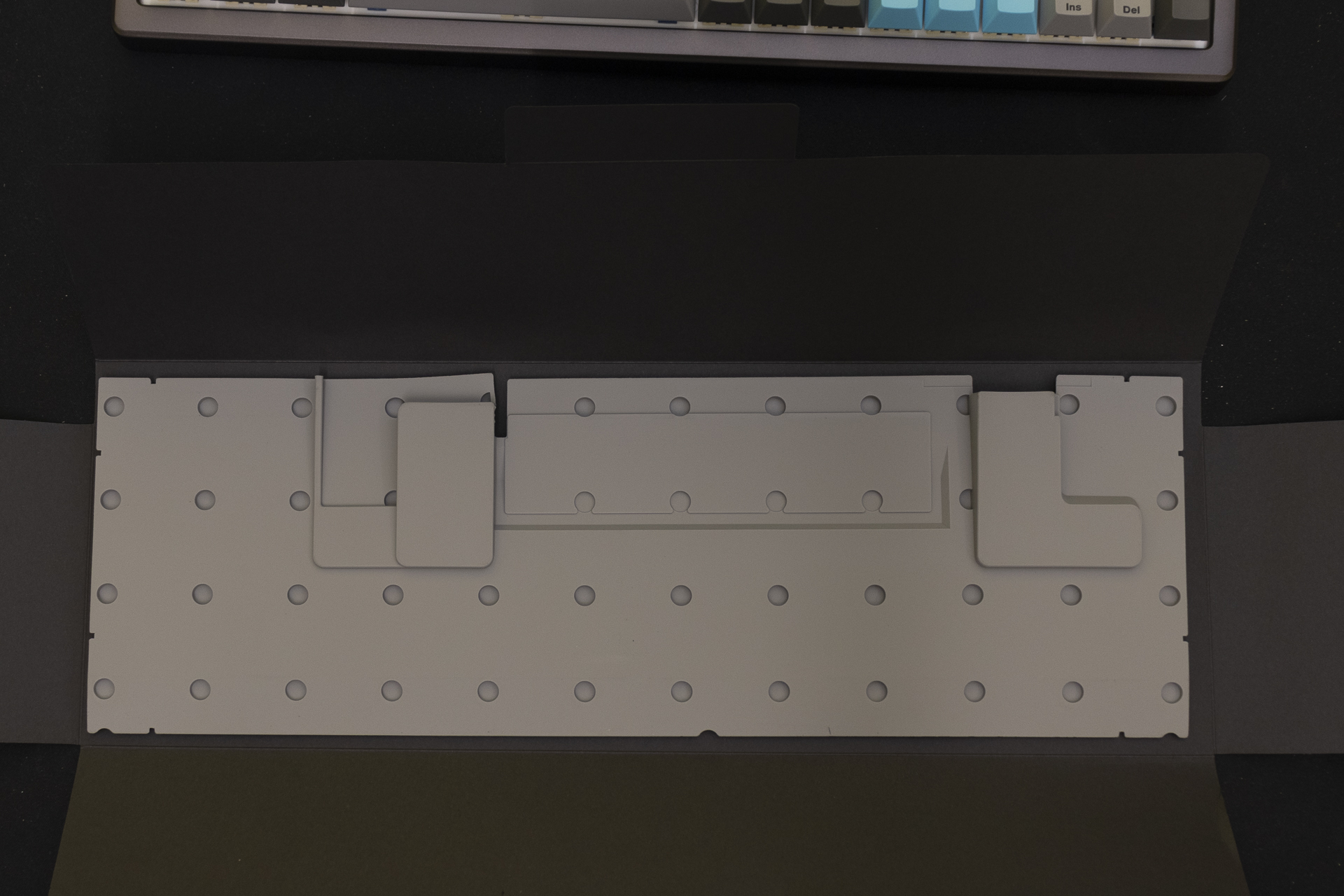
Within the envelope is an alternative damping mat. If you don’t like the response of the keys, or you would prefer a different typing feel, you have options. You can even use this to tune the sound. Worried that changing this mat sounds complicated? Ducky have thought of that, and the Comfort 98 has a unique feature.
Toolless Frame
The aluminium frame utilises magnets rather than needing screws. If you bring yourself to press and lift, it comes off fairly easily.
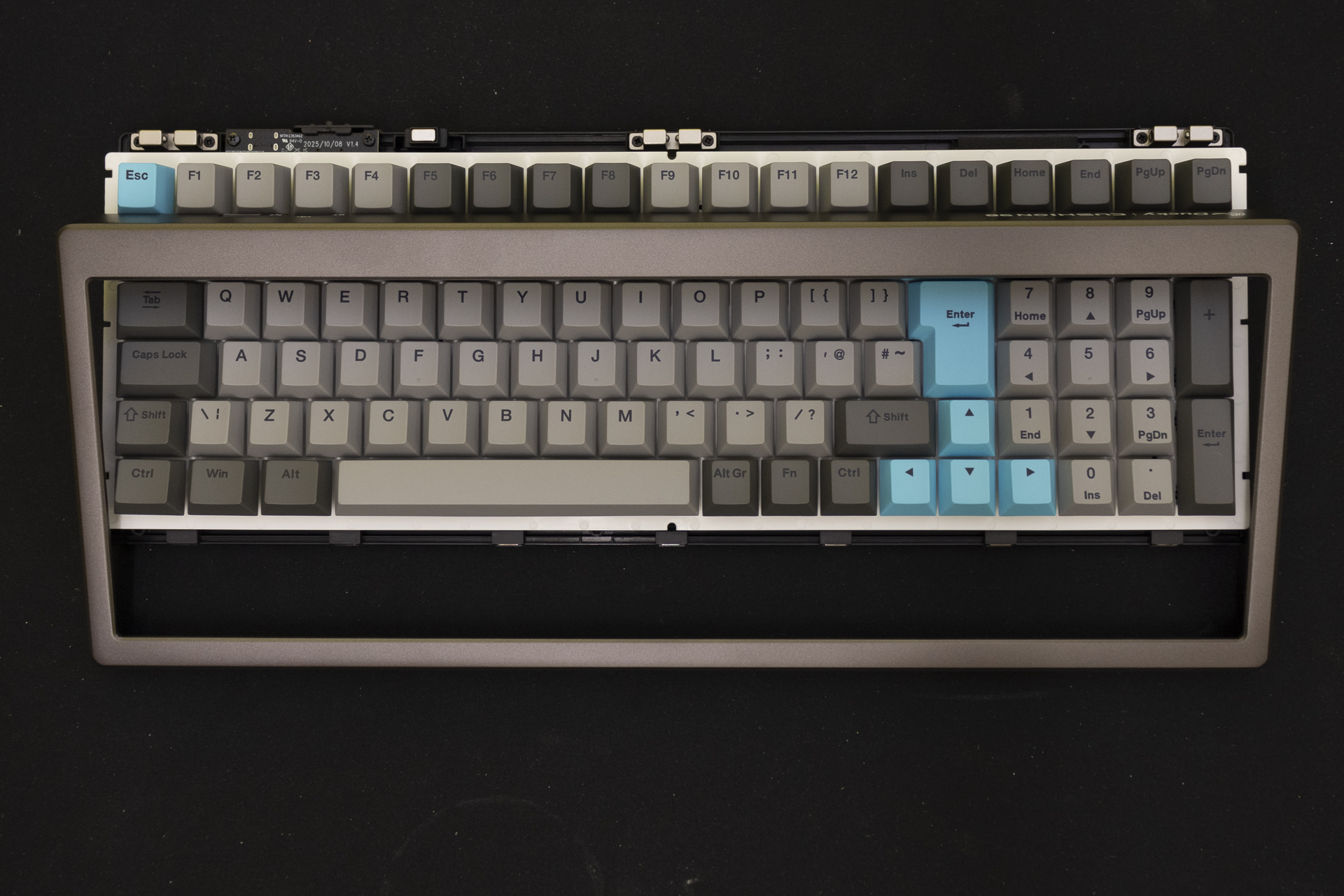
Continue to pull and it comes off cleanly. You can see the metal fingers that slide between the magnets to hold everything in place.
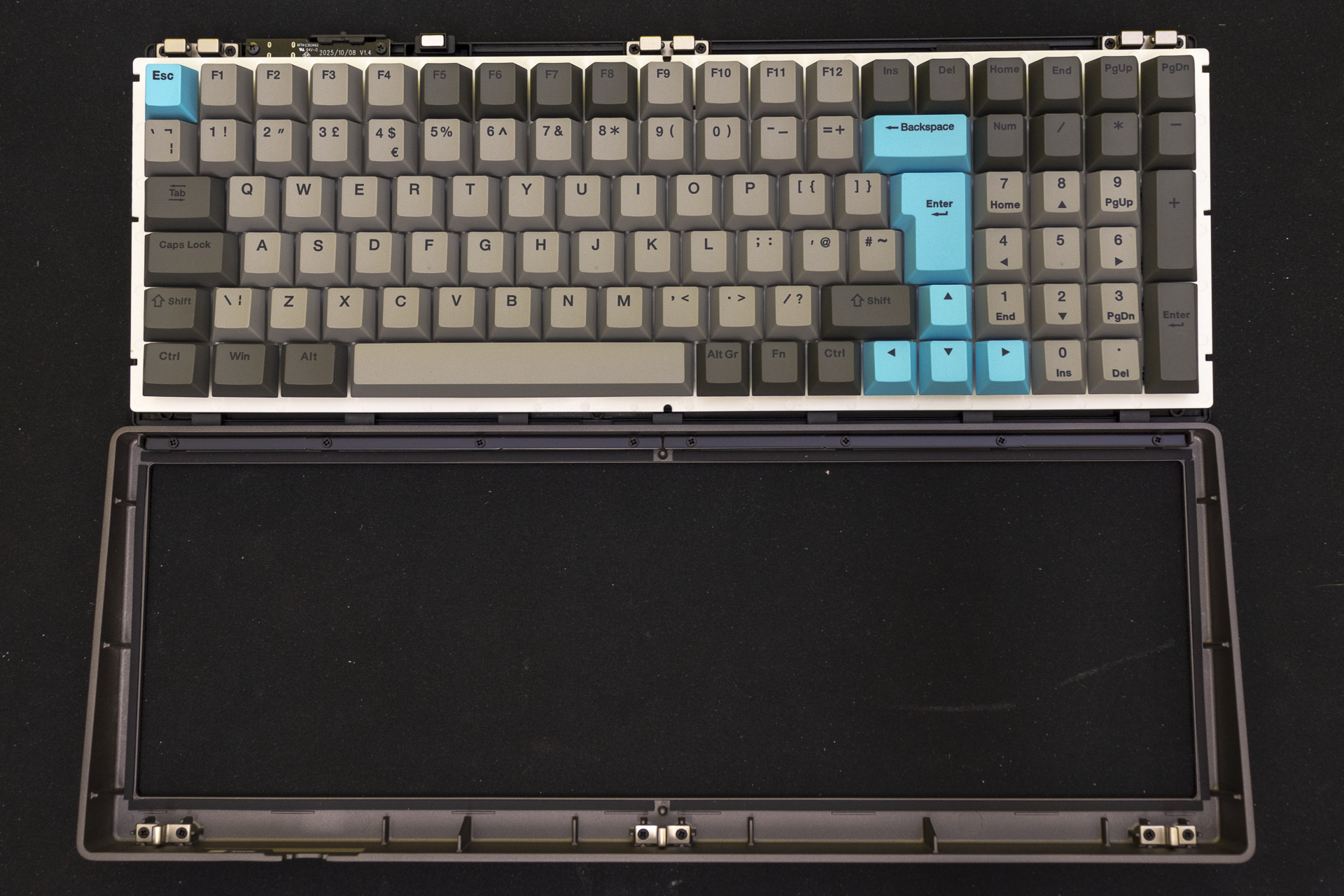
And a close up of the magnets themselves. We’d not recommend lifting the keyboard itself up in this state. Not without being aware you’re about to move it.
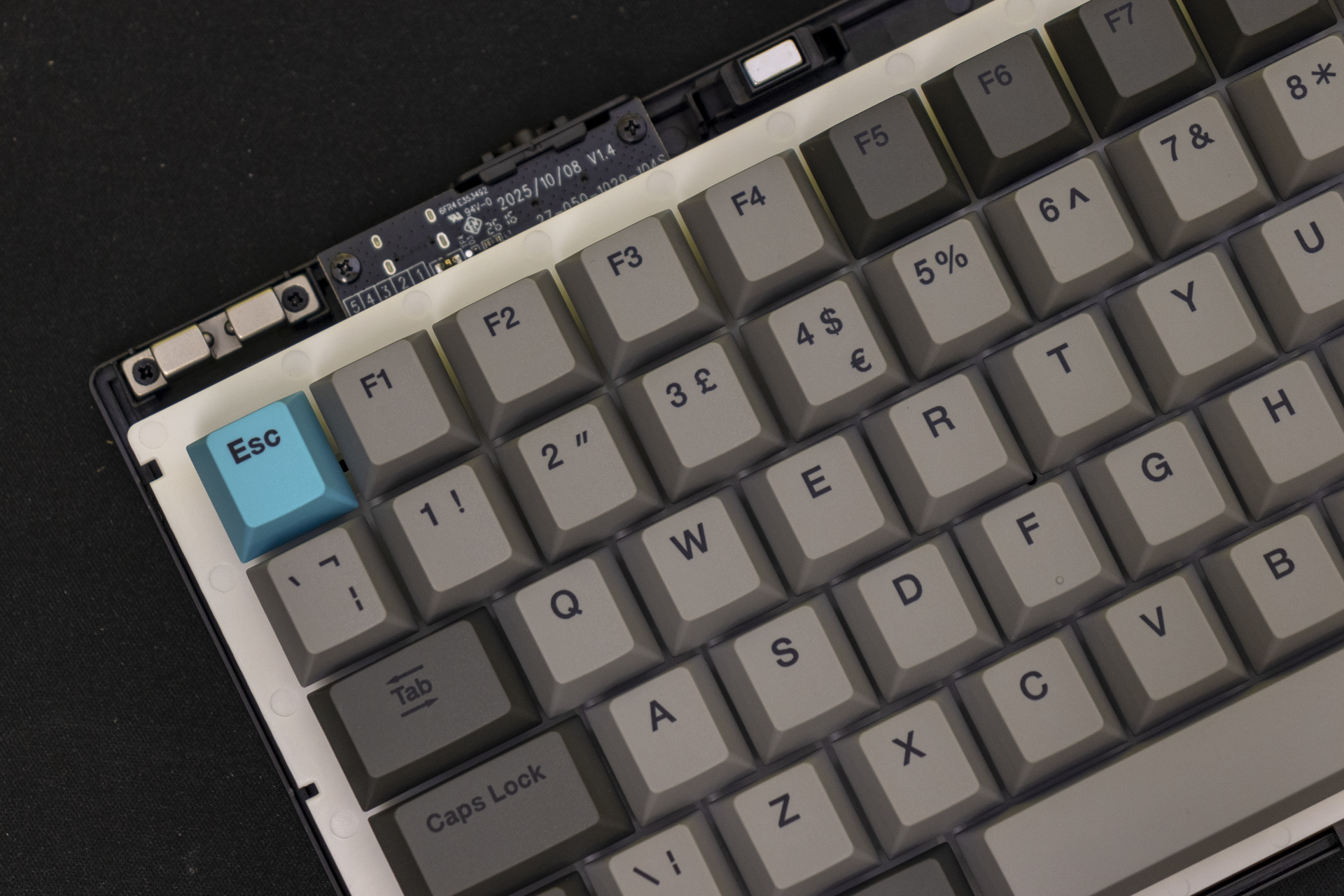
Because without the top to hold things in place, the whole keyboard assembly easily comes off. This lets you switch out the dampening mat with zero fuss. Just be aware the keys are still attached to the base with connectors So don’t get heavy handed. Just be aware of what you’re doing, and it’s easy for even a technophobe to switch out the mats on the Cushion 98.
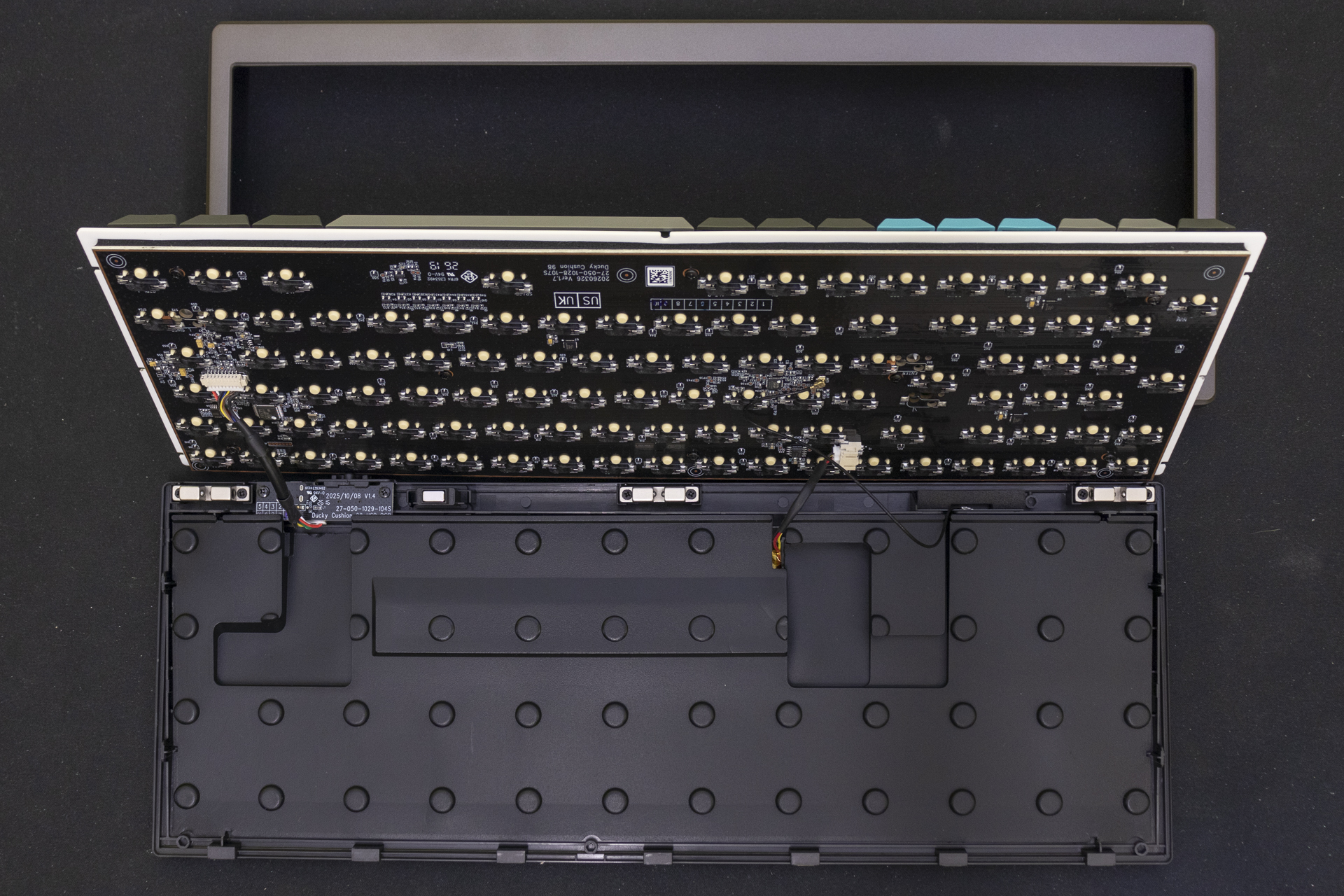
Back Together
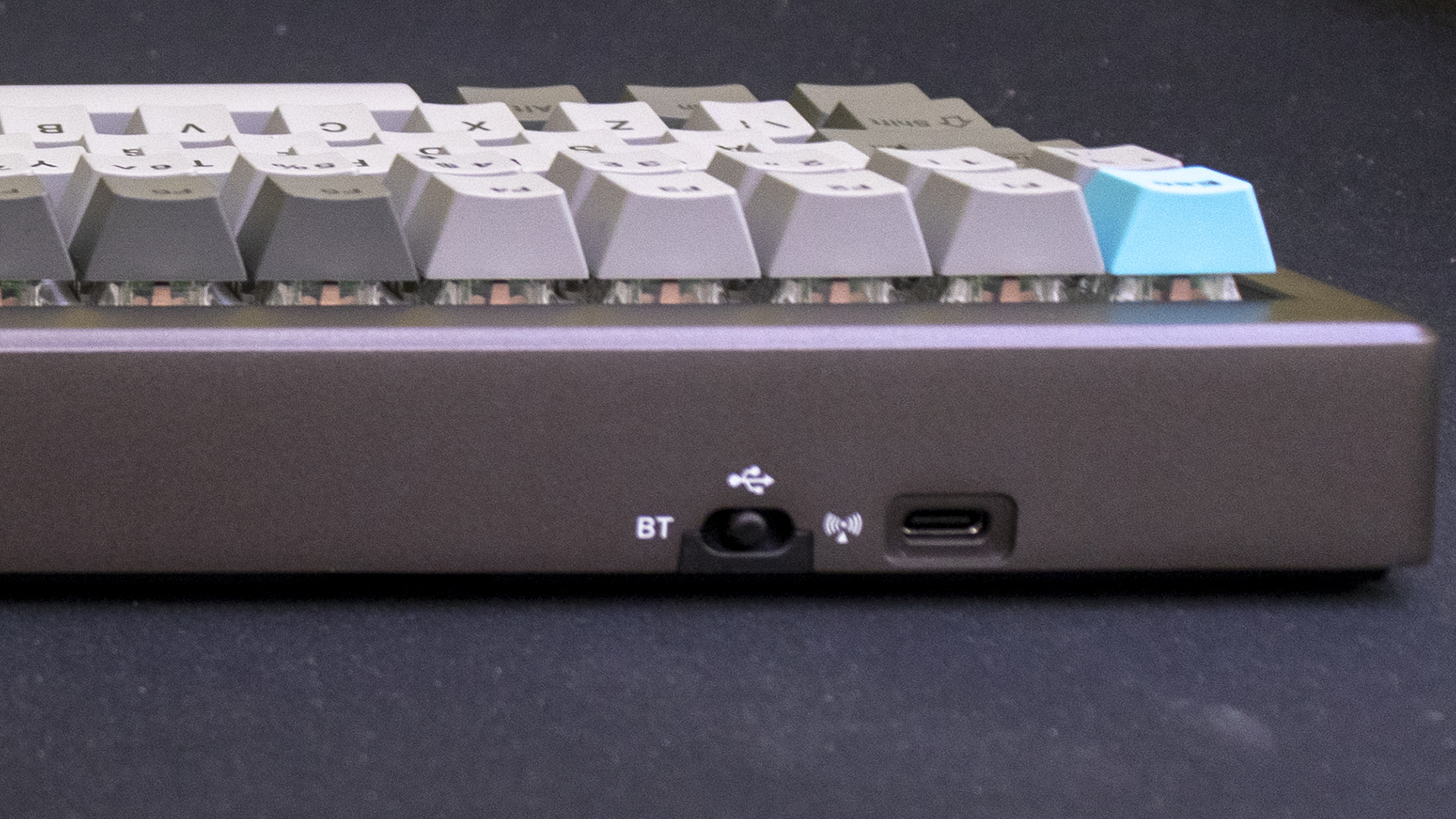
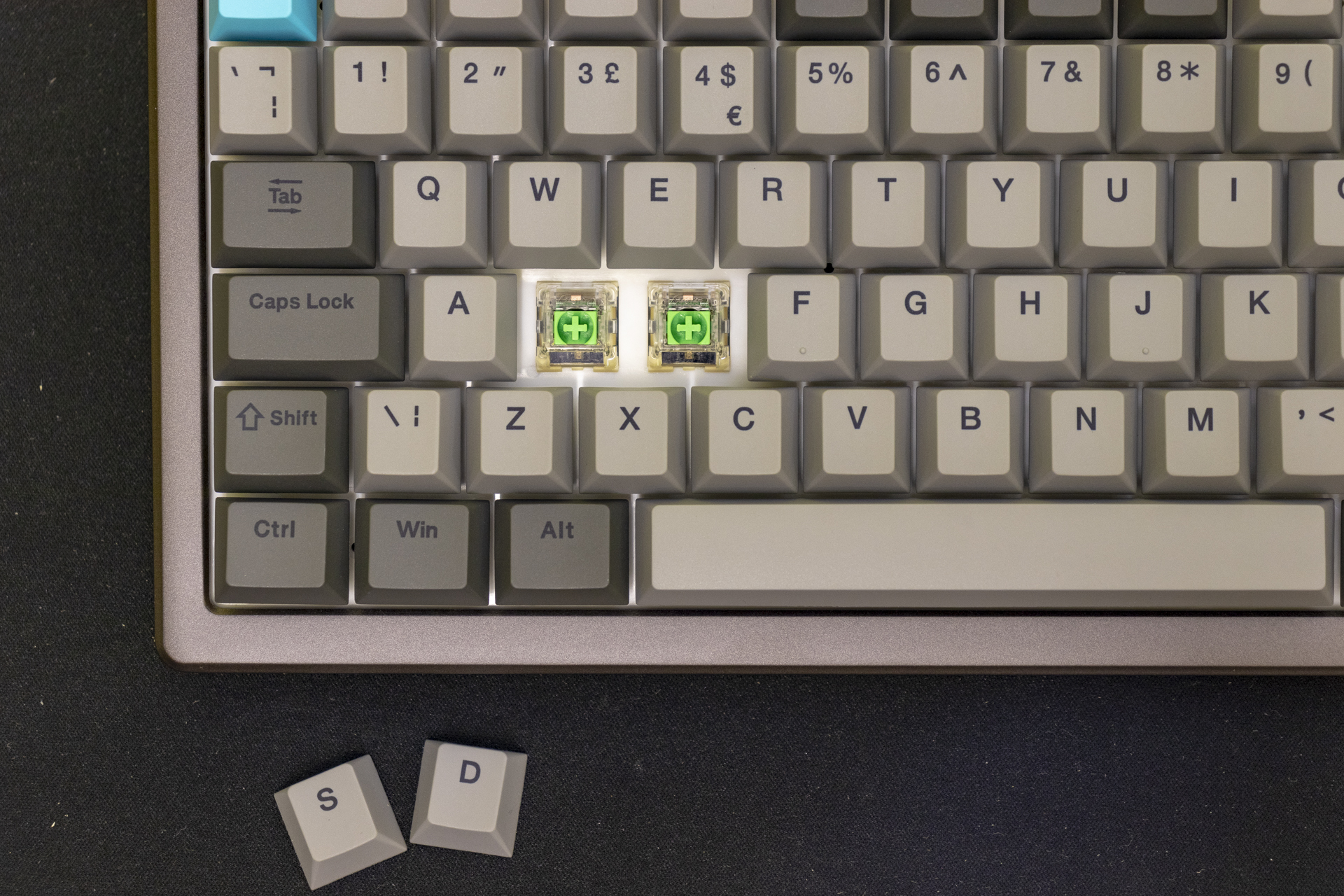
Putting it all back together and we get to see the switches themselves. These are Ducky Shush Silent Linear switches on our review sample. There are tactile ones available if you prefer that feel. We’ve spent many years typing on linear switches so they feel like home. Certainly if you’ve ever experienced the famous Cherry MX Red switches then you’ll enjoy the Ducky Shush Silent examples. By having the Cherry keycap stalk you can easily customise the Cushion 98 keys should you want something other than the all grey look.
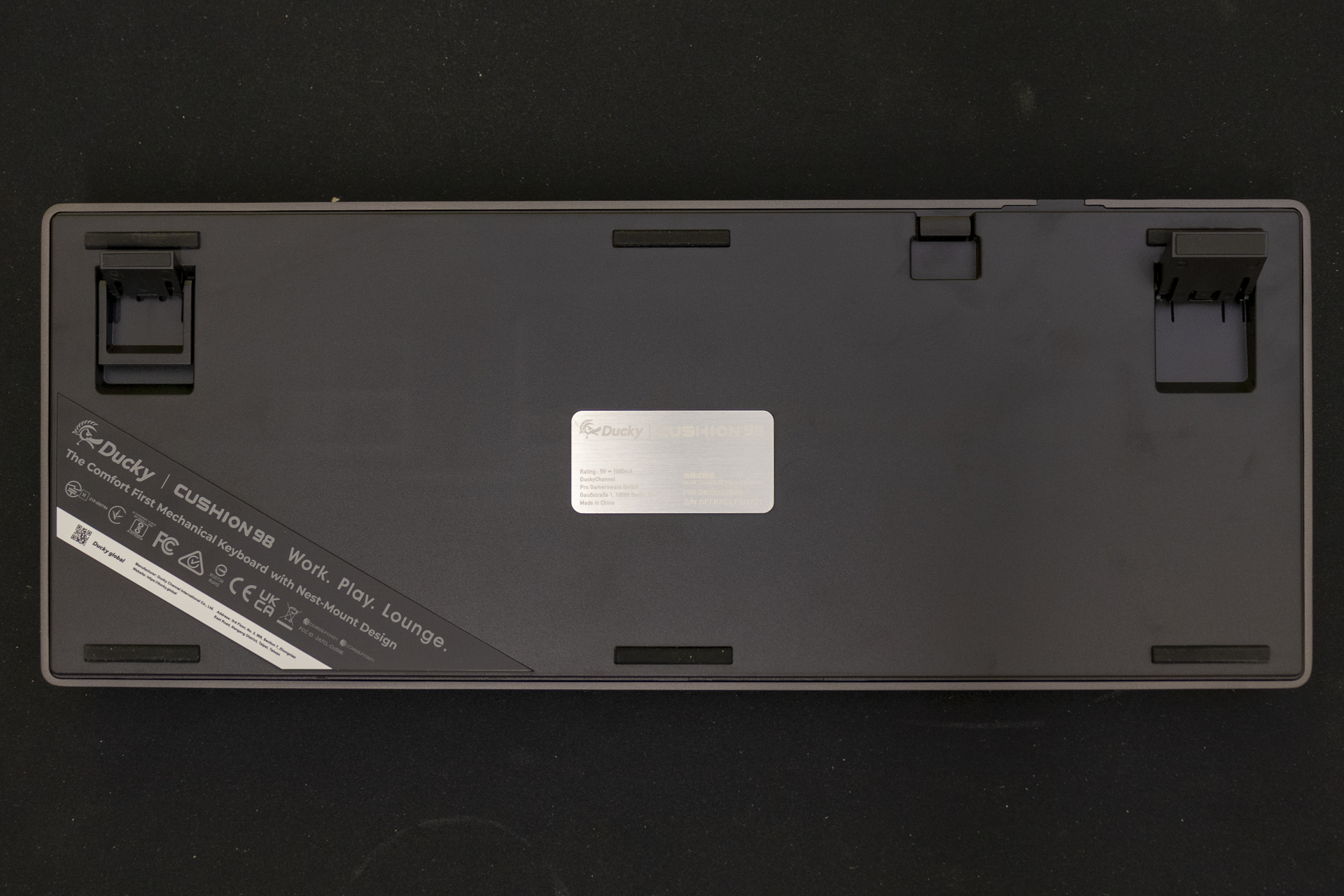
Ducky give you two feet height to choose from so you can ensure comfortable fingers for the duration. Don’t forget to get a wrist rest. Take it from someone too far down the RSI path to recover.
Connectivity follows the tried and tested method of a Type-C cable if you want wired, with both Bluetooth and Wireless 2.4GHz options available at the flick of a switch.