

Ducky OK-HE 98 Review

Up Close
Up Close
It seems that as well as dropping the Channel part of their name, Ducky have also changed the packaging design. Great if you want to practise your French. Bonjour, chez OC3D, nous allons vous présenter en détail les fonctionnalités du Ducky OK-HE-98.
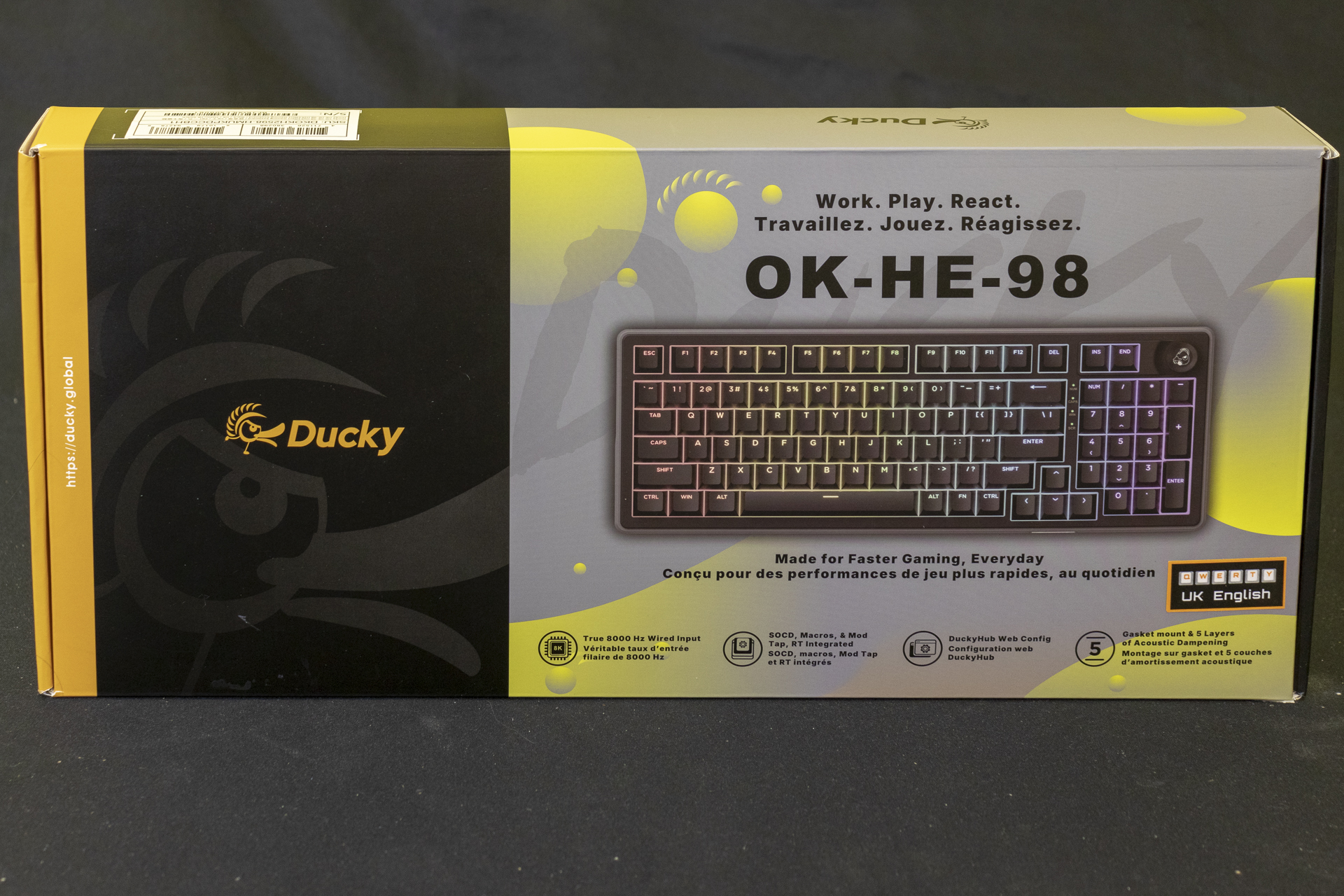
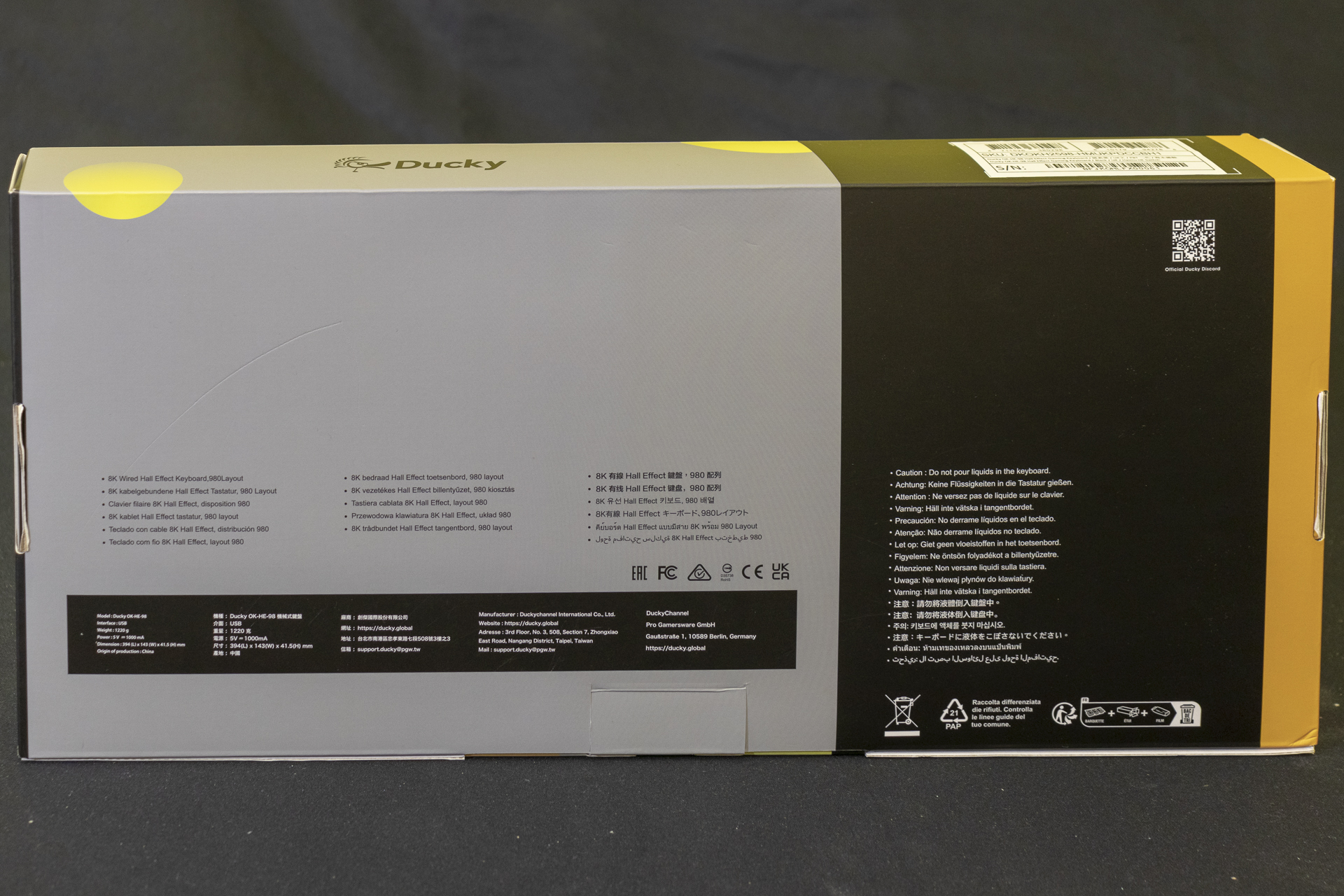
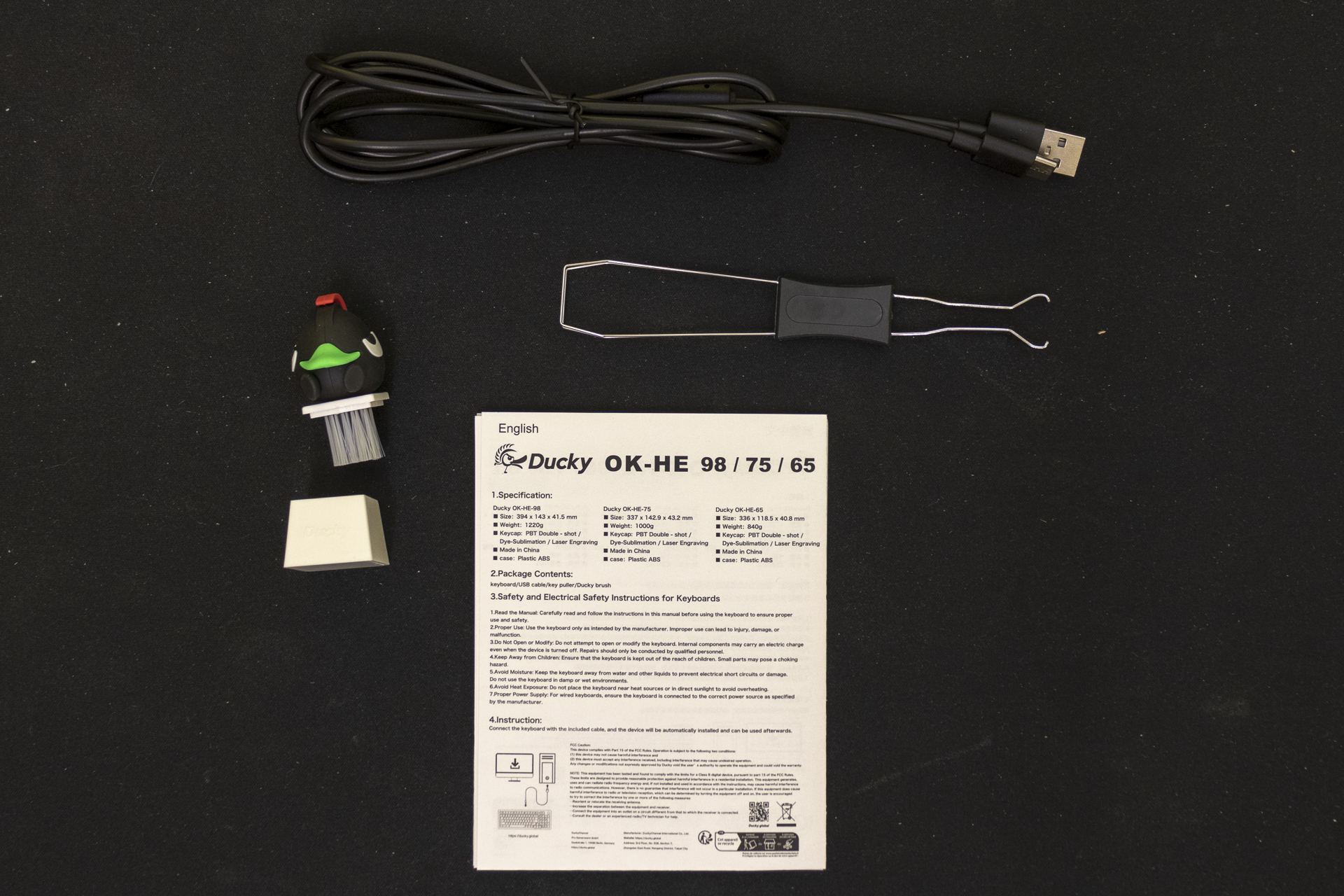
In the packaging we get a Type-A to Type-C power cable, a combined keycap and keyswitch puller, and a brush. The Haimu magnetic switches are, like all Ducky keyboards, hot-swappable. They have a massive lifespan, and we’ve never lost one yet, but it’s nice to know if one does give up the ghost that you’re just moments from being back up to speed.
Yes, the brush to clear the crumbs from your keys has the head of a duck. Of course it does. As the owner of three, it’s a shame they aren’t different heads for collectability. Or maybe they are and I’m unlucky.
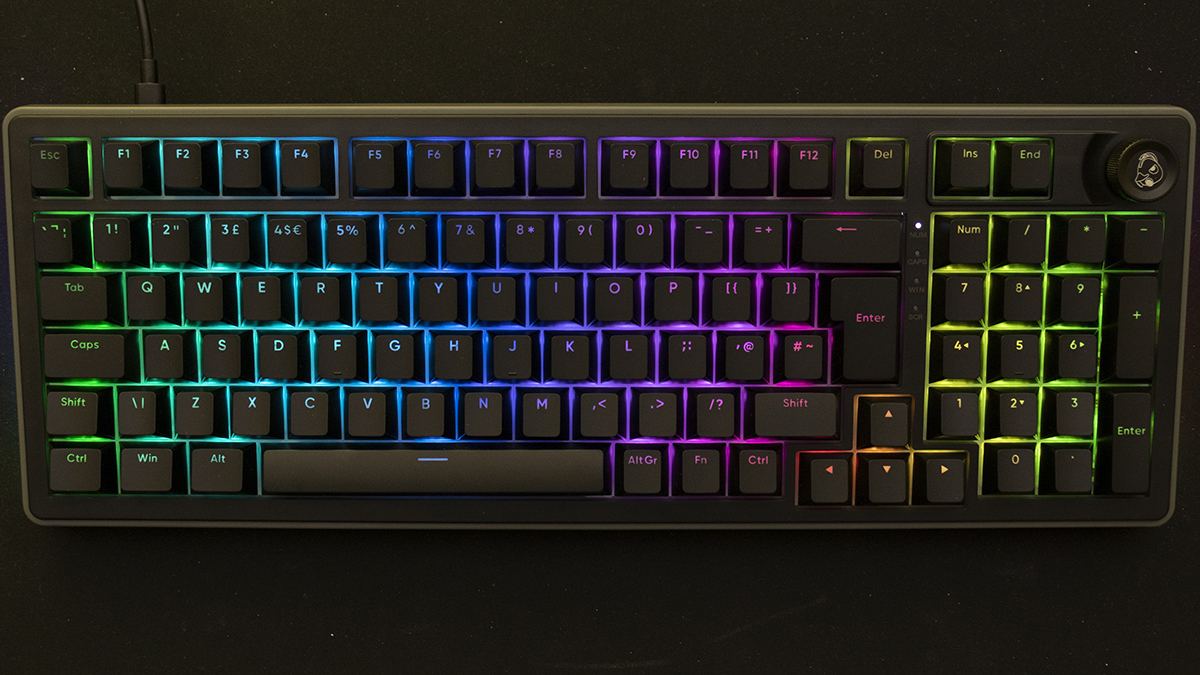
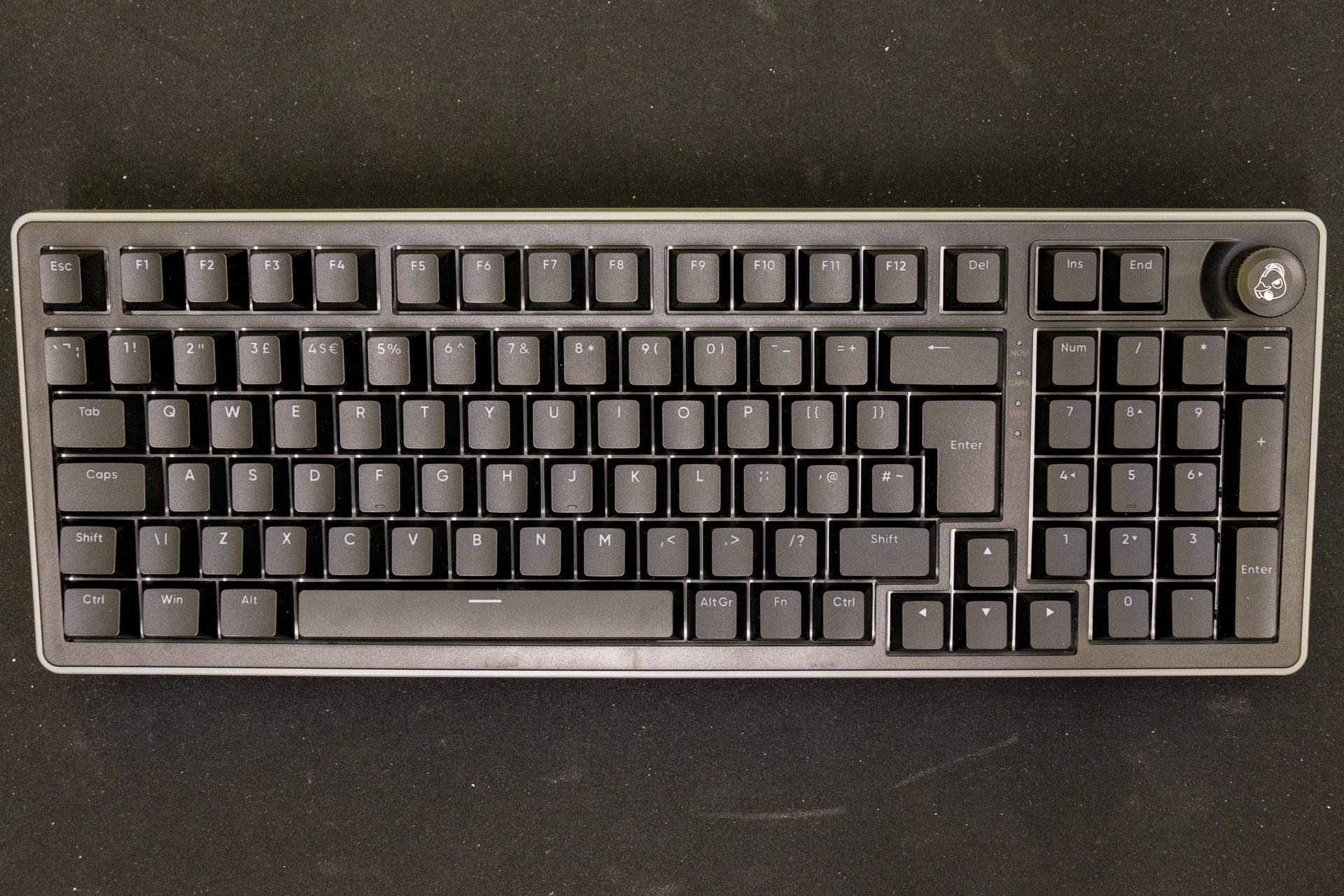
The compact dimensions will be familiar to anyone who saw our review of the Ducky Cushion. To get a smaller form factor without compromising key total too much, all the excess has been trimmed. In the case of the OK-HE, that’s made way for a volume/mute wheel at the top right.
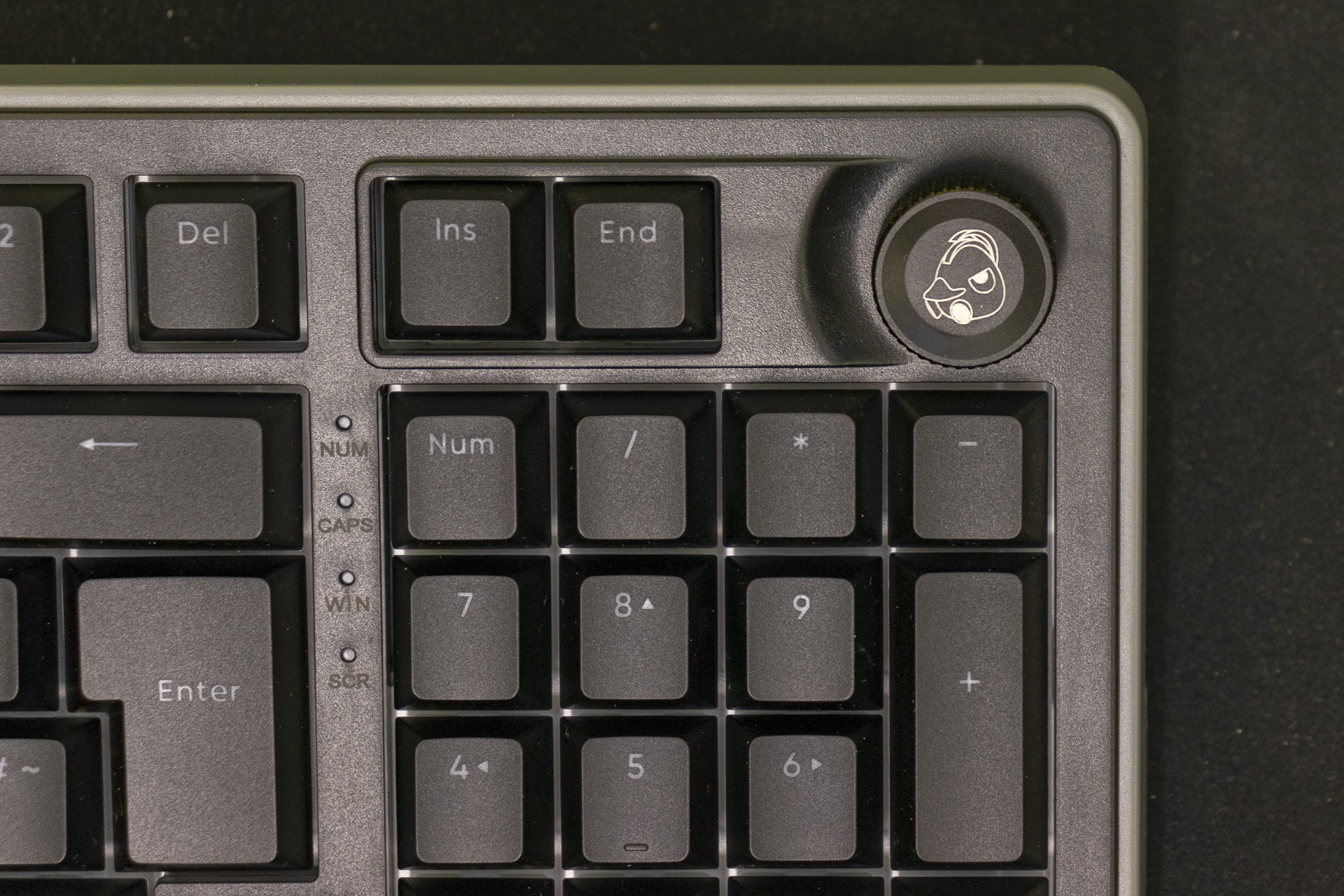
A raised platform for the insert and end keys help your fingertips to find the volume quickly. Useful if you’re going to rebind and don’t want to left scrambling when things get sweaty. We don’t remember too many keyboards having a Win Lock indicator. It speaks to the gaming focus of the OK-HE.
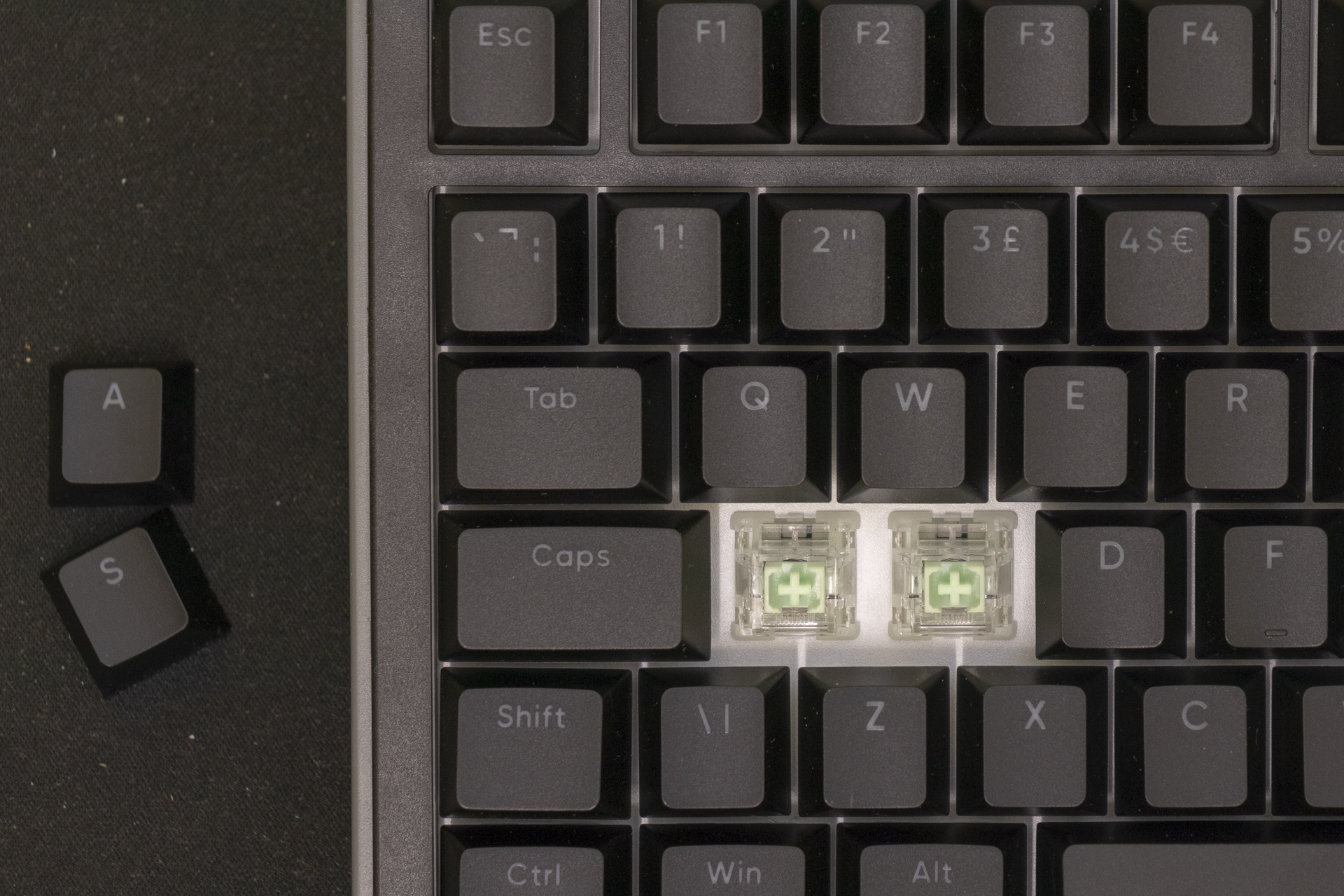
Haimu Switches
Here are the switches that Ducky hope will usher it into a new age. The first magnetic switches on a Ducky keyboard, no less. With Cherry compatible stalks, hot-swap capabilities and RGB lighting, they tick a lot of boxes. Very linear typing as one would expect from a non-microswitch design.
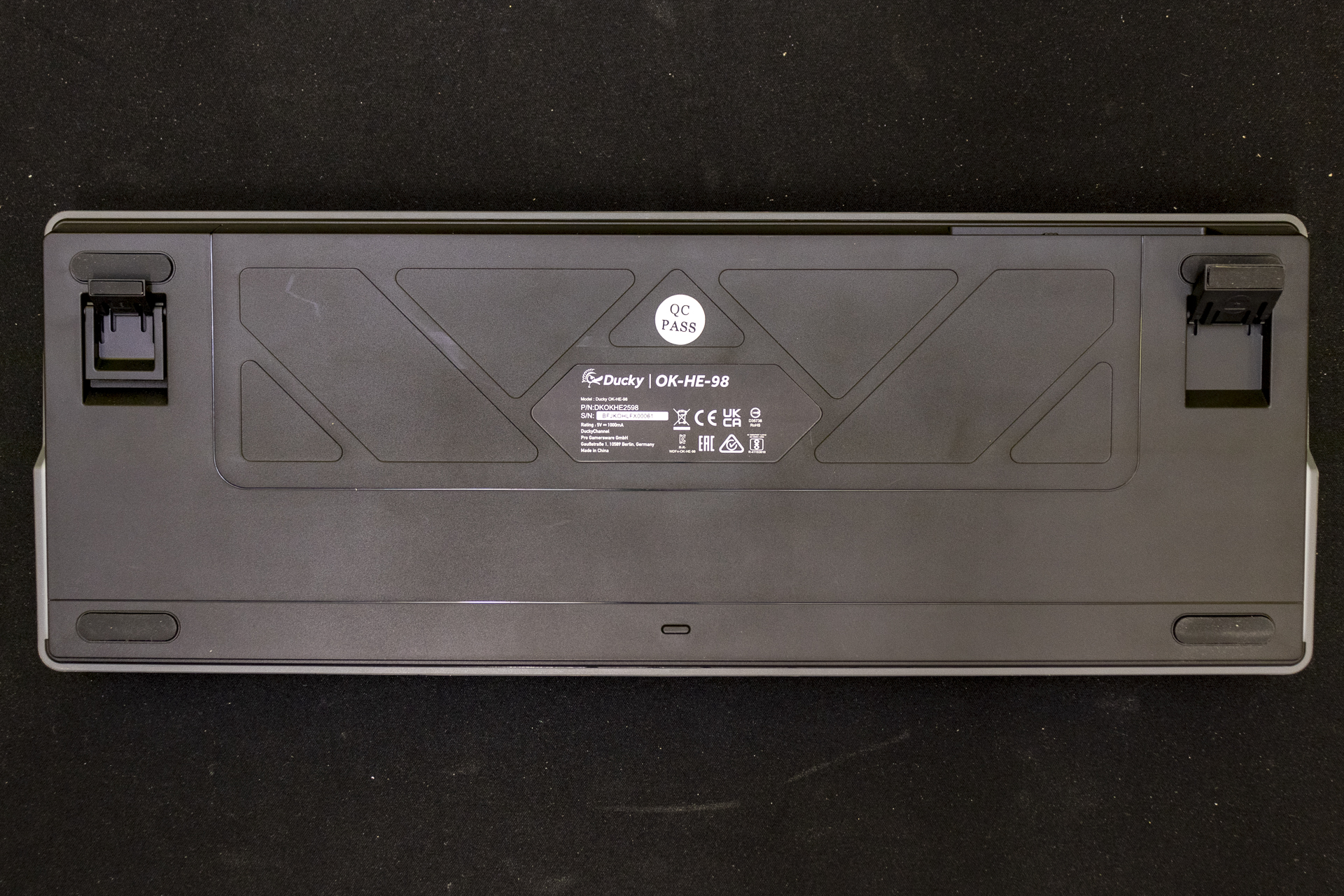
The underneath has feet of two different heights for maximum typing comfort. The rubber pads on the feet are tiny and kept in place with that gummy, sticky substance you’ll all recognise. If they hold on as well as they did on the One-X you’ll be supergluing them on within a month.