

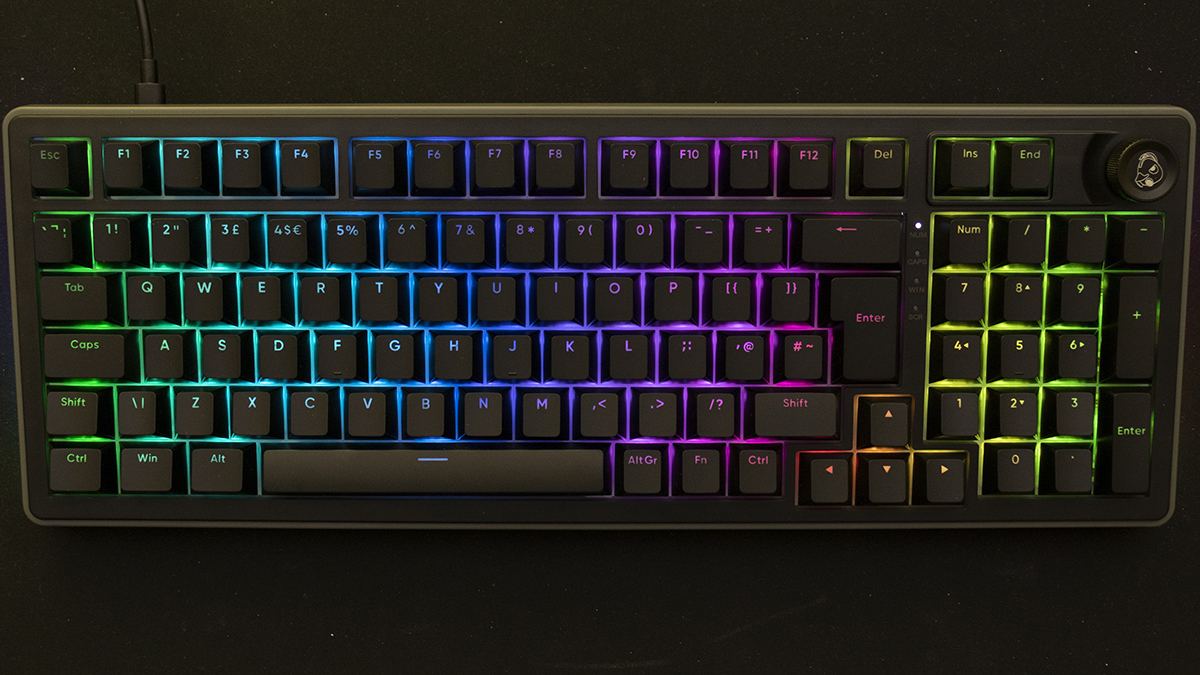
Ducky OK-HE 98 Review

Software
Software
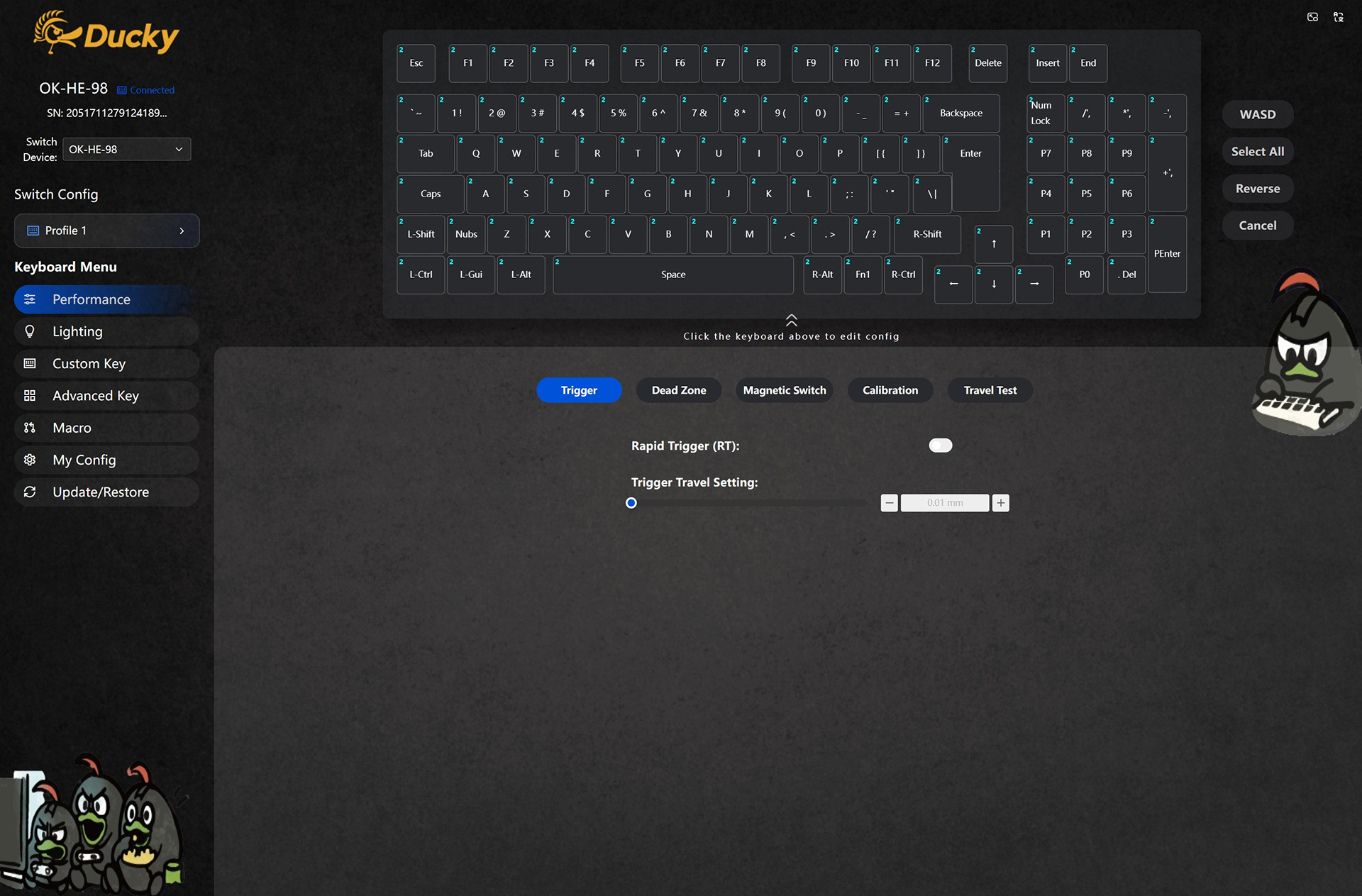
Rather than go with a downloadable software, Ducky are following the trend for in-browser solutions. It does mean us Firefox folks have to have a Chromium browser on hand. In keeping with the target market for the OK-HE, and the capabilities of a Magnetic Switch, you have all the calibration options you could wish. Rapid Trigger begins the feature set.
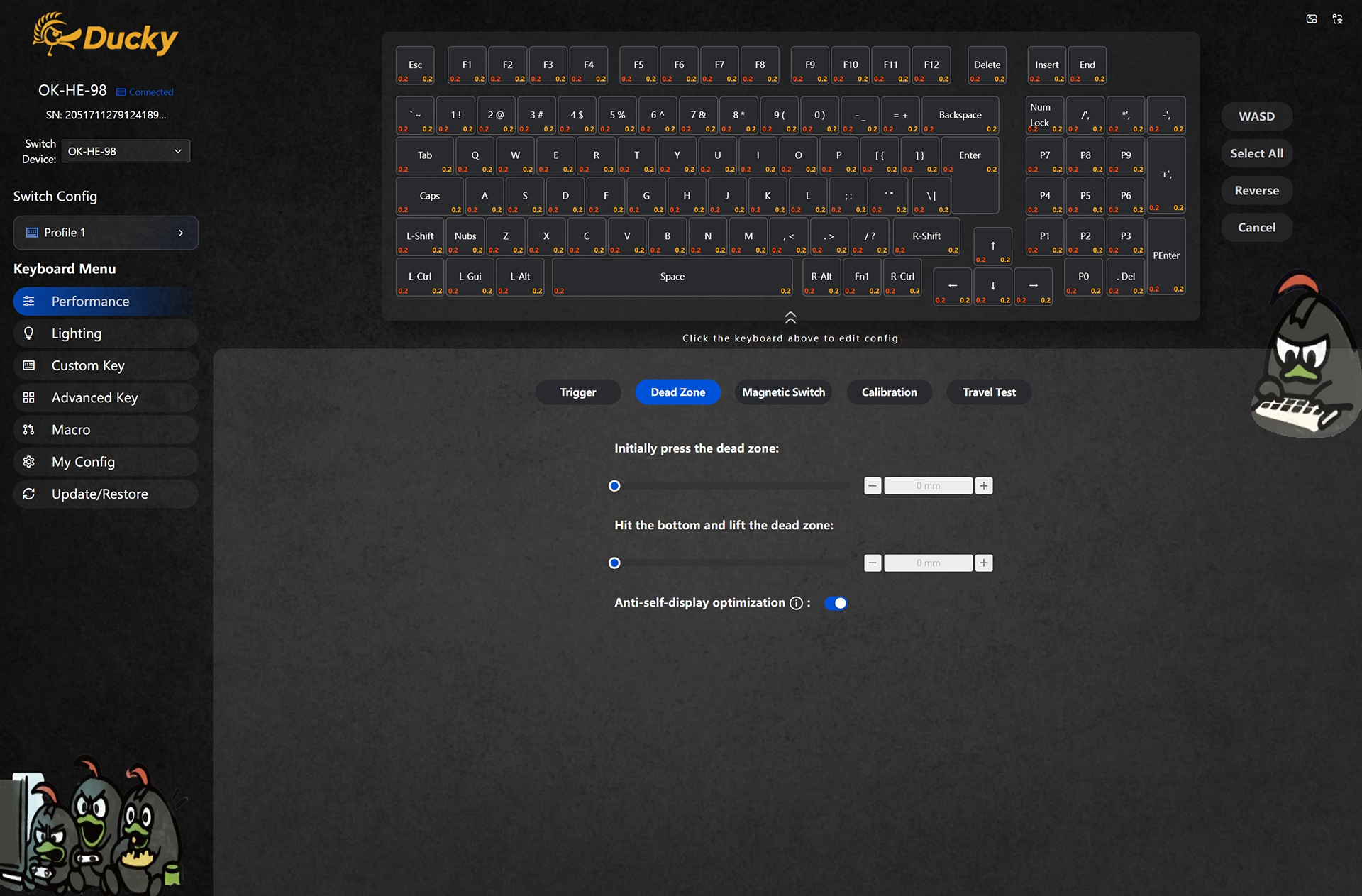
If you want a custom dead zone, then you can be in full control. On a per-key basis too. Currently, as you can see from the screenshot, all the keys come at 0.2mm. Breathe too heavily and they’ll actuate.
If you’ve swapped the switches, then we think this is where you tell it what you’ve done. We don’t know though, as neither the software nor keyboard come with any documentation. Maybe it’s a way of setting it to replicate the actuation of other switches. But we believe it’s the former.
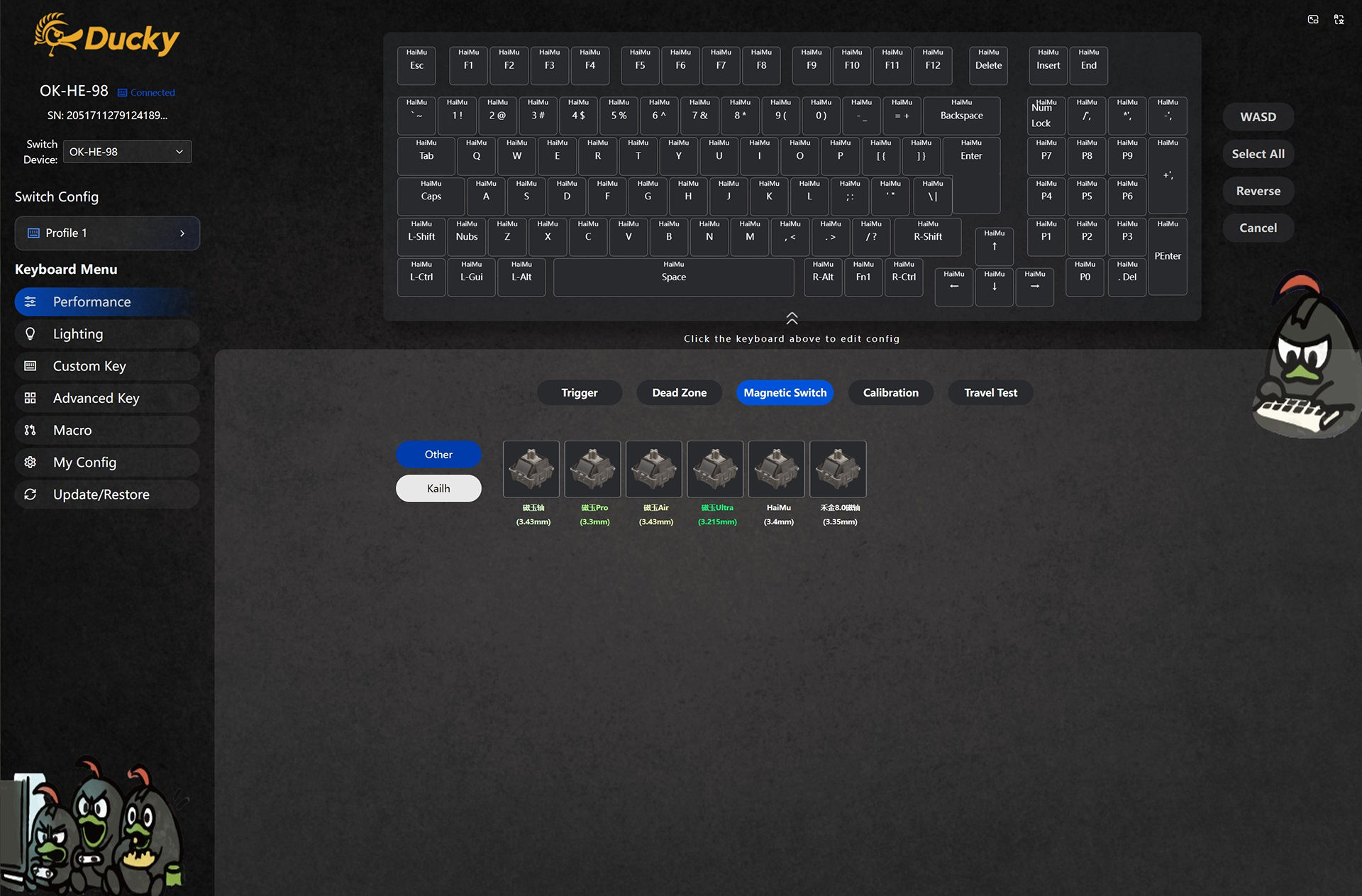
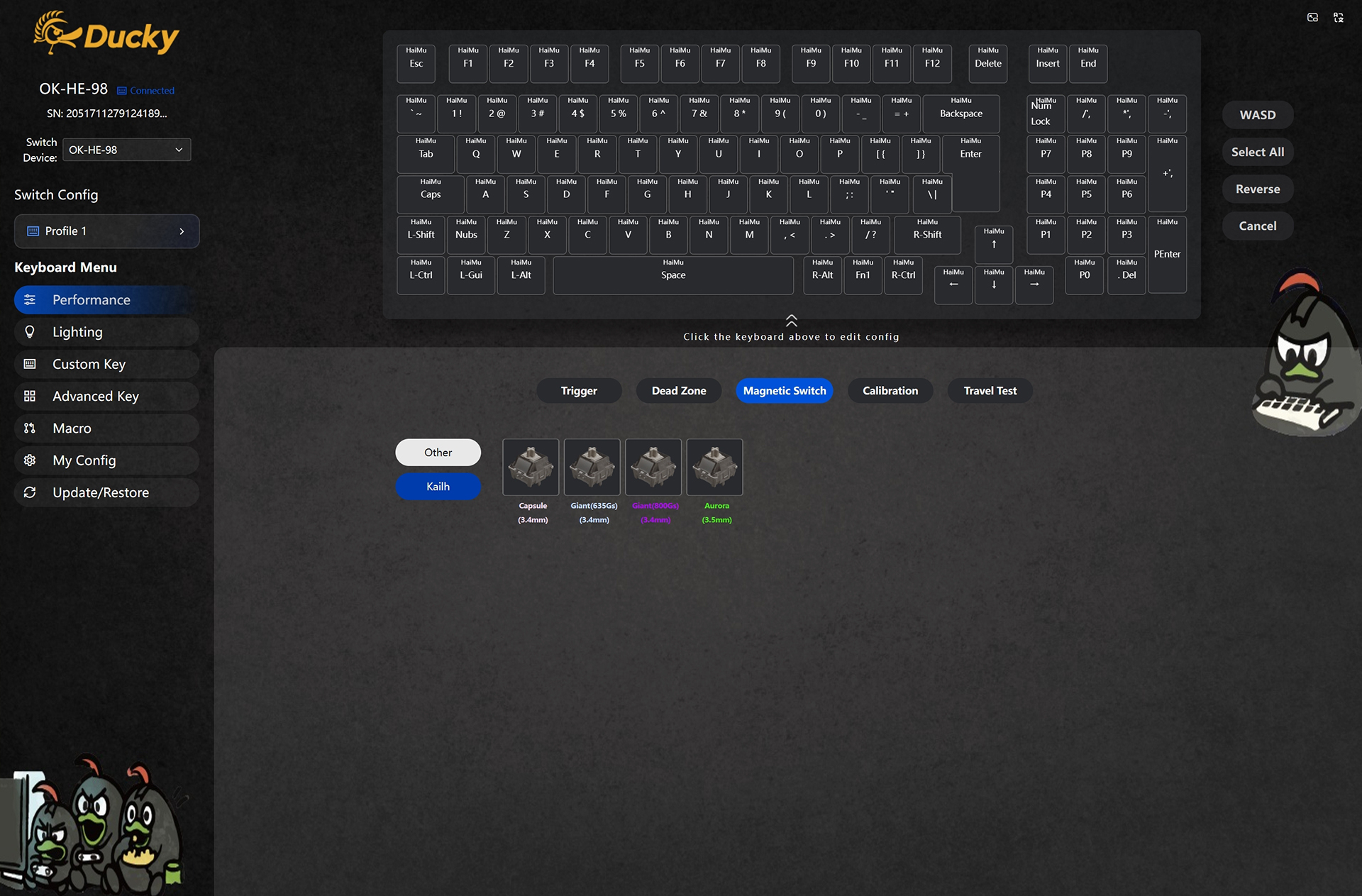
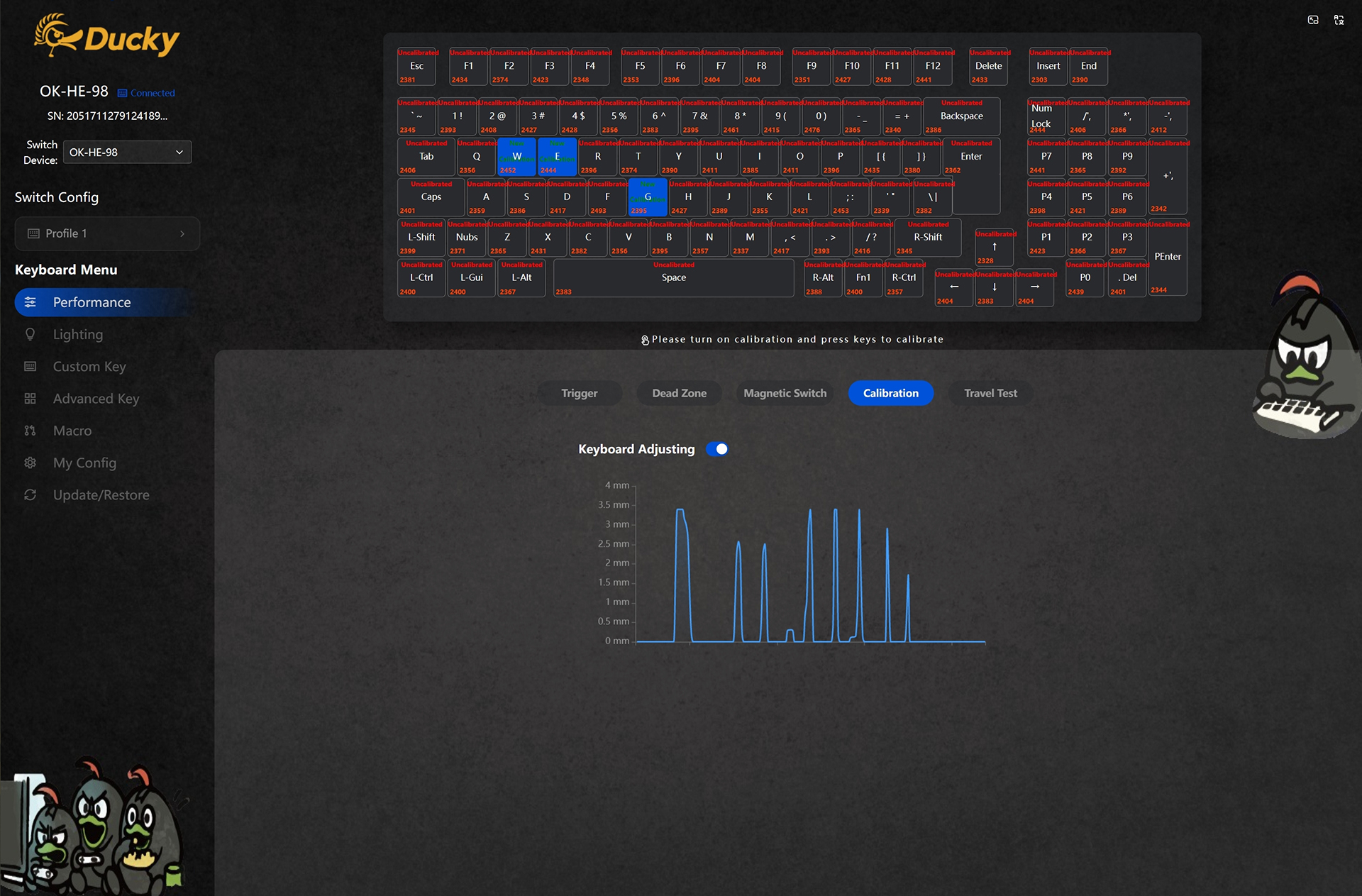
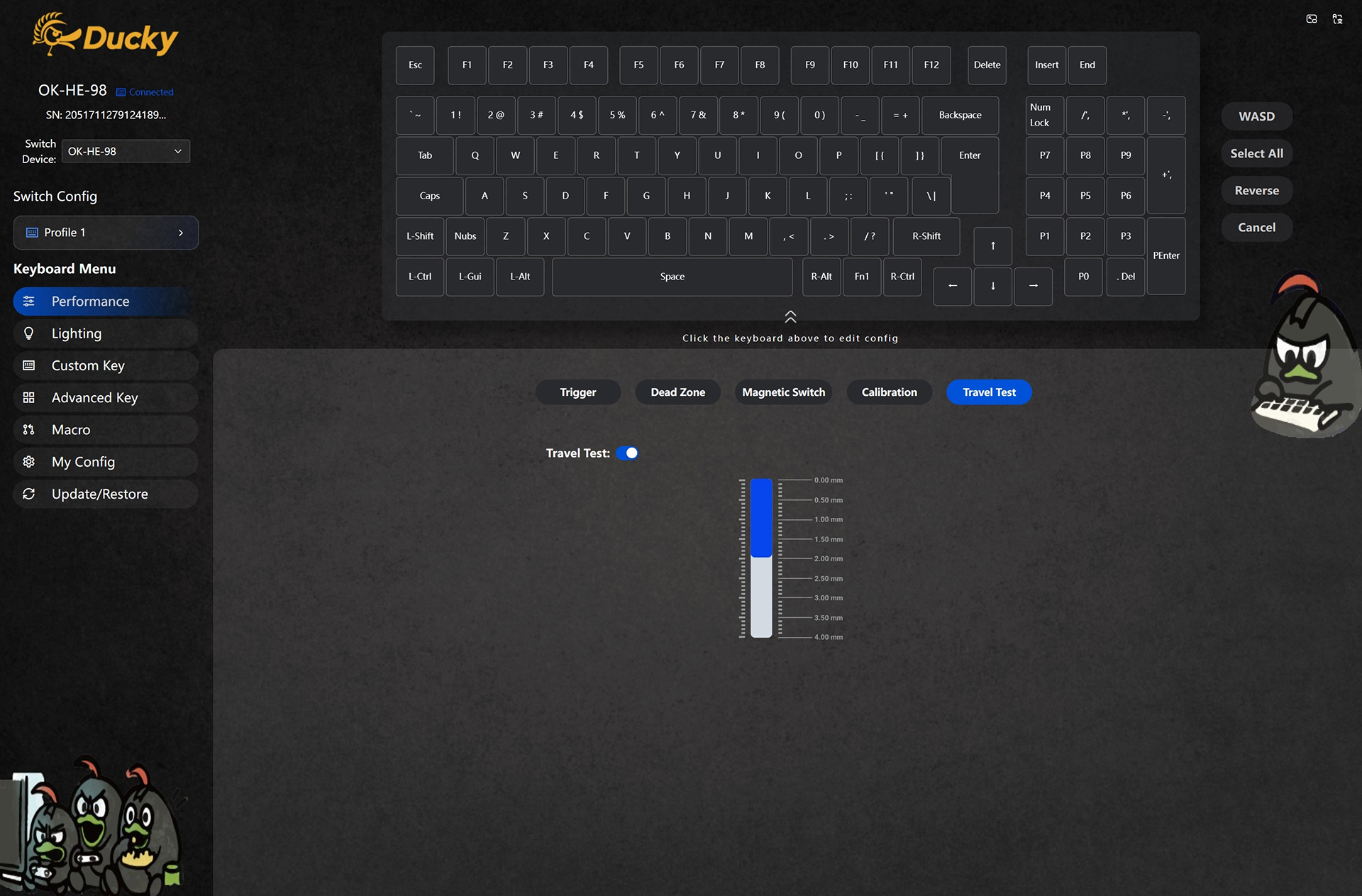
A positive is the calibration and travel options giving you a clear representation of how you press the keys. From this you can fine tune to ensure you only get the inputs you expect. Perfect if, in particular, you’ve got some fingers weaker than others.
Any Colour You Like
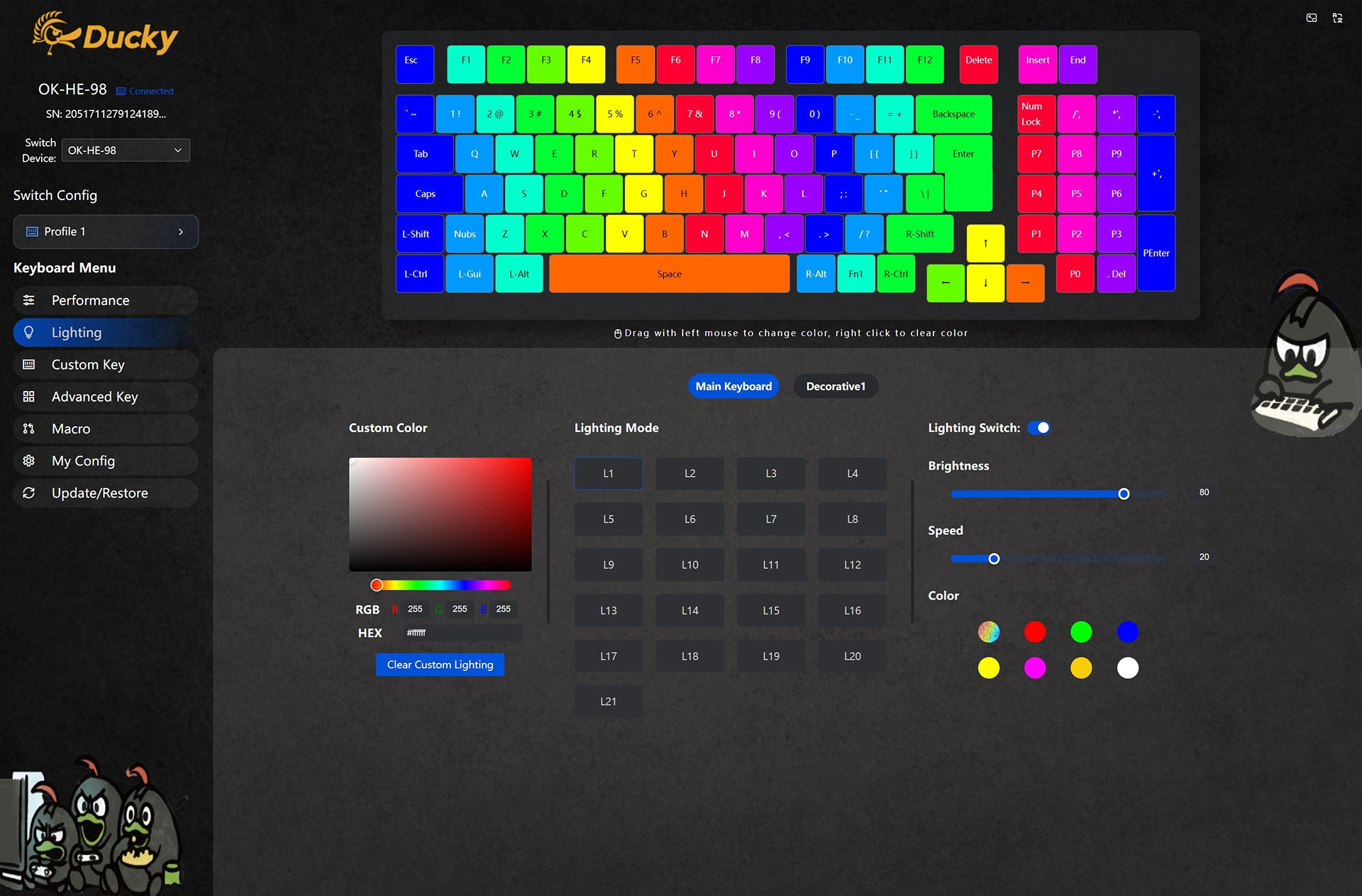
On the subject of a lack of documentation or tooltips; This is the lighting page. Any idea? Because we’ve got none. L1, L2, L13, L21. Not a clue. At least being a browser based package this can be sorted. No, the custom colour on the left does nothing, you need to click the first circle under colour on the right and use that swatch for a custom setup.
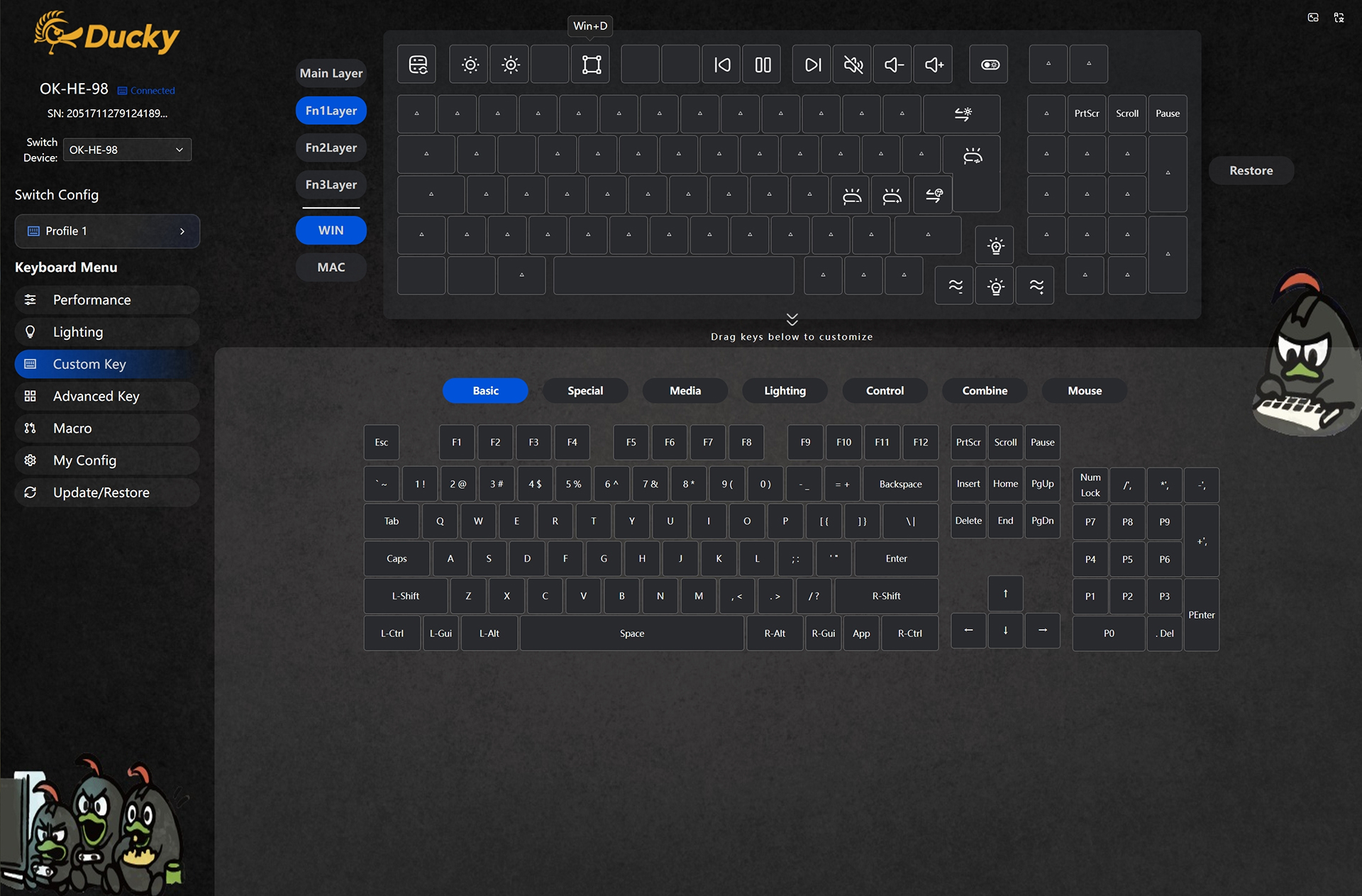
There are three Fn layers on the OK-HE. By default on the first layer you have lots of media and lighting controls. We haven’t got the famous Fn+Enter Duck setup which minimised all the windows and muted your computer instantly. Something to take note of if you were often looking at things you shouldn’t be.
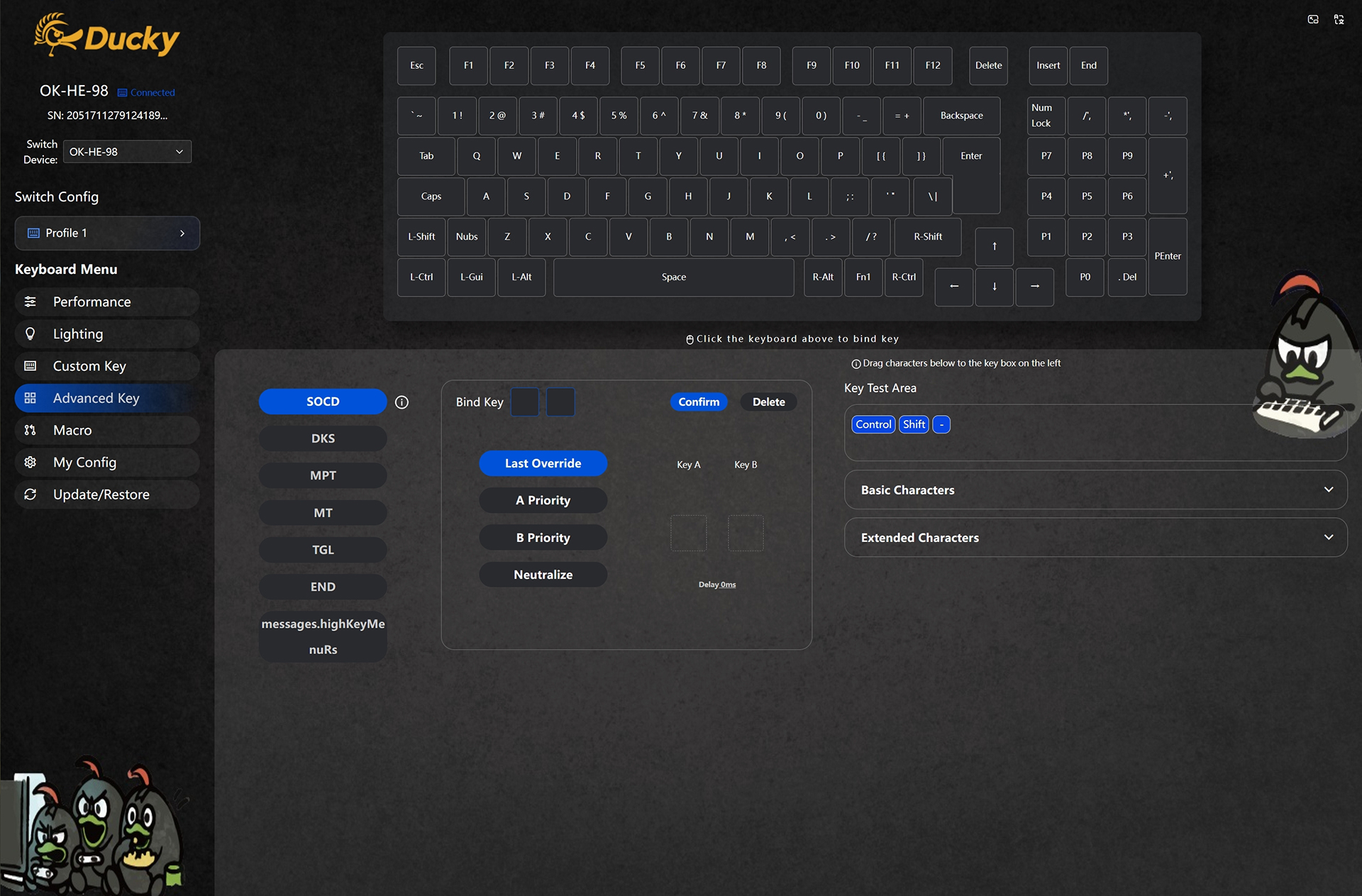
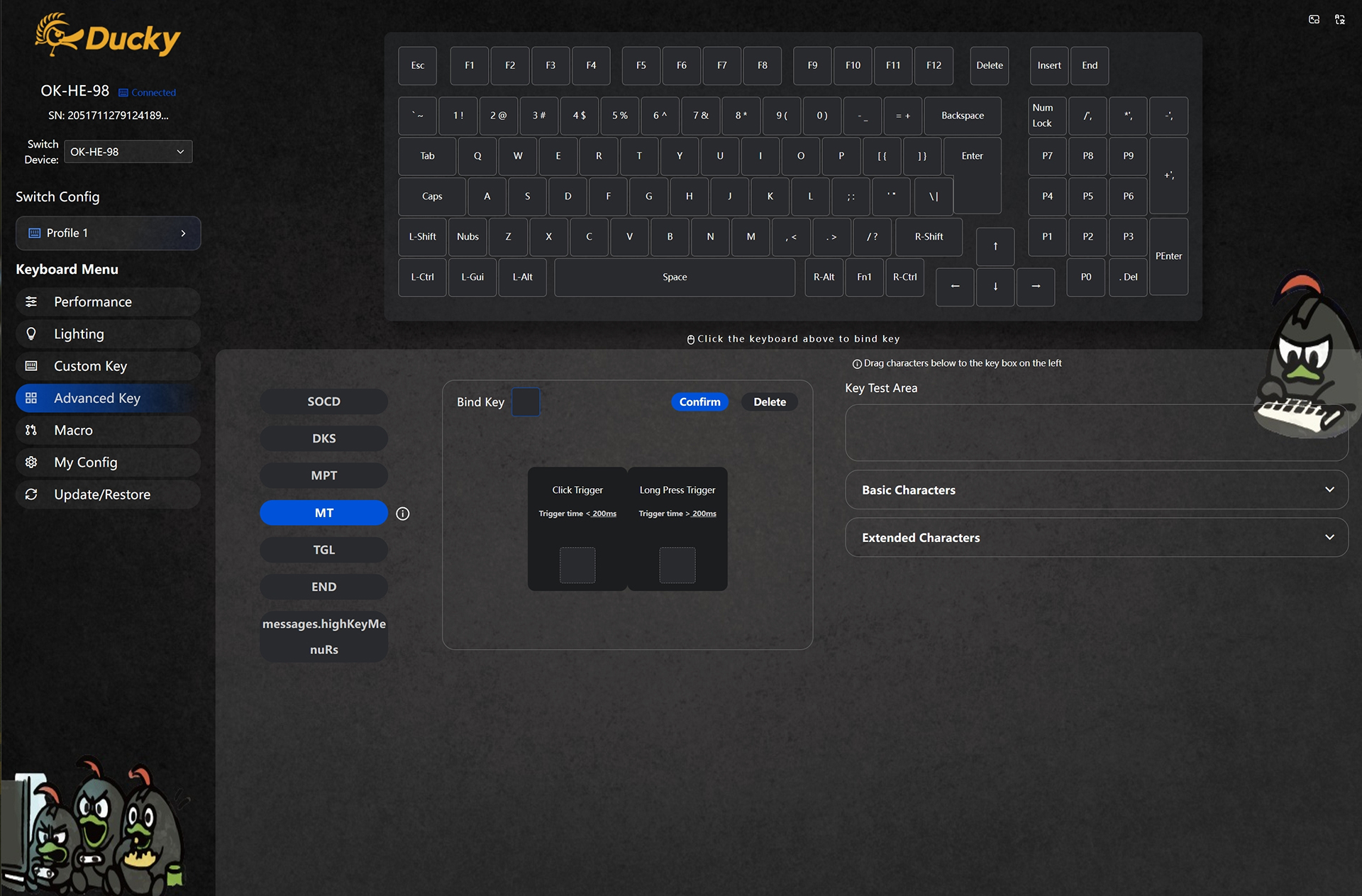
Now, the website, the manual, and even the press guide we have don’t explain this at all. SOCD is obviously the ability to press opposite directions and have the last one you pressed count even if you haven’t let got of the first. Or vice versa. Up to you. DKS, not a clue. MPT we assume is Multi-Point Trigger, which lets you define different things at different actuation depths. MT brilliantly lets you pick two actions depending upon whether you tap or hold the key. TGL and END? Hopefully by the time the product officially releases all these codewords and placeholders are made clearer.
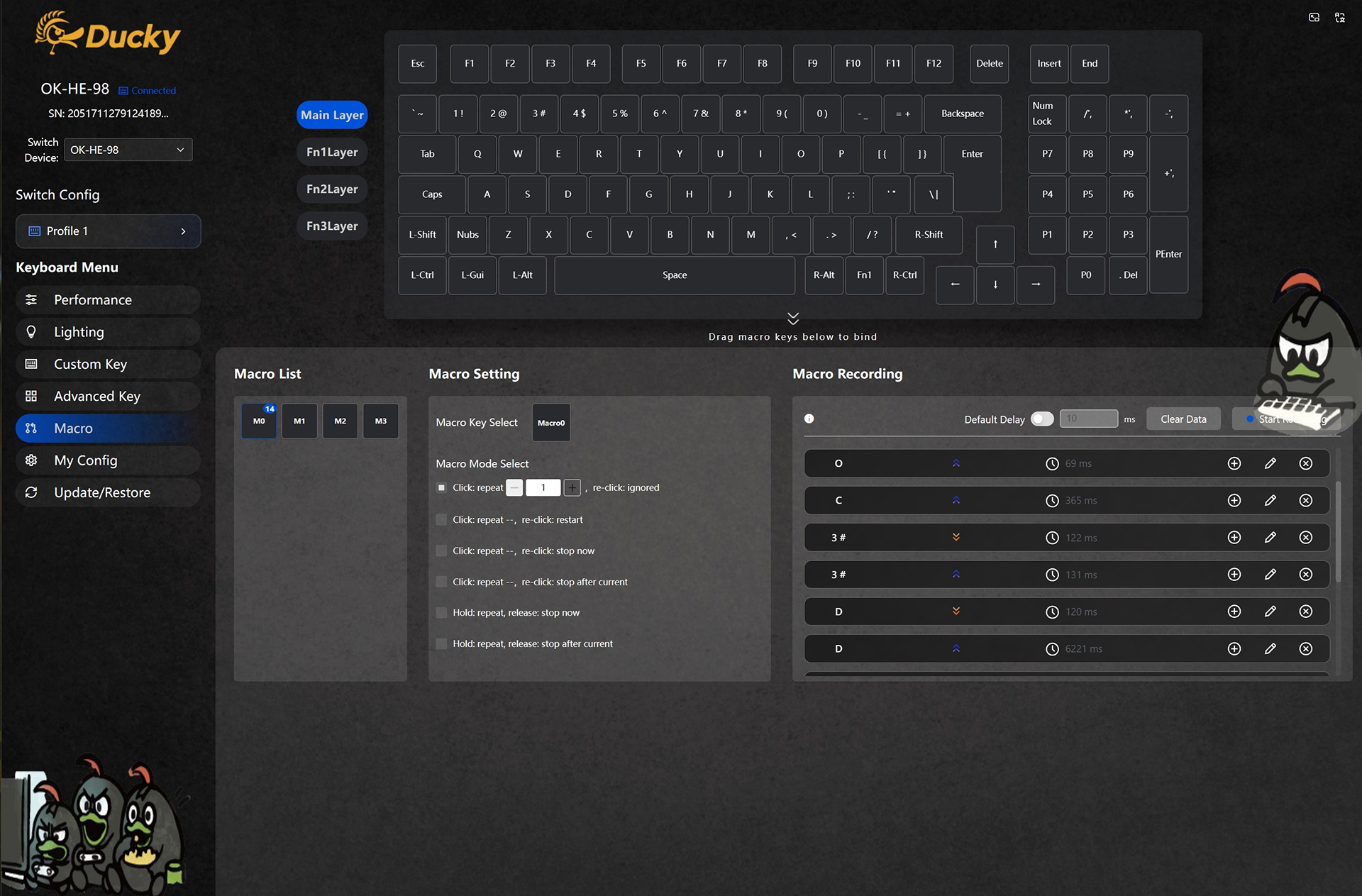
The famous OC3D macro, recorded as accurately as possible. It might seem pointless to know delays are accurately recorded, but sometimes software/games have a delay between pressing one key and the next menu being ready to receive inputs.
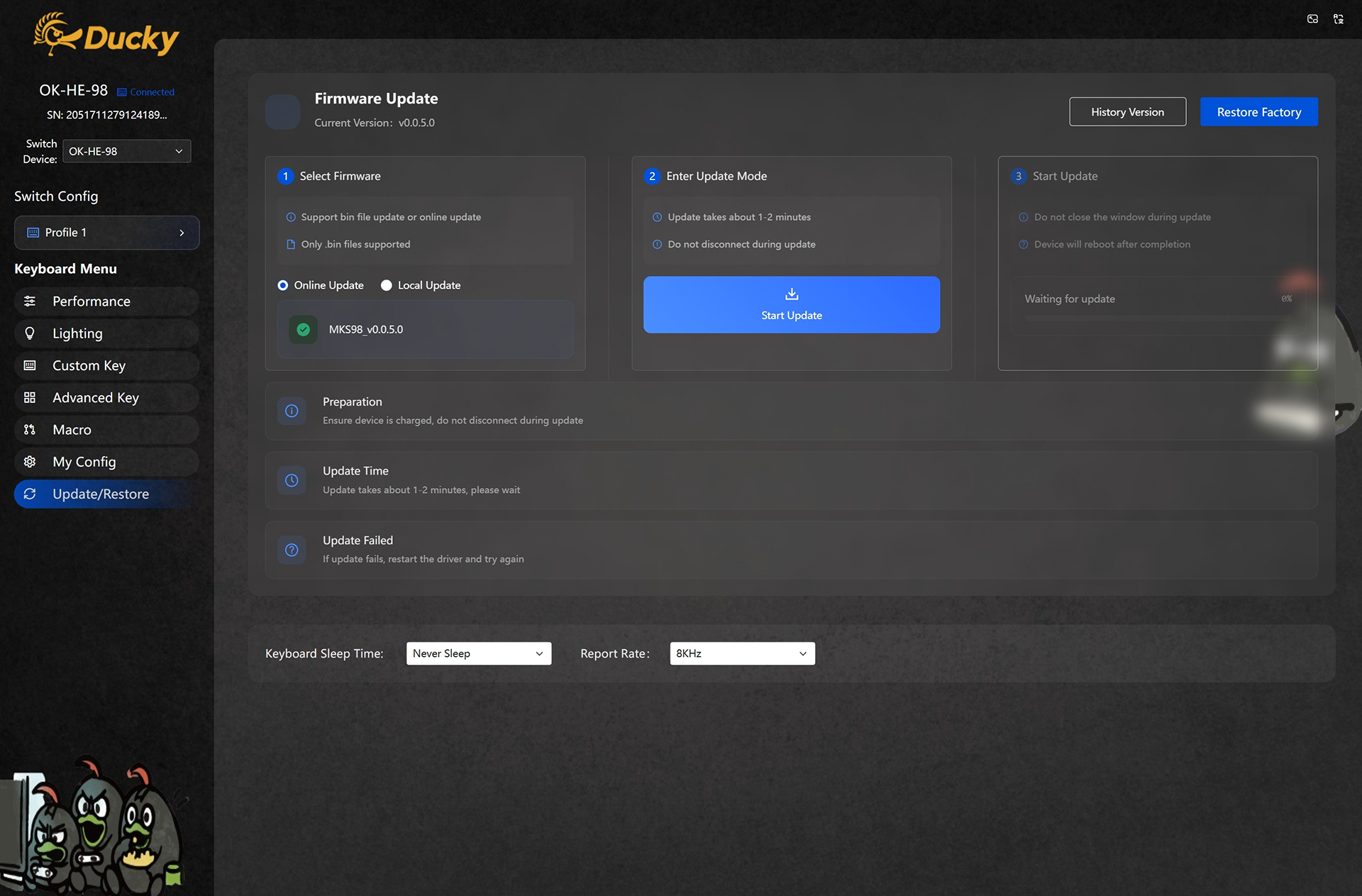
And a nice firmware update page that lets us use the online service or a custom firmware. Nice.