ADATA XPG Mars 980 Blade Gen5 M.2 Review

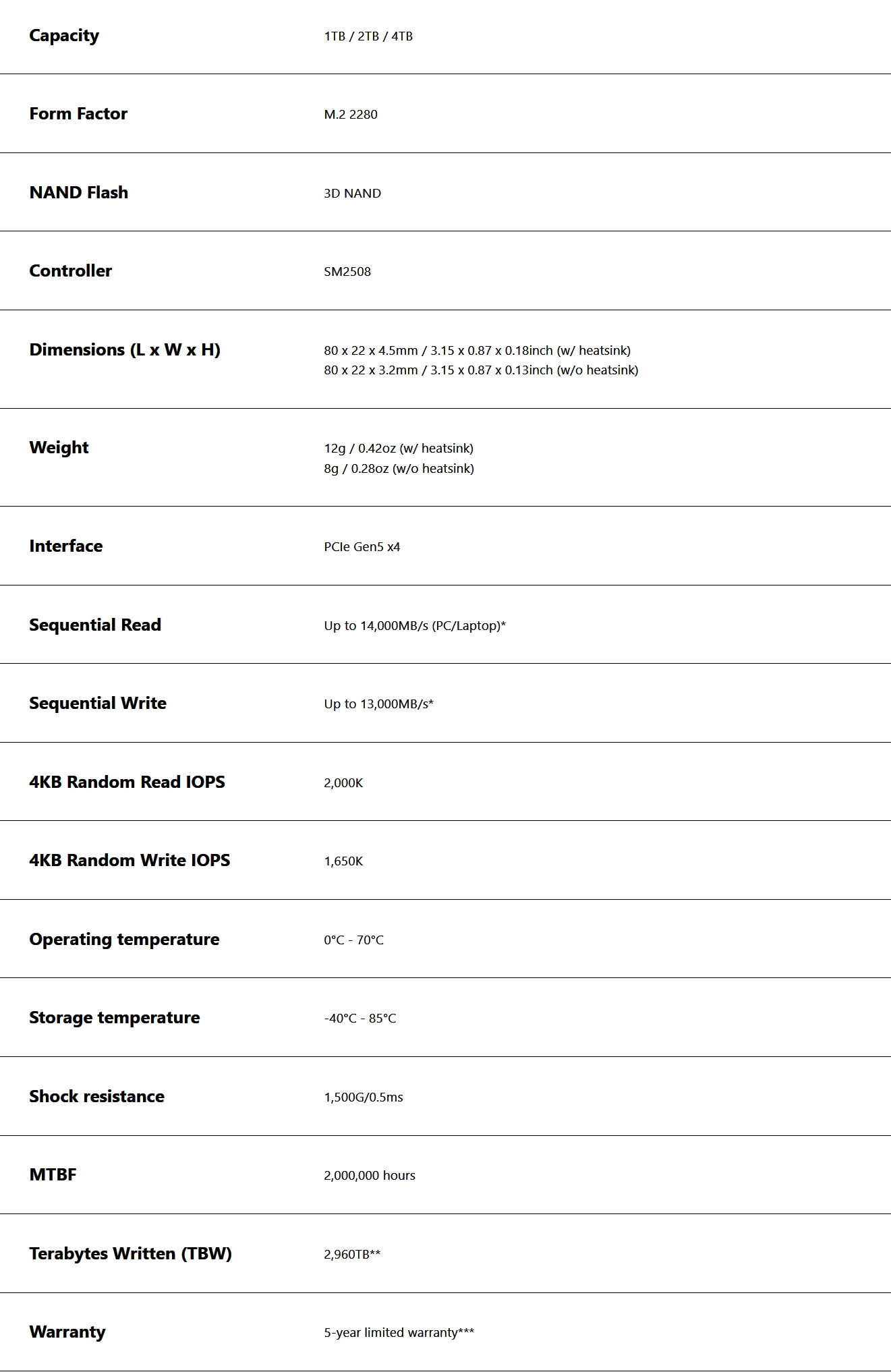
Introduction and Technical Specifications
Introduction
The festive season fills many of us up. Partly with delicious foods and cheese, partly with those seasonal drinks that you’d never think of in the summer. Mmm refreshing Advocaat on a hot July day. Other things that get filled up are our storage drives. The many sales ongoing always tempt us to purchases. Recent Steam sales in particular have brought many a AAA game out at under a fiver. If you grabbed Dead Island 2 then that’s another 80GB you need to find.
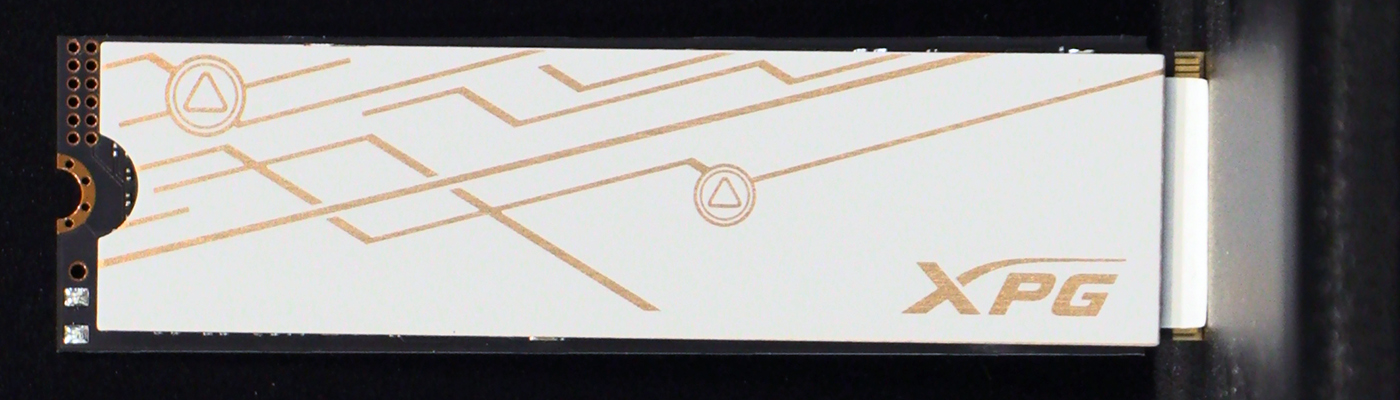
It is, in fact, a perfect opportunity to indulge in some new drives. ADATA XPG is a perfect company for this, and their newest drives, the Mars 980 Blade are in the office today. Seems a shame to waste the opportunity. It’s been a while since we last tested an ADATA drive. We can’t help but notice how much their product range has exploded. Metaphorically of course. There is now a model to suit almost any requirement and budget. One thing we particularly like about the 2TB and 4TB Mars 980 Blade’s we have here is their flexible heatsink.
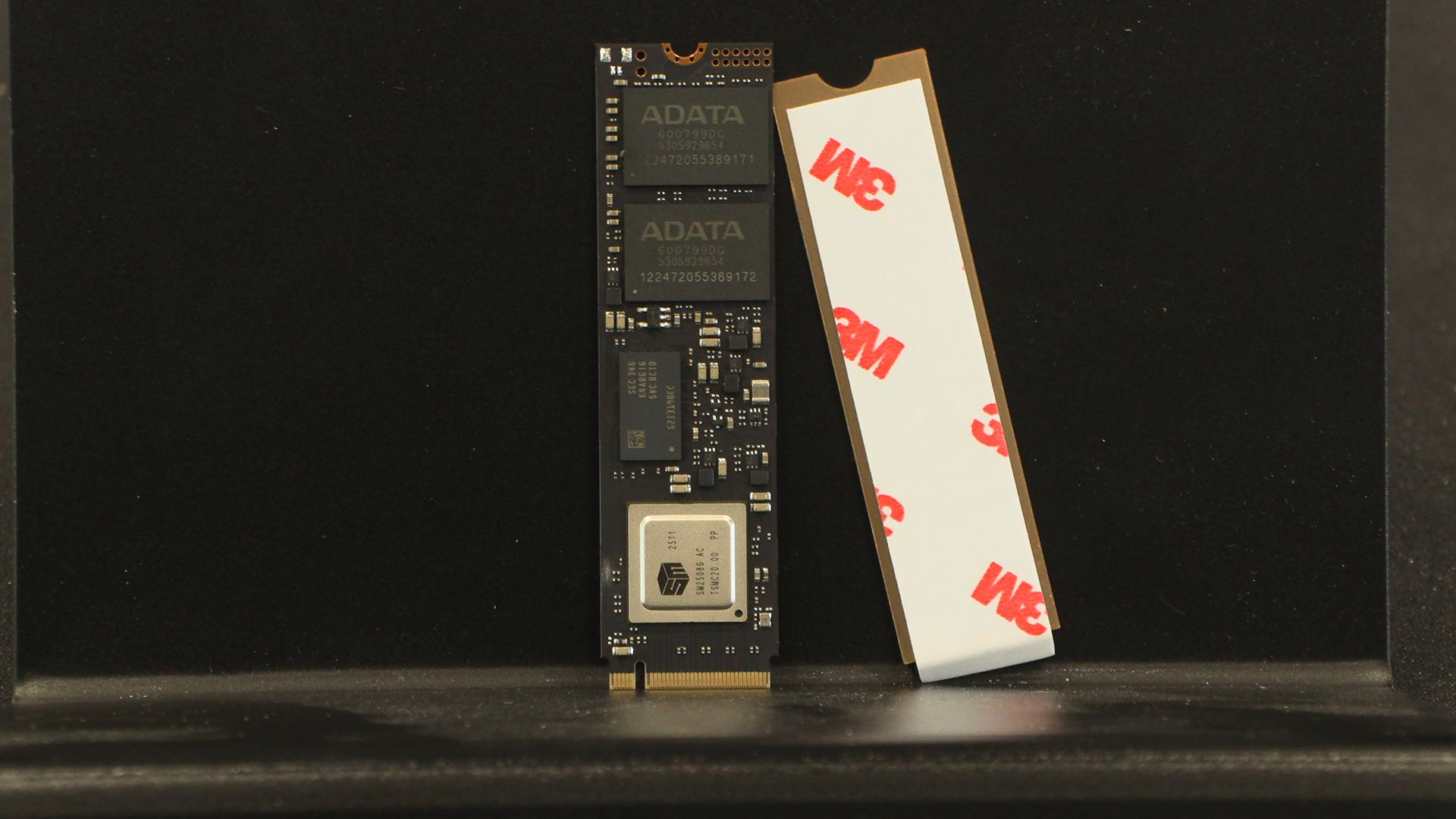
If you’ve brought a M.2 with a supplied heatsink but want to run it using your motherboards cover, it’s a pain to remove them. ADATA obviously agree as the Mars 980 Blade is free from any covering making it easy to install. However, if you want to run it in your console then there is a heatsink supplied in the box. The best of both worlds. Let’s check them out in the flesh before seeing how they perform.
Technical Specifications
Up Close
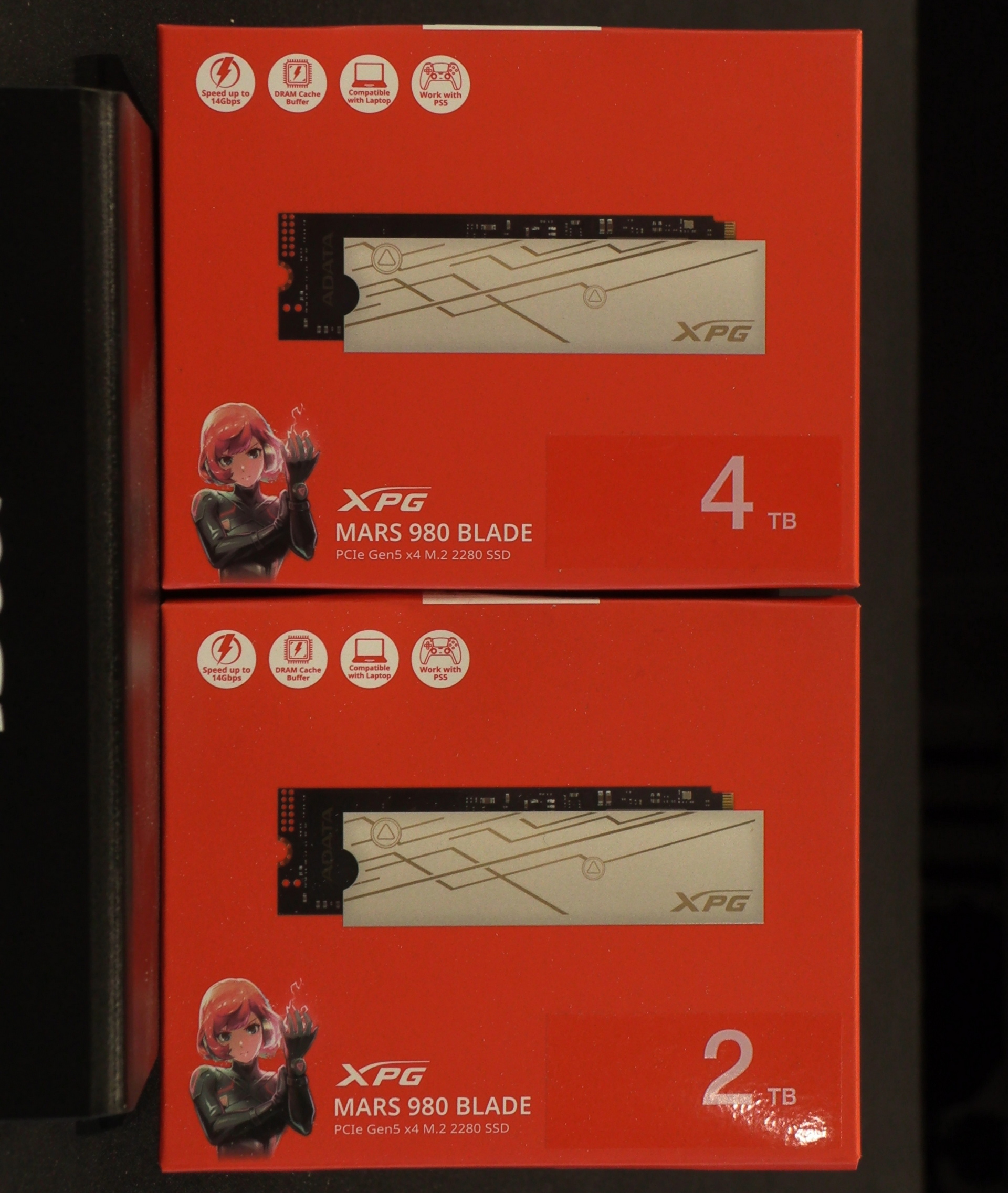
If you’ve grown weary of black boxes the XPG Mars 980 Blade certainly treads it’s own path. Red enough to leave a lasting imprint on your eyeballs. We think the anime person on the box might have lightning fingers, but it’s hard to tell.
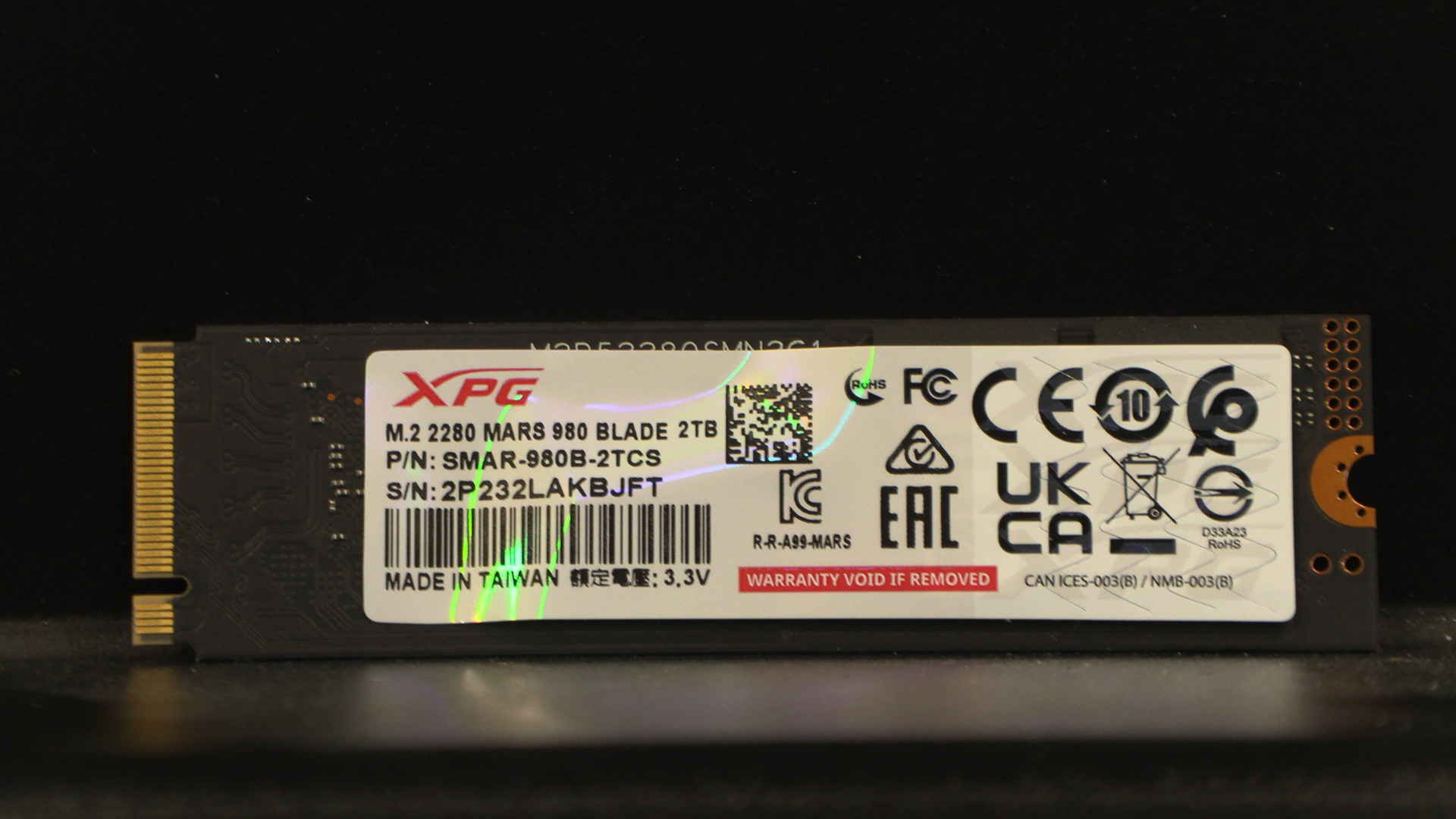
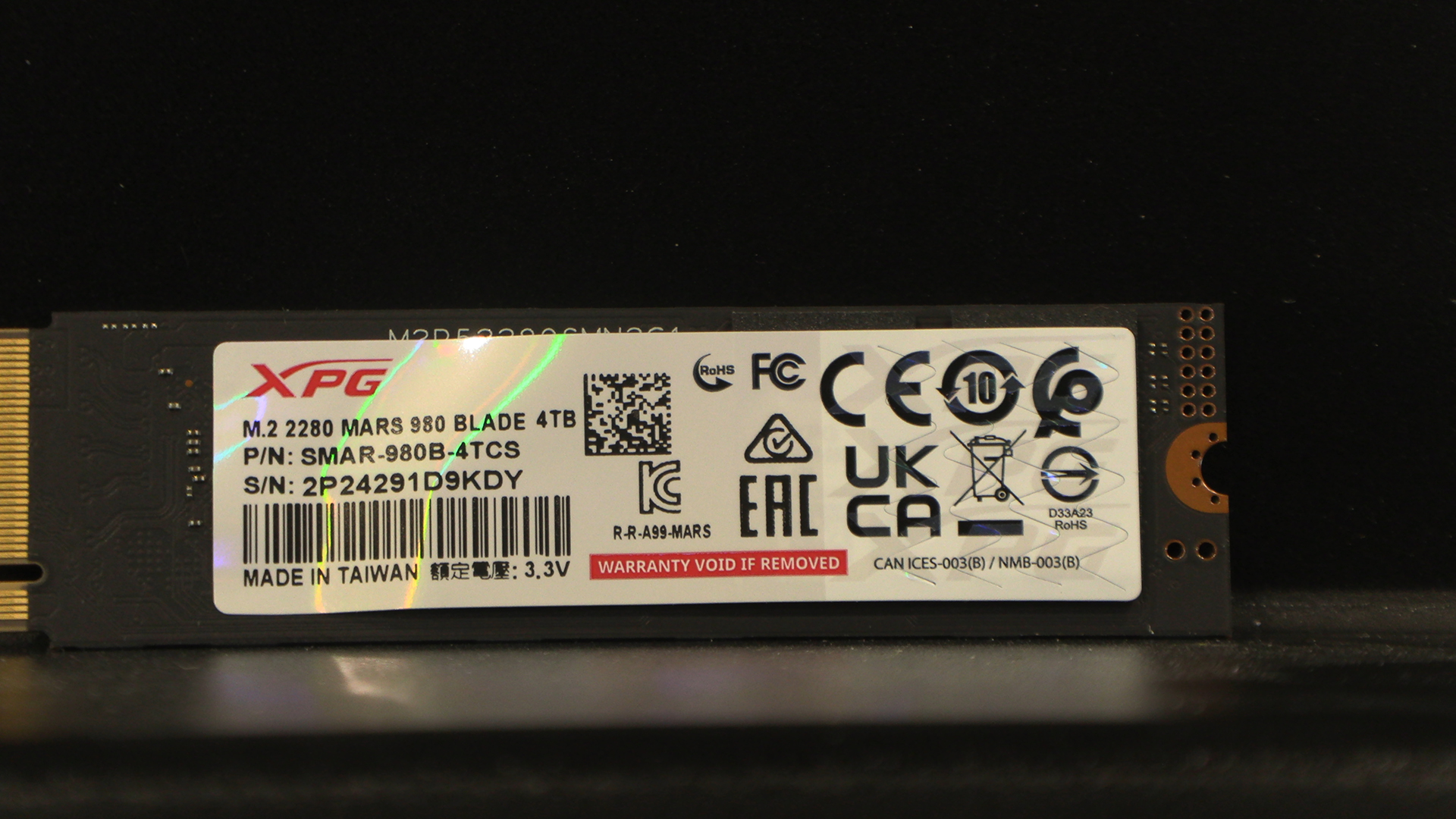
See. Naked if you want it to be, with a heatsink included in the box. Without staring at the label you’d be hard pushed to tell them apart.
And a heatsink, should you want to run it anywhere other than beneath your motherboard heatsink.