Corsair Voyager Air 2 Review

Up Close
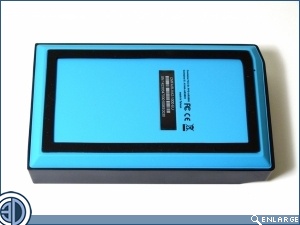
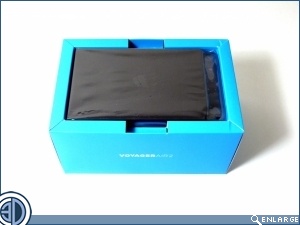
Whereas the first Voyager was red, the Voyager Air 2 is dominated by a blue colour, guaranteed to sear the retinas of anyone who opens the box without due care and attention.
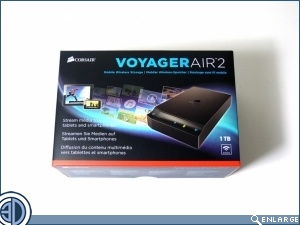
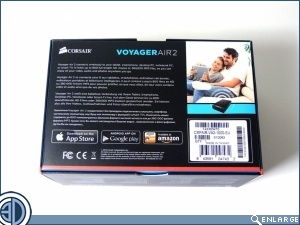
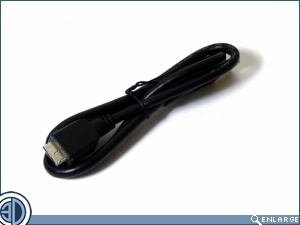
The Voyager Air 2 dominates the box, with just a small flap beneath holding the only other thing that is included, the USB 3.0 Micro B cable.
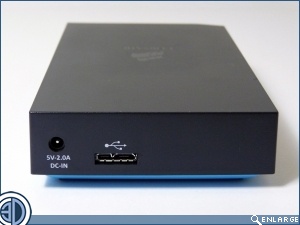
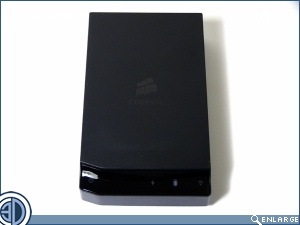
As with any drive there isn’t much to show. The connectivity is a 2amp power input, sold separately unlike the first Voyager Air, and the USB 3.0 port. No ethernet port here. The decision to stick with largely a black top side, with just the very bottom matching the bright blue of the packaging, strikes us as slightly odd. Perhaps at the last moment Corsair realised how insanely bright it is and hid it away.
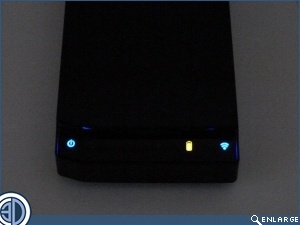
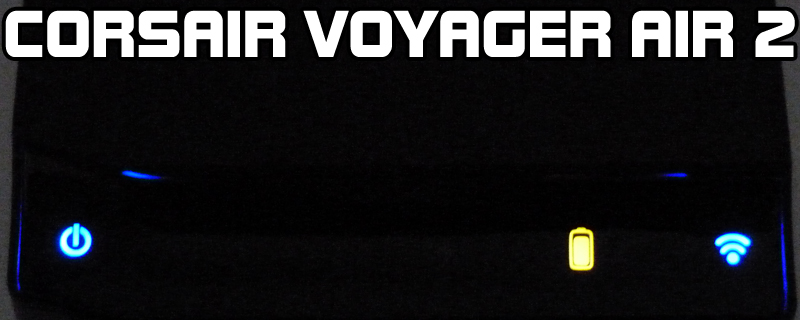
The front is where the controls are. Hold down the left hand side for a second to turn the drive on or off, indicated by a flashing battery light. On the right is the wireless on and off.