ASUS ROG XBOX Ally X20 Review

ROG Ally X20 In Use

ROG Ally X20 In Use
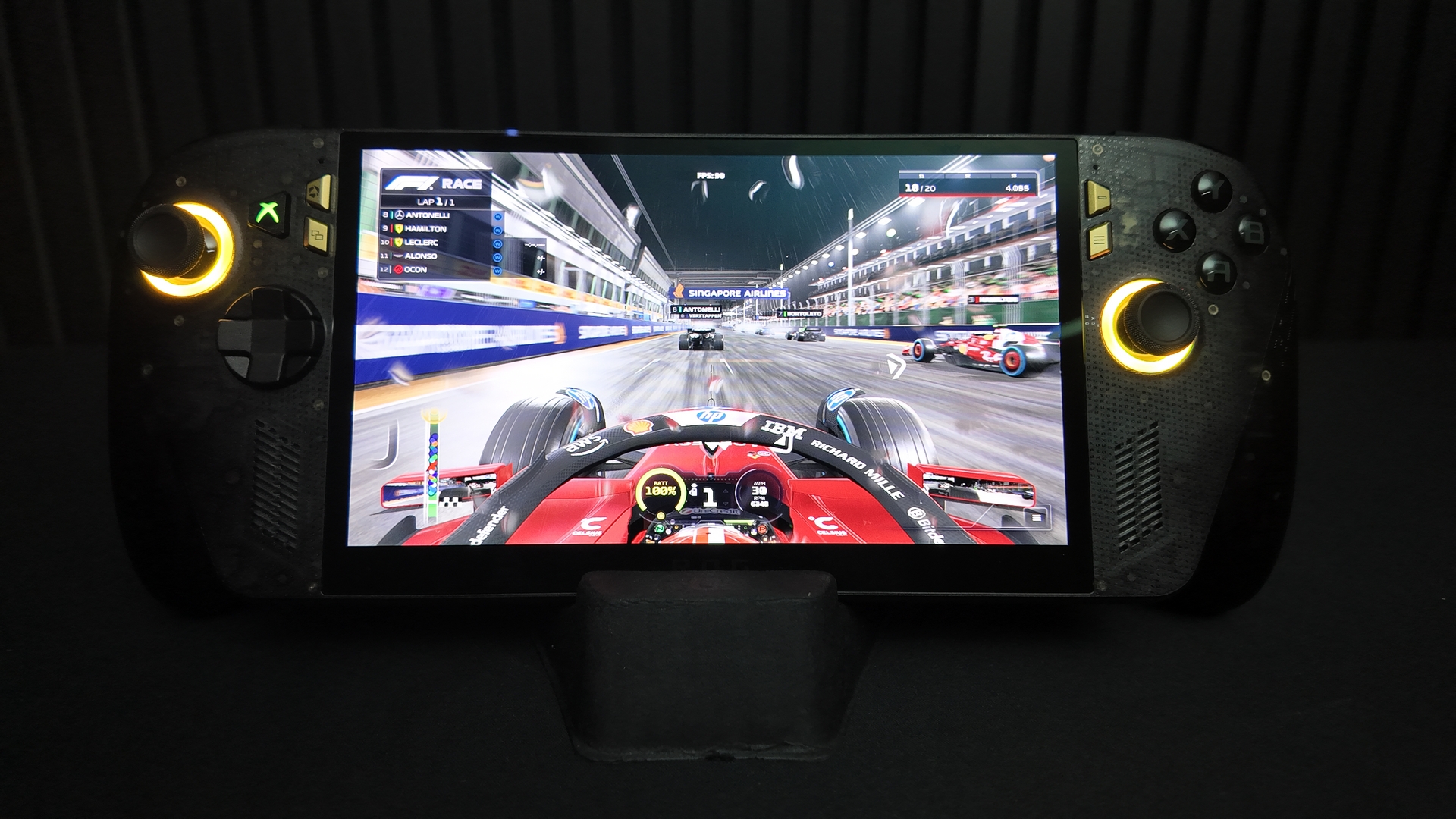
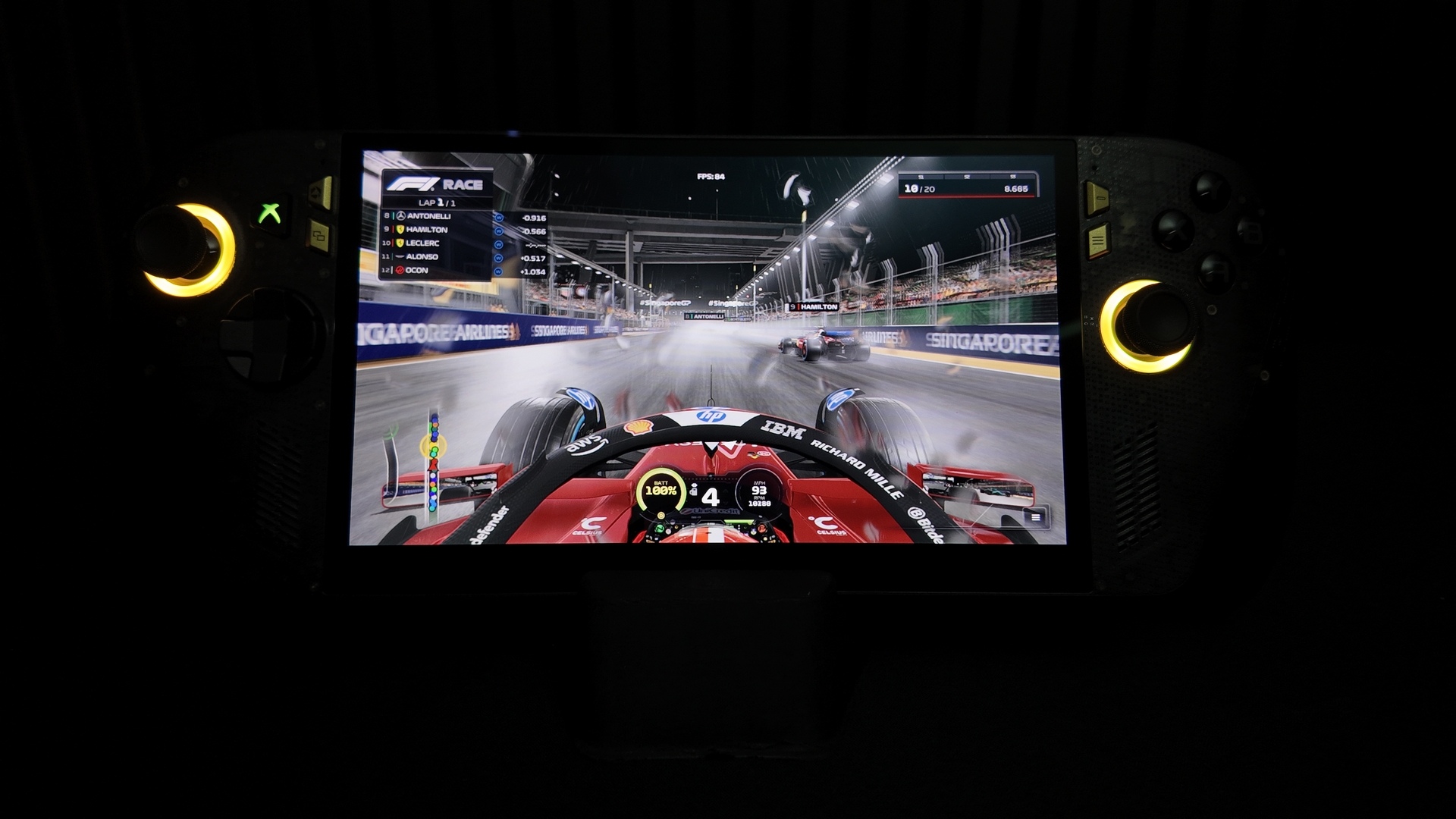
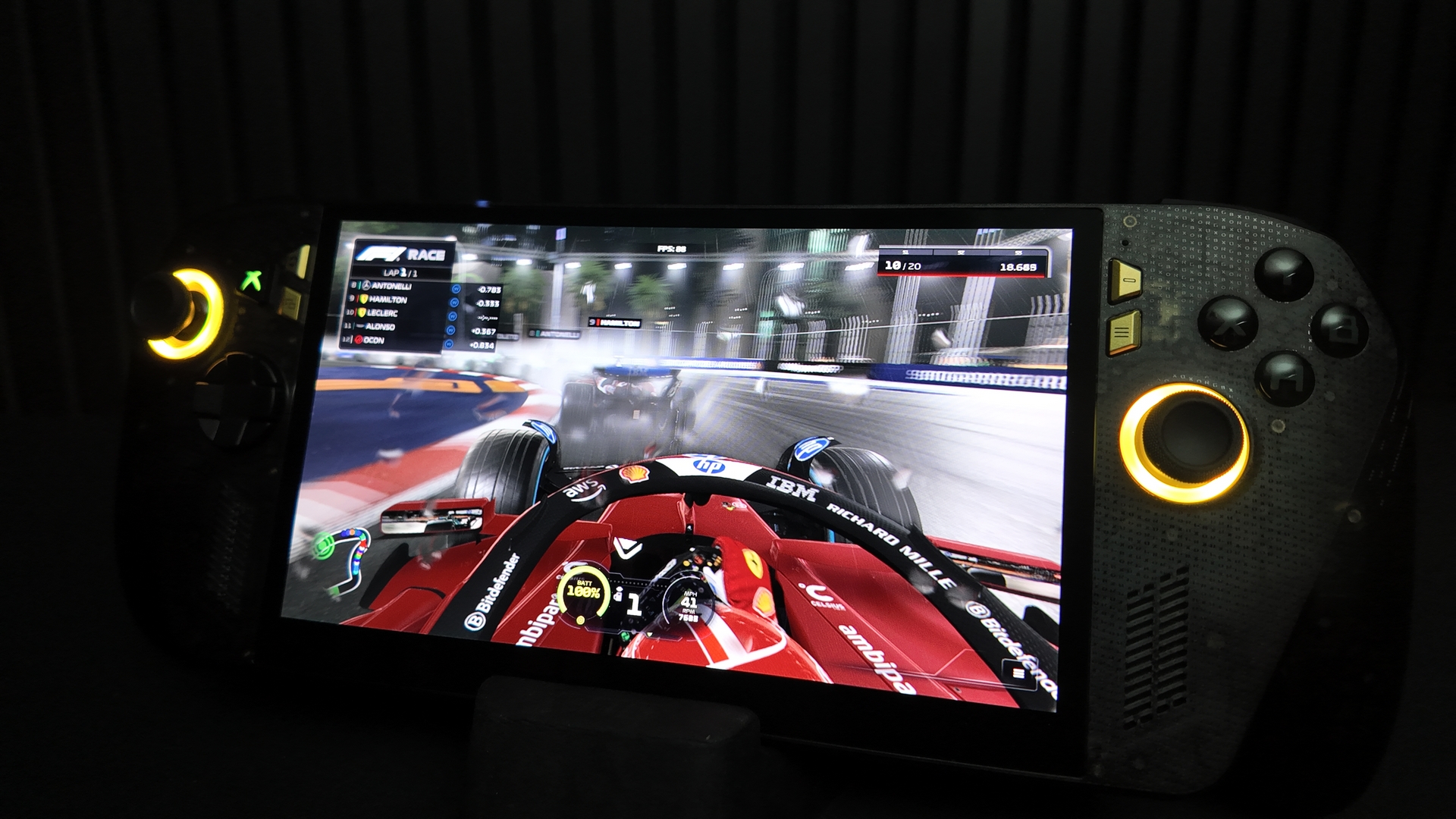
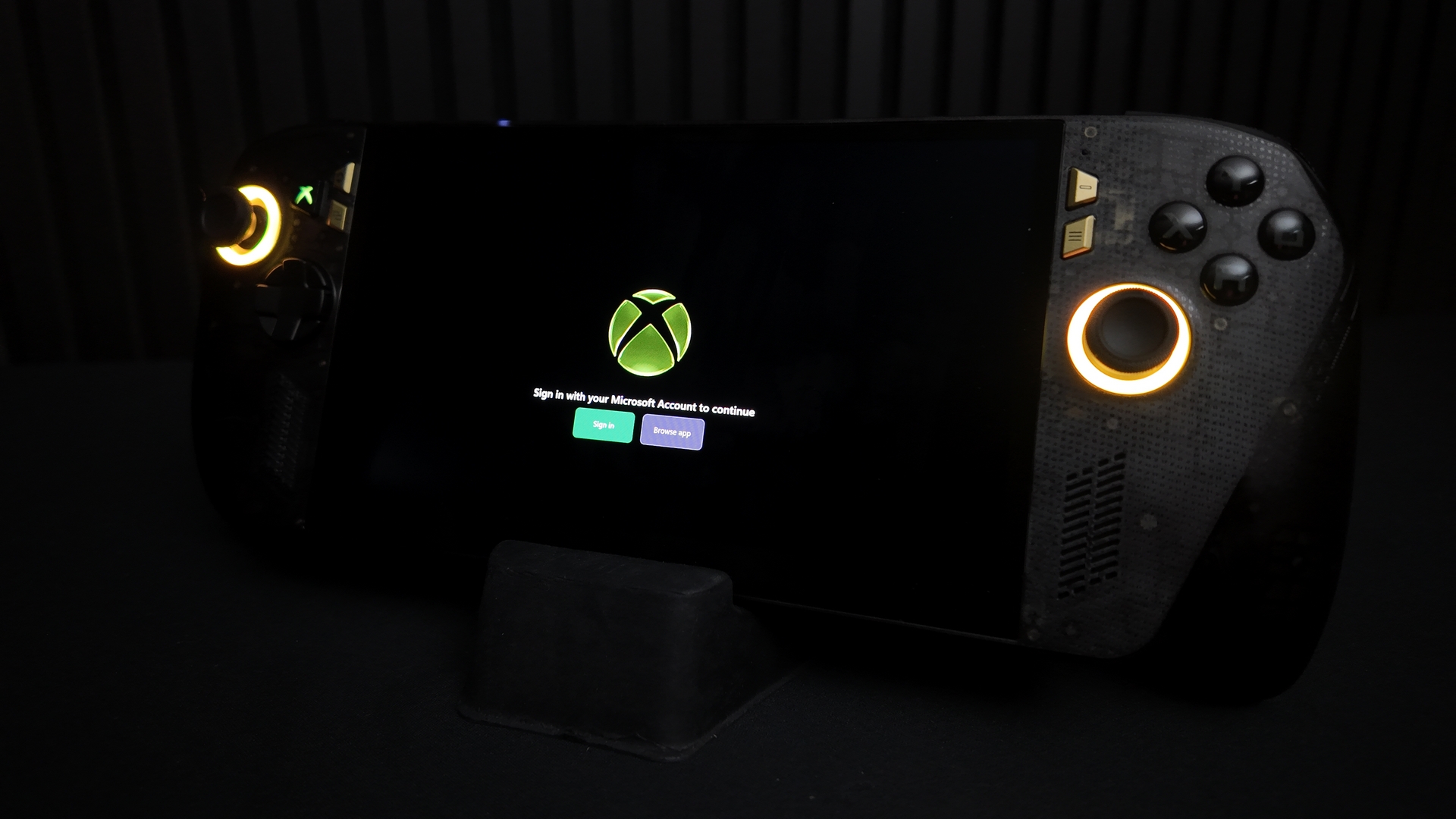
The lighting is subtle but on point. Stick surrounds contain four LEDs so you can really go to town in the Armory Crate SE software.
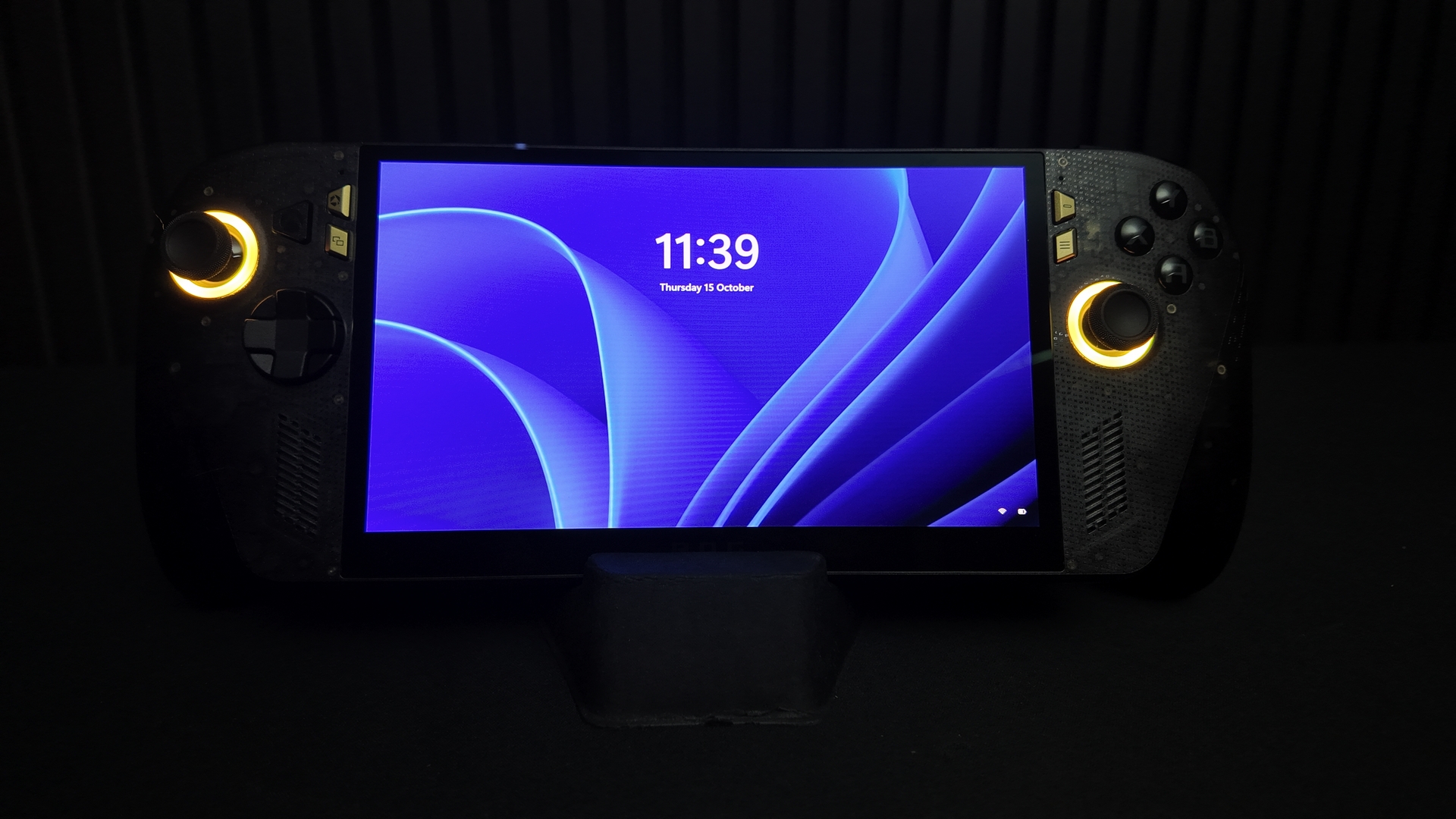
As you’d expect from an OLED you’ve got excellent blacks and crisp side on viewing angles. You can also see that the X lights up green. Lovely.
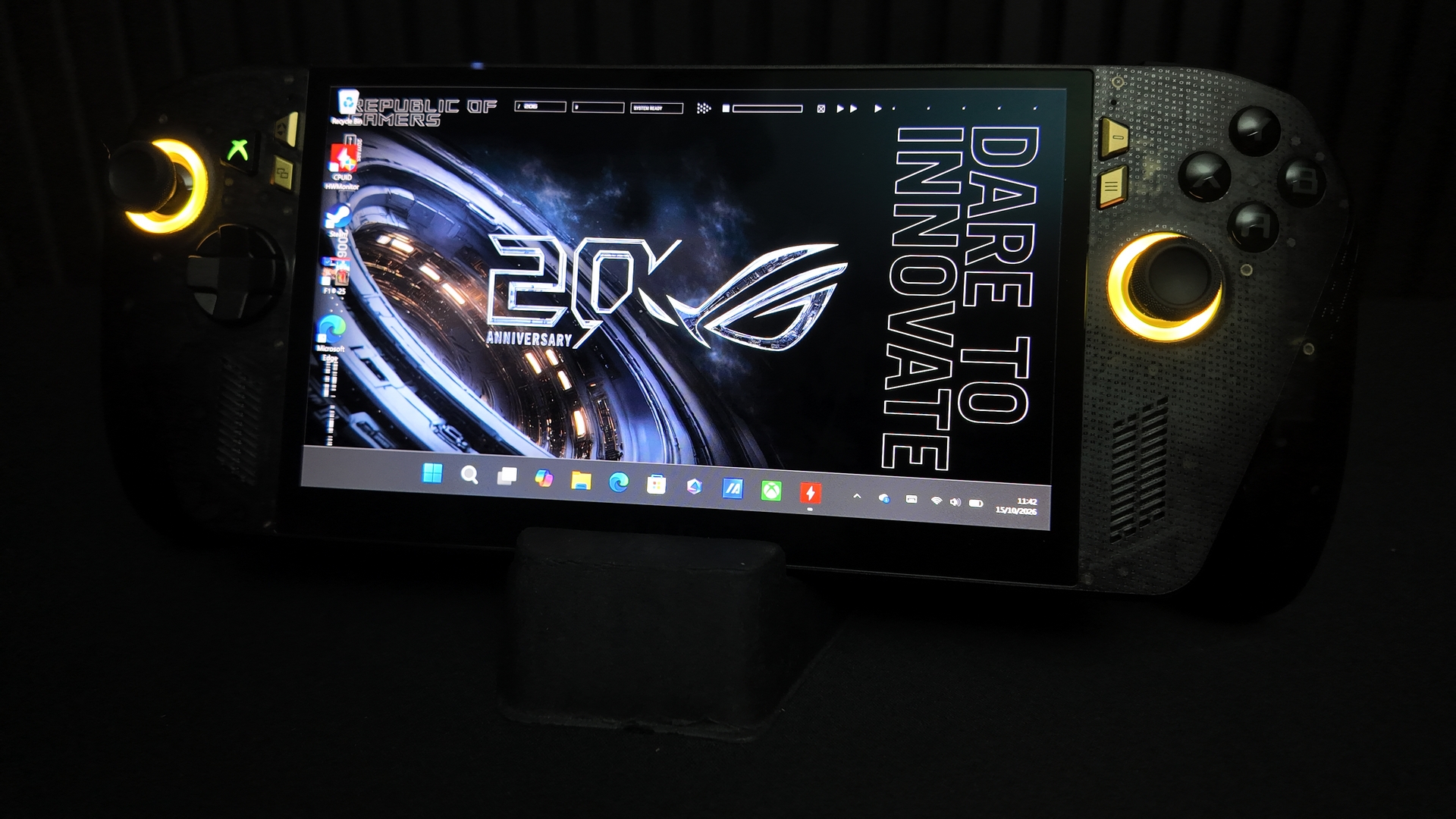
If you don’t want to run in XBOX mode, a quick swipe up and button press gets you into a full Windows 11 arrangement. Great for all sorts of things our lawyers have advised we don’t go into.
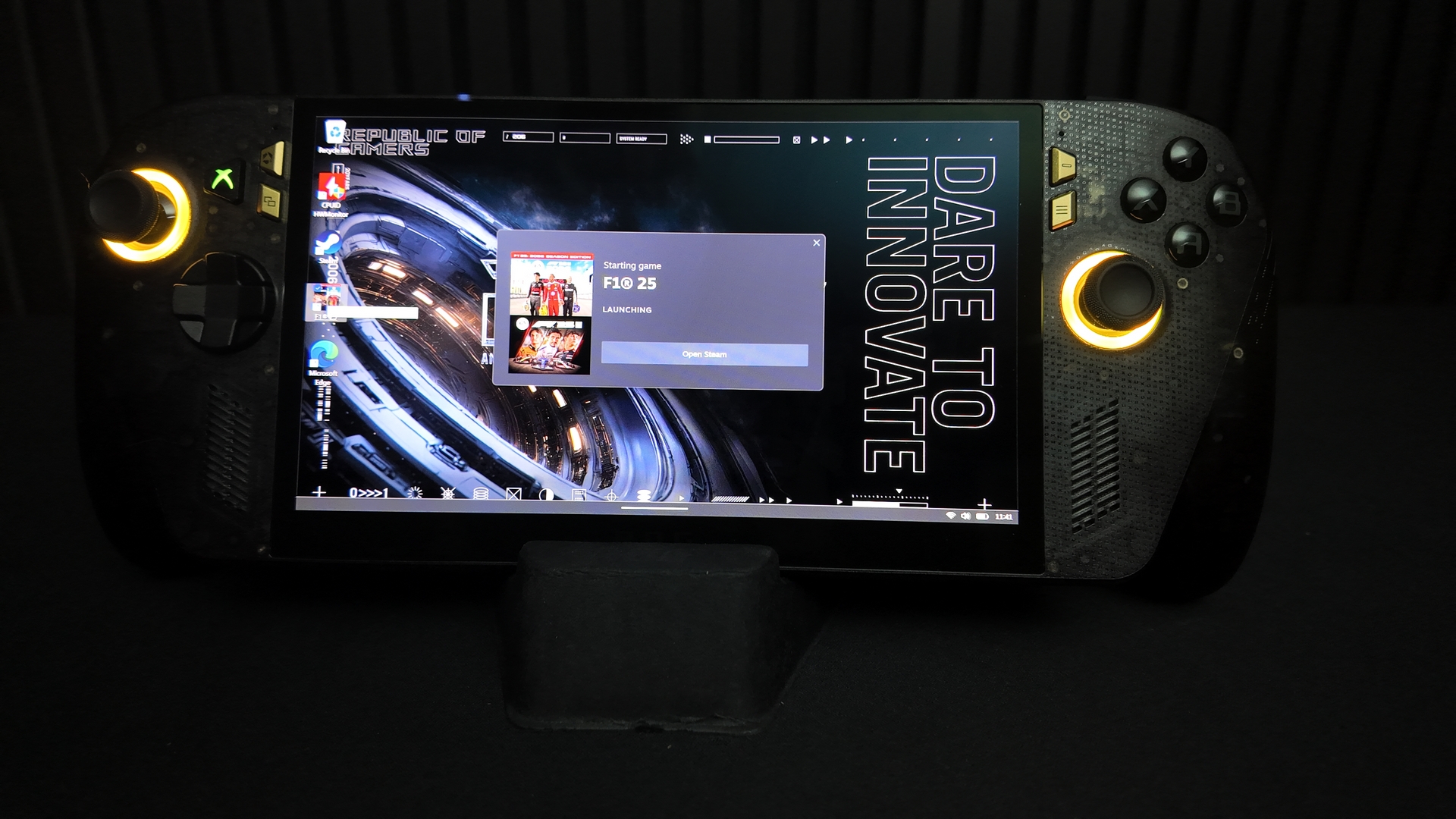
No, you’re not limited to XBOX and Gamepass. Steam, EGS, all available.
Trying to show off a screen, on a camera, on whatever screen you’re choosing to view this, is a hiding to nothing. It’s like TVs advertising better TVs. No point showing the picture quality because we’re limited by the TV on which we’re seeing it. So excuse the smeary things caused by our slower than game shutter speed. Instead focus on the contrast. Inky blacks. Crisp whites. Immediately eye-catching colours. The blue Pirelli Cinturato sidewall contrasting with the red hubs. It’s glorious.