ASUS ROG XBOX Ally X20 Review

Up Close
Up Close
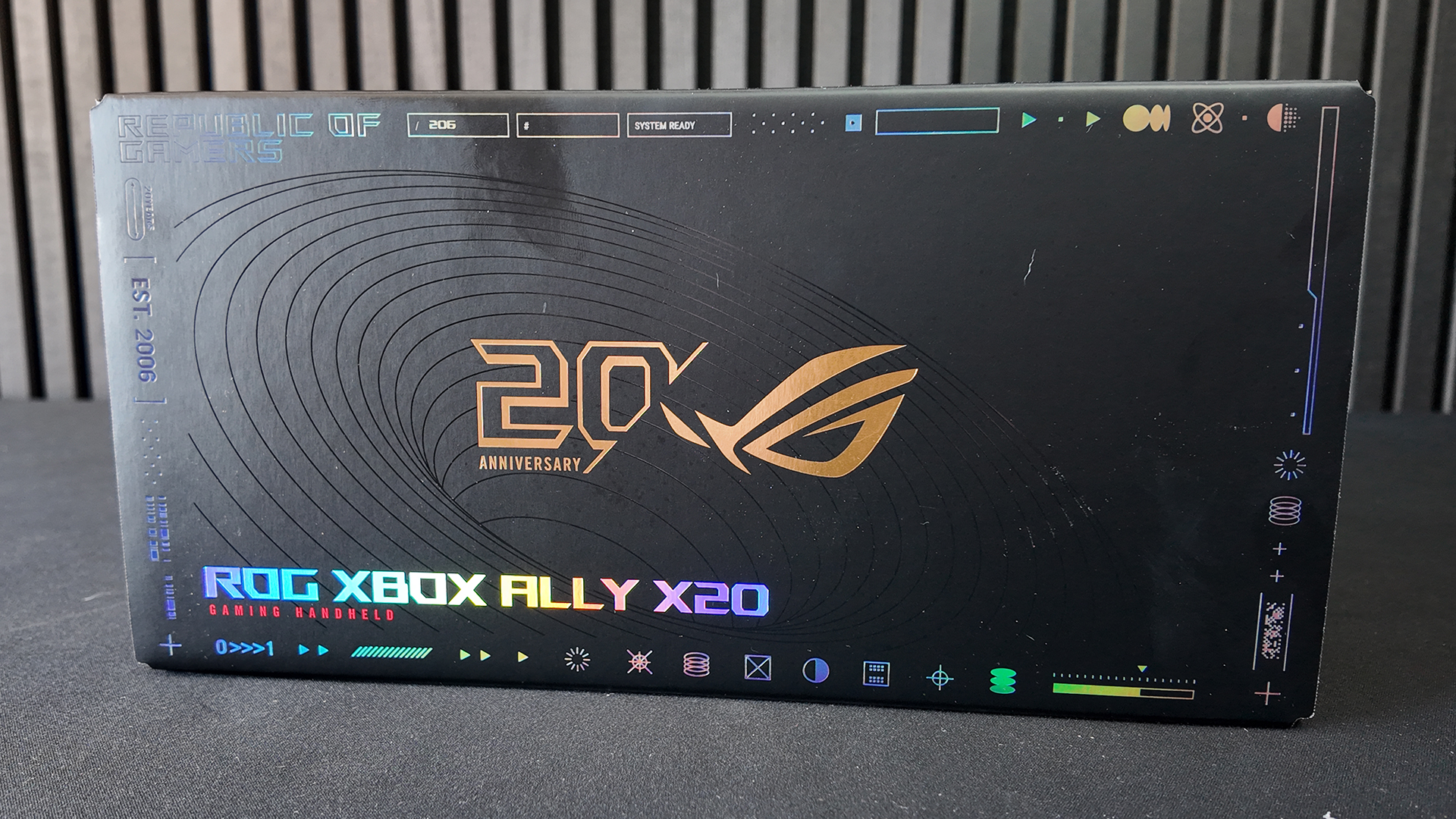
To most people packaging is just a thing you have to find a home for. Usually the back of a wardrobe, or an immediate trip to the tip. For us we always find it indicative of the attention to detail the product has. Obviously we know two different parts of the company work on it. However, it’s a good rule of thumb. With a ROG product that belief is only heightened by years of quality products. Certainly they have a larger success percentage than many.
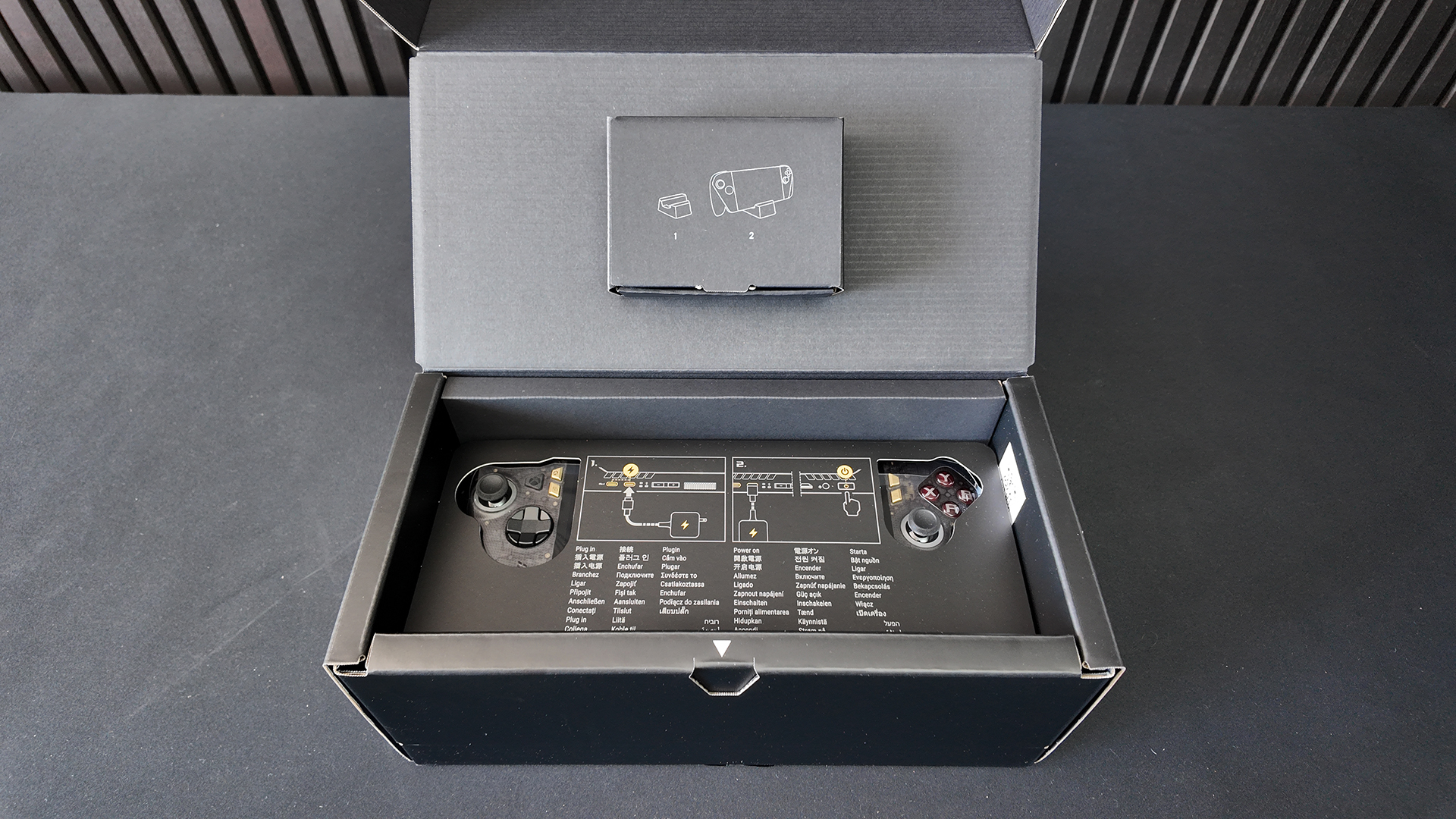
According to this, our first thing to do is charge it and then power it on. Cool. Where is the charger? What’s that? Oh you don’t get one. Right we’ve got a 65W fast charger for our Samsung Galaxy here. Nope, that isn’t enough. The ROG Ally X20 doesn’t even begin to charge. Having brought a cheap charger, then a 140W GaN charger, it finally starting charging.
Now obviously at this price point, you’ve probably got a super fast charger. We didn’t have. Be aware if you’re an eager beaver that you need to add another 80 odd quid to the price to be able to use it.
Chunky, but well within human hand averages. As you can see from the screen after our quick setup, you need to keep a cloth on standby.
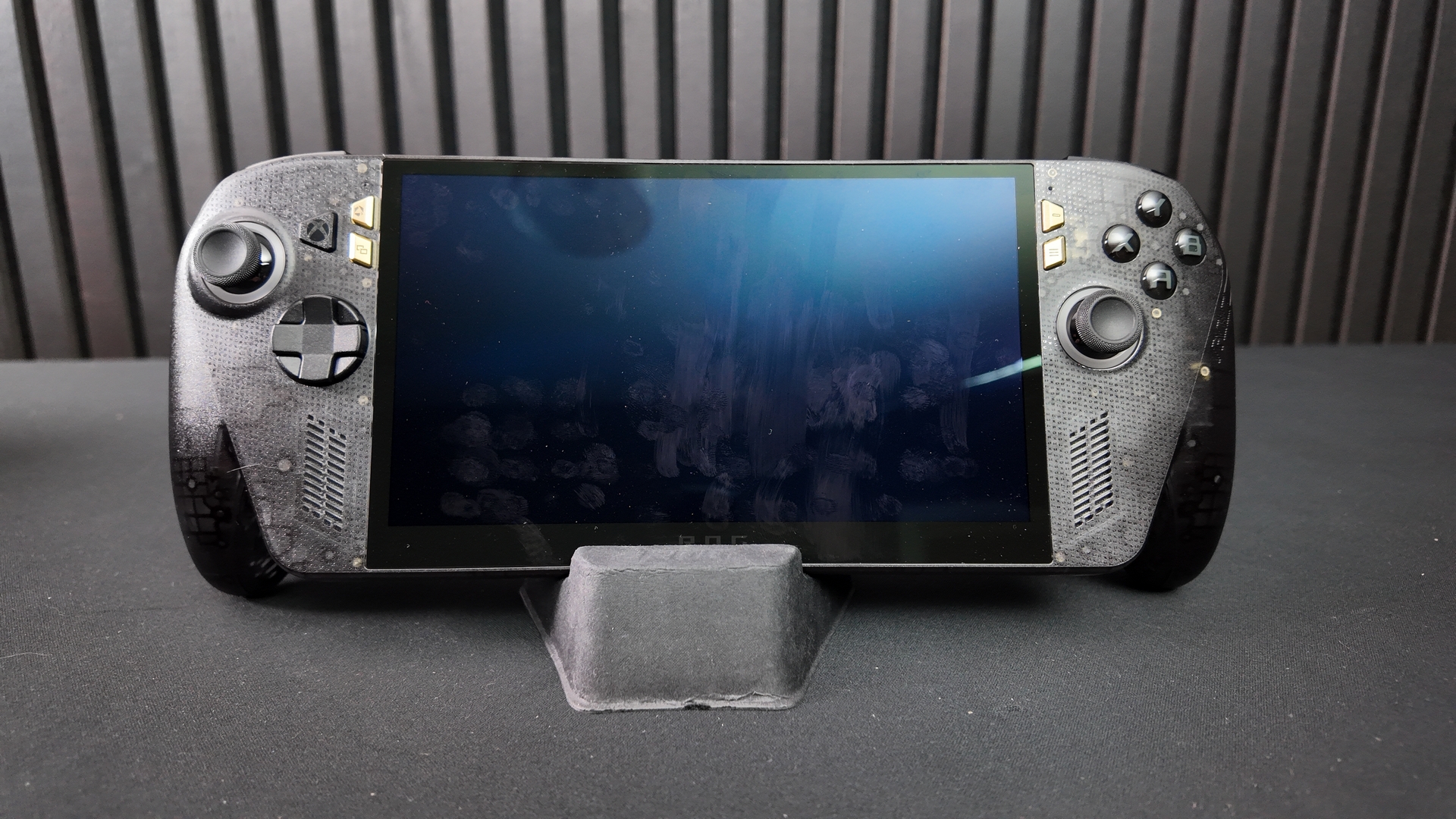
Controls
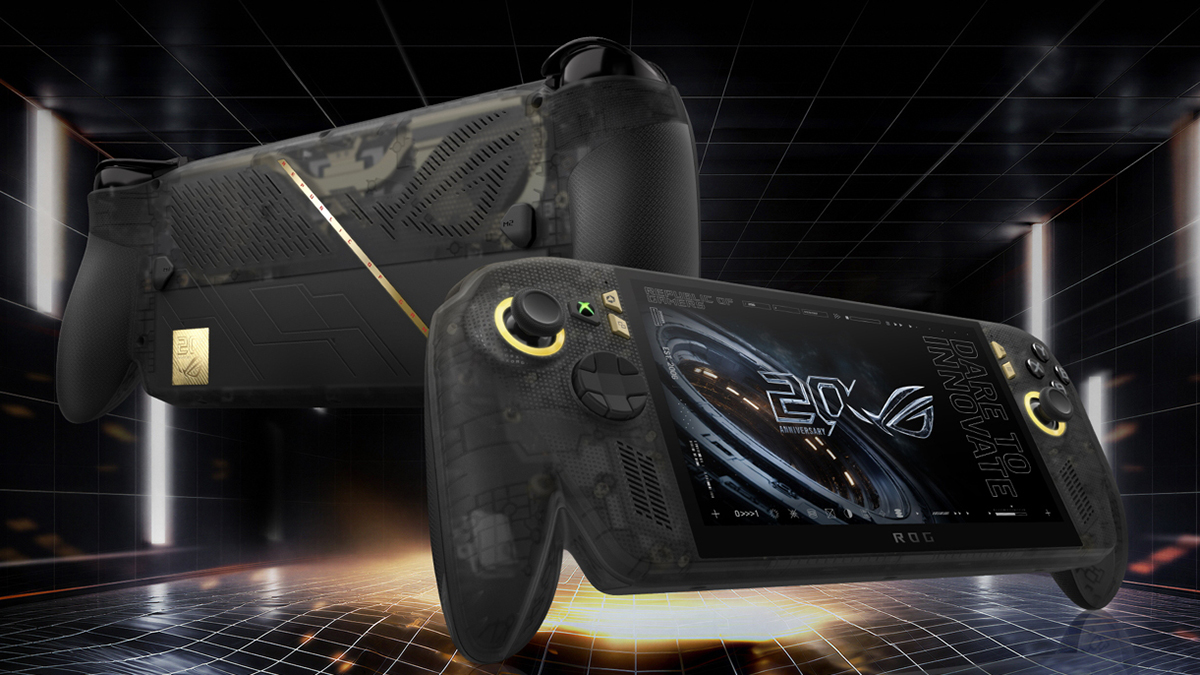
Here we see the first of the non-HDR OLED changes on the Ally X20. A green XBOX button reminds you of the technology pumping at the heart of the Ally X20. Surrounding the all-new sticks is a golden light ring in keeping with the 20th Anniversary theme we’ve seen on many recent ASUS ROG products. The two gold buttons are Command Centre and View, respectively.
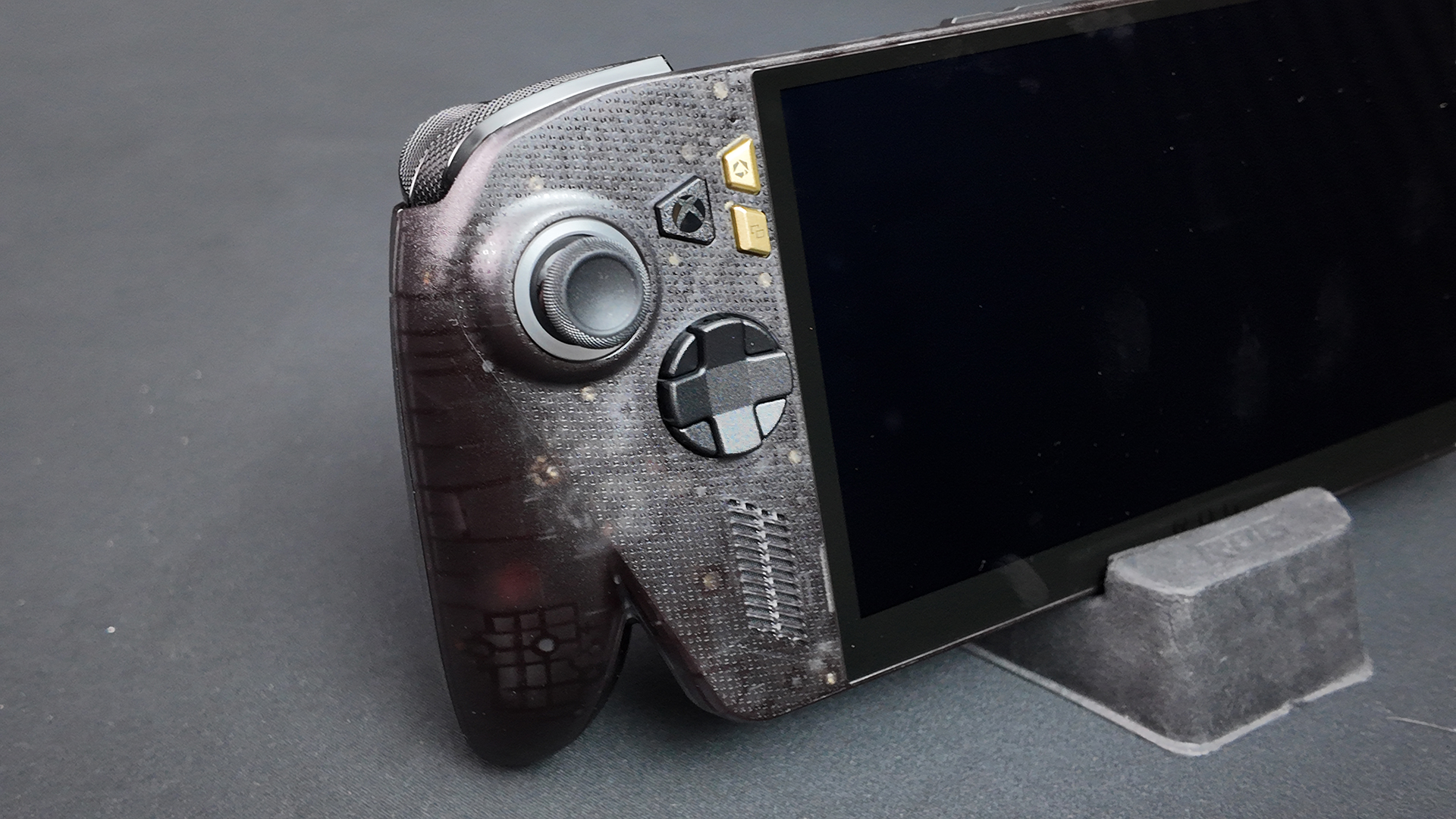
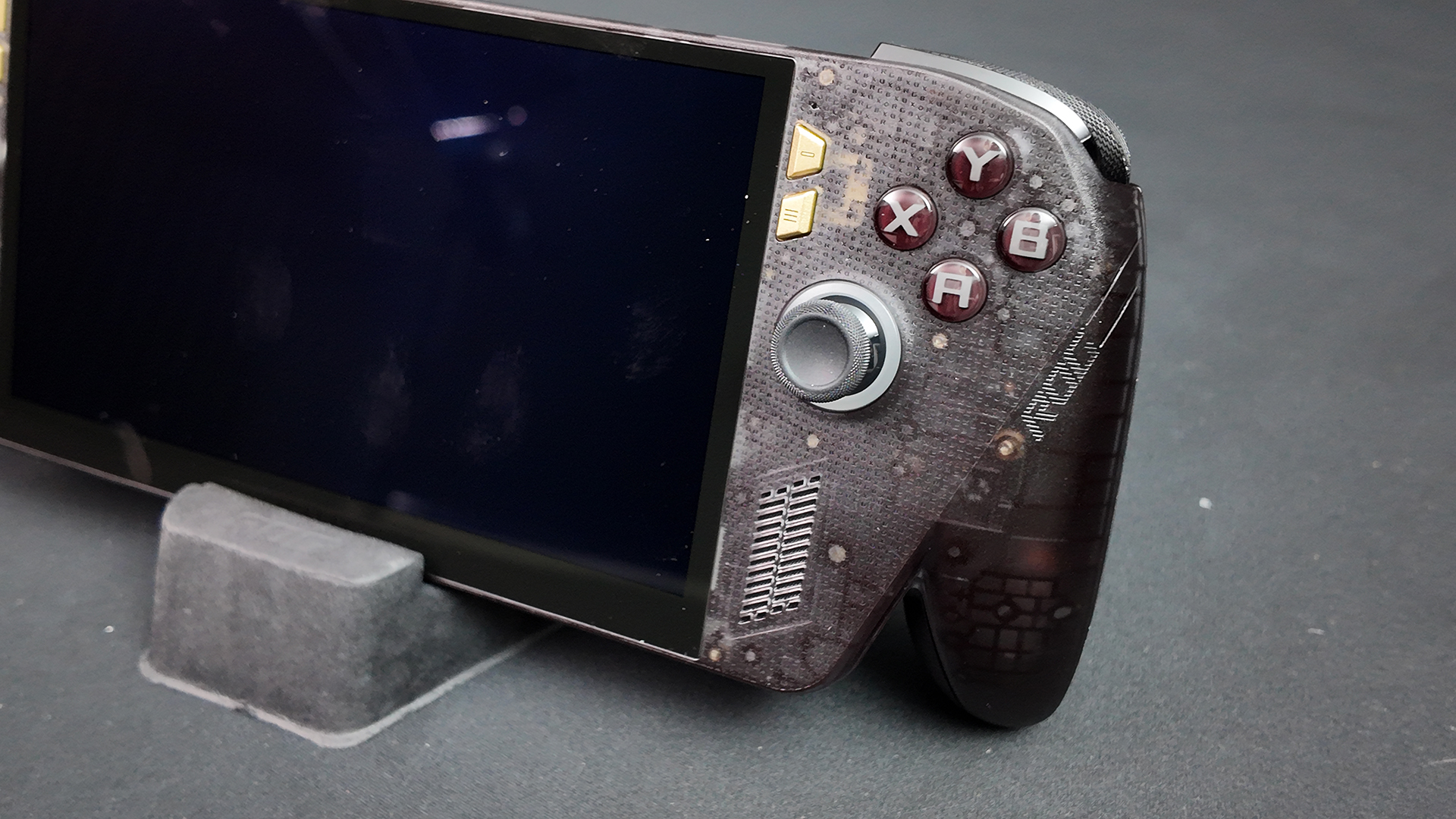
Speaking of the sticks, the Ally X20 now has upgraded magnetic TMR sticks with tiny deadzones. The D-Pad is switchable too, between 8 and 4 way. If you’ve ever been in the emulation world you’ll know the difference this can make. Some games are just better with 4 way. Whilst we’re on the right hand side the buttons are lower profile than the previous generation, making it easier to move between them in a hurry. The gold buttons on this side are Action and Menu, in that order.
Around the Back
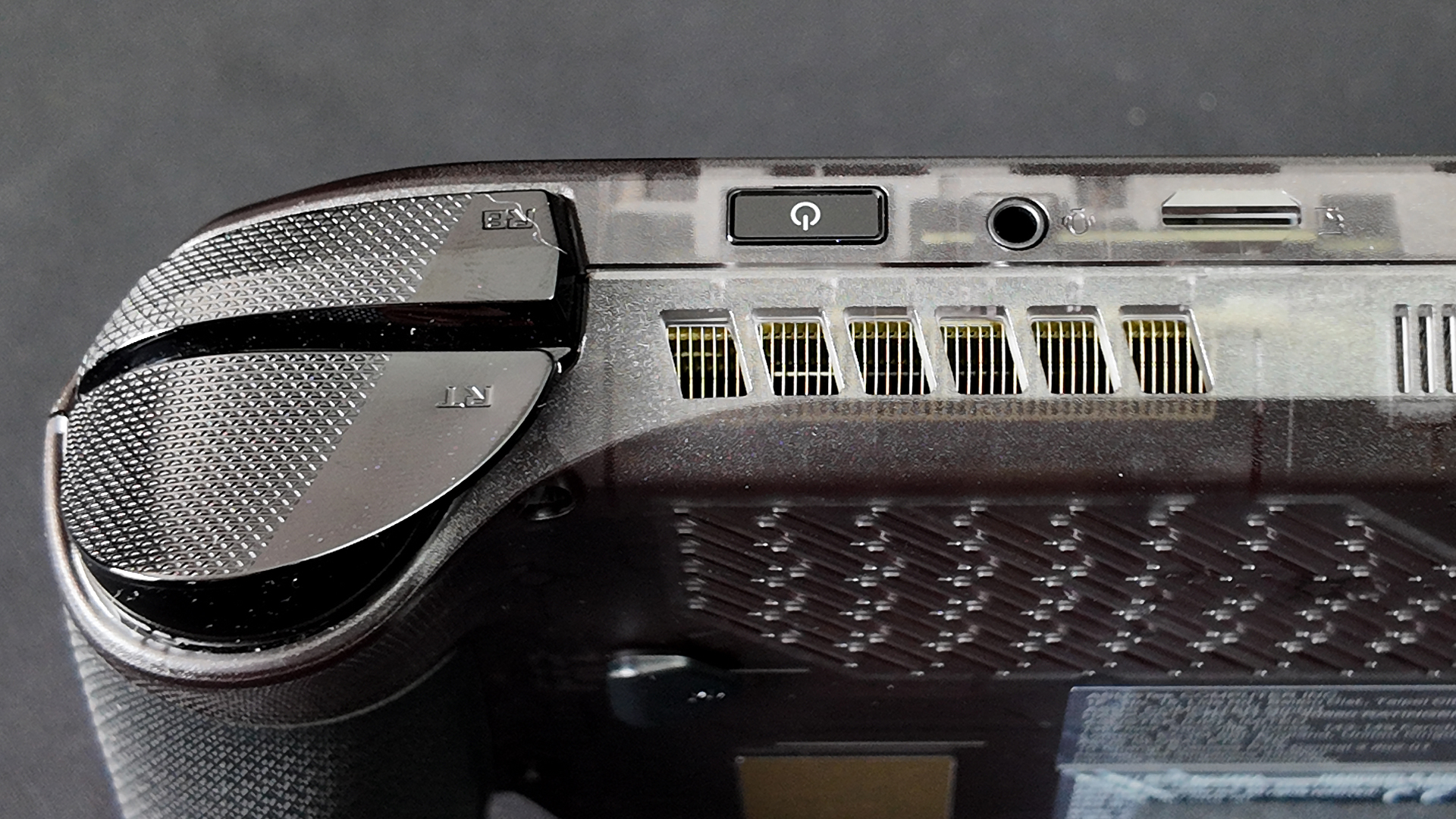
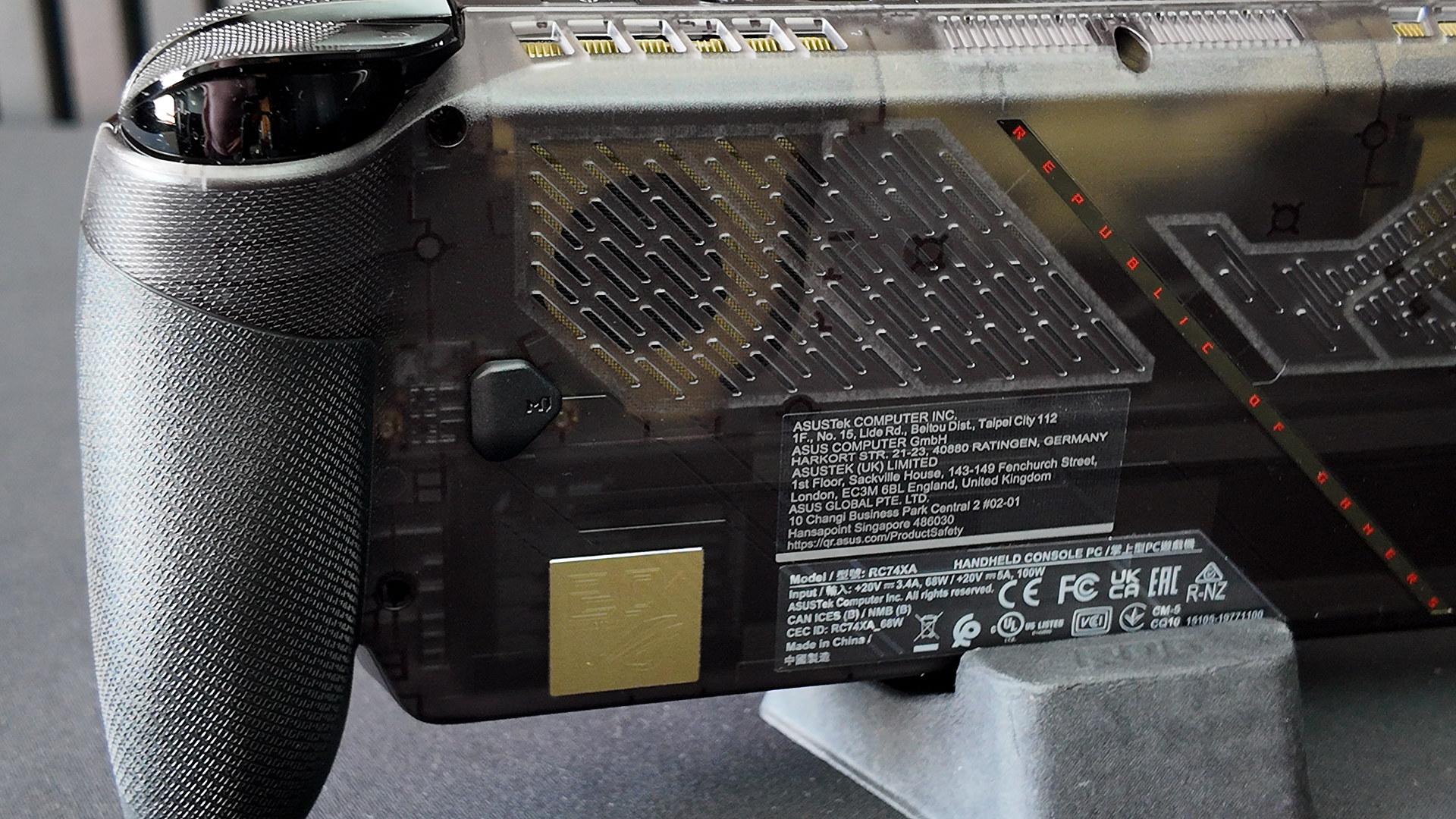
If you are the type of person who gets very sweaty when gaming, or lives in a rainforest, you’ll appreciate the heavily textured grips. The ROG lettering gives you loads of surface area. Speaking of surface area, just look at the amount of cooling vents in the new case design. Carefully shown as the ROG Eye logo, the are lots of intakes for cooler air, and exit vents for the worked stuff. It is nicely designed.
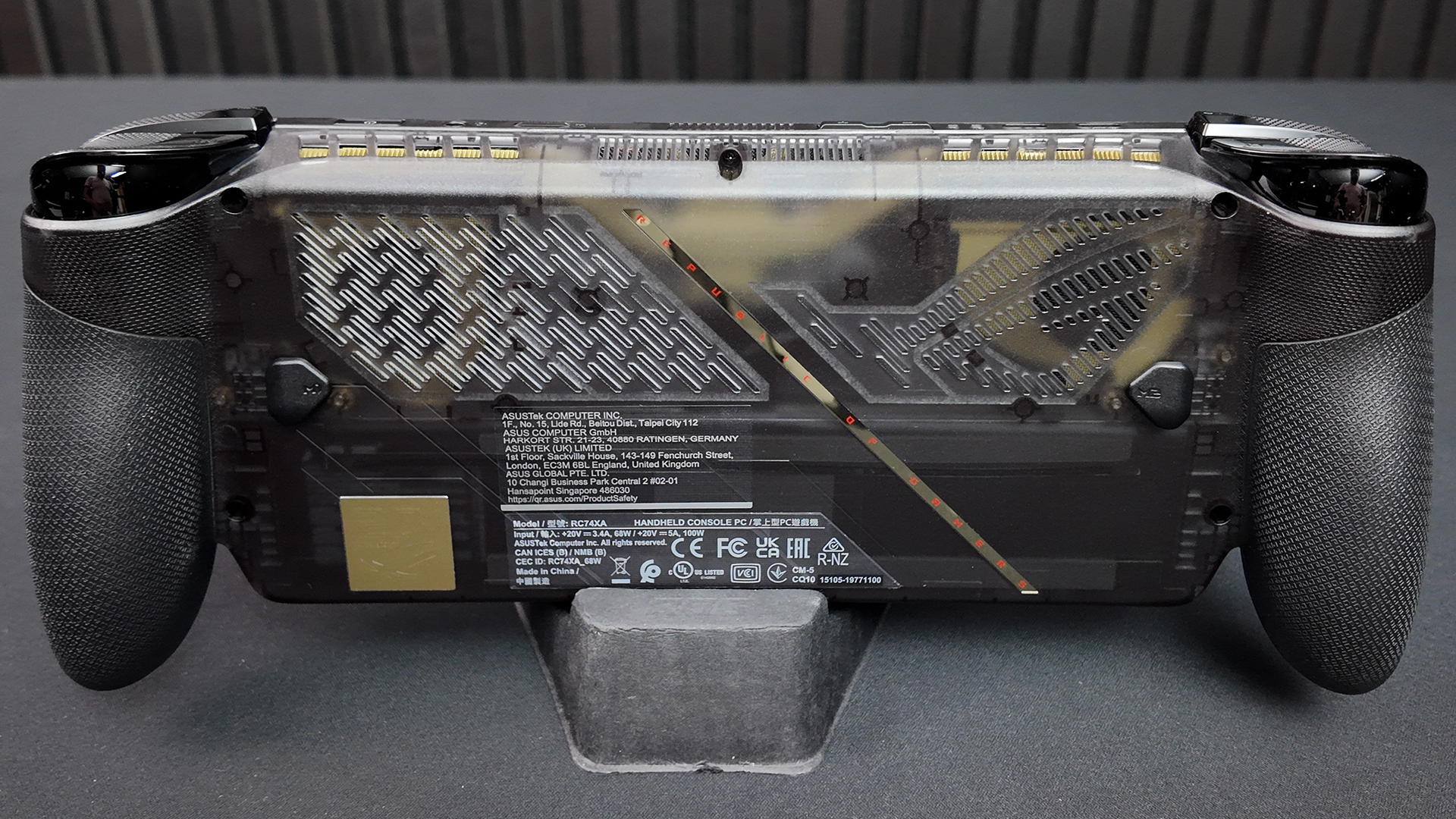
The backside also includes two buttons beyond those you’d normally find on an XBOX pad. Naturally as the Ally X20 is capable of much more than being a portable XBOX, the more buttons the better.
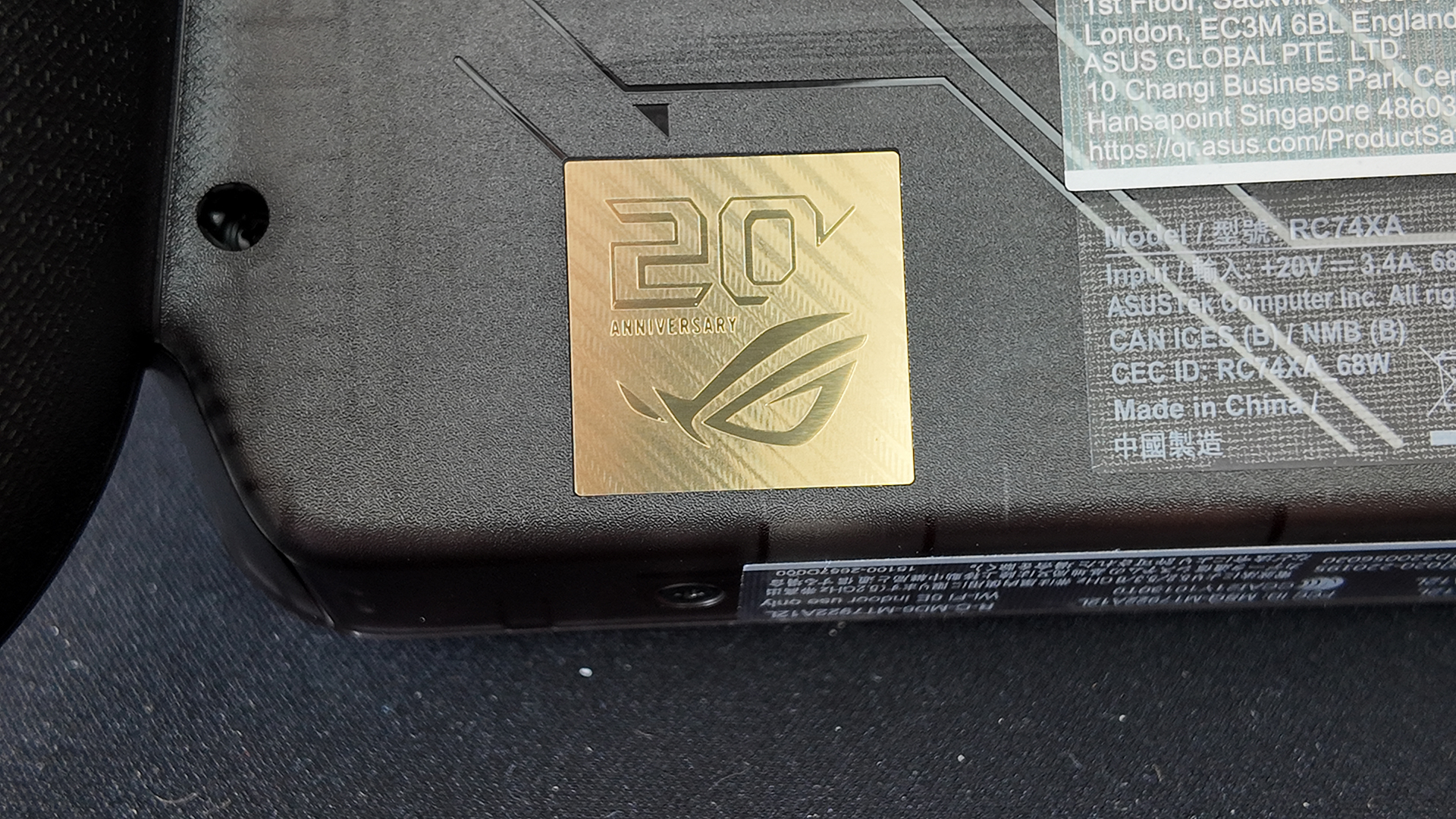
It wouldn’t be a ROG 20th Anniversary product without having this, now familiar, logo on it. For those who like a little gold in their life, it’ll be just the ticket.
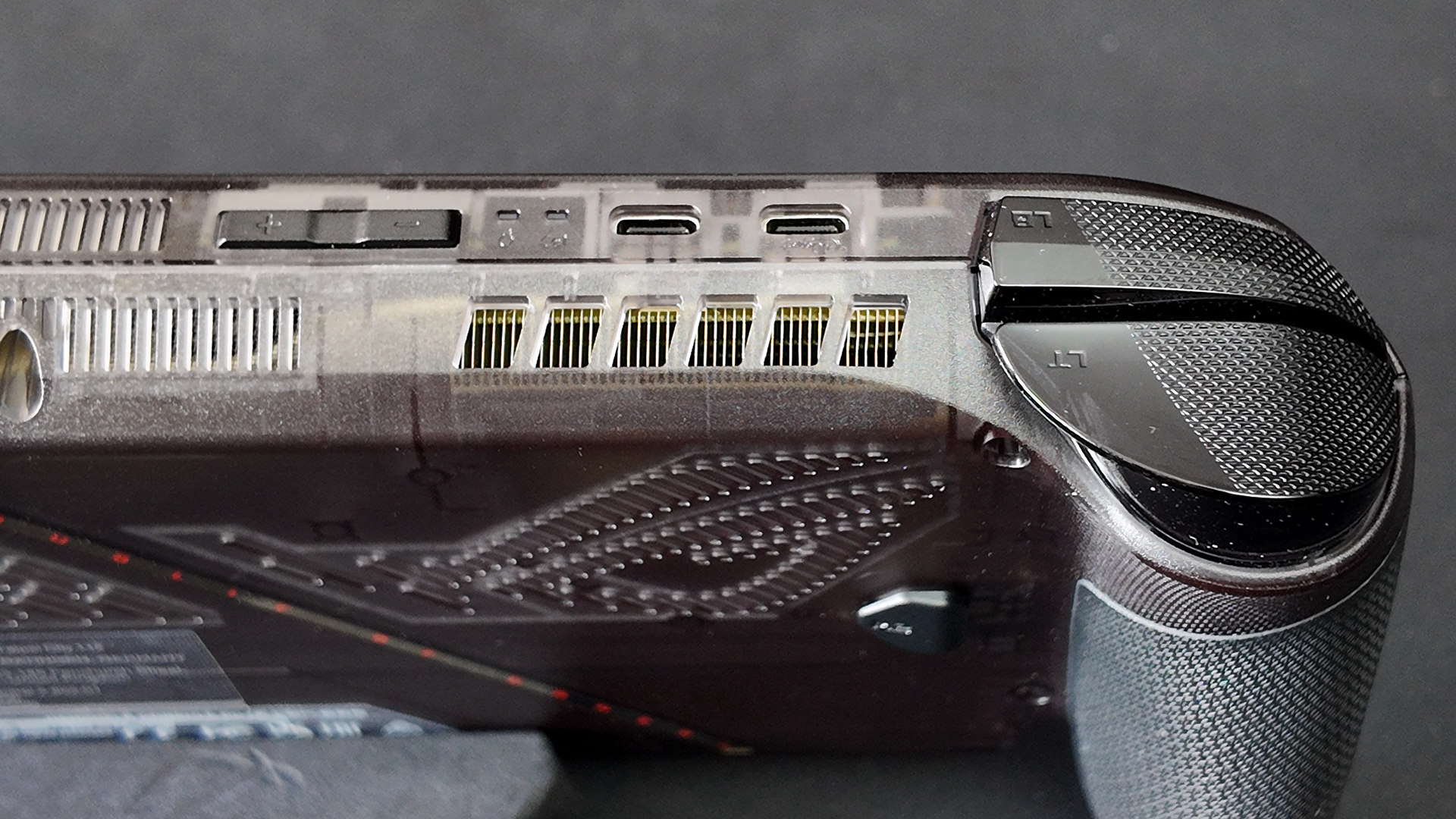
Two USB Type-C connectors sort out power and other connectivity functions. We’ve also got state indicators, and the volume controls that ensure you can be a good person on public transport.
Whilst all the other companies are desperate to force you into their expensive ecosystem, ASUS stick with the tried and tested 3.5mm jack. Just think of the plush, comfortable, affordable headphones you can get. Glorious.