PC Specialist Vortex IV X780 Laptop Review

Up Close Continued
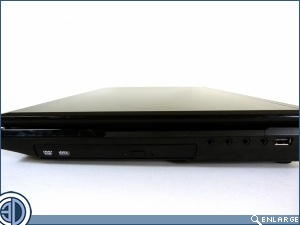
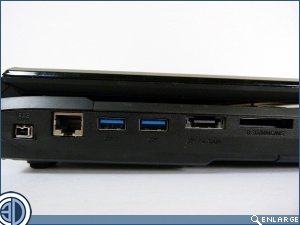
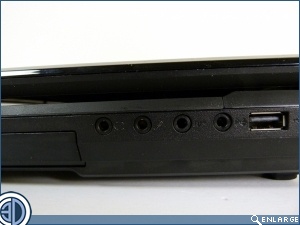
There are a good amount of connection options on the Vortex IV, with audio jacks and a USB 2.0 port on the right hand side. The left side has the majority with a Firewire, GigaLAN, USB 3.0, eSATA and a card reader.
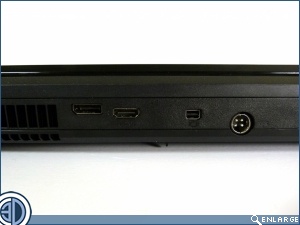
On the rear we have a fullsize Display Port, an HDMI, a mini DisplayPort and the very beefy 4 port power input.
The internals are, initially at least, as plain as the outside. The screen is by no means the sturdiest we’ve ever encountered. It’s not wobbly, but neither does it inspire confidence. Certainly a large proportion of the cost saving is in the shell that contains the hardware.
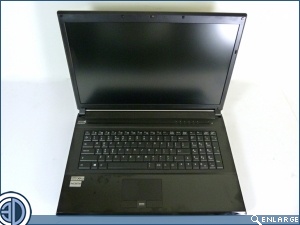
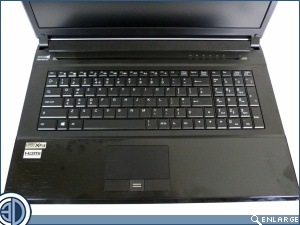
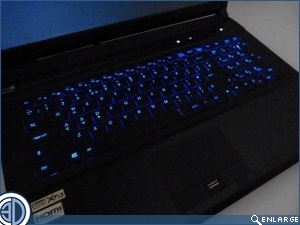
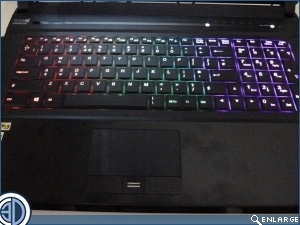
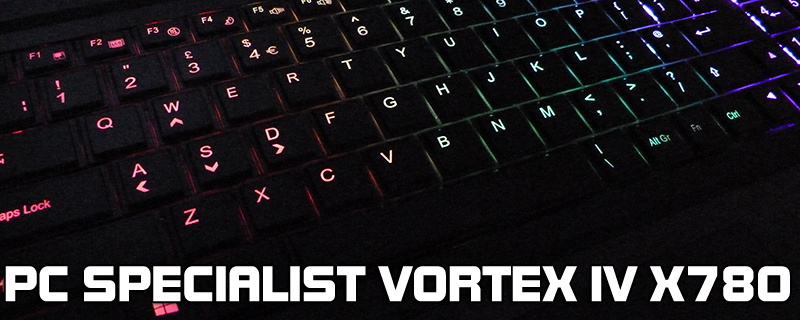
Once the power is on the keyboard lights up beautifully. There is an application that allows you to control three different zones into any colour that you desire, so obviously we went for the rainbow as it’s the most visually arresting and compliments the swathe of black plastic beautifully.