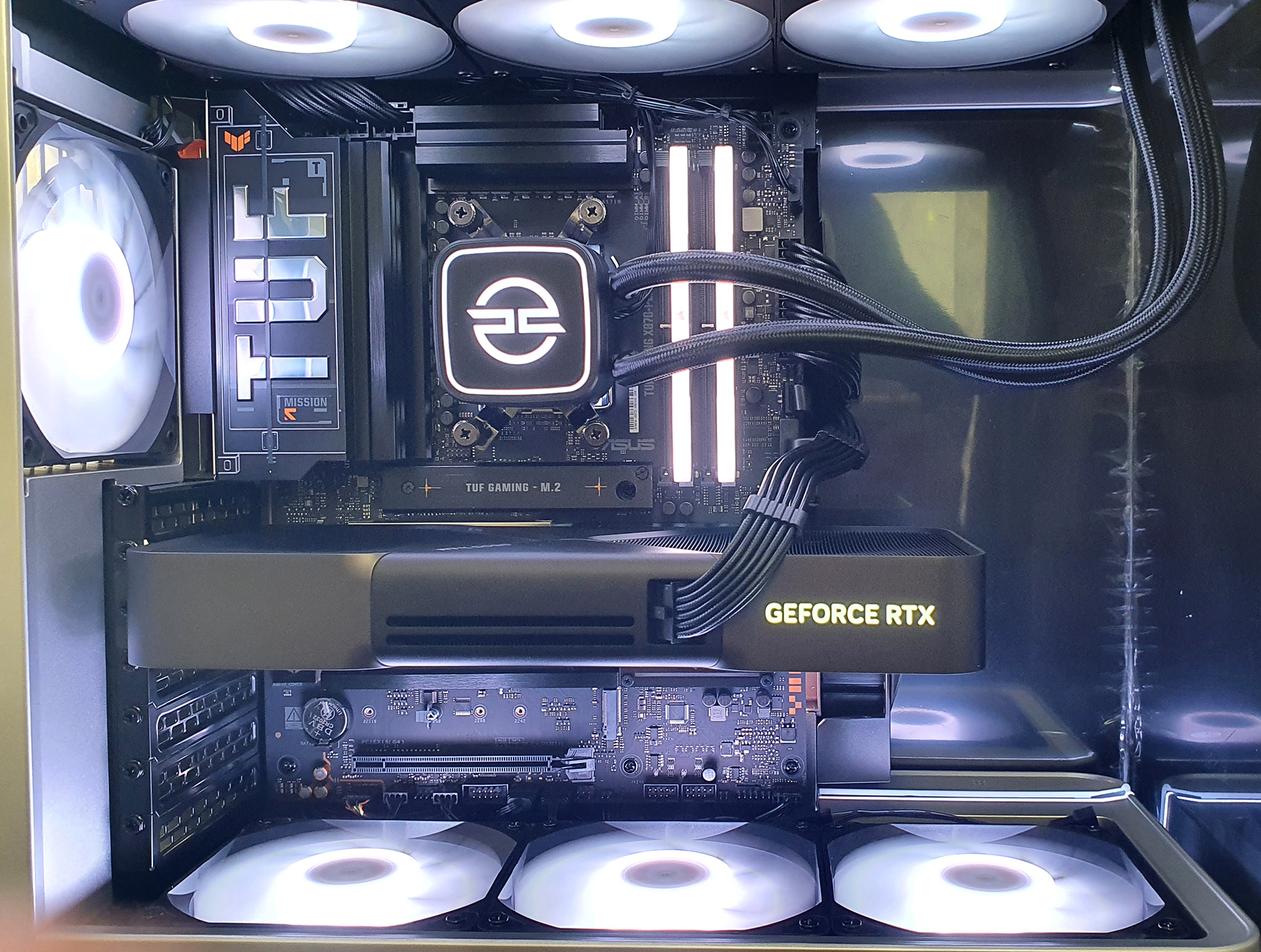
PCSpecialist Fusion FE II Review

Up Close
Up Close
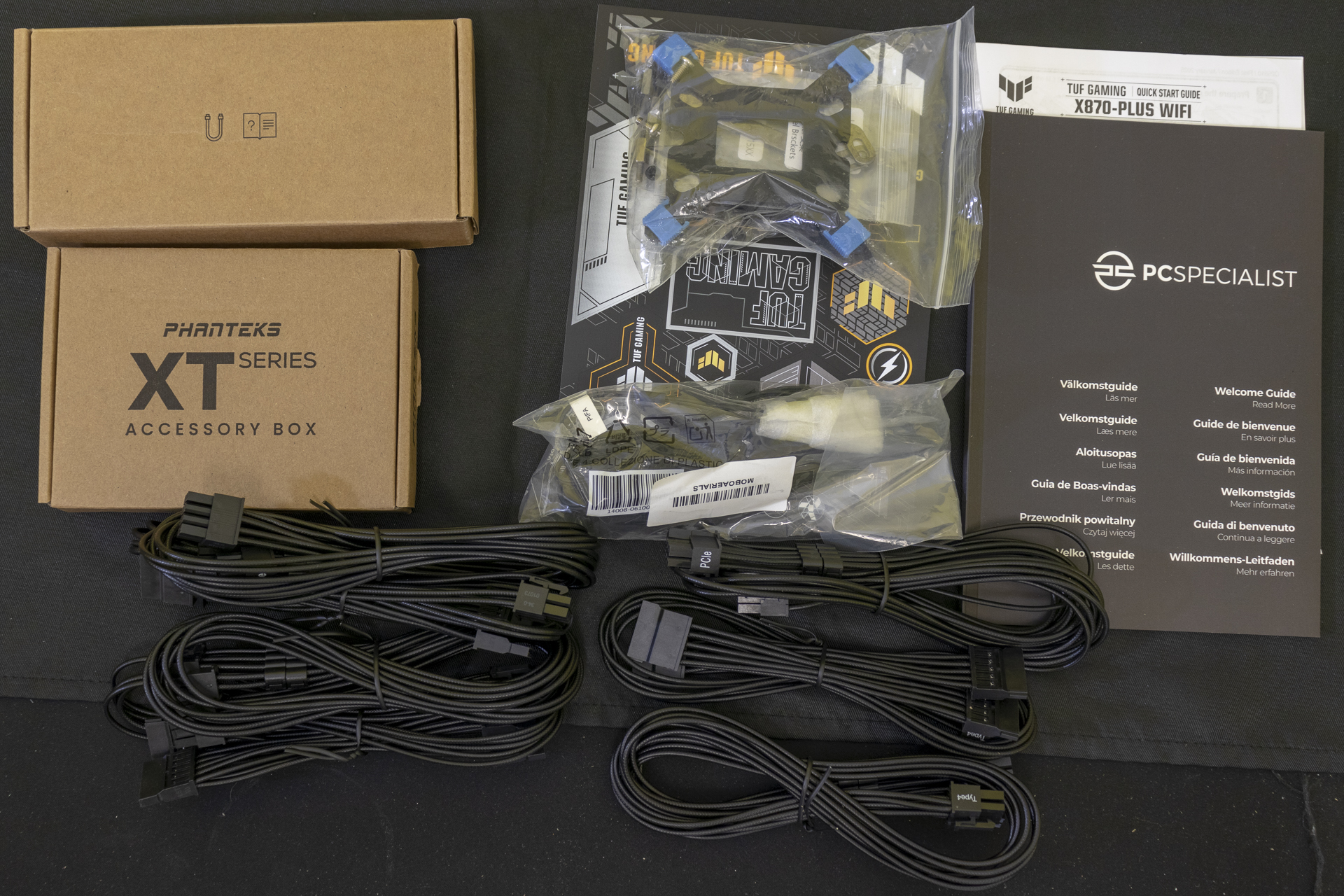
As you always are with a PCSpecialist system, opening the box provides you with all the extras you’d have received if you brought the parts and built it yourself. This might seem like a minor thing, but if you’ve ever tried sourcing a single power supply cable for an upgrade, you’ll appreciate what a boon it is to have it to hand.
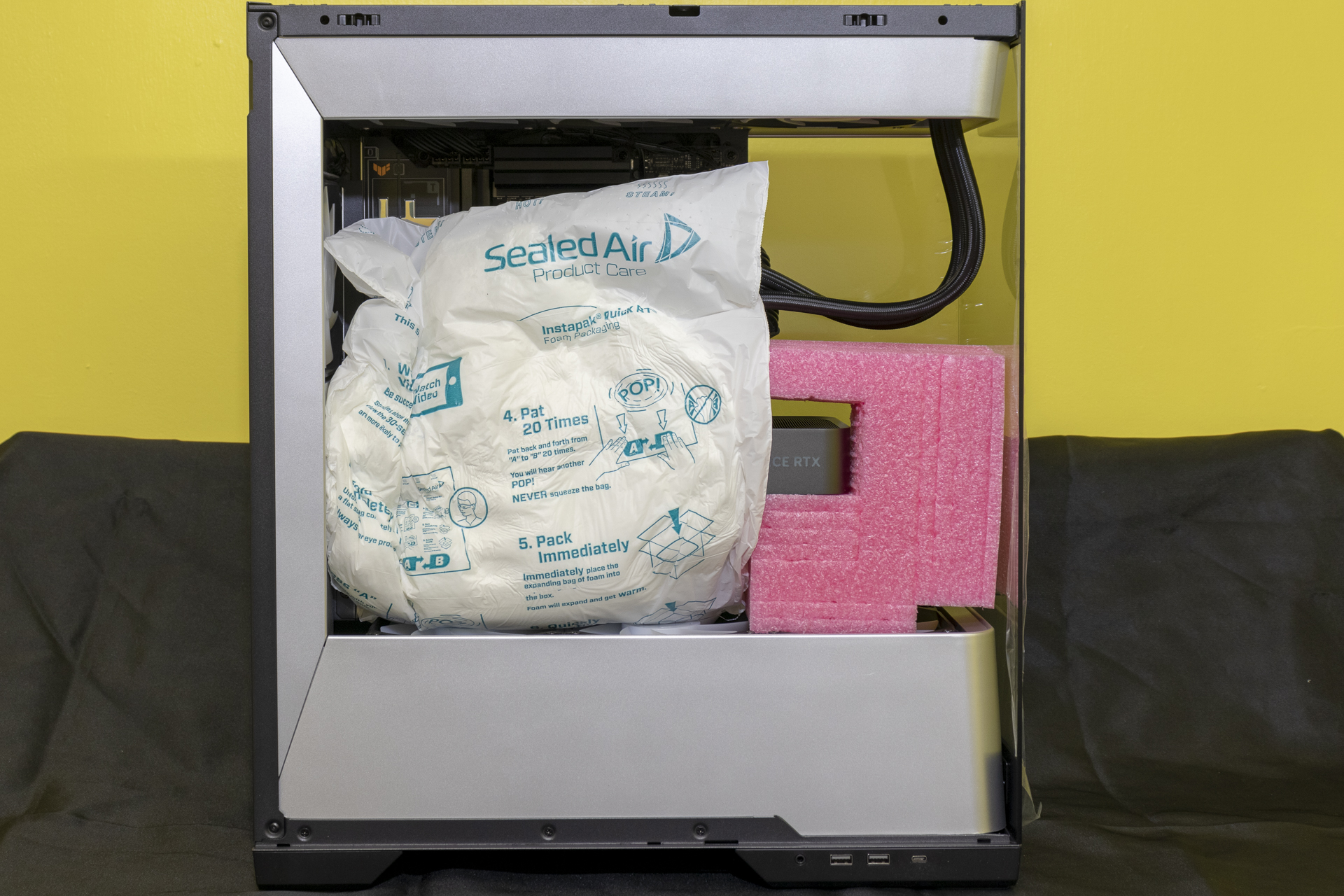
Similarly all PCS rigs are provided with the Instapak foam insert to keep everything in place during shipping. Considering how many we’ve reviewed, 47 at last count, we’ve never had one arrive in anything but flawless condition. From the cheapest to ones like this Fusion FE II. We appreciate the extra effort with the pink high-density foam keeping the RTX 5090 from moving too.
The back is the only side of the Phanteks Evolv X2S that isn’t made of tempered glass. It has got a strange silver fan grill which sticks out the back. At least it’s easy to take out and clean.
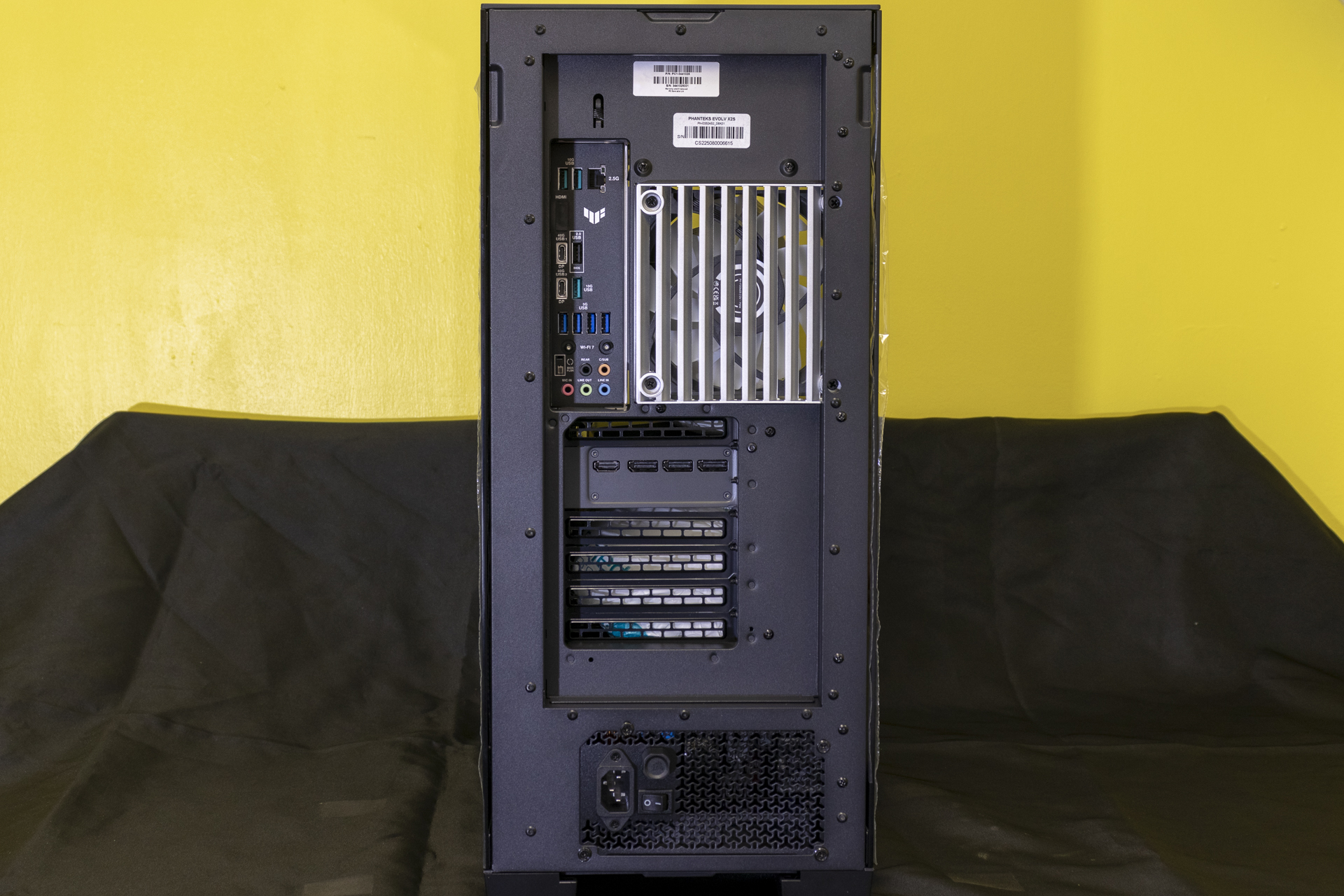
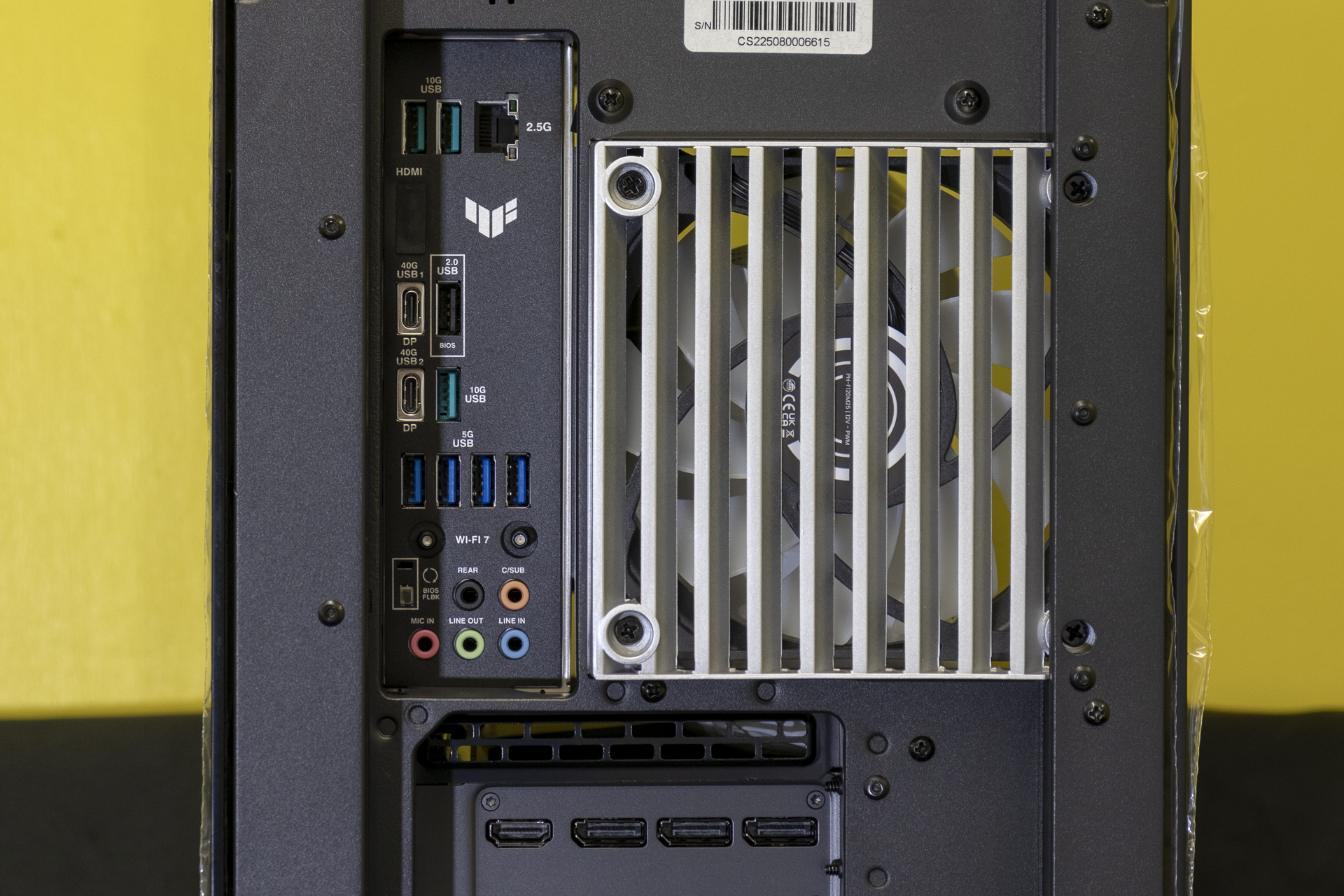
The Fusion FE II has a ASUS TUF X870-Plus and, just as we found when we reviewed it, it’s got a surprising amount of USB ports for the money. Yes, things like the 2.5G LAN port hint that it isn’t uppermost in the ASUS, or even AMD X870 chipset, offerings. But small potatoes in the grand scheme of things.
You can also spot the three DisplayPort and single HDMI port outputs on the Nvidia RTX 5090 FE.
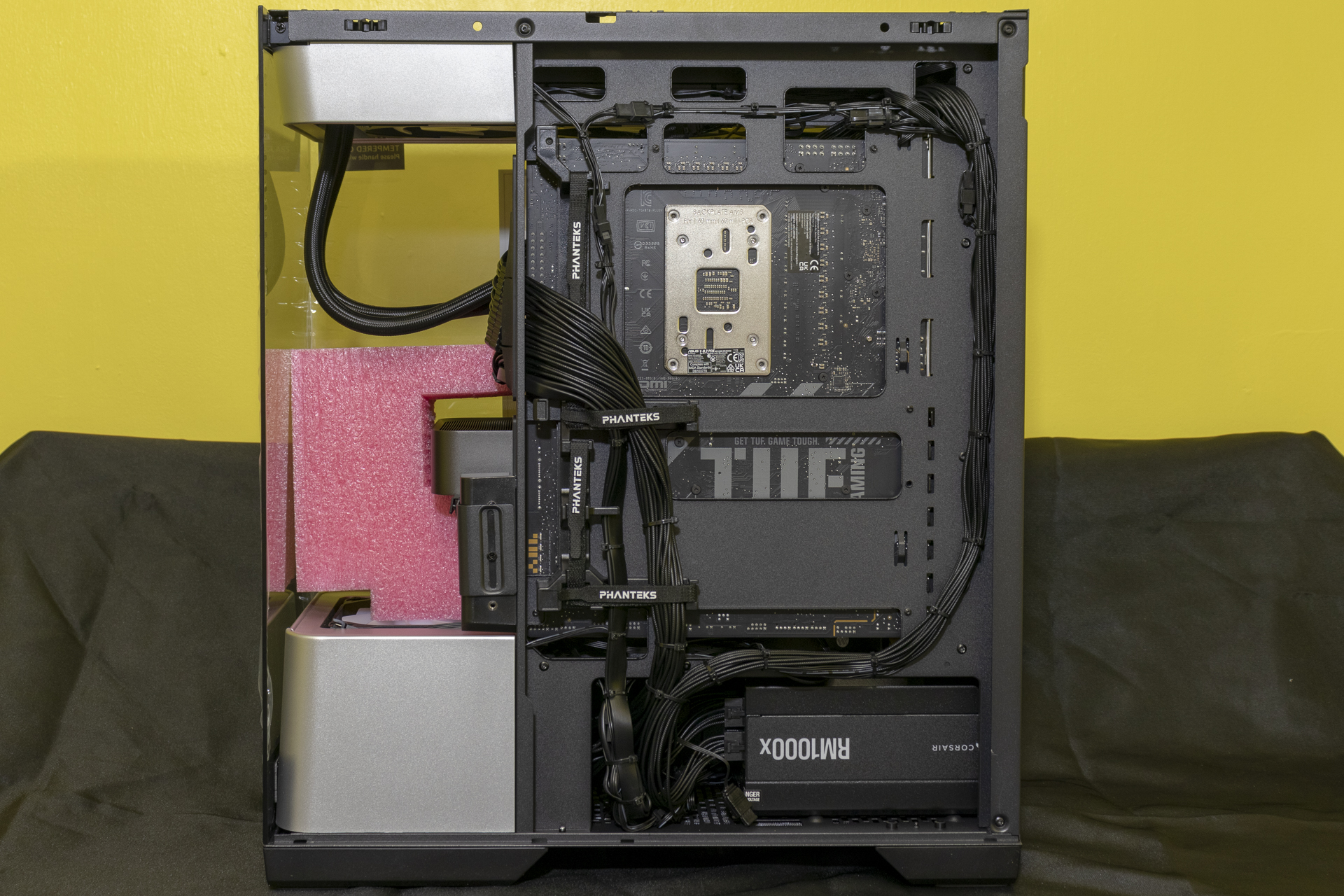
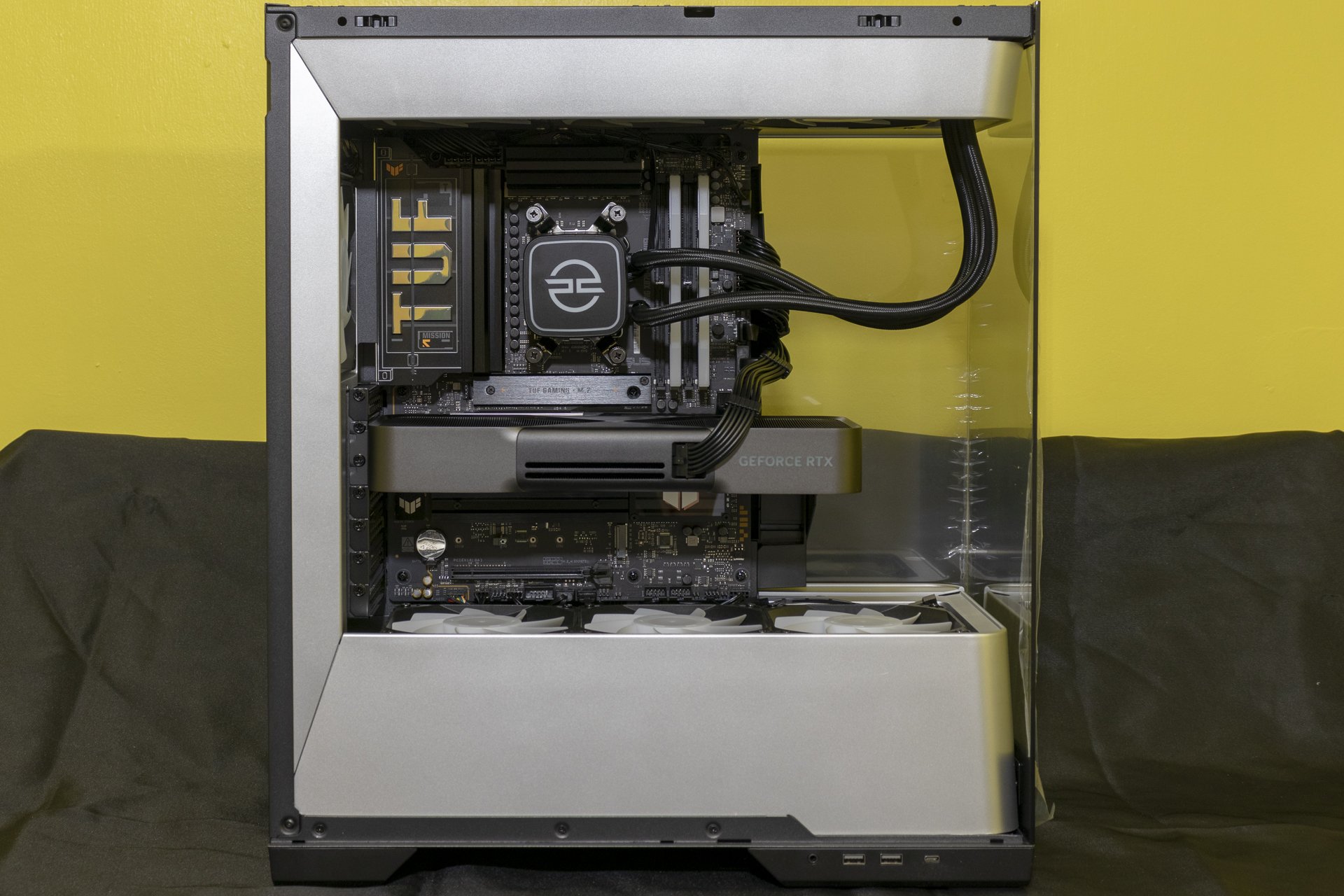
Something that is true on all PCSpecialist builds is their attention to detail. Whether it’s a sub £900 model, or one more at this end of their spectrum, every cable is neat. Every tie tied. It speaks volumes to their character. It would be all too easy to take a “get what you pay for” mentality and half arse the cheaper ones. But nope. It’s just on a product such as this you can really bask in the efforts of the builder.
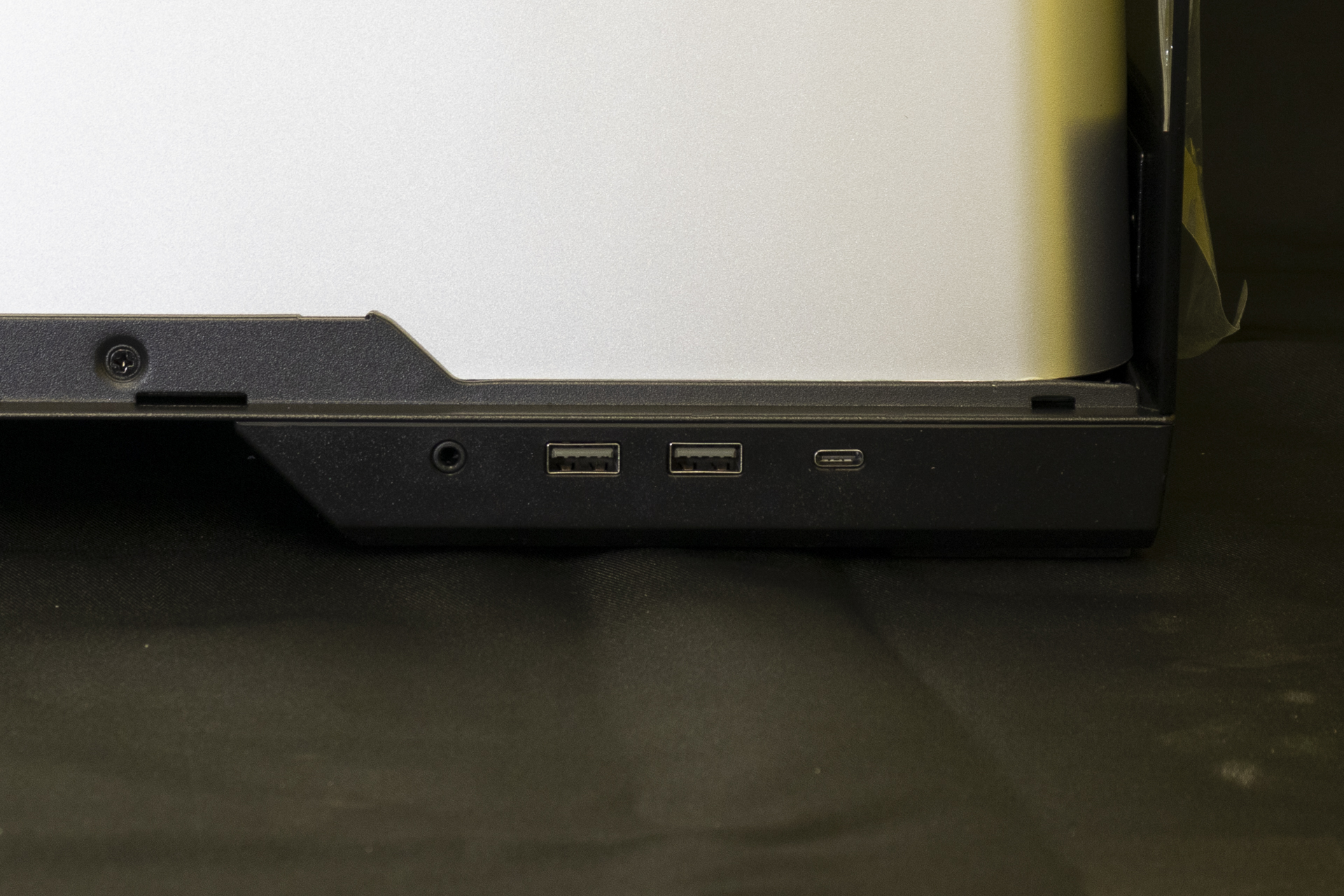
If you’re tired of fumbling at the back of your case, or having to stand up to see where to plug things on the top, the side panel USB ports on the Phanteks Evolv X2S are a godsend.
Once all the packaging is out you can bask in the glory of your new purchase. If you think it looks good like this, wait until you see it lit up!*
*for the purposes of this, pretend you haven’t seen the picture at the top of this page.
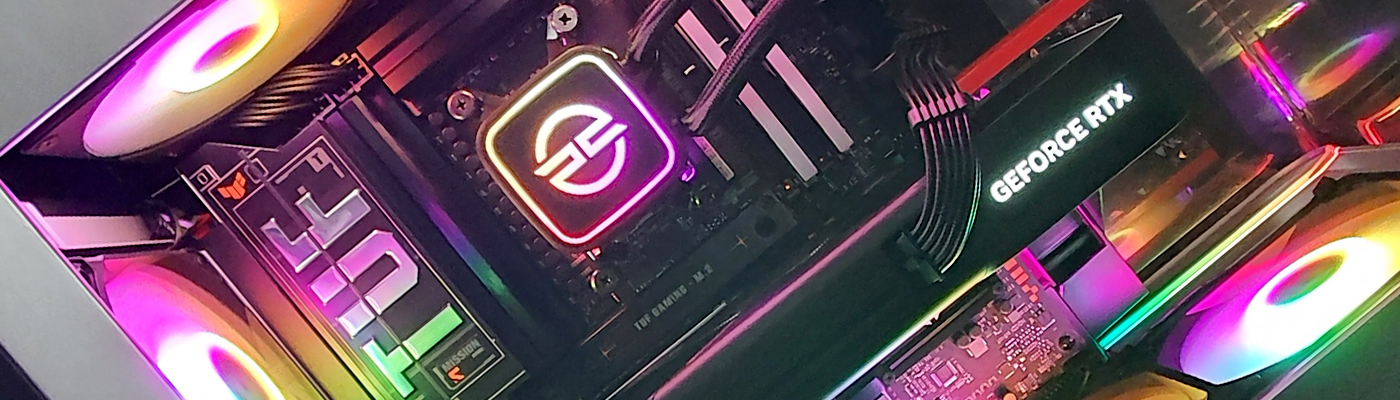
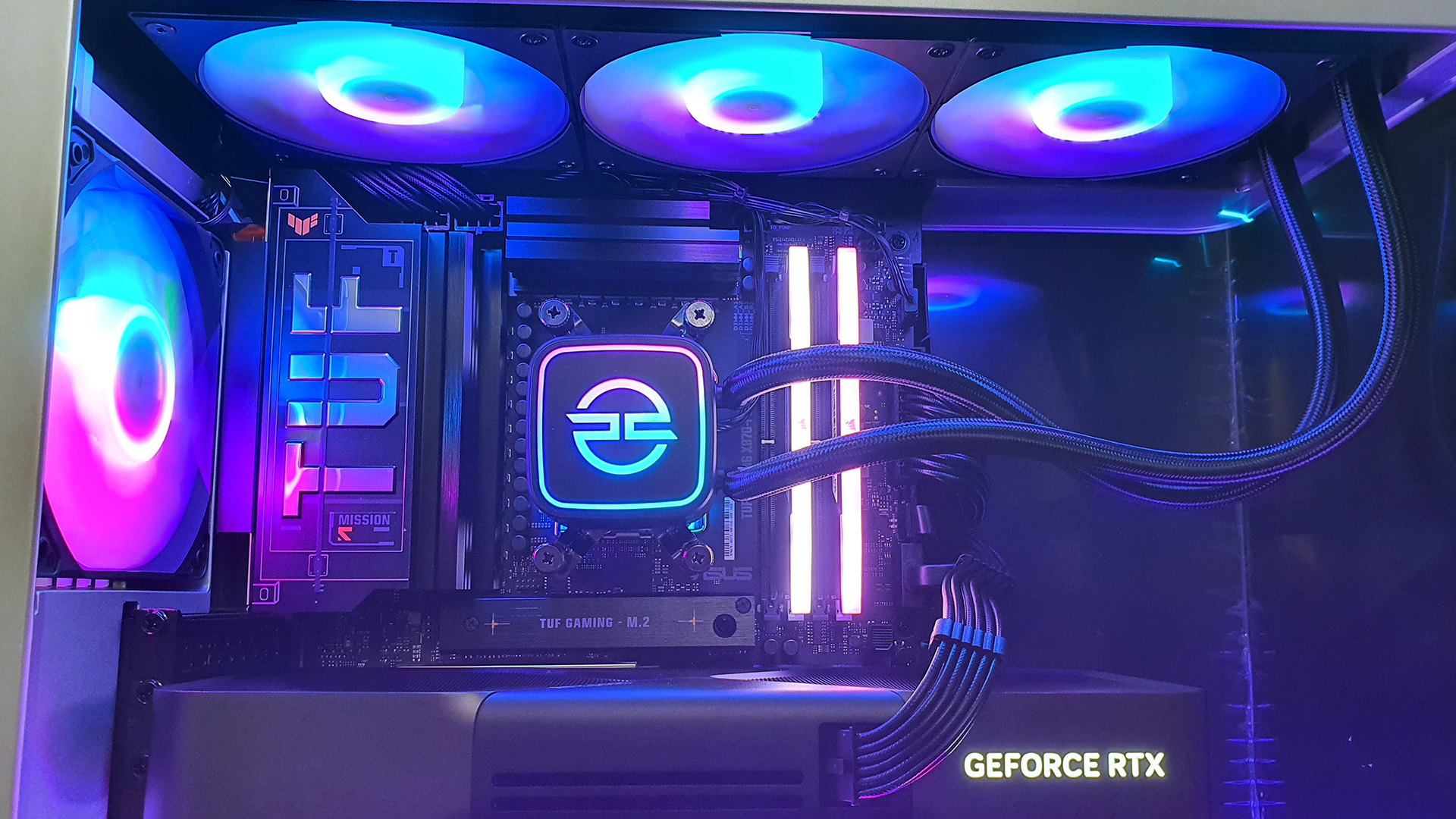
Tada. By default the Fusion FE II colour cycles, and it’s a great chance to look at some different colour schemes. At the top the Corsair memory has RGB light bars, but the fans on the LS-360 AIO really steal the show.
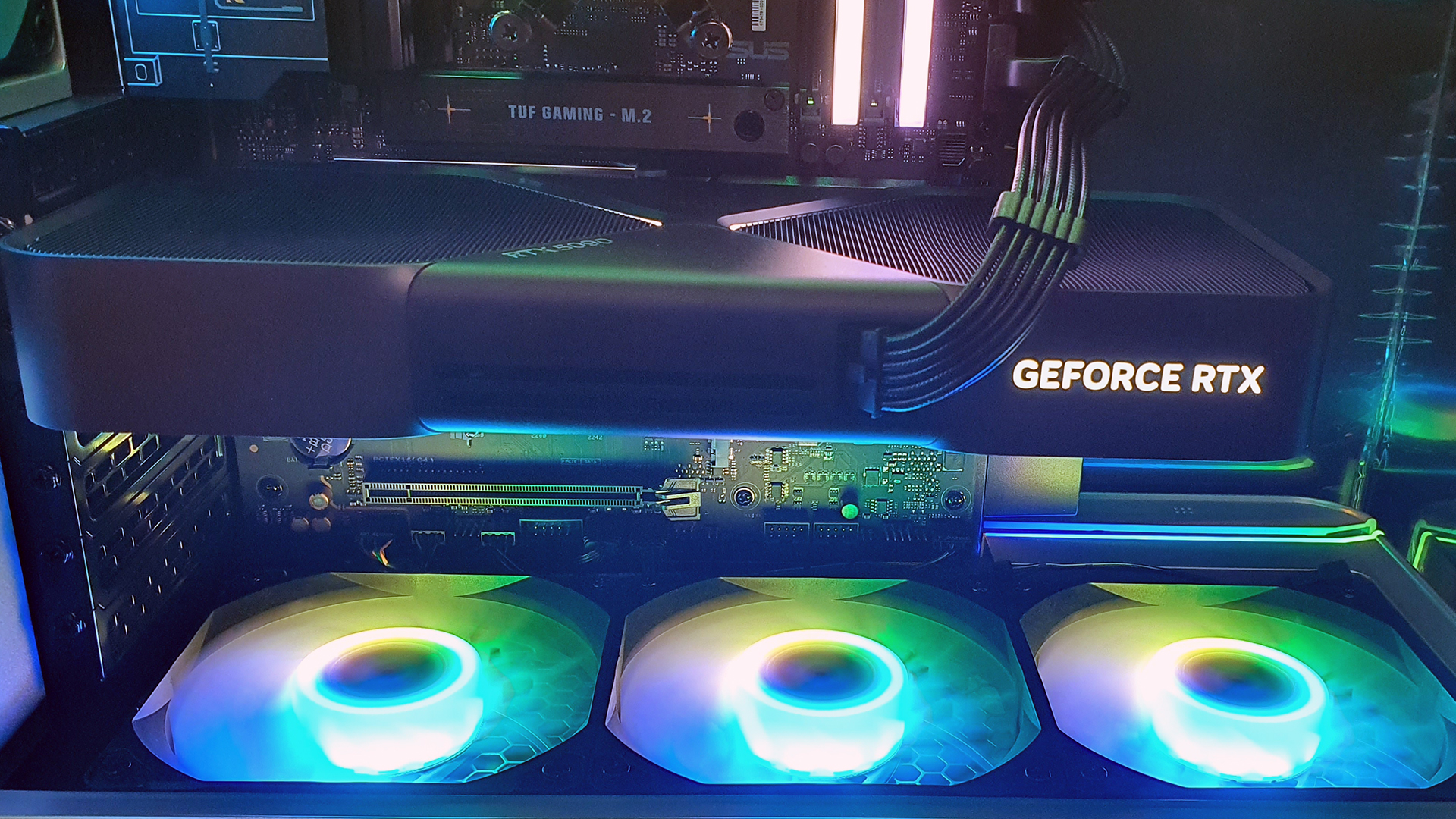
Thankfully the same fans are used in the exhaust port and, here, as intakes. So you get the same airflow in and out, whilst also having the same lighting. Splendid if you’re a perfectionist.
It’s tough to look away from the glory of the Nvidia RTX 5090 FE. However, because Nvidia go with a very stealthy black look it’s real jaw-dropping nature comes when it’s in action.
Maybe you don’t want the hassle of an RGB program and instead like the simplicity of a single colour. Job done. This also lets you bask in the details of the Fusion FE II. Look how carefully the exhaust fan cables have been routed.
Oh, and for the avoidance of doubt, because we’re obviously not keeping this then we left the plastic on the case glass which is why the corners look crinkly. Removing protective film is one of life’s pleasures, and we wouldn’t want to deny it from whomever ends up owning this.