Sapphire Phantom Link System Review

Up Close
Up Close
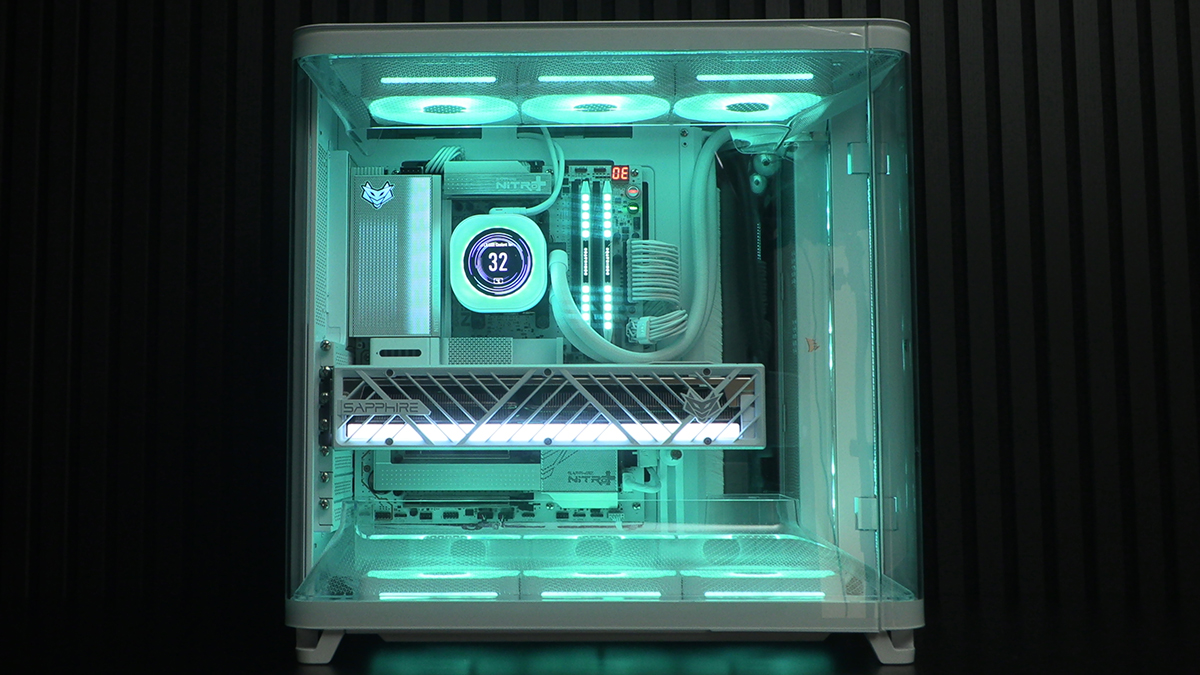
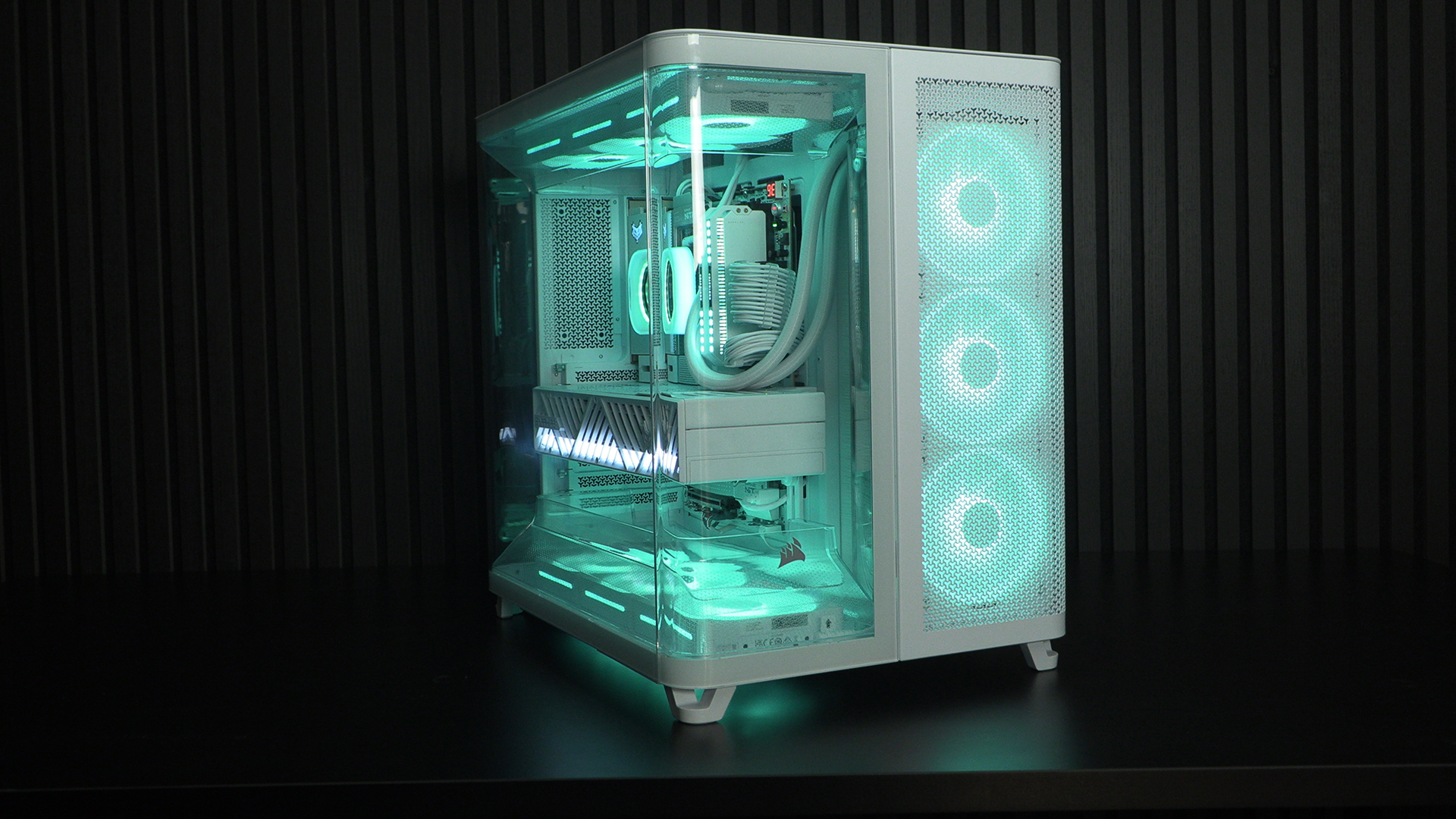
Tada. Pretty isn’t it. The panoramic glass of the Corsair Air 5400 LX-R case gives you a gorgeous view of the case. We have a real soft spot for dual chamber cases, and this one has tons of cool things. For now, before we get down to the nitty-gritty, just bask in it’s loveliness. Enjoy the woods, before we look at individual trees.
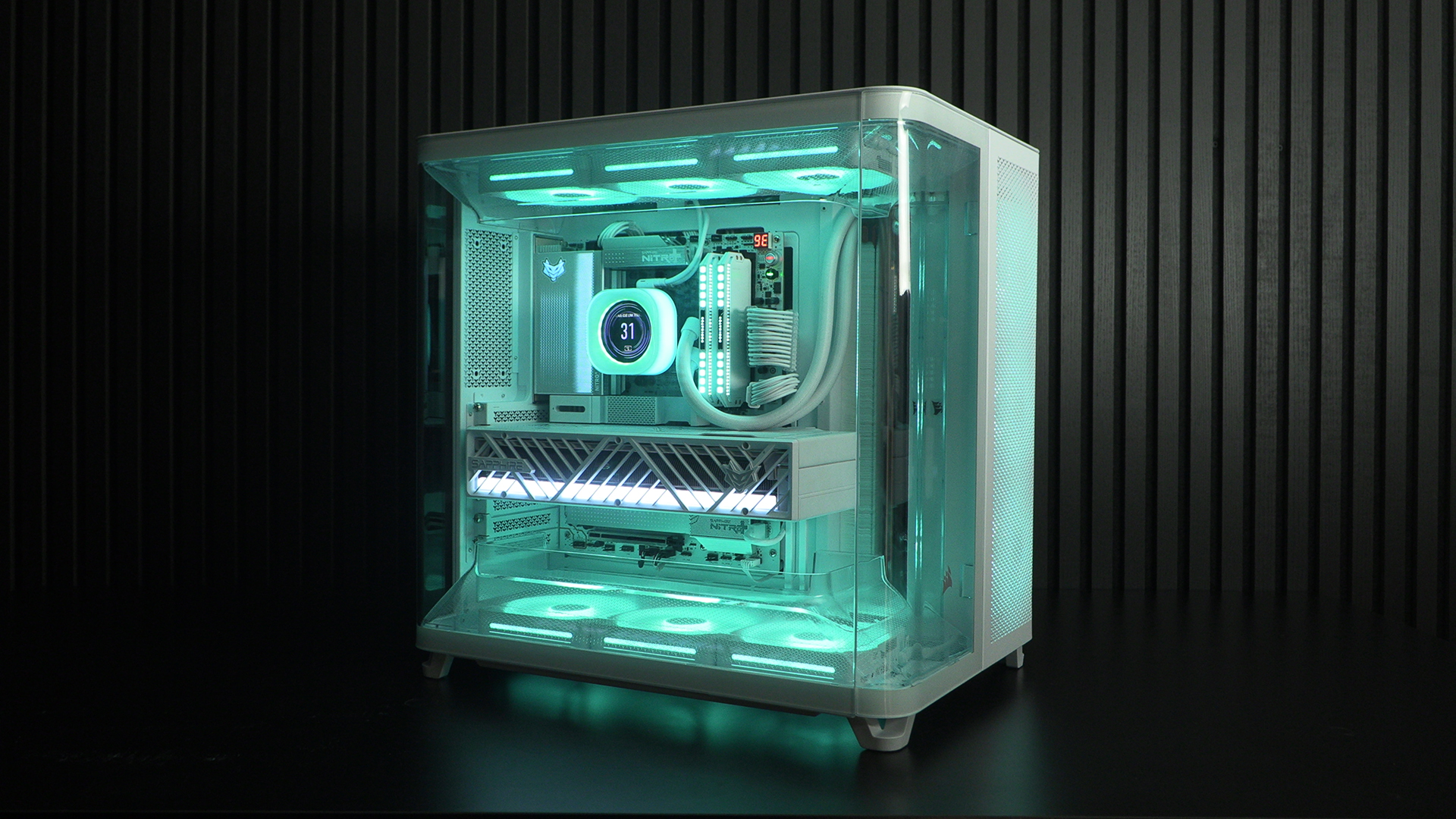
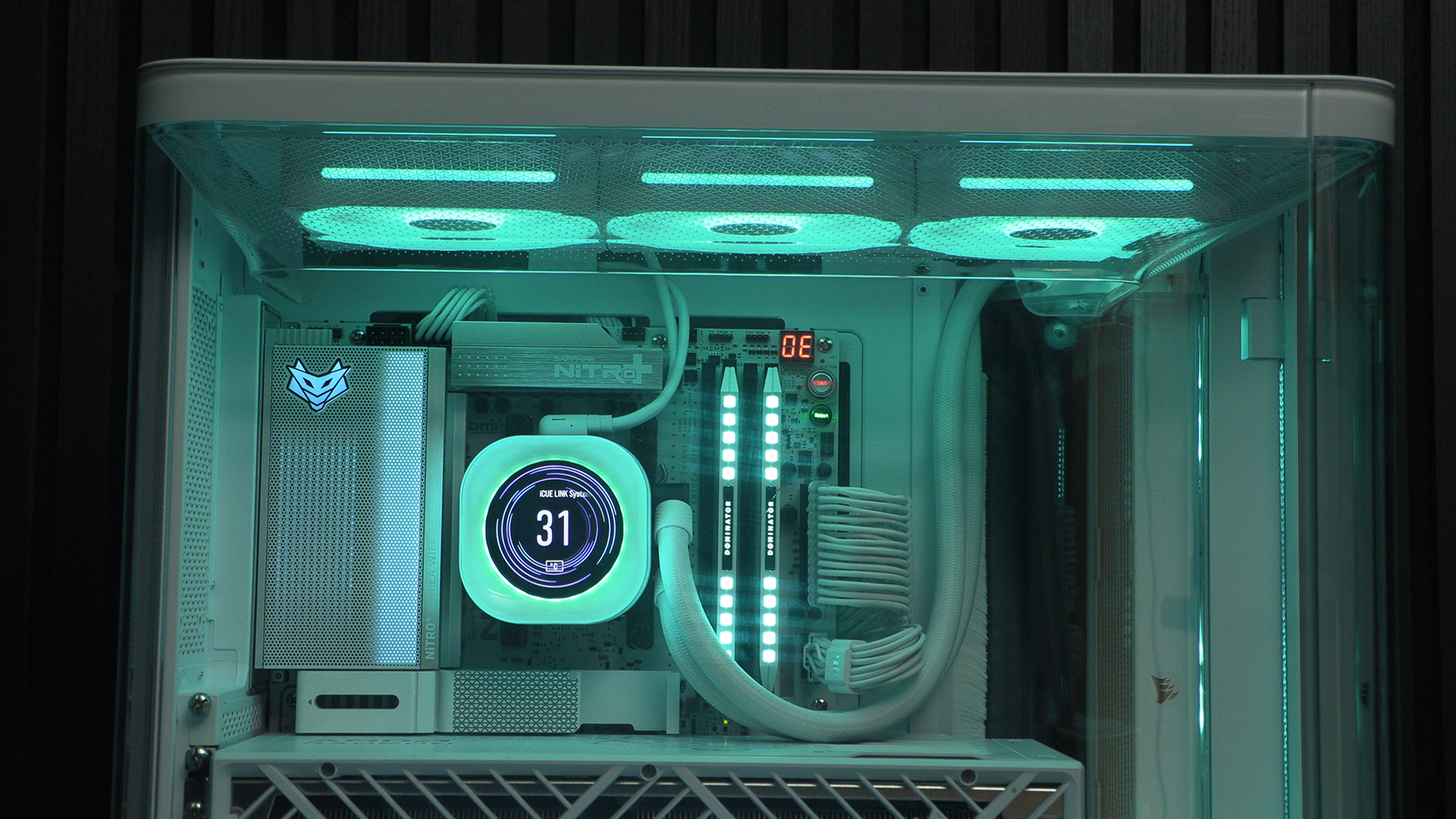
With the soft curves of the Corsair Titan 360 RX AIO pump, and the crisp straight lines of the Sapphire X870EA Phantom Link Polar, the top half of the setup is a visual delight. A square-r pump would make things look a little bit industrial. Useful information if that’s the aesthetic you want.
The lower half is obviously dominated by the Sapphire RX 9070 XT Nitro+ Phantom Link. A close look shows that the diagonal lines of the graphics card are echoed in the VRM cooler and M.2 heatsink designs. It’s the small touches that show how carefully Sapphire approach their work.
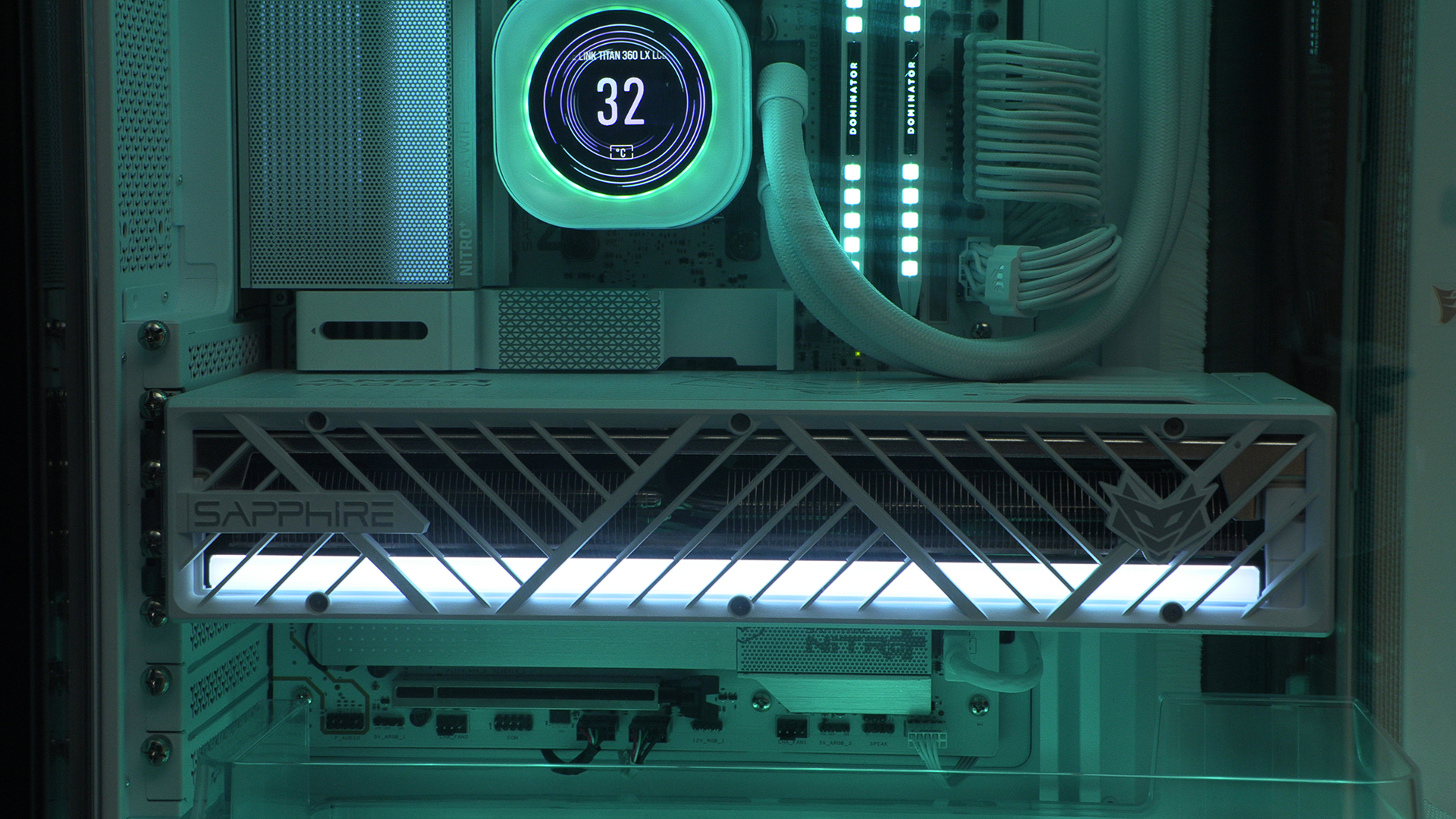
Unsurprisingly the Corsair Dominator DDR5 matches perfectly the white of the case, Titan AIO, and the cables of the HX1200i Shift PSU. The benefits of using a single manufacturer.
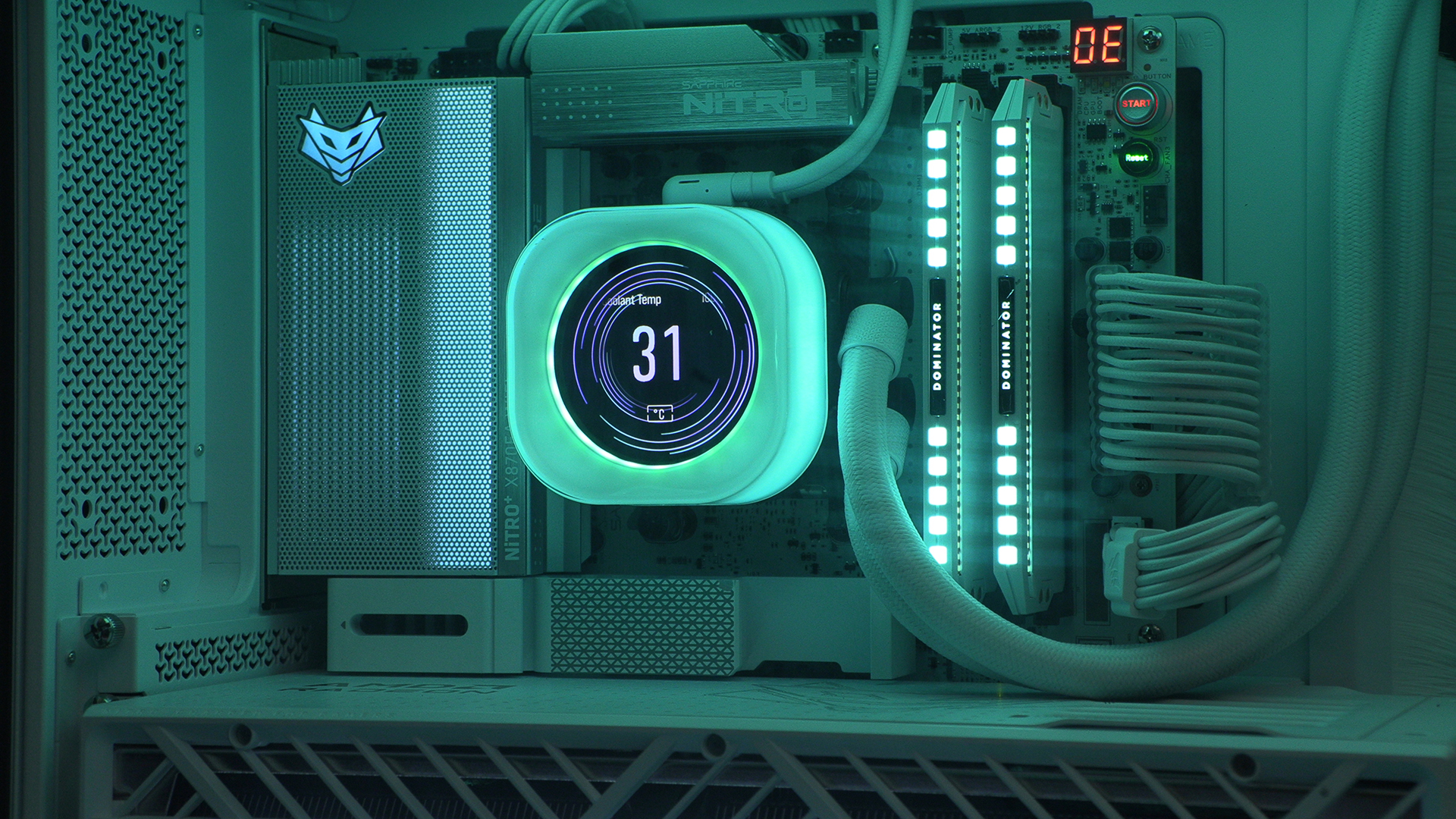
We know you can do many things with the light-bar on the Sapphire Nitro+. By having a uniform background colour like the Teal we’re using, keeping it white really makes it stand out without needing to make things gaudy.
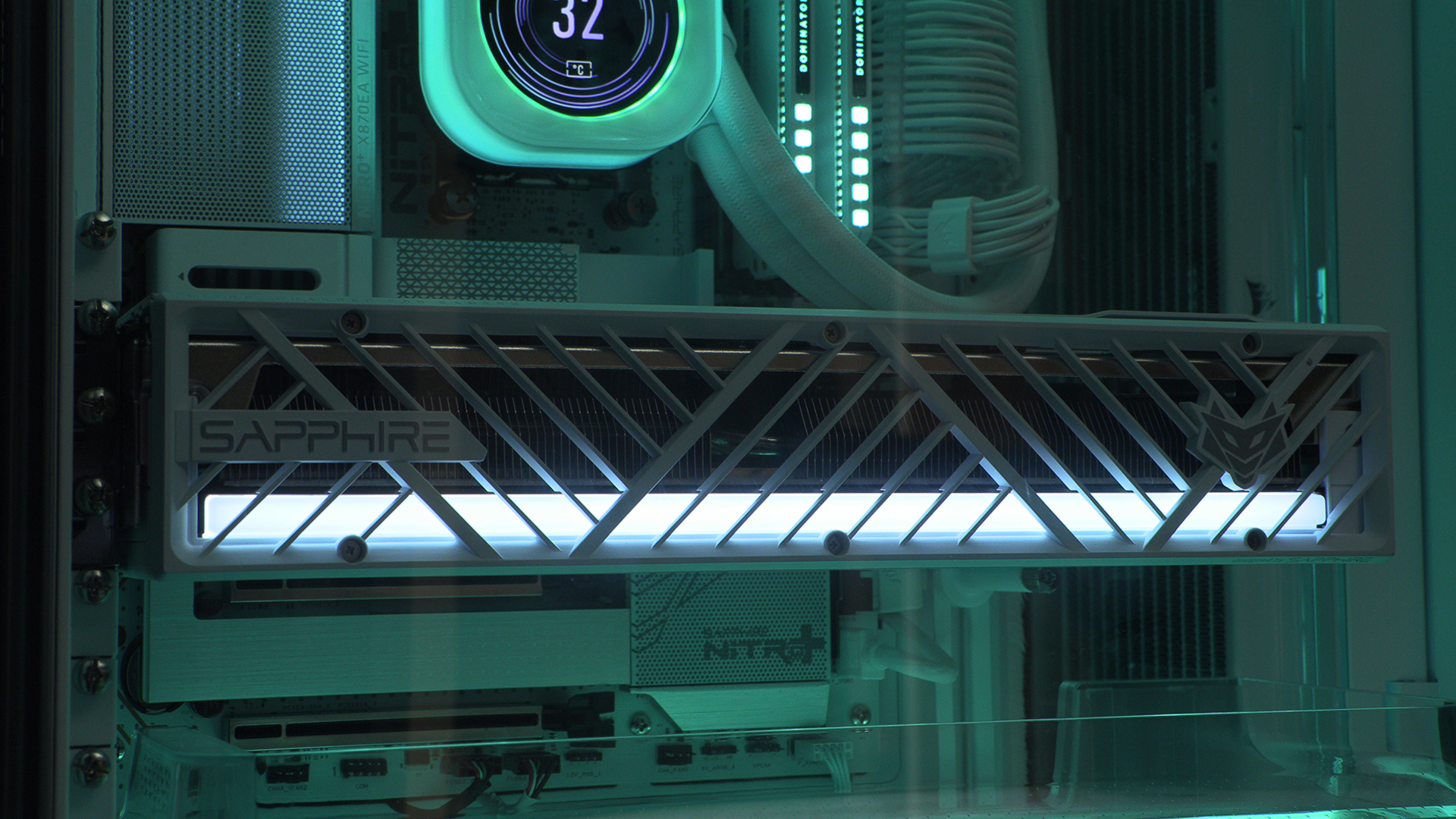
Directed Airflow
As the keen-eyed amongst you will have noticed at the top, and is obvious here, the Air 5400 LX-R case has plastic covers to help direct the airflow over the GPU. And there is one to help force the hot, used, air out the system at the top.
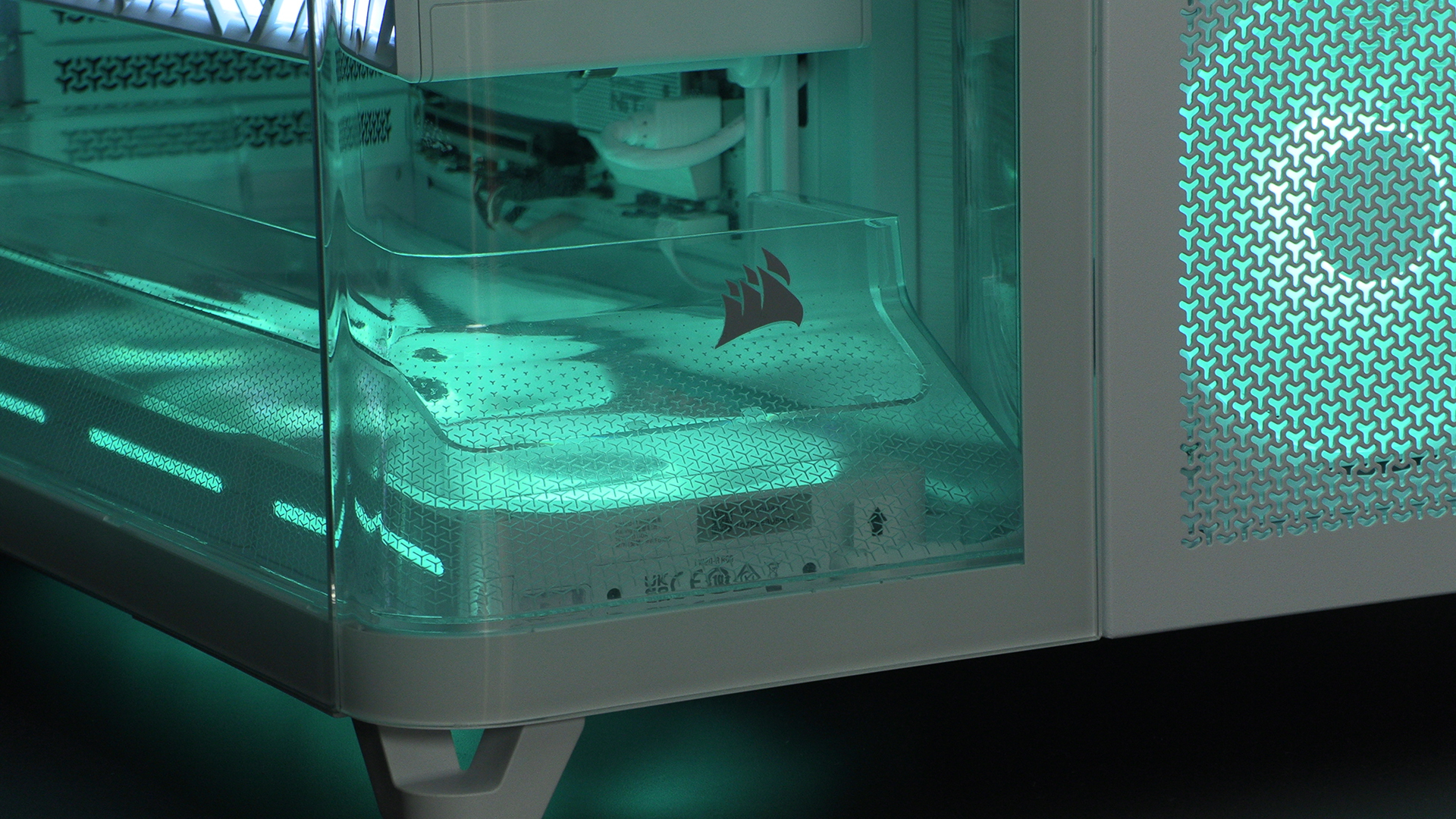
For most people this will be the view you have. We just adore the aesthetics of modern dual chamber cases, and the Corsair AIR 5400 LX-R, particularly in this white model, just looks the business. The left chamber dedicated to keeping the GPU cool, whilst the right concentrates on the CPU and PSU. What’s not to like.
Obviously with a back half you need easy access and the Corsair case doesn’t disappoint. Ready?
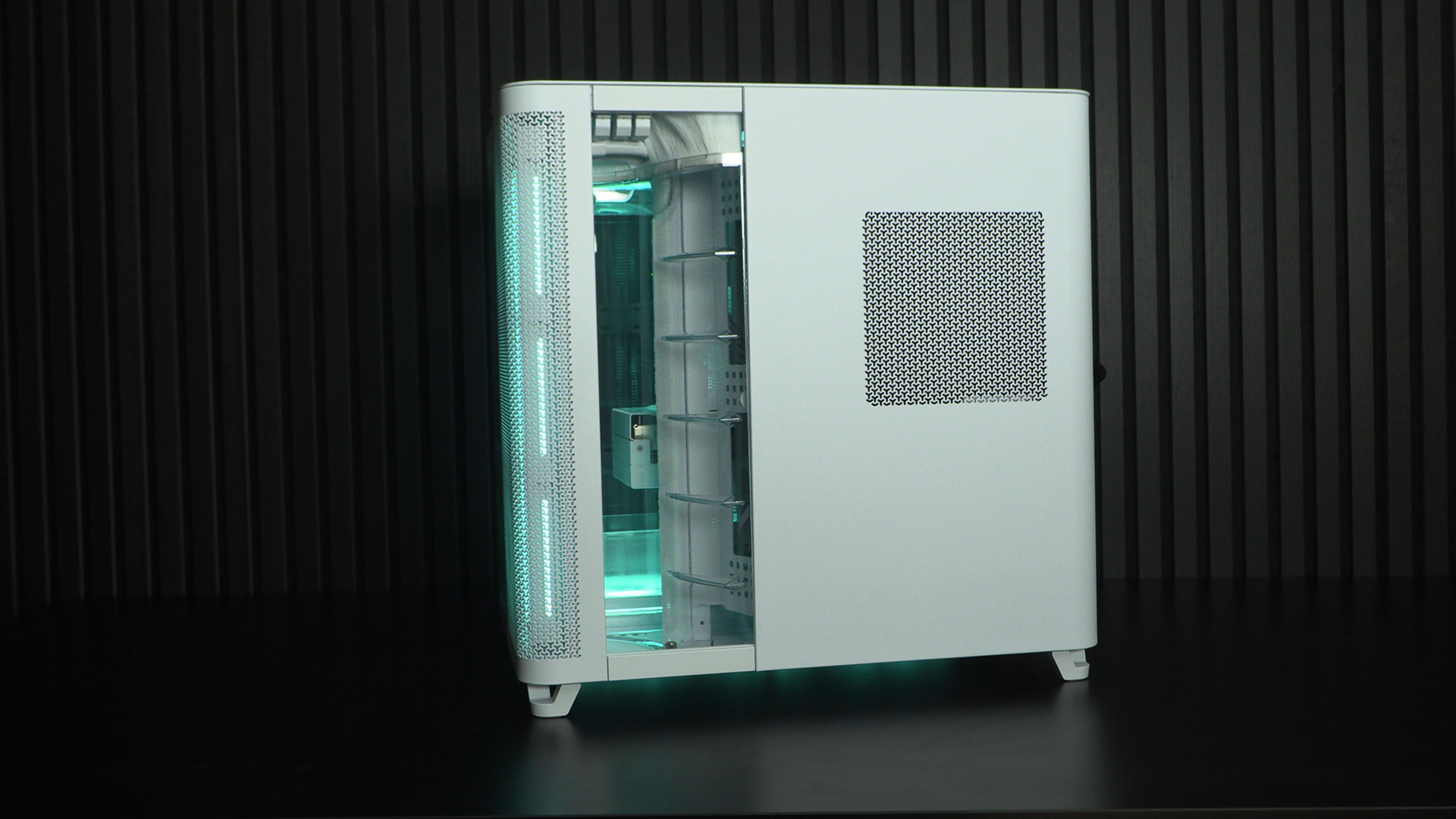
Around the Back
Tada. Plenty of working room. We love the big cut-outs, and we enjoy the grid that lets you cable tie things exactly where they need to be.
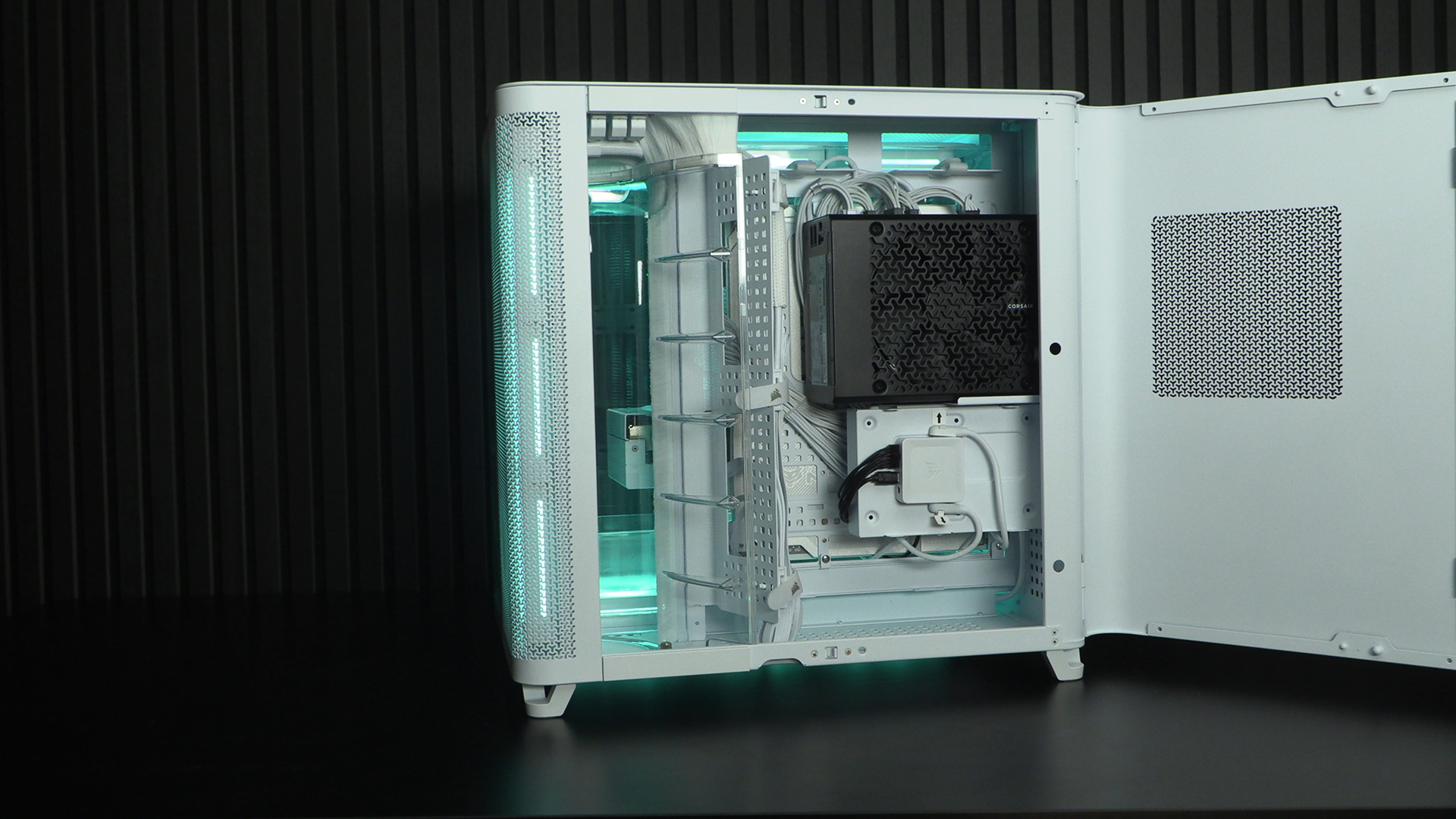
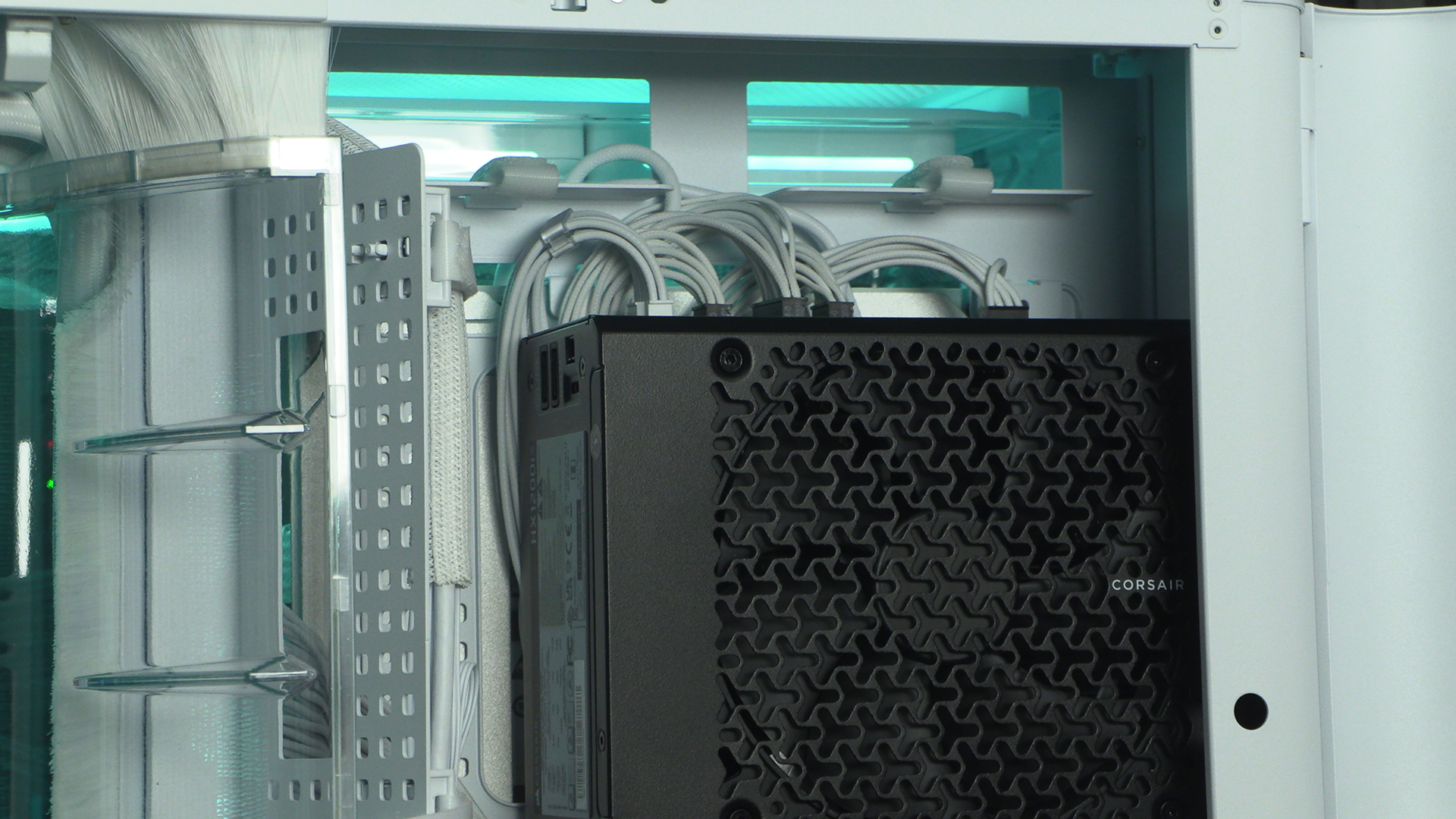
Looking a little closer and we see the side-mounted cables on the HX1200i Shift PSU. In fact that “Shift” bit of the name is what leads to one with this orientation. Be careful when buying. The grill on the back side of the case matches the PSU intake. Attention to detail you see. You can also see the iCUE controller happily mounted with its magnetic fastening system.
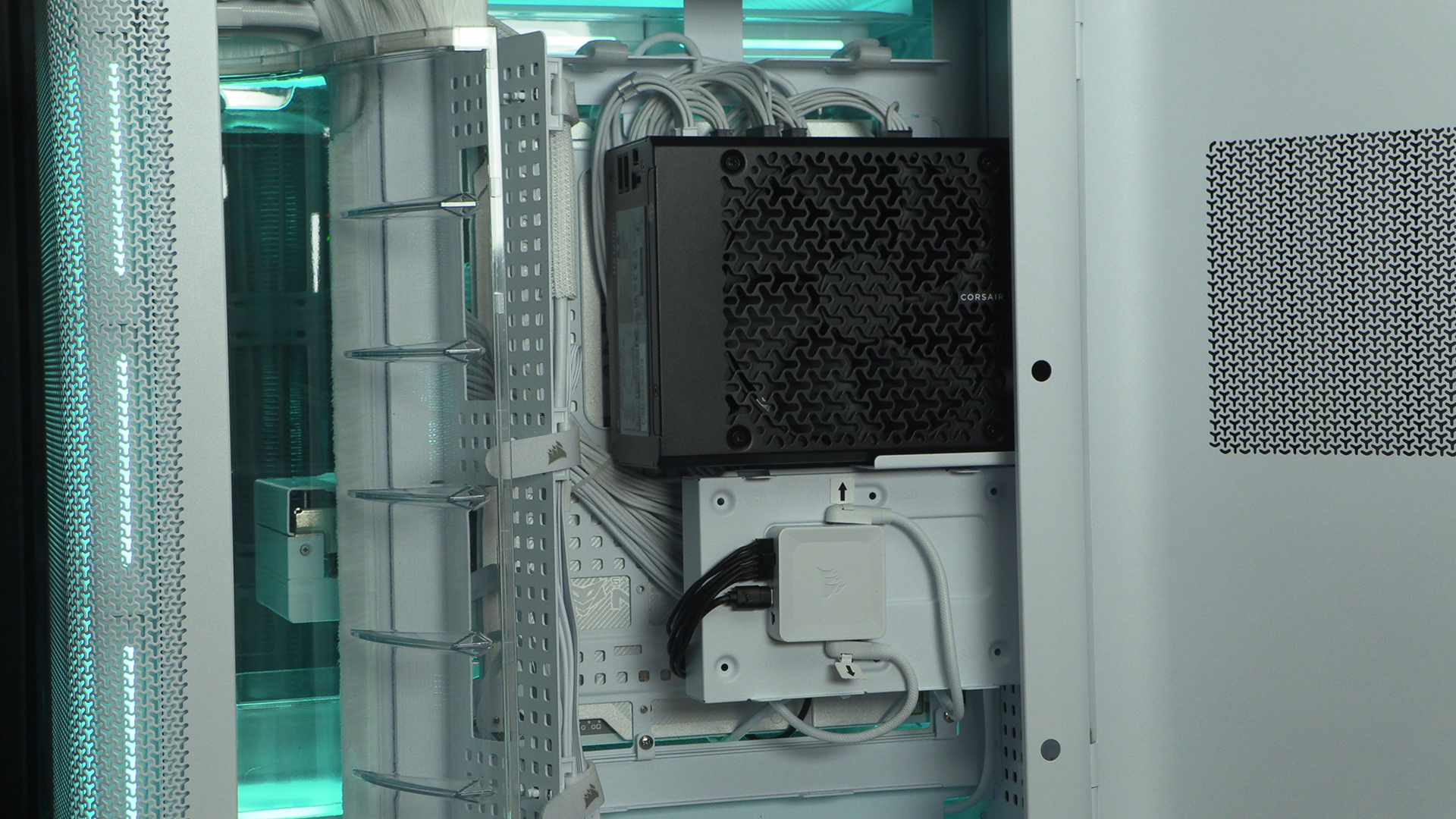
Two massive cut-outs let you cable manage with the best of them, whilst the nylon brushes help keep cables in place without ruining your aesthetics. They also help keep the two chambers separated so the blistering heat of either CPU or GPU doesn’t adversely affect the other.