TRYX Waterblock – Phanteks X2 – MSI X870E Project Zero – Custom Build

The Build
The Build!
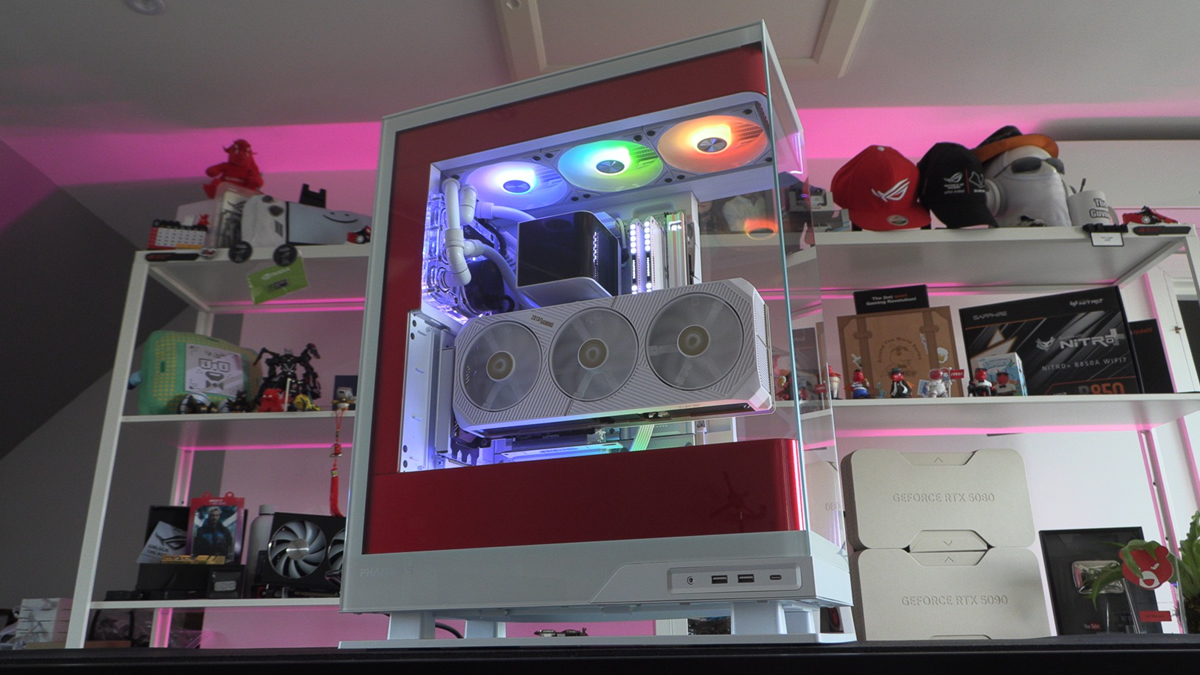
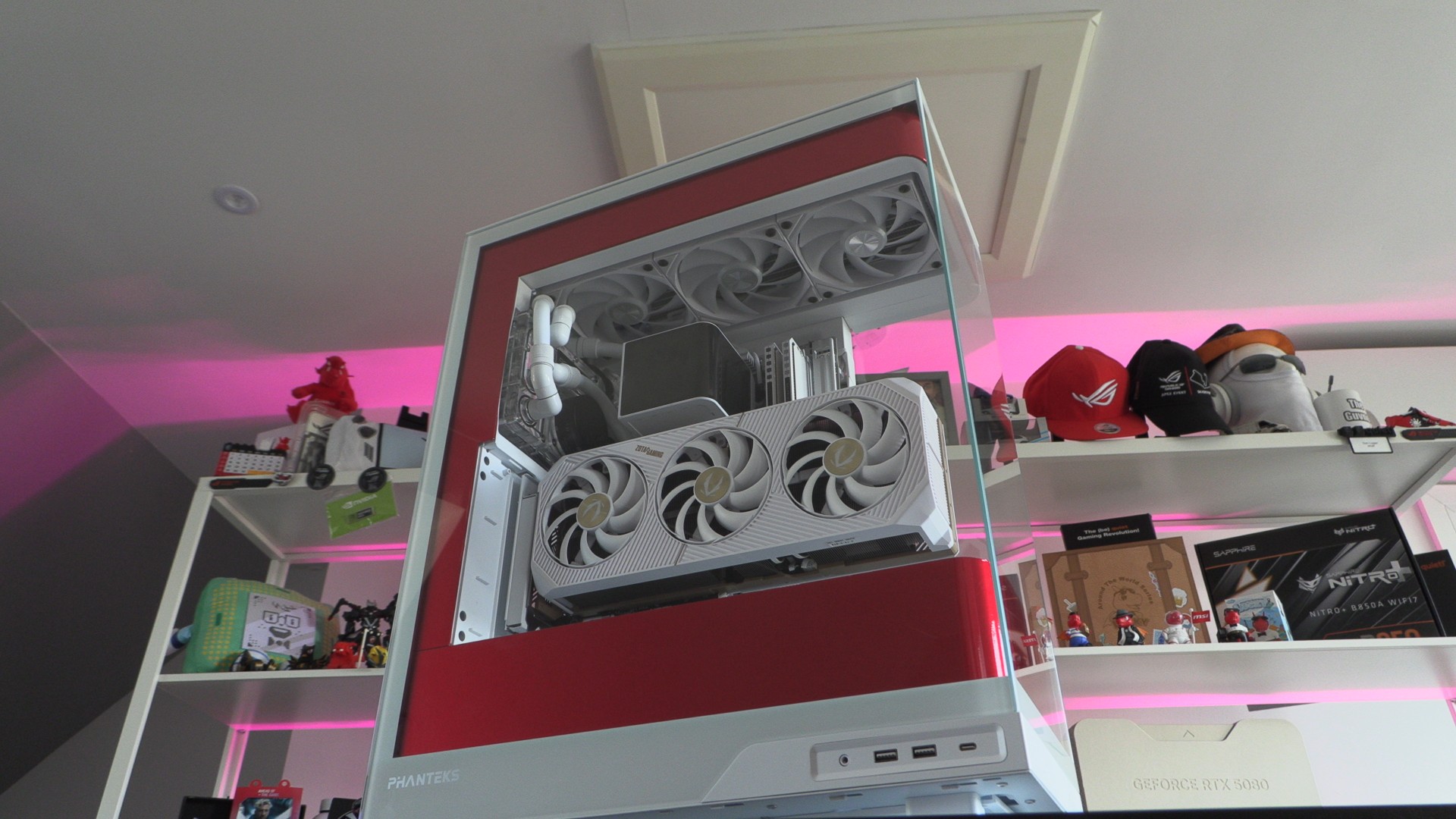
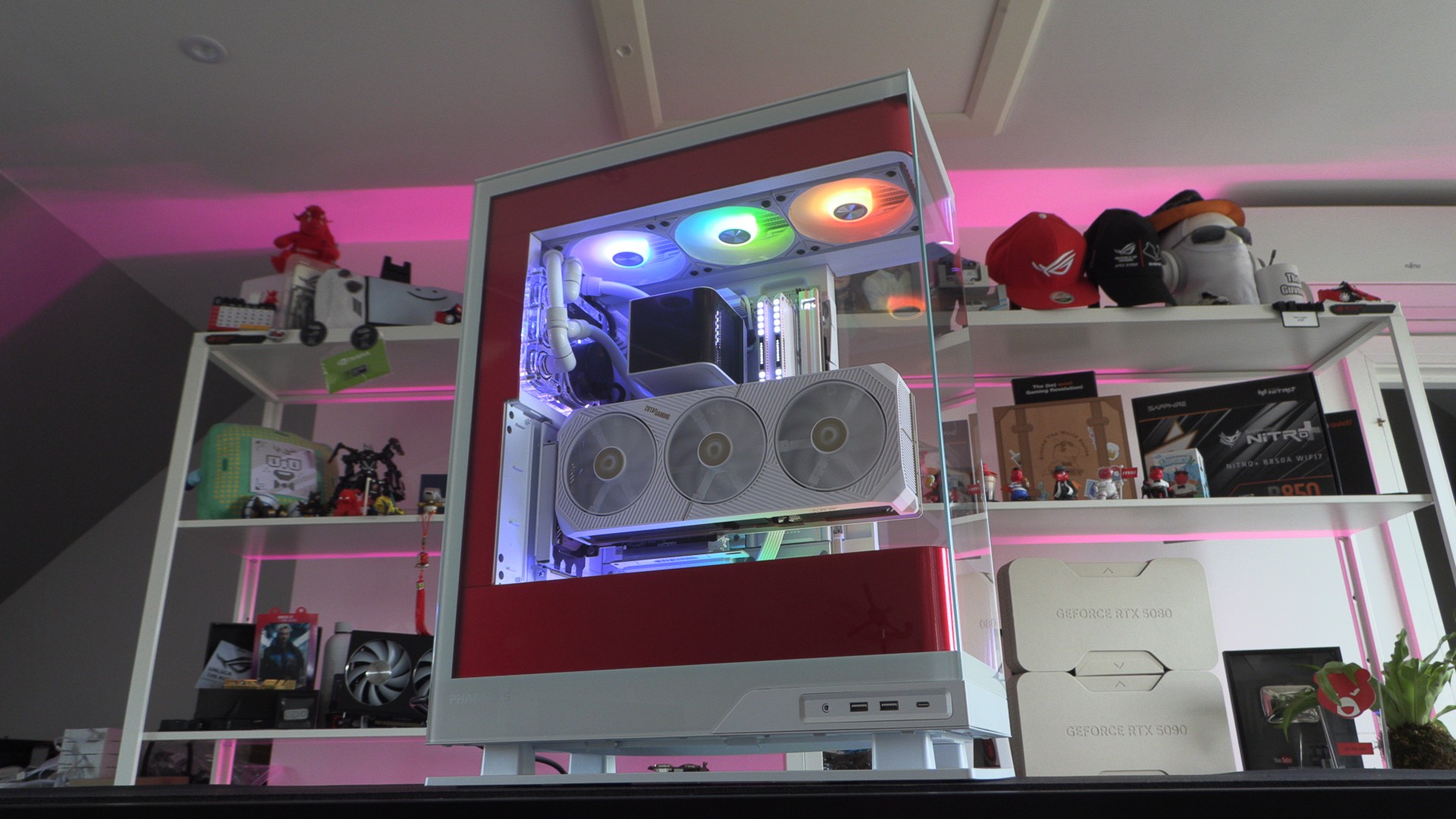
This build is a personal project. We don’t plan to disassemble this PC as soon as this article is published. This system is for Tom Logan’s Shed/Studio (Shedio?), and it will be used heavily until Tom decides he needs an upgrade. That’s why this case has a custom colour scheme. That’s also why Tom made sure that his cable management was on point.
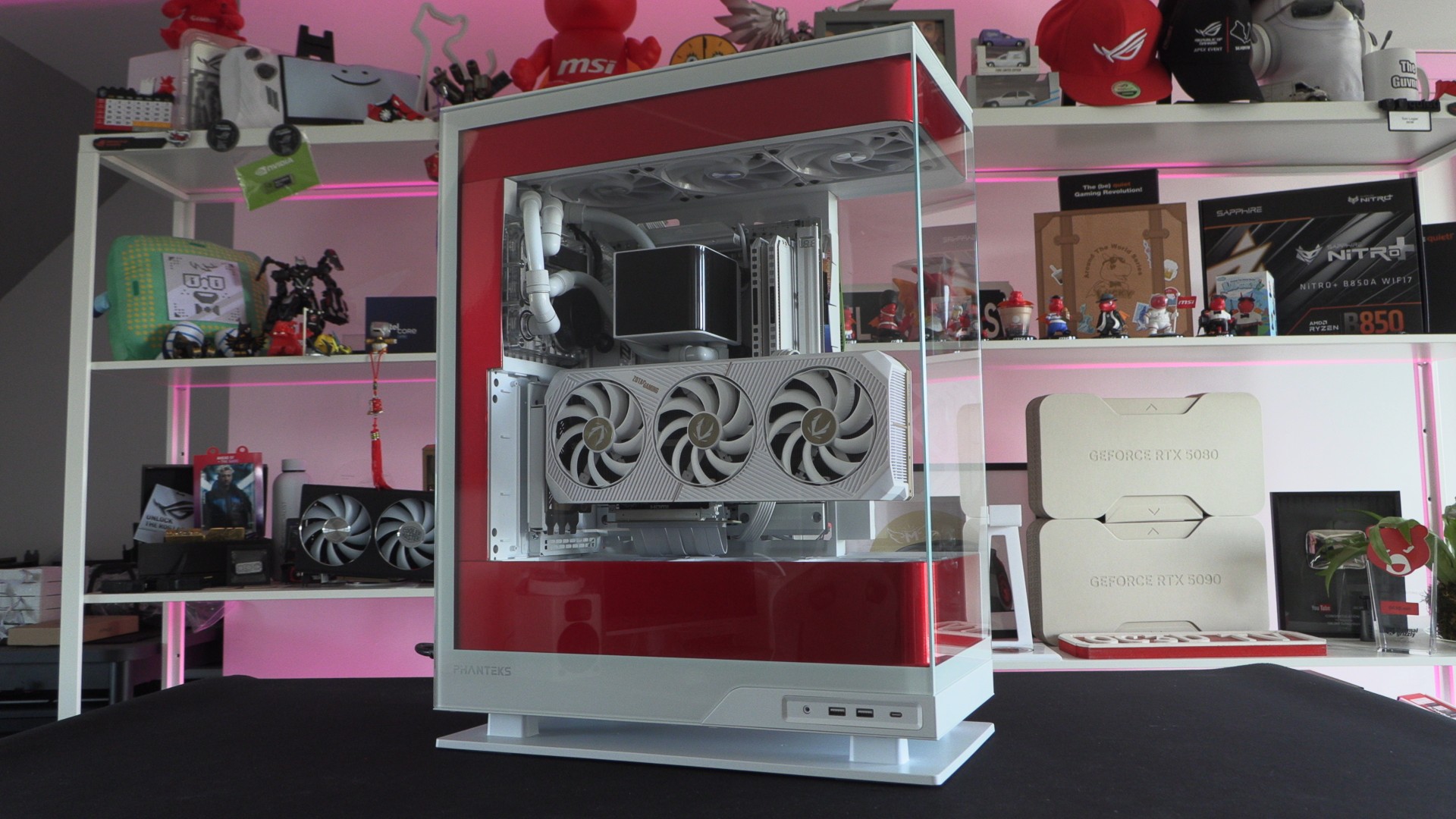
Why this case? Tom loves the wrap-around glass effect that the Evolv Series X2 has. It has glass on three sides, allowing users to look through the case and out the other side. It is a case that looks good and performs well. Its chimney-style airflow design is simple, but effective.
RGB
We haven’t gone mad with RGB here. While most of this PC’s components have RGB elements, we will primarily use these elements to spread white light across the system. Yes, some people make like a TRON or unicorn rainbow aesthetic, but we feel that this case has enough colour with our custom red vinyl elements.
TRYX Panorama Waterblock
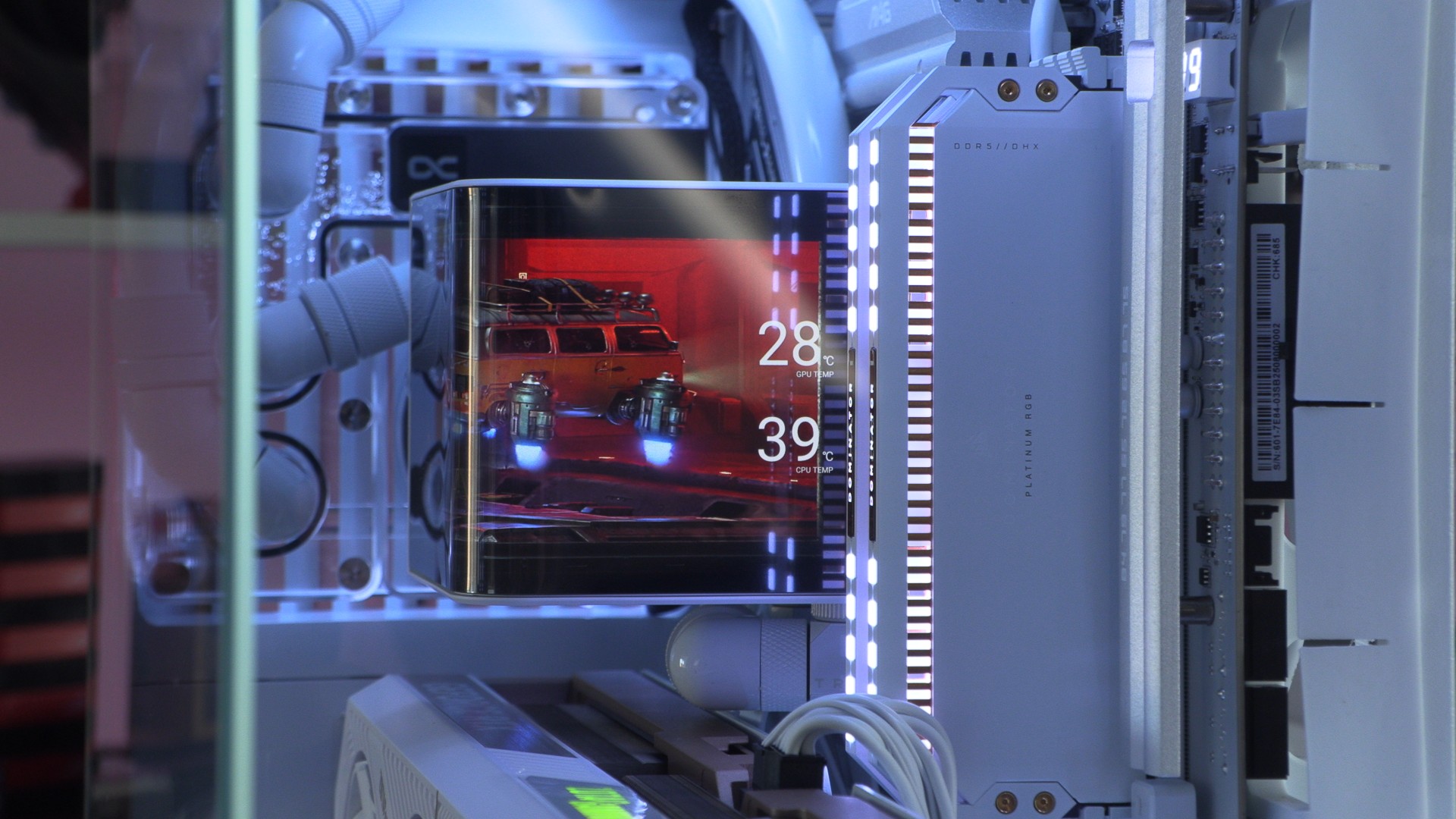
There is something neat about TYRX’s Panoramic LCD screen. They aren’t the only brand to offer a feature like this, but they are the only brand (that we are aware of) that has implemented it in the form of a custom water block. Furthermore, TRYX’s software gives us the control we need to make this display do what we want. Hardware like this needs good software to back it up, and TRYX has good software.
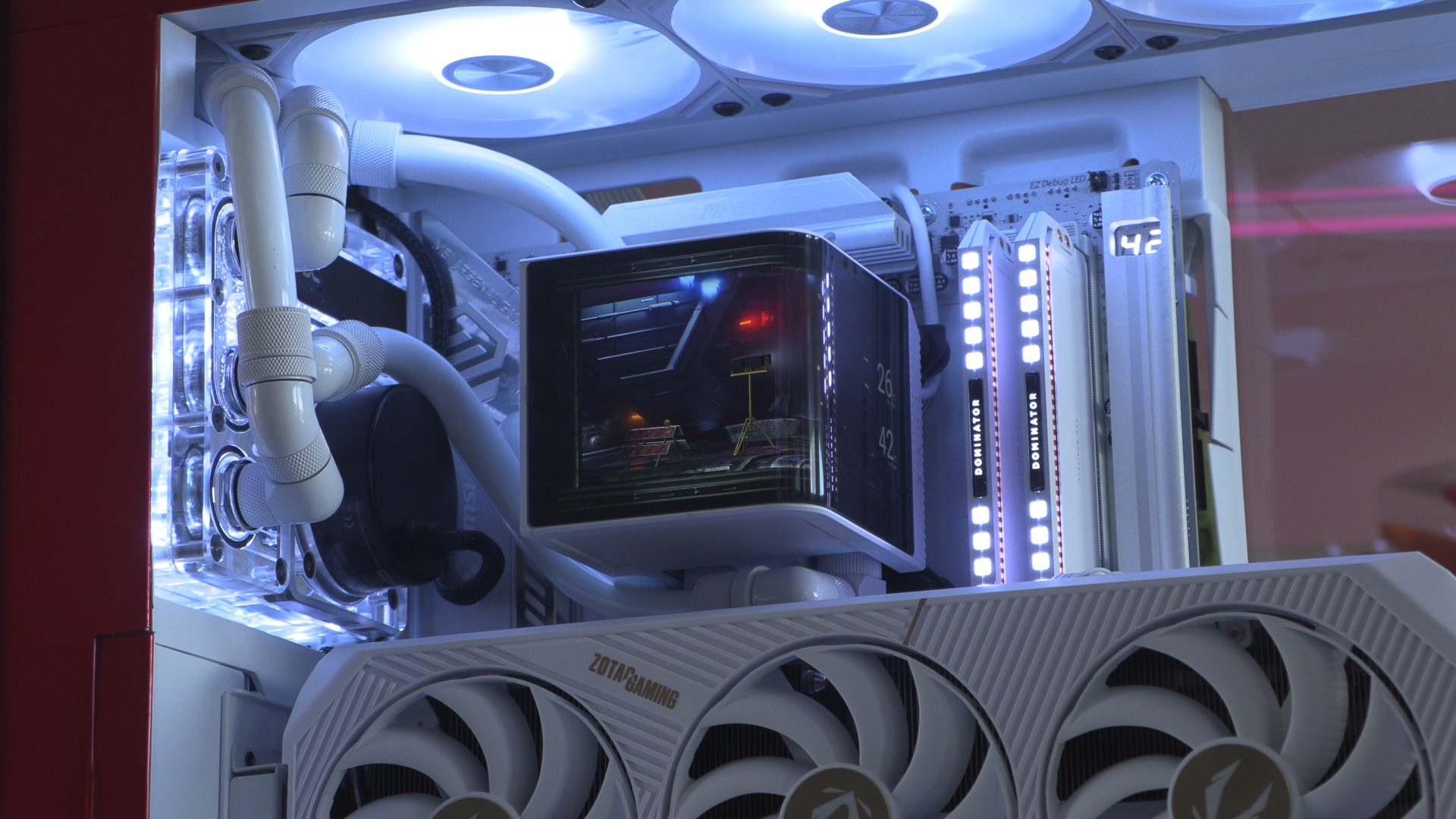
The panoramic nature of this screen allows us to see something from every angle. Well, every angle that matters. We ‘ve hidden our CPU and GPU temps down the side, allowing us to see them when necessary, but ignore them when we don’t. System data doesn’t always need to be in your face.
Cable management
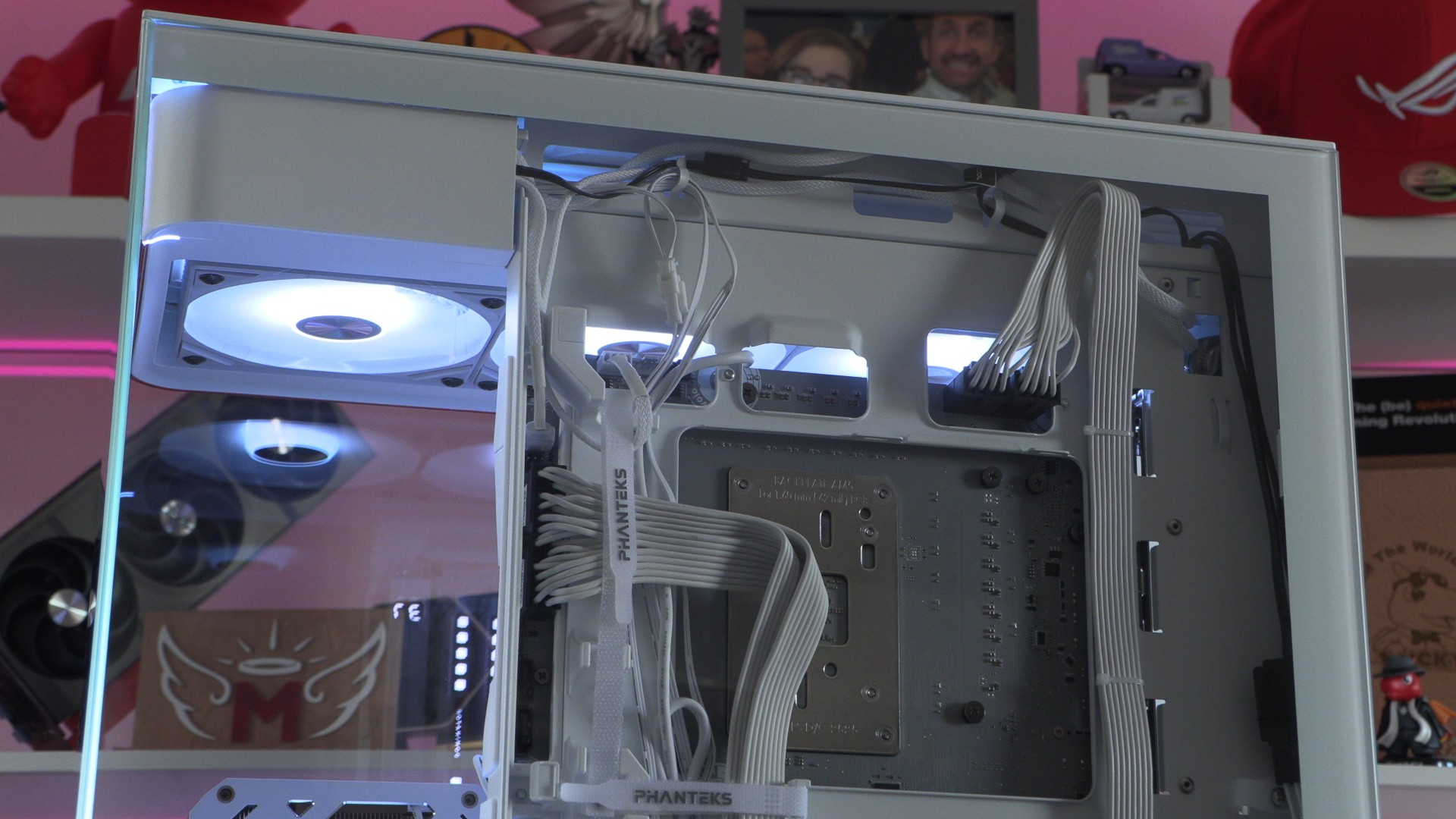
The Phanteks Evolv Series X2 does have a cover plate for this area, but sometimes it is good for your PC’s cables to be on display. While our cable management isn’t perfect, it’s near. Using Corsair’s Shift series PSU also made our cable runs a little neater than normal. Additionally, it kept cables far away from this case’s intake fans, enabling higher levels of airflow. Corsair’s SHIFT series PSUs are perfect for this case!
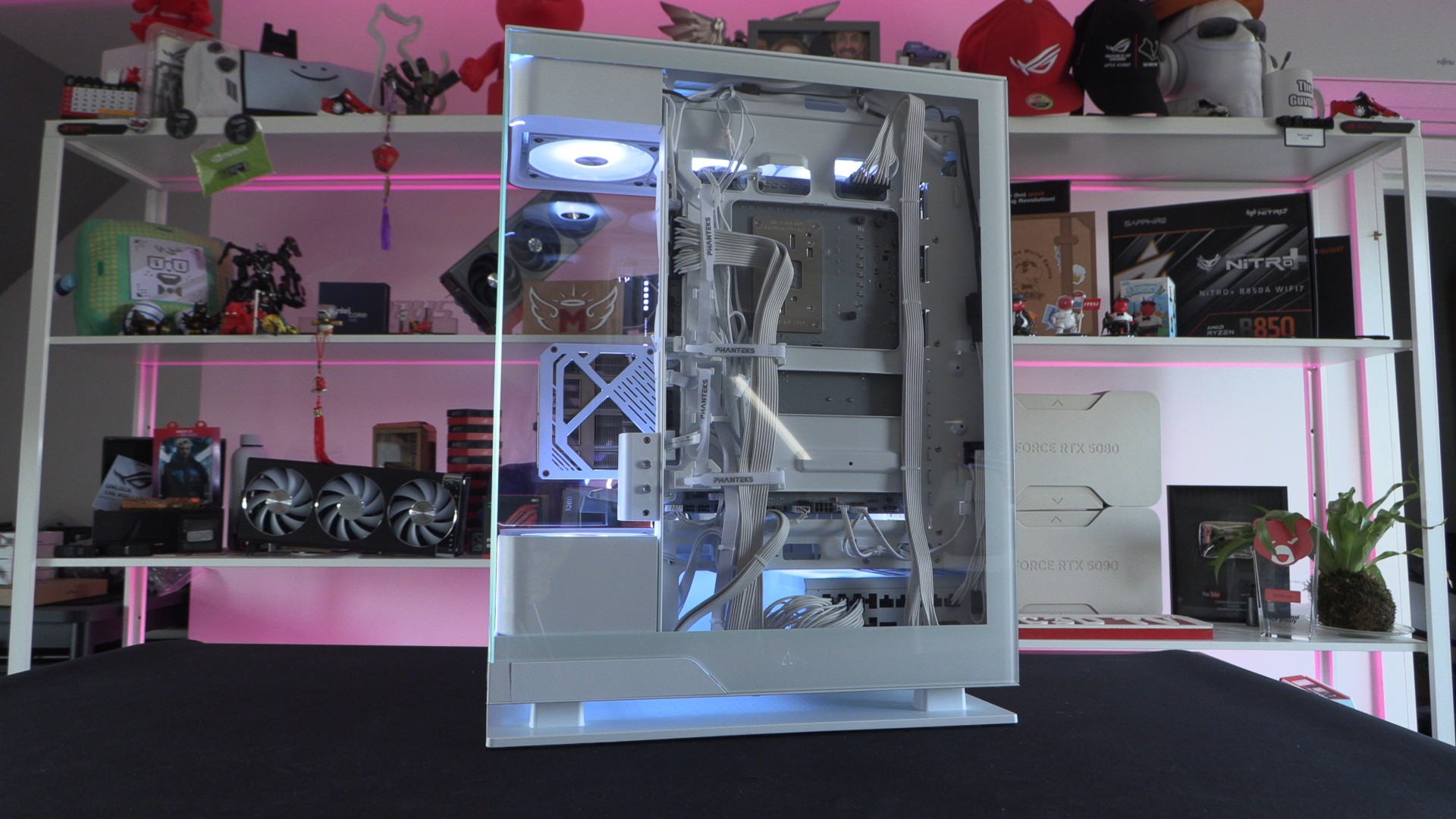
When using Project Zero motherboards with Corsair SHIFT series power supplies, we are left with a significant amount of extra cable length to manage. Honestly, we’re tempted to order custom-length cables from CableMod to elevate this aspect of our build to the next level. This is purely an aesthetic change, but that doesn’t make us want to do it any less.