Battlefield 6 Tested – AMD Radeon and Nvidia RTX Performance Reviewed

Battlefield 6 has arrived on PC
Battlefield 6 has arrived on PC, but how does it run?
It has finally arrived! Battlefield 6 is now available, at it is a return to form for the franchise. Multiplayer plays great. The game has a proper single-player campaign. Add on the madness of the game’s creative Portal mode, and we have an incredible package.
In this analysis, we will be looking into the PC version of Battlefield 6 and how it performs. To do this, we will be testing the game with a variety of PC hardware configurations. This will include dedicated AMD FSR 4 and Nvidia DLSS 4 testing, as well as testing at various resolutions with a suite of old and new graphics cards.
Battlefield 6 takes PC performance seriously
Having played both the beta and the final game, it is clear that Battlefield 6’s developers have taken performance seriously. The game can run on both old and new PC hardware configurations with ease. Even when using the game’s “low” graphical preset, the game looks great. Even without advanced features like ray tracing, Battlefield Studios has managed to create a great-looking title.
Unlike many other modern PC game releases, Battlefield 6 does not rely on upscalers like DLSS or FSR to run at high framerates. Yes, these features are still included, but they are additive. They aren’t a required feature; they are optional add-ons that can take framerates to the next level. Battlefield 6 is a game that will run well on most modern PCs without DLSS or FSR enabled. That said, enabling these features should get most PCs into high-framerate territory, which is great for a fast-paced shooter like Battlefield.
Features like Nvidia Reflex, AMD Anti-Lag, and Intel Low Latency are all integrated into Battlefield 6. This means that PC gamers will be able to enjoy minimal response times regardless of their chosen GPU manufacturer. Nobody is getting left behind here, not even Intel ARC GPU users.
GPU Drivers
To test Battlefield 6’s PC version, we used the newest GPU drivers available from AMD and Nvidia. These are AMD Software 25.10.1 Preview Driver, and Nvidia’s GeForce 581.42 “Game Ready” driver.
OC3D Gaming Test Rig Upgrades
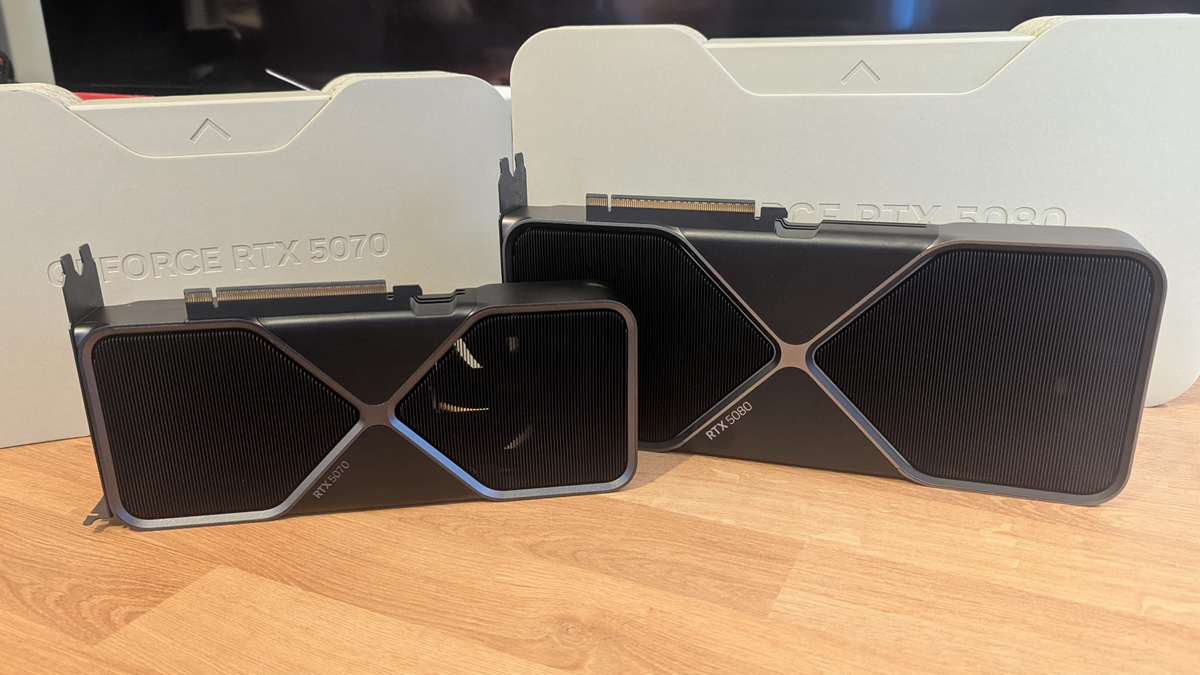
We’ve made a lot of new additions to our gaming test setup over the past few months. We now have Nvidia RTX 50 GPUs as part of our GPU test suite. Thanks to Nvidia, we now have their RTX 5070 and RTX 5080 Founders Edition GPUs in for testing. This will allow us to test features like DLSS 4 Multi-Frame Generation and better look at the newest RTX showcases.
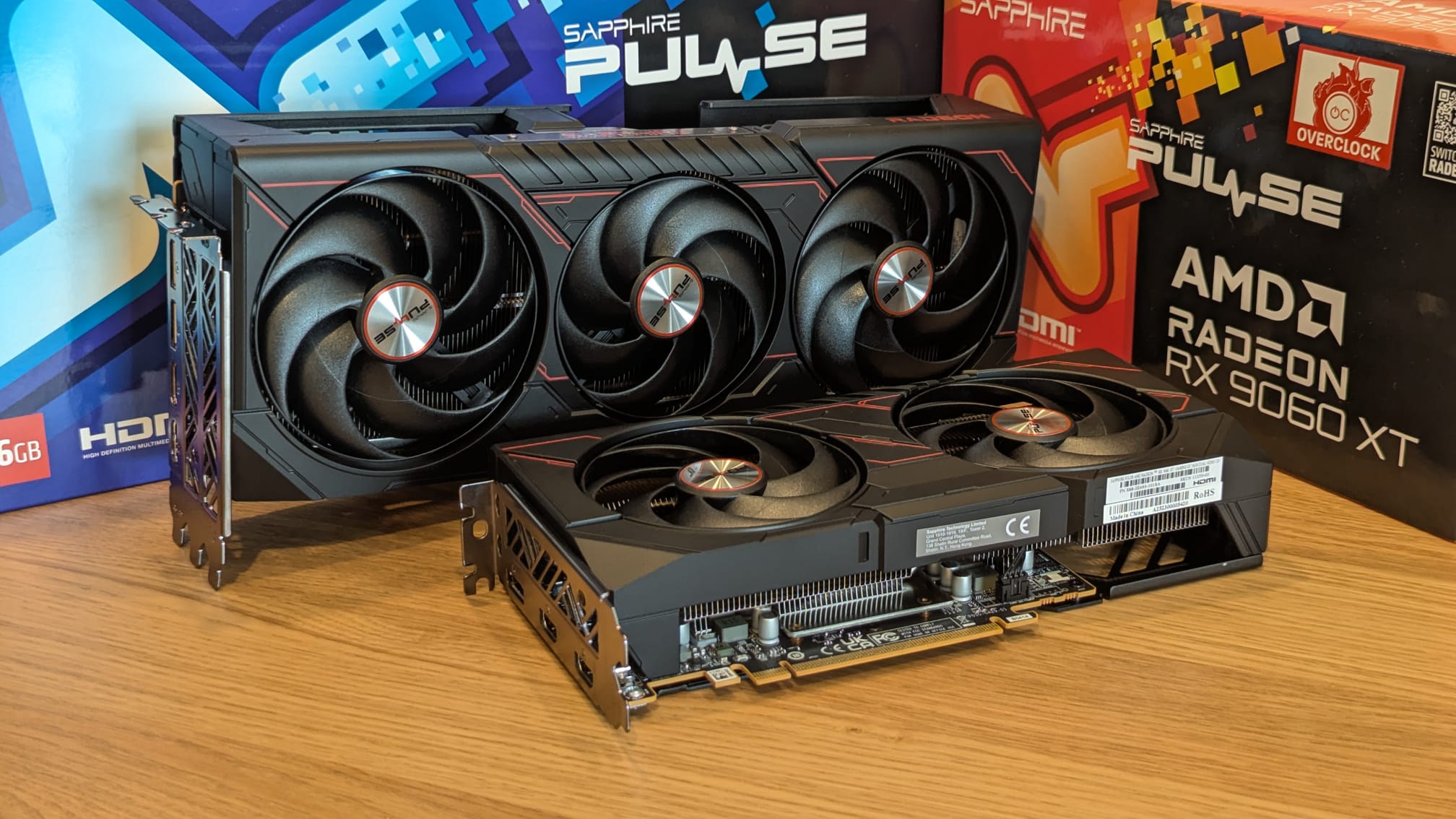
In August, thanks to Sapphire, we also upgraded our gaming test suite with AMD RDNA 4 graphics cards. Today, we have a Sapphire Radeon RX 9070 XT Pulse and a Radeon RX 9060 XT Pulse. All of these new GPUs are great for playing modern games, as you will soon see with our games testing.
For broader GPU coverage, we also test AMD RDNA 2 and RDNA 3 GPUs alongside NVIDIA RTX 20, 30 and 40 series GPUs. That should cover all bases for modern game testing.
Test System Specs
Below are the full specifications of our new GPU/Games testing system and links to all the components we used.
OC3D GPU/Games Test System Specifications (Affiliate Links below)
CPU – Intel i9-13900K
Cooling – Corsair iCUE H150i Elite CAPELLIX XT
Motherboard – ASUS ROG Strix Z790-F Gaming WiFi
Memory – Corsair Vengeance 2x16GB (32GB) DDR5-6000 CL36 Memory
Storage – Corsair MP600 PRO NH 2TB PCIe 4.0 SSD
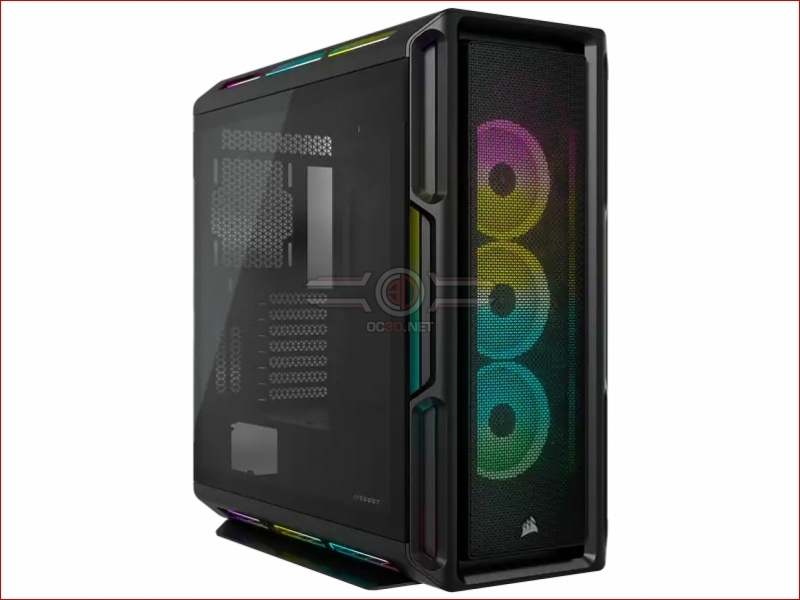
Case – Corsair iCUE 5000T RGB
Power Supply – Corsair HX1500i
OS – Windows 11