


MSI Claw users can now use the Xbox Full Screen Experience with Windows 11

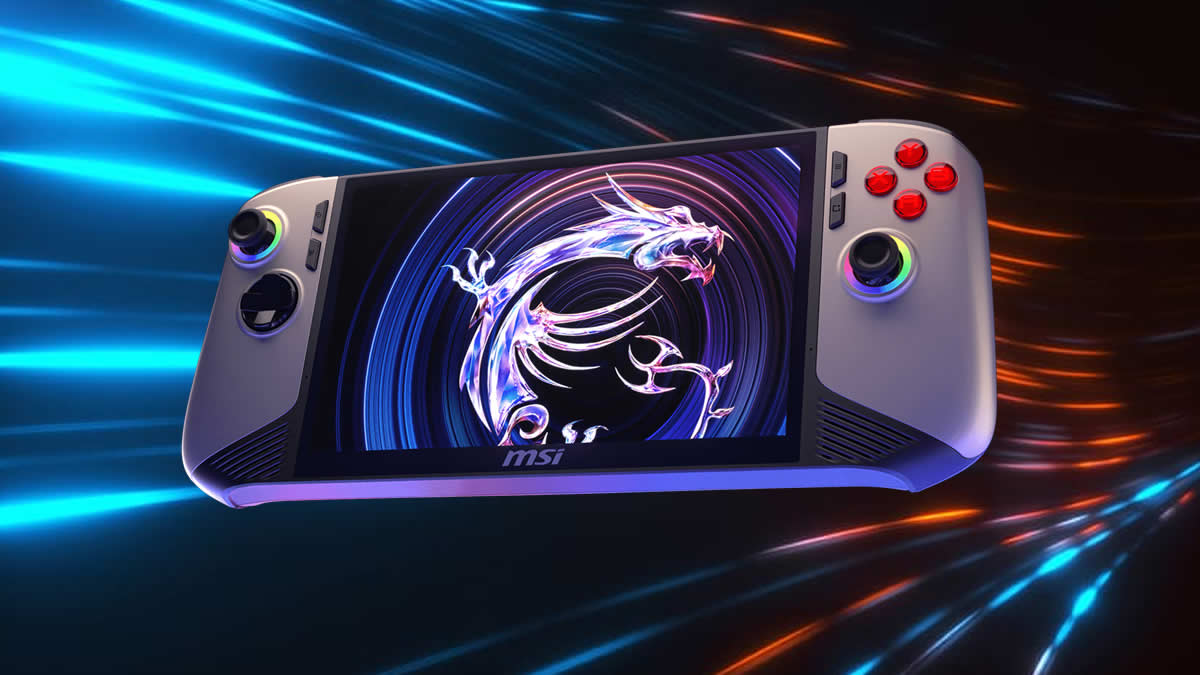
Microsoft rolls out its Xbox Full Screen Experience to MSI Claw users through its Windows Insiders program
The Xbox Full Screen Experience has started rolling out to more Windows-powered PC gaming handhelds. Starting today, MSI Claw users can access this new feature through the Windows Insider program. Until now, this feature has been available only on ROG Xbox Ally handhelds.
The Windows Full Screen Experience isn’t just a console-like user interface (UI). This feature enables smoother task switching and optimised performance by minimising background processes and deferring non-essential tasks. This frees up memory and performance, delivering users a longer battery life and stronger game performance. This is vital for providing the best possible handheld gaming experience on Windows.
Full screen experience
Following the initial launch of the full screen experience (FSE) on the ASUS ROG Xbox Ally and ROG Xbox Ally X, today’s preview to Windows Insiders expands availability to additional Windows 11 handheld devices currently in market.
Designed with console-style navigation in mind, the Xbox PC app paired with the full screen experience delivers a clean, distraction-free interface for handheld gaming. You’ll get smooth task switching and optimized performance, with background processes minimized and non-essential tasks deferred—so gameplay stays responsive and uninterrupted.
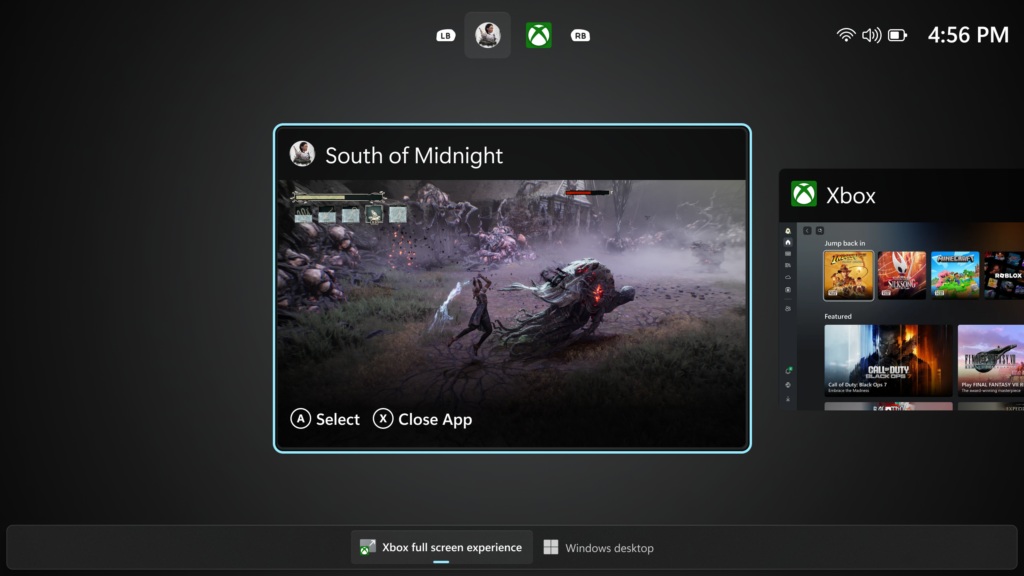
(The Xbox Full Screen Experience UI for Windows)
Today, Microsoft’s Full Screen Experience Preview is now available on MSI Claw handhelds. Over time, additional OEMs will have this feature enabled on their handhelds. This should include Lenovo’s Legion series of devices, as well as other competing products.
Honestly, given its ability to free up memory and improve system performance, it would be great to see some of these features enabled on laptops and desktop PCs. When gamers are gaming, they do not want Windows hogging their resources in the background. While battery life is not a concern on desktop PCs, maximising gaming performance is. With this in mind, Microsoft could create a more useful form of “gaming mode” for desktop PC users.
How to enable FSE:
On supported devices, go to Settings > Gaming > Full screen experience, then select Xbox as your home app. Once enabled, you can access FSE from Task View and Game Bar or configure your handheld to enter full screen experience on startup.
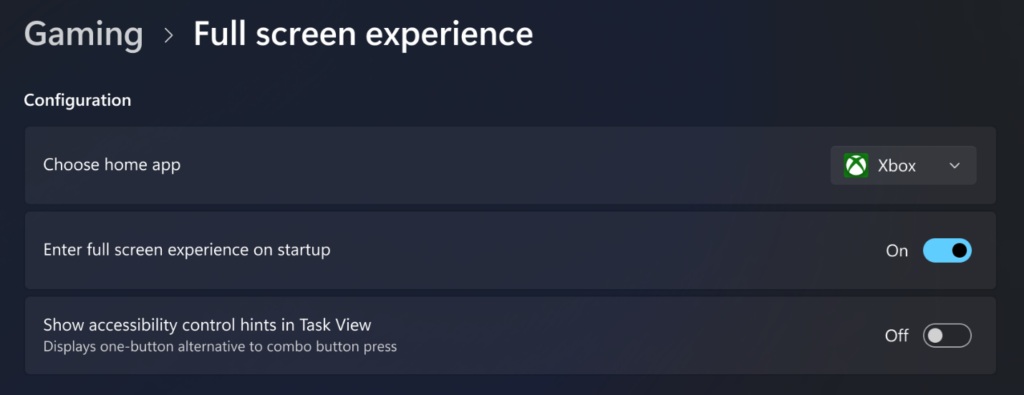
(Gamers can choose if they want the Xbox Full Screen Experience on Startup)
It seems clear now that Microsoft is taking gaming on Windows more seriously. With Xbox and PC becoming increasingly similar, and SteamOS providing strong competition to Windows, it is clear that Microsoft needs to improve Windows to maintain its dominant position. The Xbox Full Screen Experience could be the first of many gaming-focused changes for Windows. Let’s hope that Microsoft finally starts taking Windows’ performance, efficiency, and user experience seriously again.
You can join the discussion on MSI Claw users getting access to the Xbox Full Screen Experience on the OC3D Forums.
