

A Worthy Flagship – ASUS ROG Cronox GR801 ARGB PC Case Review

Meet the ASUS ROG Cronox GR801
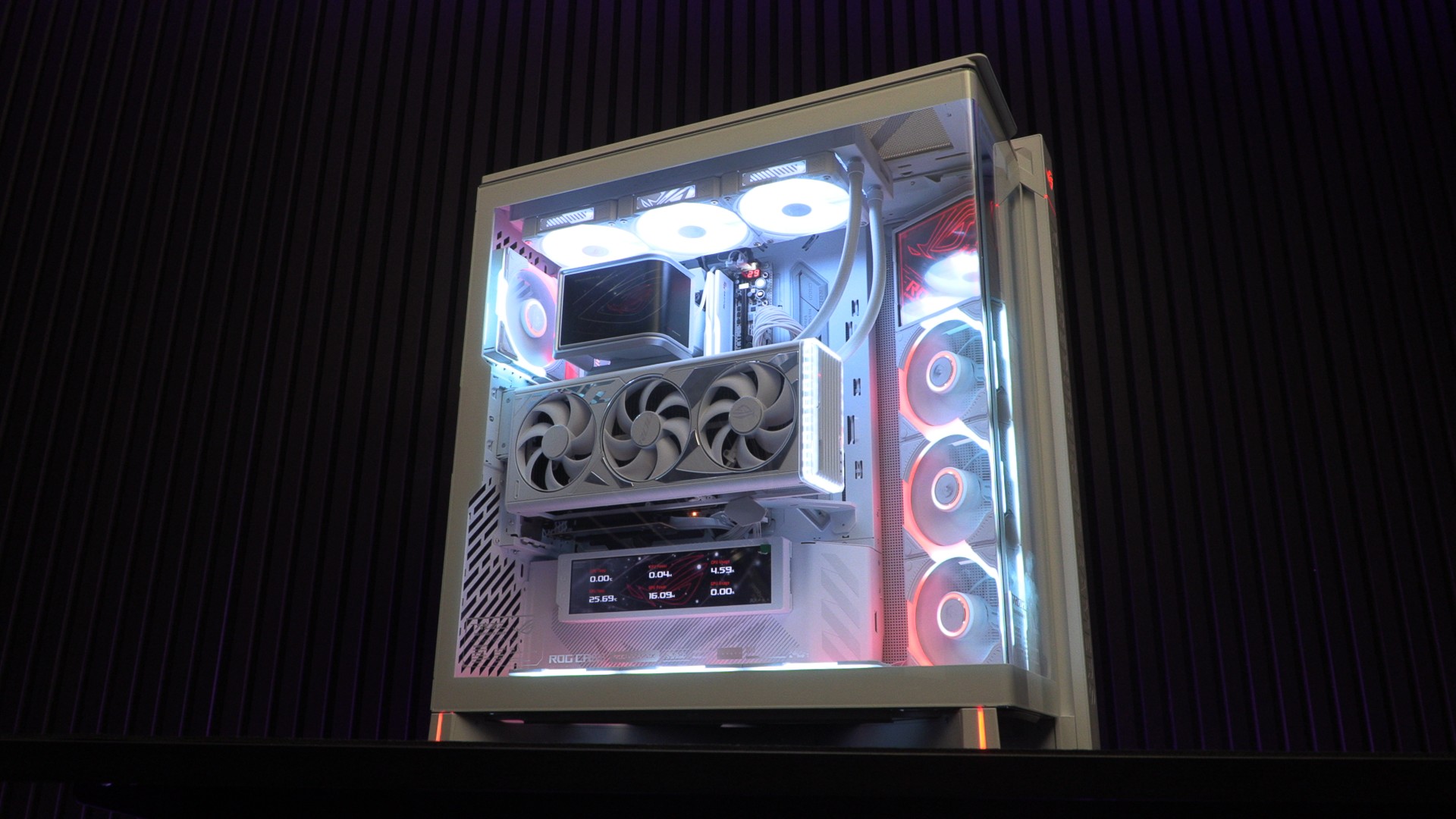
ASUS’ ROG Cronox is a true flagship PC case
ASUS has a new flagship-level PC case, the ROG Cronox ARGB (GR801), an absolute behemoth that comes with premium fans, a rotatable LCD screen, and a vertical GPU mount. This PC case supports EATX motherboards, ASUS BTF motherboards, up to 14 120mm fans, and GPUs up to 400mm long.
At £499, this PC case isn’t cheap. That said, it offers PC builders more than any ROG flagship before it.
For this review, we have built a full ASUS ROG gaming system, complete with a white ROG Astral RTX 4080, an ROG Strix PSU, and an ASUS ROG Ryuo IV 360 ARGB CPU liquid cooler. We’ve also purchased six additional ROG Eurux fans to complete the build. This includes three standard fans and three reverse-blade fans.
Support for up to 14 120mm fans
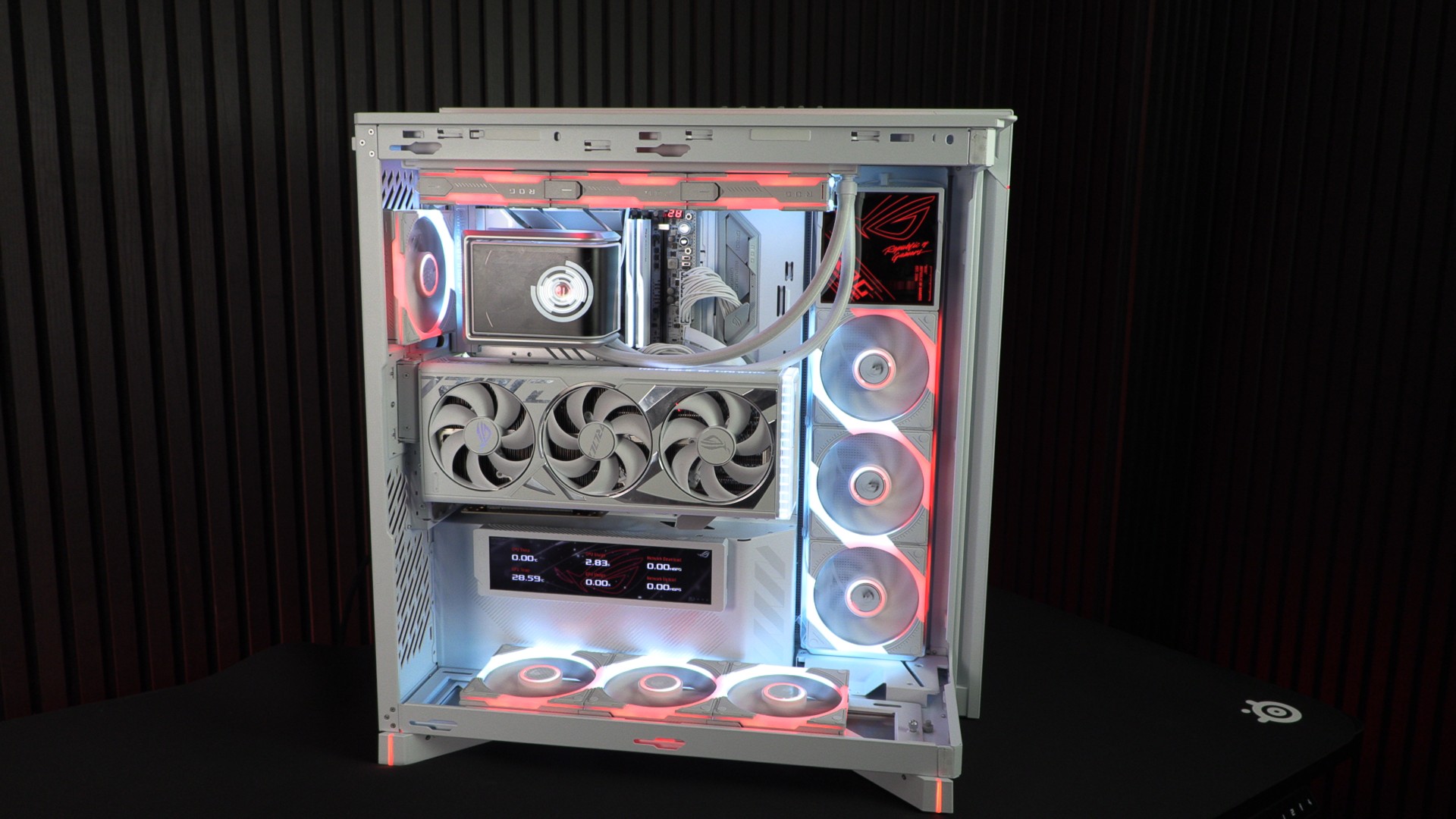
The ROG Cronox ARGB supports up to 14 120mm fans. Coincidentally, this is the same number of fans that an ROG Eurox GR120 ARGB fan controller supports. The case supports four fans at the top, bottom, and right side. You can mount two additional fans at the rear of the case. Note that the case supports liquid-cooling radiators up to 360mm. 480mm radiators are not supported because there isn’t enough space for their end tanks.
The 4x120mm fan mounts let you mount 360mm radiators in your preferred location by sliding them across the case’s mounts.
Eurux fans
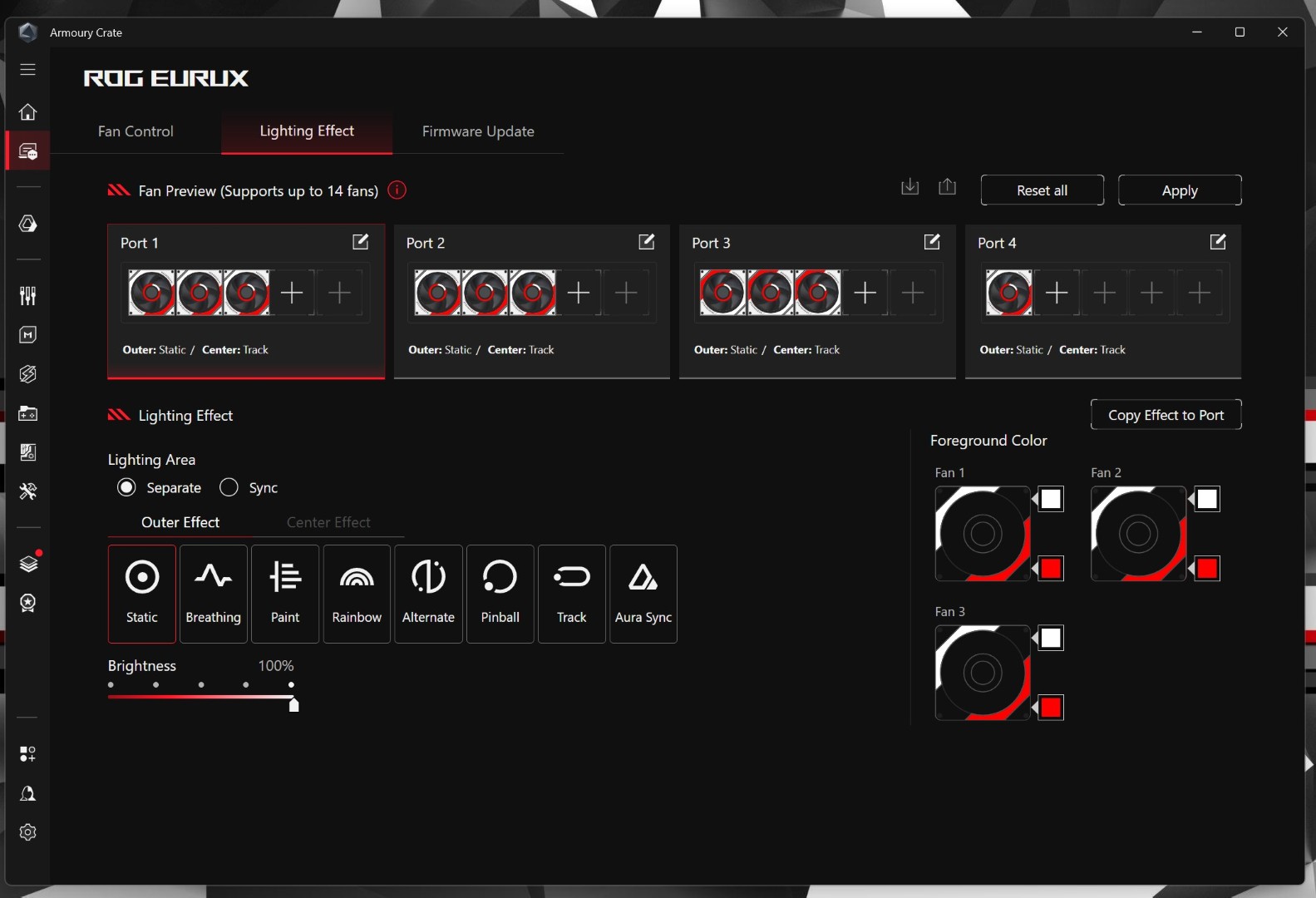
The ROG Cronox ships with four ROG Eurux GR120 ARGB fans. Three are reverse-blade fans, and one is a standard fan. Each fan has three RGB lighting zones, supports ASUS’ custom daisy-chain system, and is optimised to deliver high airflow. You can personalise the lighting with ASUS’s Armoury Crate software.
The Screen
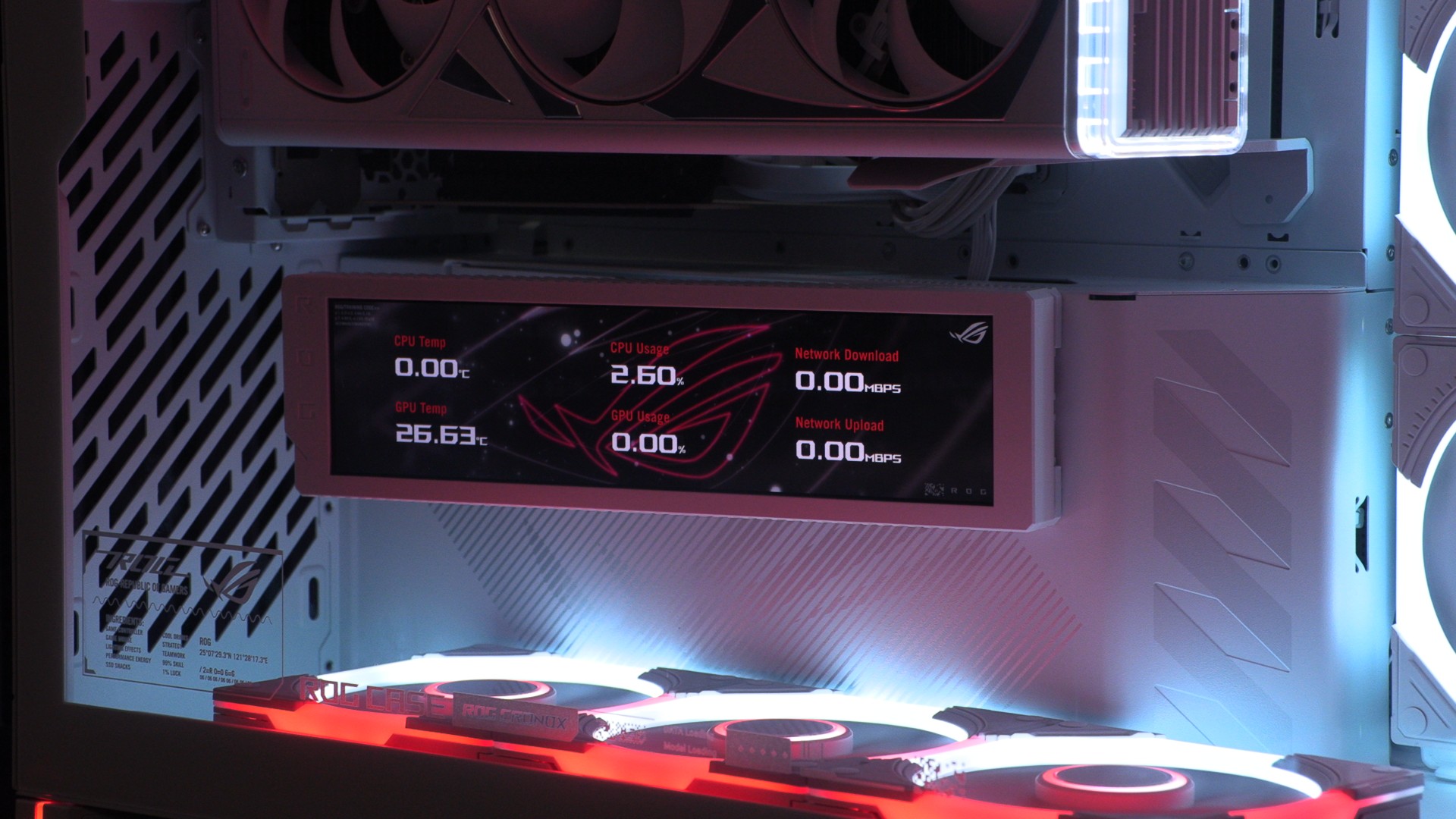
The ROG Cronox ships with a 9.2-inch LCD screen that runs at 60Hz with a resolution of 1920×462. It can be rotated for optimal viewing angles and can display system information in real time, notifications, or custom images/videos. When your PC is turned off, this screen turns into an always-on clock.
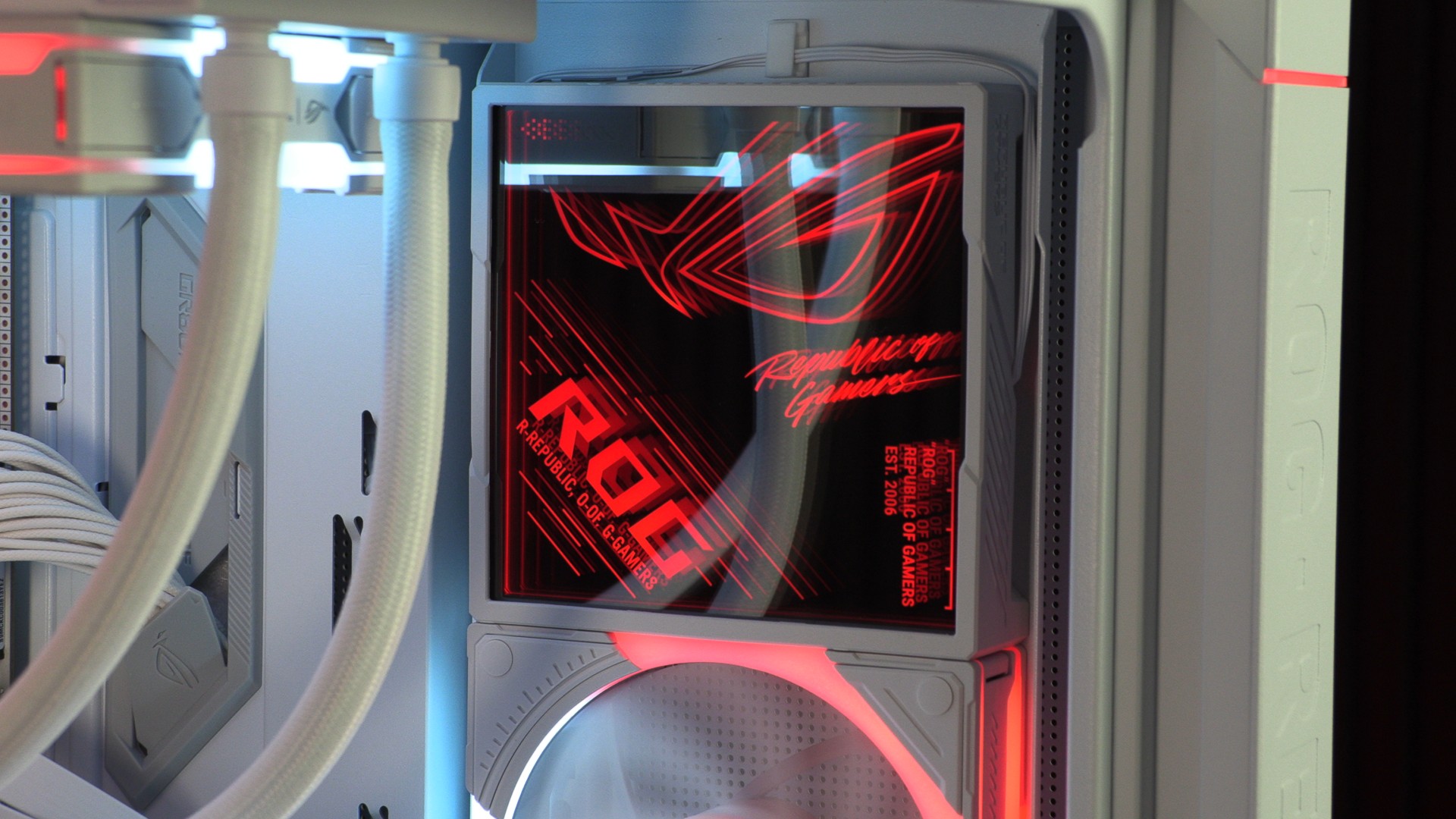
This PC case also comes with an ASUS ROG Strix XIN120 ARGB lighting panel. This panel is wired to match the colour of this PC case’s ambient lighting elements. It can occupy one of this PC case’s 120mm fan mounts. In its stock location, it’s power/rgb wire is visible. That’s one of the few things that we can nitpick about this HUGE PC case.
Pricing
At the time of writing, the ROG Cronox ARGB (GR801) retails in the UK for £499.99. This is an incredibly expensive PC case, but it comes with more add-ons than any prior ASUS ROG PC case. With its ARGB lighting panel, ambient lighting integration, premium Eurux G120 fans, and 9.2-inch LCD module, this case is feature-rich out of the box. That said, many users will want to add more Eurux fans to complete the case, and those fans aren’t cheap.
Individual ASUS ROG Eurux GR120 fans cost £24.95, and a triple pack costs £99.95. Only the triple pack includes a fan hub, and each hub supports up to 14 fans. Note that this fan hub is required to use ASUS’ Eurux fans.
- ASUS ROG Cronox ARGB GR801 PC Case – £499.99 (Overclockers UK, Scan)
- ROG Eurux GR120 ARGB Fan – Single – £24.95 (Overclockers UK)
- ROG Eurux GR120 ARGB Fan – Triple Pack + Controller – £99.95 (Overclockers UK, Scan)
Software – Lots of Software
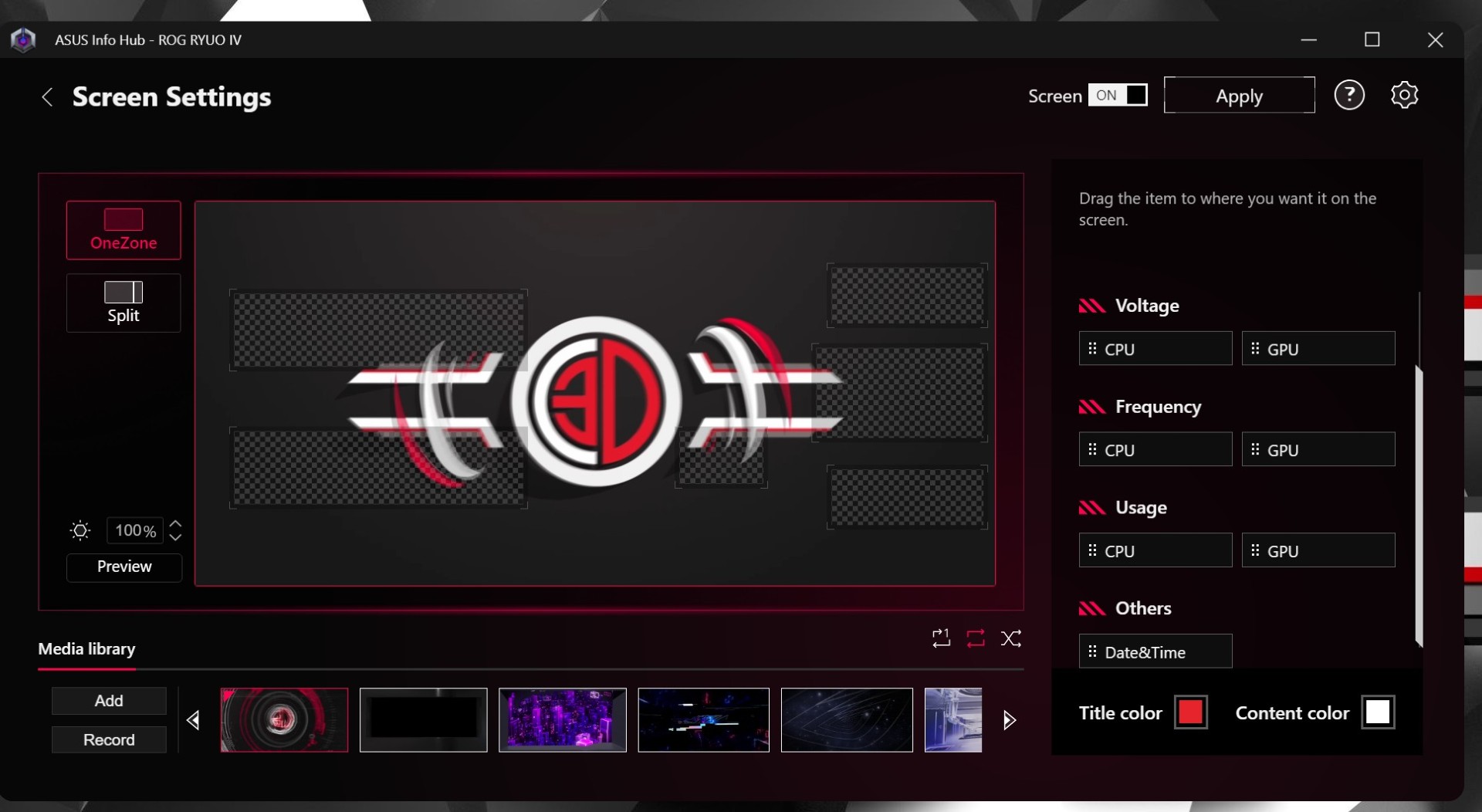
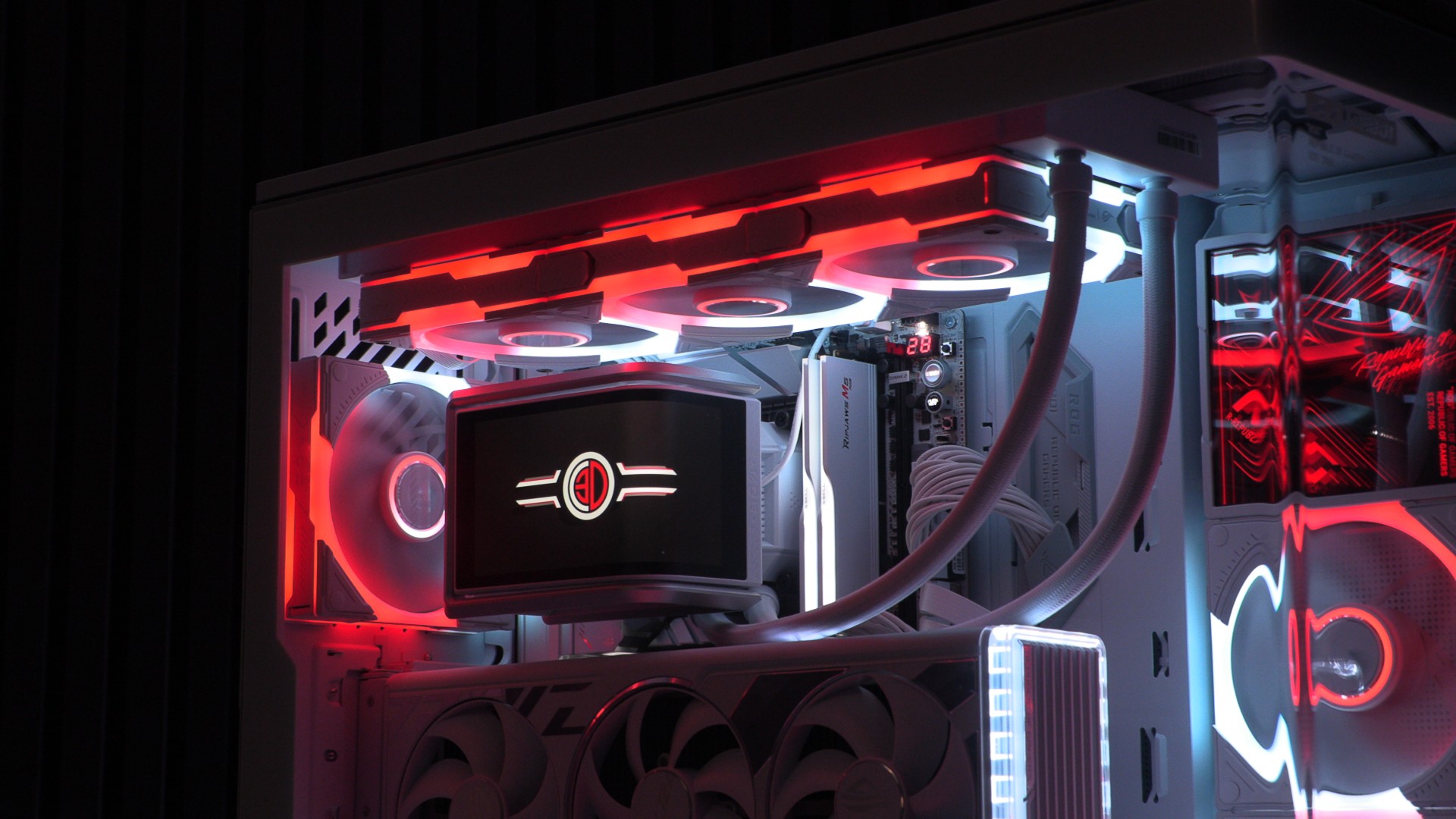
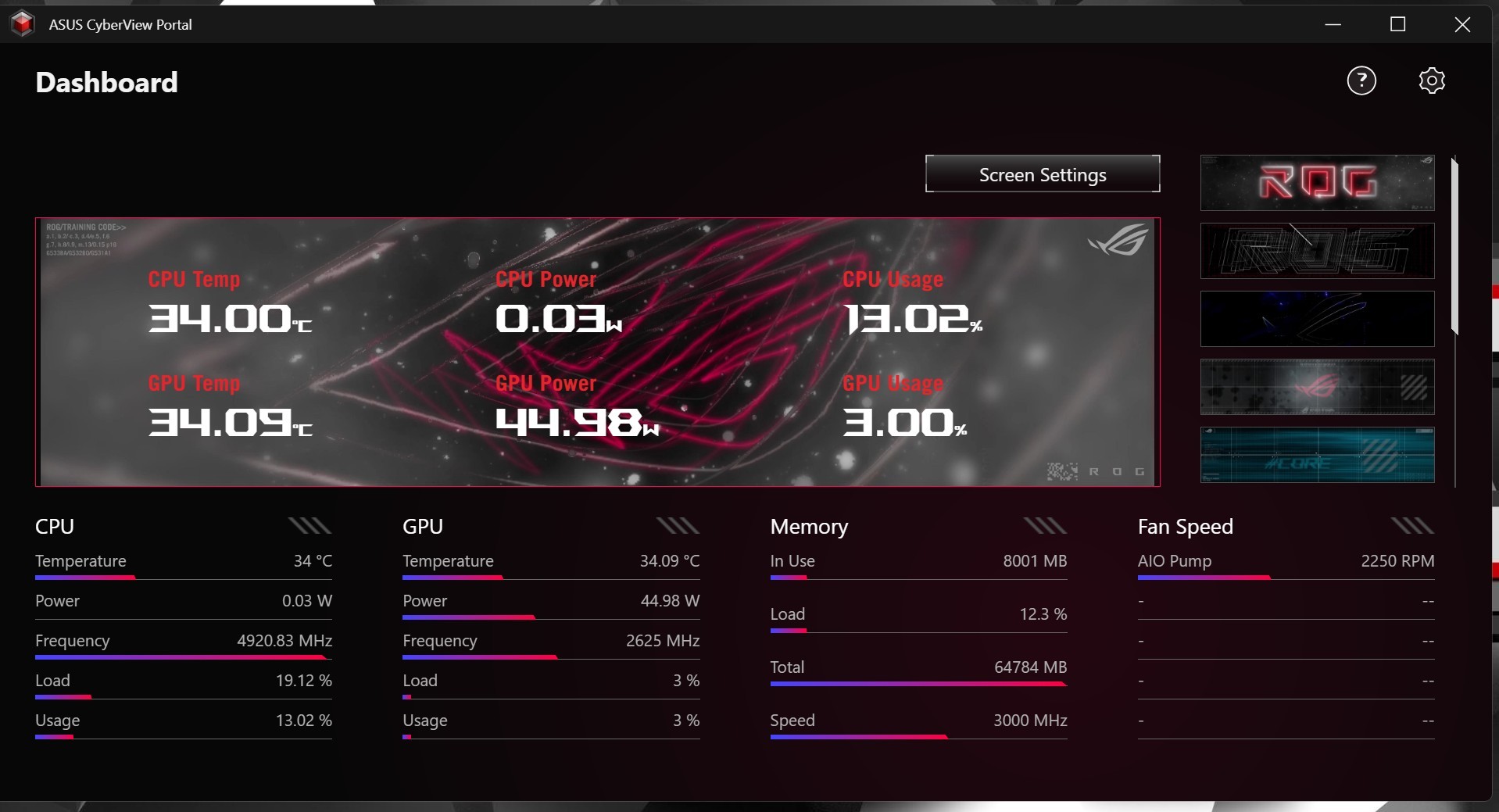
For our ROG Cronox PC build, we needed to use three ASUS programs to control our fans, liquid cooling, and LCD screens. For the ROG EURUX fans, we used ASUS Armoury Crate. We used ASUS CyberView Portal to control the Cronox’s screen. We also used ASUS Info Hub to control the screen on the ASUS ROG RYUO VI liquid cooler (see our review here) inside the system. That’s a lot of software.
For ASUS’ Eurux fans, we will note that if one of the controller’s fan ports is greyed out in software, using the “fan relearn” option will detect newly added fans.
ASUS Cyberview can be used to put custom content and system information on the ROG Cronox’s screen. This can be useful for showing CPU clock speeds and temperatures at a glance. It can also showcase network activity and other useful info.
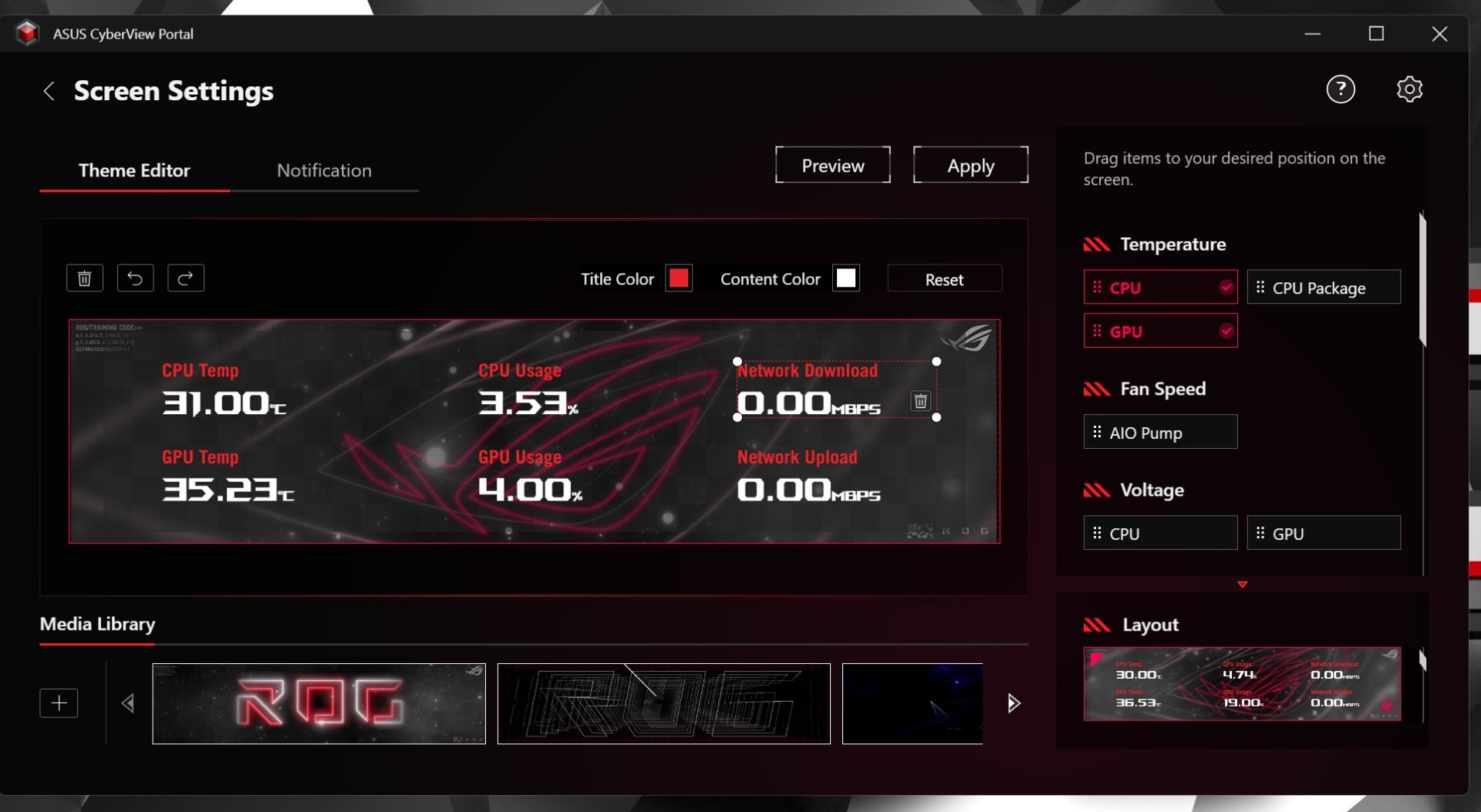
If you like to know how much RAM you are using and other system details, this screen can be a very useful add-on. Its 9.2-inch size allows it to show a lot of data. Its size also makes it useful for displaying custom graphics.
While this isn’t technically part of the ROG Cronox case, it is part of a “full ROG setup” inside this PC case. Using the screens on newer ASUS ROG liquid coolers will require ROG Info Hub, a third piece of software.