


Nintendo delivers “Handheld Mode Boost” to Switch 2 owners

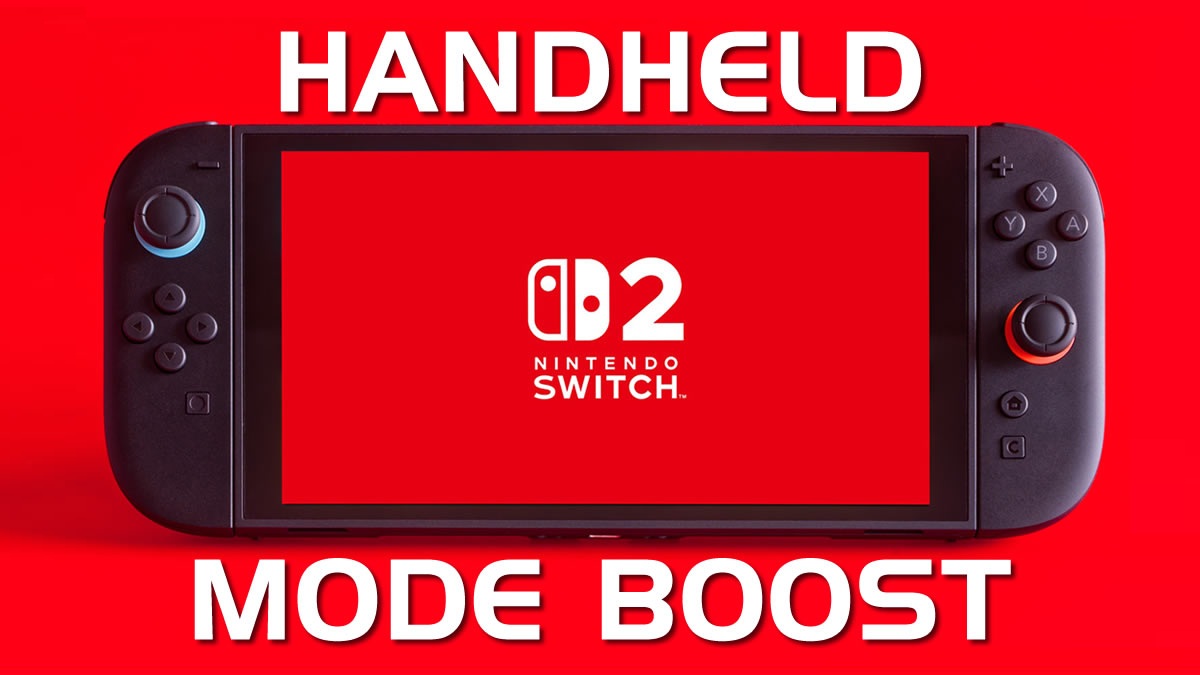
Nintendo has transformed Switch 2 handheld gaming with “handheld mode boost”
With its newest firmware update for the Switch 2 console, Nintendo has added a new “Handheld Mode Boost” function to its system. When using it, Switch 1 software can be operated in “TV mode” on the Nintendo Switch 2 console in handheld mode. This can allow many Switch games to run at higher resolutions, higher framerates, or with higher graphical settings. Since the Switch 2 has a 1080p screen, it behaves as if it were a 1080p TV.
This new mode mitigates one of Switch 2’s flaws when playing Switch 1 games. Since the Switch 1 has a 720p screen and the Switch 2 has a 1080p screen, many Switch 1 games look strange on Switch 2. This is due to the system’s stretching 720p Switch games to 1080p. With “Handheld Mode Boost”, Switch 1 games operate in their TV modes, which often run at higher resolutions. This results in more pleasing visuals.
Information
When enabled, Handheld Mode Boost causes the performance of Nintendo Switch software while undocked to run as if it were being played in TV mode.
Complete these steps
- Select System Settings on the HOME Menu.
- Scroll down through the System Settings menu and select System.
- Scroll down on the right and select Nintendo Switch Software Handling.
- Select Handheld Mode Boost to enable or disable this setting.
Additional information
- While enabling this setting can result in improved visuals, it may also increase the system’s power consumption.
- The effect of Handheld Mode Boost will vary based on the software. Some Nintendo Switch software will be unaffected, and this option has no effect on software for Nintendo Switch 2.
- Because this option forces TV mode operation, some instructions may be incorrect or fail to operate correctly.
- Handheld Mode Boost may prevent Nintendo Switch software from using the system’s touch screen, and will cause attached Joy-Con 2 controllers to be treated as a Nintendo Switch 2 Pro Controller.
- To use other controllers, first detach the Joy-Con 2 controllers from the console.
– Nintendo
There are some downsides
While “Handheld Mode Boost” seems like a pure win for Switch 2 owners, using this mode does have downsides. For starters, using the mode will increase the Switch 2’s power draw and decrease its battery life when playing Switch 1 games. Additionally, some Switch 1 software is unaffected by this mode.
Since this option forces “TV Mode” on Switch 1 games, it may disable touch screen functionality for some games. After all, the original Switch’s touchscreen would be useless in docked mode. This may also cause strange Joy-Con 2 behaviours, as these controllers will be treated as a Switch 2 Pro controller.
While not all games will work perfectly in this mode, this is a great addition for Switch 2 owners. Even without Switch 2 enhancements, many Switch 1 games will now play best on Nintendo’s new console, at least in handheld mode. That’s great news for gamers, especially those who are catching up on some Switch classics.
You can join the discussion on Nintendo’s new “handheld mode boost” function for Switch 2 on the OC3D Forums.
