Creative Sound Blaster Roar Pro Bluetooth Speaker Review

Creative Sound Blaster Roar Pro Review

Software

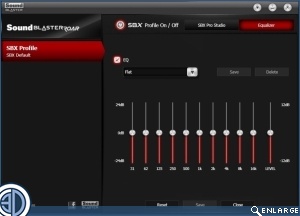
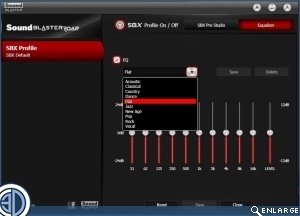
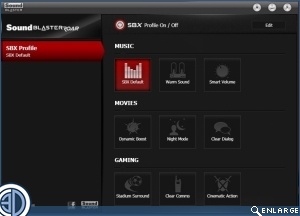
If you want to use the Roar Pro as a computer speaker then it’s simply a matter of downloading the driver package, connecting the USB cable between your system and the Roar Pro, and you’re up and running. There are plenty of adjustments in the Sound Blaster utility so that you can be guaranteed of getting the audio you prefer. Although it’s worth mentioning that the in-build sound profile is so well tuned that you don’t really need to adjust much at all.
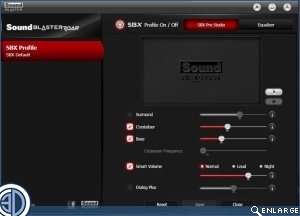
Creative Sound Blaster Roar Pro Review     Creative Sound Blaster Roar Pro Review  

Creative Sound Blaster Roar Pro Review     Creative Sound Blaster Roar Pro Review  

Uh-oh! It looks like you're using an ad blocker.

OC3D relies on ads to provide free content and sustain our operations. By white listing us on your ad blocker, you help support us and ensure we can continue offering valuable content without any cost to you. We only run our own hand picked ads from Industry brands like MSI, BeQuiet, Sapphire and PC-Specialist - meaning they are all relevent to the content you are reading.

We truly appreciate your understanding and support. Thank you for considering whitelisting OC3D