be quiet! Pure Base 501 Airflow PC Case Review

Up Close
Up Close with the be quiet Pure Base 501
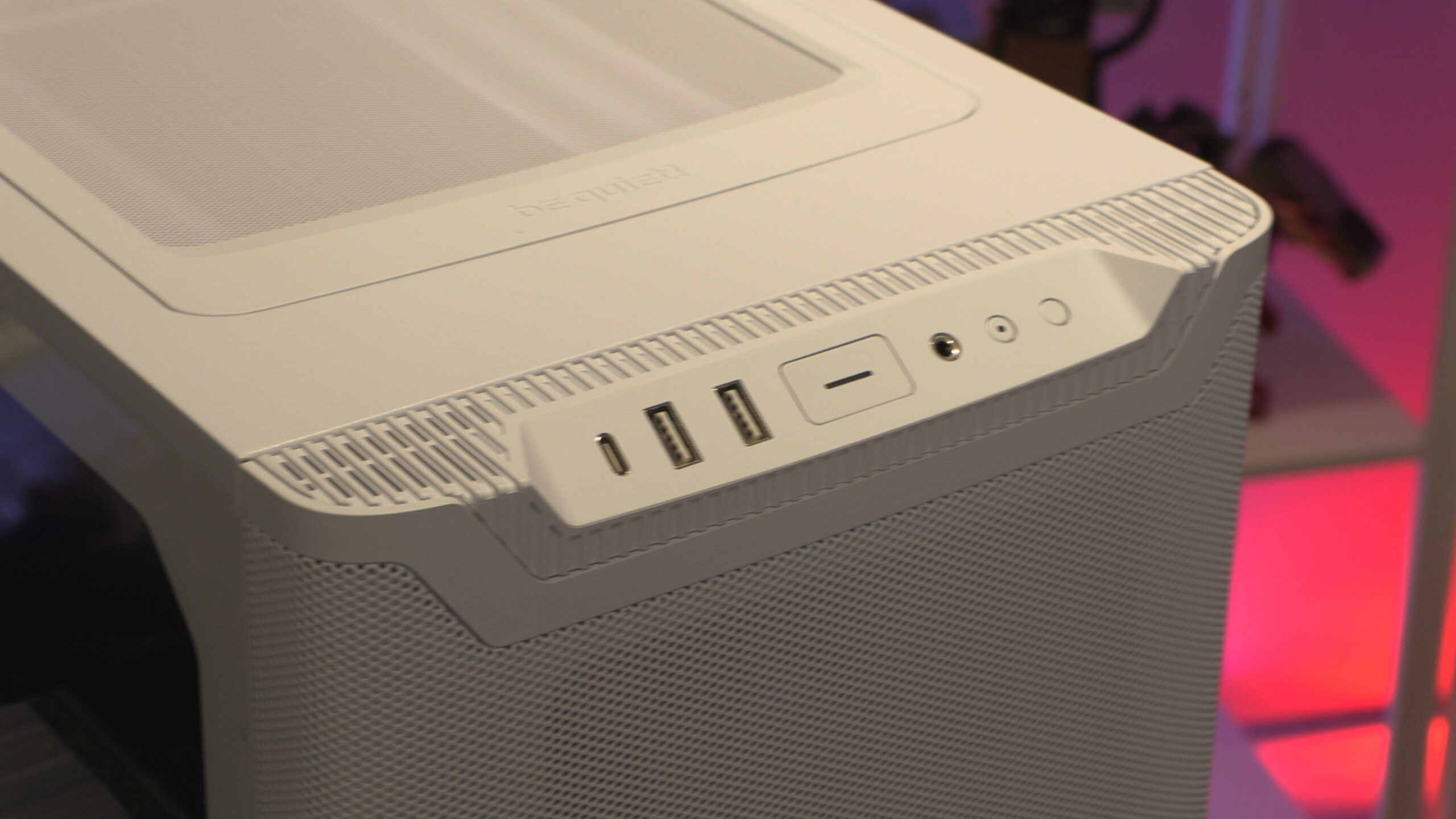
Starting at the top, we have the 501’s front IO. This case features all the standard options, such as USB, an audio in/out jack, and power and reset switches. Note that the HDD LED merely looks like a button.
USB-wise, this case features a USB 3.2 Gen 2 Type-C connection and two USB 3.2 Type-A ports.
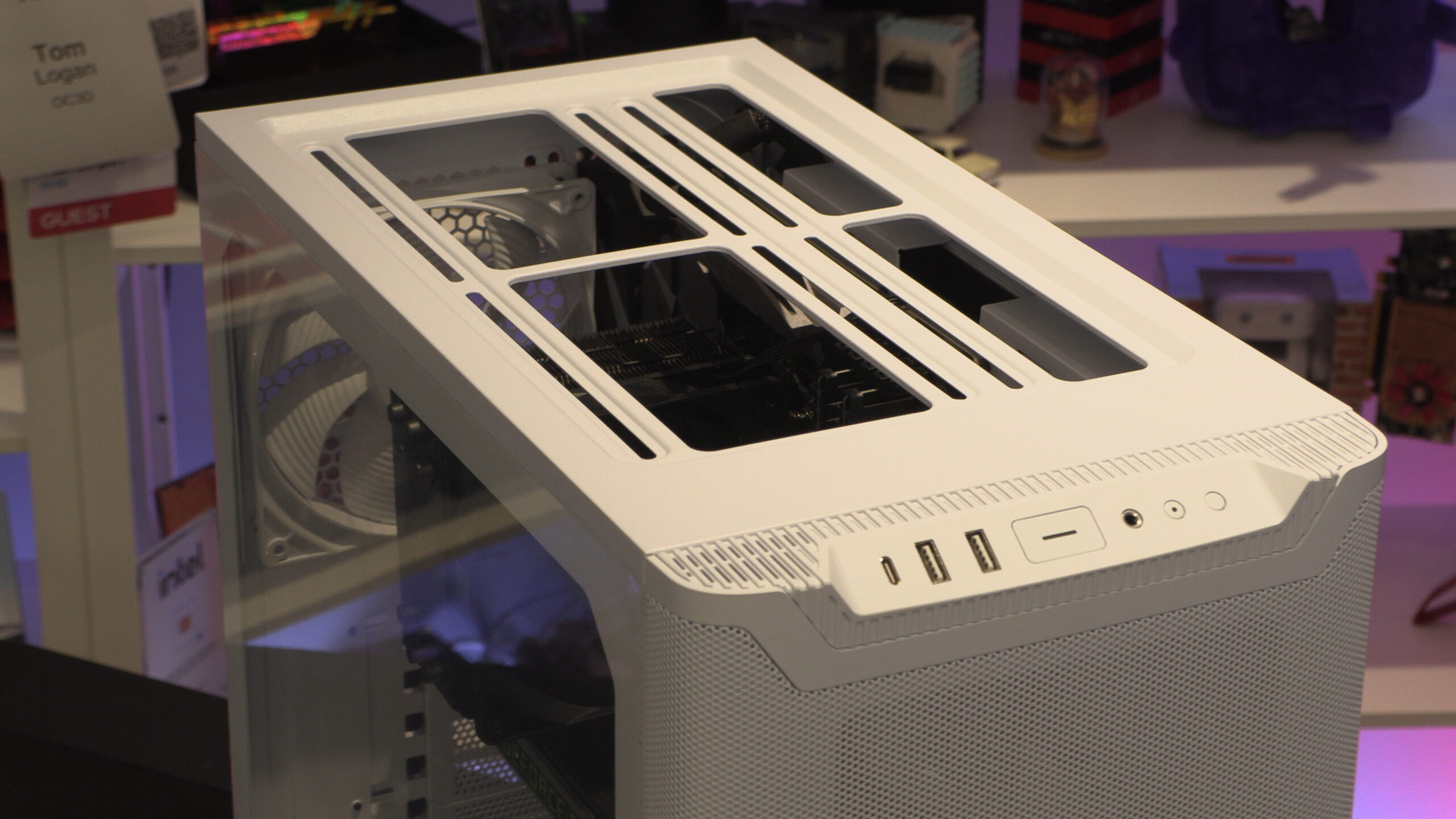
If we remove its case’s magnetic mesh panel, we can see an area where we can mount two 140mm fans or two 120mm fans. Note that this case can support up to a 240mm liquid cooling solution at the top. 280mm liquid cooling solutions are not supported.
Front Fan mounts
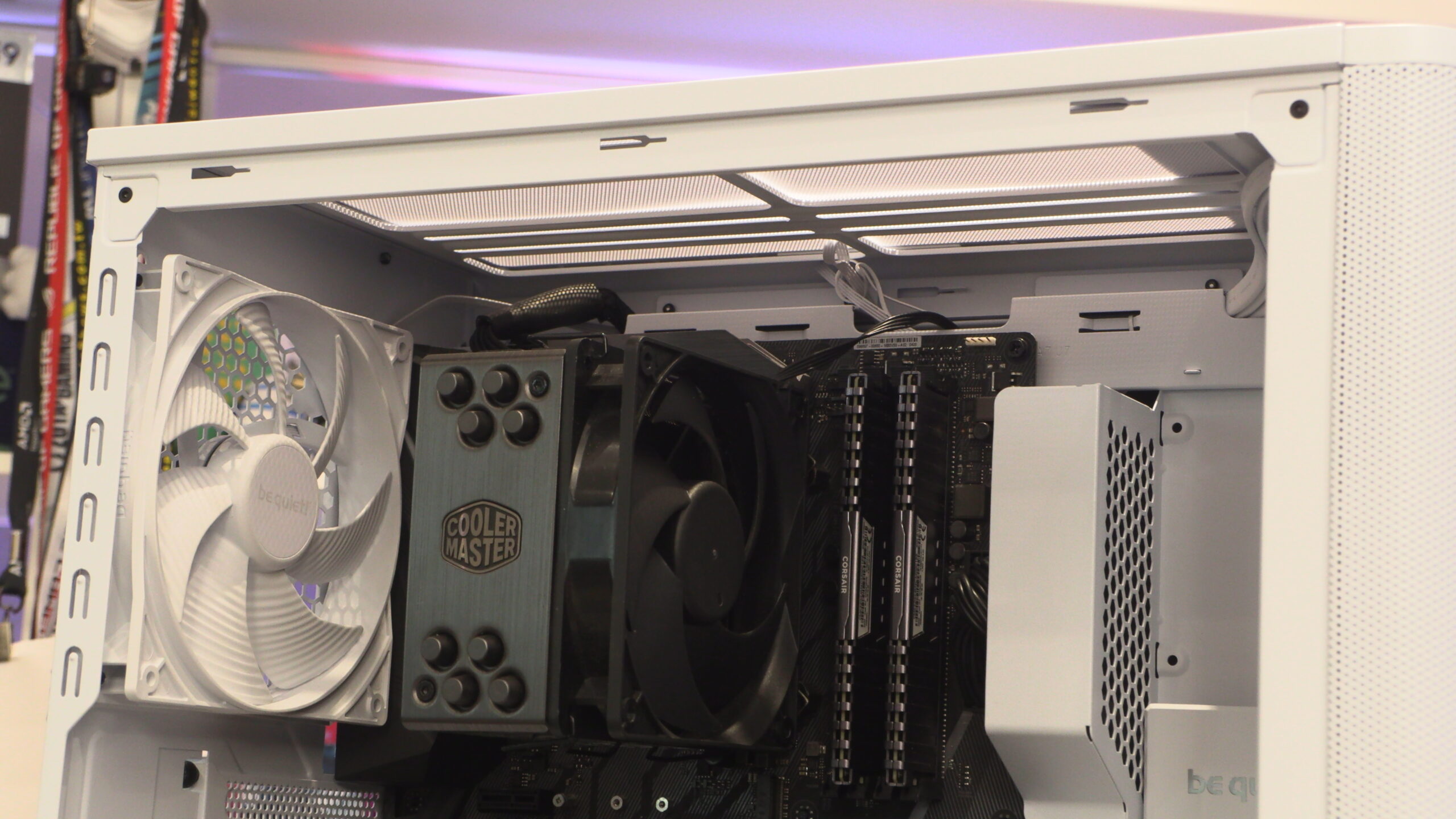
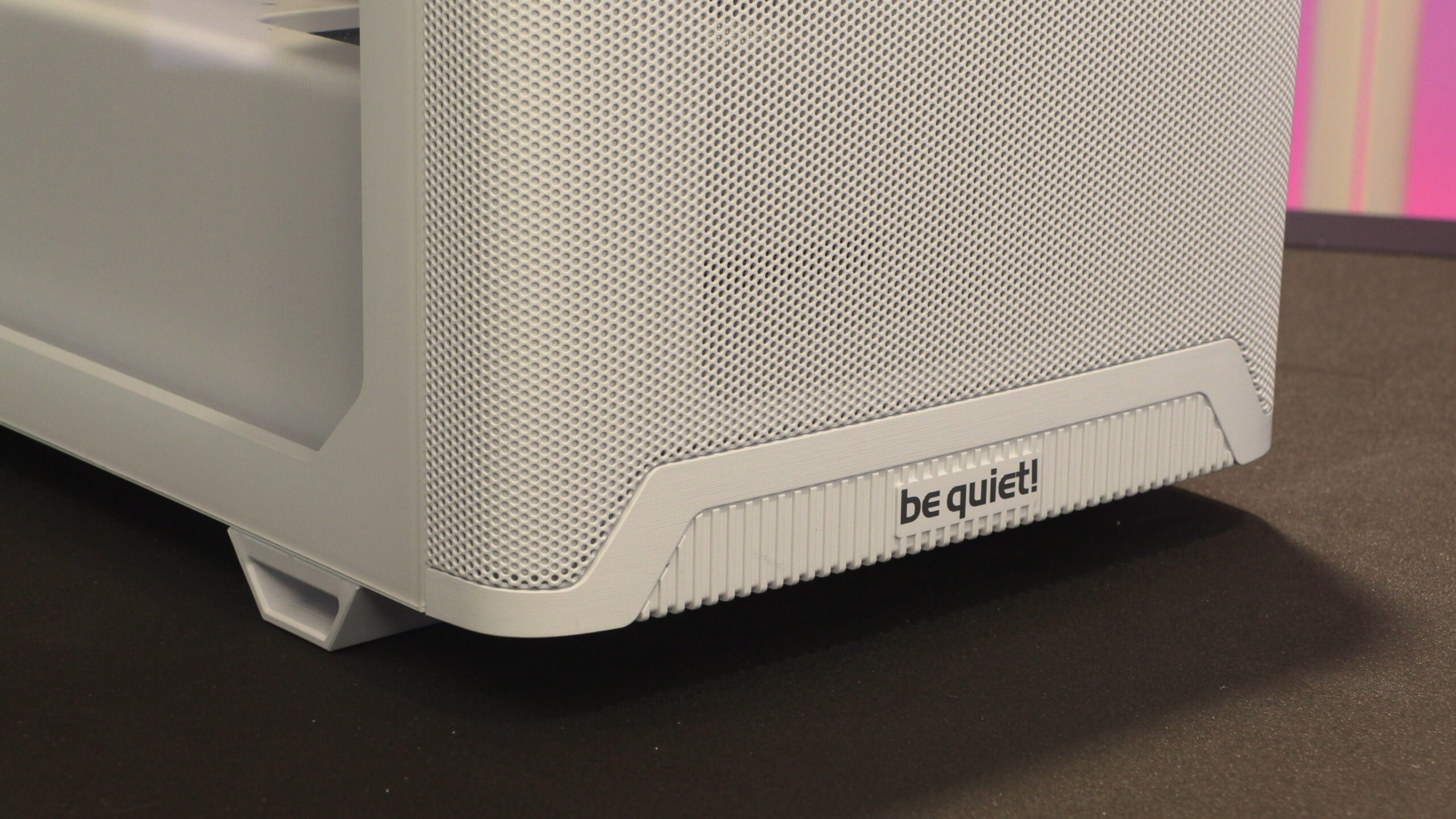
At the front of the 501, we can see a removable dust filter in front of the case’s pre-installed pure wings 3 140mm fan. At the front of this case, up to three 120mm fans or two 140mm fans can be installed. Since one 140mm fan is already installed, we can see most users of this PC case upgrading to two 140mm fans.
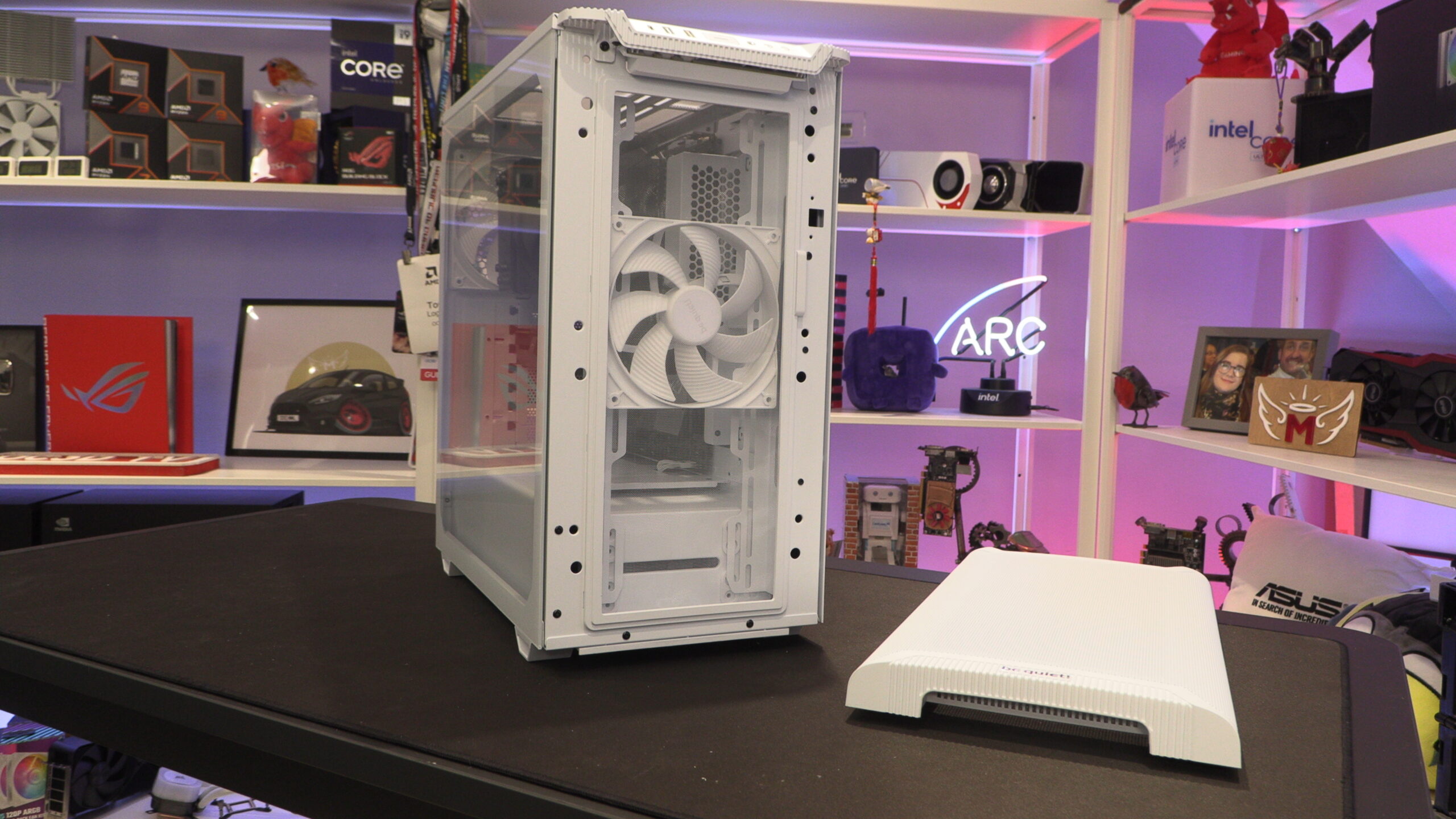
Below, we can see that the dust filter at the front of the 501 is hinged. It is easy to remove for cleaning and can be reinstalled toollessly.
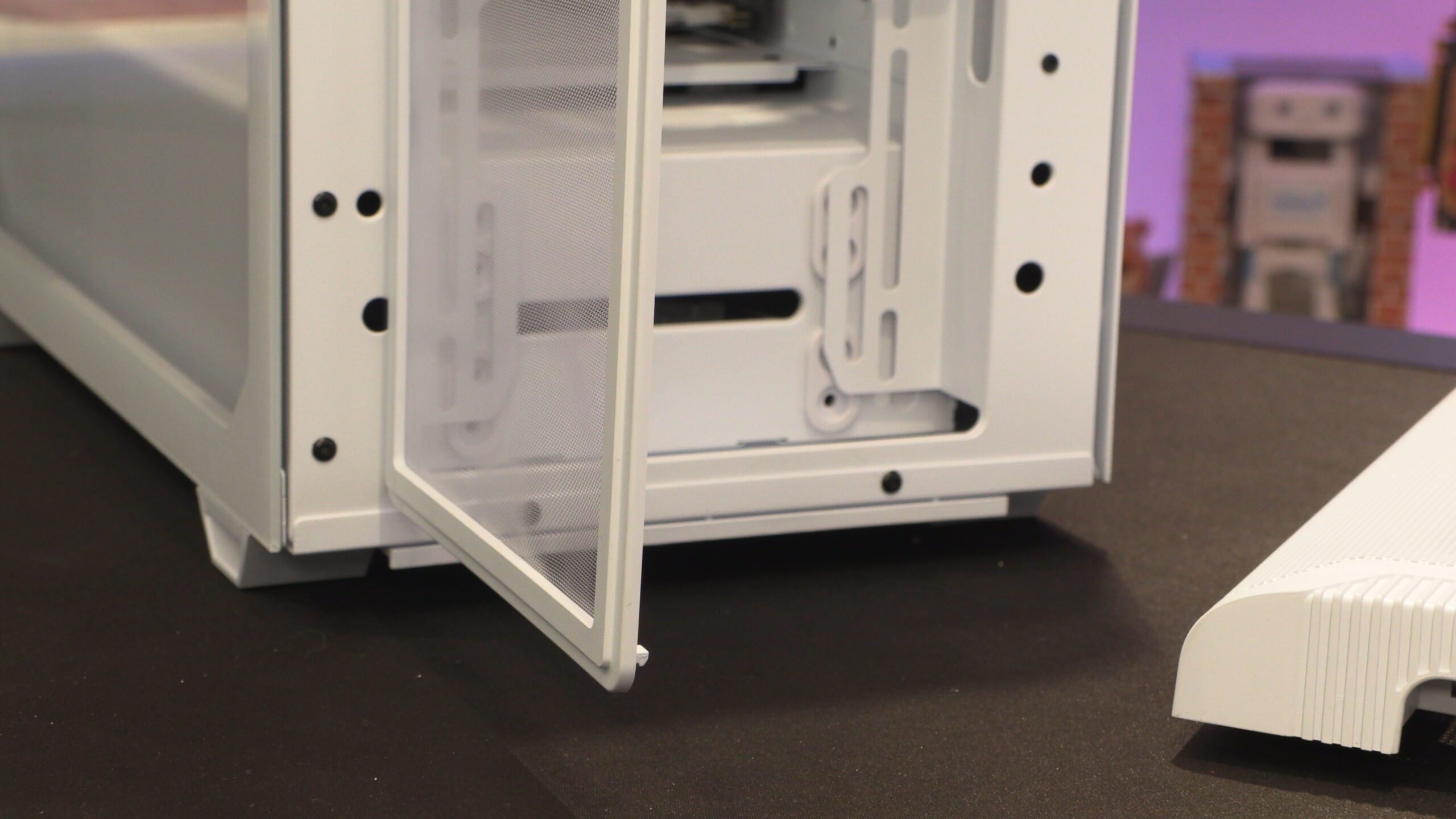
Looking at the rear of this PC case, we can see that the 501’s pre-installed rear fan is 140mm in size. This is larger than we see in the rear of most modern PC cases, where 120mm fans are commonly used. Overall, this case was a very clean design, and boasts solid construction.
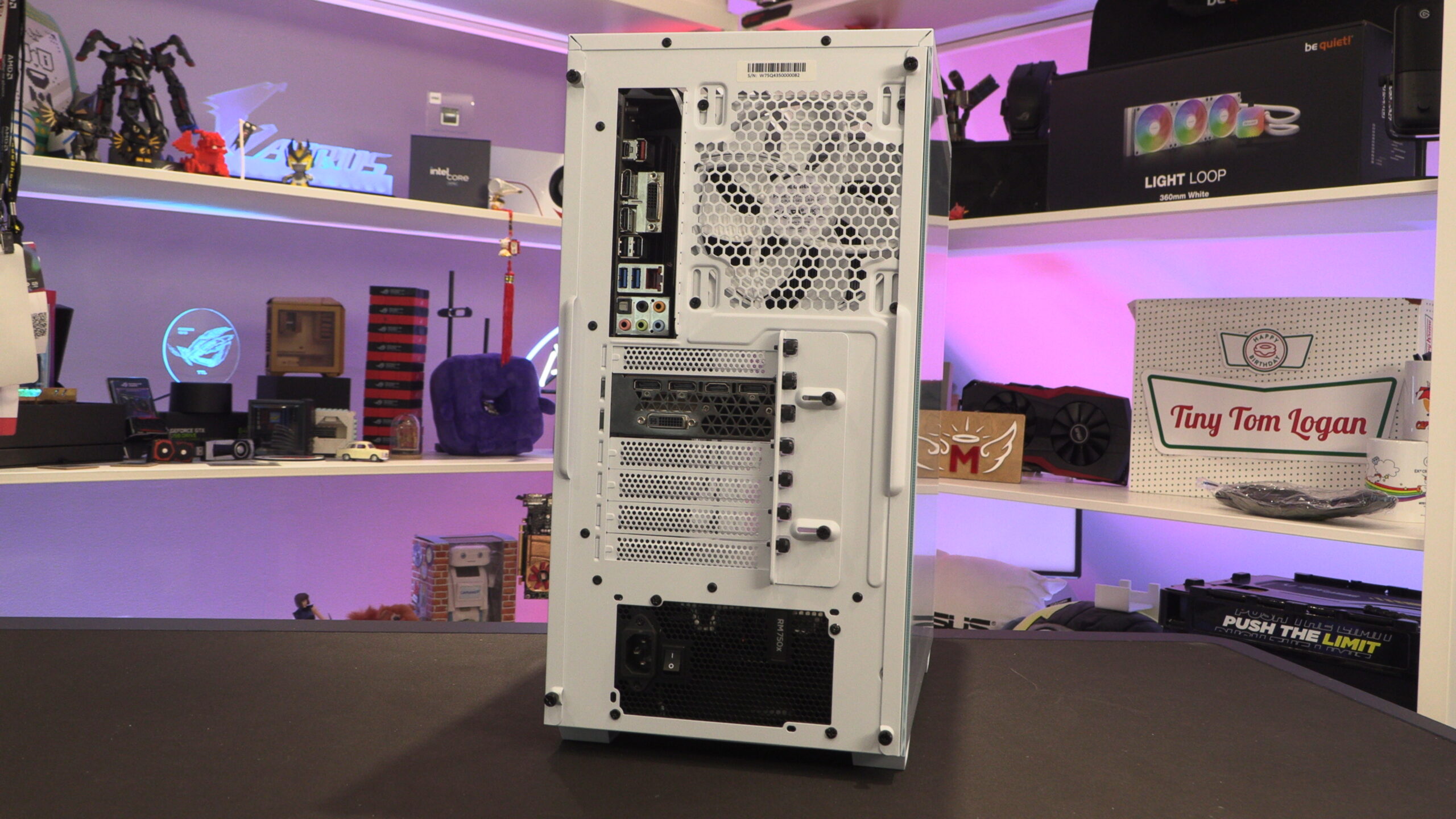
Cable management
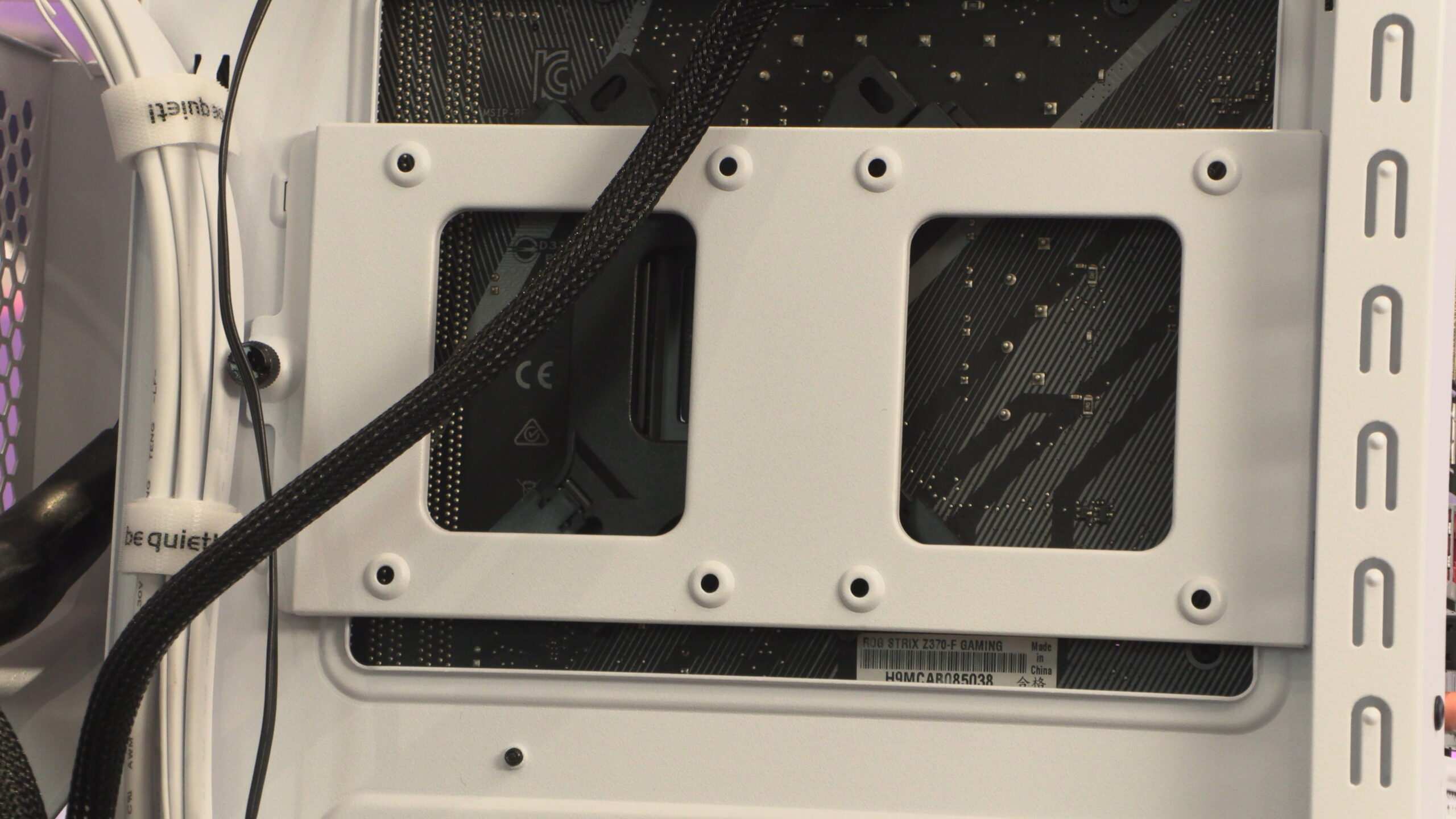
Behind this case’s motherboard tray, there is ample room for cable management. Four Velcro ties are pre-installed to make initial cable management simple. At the base of the case, there are mounts for two 3.5-inch drives; elsewhere, there are four 2.5-inch drive mounts.
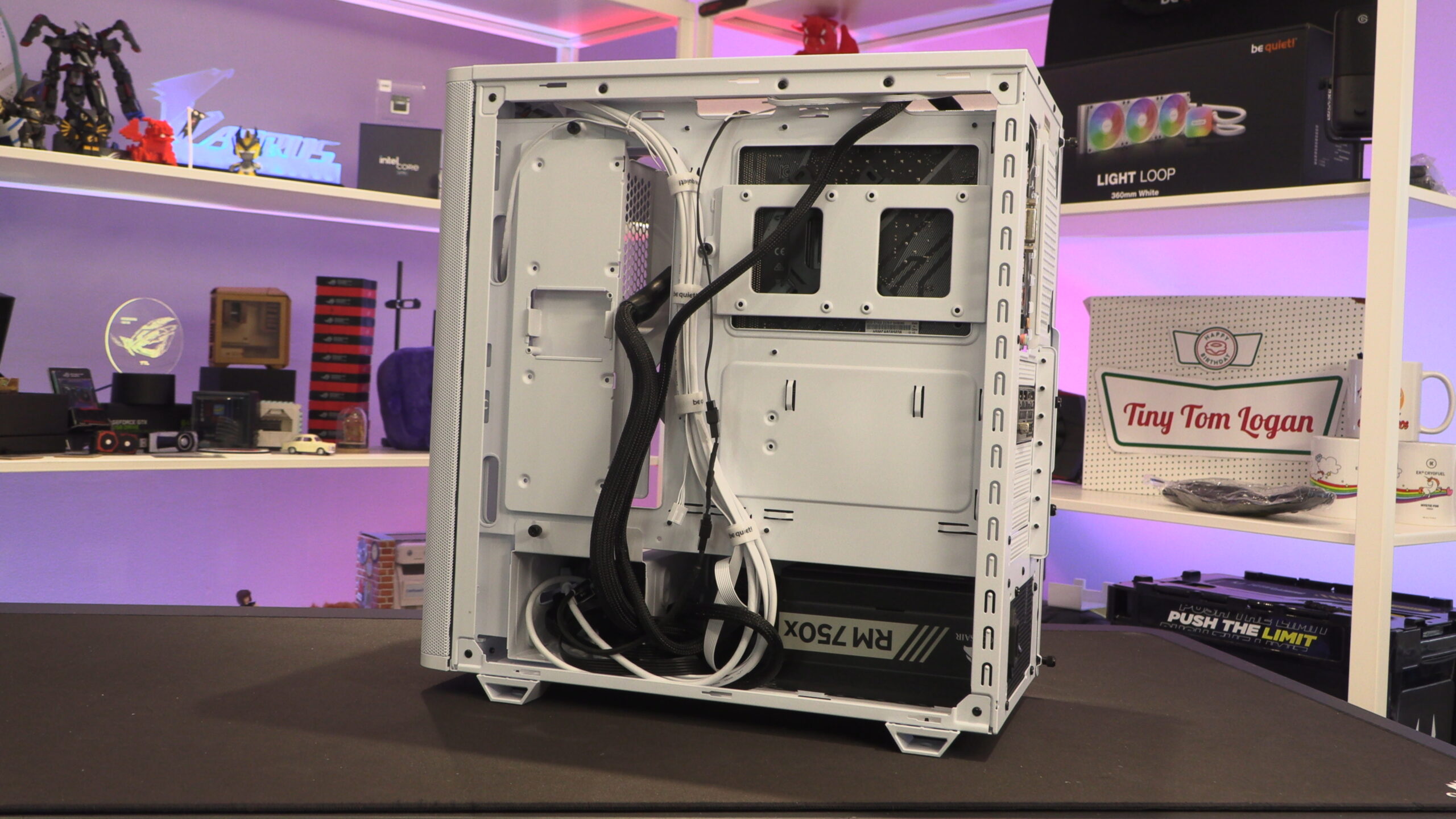
Honestly, it has been a while since I have used a 3.5-inch HDD inside one of my main systems. For most builds, I use 3.5-inch drive bays as a “cable stash” location to make cable management/hiding easier. Note that this case’s HDD tray can be moved slightly to the right or removed entirely. Users will want to move this mount to the right if they wish to install a 360mm liquid cooling solution at the front of this PC case.
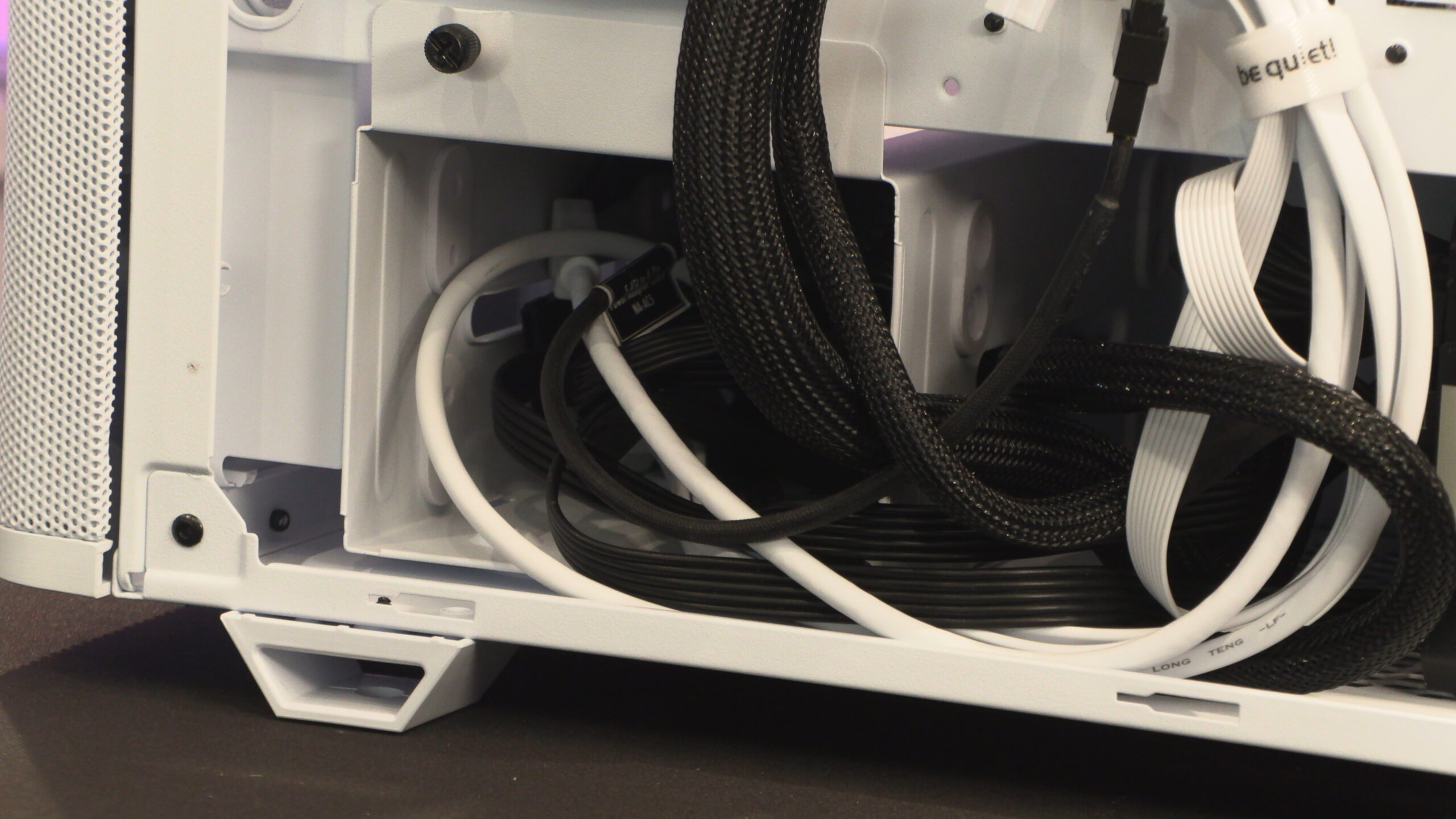
A removable tray allows users to install two 2.5-inch drives behind their PC’s motherboard tray. This can be used to connect two SATA SSDs, smaller HDDs, or as a mounting location for fan/RGB controllers.
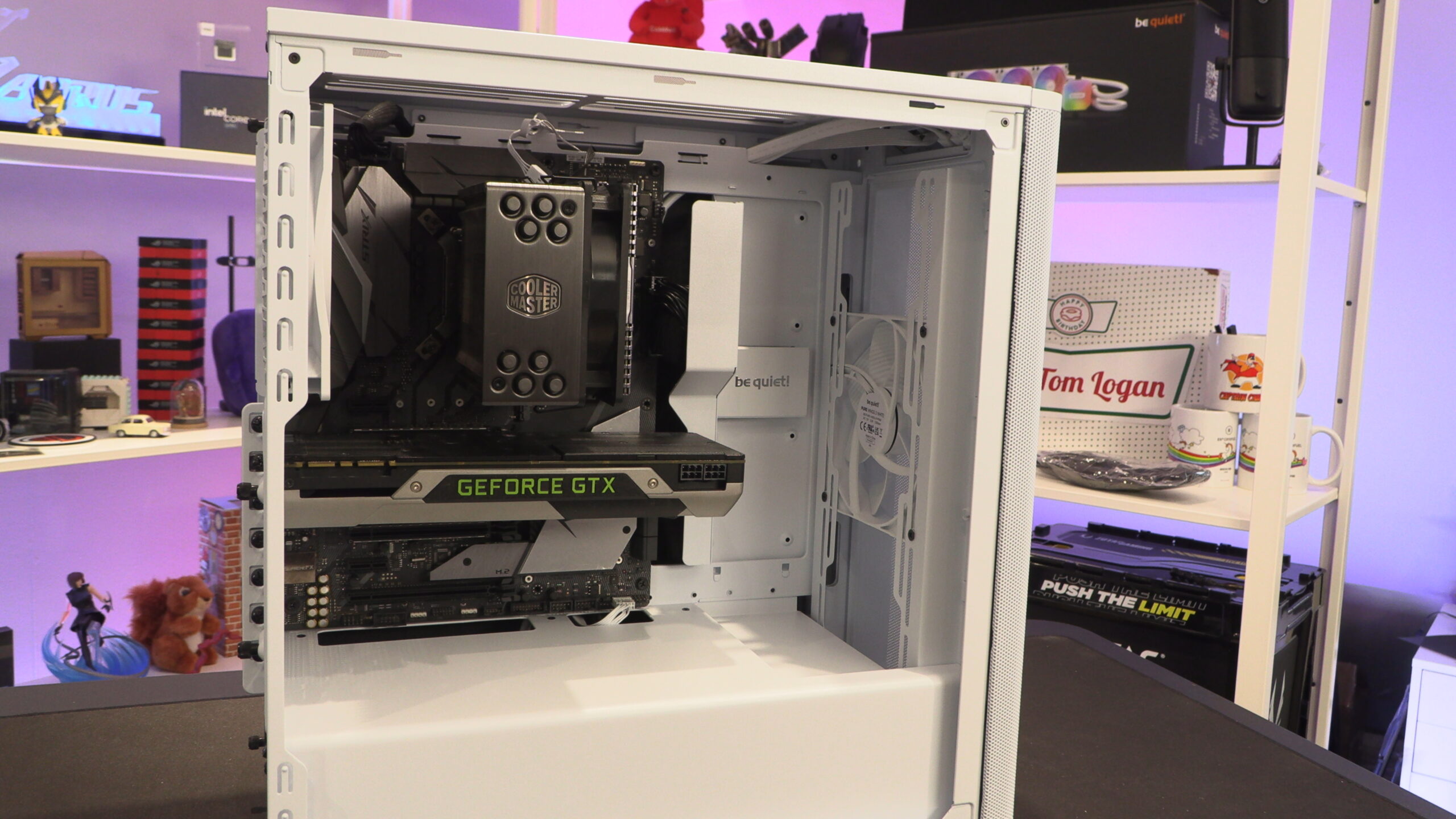
Inside the Pure Base 501
Overall, the Pure Base 501 has a clean aesthetic. The PSU shroud is clean and has few holes or perforations. A lot of effort has been made to minimise the visibility of PSU cables. However, we will note that this picture was taken before we connected our GPU to our PSU.
Note that this bottom front fan mount has little room to breathe in the be quiet Pure Base 501. While three 120mm fans can be installed inside this case, two 140mm fans should provide the most optimal results.
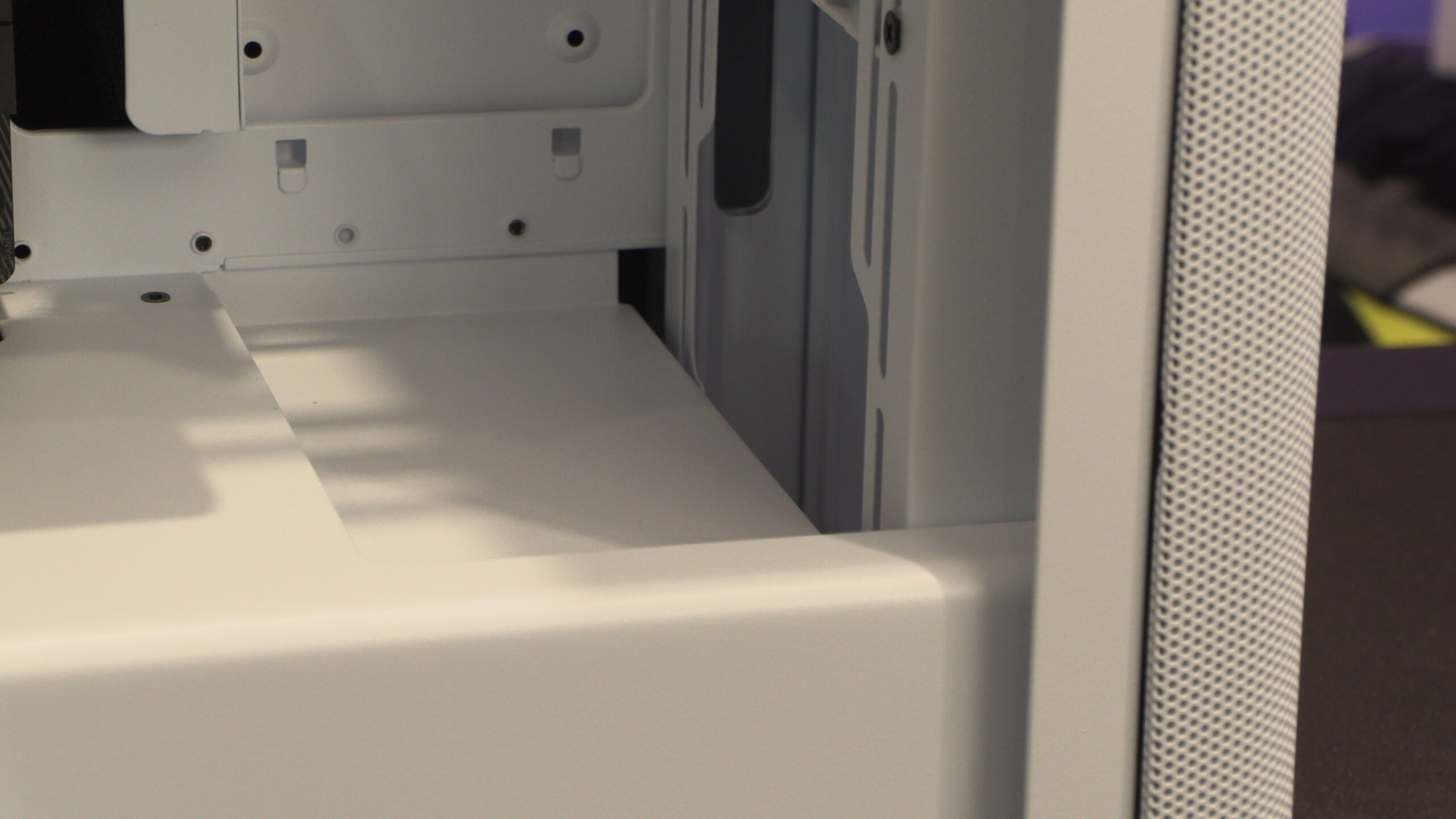
The PSU shroud of the Pure Base 501 is clean and unperforated. Note that this means that you will need to mount your PSU with its fan facing down.
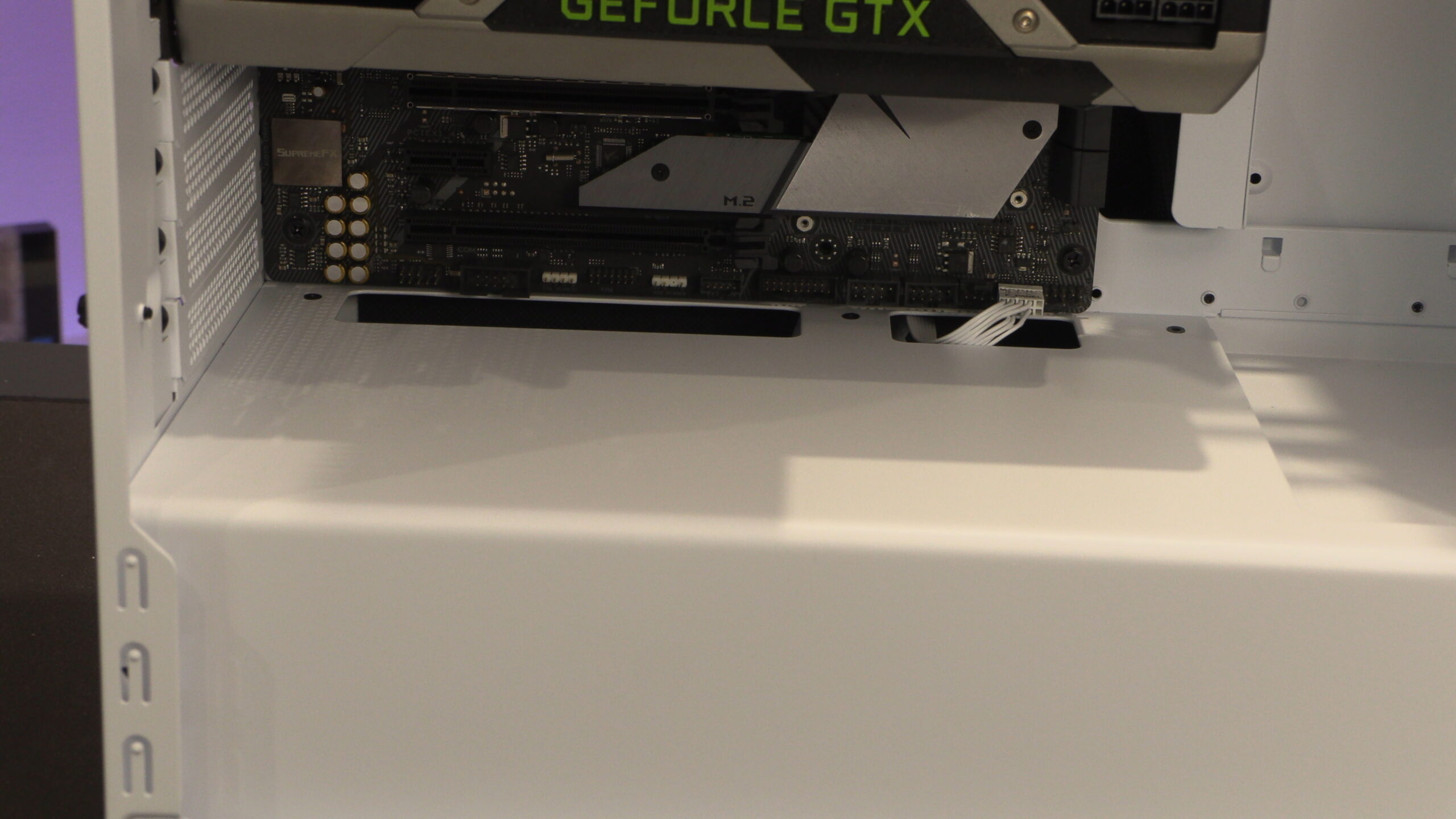
The Pure Base 501 supports large CPU coolers up to 178mm tall. That’s tall enough for a NH-D15, or a Dark Rock Elite, to fit with room to spare.
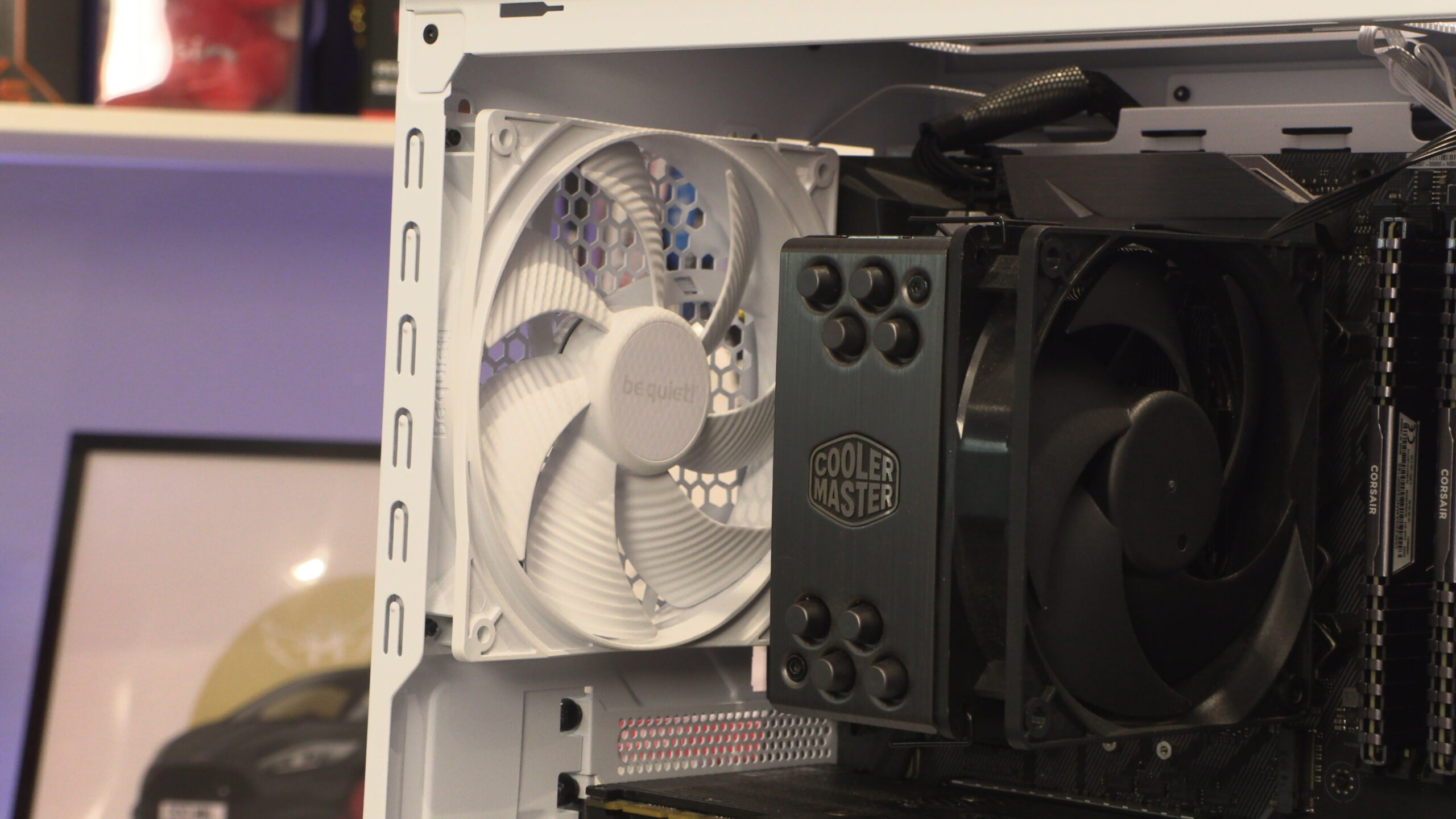
Note that this case’s cable cover is perforated, allowing air to flow through it. This ensures that CPU coolers and DRAM get access to direct airflow from the front of the case.
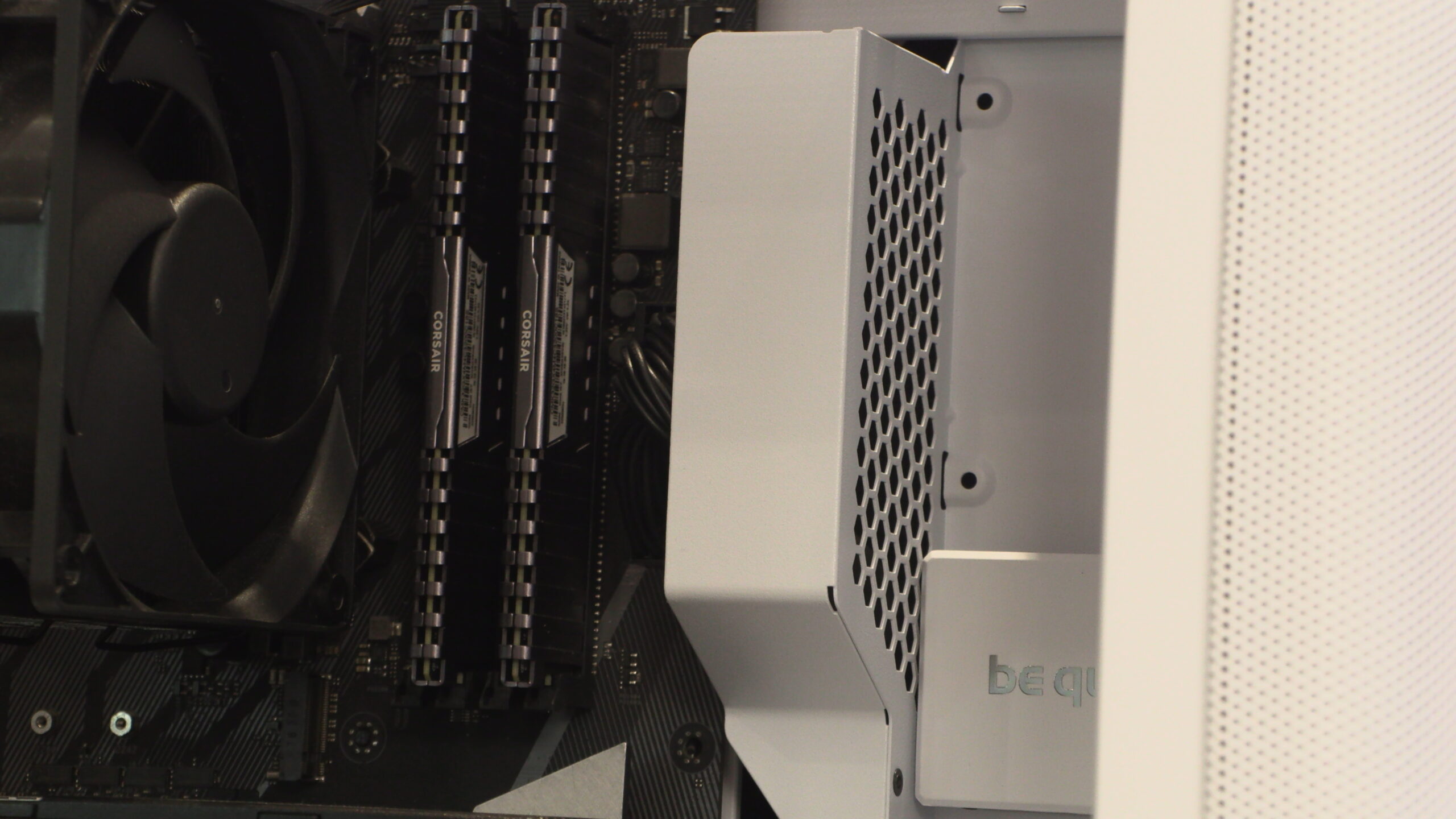
Remember that this case supports up to two 120mm or 140mm fans on its roof. However, 280mm liquid cooling solutions are unsupported. The largest liquid cooler that fits here is 240mm in size.