Bigger and Better! Cooler Master Qube 540 PC Case Review

Up Close with the QUBE 540
Up close with the QUBE 540
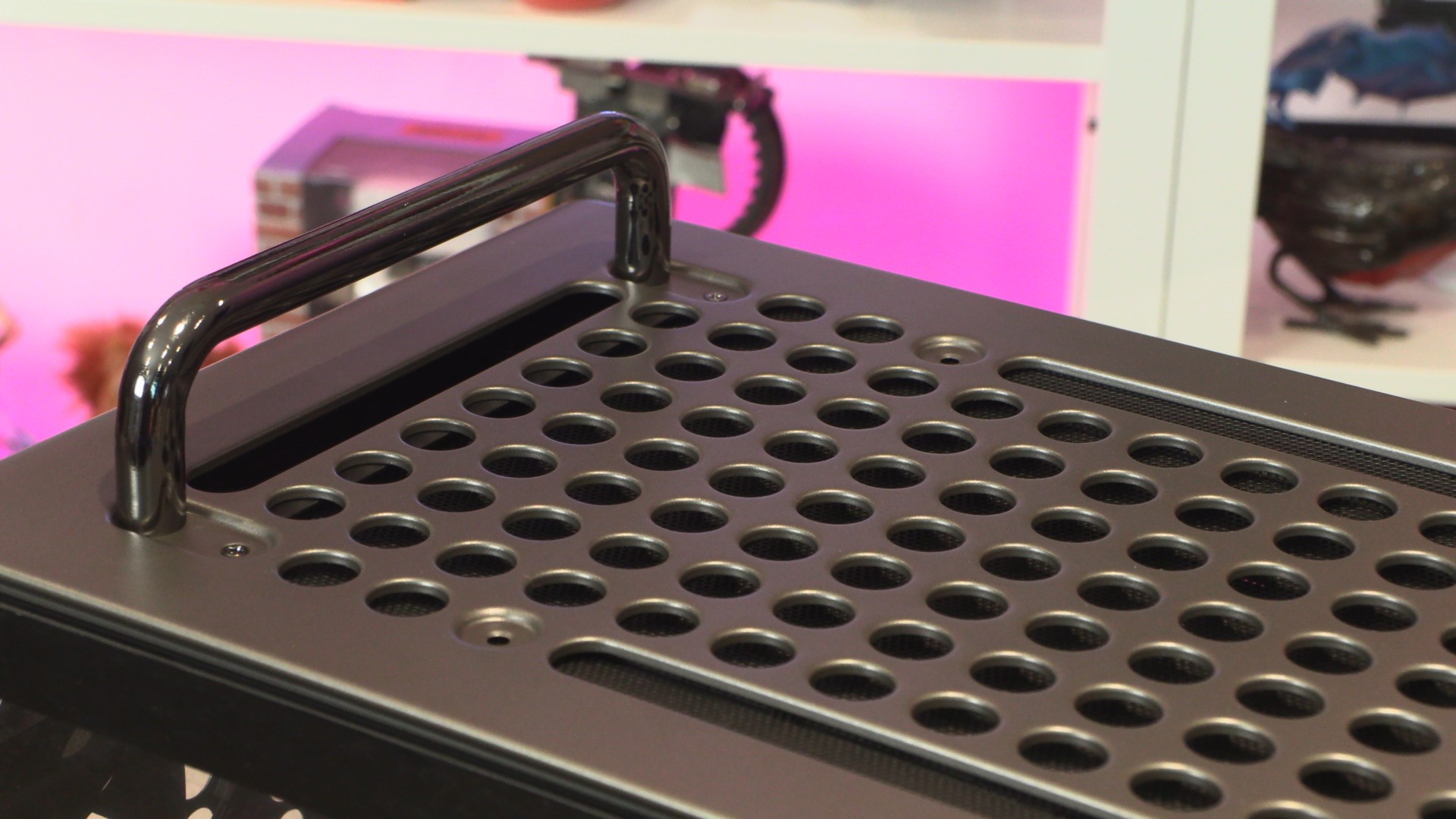
As always, let’s start at the top. With the QUBE 540, the case’s top, front, and bottom panels have a near-identical aesthetic. This is because the case allows the feet and top handles to be positioned wherever the user wants. Users can use the case in its “standard” orientation, or choose to place the case on its side or even upside-down. You get to choose how this case is positioned, not Cooler Master.
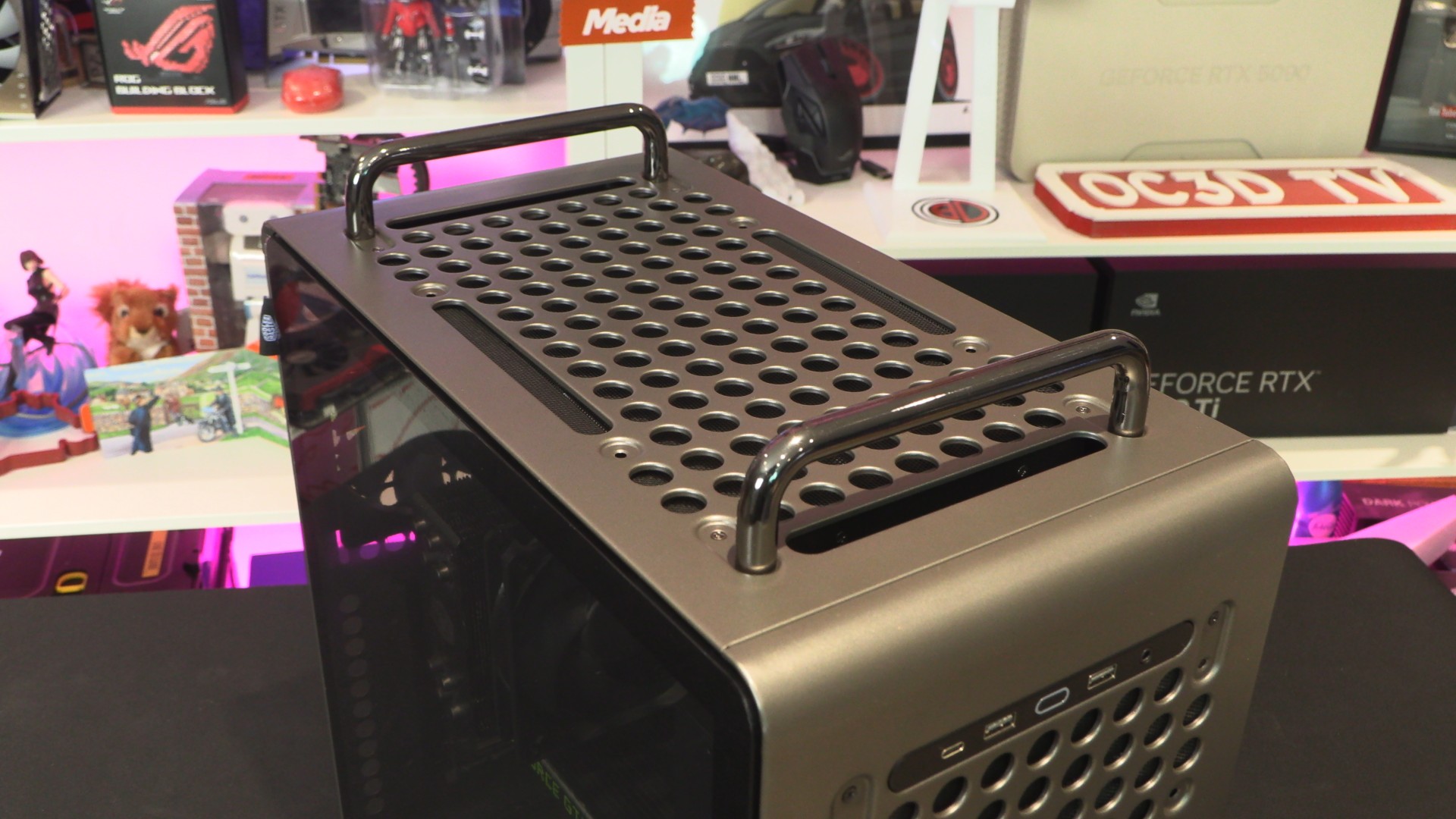
At the top of the QUBE 540 are two metal carry handles that make the case easy to transport. They are robust enough to carry fully-built systems with ease, making systems inside the 540 easy to move to LAN parties or other events. If you like to bring your PC to the living room every now and then for some big TV gaming action, features like this are handy add-ons.
Feet
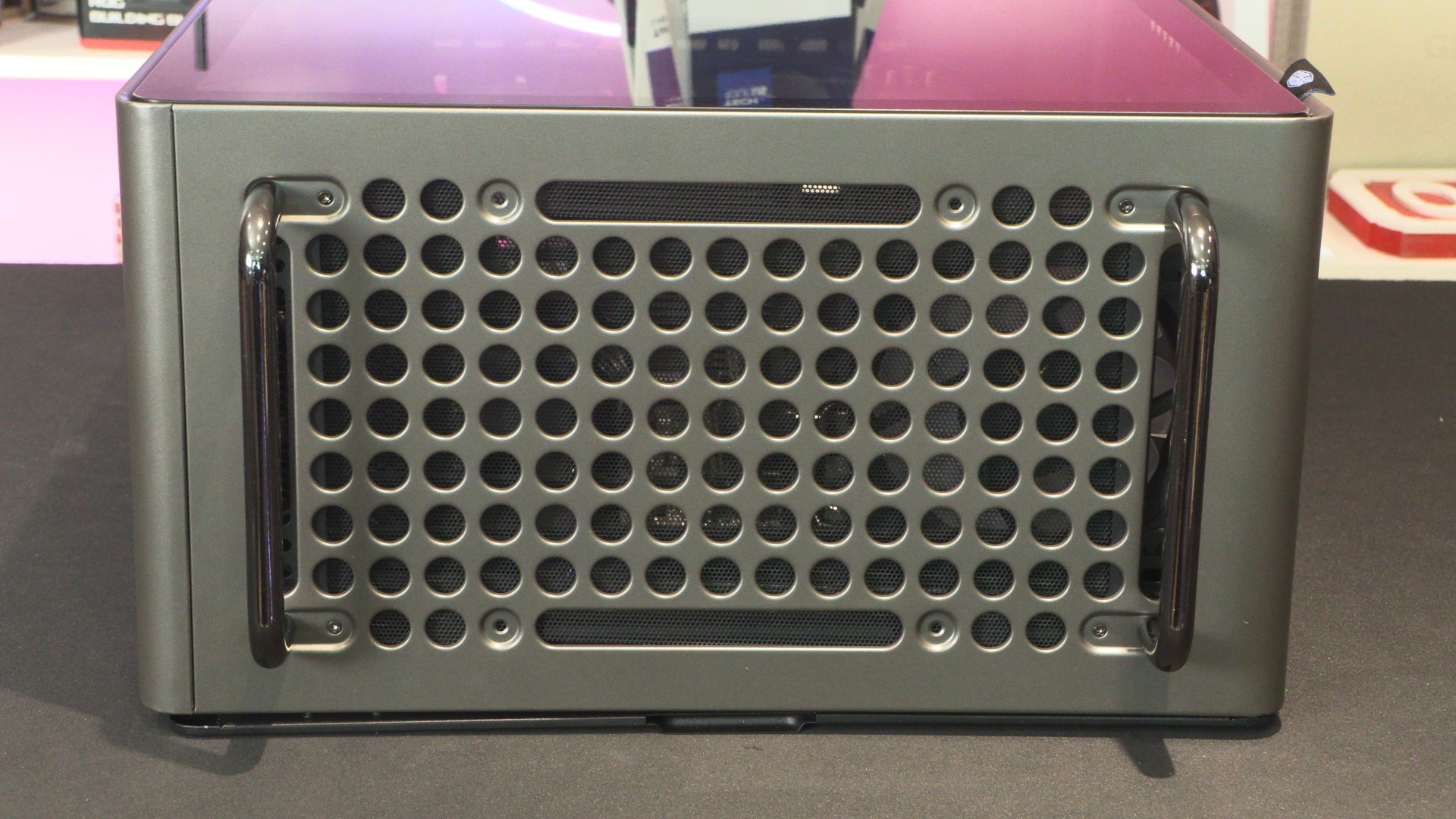
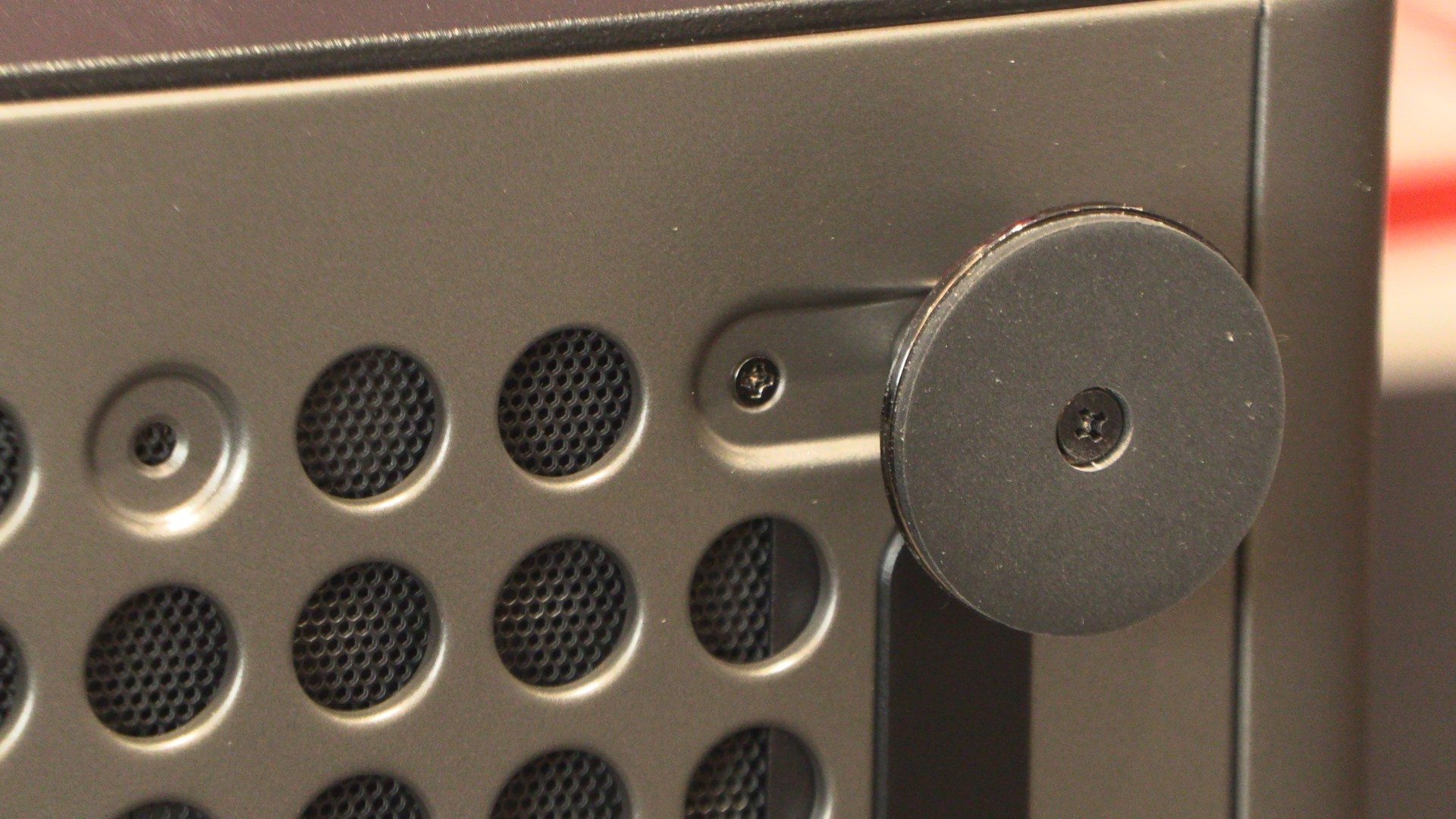
At the base of the 540 are four removable feet. As mentioned before, these feet can be removed and repositioned around the case. Just unfasten a few screws and move the feet wherever you want.
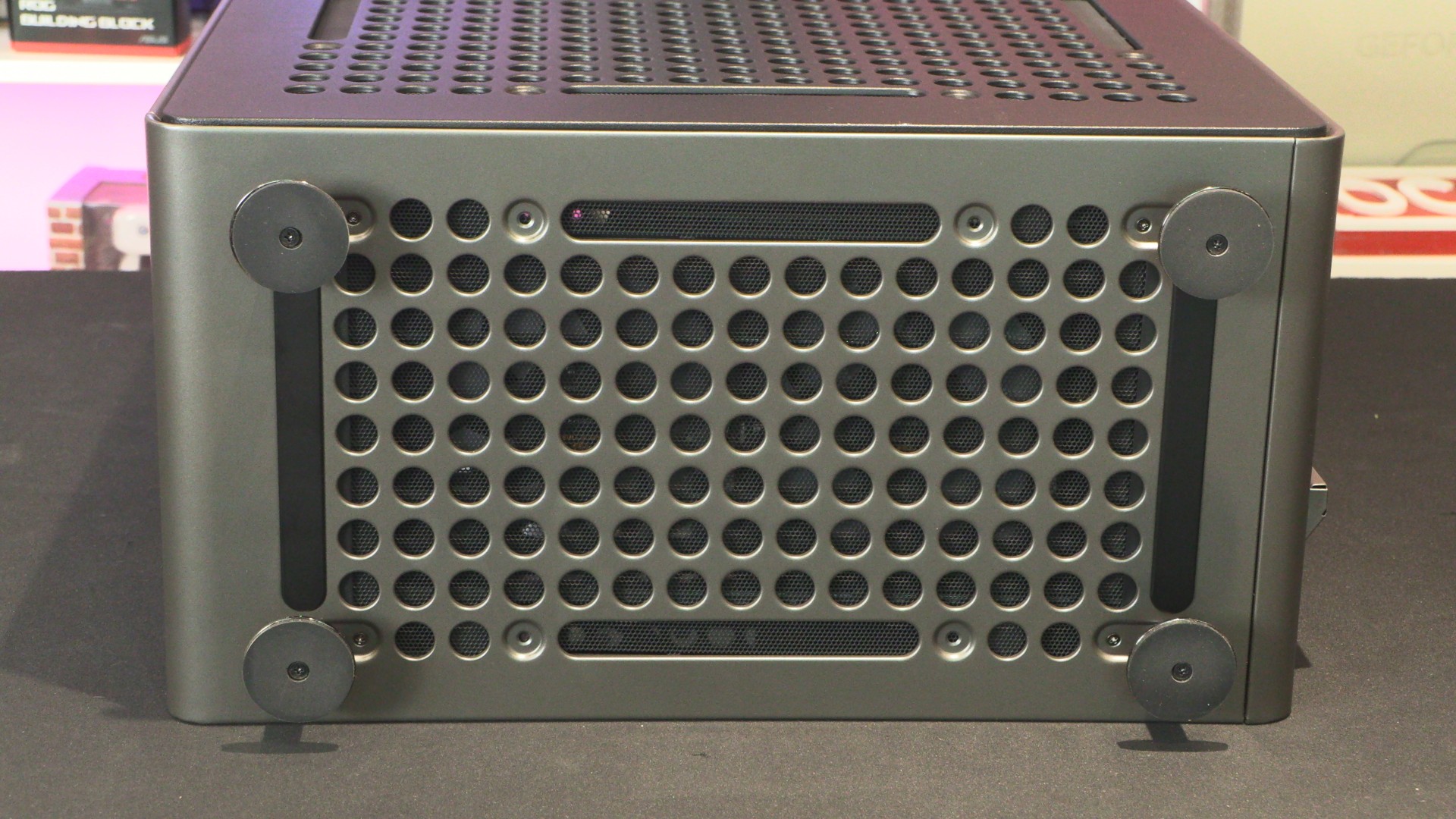
We will note that this screw under the 540’s feet is hard to remove. We recommend unscrewing the foot first to give your screwdriver better access. Remember, you don’t want to unscrew a screw at an angle. That’s an easy way to start ringing a screw, and we don’t want that.
Rear
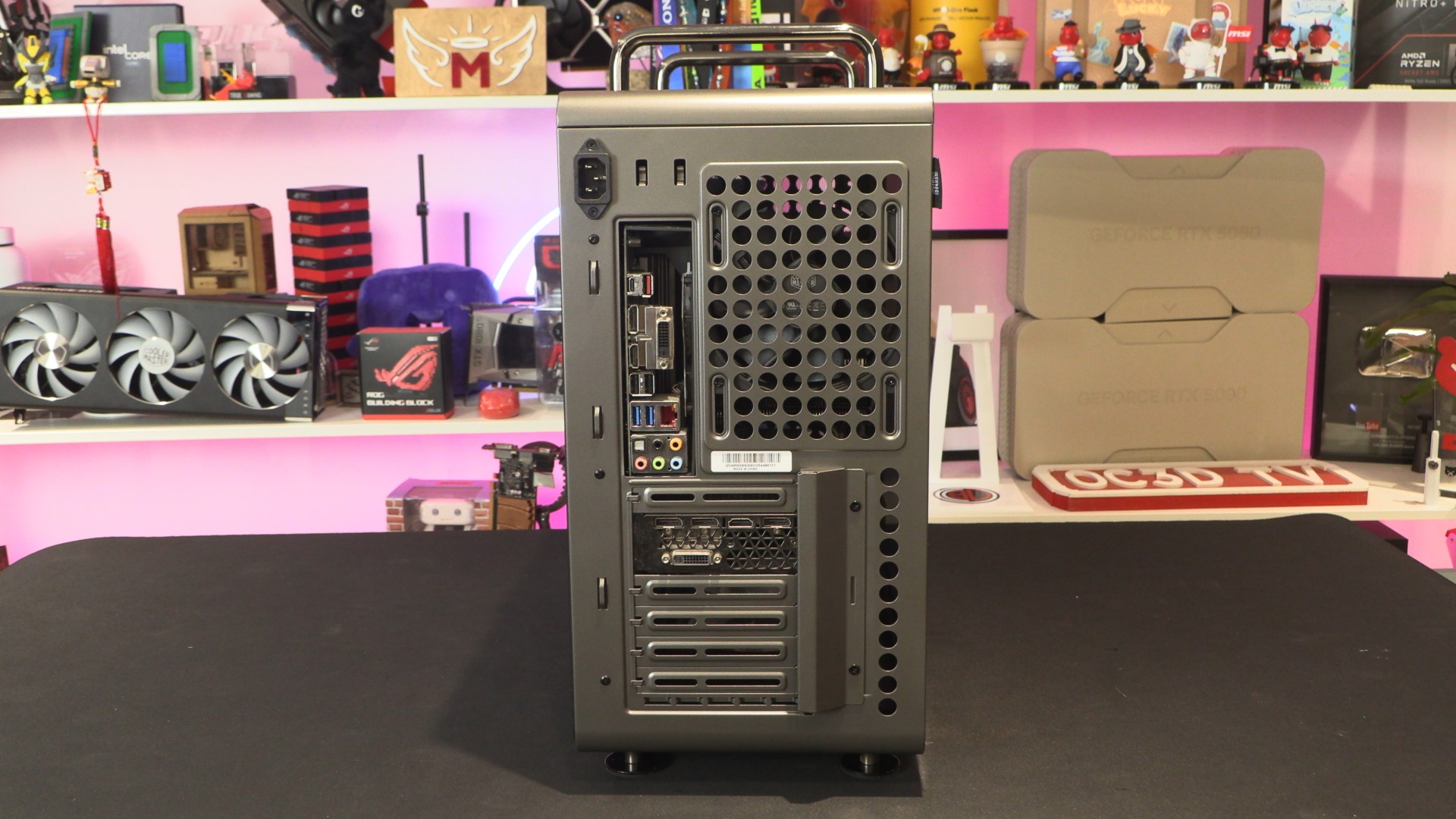
At the rear of the QUBE 540 is everything that we would expect from a normal PC case. We can see where the case’s rear 120mm fan is mounted, seven PCIe slots, and a power input. Note that this case has its PSU mounted at the front of the chassis by default, so this power input is merely an extension lead that connects to your actual PSU.
Note that this case includes a PCIe slot cover that allows graphics cards to be mounted vertically inside the PC case. Users will need to purchase a PCIe riser cable, but the same is true for most PC cases with vertical GPU options.
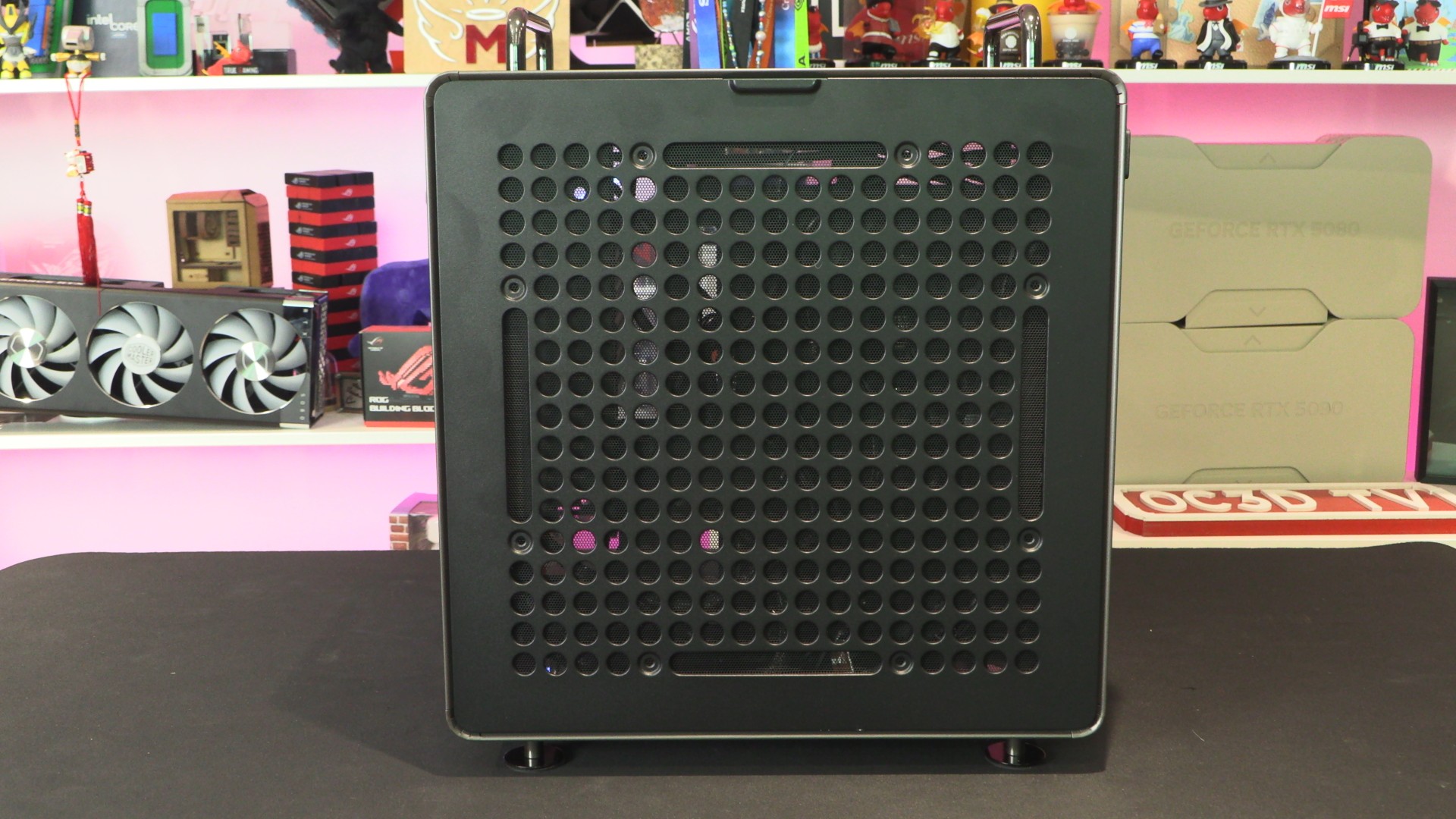
The right side panel of the QUBE 540 has the same airflow and I/O mounting holes as the case’s front, top, and bottom panels. This gives users of this case a total of 16 total IO positioning options. The case’s exterior holes can also be used to mount 3D printed parts and accessories.
Cable management
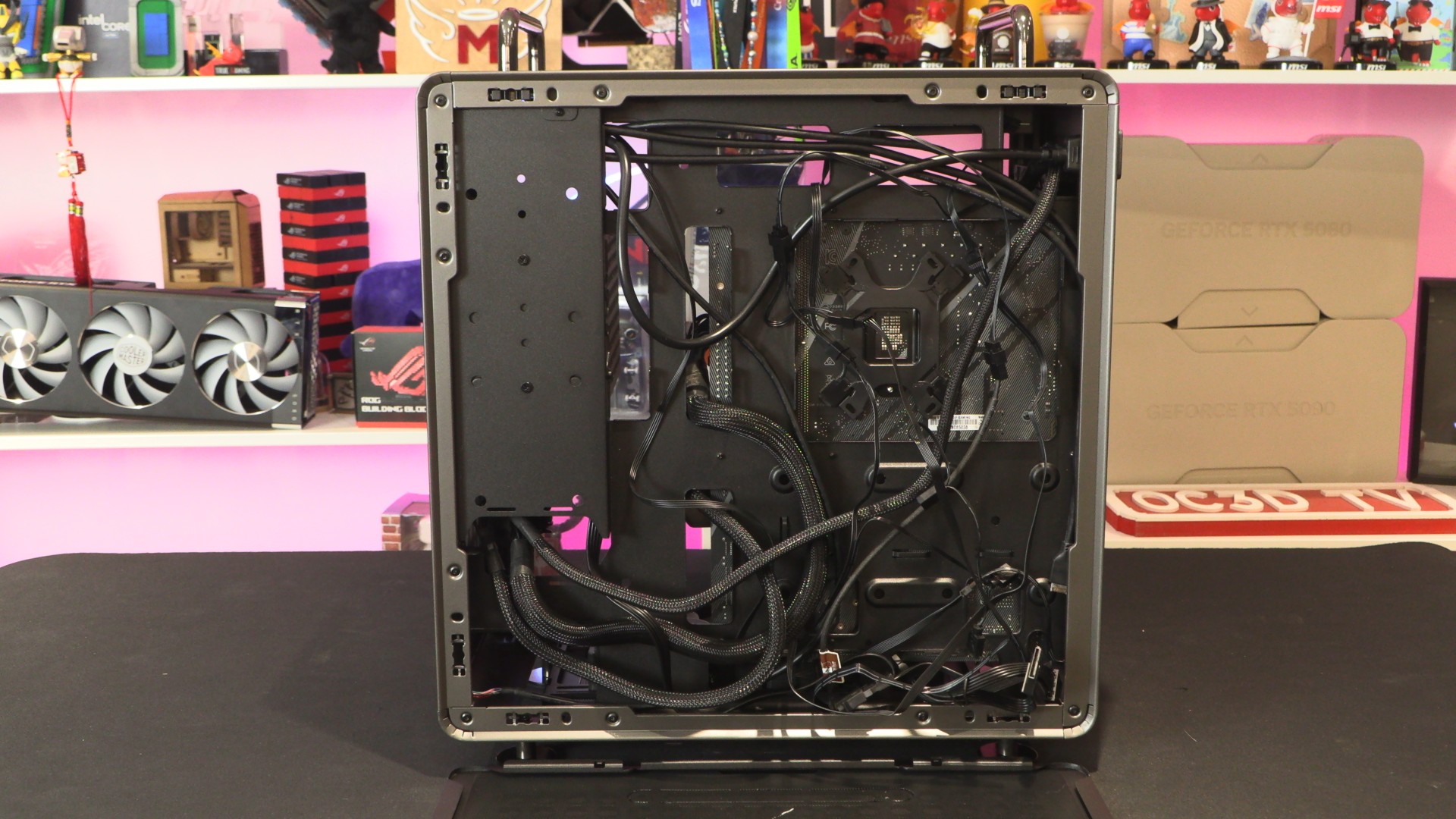
Let’s be honest, this is bad cable management on our part. That said, we wanted to see whether the case’s side panel would remain attached if we had a cable mess applying pressure to it. After all, this side panel is held on by pop-holes, not screws. The panel stayed on without issue, so no users of this case should experience “well, the panel fell off” issues.
Tempered Glass Side panel
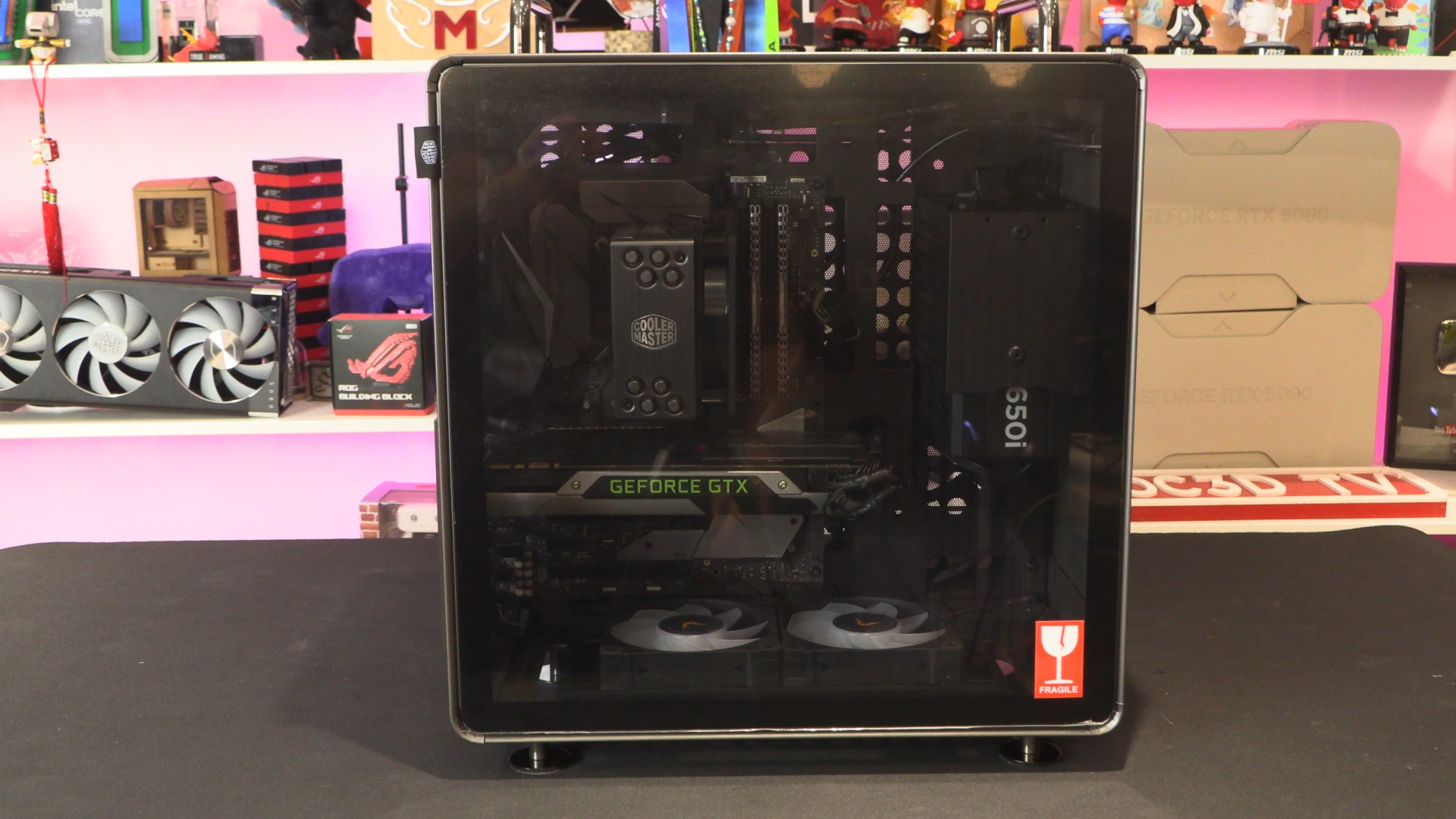
The other side of this case has a tempered glass side panel, which is tinted. This panel can be removed using the fabric tab in the top-left corner. Just make sure that you don’t close the side panel with this fabric inside the case. If you do this, reopening the case again will be an annoying process.
Inside the QUBE 540
While the QUBE 540 technically supports GPUs up to 415mm long, that support depends on two factors. Those are the size of your PSU, and whether you plan to use a 360mm CPU liquid cooling solution.
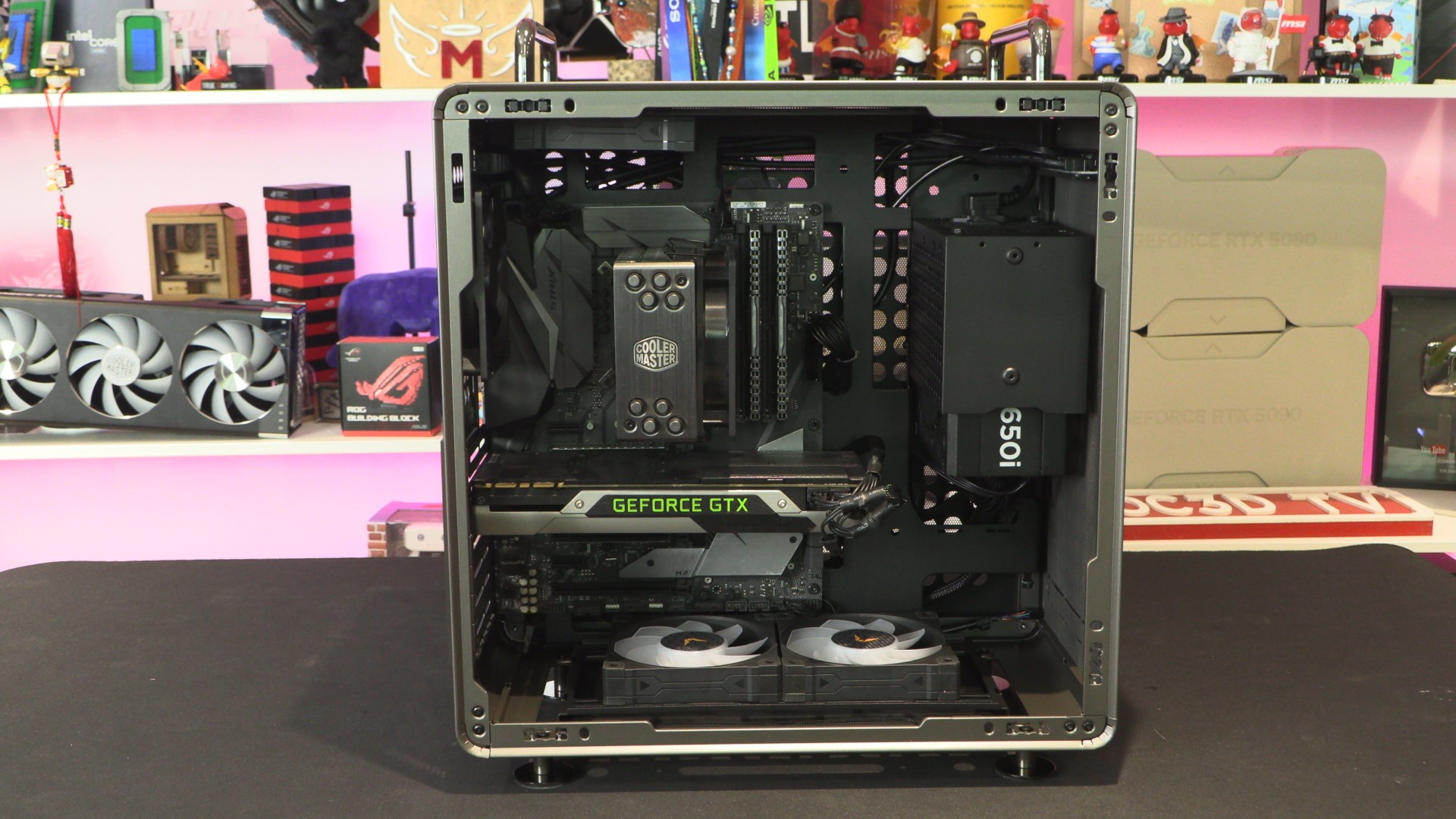
If you use a 360mm liquid cooling solution, you will not be able to use this case’s top PSU mounting position. That means that you will not want to use a longer than “standard ATX” power supply (140mm) alongside a longer graphics card.
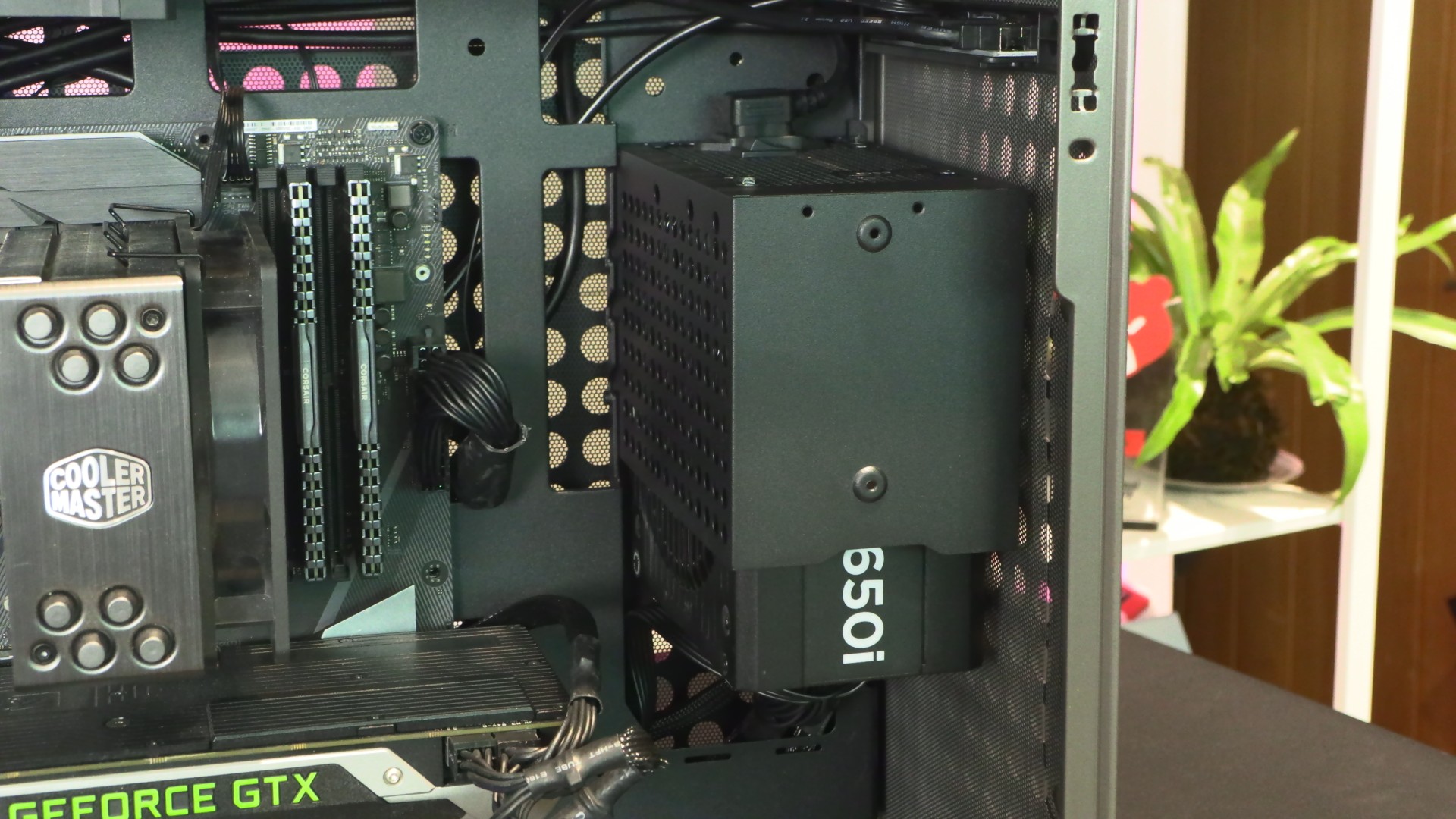
Top-mounted fan support
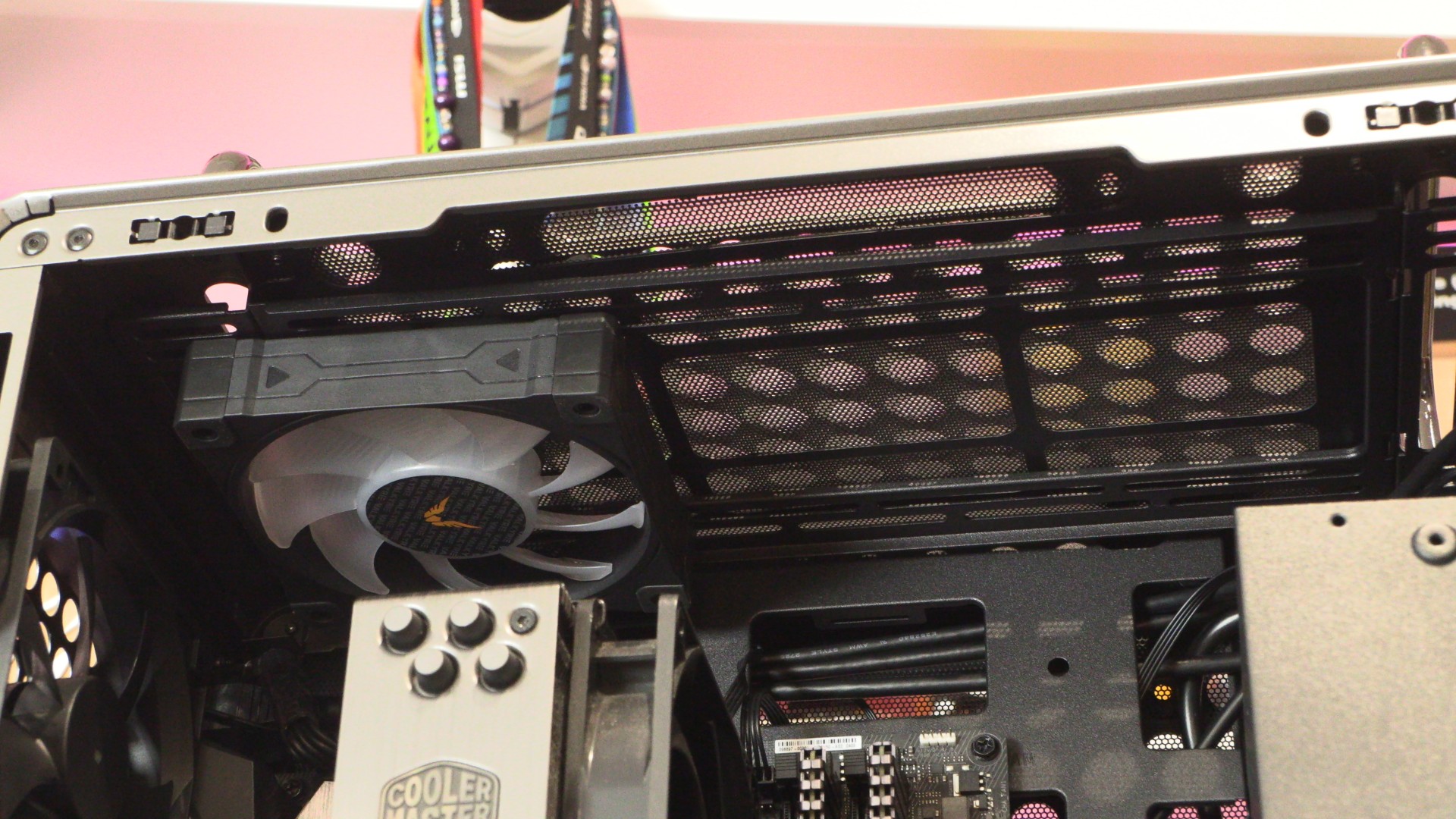
In total, the QUBE 540 supports up to three 120mm fans or two 140mm fans at the top, or up to a 360mm or 280mm liquid cooling radiator. Below, we have installed a single 120mm fan, as this is optimal for our cooling setup.