Corsair Crystal Series 280X RGB MATX Case Review

Internals – The main chassis, water cooling support and airflow
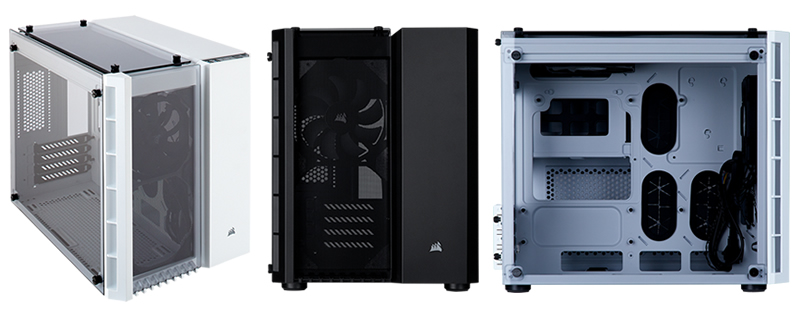
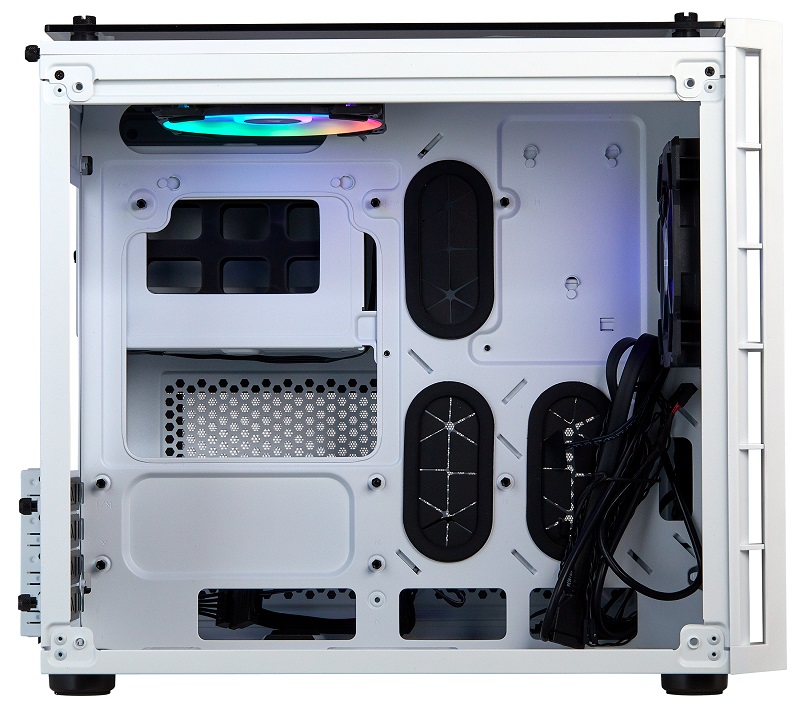
Inside the main barrel of the Crystal 280X, we can see that the first two cable management cutouts are in unfortunate locations, areas which will be covered by all full-sized MATX motherboards. For MATX systems, users of the 280X can only reliably use the top, bottom and right cable management holes, though MITX users will have the freedom to use closeby cable grommets.
At stock, Corsair’s 280X can support two radiators, with a top-mounted 240/280mm radiator and a front mounted 240mm radiator. This includes standard thickness AIO liquid coolers like the Corsair H100. A bottom mounted radiator is also an option within this chassis, though it will place some limits on the user’s system when it comes to the number of usable expansion slots and other related factors. With a front mounted radiator, the 2800X has enough room for a 300mm graphics card, though it will be an extremely tight fit.
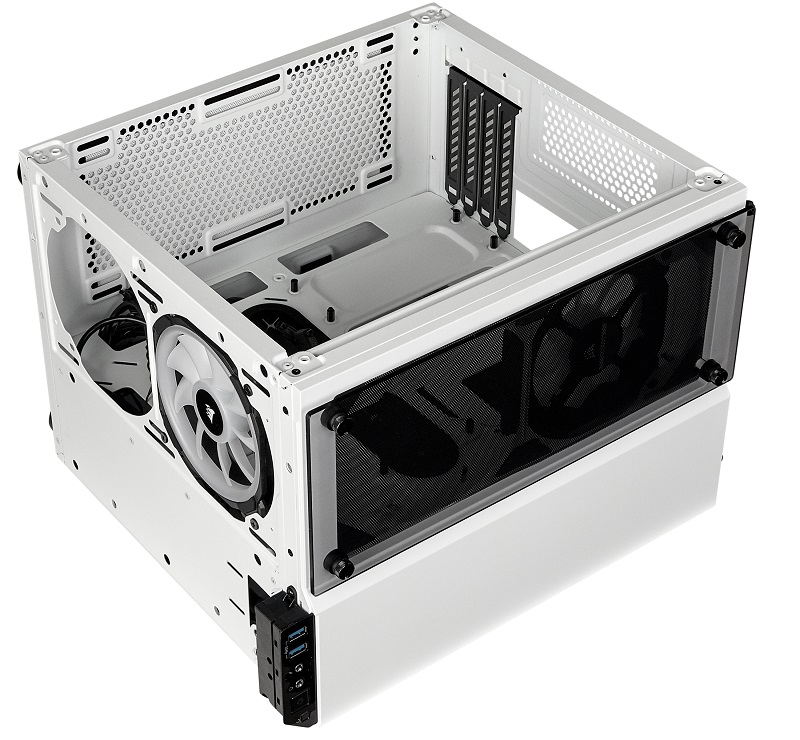
On the bottom of the enclosure, Corsair has included a dust filter and room for two 120mm or 140mm fans, though those who do not wish to make use of them have an easy modding option available to them. The base of the case is a perfect rectangle, which means that if you get some acrylic cut to the right size and use some double-sided tape, presto, you have a smooth custom base for your Crystal 280X.
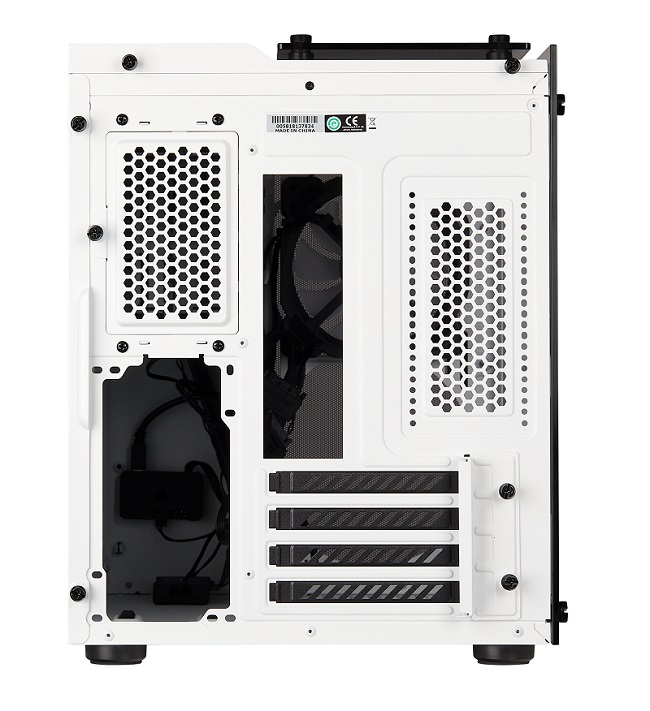
One of our few nitpicks for the 280X is Corsair’s lack of a dust filter for the 280X’s rear ventilation holes, though this will be a non-factor for end-users if your system has positive air pressure, as air will leave through this gap.
From the rear of the 280X, we can see how slim the case is, despite its dual-barrel nature. This volume is mostly due to the 280X’s lack of a rear-mounted 120mm exhaust fan, a factor that also limits the size of air coolers that can be used in the case to 150mm. No huge air coolers with 140mm fans in this enclosure, then again, 280X users could buy an affordable AIO liquid cooler instead of a large/premium air cooler.
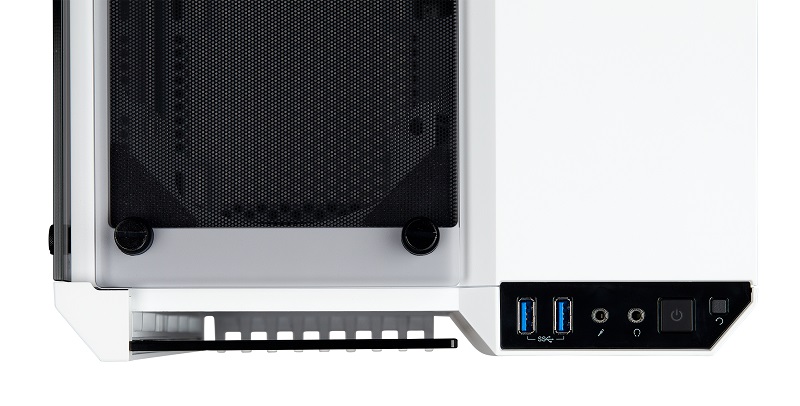
On the system’s front I/O, Corsair has included two USB 3.0 Type-A ports alongside audio in/out jacks and standard on/off and reset switches. In this image, we can also see how much space front-mounted fans have to breathe from the case’s front window.
While an argument can be made that Corsair could offer increased airflow by replacing their tempered glass panels with mesh, we must remember that Corsair’s Carbide Air 240 already exists to fill this niche, though the gaps around the 280X’s windows will offer ample airflow for most setups.