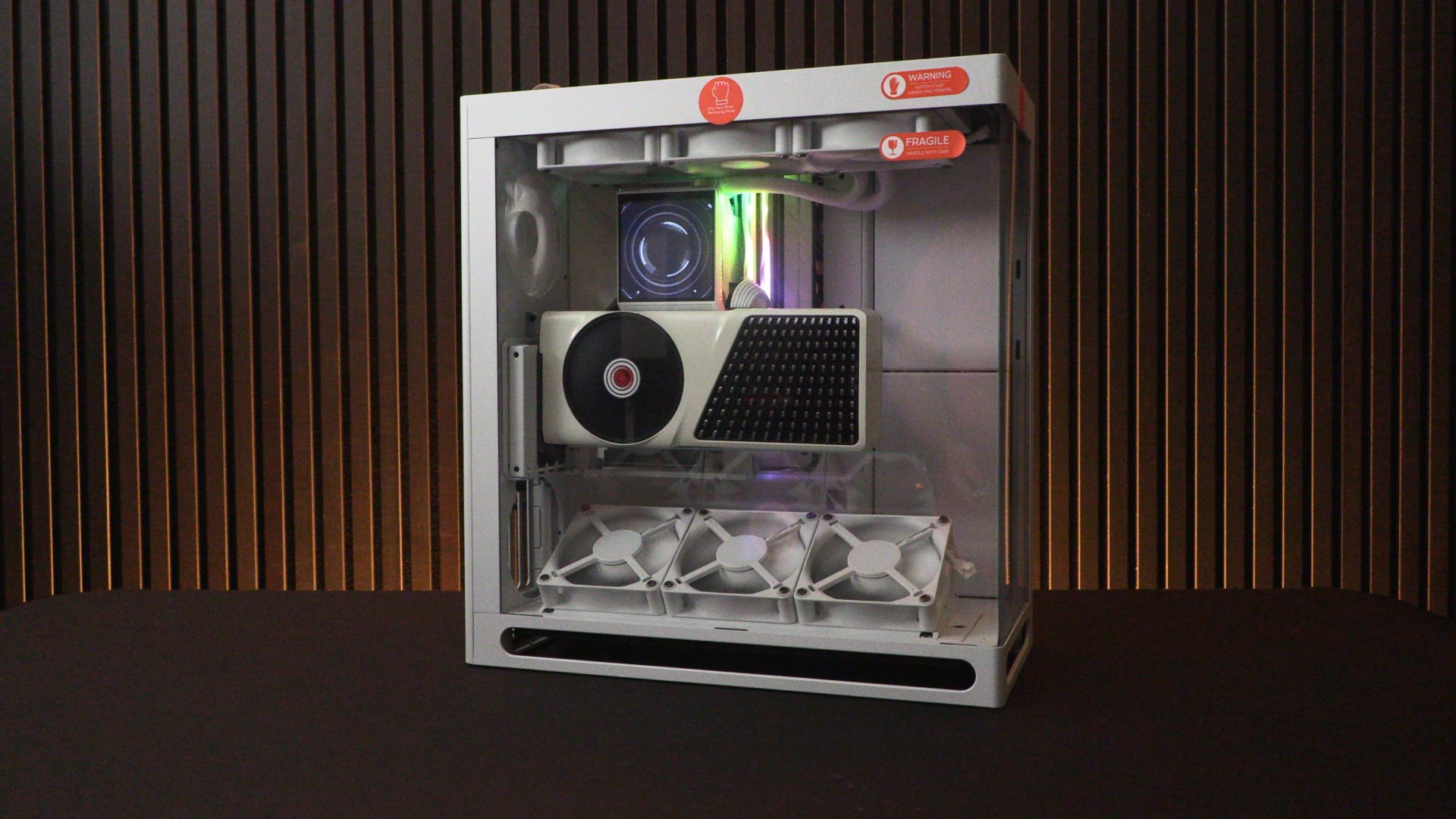
HAVN HS 360 PC Case Review

Up Close with the HS 360 series
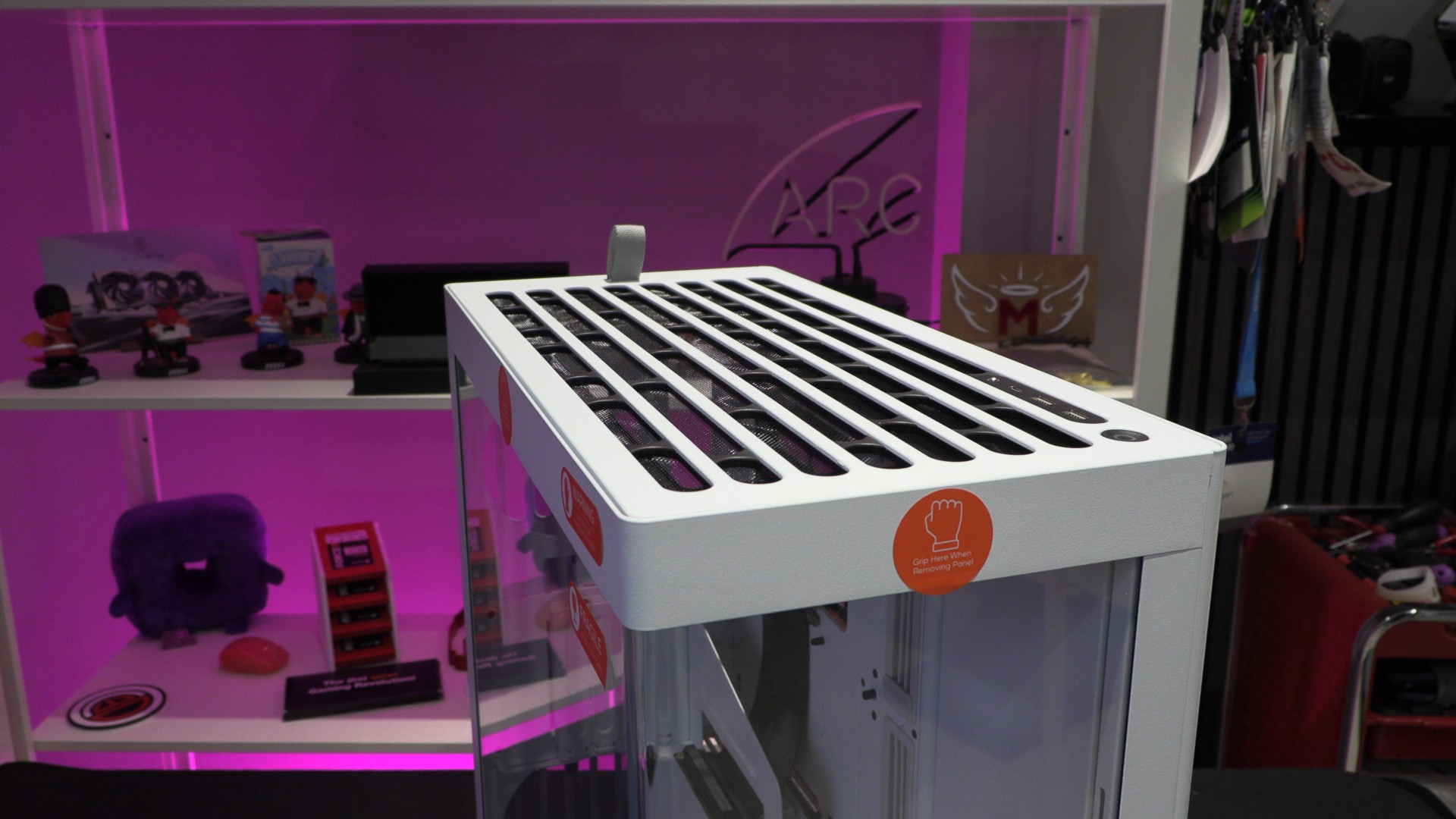
Up Close with the HAVN HS 360
One thing that we noticed is that the bent glass panel on the HS360 has a much sharper curve than the HS 420. HAVN says they reduced this bend radius from 11mm to 7.5mm, minimising visual distortion around the curve for a more seamless panoramic view.
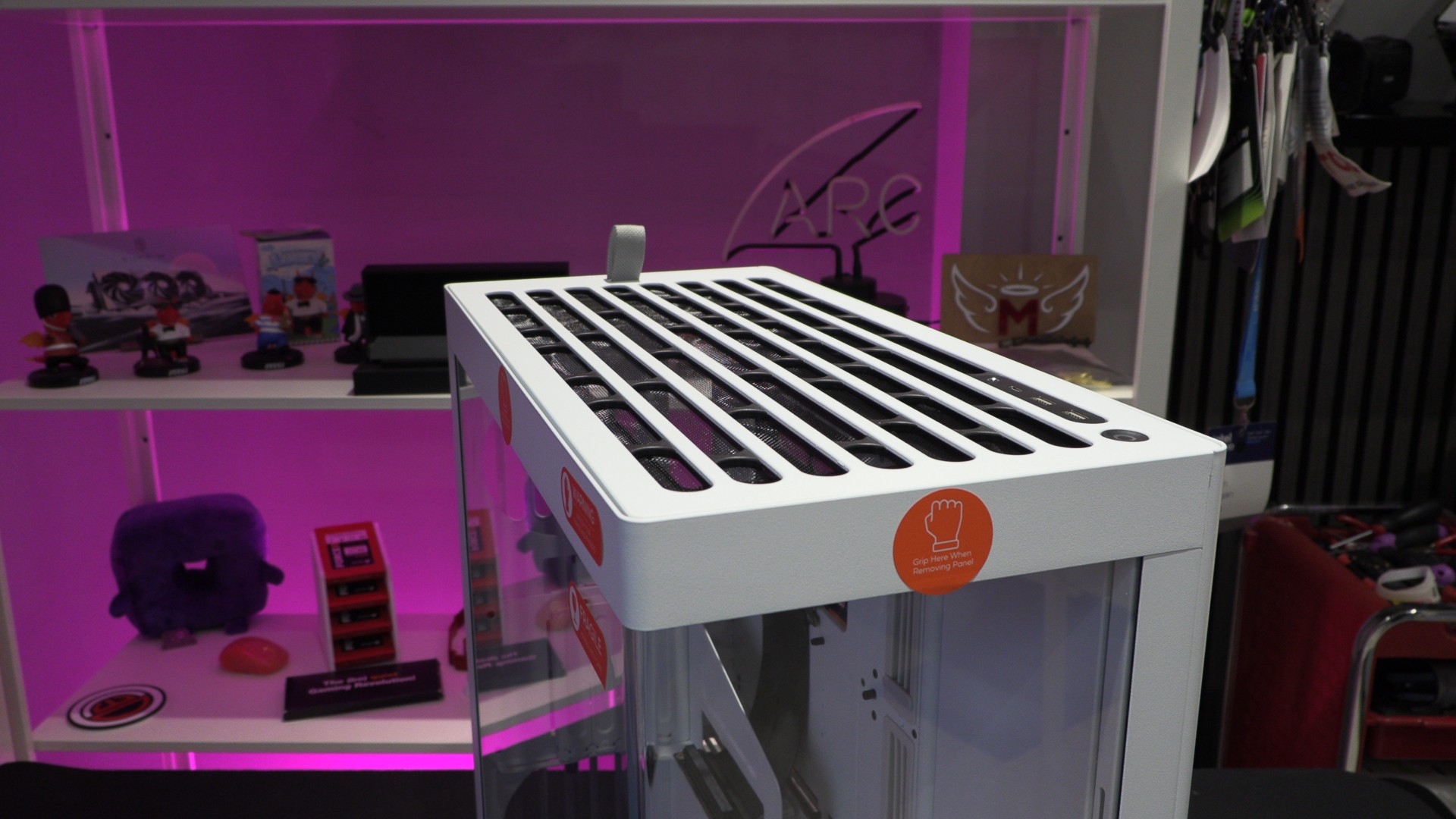
At the top of the case, we have a removable panel that has a pre-attached mesh. This top panel is easily removed by pulling the tab at the back. Here, we can also see the top IO of this case, which includes two USB 3.2 Gen 1 Type-A ports, one USB 3.2 Gen 2 Type-C port and an audio in/out combo jack.
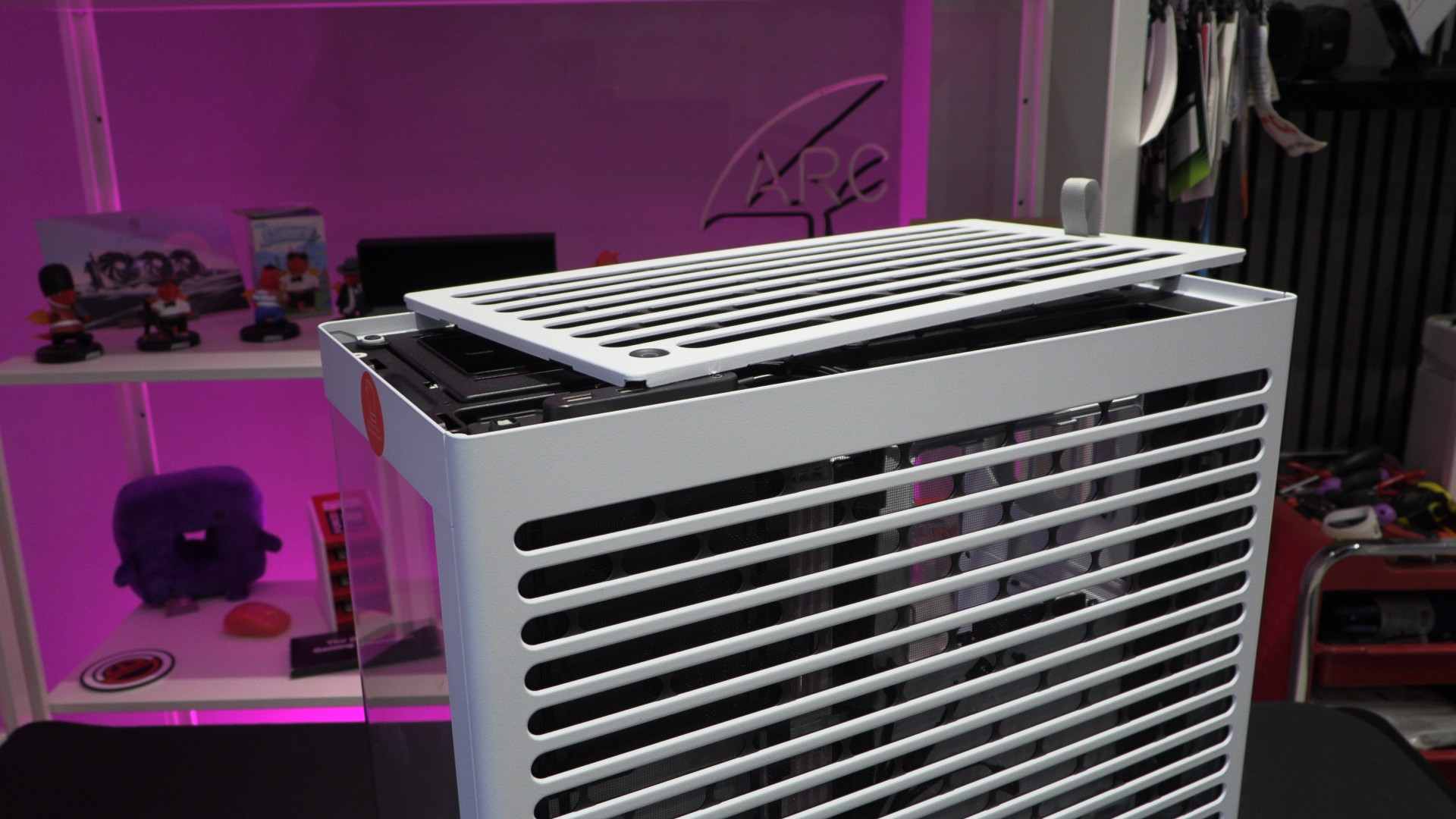
Vibration Dampened Radiator Mounting Plates
Once you remove the top of this case, you can see the radiator/fan mounting plate. Note that all attachment points for radiator/fan mounts to the HS 360 use rubber dampers to minimise vibration noise.
Also, the front/side tempered glass panel can be screwed to the main enclosure for increased rigidity. This feature is primarily designed for system integrators, who will ship completed systems using this case long distances. For regular users, these screws are entirely optional. This top section supports up to three 120mm fans.
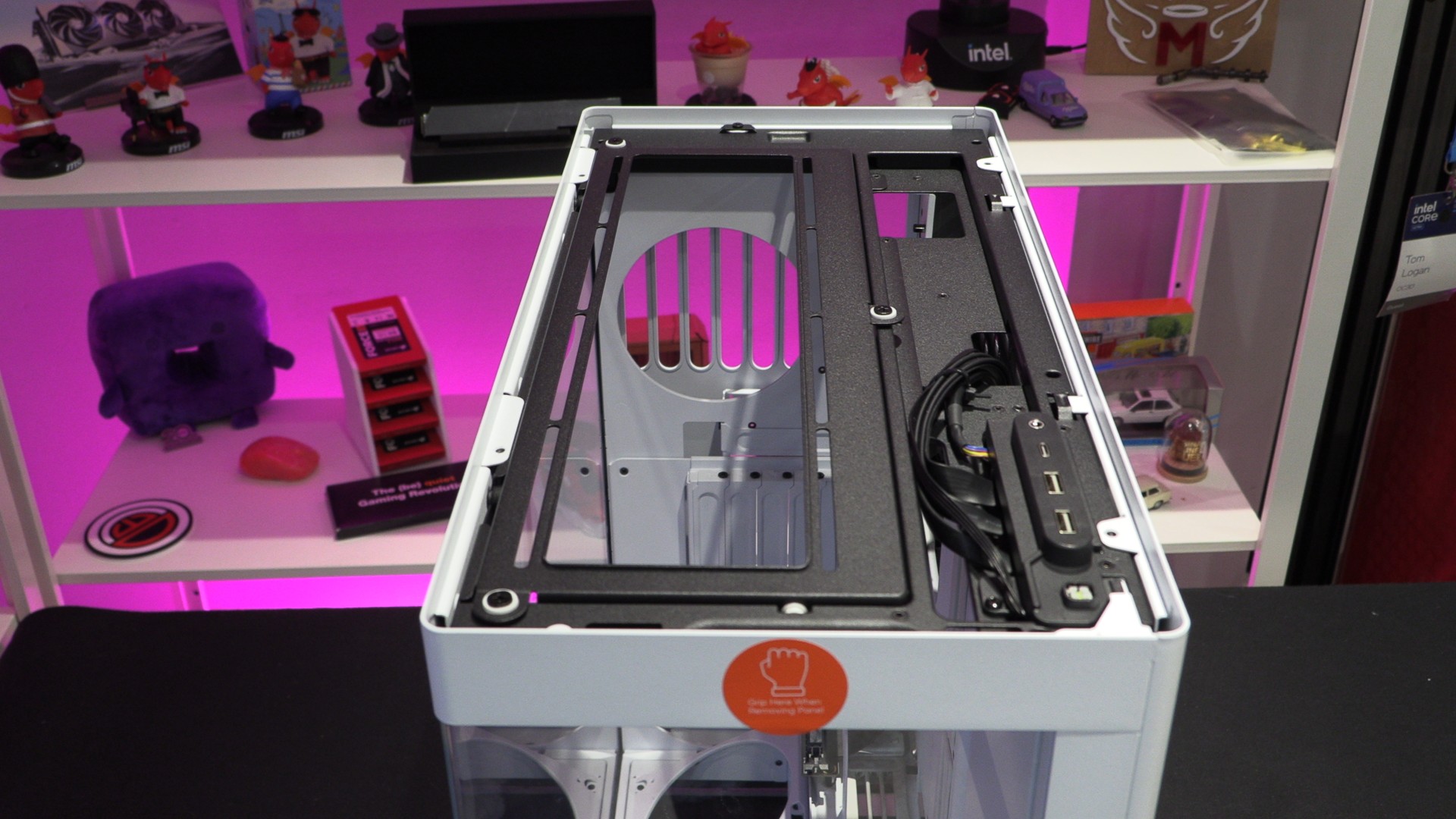
This case’s tempered glass panel is relatively easy to remove and locate. The glass is supported on many sides with metallic elements, leaving only the bottom edge exposed.
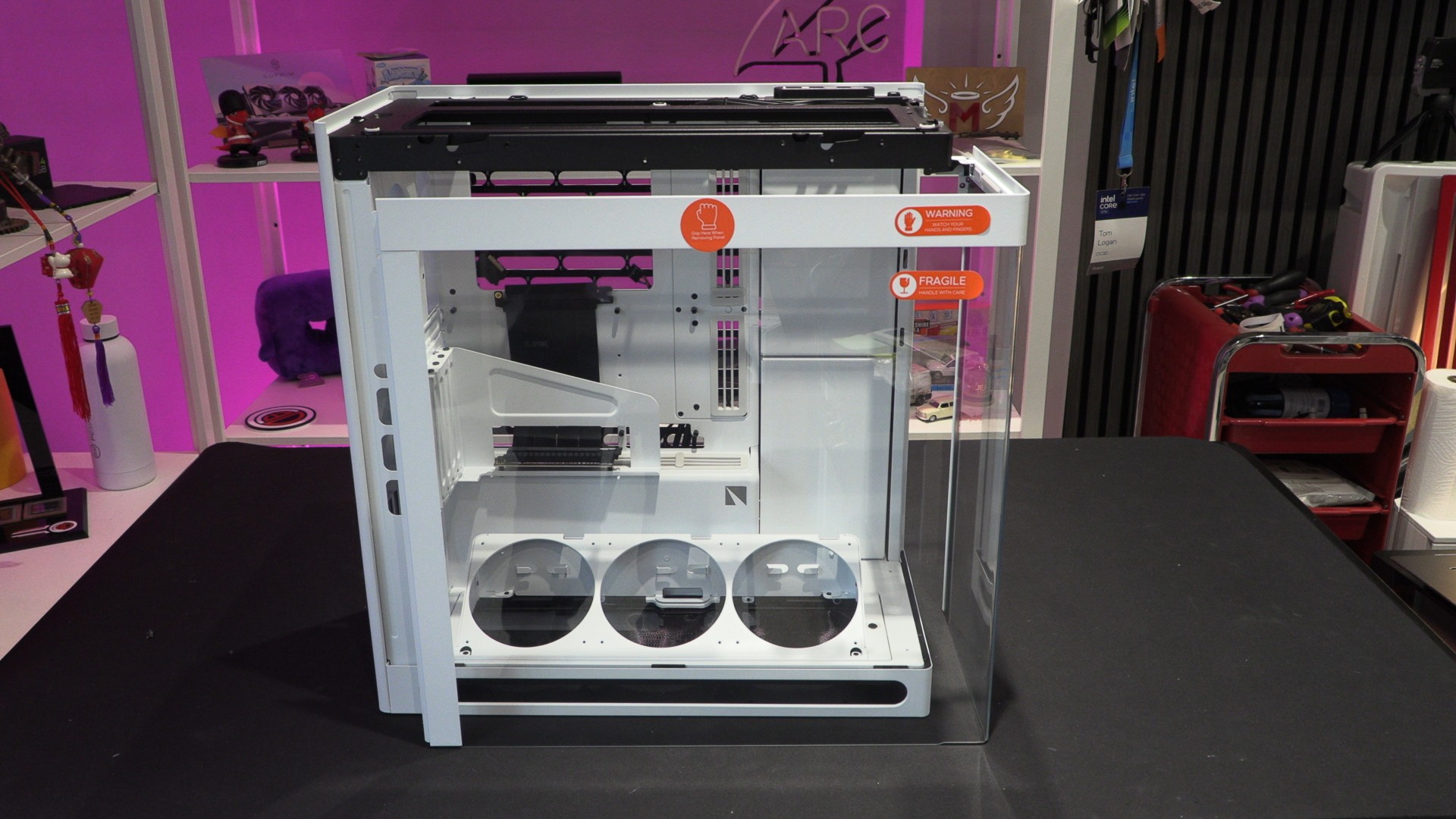
Back-Connect support
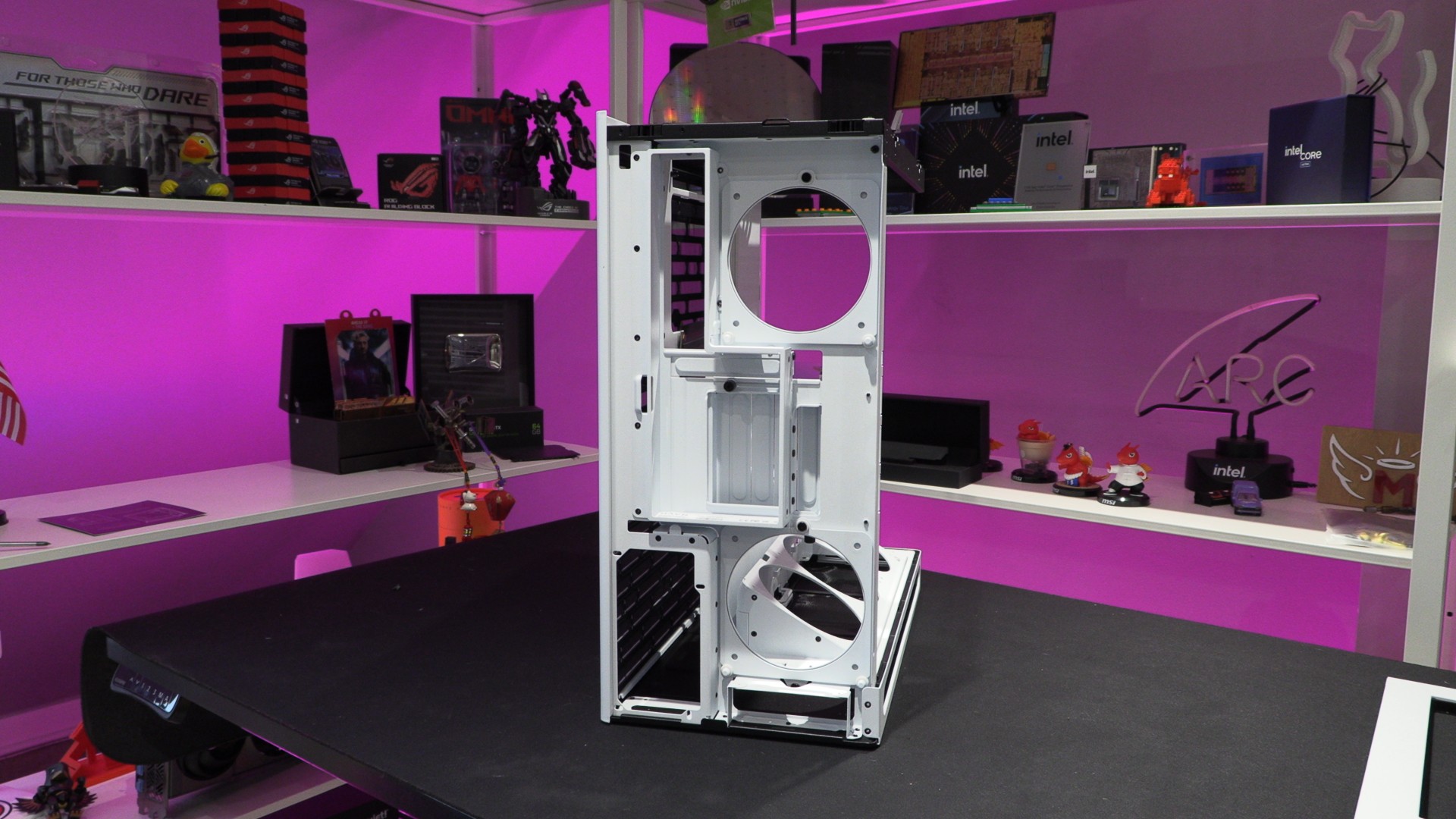
The plate in the center of the image below can be removed and reoriented to deliver Back-Connect motherboard support. This blocks the area where the cable grommets are and relocates them to provide back-connect support. Very clever! Note that users should remove these grommets for back-connect mode, as they would only get in the way.
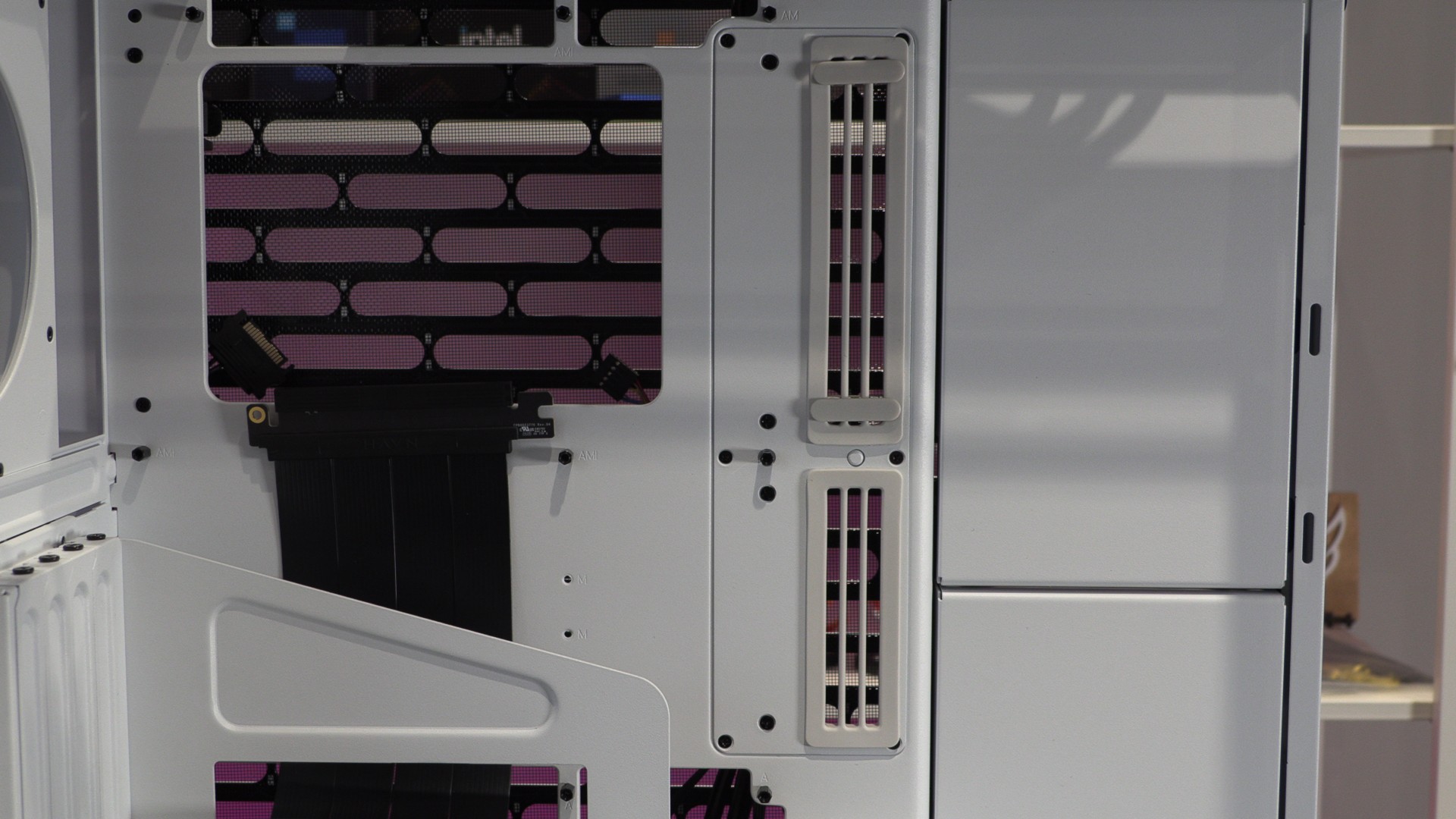
The rear of this case also features a cover plate, giving this case a clean-looking appearance at all angles. Note that two 120mm fans can be mounted at the rear of this case, one at the top and another at the bottom. These fans sit just under this case’s rear cover/shroud.
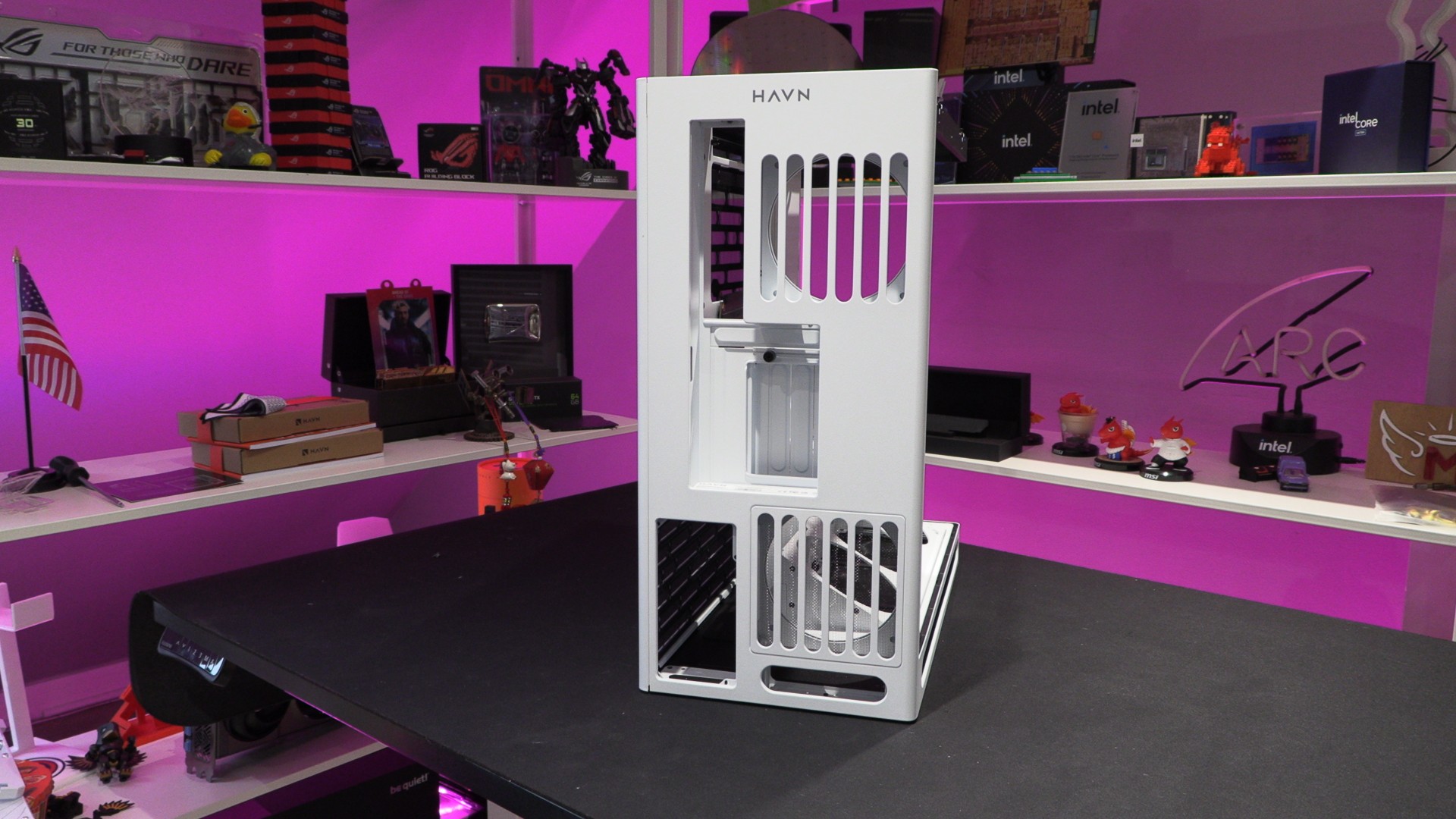
Removing this shroud reveals fan mounting locations and makes PCIe slot screw locations and other parts of the case accessible.
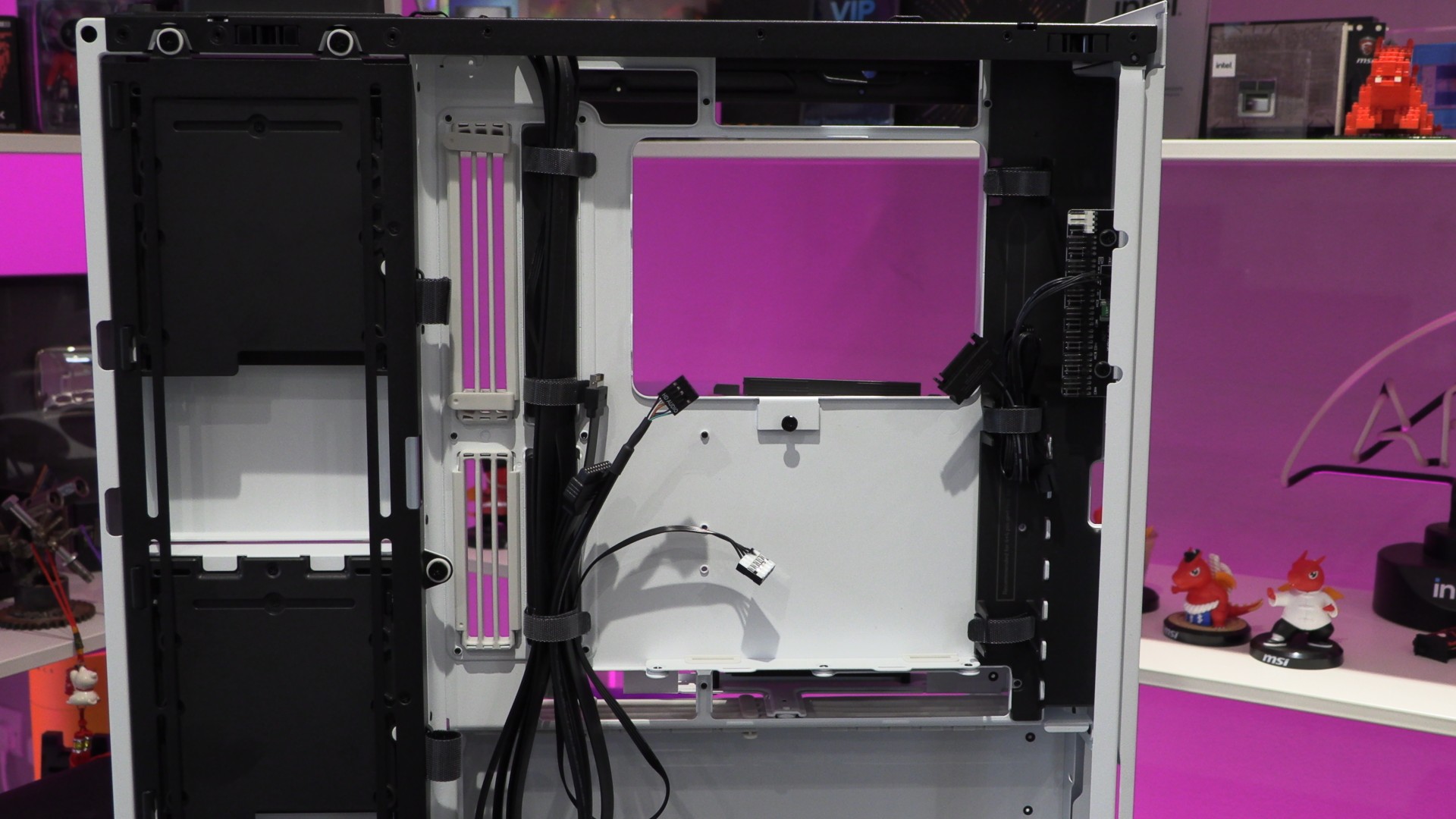
Behind the motherboard tray
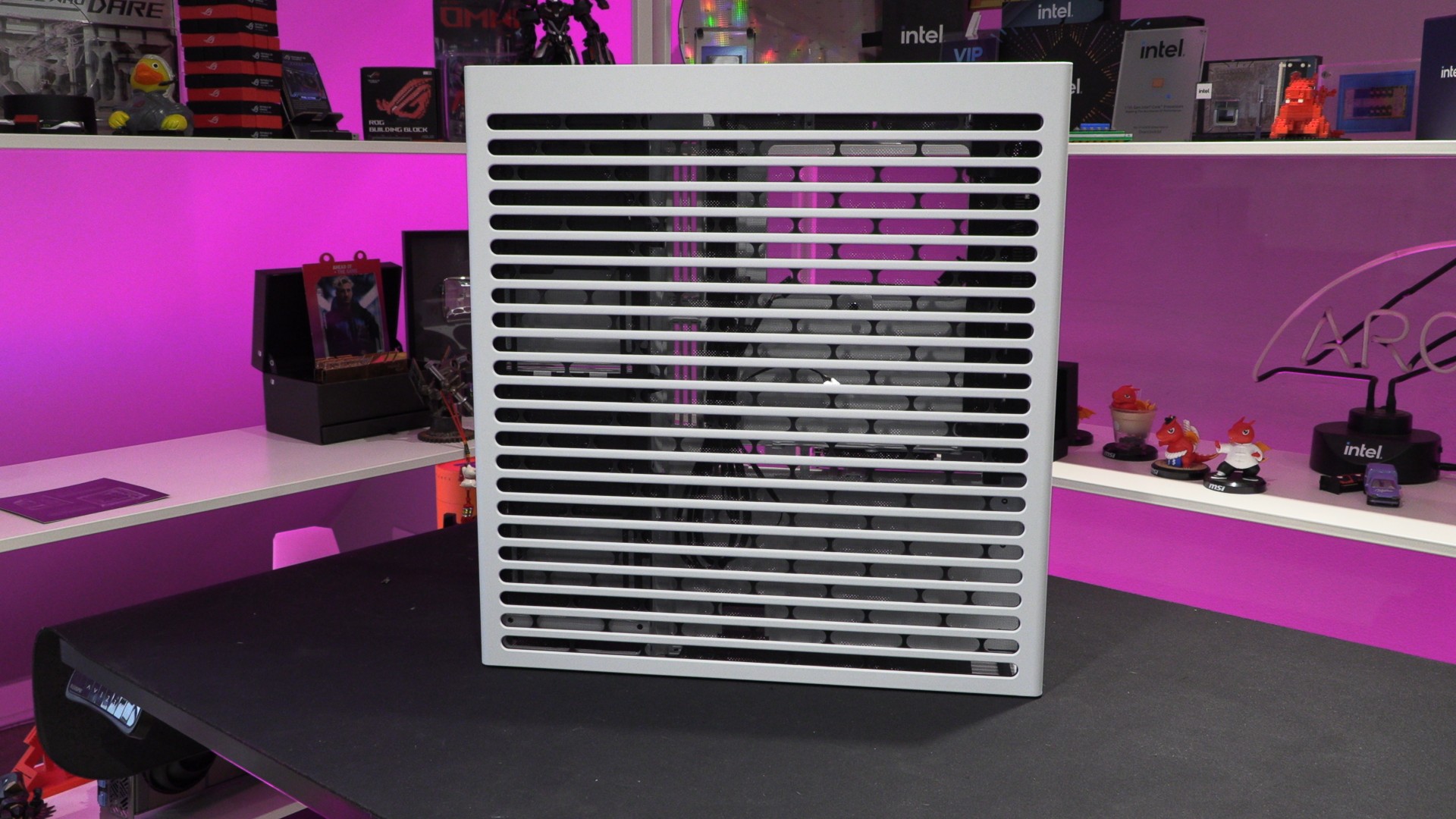
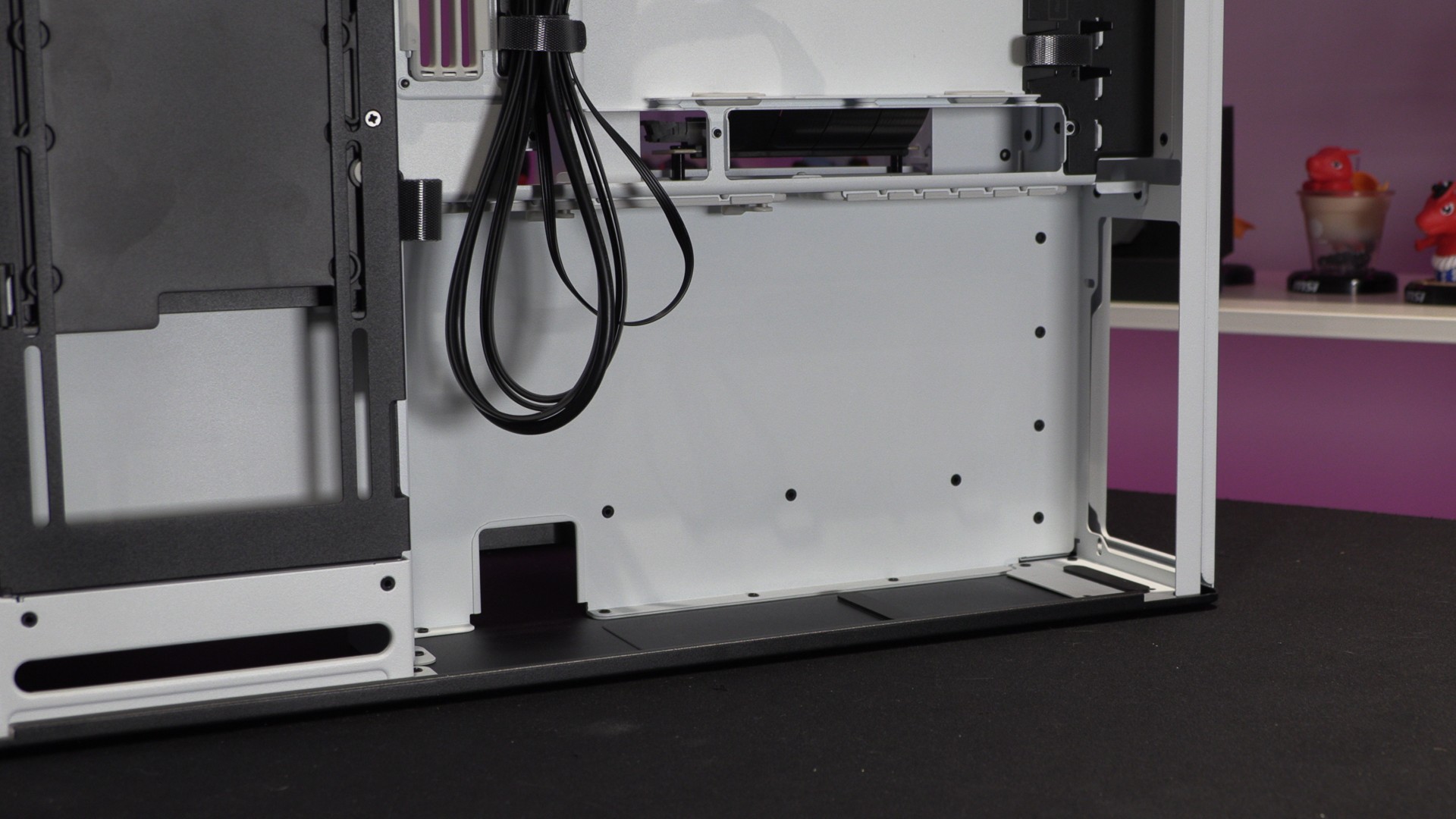
The entire right side of the HS 360 is perforated, enabling airflow along the side of this PC case and for side-mounted PSUs.
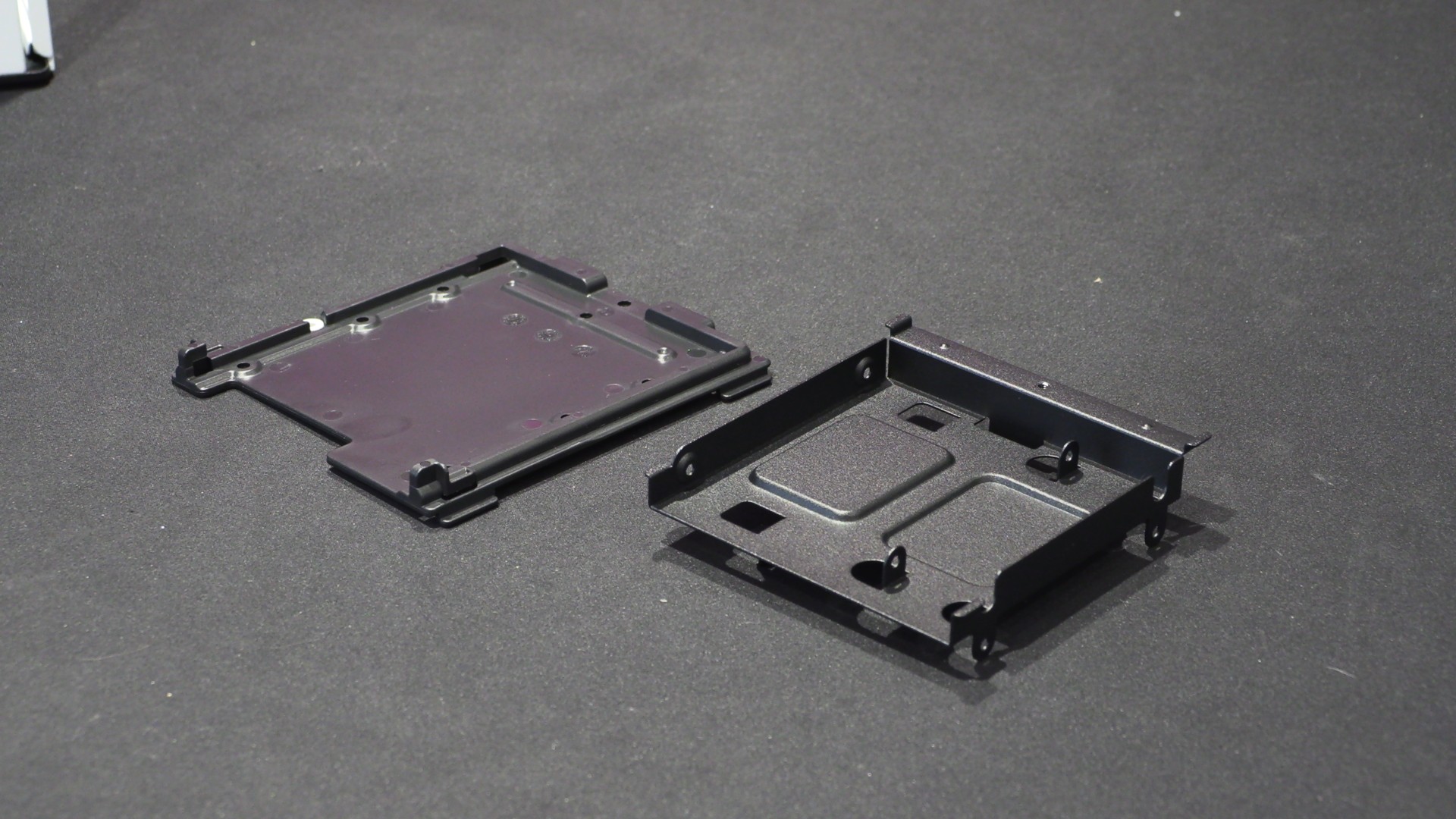
On the left in the image below, we can see a mount that can be used in various ways. It supports up to three 120mm fans and can be used to mount various other pieces of hardware. Included are two storage bays that support VESA mounts, 3.5-inch drives, and 2.5-inch drives.
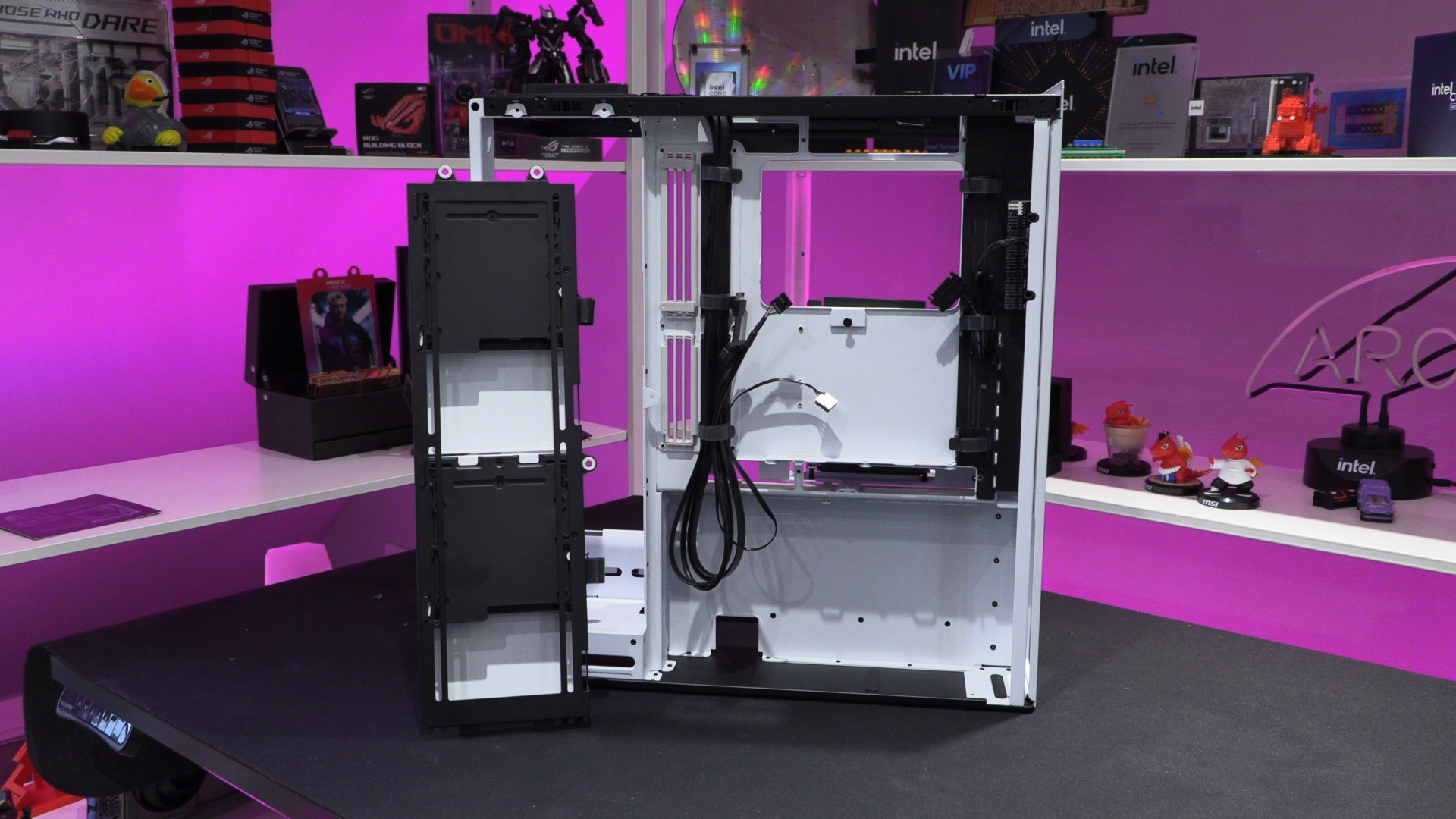
The white cover plate can hide a mounted HDD or SSD. It also blocks the area for users who don’t plan to use any side-mounted fans.
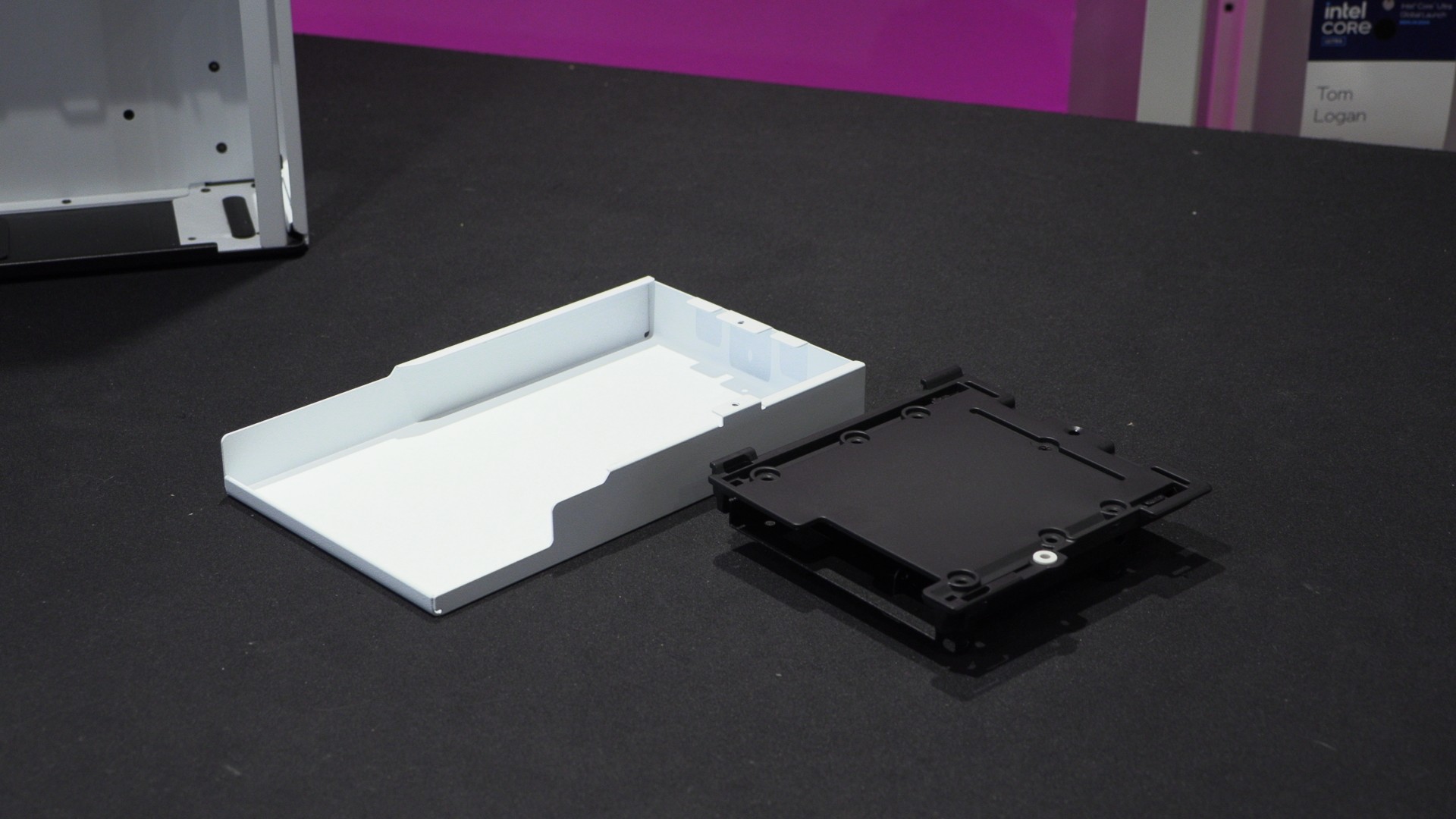
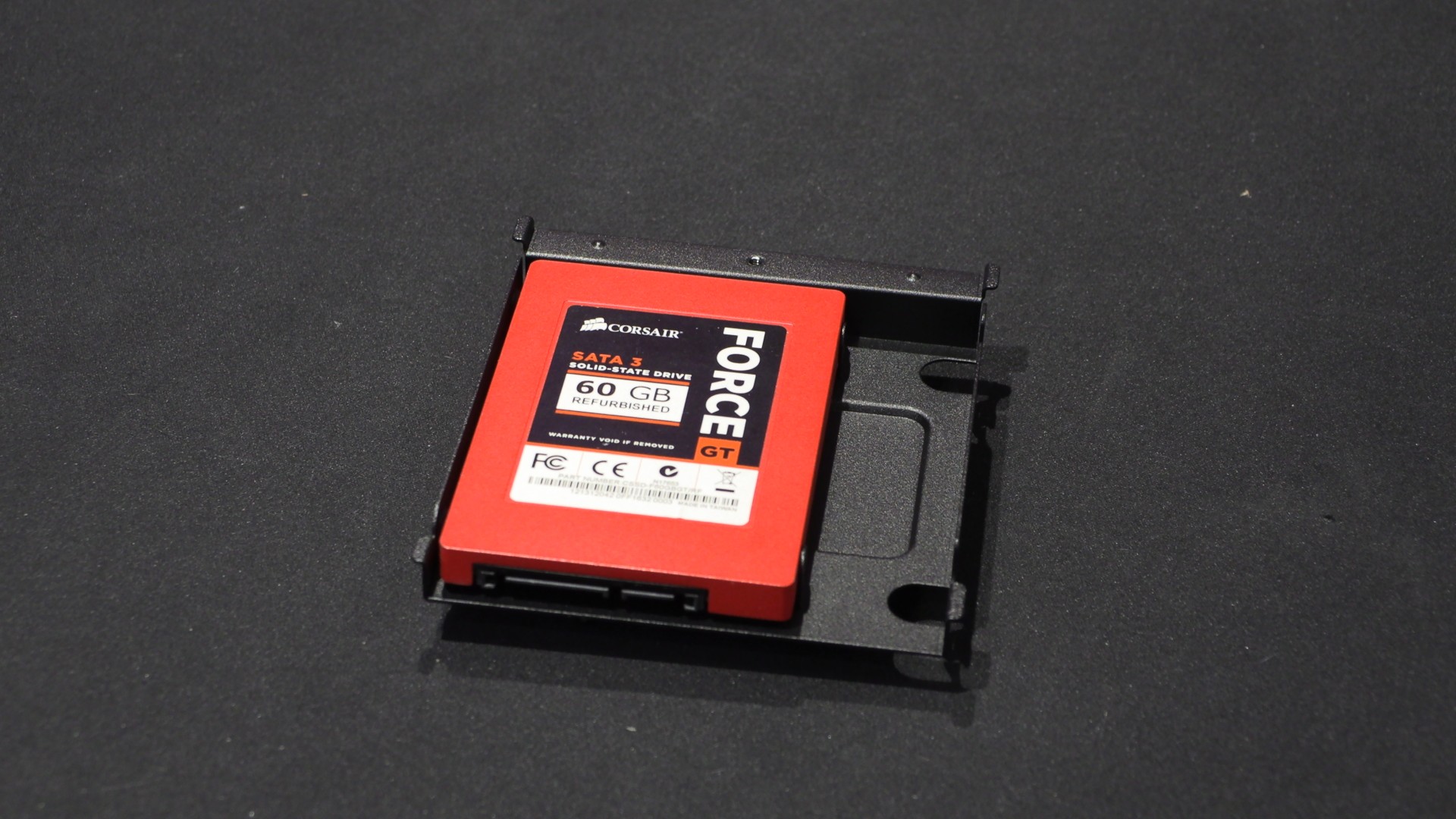
This mounting plate can support 3.5-inch HDDs and 2.5-inch HDDs or SSDs.
Perfect for mounting an old SSD. Man, I miss the days when enthusiast SSDs were built to be showcased.
Behind the motherboard tray, we have lots of cable ties and an integrated fan controller/hub. This controller supports up to eight fans.
The base of this case supports standard ATX PSUs in a sideways configuration. The side of this PC case is intended as the PSU’s air intake. This case can support any standard ATX-sized PSU. Officially, HAVN says that this case supports PSUs up to 230mm in length, but there is 300mm of clearance.
GPU support
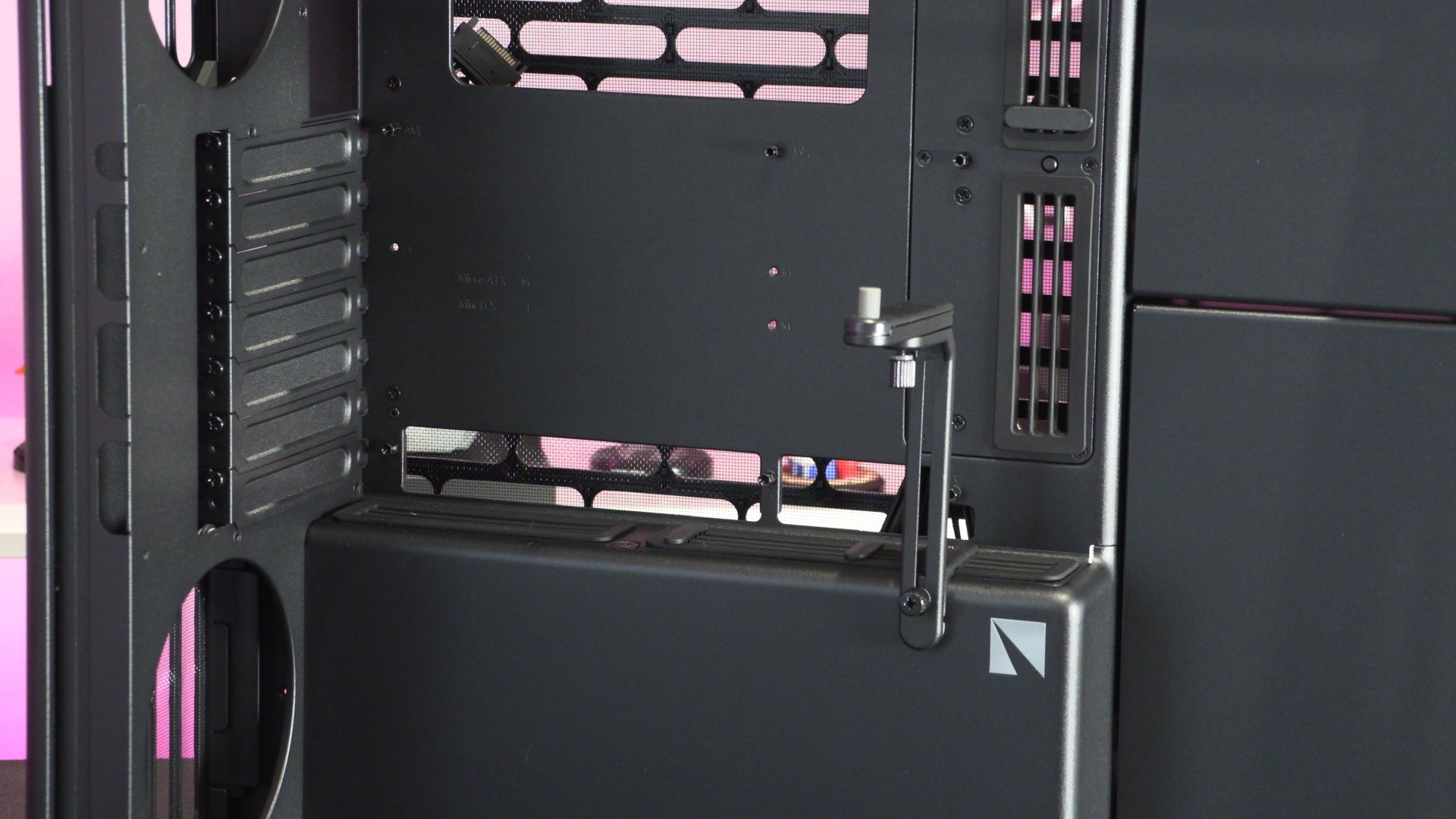
Both versions of the HS360 contain a GPU support. Whether you mount a GPU normally or vertically, this support helps prevent bending and prolongs the life of our hardware.
We used the black HS 360 for our standard test system. This setup will be used for our thermal testing.
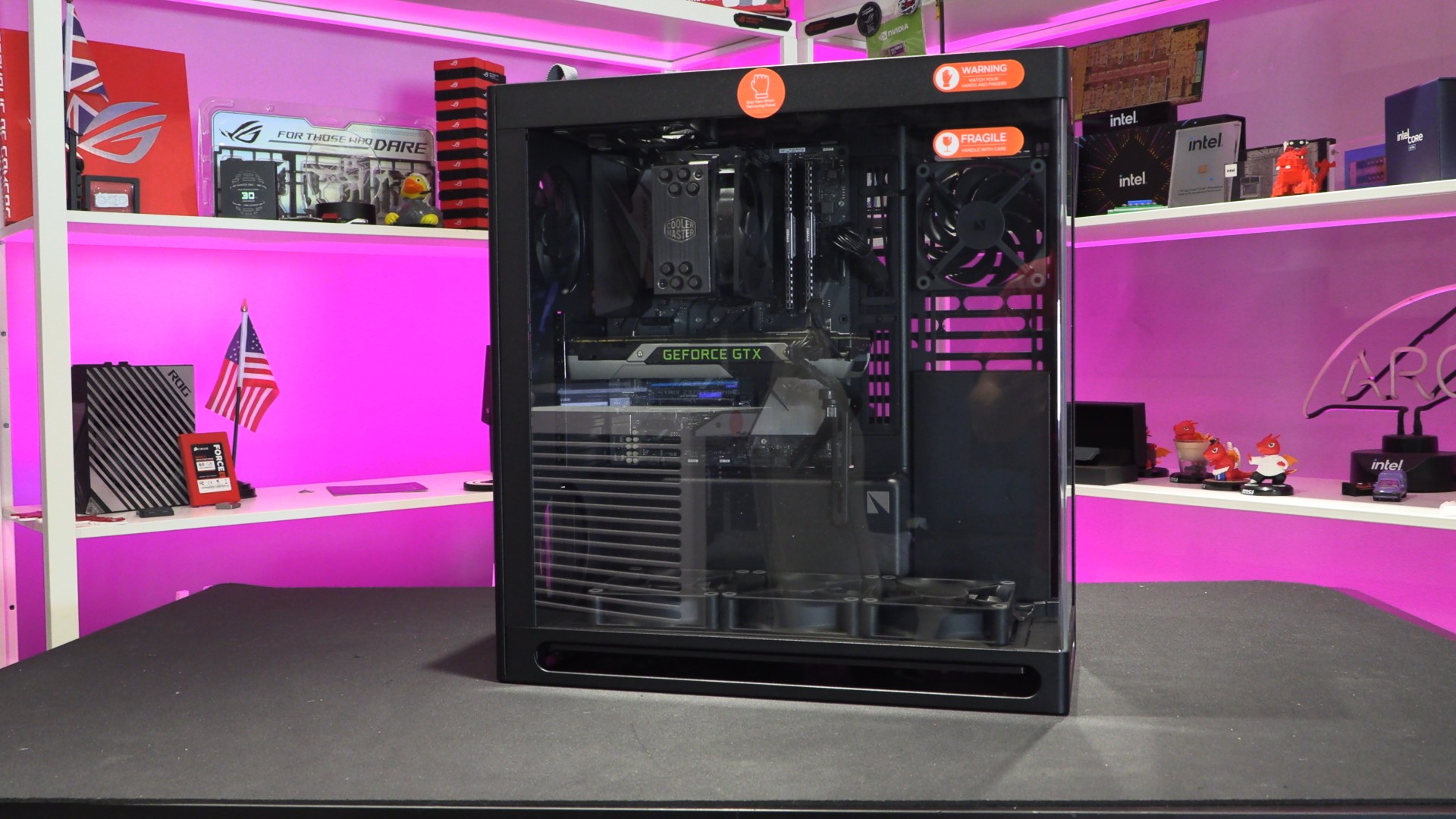
We’ve enjoyed using the HS 360 VGPU so much that our very own Tom Logan has put his personal PC inside it. This PC case currently resides on his desk, keeping his GPU cool during long video renders.