MATX Love – Corsair 2800X RS-R ARGB PC Case Review

A closer look at the Corsair 2800X RS-R ARGB
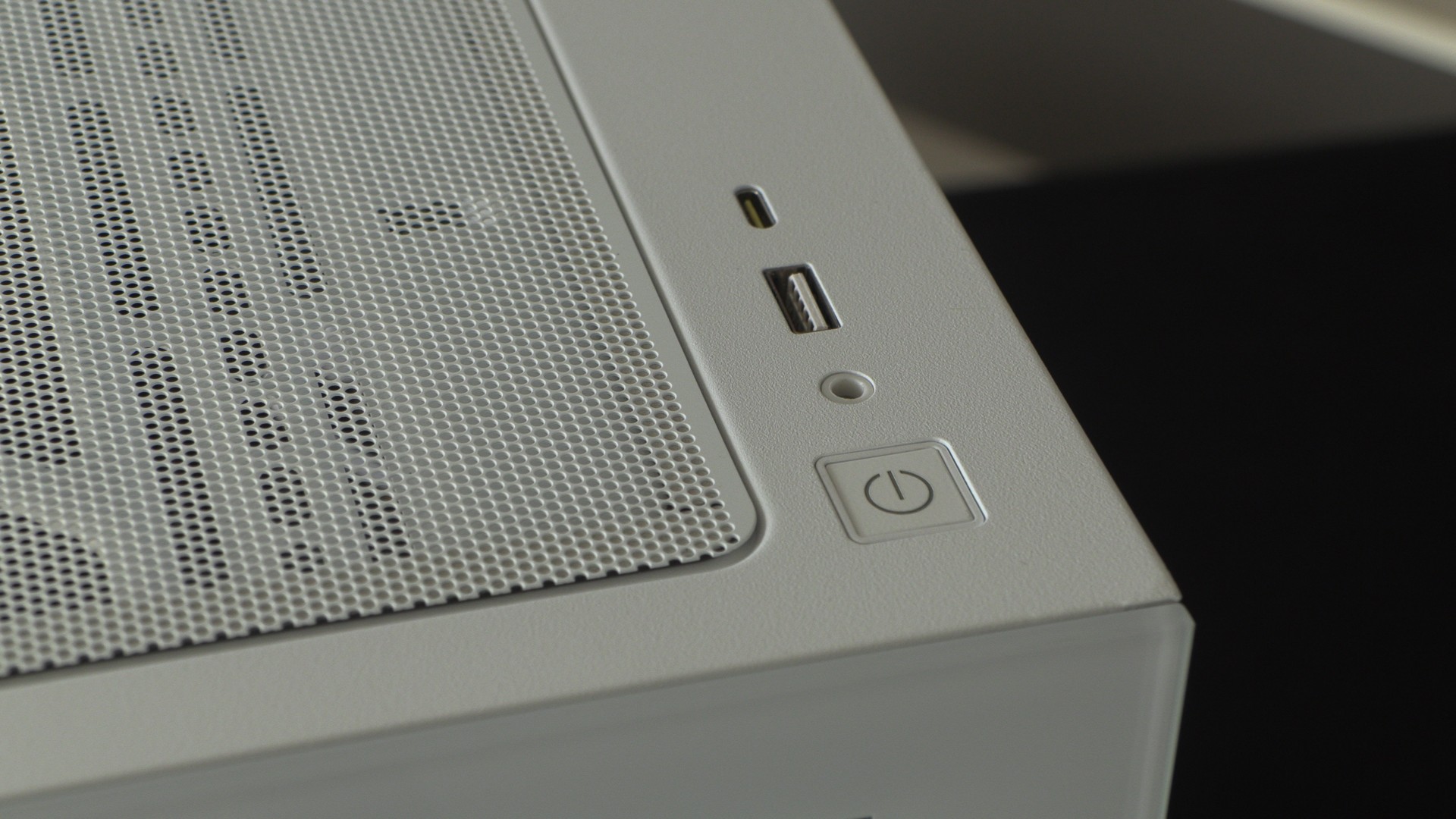
Up close with the Corsair 2800X
Starting at the top of the 2800X, we can see that this case’s top I/O includes a power on/off button, a headphone/mic jack, a USB Type-A, and a USB Type-C. The USB Type-A connector can operate at up to 5 Gb/s, while the USB Type-C connector can support up to 20 Gb/s transfer speeds.
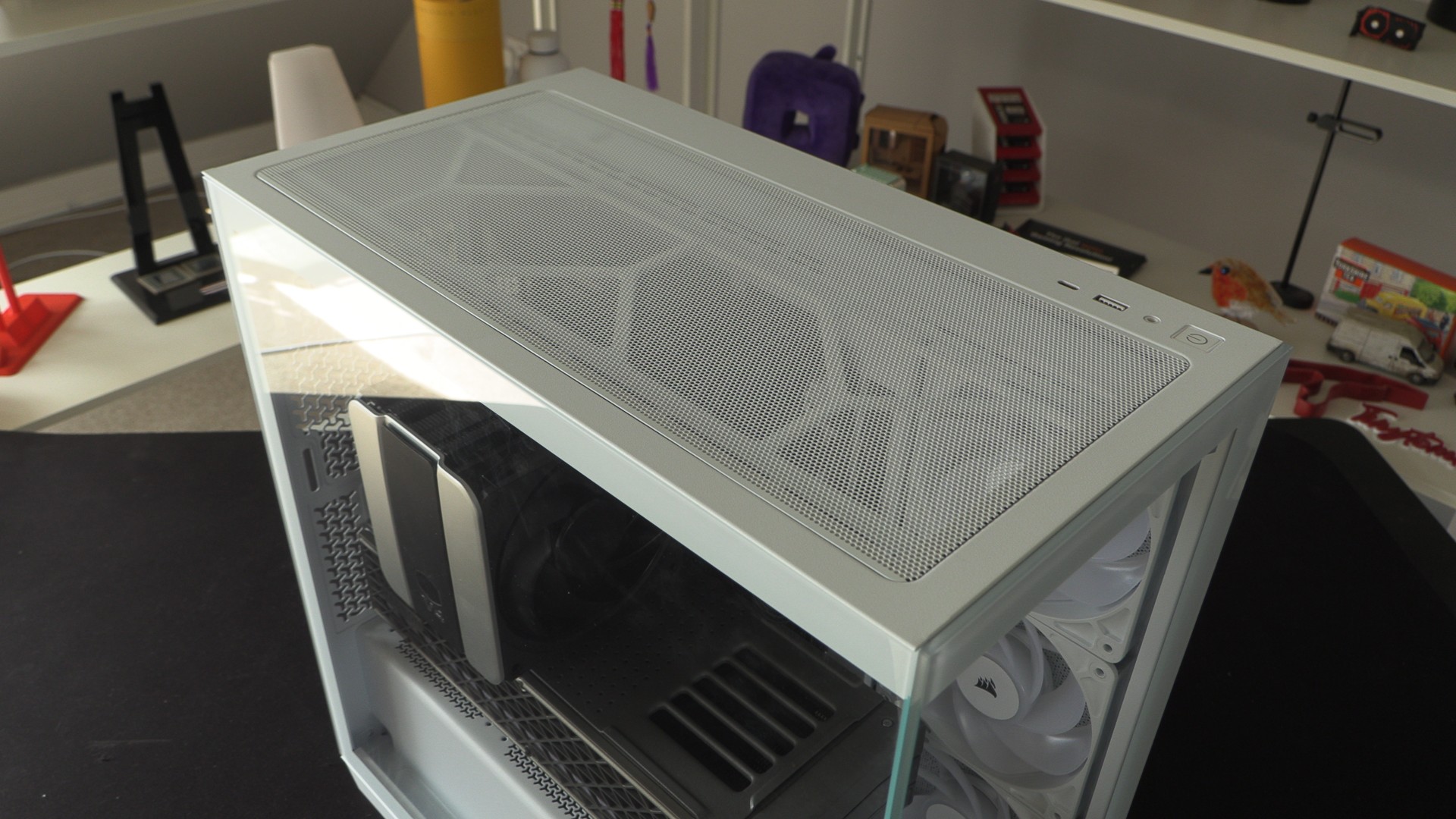
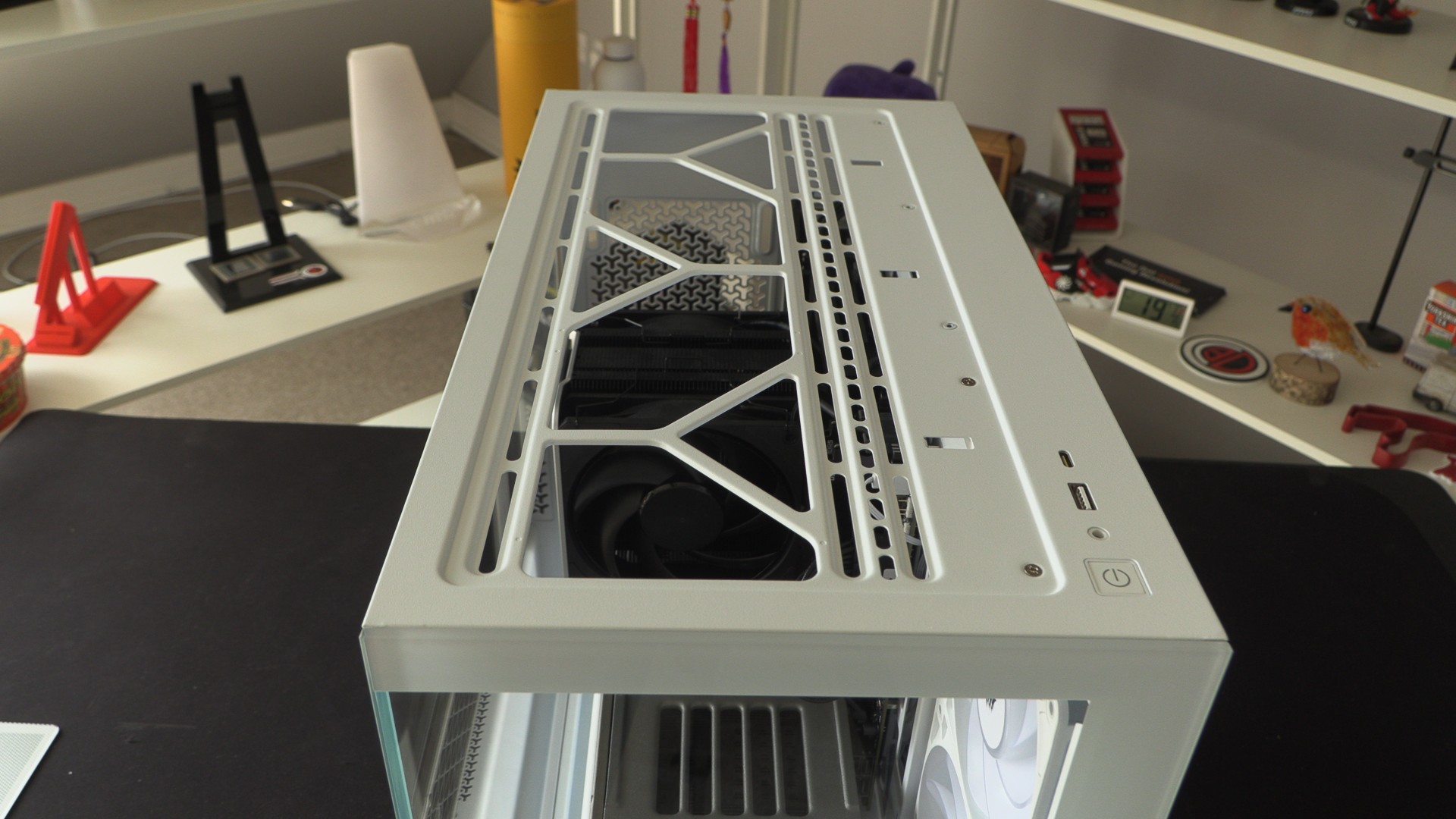
The mesh top panel of the 2800X can be easily removed to reveal the fan mounts below. This case supports up to two 140mm fans or three 120mm fans at the top. Liquid cooling-wise, this case supports up to a 280mm or 360mm liquid cooling radiator. Note that the top radiator mounts in this case are not removable. This can make radiator installation tricky.
The base of the 2800X
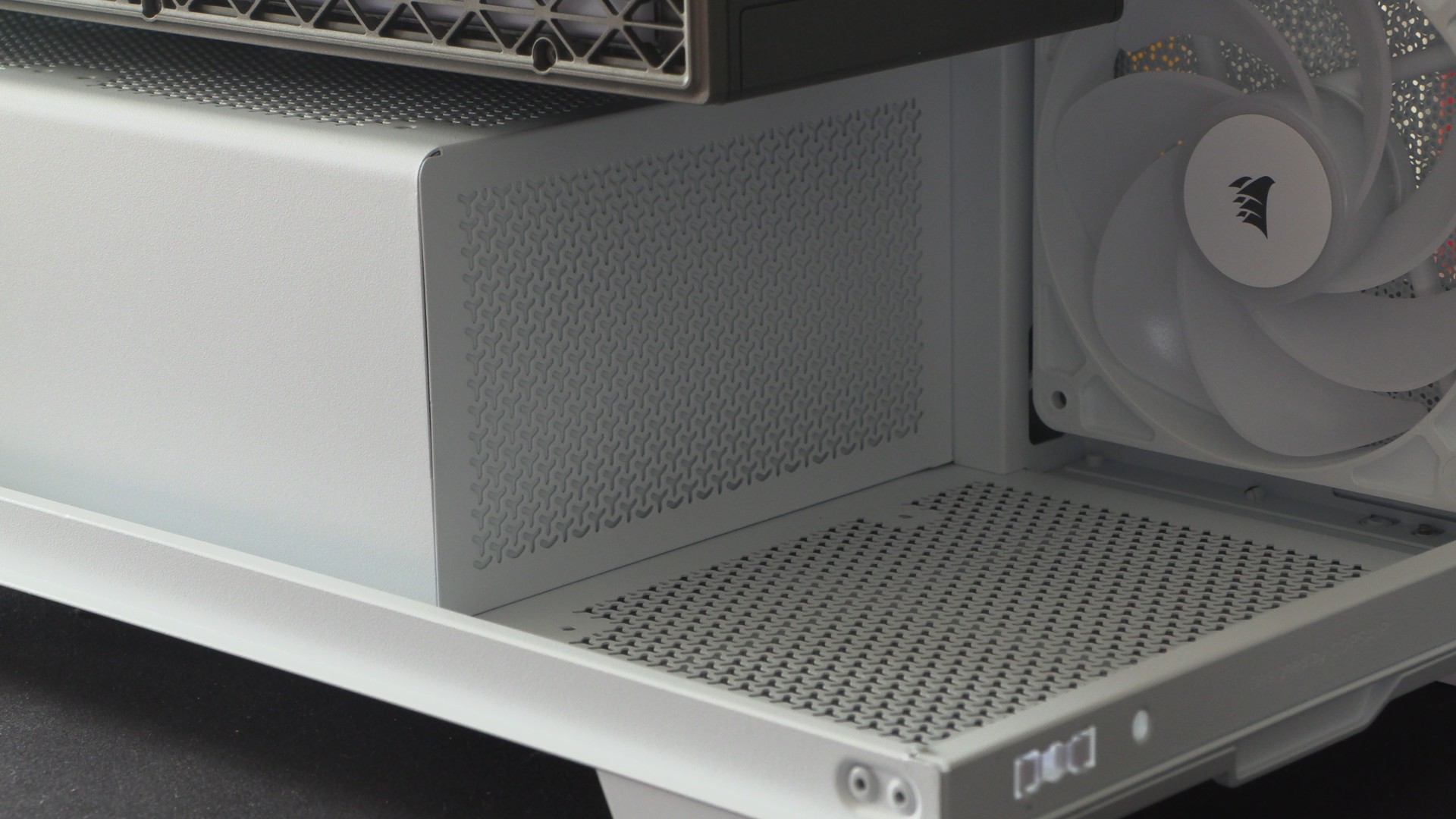
At the base of the Corsair 2800X, users can install an extra (optional) 120mm intake fan. This fan pumps extra cool air into the case and can deliver direct airflow to long graphics cards.
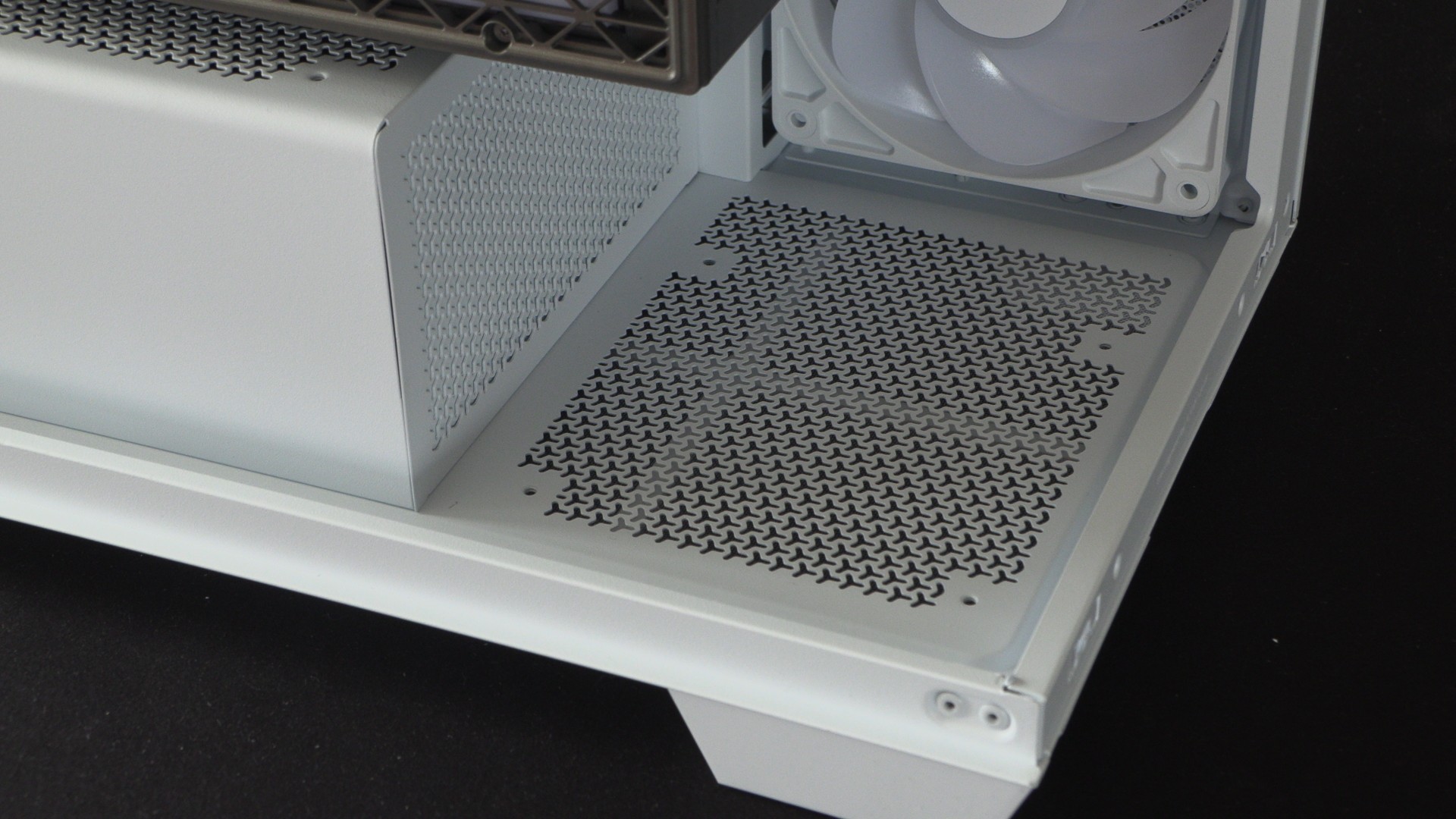
Note that the meshed area on the PSU shroud below has a rear cover that is secured to the case. This can be removed with some prying with a screwdriver, but the cover would be difficult to replace. While we do not recommend removing this cover, we will confirm its existence.
GPU support
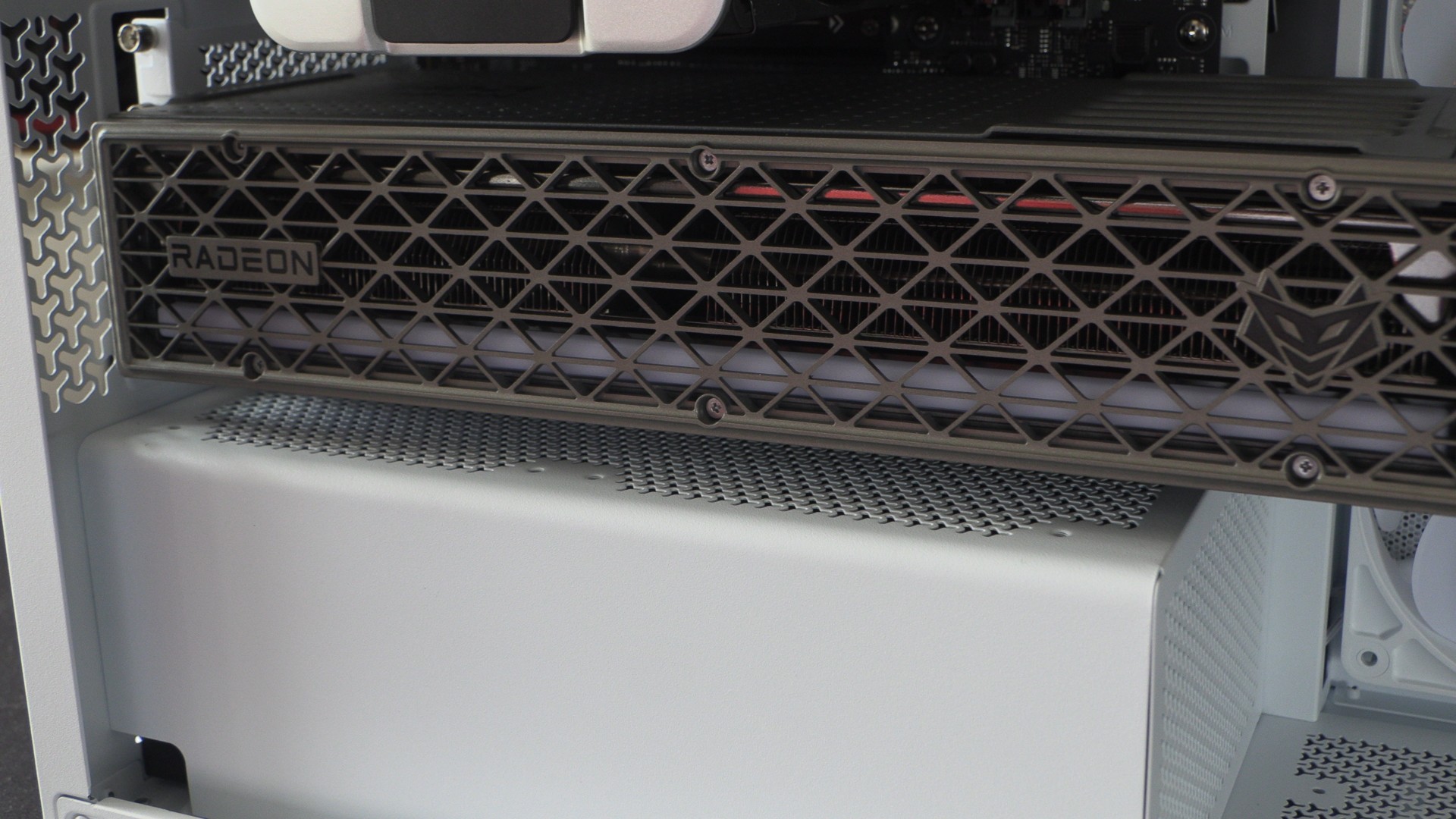
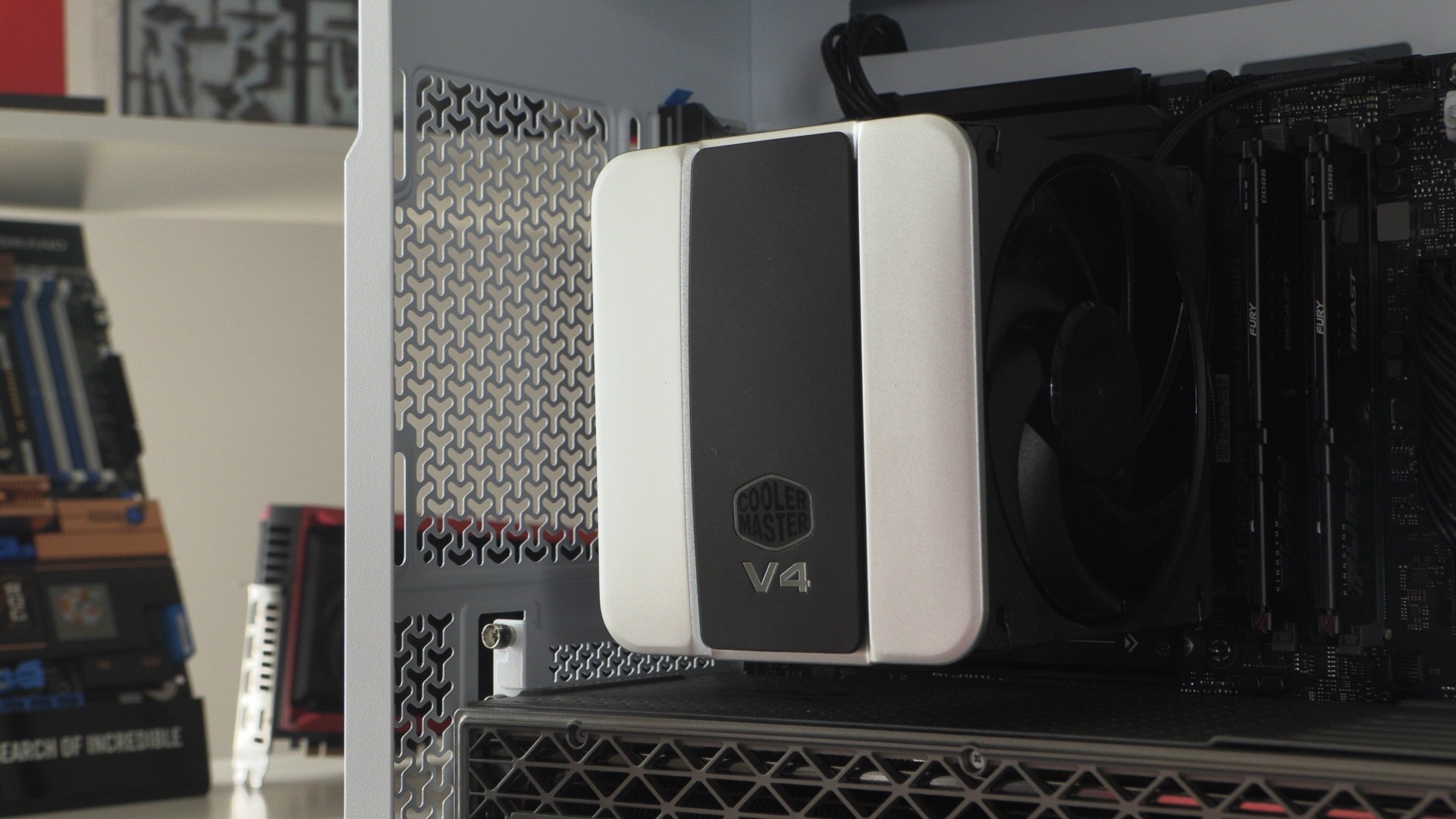
GPU support in MATX PC cases is often determined by the location of a motherboard’s primary PCIe slot. In our test system below, our GPU does not note the 2800X’s top PCIe slot. This limits the maximum GPU thickness that this case supports. Even so, this case can fit a 3.2-slot Sapphire Radeon RX 9070 XT Nitro. That said, this configuration leaves us with minimal breathing space.
If using this PC case, we advise using an MATX motherboard with a higher up PCIe x16 slot. This will give your GPU more breathing space. Furthermore, it will allow PC builders to utilise this case’s PSU shroud fan mounts (if they use a thinner graphics card).
One nice aspect of a MATX case is that its more compact size makes GPUs seem larger. That’s nice if you want your GPU to look as large as possible. That said, a full-sized ATX case would give the same GPU more breathing space for cooling.
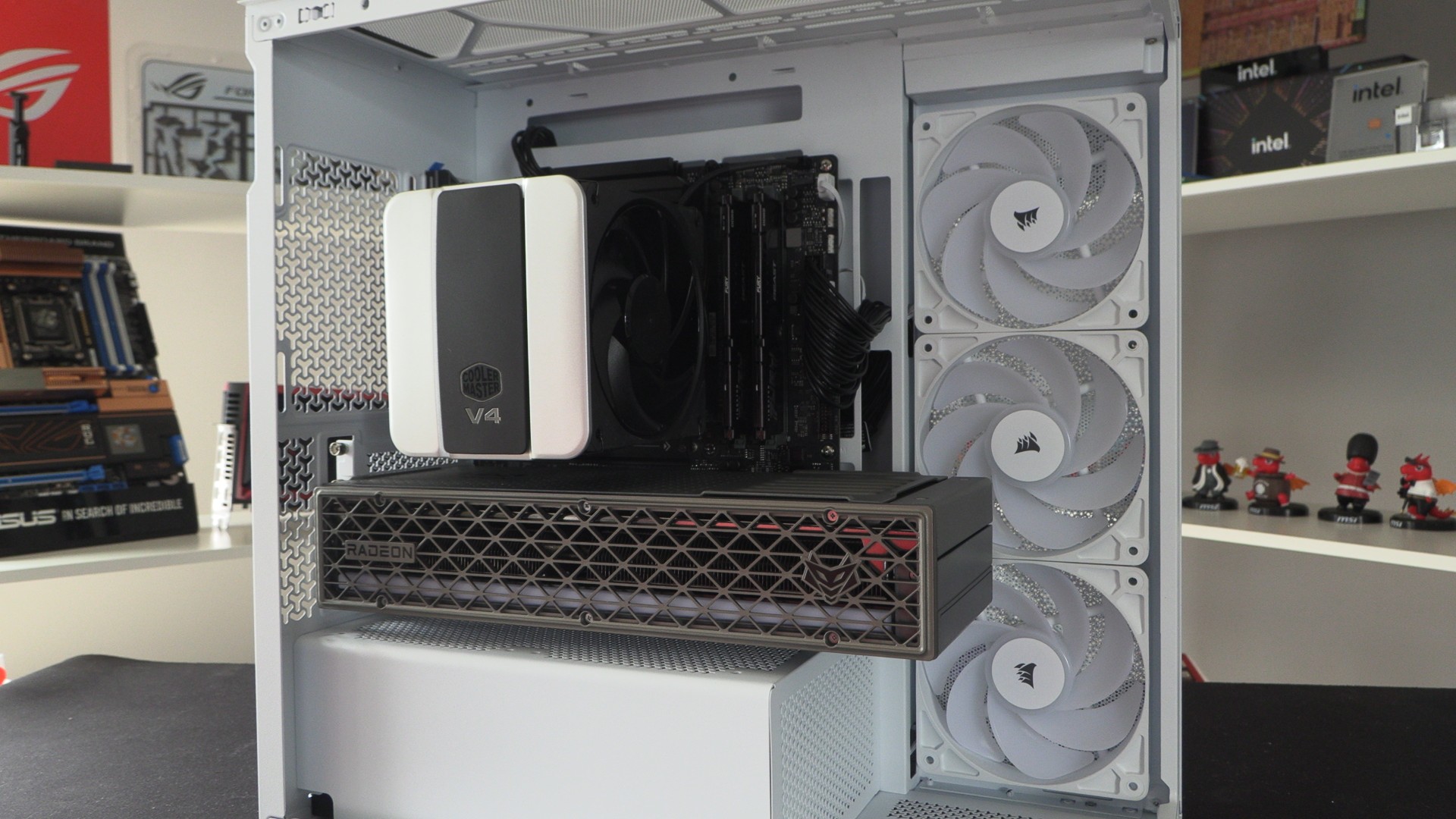
Note how little space there is between this GPU and this case’s PSU shroud. Also note that our motherboard leaves the top PCIe slot on this case blank.
Fan Support
Overall, the Corsair 2800X supports up to ten total fans. Three fans are pre-installed on the side of this case. Up to three 120mm fans (or two 140mm fans) are supported at the top. Additionally, one 120mm fans is supported at the bottom of this case, two on the case’s PSU shroud (under your GPU), and one 120mm fan can be installed on the rear of this case.
Back-connect motherboard support and cable management
The 2800X has 24mm of cable management space behind its motherboard tray. The case also supports back-connect motherboards. This includes MSI PZ (formerly Project Zero), ASUS BTF, and Gigabyte Project Stealth motherboards. The case also has several pre-installed Velcro ties to make cable management an easier process.
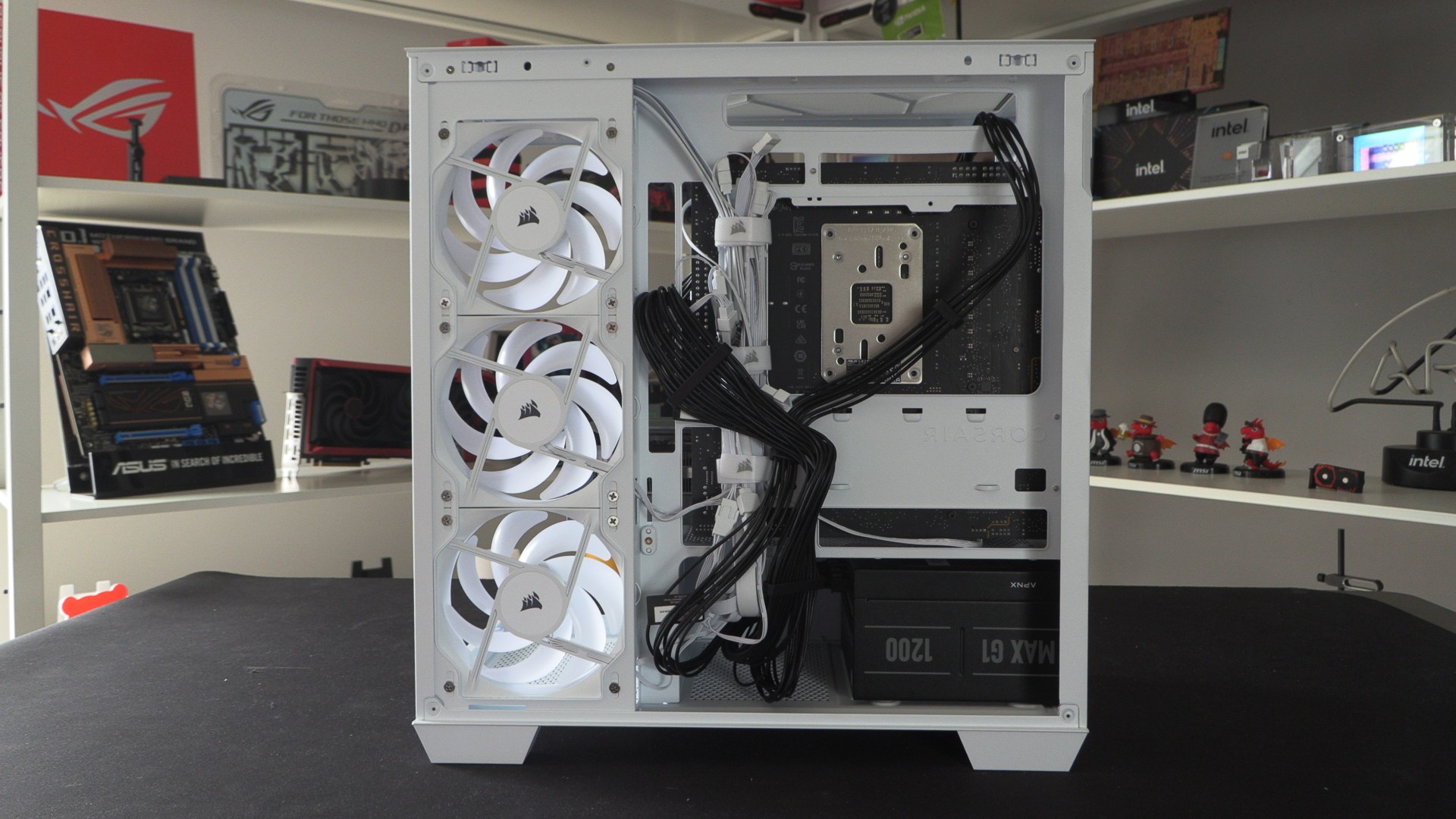
Behind the CPU socket is a location for a mounting plate that can be used to install a single 3.5-inch drive, two 2.5-inch drives, or devices like Corsair Link hub.
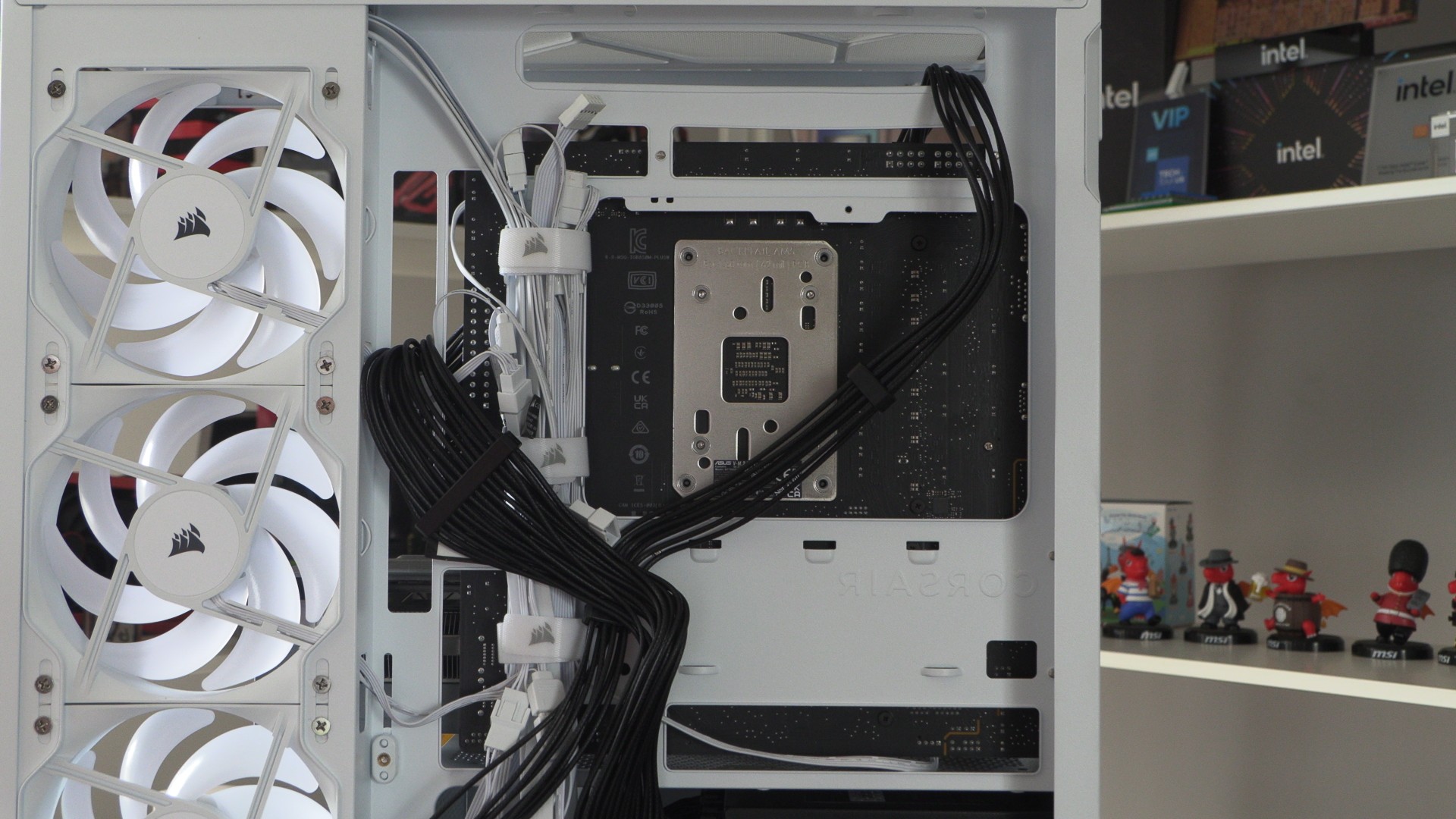
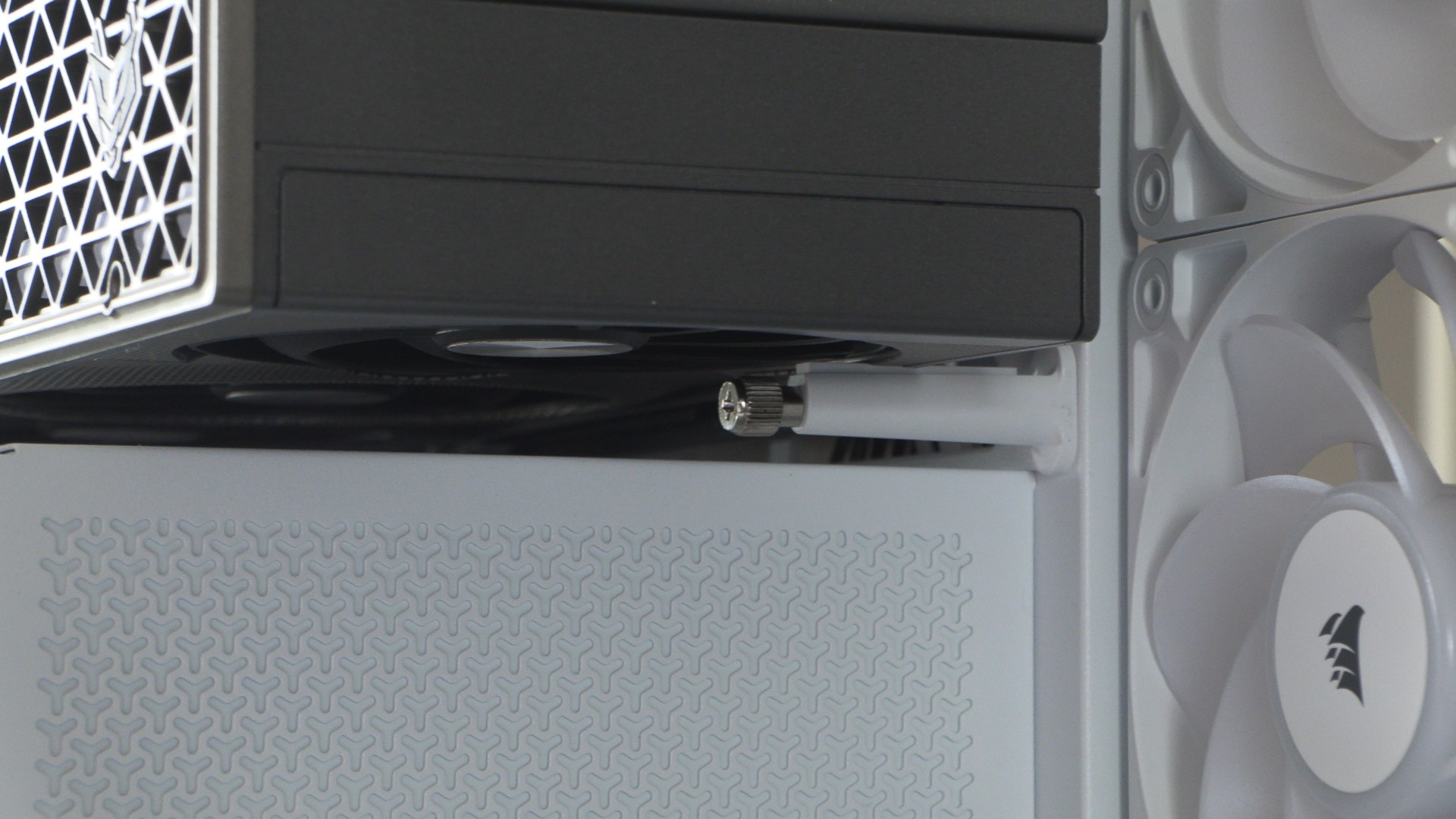
Note that this PC case features an integrated GPU support, which can prevent GPU sag. This places less strain on your GPU’s PCIe slot, reducing the likelihood of damage over time.