Noctua Compromise – Antec Flux Pro Noctua Edition PC Case Review

Up Close with the Antec Flux Pro Noctua Edition
Up Close with the Antec Flux Pro Noctua Edition
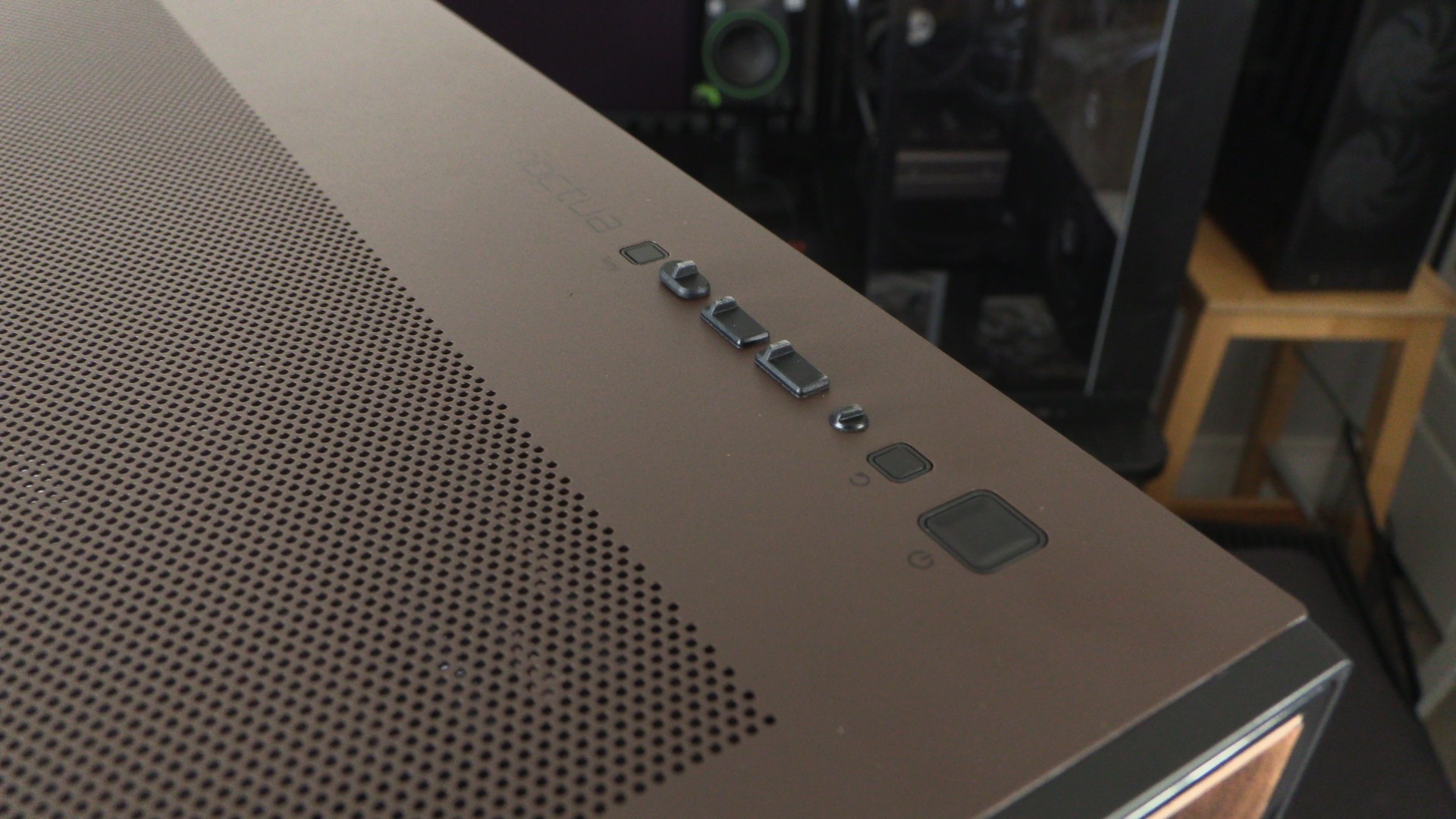
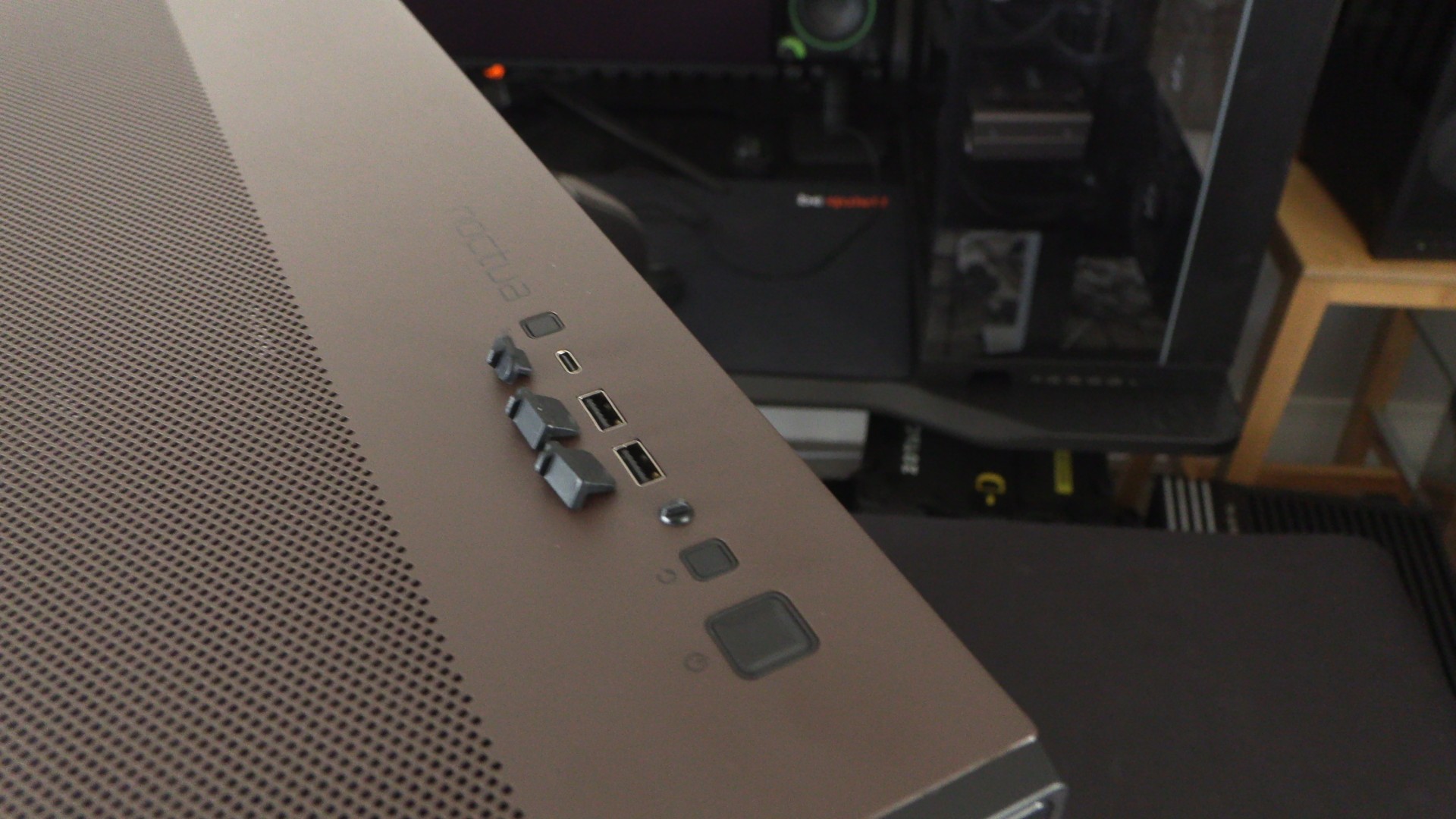
Starting at the top, we have the Antec Flux Pro’s top IO. Note that for the Noctua Edition version of this case, we have Noctua branding and a brown top plate. Included on the top IO are three USB ports, a power button, a reset switch, and a button to control this case’s temperature display screen.
USB options
The USB ports at the top of the Antec Flux Pro include two USB 3.0 Type-A ports and one USB 10 Gbps Type-C port. The case also includes a 3.5mm audio combo jack.
Front airflow
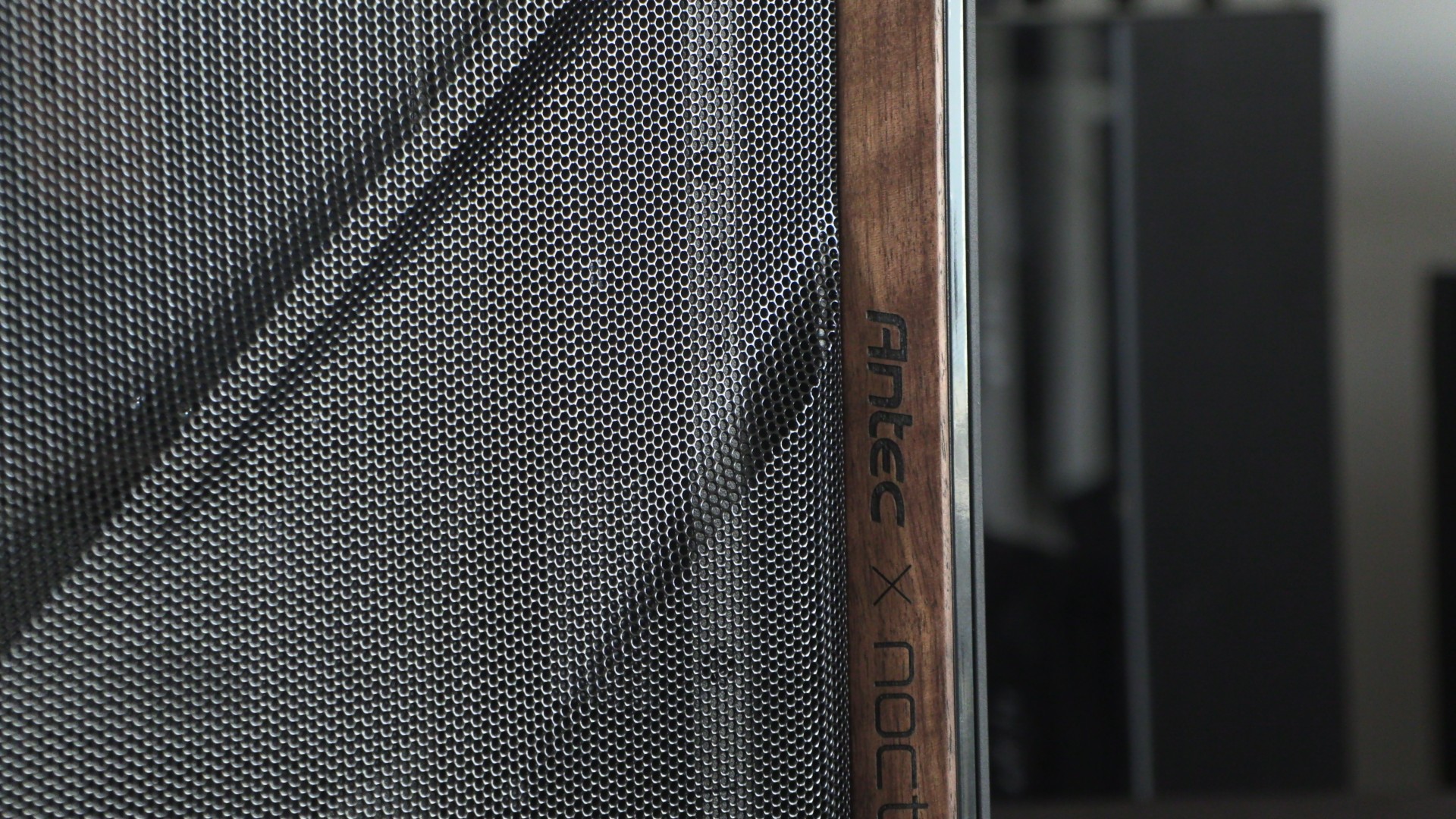
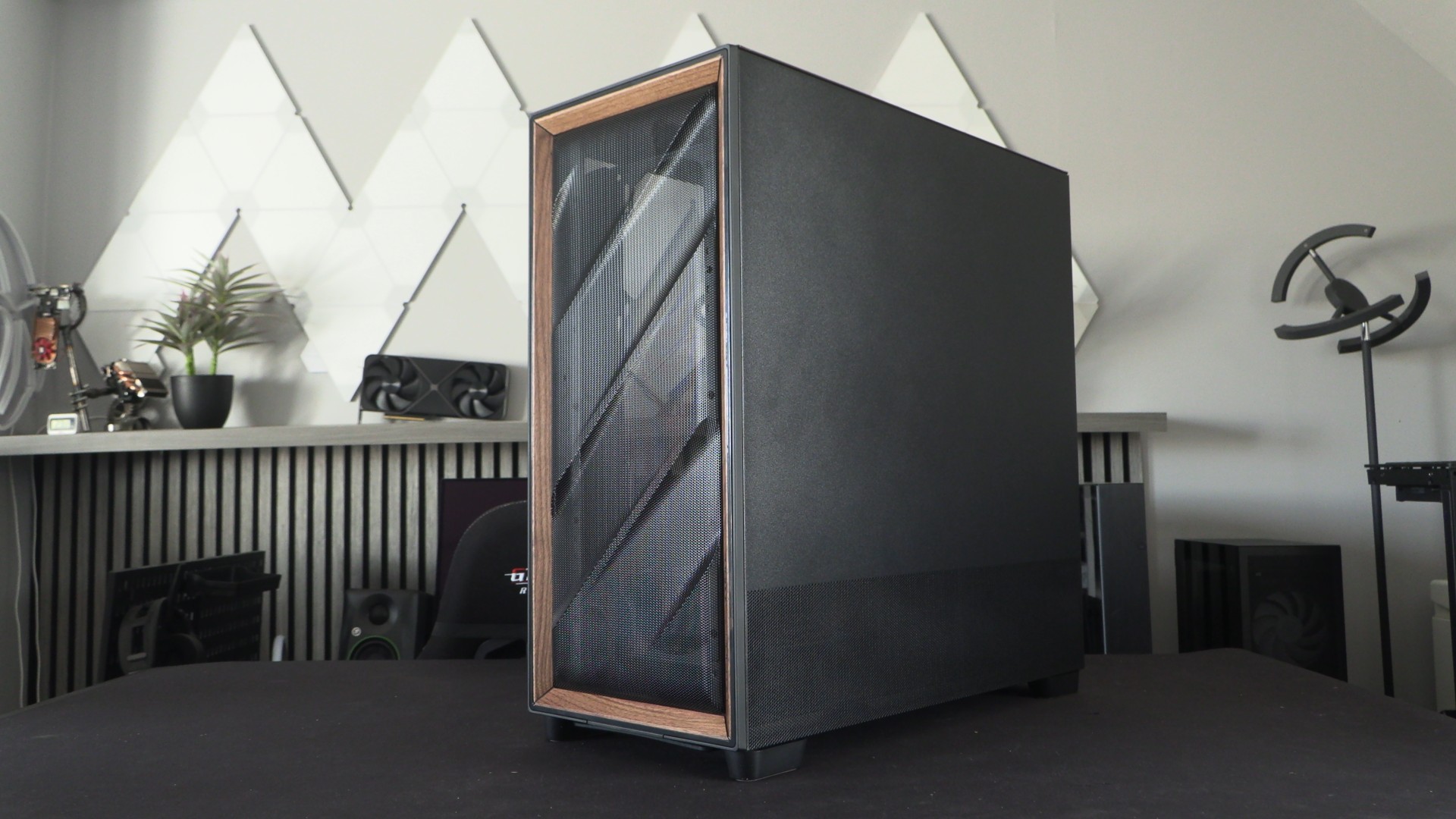
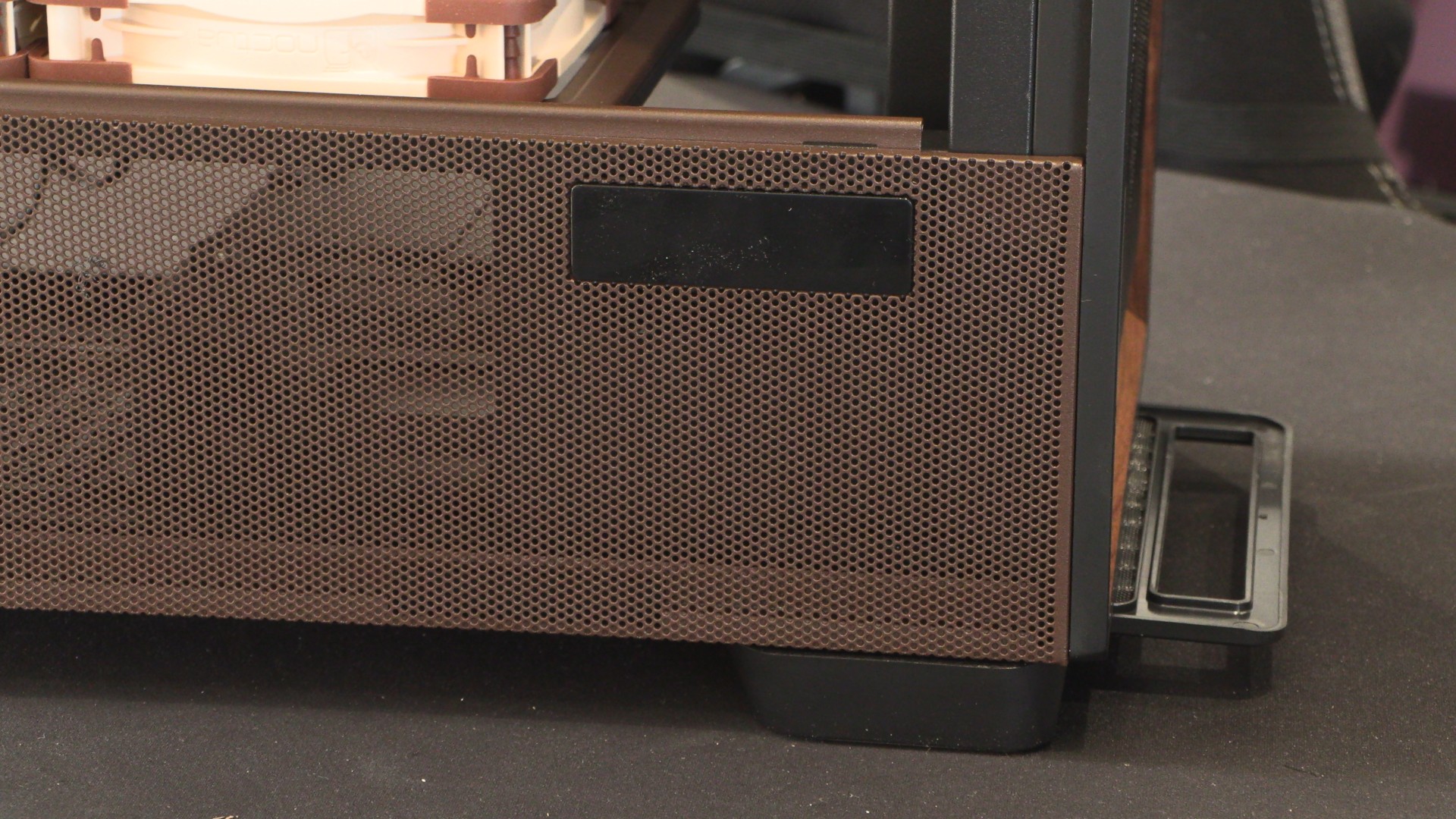
At the front of the Antec Flux Pro is a large mesh section with elegant contours and a premium wood (walnut) surround. Behind this mesh, users can install up to three 140mm fans. Note that the right side panel of this case also features perforations at its base for airflow. This gives any fans placed on the top of this case’s PSU shroud ample breathing space.
Front Fan support and tweakability
For our system, we opted not to install all three 140mm fans at the front of the case. We installed one of these fans at the top of the case to deliver increased exhaust airflow. This is what’s ideal for our air-cooled CPU setup. However, if you are using an all-in-one CPU liquid cooling solution, you will be best off mounting three 140mm fans at the front of this PC case.
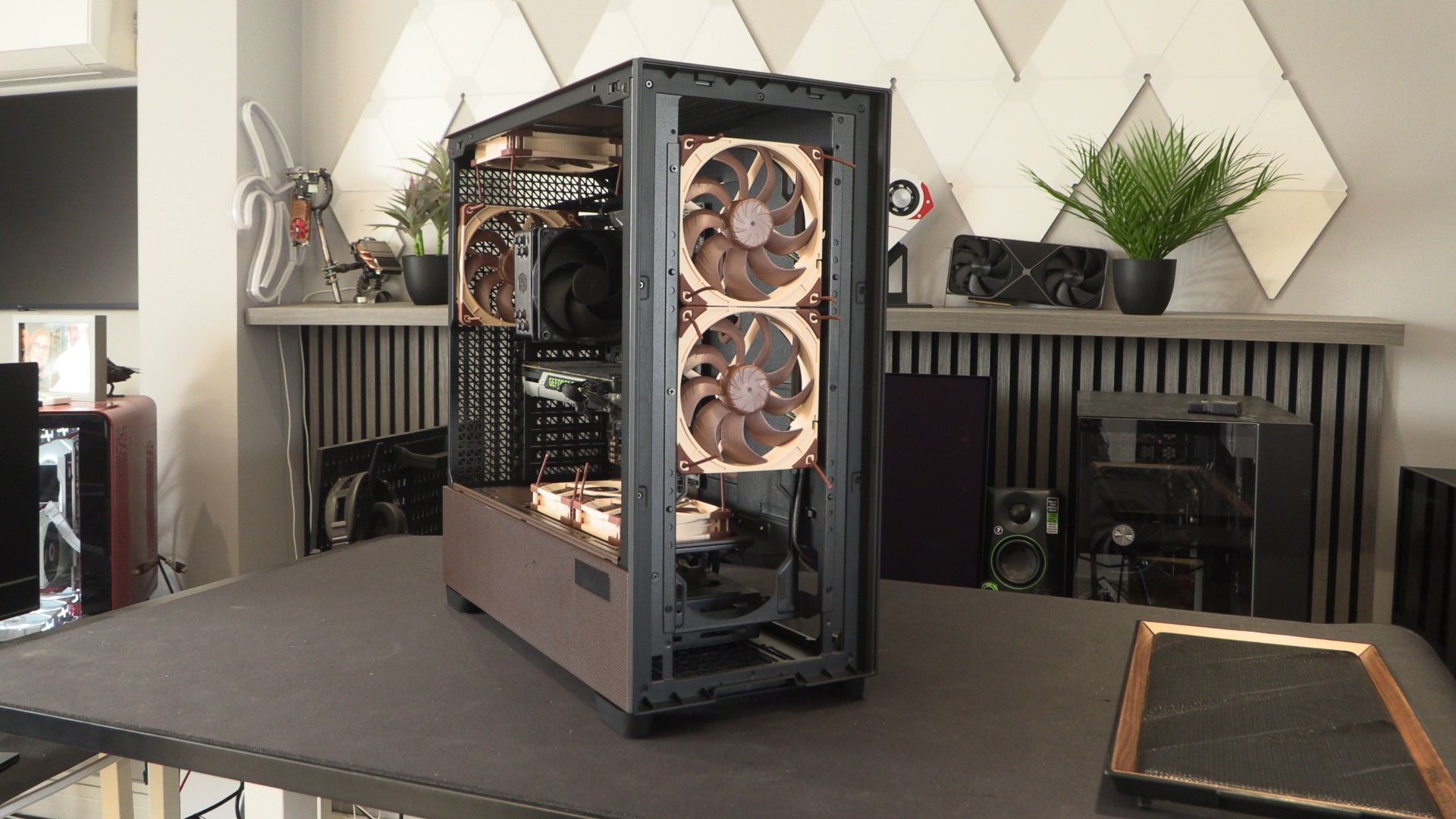
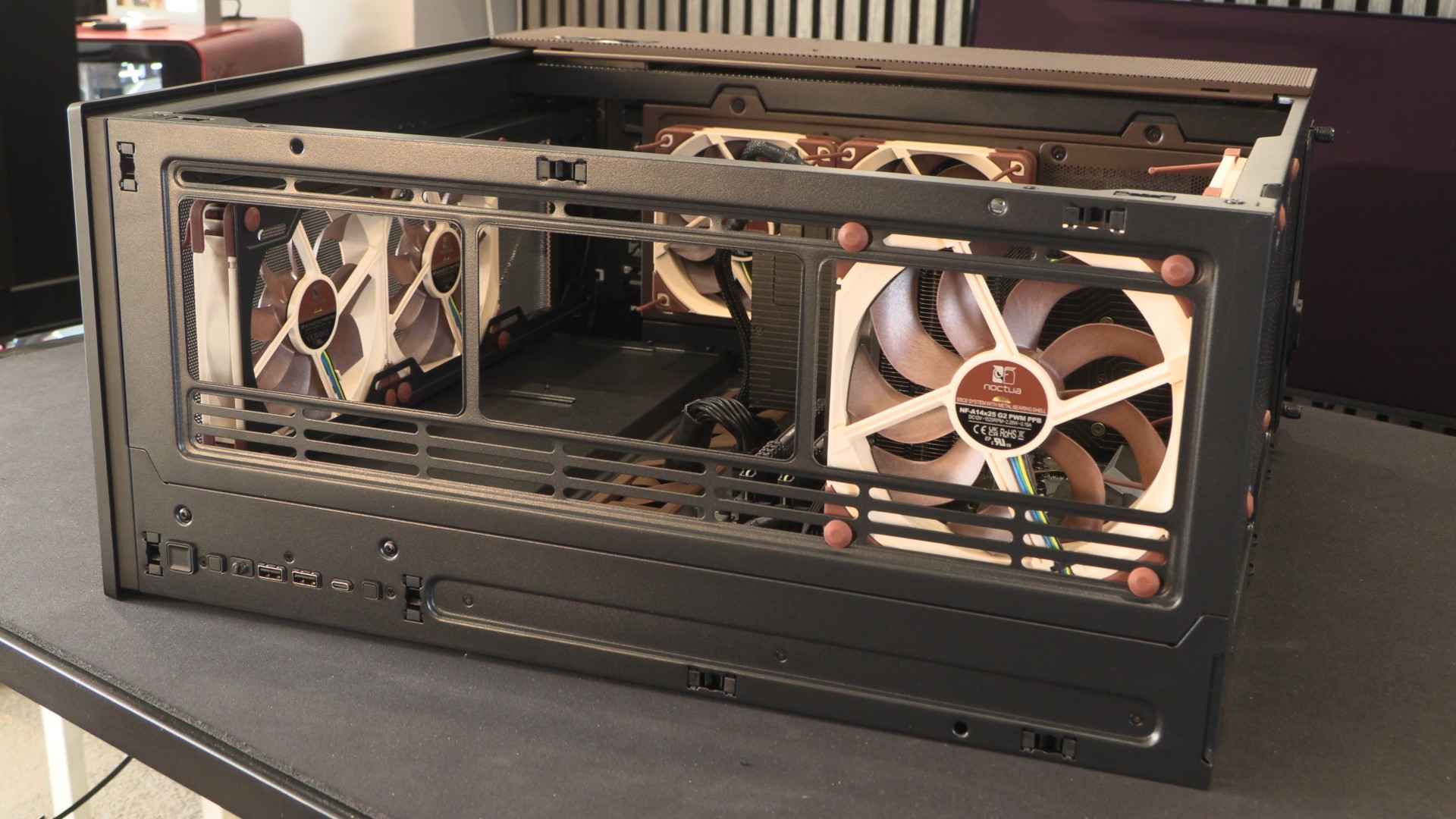
Note that the fan mounting plate on this PC case is removable. There are five mounting options available, allowing users to mount their fans at ideal locations. For example, users can lower these fans if they install a large 420mm liquid cooling radiator at the top of this case.
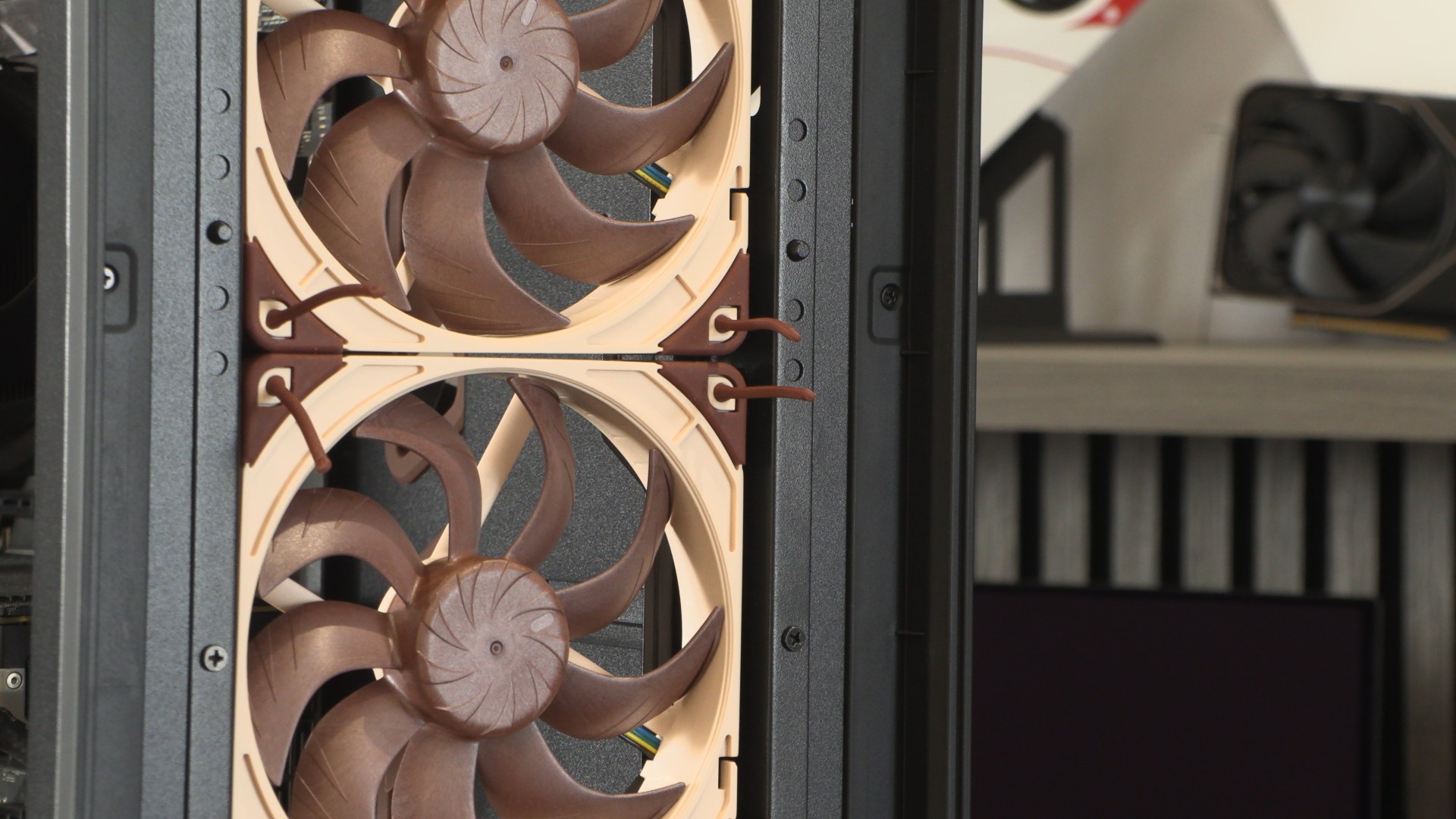
Removable top fan mount
The top of this case also has space for three 120mm or 140mm fans. These fans are not provided by Noctua, as this space will most likely be occupied by an all-in-one CPU liquid-cooling solution that includes fans. This fan mounting plate is removable, making it easy for users to install fans or liquid cooling radiators.
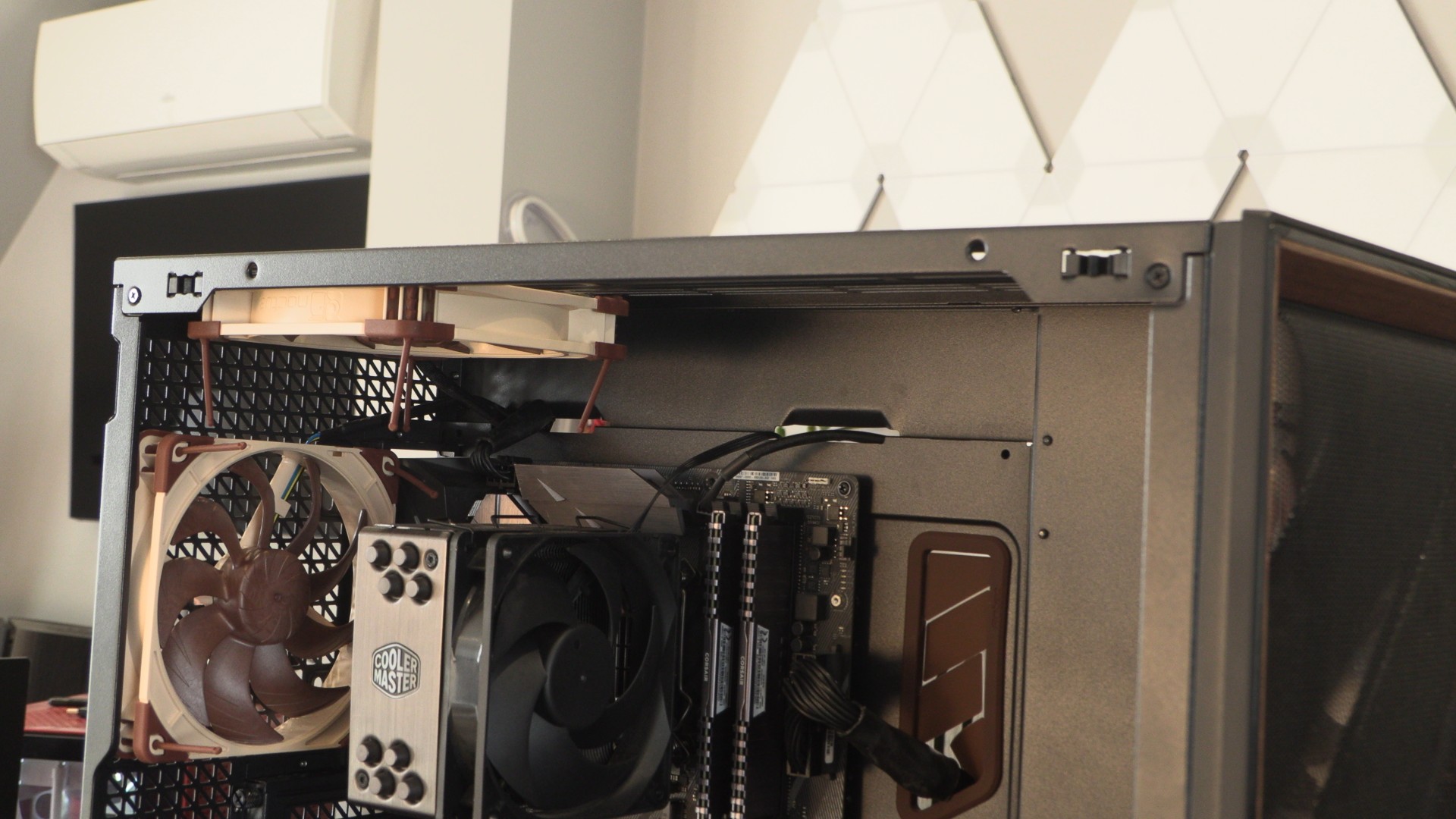
The top of this case supports three 120mm or 140mm fans, and users have the ability to adjust exactly where their fans are placed.
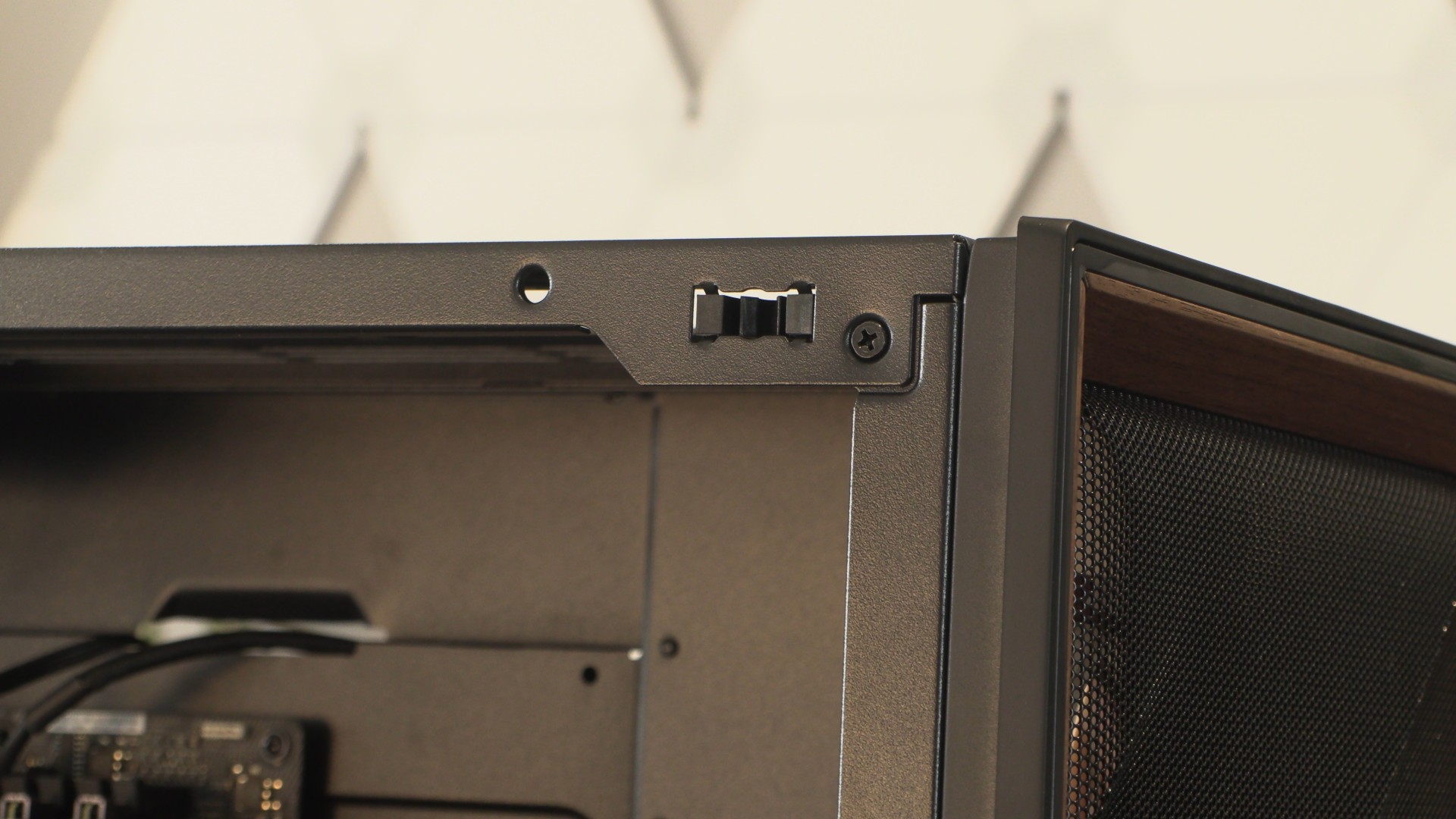
Using the screw seen below (there is another on the left side), users can attach and detach the top plate of this PC case. This makes fan installation incredibly easy.
Tempered Glass side panel with bottom mesh
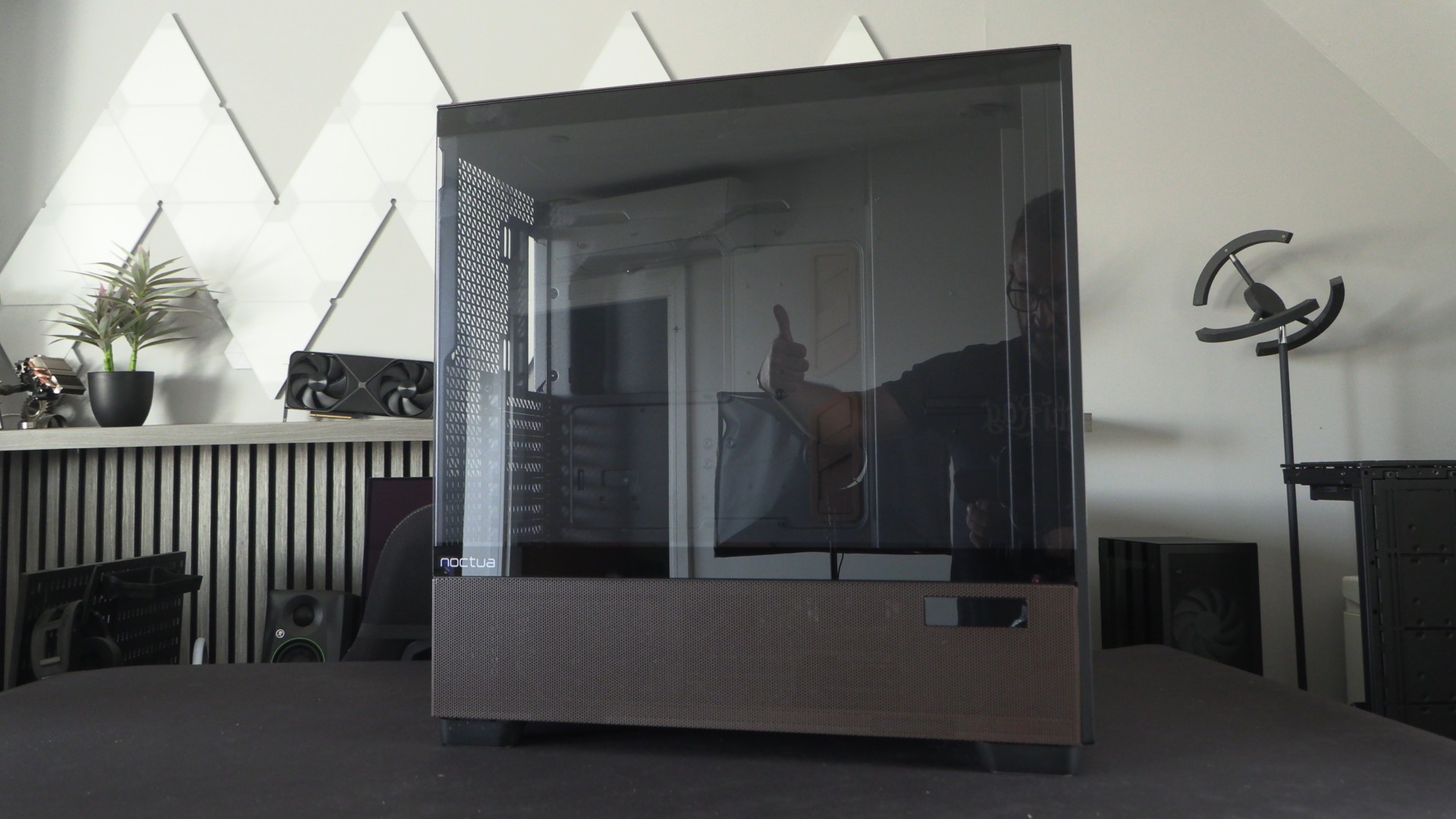
On the side of the Antec Flux Pro is a clear tempered glass panel, flanked by a brown perforated section. These perforations enable airflow for fans installed on the PSU shroud of this case for GPU cooling. We can also see Antec’s CPU/GPU temperature screen.
Rear airflow
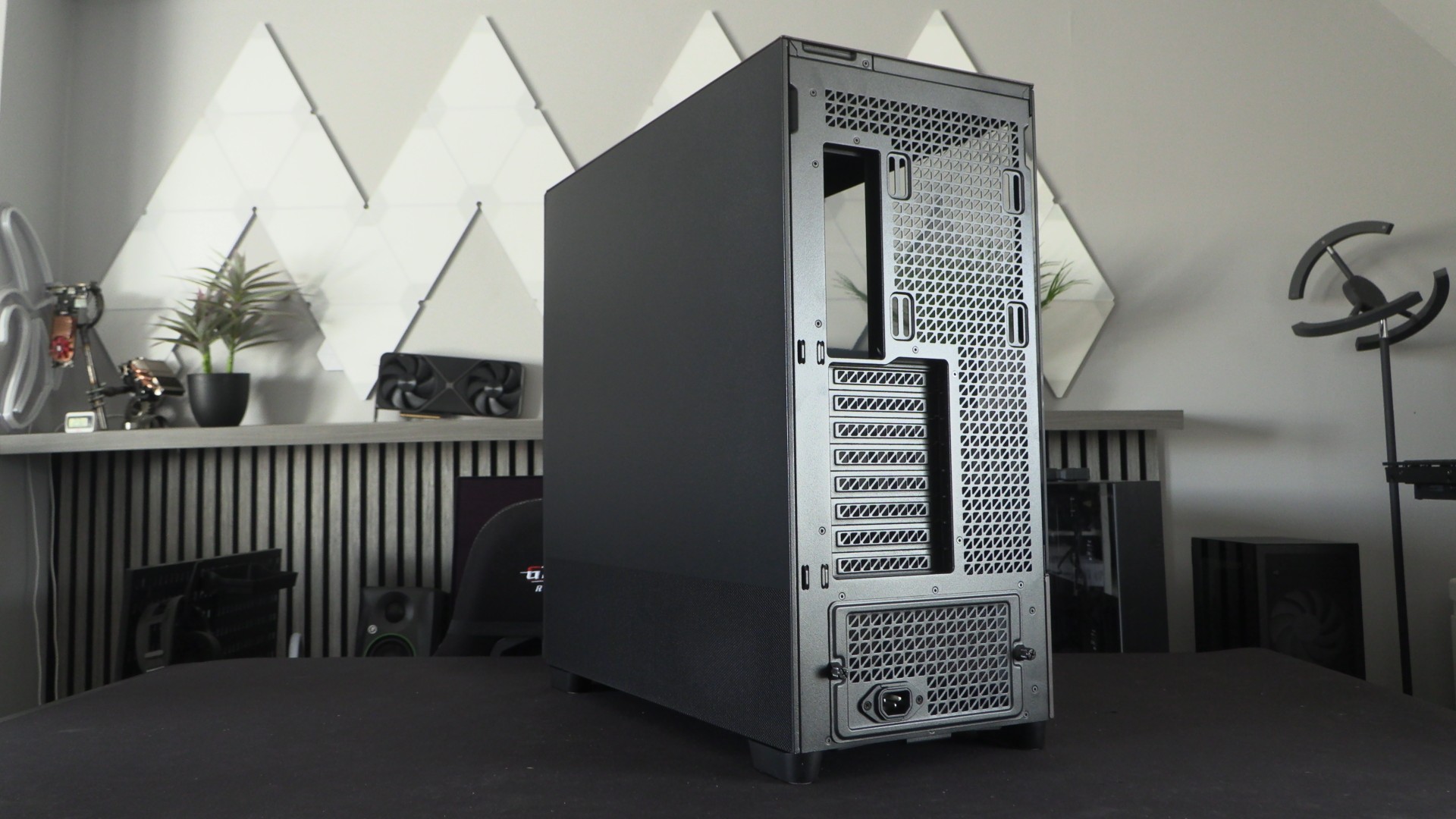
As a high airflow case, the Antec Flux Pro is intended to have a positive air pressure inside the case. For this reason, the rear of the Flux Pro is highly perforated to give ample space for hot air to escape. We can also see some cable tie mounts that can help users manage their motherboard cables.
Non-matching browns
Again, we can see that the brown powder-coated metal elements and rubber elements do not match. Neither of these elements matches the colour of Noctua’s fans. Whether or not this is a problem is up to you and your preferences.
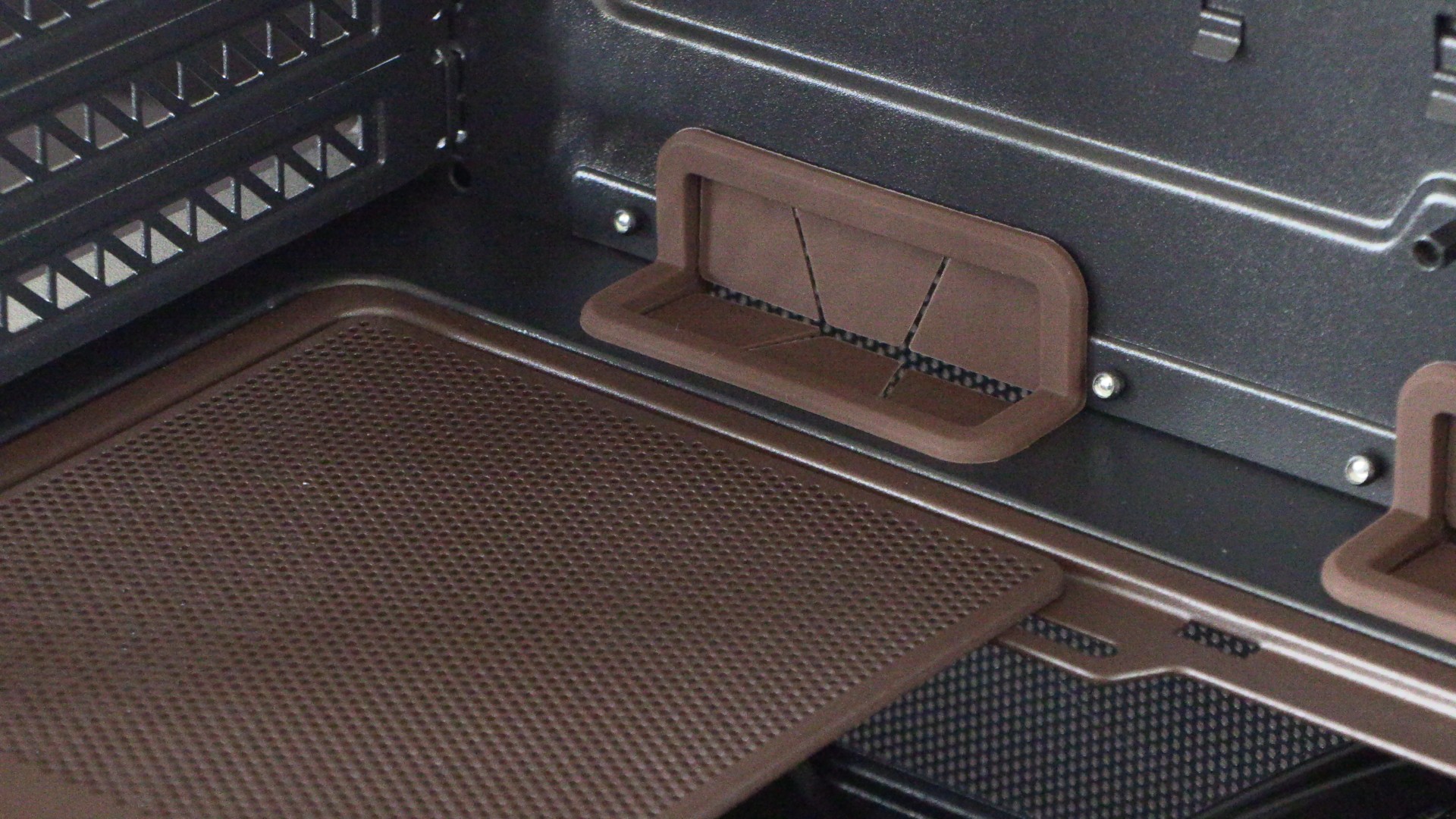
Bottom fans
On this case’s PSU shroud, users can install up to three 120mm fans. Two 120mm fans are included with this case, and the cover plates for their intended mounting locations have already been removed.
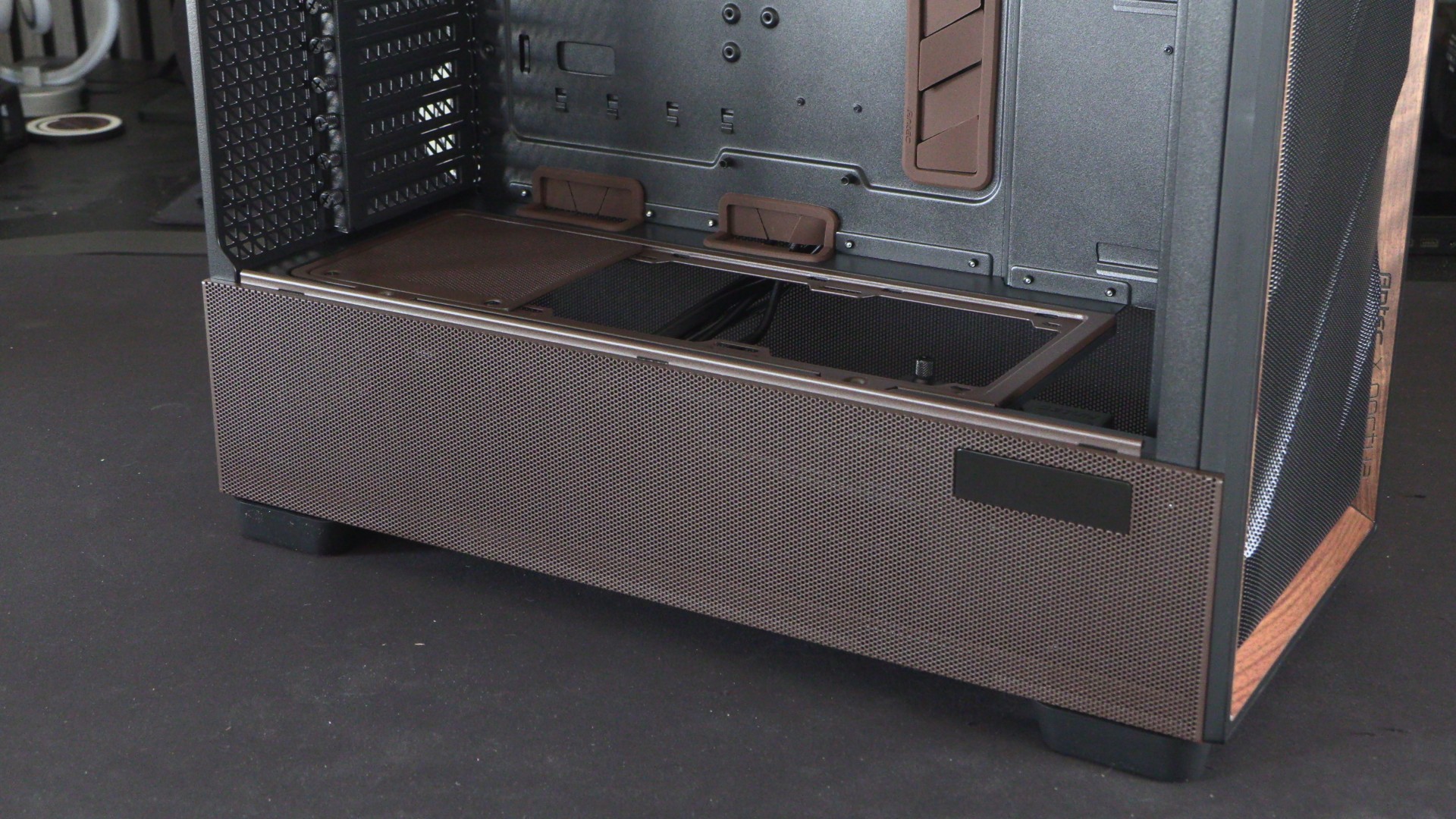
PSU mount – To swivel or not to swivel?
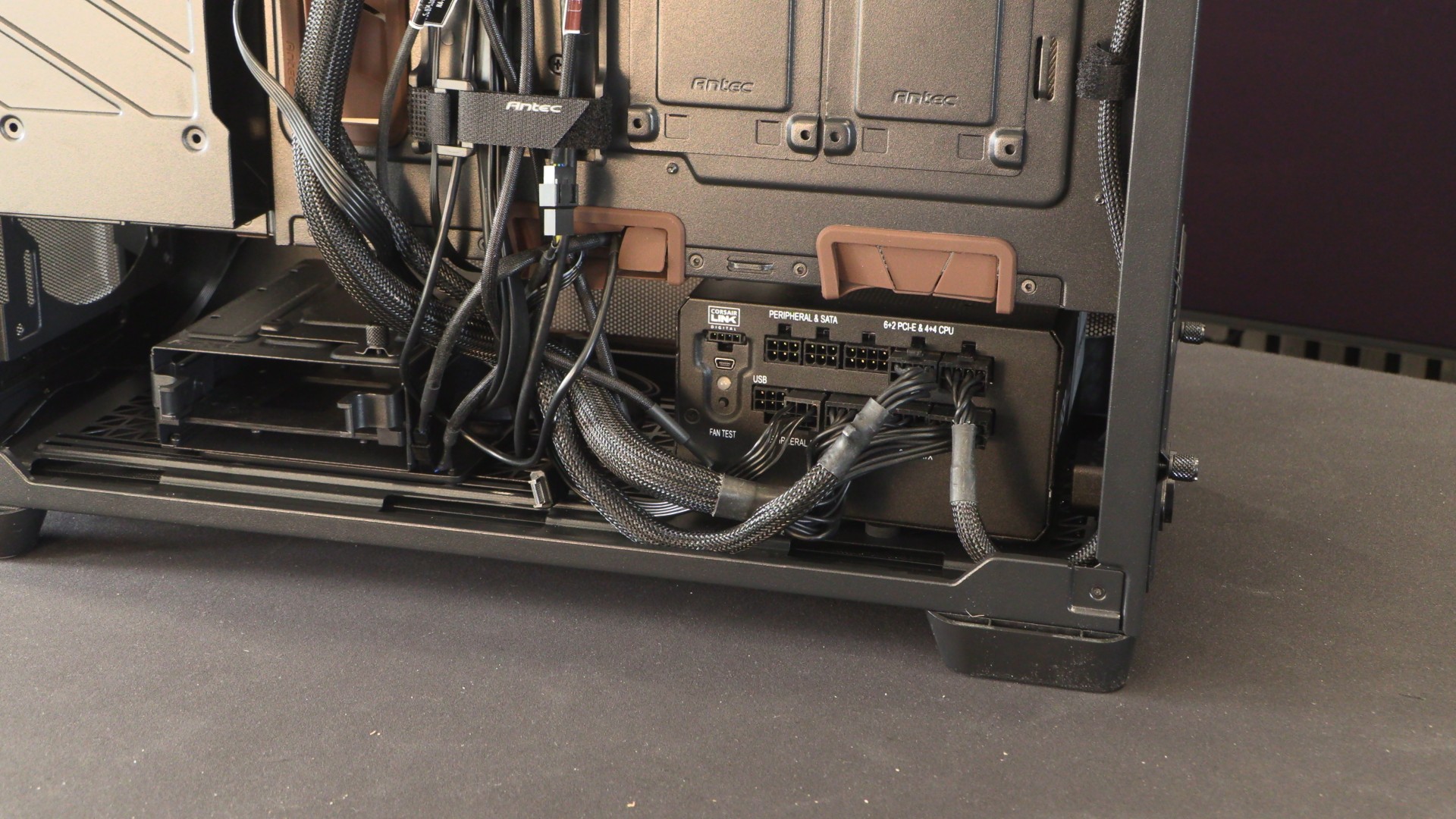
Users of this case can choose to swivel their PSU to make their PSU’s modular cable connection points more accessible.
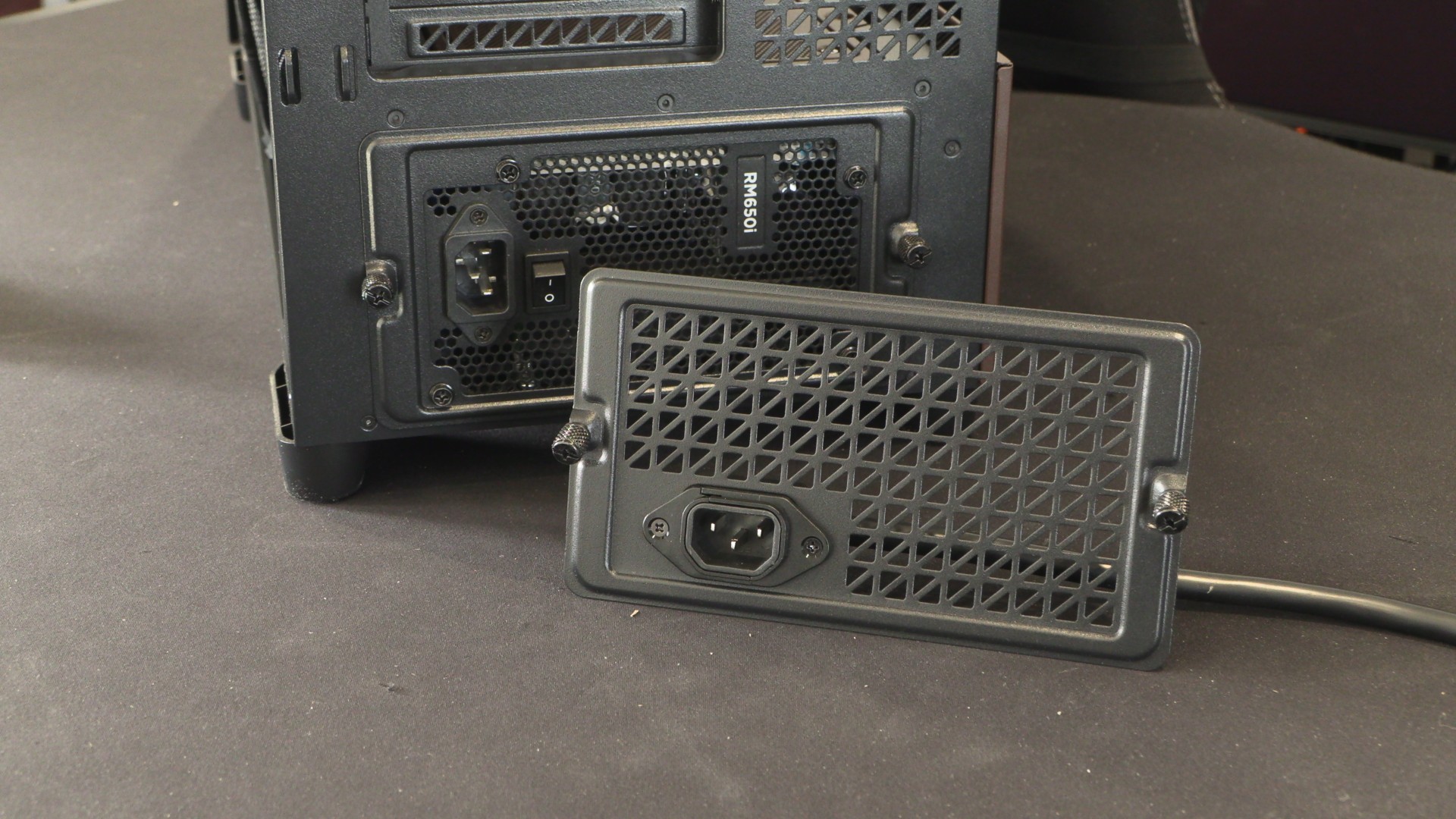
Below is how a PSU looks when mounted in a “standard” way. If you have a longer PSU, you will need to install it this way.
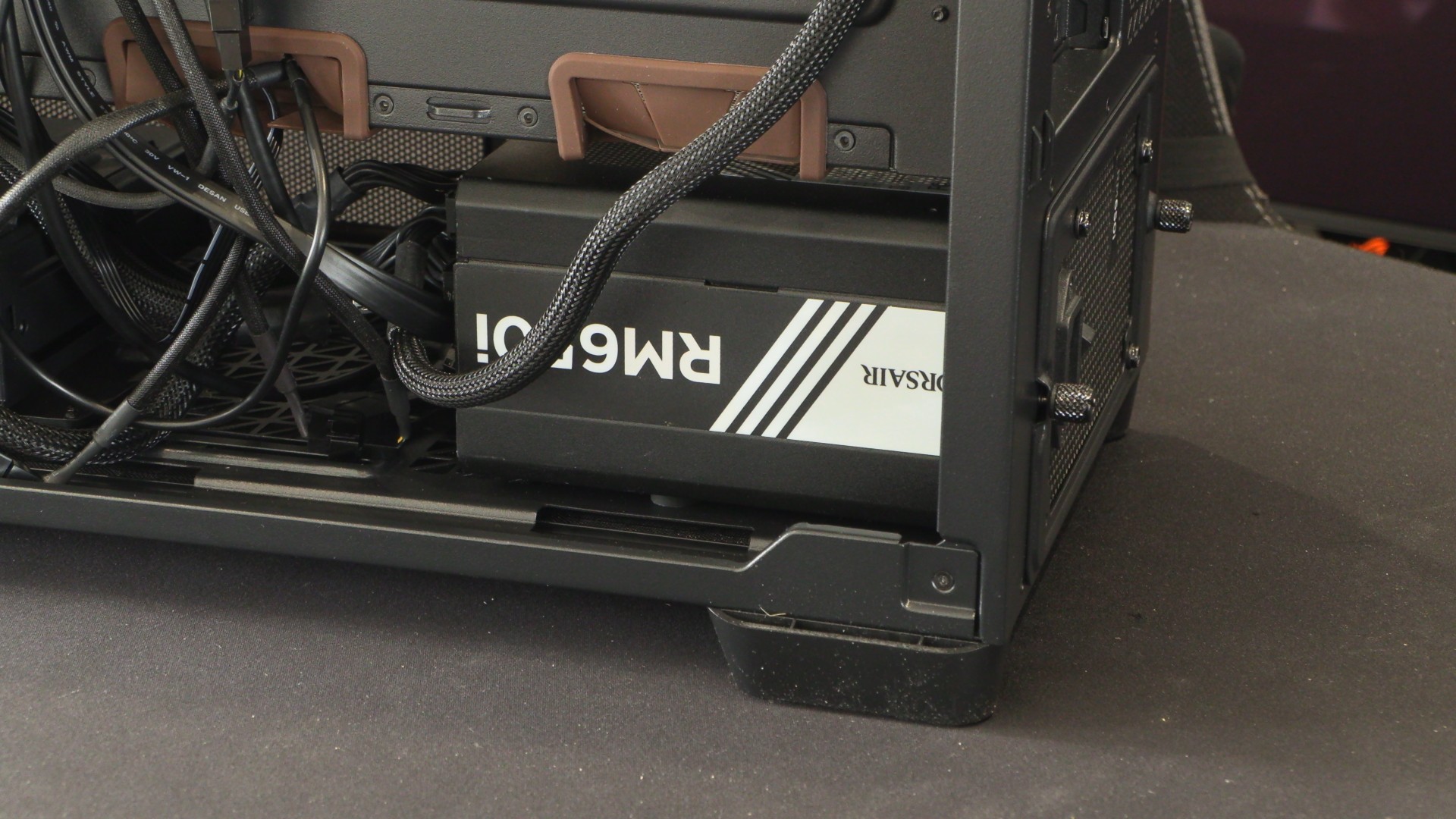
If you install your PSU at an angle, you will need to use Antec’s PSU power lead extension bracket. Note that this bracket uses a standard “kettle lead” C14 connector. If you use a higher-wattage PSU with a C19 connector, this bracket will not work. That said, higher-wattage PSUs will likely be too long to use with this mount anyway.
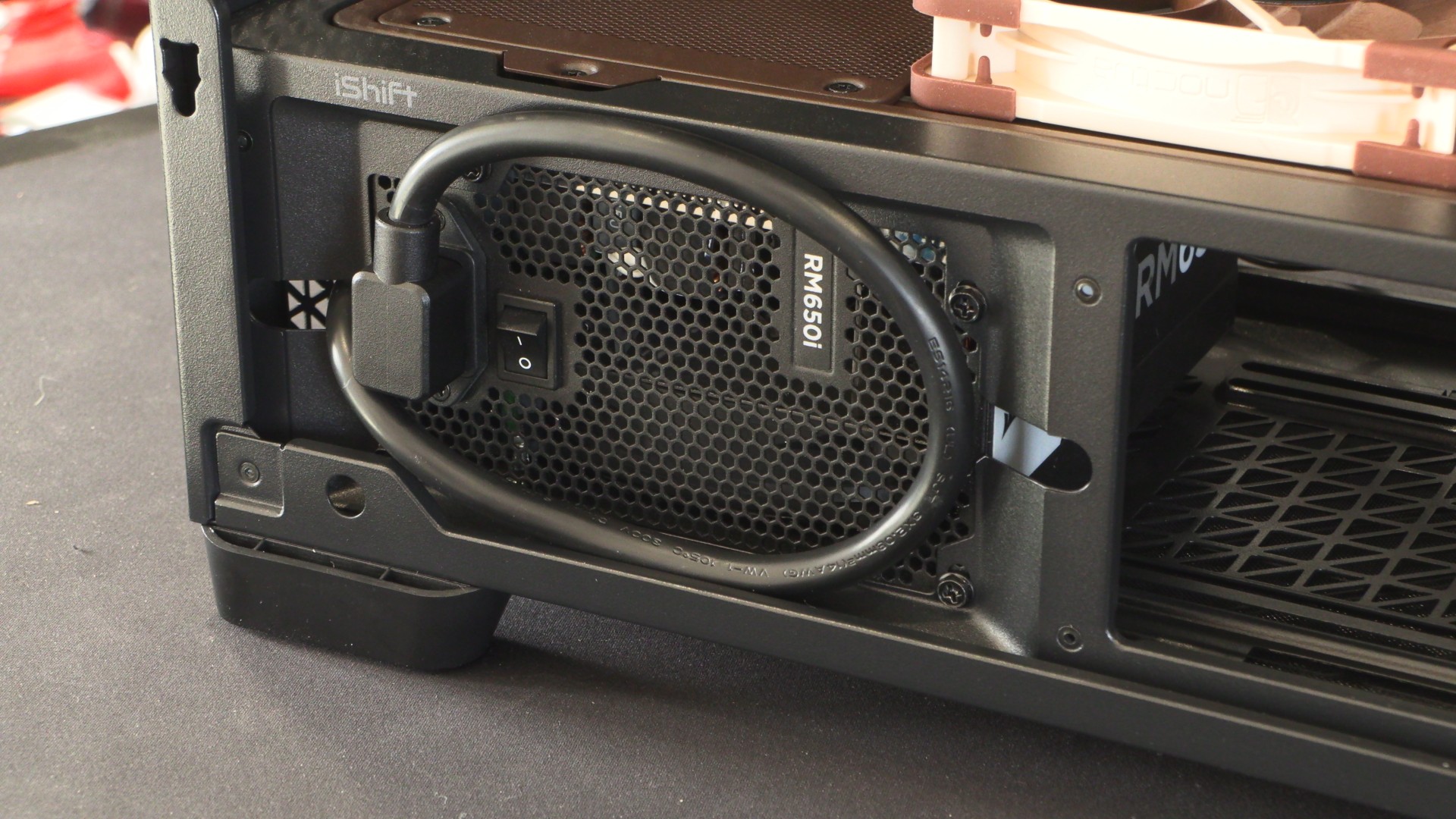
Using this iSHIFT mount makes your PSU’s modular cables much easier to access. However, I would not recommend using this mount for PSUs much longer than 160mm, as it limits potential cable management space.
Cable management
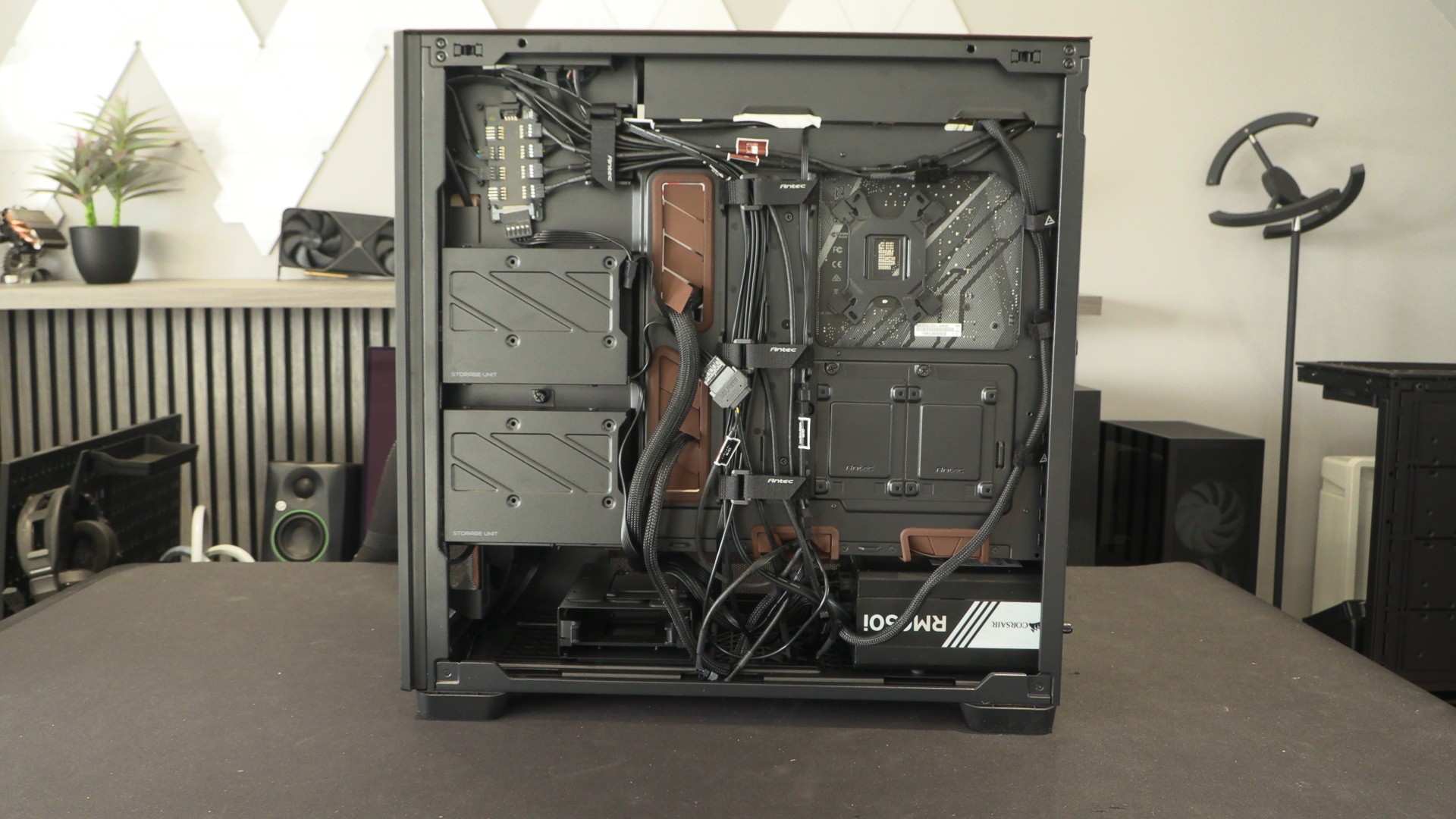
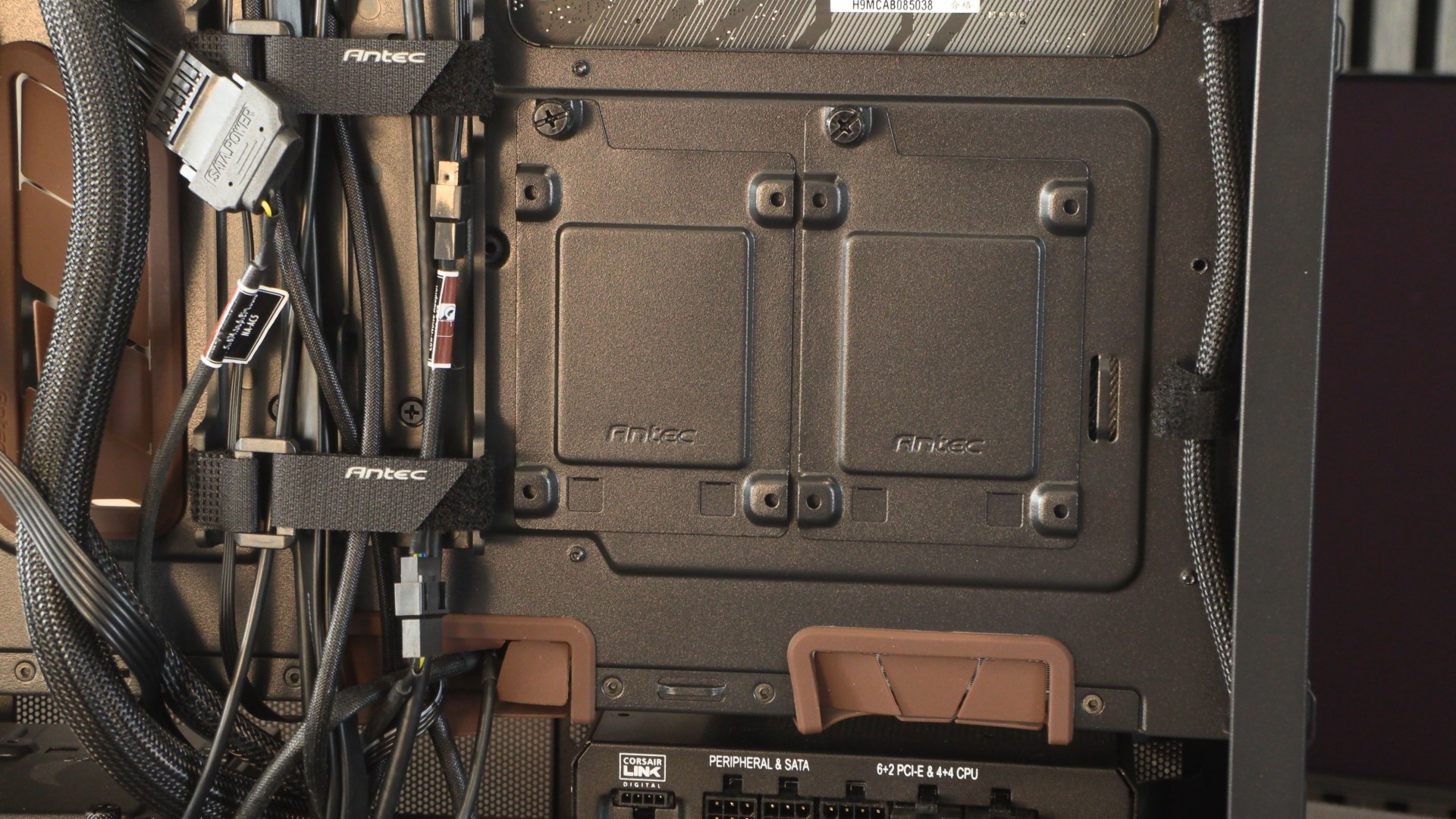
The Antec Flux Pro has plenty of built-in velcro ties for cable management. This makes managing cables a relatively easy process. There is also plenty of space under this case’s PSU shroud to hide excess cables.
Fan Controller
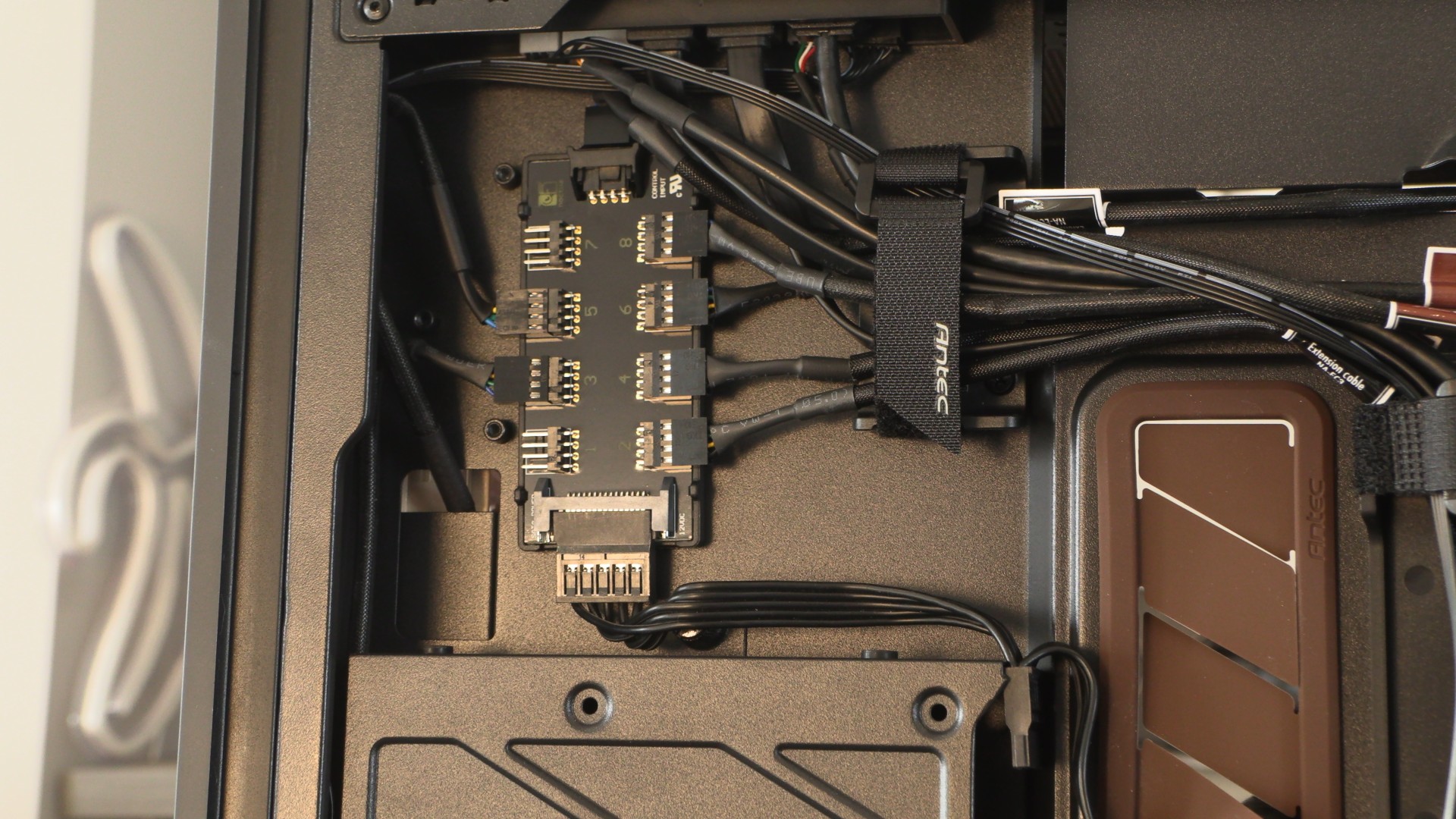
Noctua has replaced the Antec Flux Pro’s standard fan hub with its NA-FH1 fan hub. This hub is magnetically attached to the case. It supports up to eight fans and can be powered by a fan connector on your motherboard. However, those with more fans can supplement this with a SATA power connector, taking strain off your motherboard.
Note that fan monitoring only works for the fan connected to port 1. This means that this hub does not offer individual fan monitoring or control. Yes, this is annoying, as this case is supplied with two different types of fans. If I were to use this case for my own PC, I would connect its 120mm fans directly to my motherboard, and connect all the 140mm fans to this hub. That way, all the fans on the hub match. Perhaps this should have shipped with two fan hubs, or a user’s guide that would make this limitation clear.
HDD/SSD support
This case has four 3.5/2.5-inch drive mounts and two dedicated 25-inch drive mounts. This is more than enough for any modern use case. After all, most new PC builds use M.2 SSD storage almost exclusively.
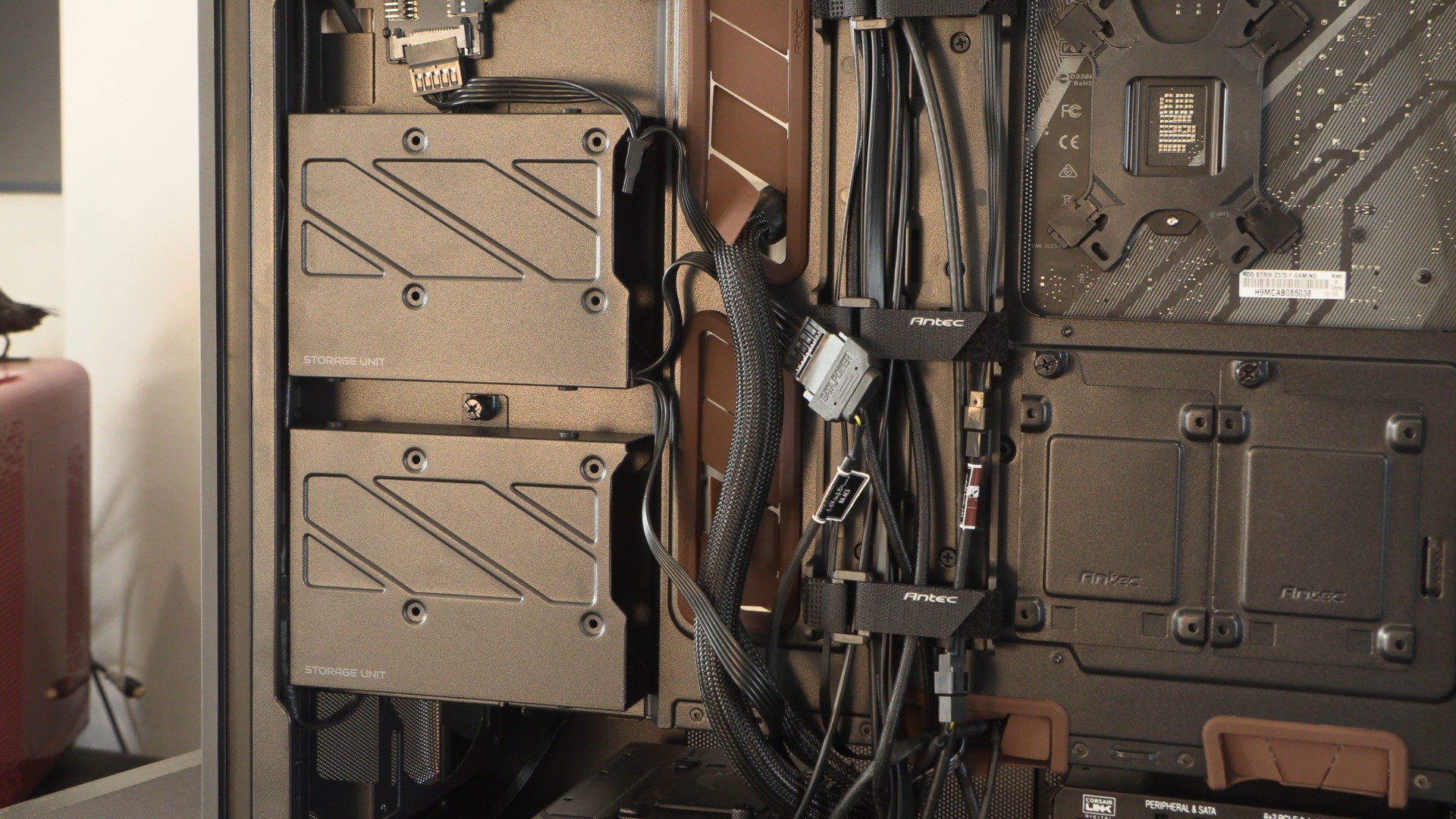
Not many people use SATA SSD storage these days, but at least the option is still there.
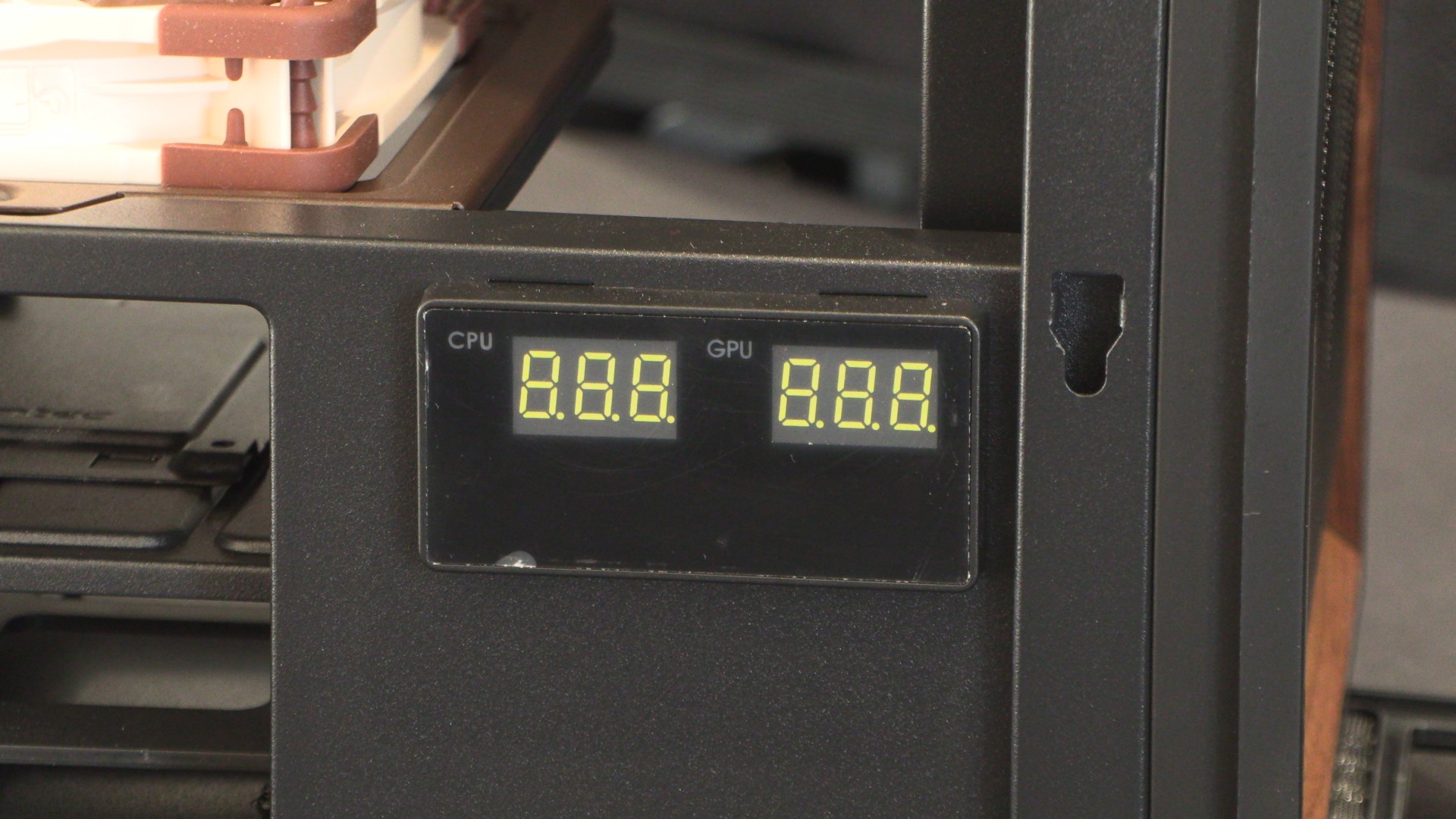
Antec CPU/GPU Temperature Display
This screen is controlled using Antec’s iUnity software. It can display CPU and GPU temperatures, and users can choose which data point they want displayed, or neither, or both. This allows users to see their CPU and GPU temperatures at a glance, which is a handy feature.
What we have here is a very simple screen. That said, it displays the data it intends to, and it does so well. Useful data that’s clearly displayed. It’s not an OLED screen, but it doesn’t need to be.
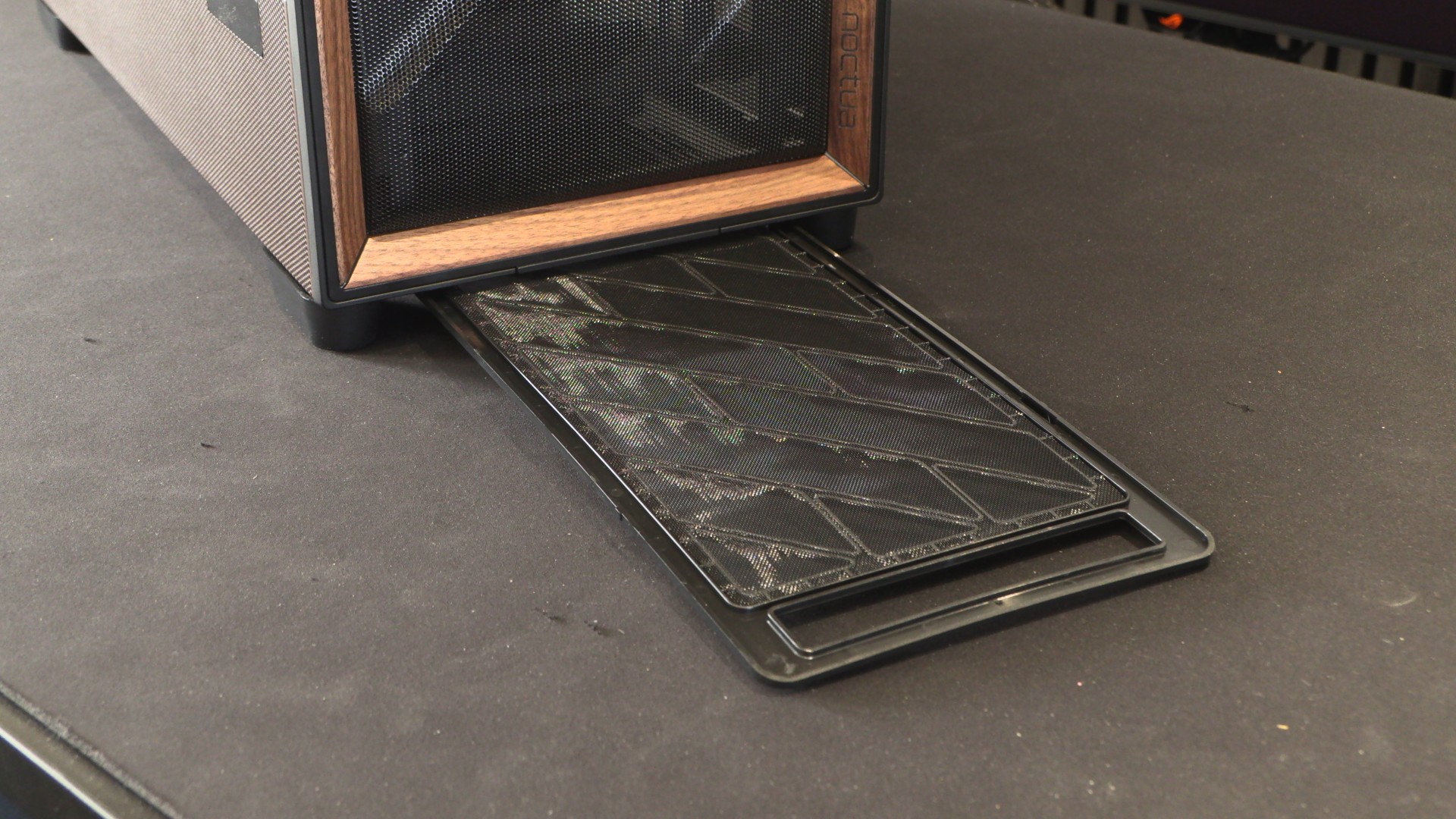
Full-length removable bottom dust filter
At the bottom of the Antec Flux Pro is a full-length dust filter that covers the case’s PSU intake and optional bottom fan intakes. It can be removed from the front of the case, making it easy to access for cleaning.