


Raijintek Asterion Plus Case Review

Up close: Interior
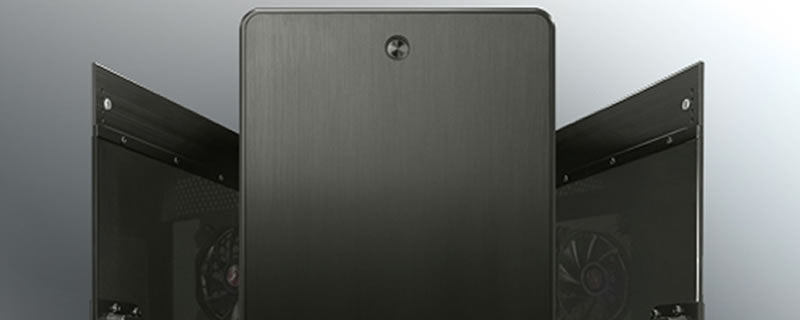
And so to the interior. It’s here where we discover whether we’re dealing with a babe or a ball sack. First things first, our belle has not been subjected to a Trumpian level of fake tan, it’s simply our errant white balance playing silly buggers with us. The acrylic windows are actually smoked grey and rather fetching. What we can see with clarity though is a huge CPU cut out, and a staggering array of rubber grommeted cable management holes.

Inside, the Asterian is one roomy case, and as such is able to take anything up to and including E-ATX boards with room to spare. With manufacturers finally ditching multiple 3.5″ racks at the front of the case there’s plenty of room for cooling and cable management. The Asterion can take 3x120mm or 2x140mm fans in the front, and comes with a pair of rather nice LED units as standard. There’s also a cut out here that looks suspiciously like it’s the right size for a 5.25″ drive, although there’s no access from the front of the case. At face value this might seem odd, but we surmise that it may be intended for an internal bay reservoir

Casting our gaze to the base of the case we see that the Asterion has a false floor PSU cover. the cover does not run the full length of the floor, but stops short so as to enable the accommodation of 360mm rads. We’ll cover the exact measurements when we get to the water cooling section of the review. The panel also has cut outs to enable the mounting of 3.5 and 2.5″ drives in the ever popular “show off” location. OK, we can see that for 2.5″ drives, but would you really want to mount a 3.5″ drive out in the open? they’re not the prettiest bits of kit are they. Raijintek have also been wise enough to leave decent cut outs through which to run the power and data cables. This might seem like an obvious thing, but not every manufacturer gets this right.

In the rear we have eight vented expansion slot covers, along with a 120mm LED fan similar to the ones in the front. The keen eyed among you will also have noticed the four grommeted tubing holes. Seriously Raijintek, it’s a nice thought but are they really needed these days.

The roof of the case is covered by a stiff steel mesh, underneath which lies mounts for 120mm and 140mm fans. Some, but not all of the slots are elongated, which means getting rads up there should be easy enough.

At first view, the rear of motherboard area looks pretty spartan. Look closely though and you’ll see that there’s an abundance of cable tie points and well spaced grommeted management holes. There are also a few SSD mounts back here, however none of them are bracketed.

Although there’s no central cable management channel, there is a good 20mm of depth throughout the whole of the case interior so you should have no problem hiding those cables, especially as your work is going to be very much on show thanks to the windowed side panel.

Along with various vertical and show off mounts, Raijintek have slipped a small drive rack under the false floor. This we think is a much better solution for all those ugly 3.5″ drives.

Raijintek don’t give a figure for max PSU length, probably because there’s stacks of room. What is a little odd though is that the PSU sits on just two hard plastic feet inside the rear chamber.

