

The Budget Case King! NZXT S5 RGB PC Case Review

Up Close with the NZXT S5 RGB
Up Close
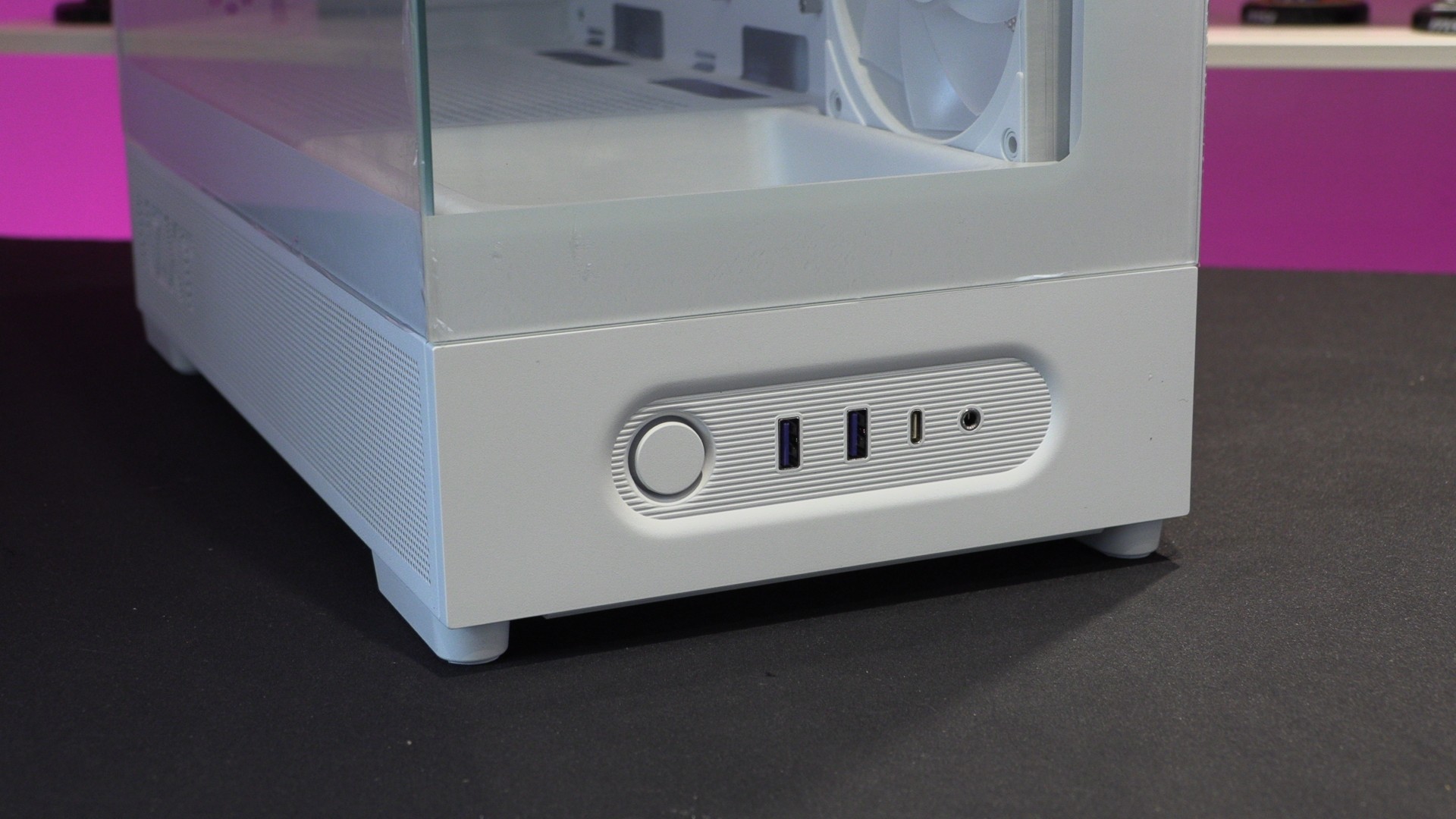
Starting off at the front, we have the NZXT S1’s IO panel. We have a start button, two USB 3.2 Gen 1 Type-A ports (5Gbps), one USB 3.2 Gen 2×2 (20 Gbps) Type-C port, and an audio in/out jack. Simple, but faster than strictly necessary. Props to NZXT for putting a 20 Gbps port on a £50 case.
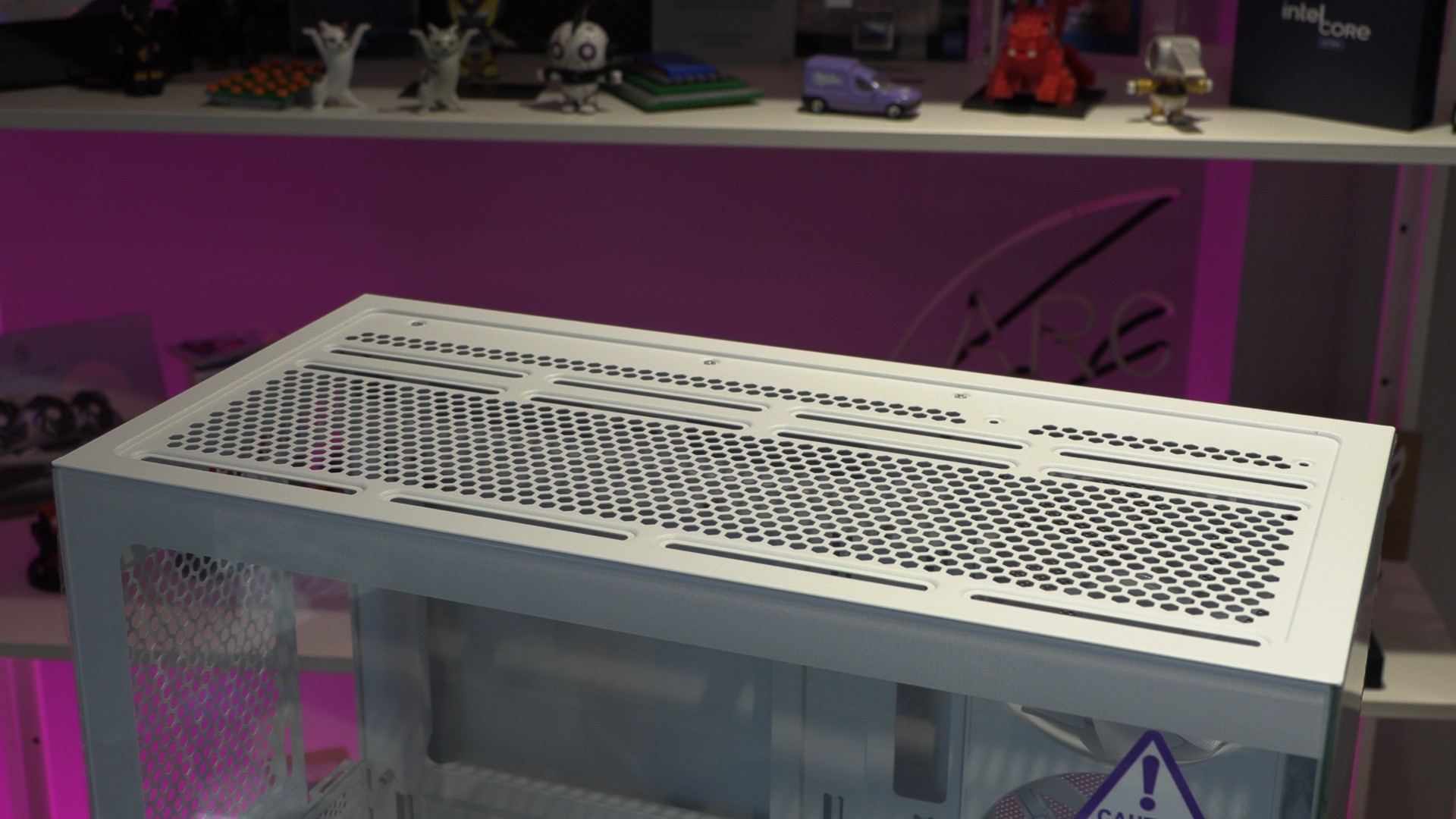
At the top of the NZXT S5 we have a magnetic dust filter that covers the case’s top fan mounts. This is one aspect of the S5 that highlights its budget nature. That said, it wasn’t long ago that many more premium cases used the same tops, so this isn’t necessarily a bad thing.
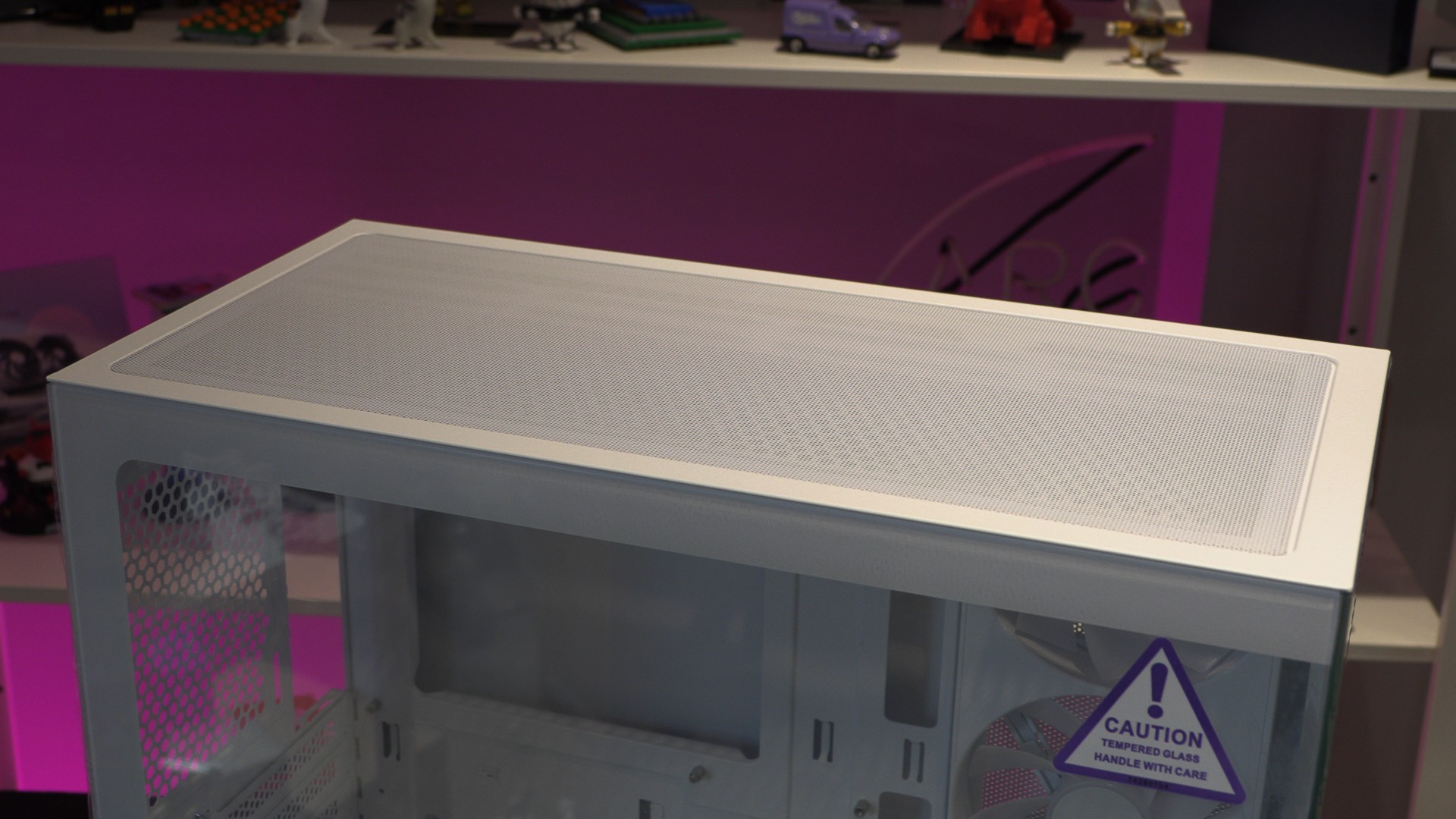
The top of the S5 fits up to three 120mm fans or two 140mm fans. If you plan to use liquid cooling, this case supports up to a 360mm liquid cooling radiator. This makes this case perfect for NZXT’s new Kraken Core 360 liquid cooling solution. It’s a shame that cooler is not available in white.
Bottom
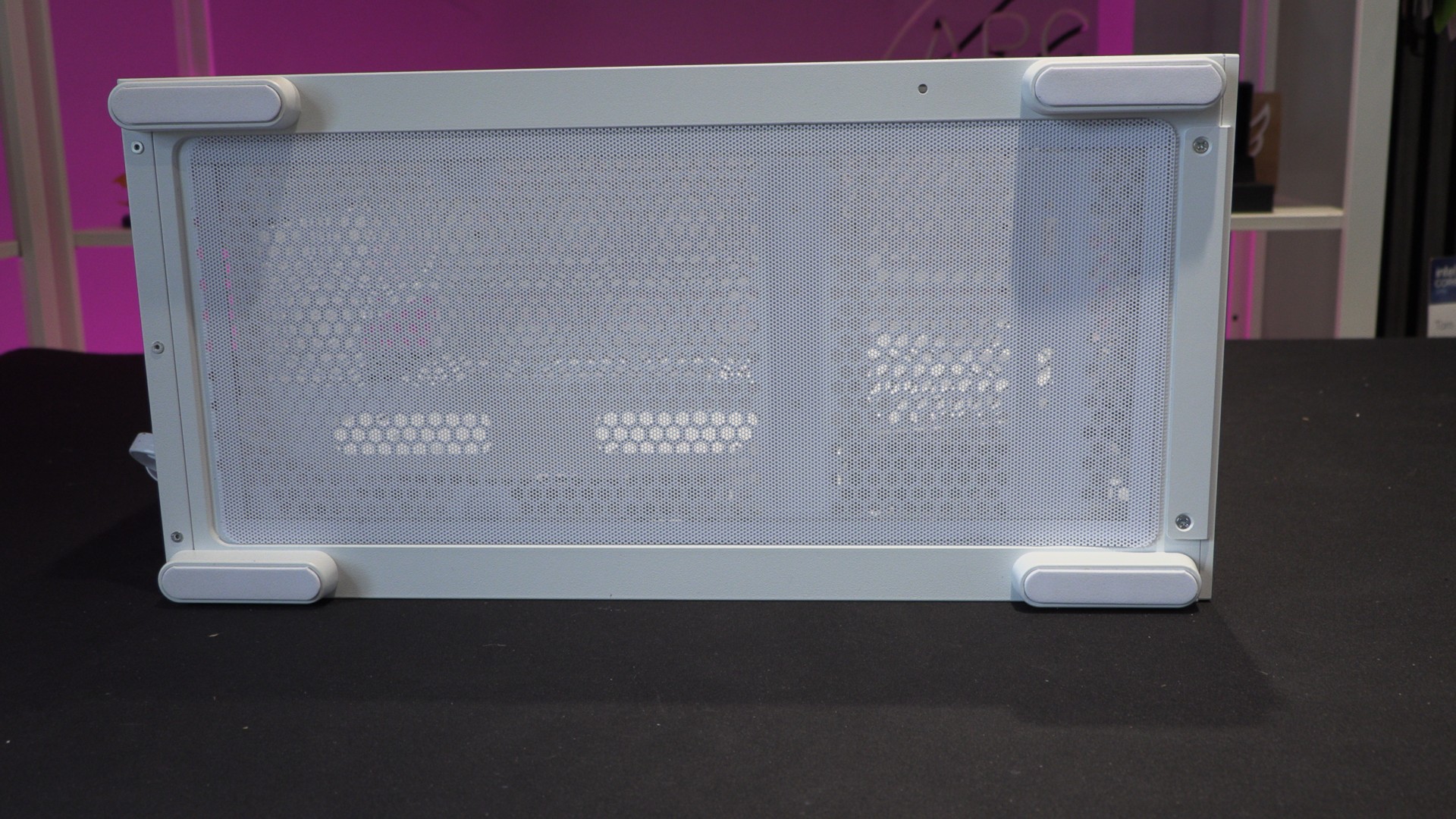
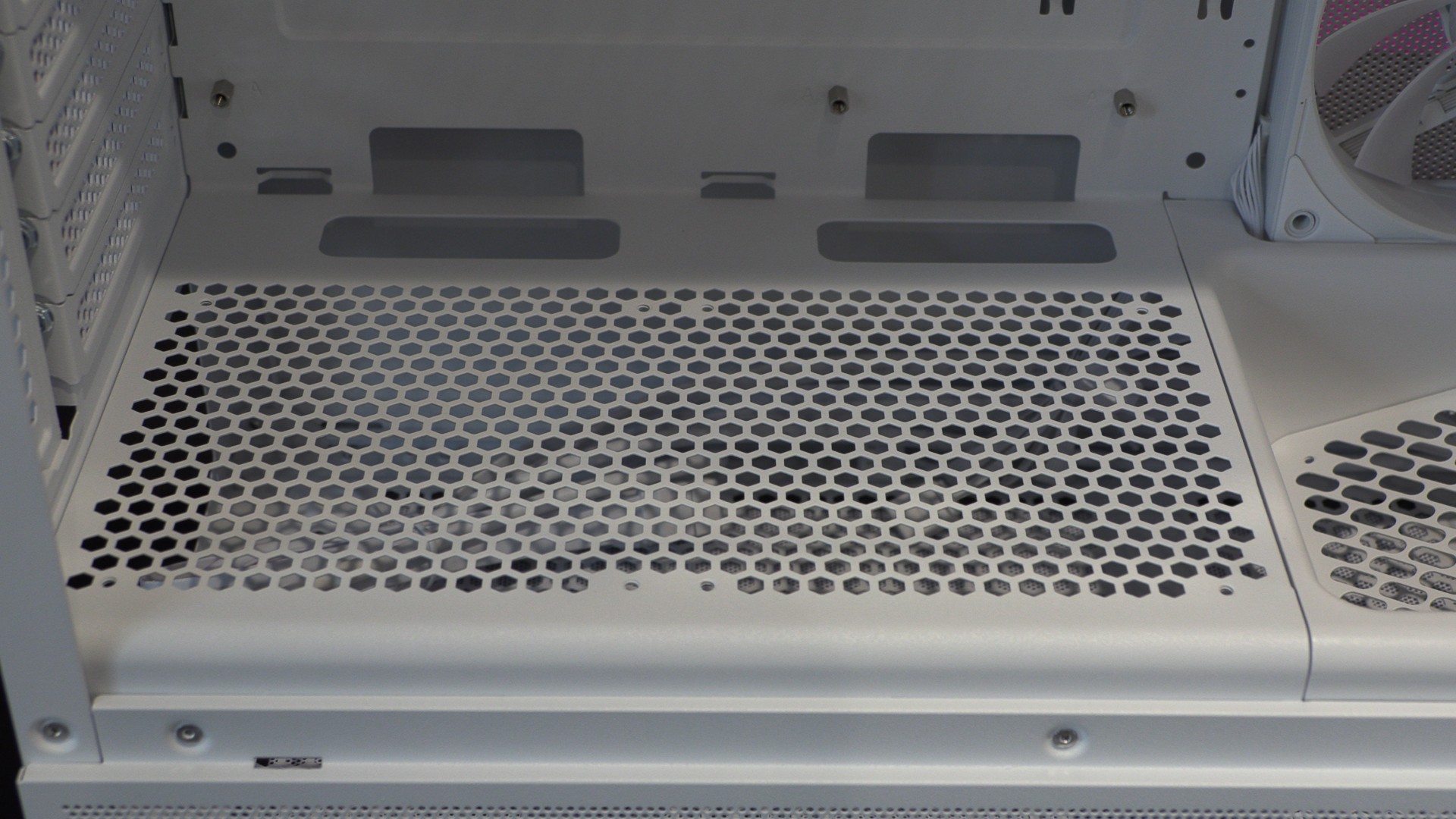
At the bottom of the S5 we have the same magnetic dust filter as the top, which covers the primary intake for your PSU and any bottom-mounted case fans.
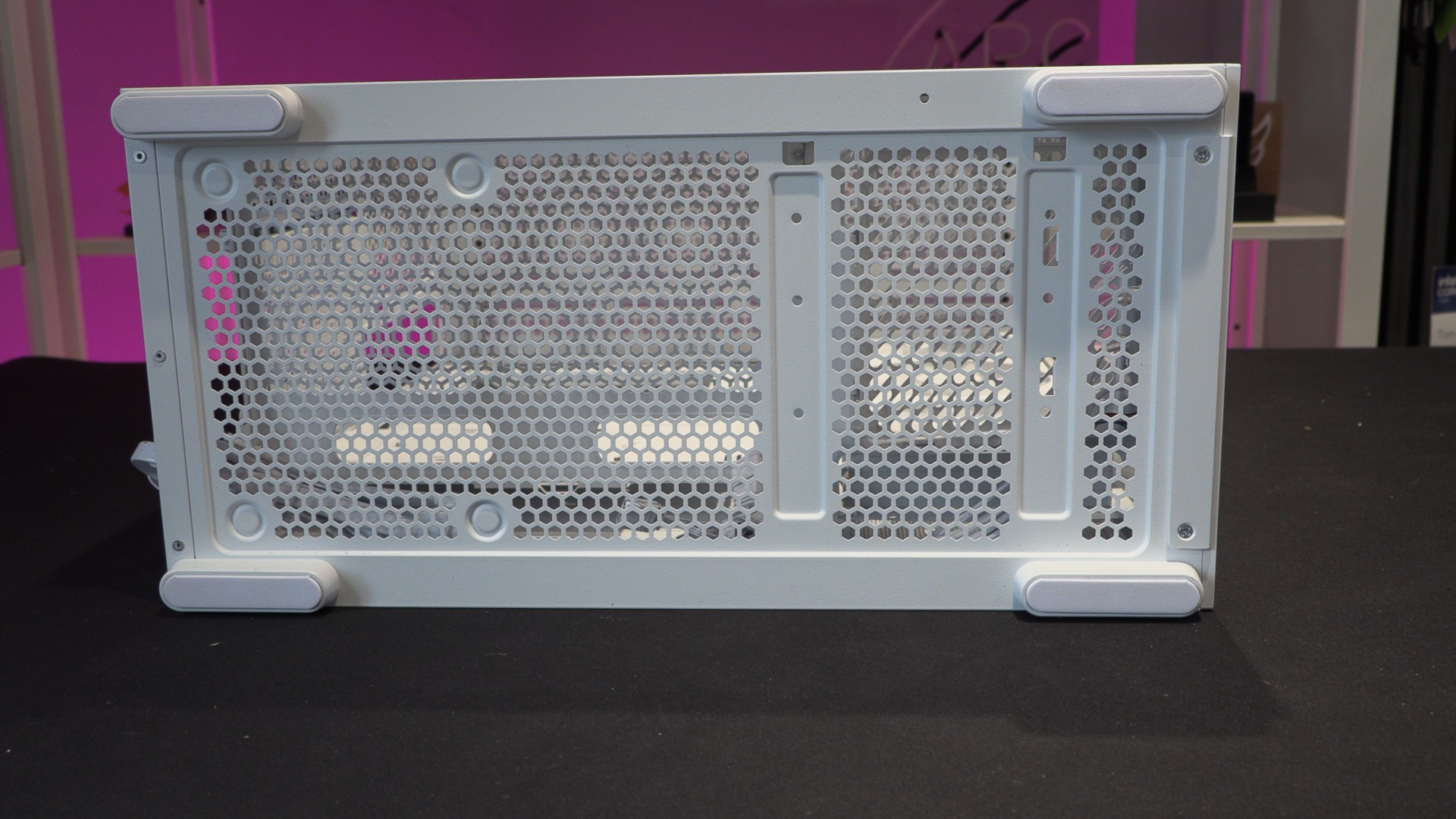
At the bottom of the S5 there is mounting space for a 3.5-inch drive. That said, this mounting space covers much of the intake for the S5’s front/bottom fan. This fan is great for GPU airflow, which means installing an HDD could increase GPU temps in this case (when this fan is installed).
Two tempered glass panels
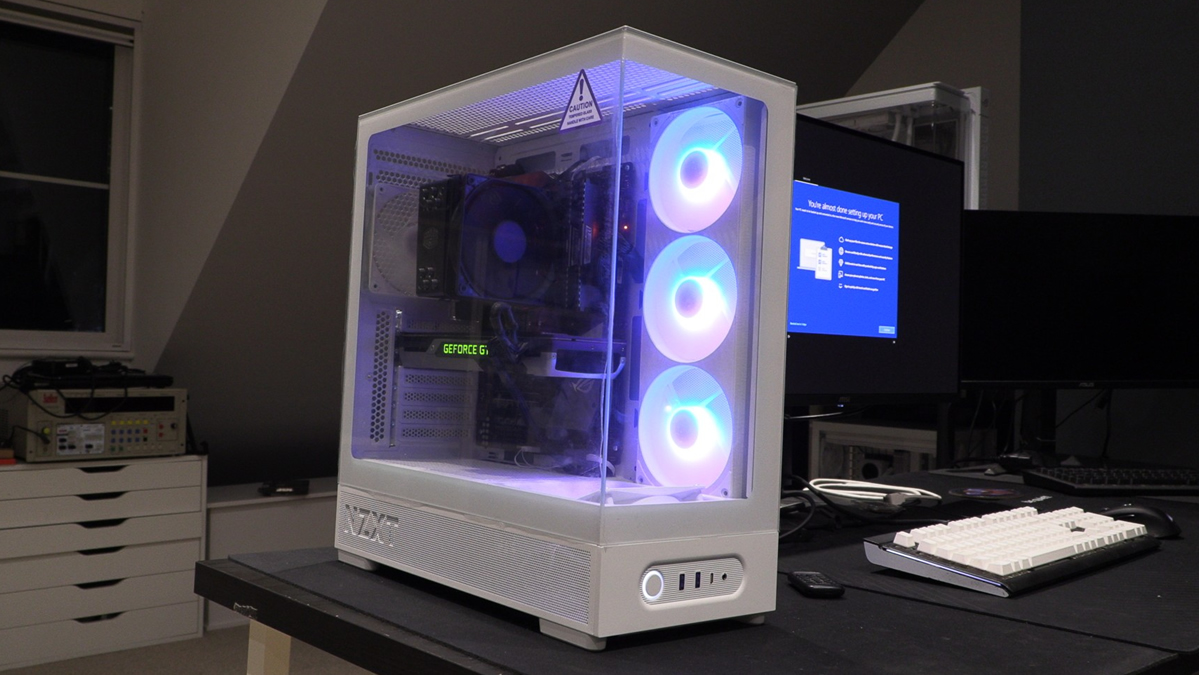
Unlike more expensive PC cases, the NZXT S1 doesn’t use a single bent piece of tempered glass. This is a clear cost-cutting move, but it doesn’t have a major visual impact. Yes, you can see that these are two separate pieces of glass, but they are well aligned, and there is no real gap between both panels. It still delivers the popular panoramic glass look that many PC builders want. Both panels are removable, though they need to be taken off one at a time.
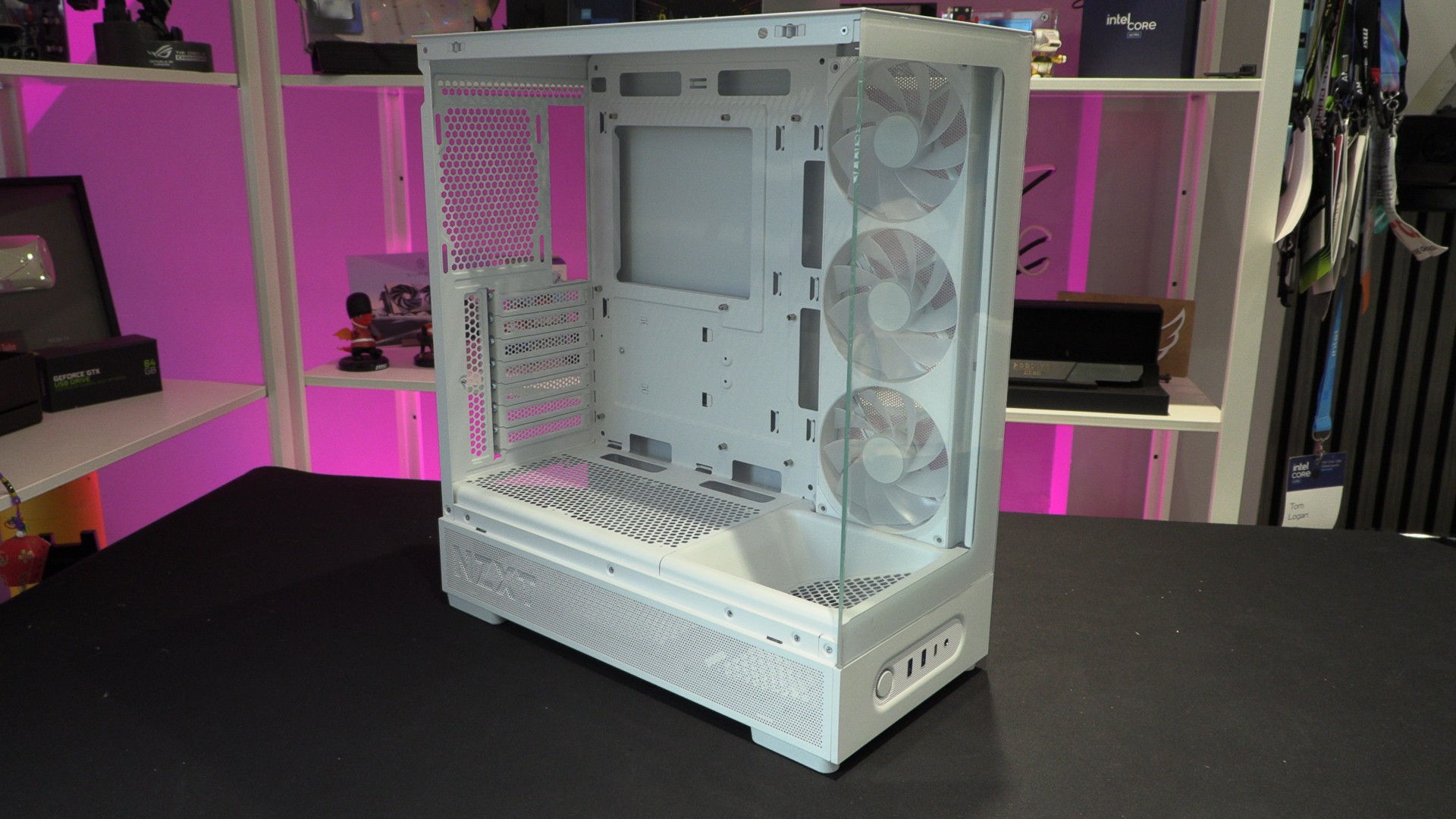
With both panels removed, users have full access to their hardware.
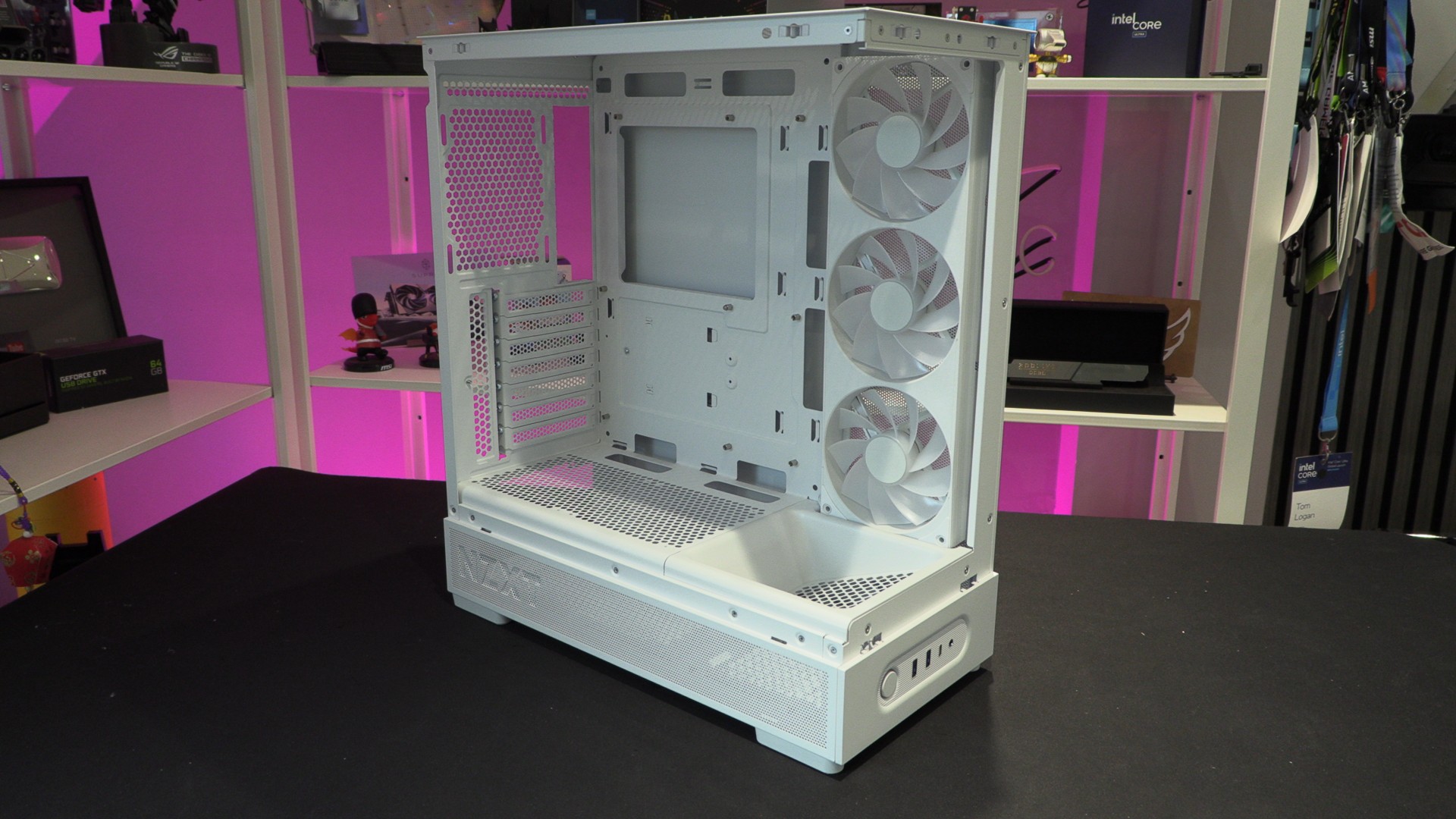
Bottom fan mounts
At the bottom front of the S5, there is a fan mount angled toward where your graphics card or other PCIe cards are. This mount is filled with a 120mm reverse-blade RGB fan in NZXT’s S5 RGB Deluxe, but not in the standard S5 RGB.
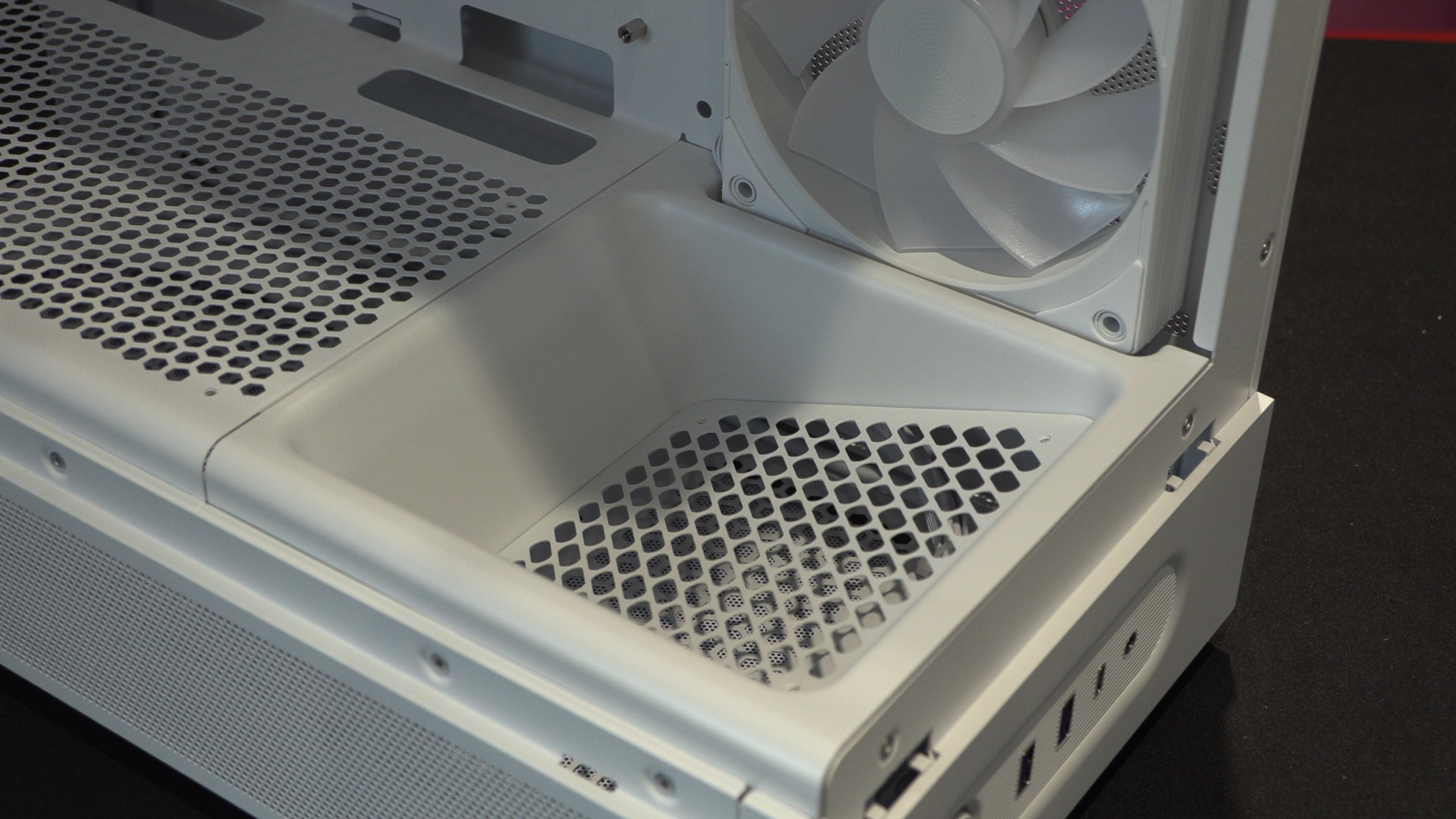
Users can also install up to two 120mm fans above the case’s PSU shroud. These fans intake air from the bottom and side of the S5 and blow it directly at your GPU and other PCIe cards.
No back-connect motherboard support
Unlike many modern PC cases, NZXT’s S5 series cases lack support for back-connect/rear connector motherboards. This makes sense for the S5, as back-connect motherboards are usually premium, and this case lacks the space behind the motherboard tray for them to work. Given this PC case’s intended market, this is a worthwhile trade-off. When price is king, rear-connect motherboards aren’t on your shopping list.
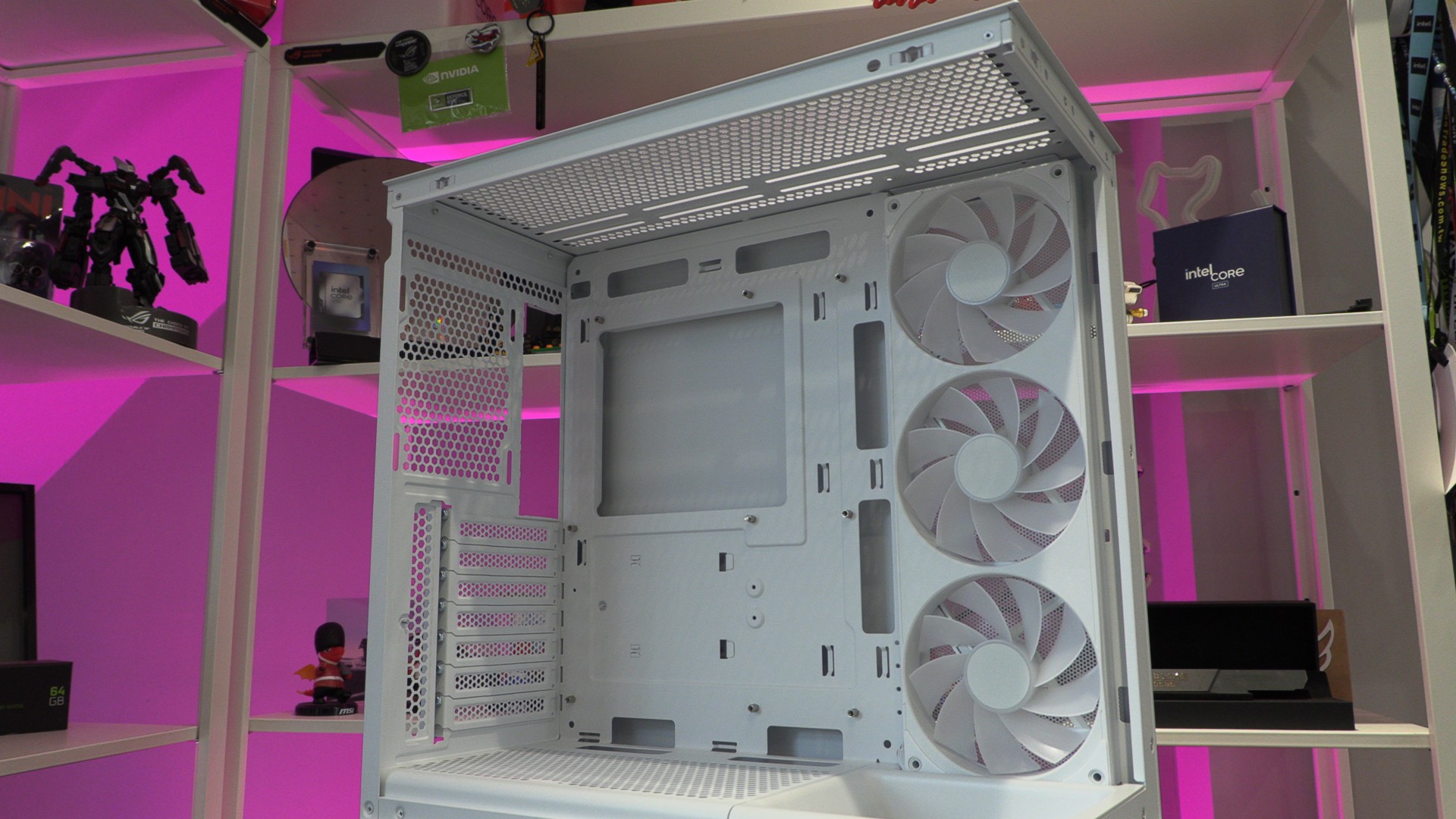
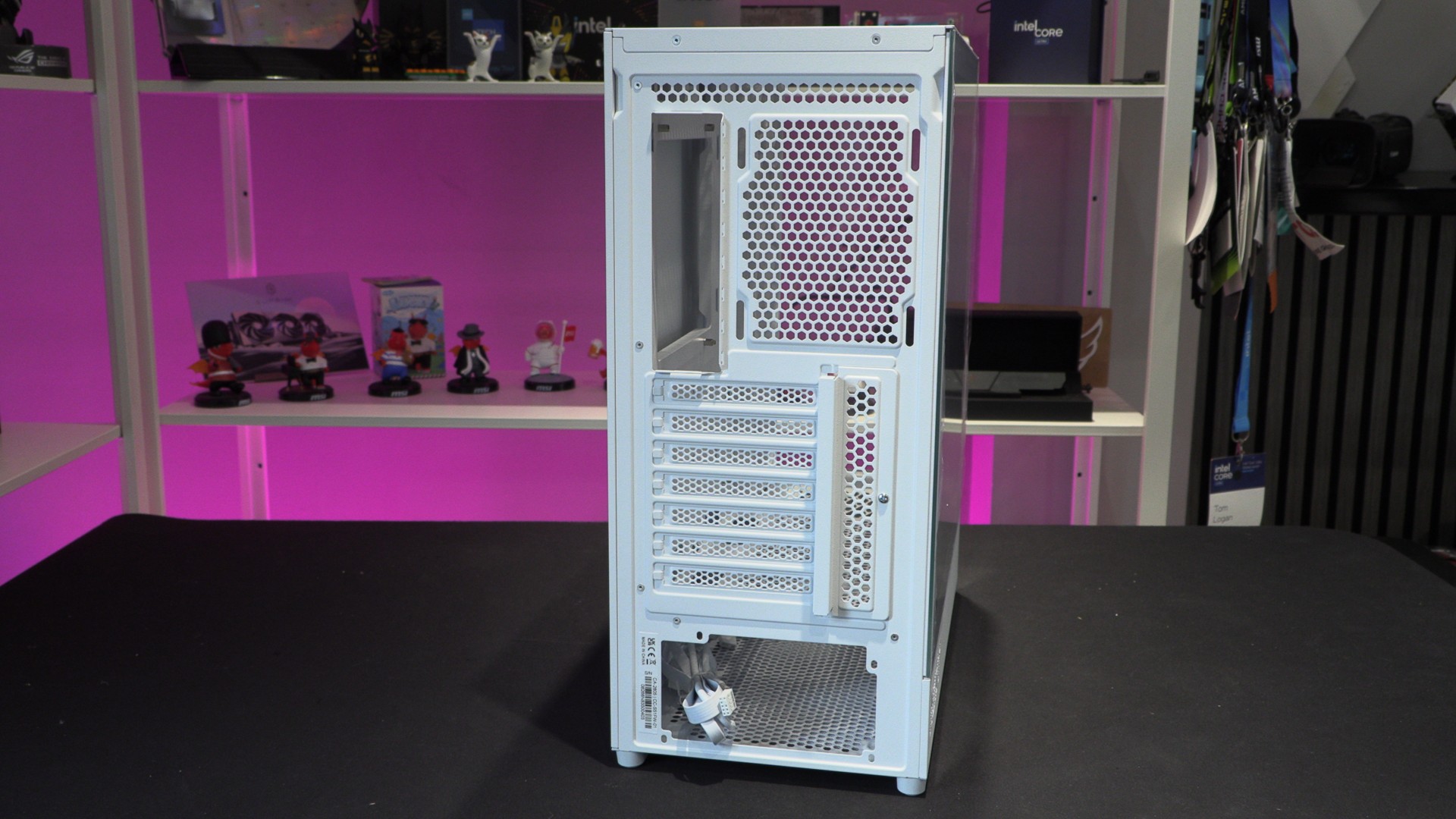
Another thing to note about the S5 is that it has individual removable/replacable PCIe slot covers. Typically, bargain-basement PC cases skip these to cut costs. Clearly, NZXT didn’t cut every corner and focused its budget on the areas that mattered.
Behind the motherboard tray
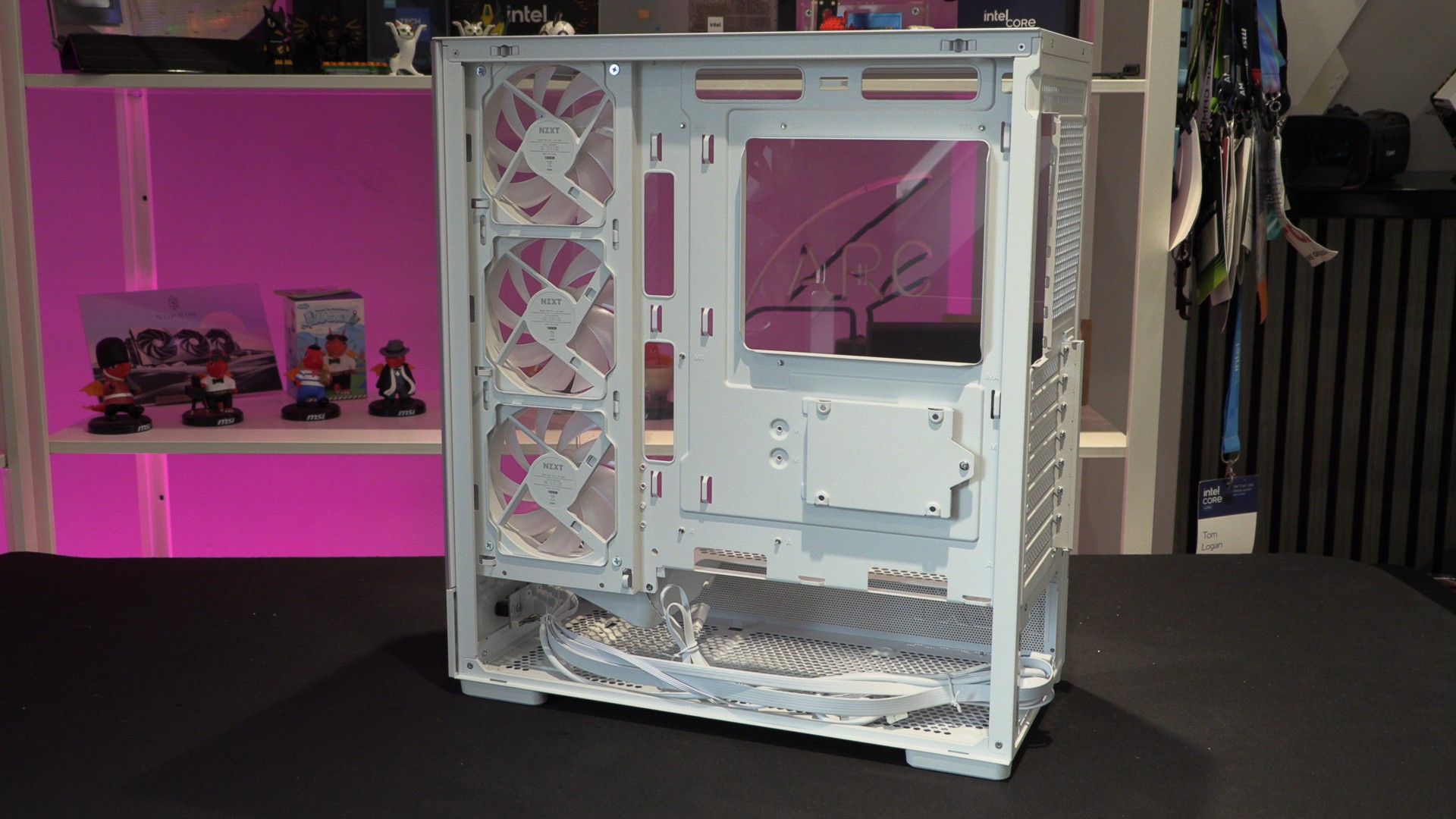
The right side panel of the NZXT S5 is rather plain. It has perforations to help feed this case’s pre-installed 3x120mm single-frame fan set, and that perforated section has an embossed NZXT logo. A simple but effective design.
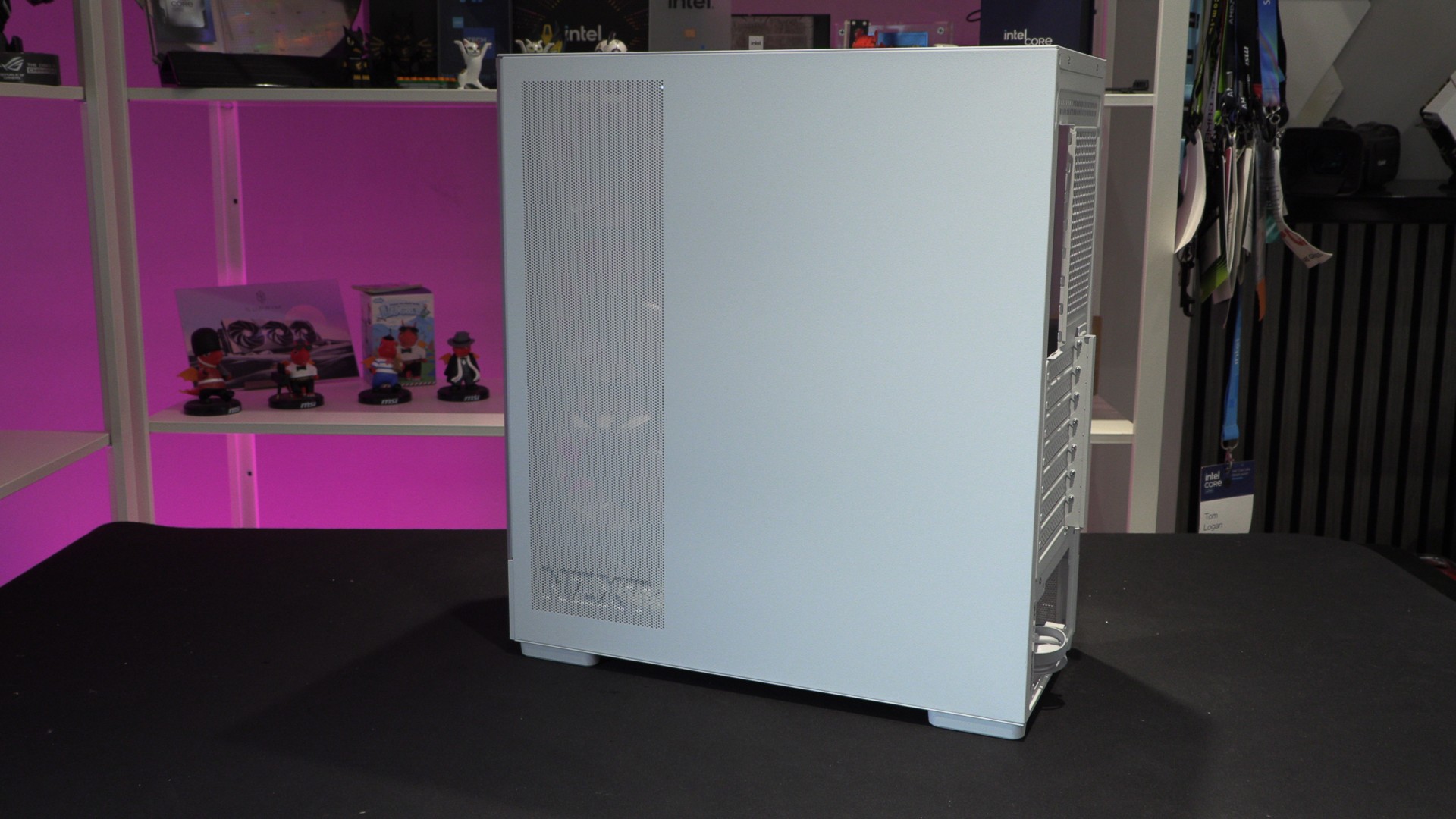
The only downside of the NZXT S5’s design is that it doesn’t have much space behind its motherboard tray. This leaves limited room for cable management, though the case has plenty of tie-down points for cable ties.