


ASUS ROG Crosshair X870E Extreme Preview

Up Close
Up Close
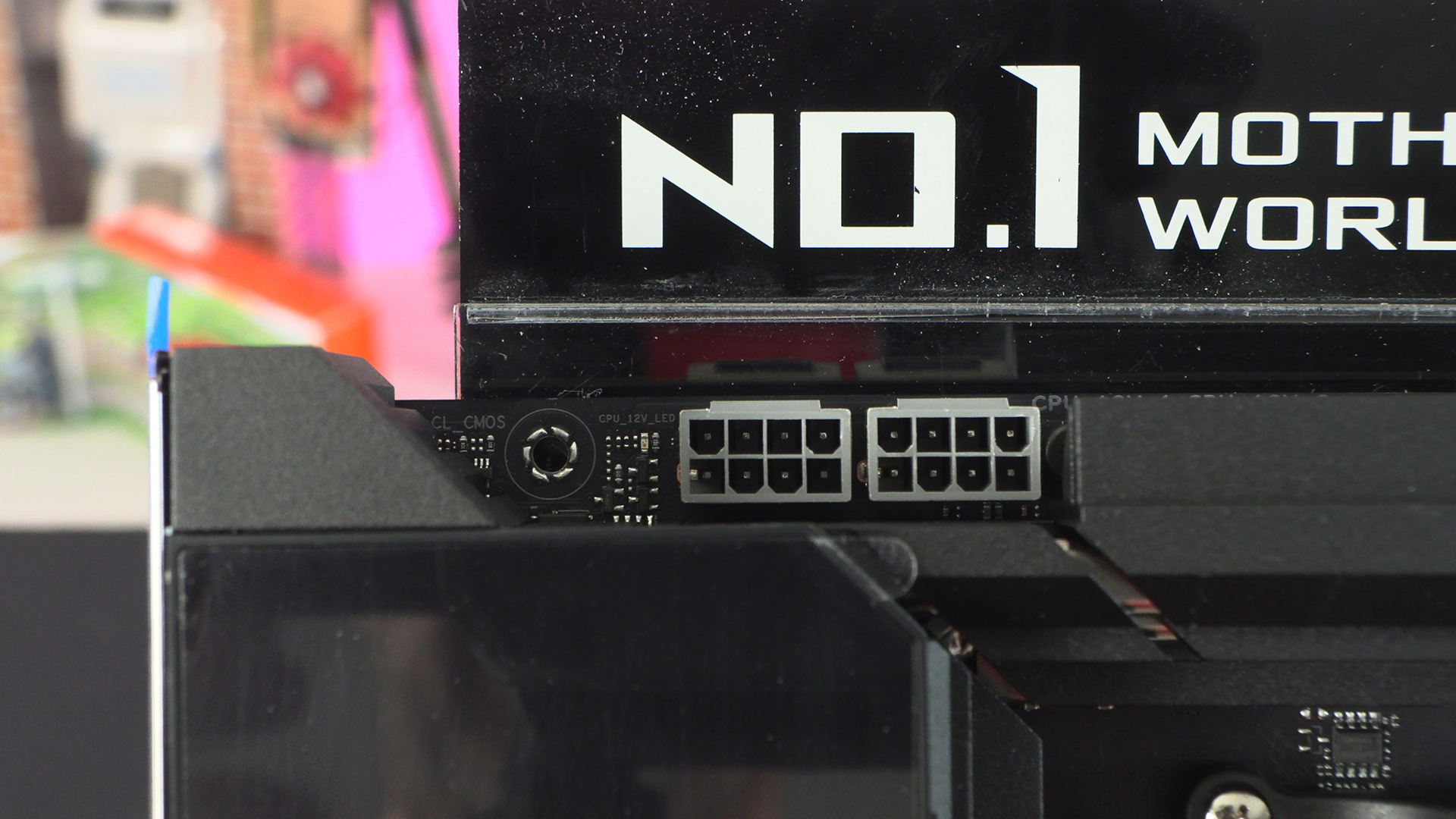
We’ve mentioned it a lot in recent reviews and the Crosshair X870E Extreme continues the trend; Why are 12V CPU 8pin power connectors all grey lately? What happened to the black ones? It makes no sense to us. Fortunately you have to cable them, so you’ll never notice.
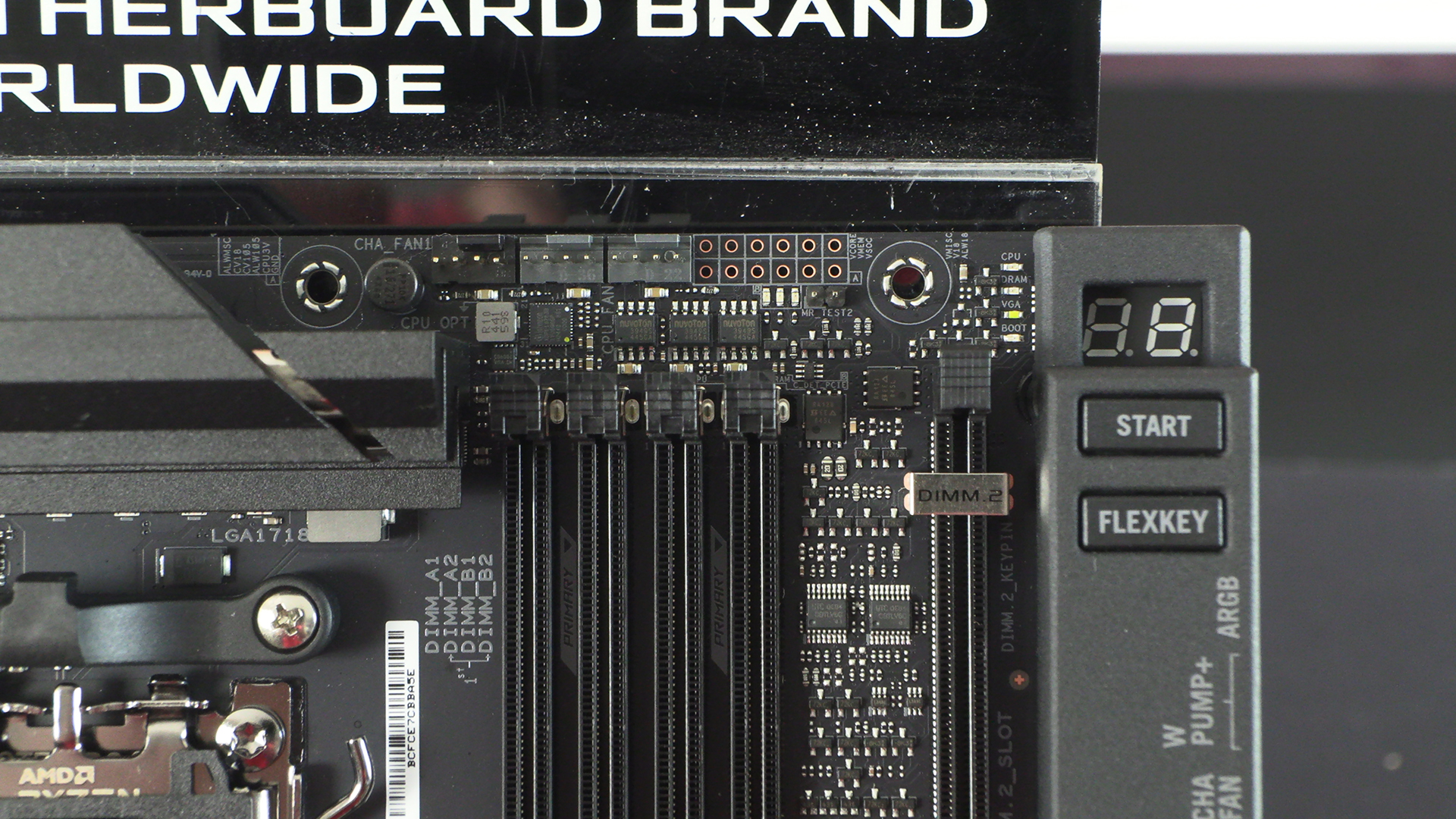
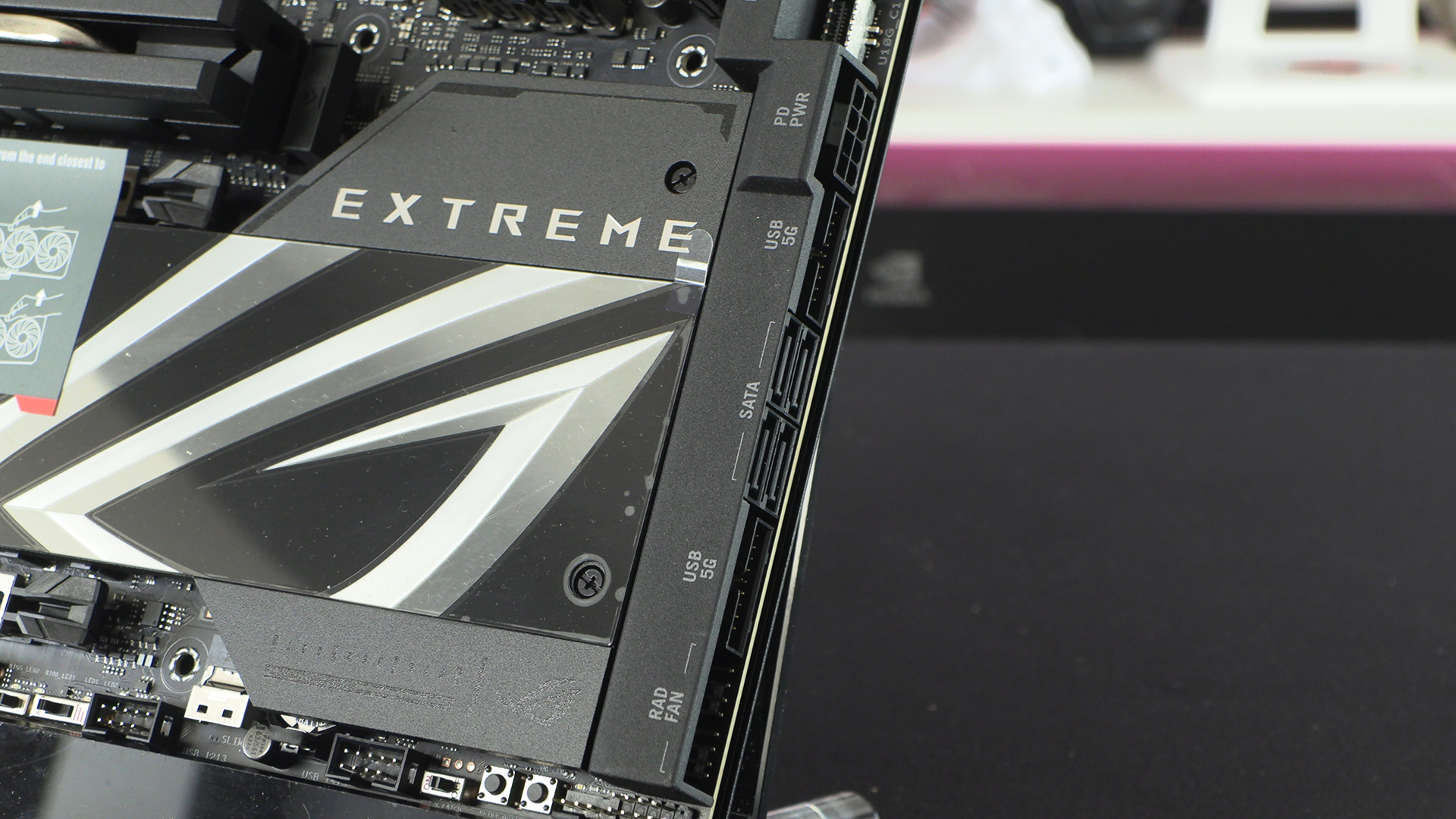
Plenty of cooling will always be important, and if you’re using the Crosshair Extreme to run something like the Ryzen 9950X3D then having three fan headers within easy reach is a boon.
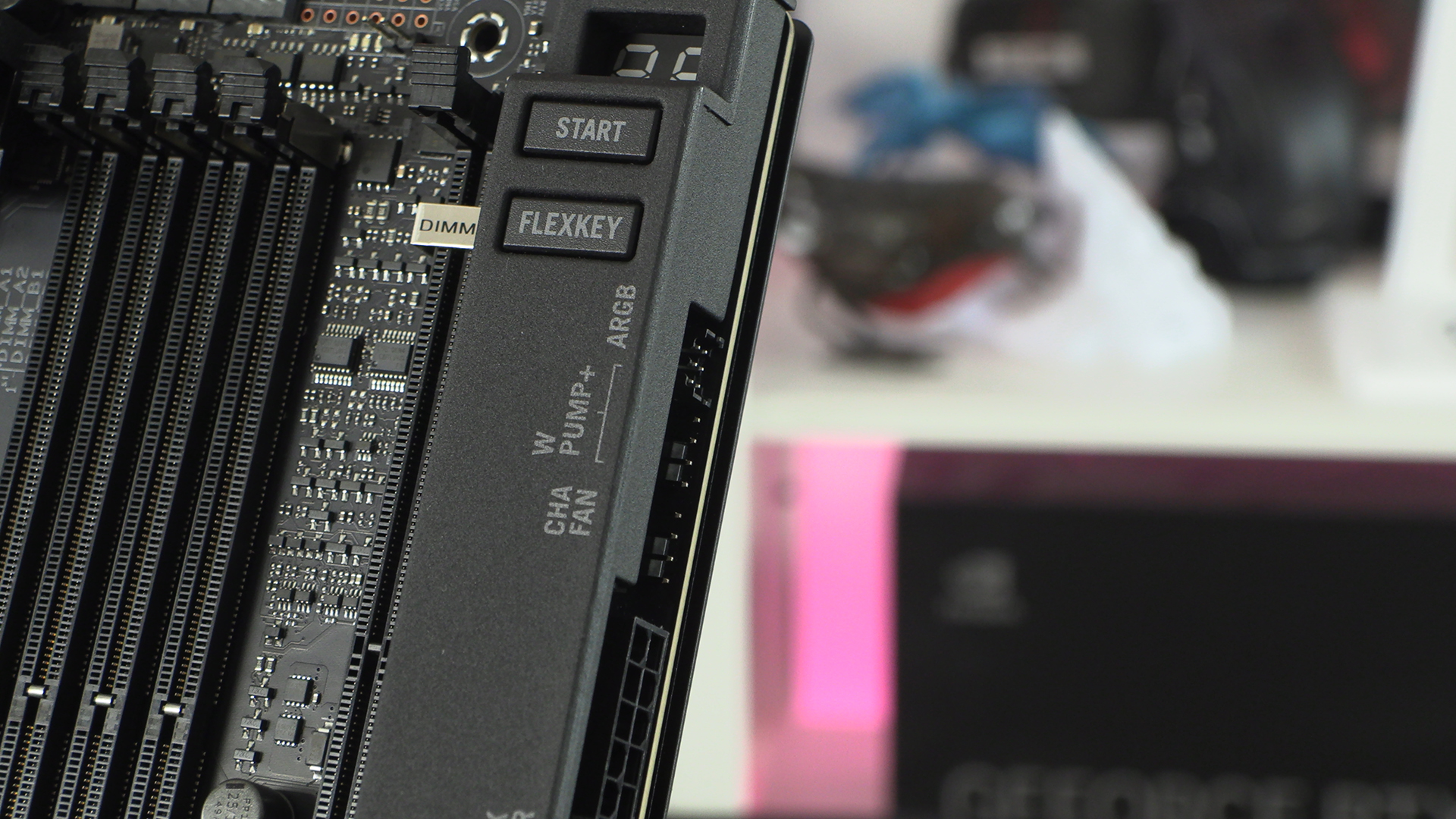
The Flexkey lives up to its name and is flexible. Most people leave it as the default where it’s the reset button, but you can do a whole manner of things with it. If you love being stealthy it can even be configured to turn off all your AURA lighting.
Front panel USB, particularly in Type-C, is ever more important. Most of our devices are Type-C these days, and it’s the easiest way to connect your technology. By having two front panel Type-C options the Crosshair would be epic in a suitable case. We’re big fans of not scrabbling around in the dark and cobwebs at the back of our rigs.
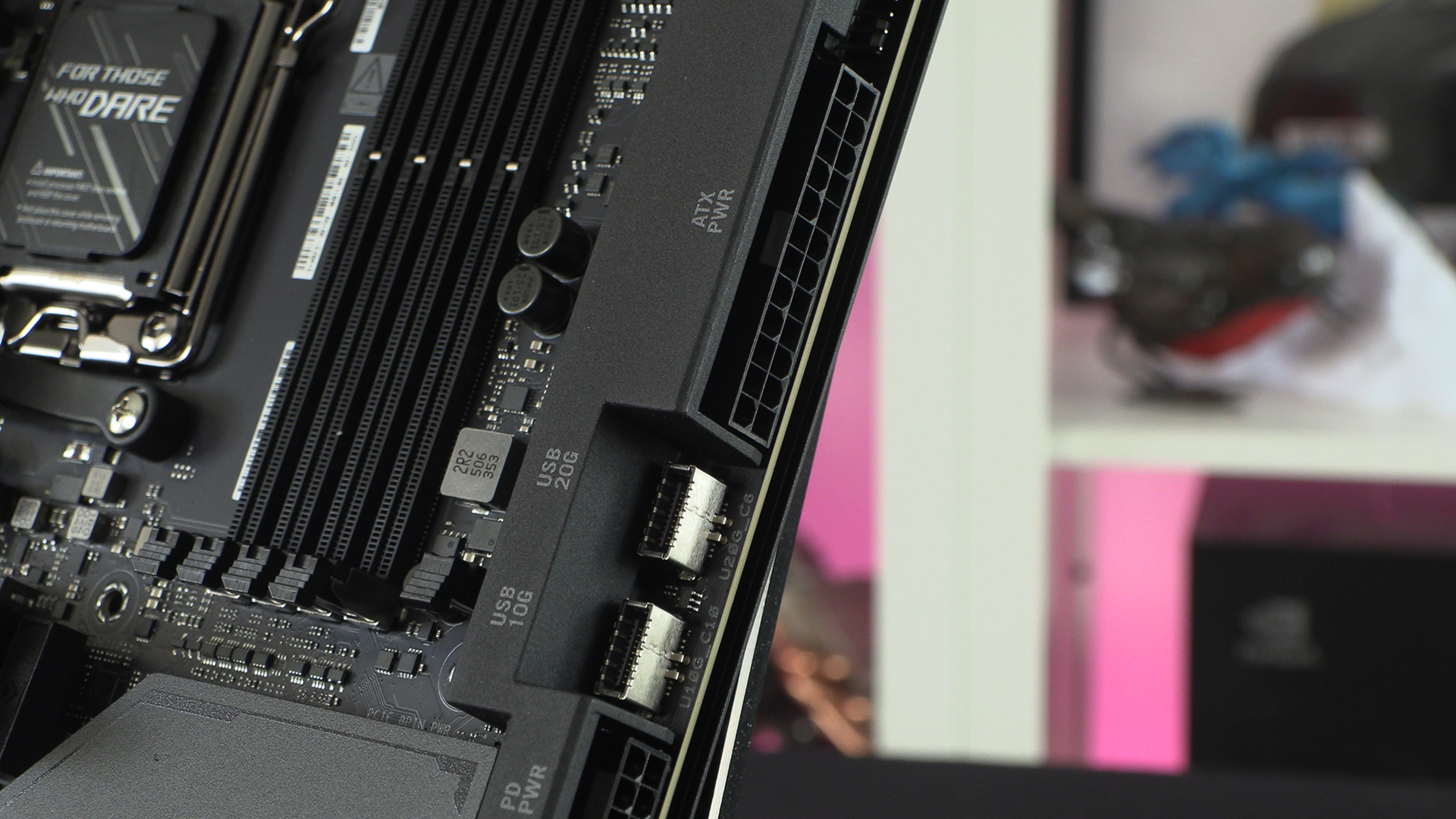
We still don’t understand why horizontal connectors didn’t take off in the way they should have. BTF systems look gorgeous but require specialist motherboards and cases. Horizontal ones like the Crosshair Extreme here have all the neatness but work in any case.
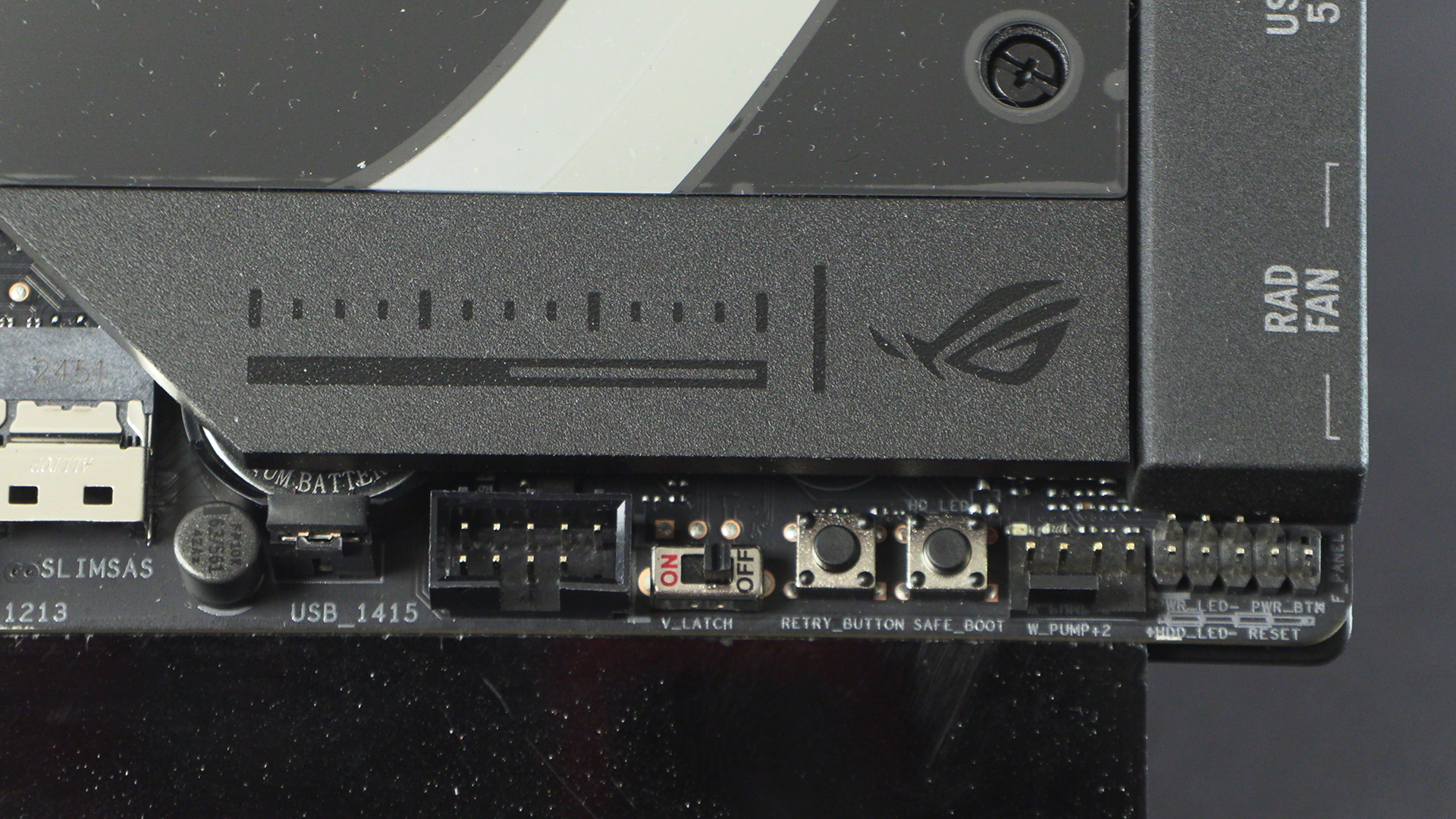
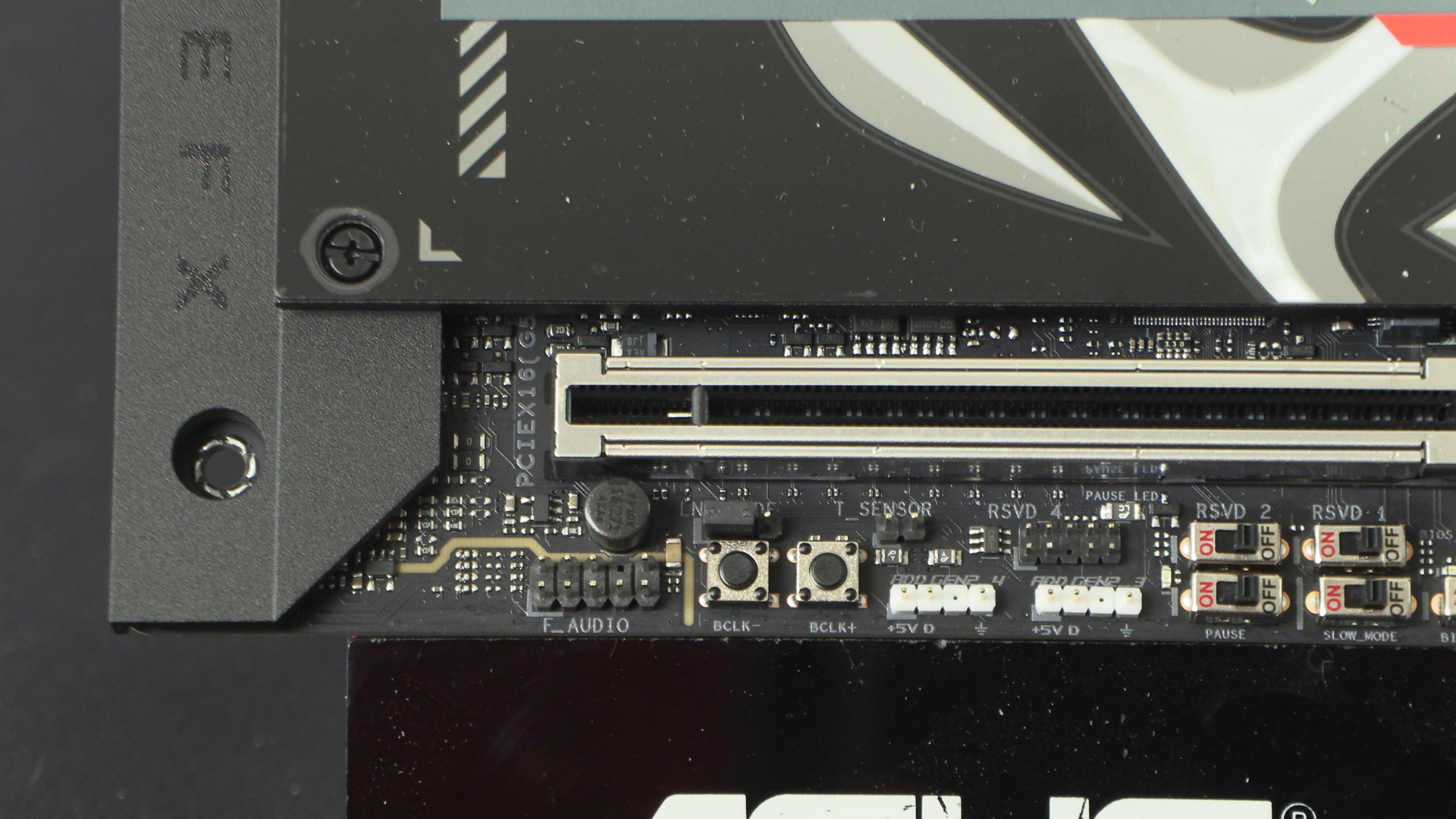
Whenever you’re overclocking at the extreme edges of possibility you can easily tip over the edge into instability or a total inability to boot. In those situations the Retry button and Safe Boot button will come into their own and possibly rescue your overclock from the bin. If you really need to get your voltages exact the V-Latch DIP Switch is a particular help. It forces the board to report the actual voltage minimum and maximum. You can then monitor this across multiple loadline settings until you find the optimal one for your configuration.
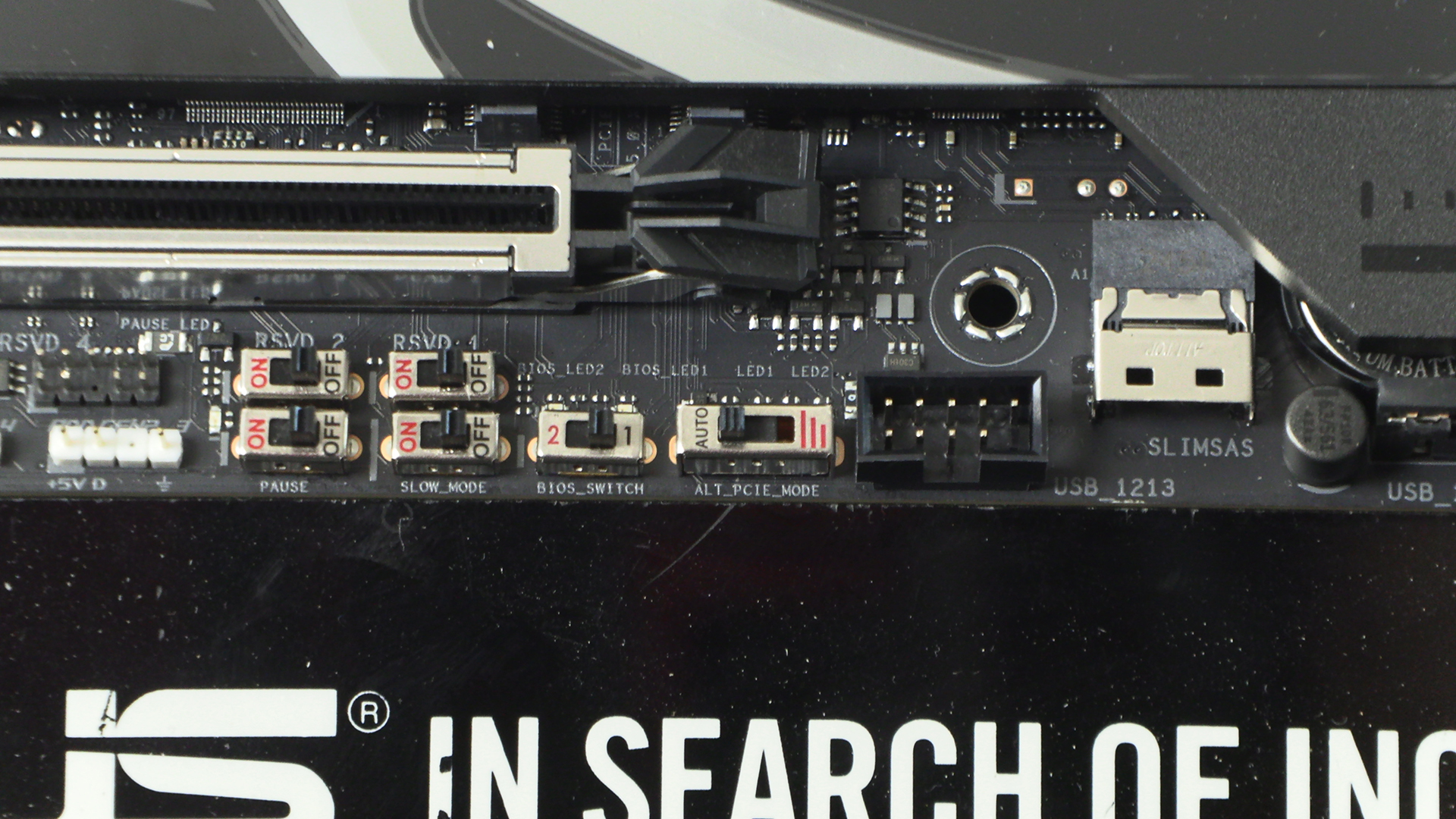
If you’re dealing with sub zero, or near sub zero, overclocking exploits then you’ll understand the need for these DIP Switches. When you’re going all in on breaking some records then you come across problems that most of us don’t experience. When these happen you’ll be delighted you brought the Crosshair Extreme helping you escape from frozen processors and boot locks.
Lastly on the bottom edge we get a pair of Addressable AURA Sync headers. Next to those are BCLK fine tuning buttons to extract the last bit of performance from your overclock. These, coupled with the sub-zero dipswitches we mentioned above, point very clearly to which market segment the Crosshair Extreme makes its home. Extreme by name and nature.
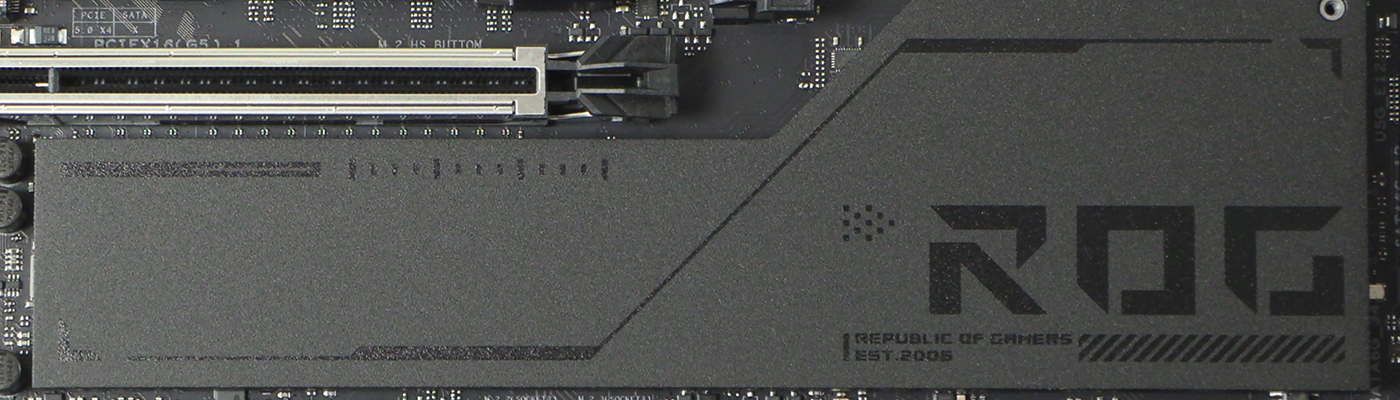
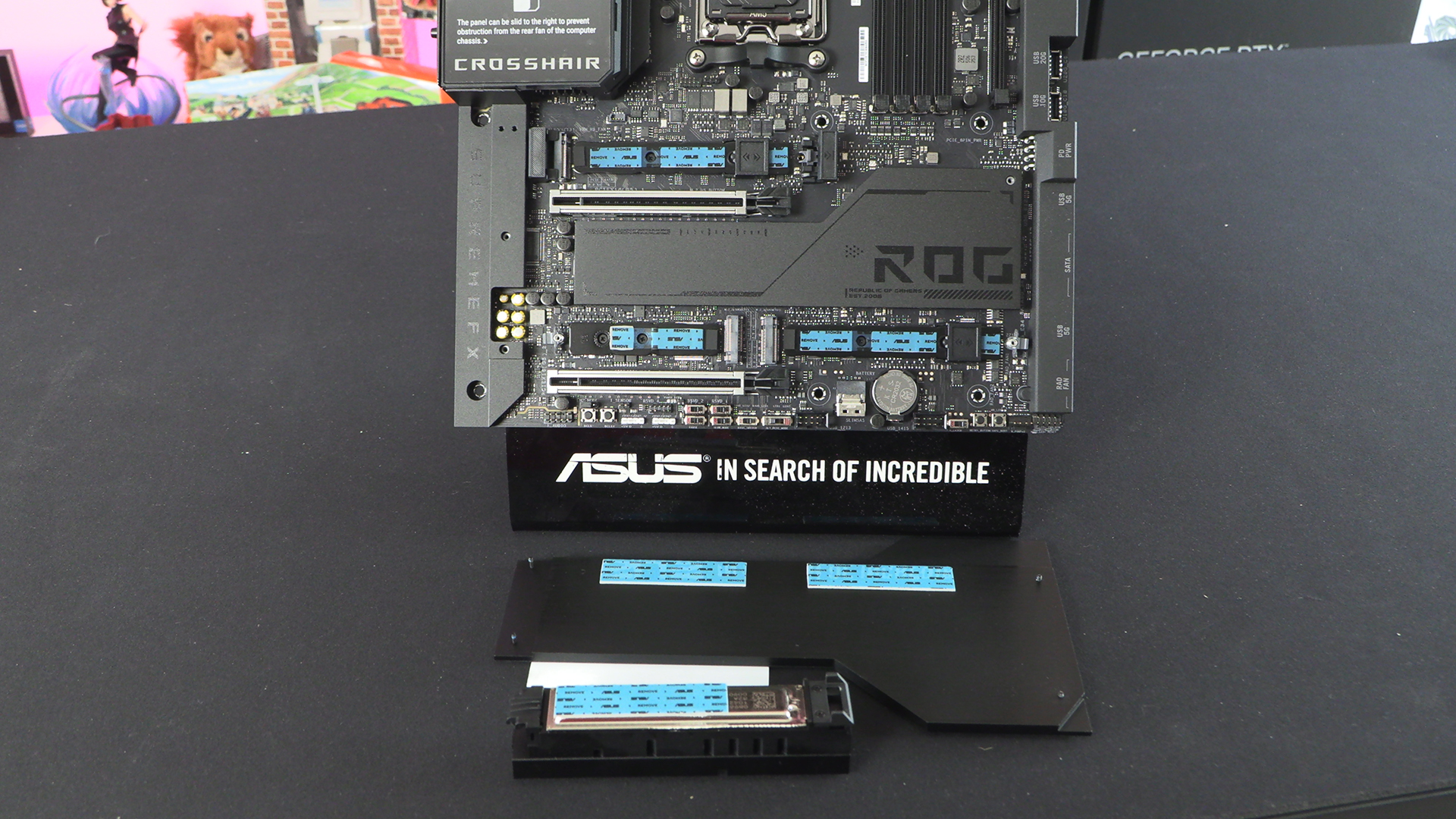
We often point out how affordable M.2 drives have become. To the point that there is really no need to buy a regular SSD unless you need it to be easily portable. The Crosshair Extreme has support for five M.2 drives. Two 22110 Gen 5s, a single 2280 Gen 5 and, if you utilise the Q-DIMM.2 2 Gen4 22110. Enough for most people we think.
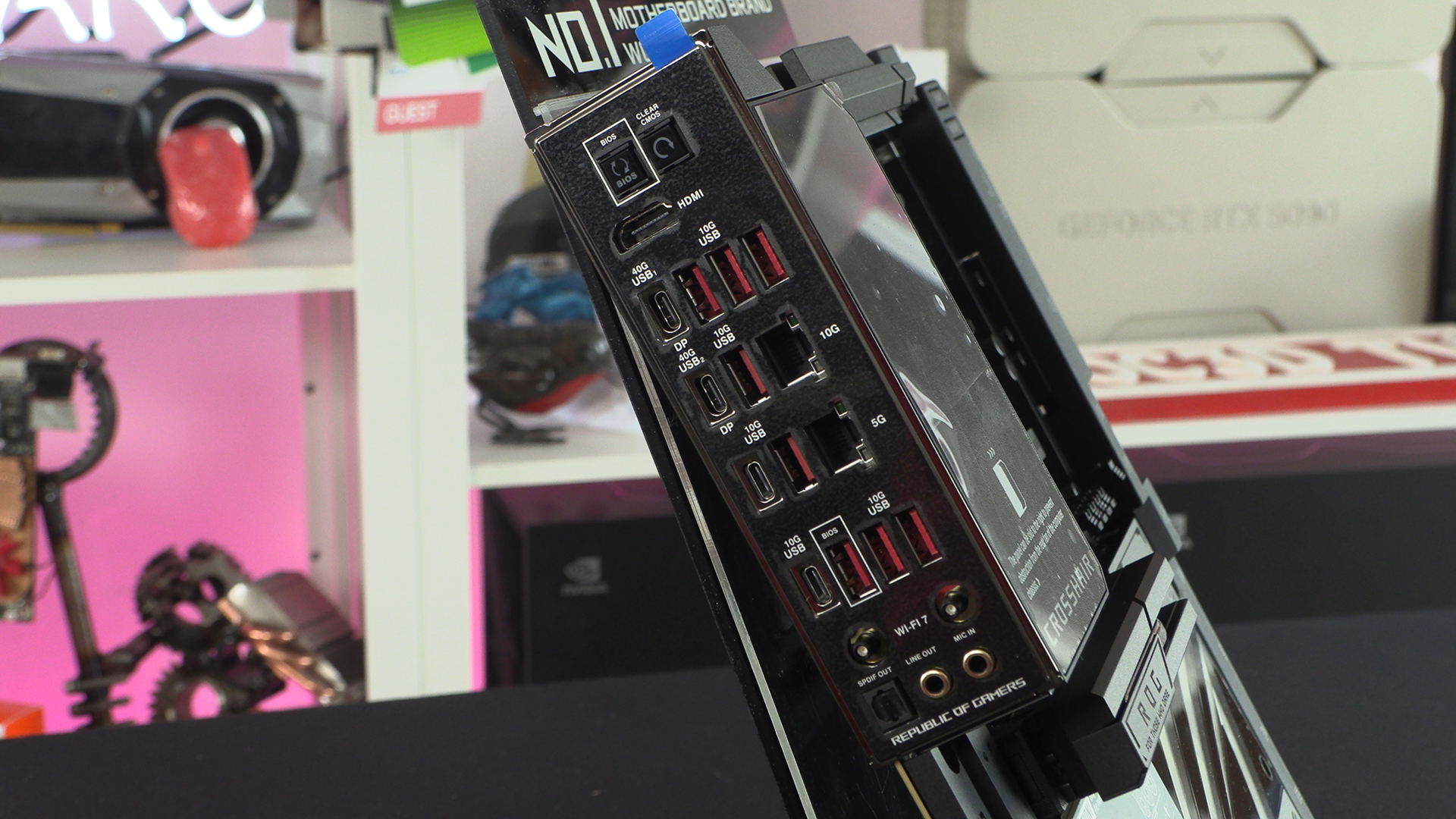
It’s easy to wonder exactly what the benefits of an Extreme model are. Especially when the regular ASUS ROG Crosshair is so good. But then you see you get two LAN ports, including a 10G. Four, count them, USB Type-Cs are available with two of them being the 40G, DisplayPort compatible ones. It’s a monster. High bandwidth options everywhere you look. Exactly what we’d expect from a flagship ASUS ROG product.
Discuss the ASUS ROG X870E Crosshair Extreme in our OC3D Forums, and return for our full performance review soon.

