ASUS ROG Crosshair X870E Glacial Review

Up Close Accessories
Up Close – Accessories
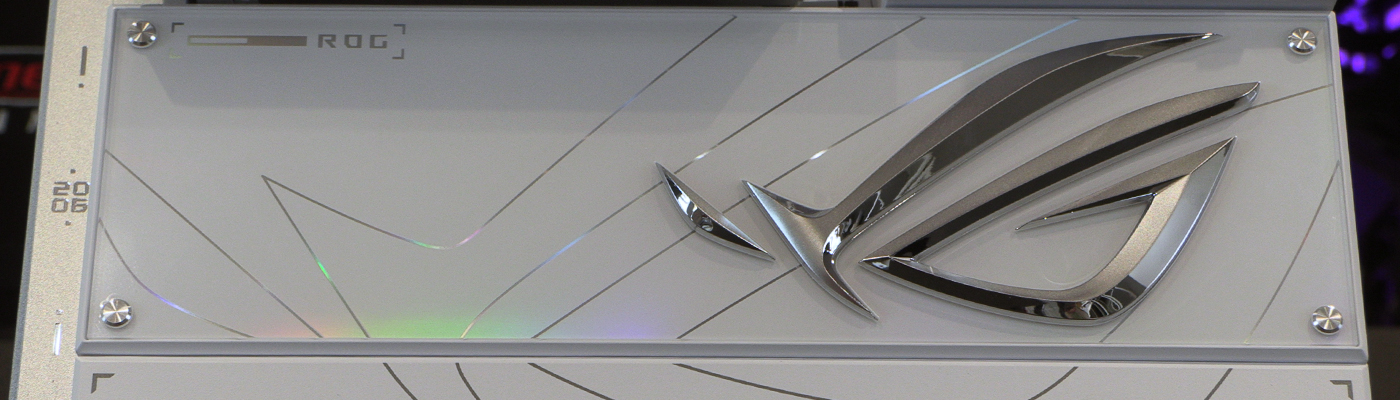
A day may come when we tire of a high end box. It is not this day. We adore the new placement of the text and icon on the box here. Hopefully it is carried forward.
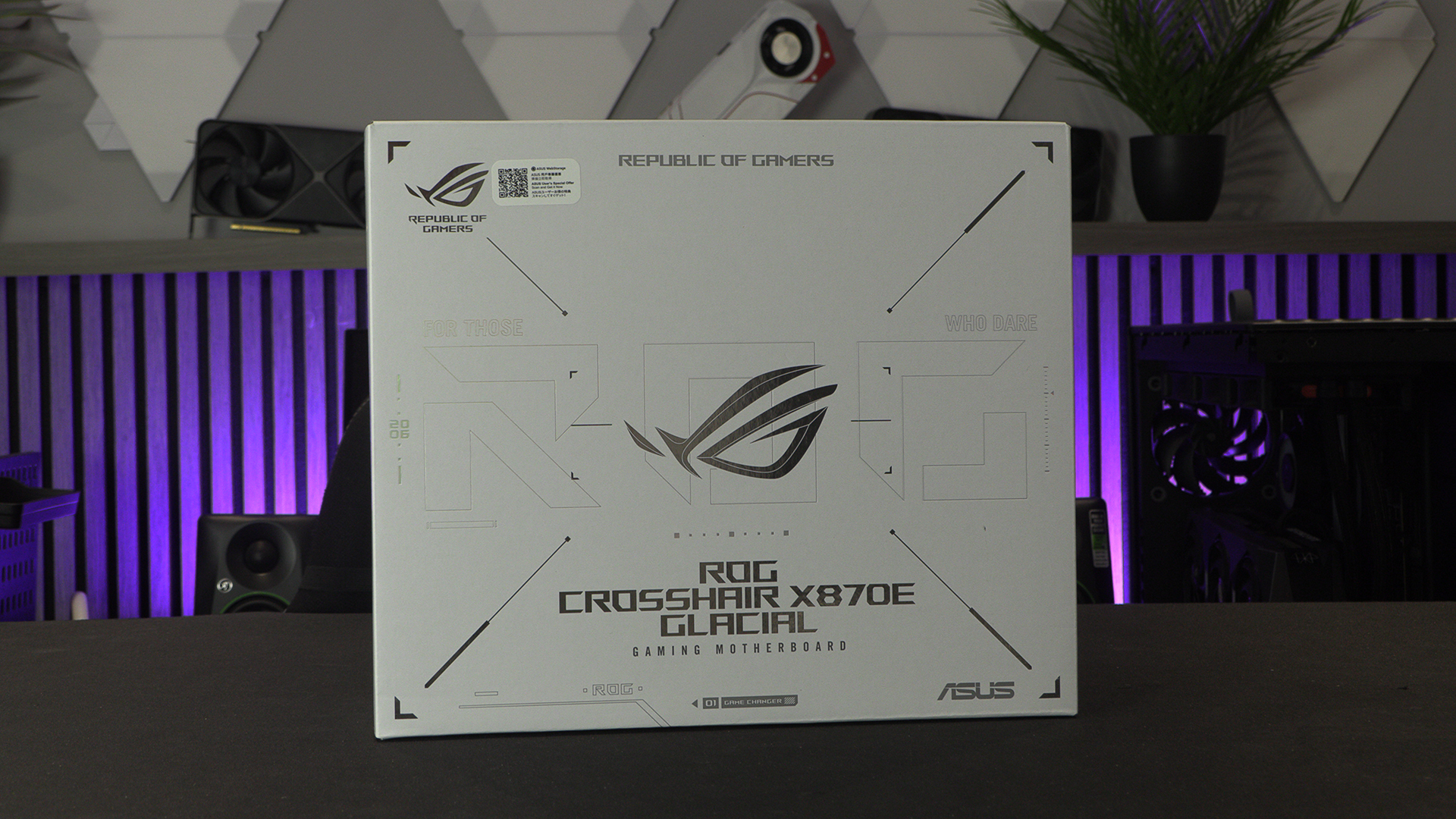
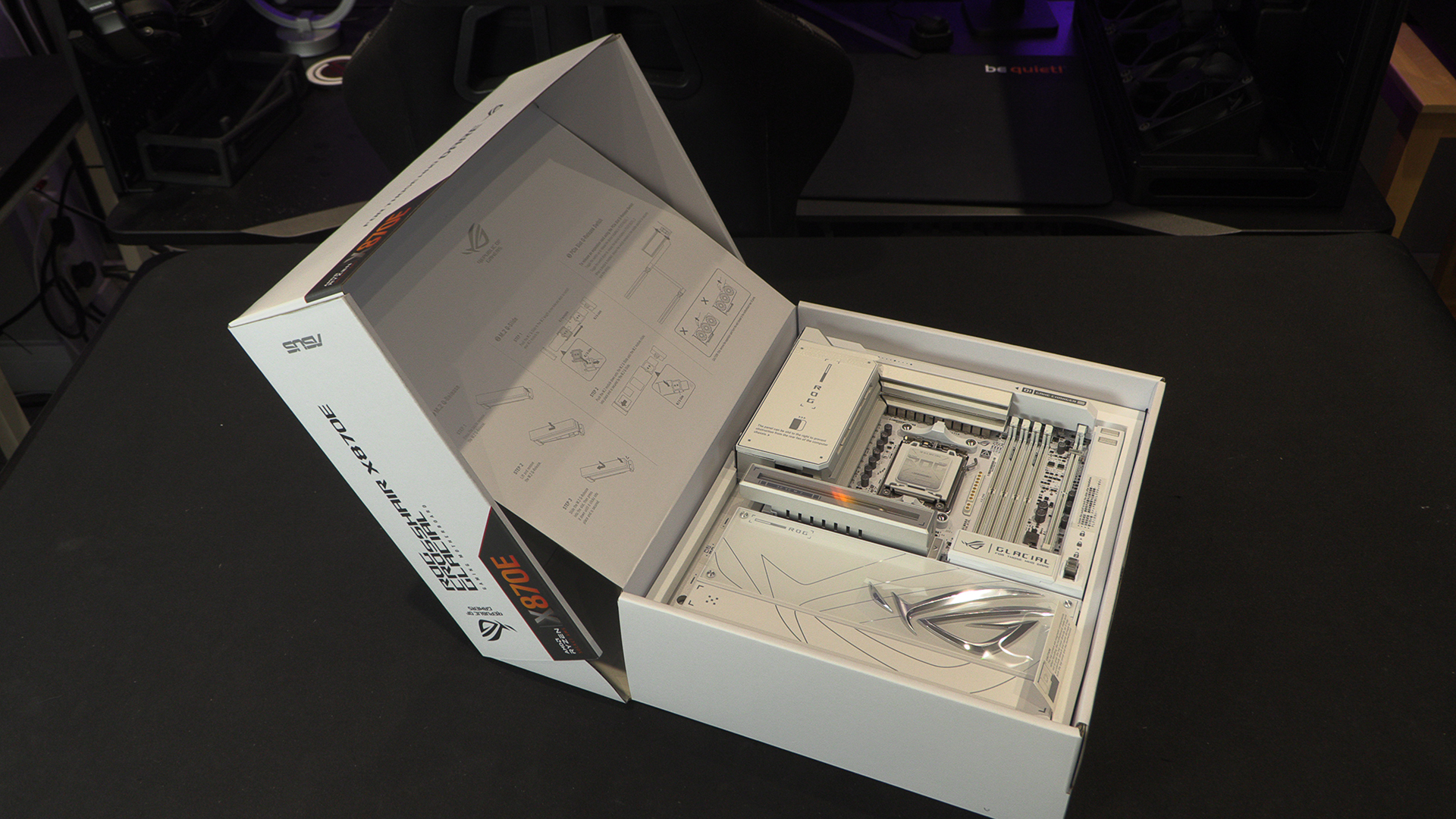
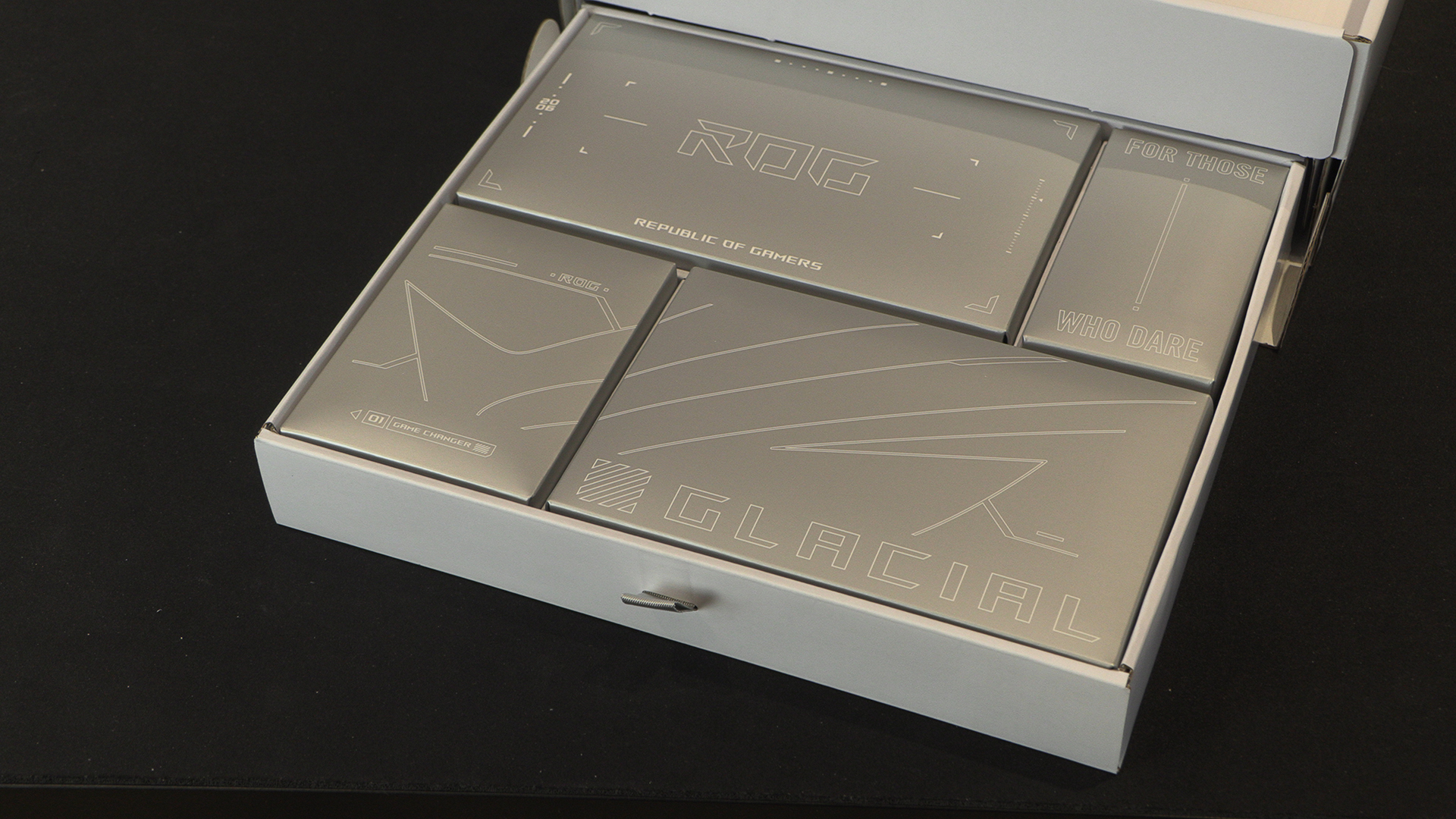
You almost don’t want to open them.
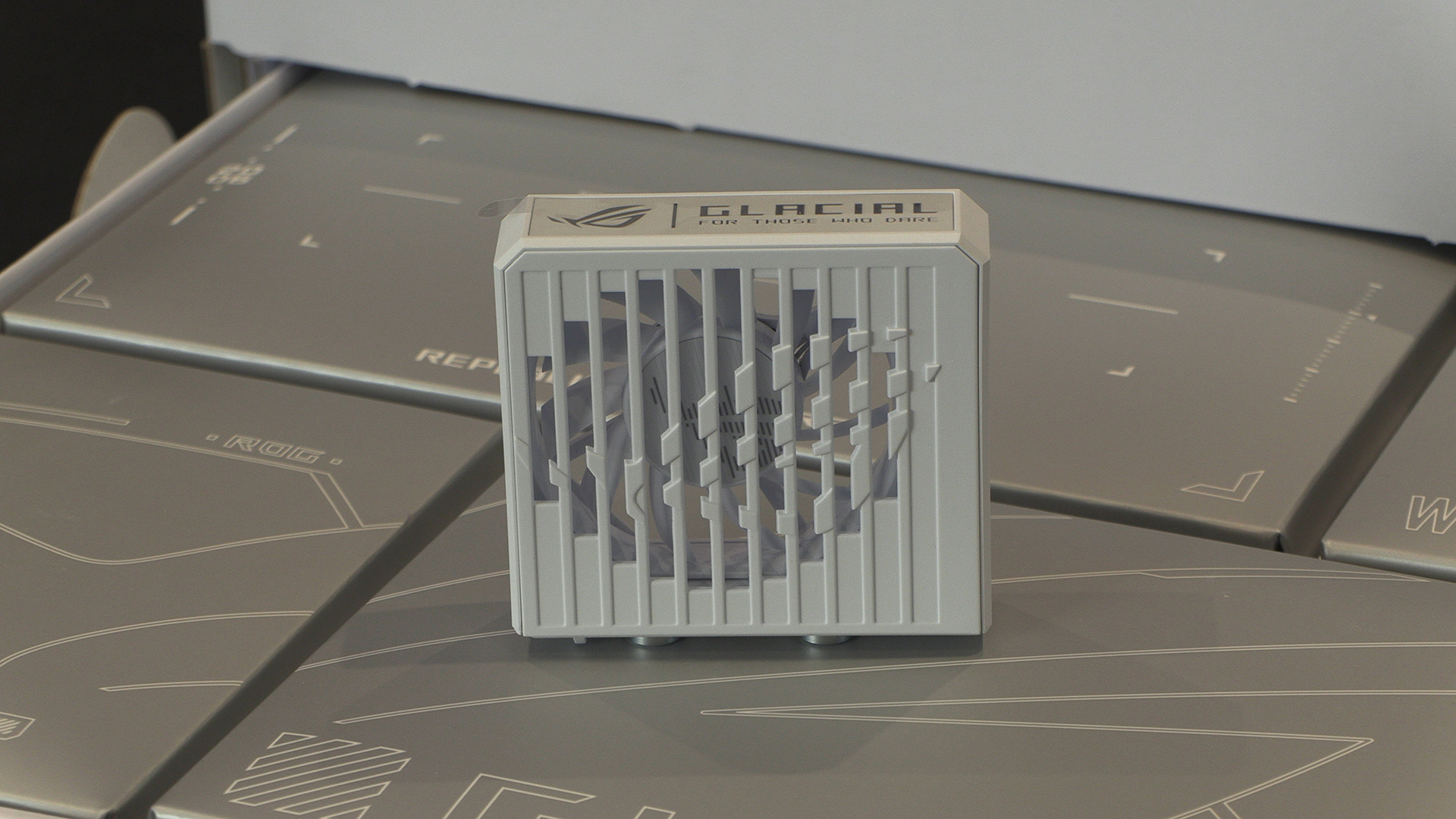
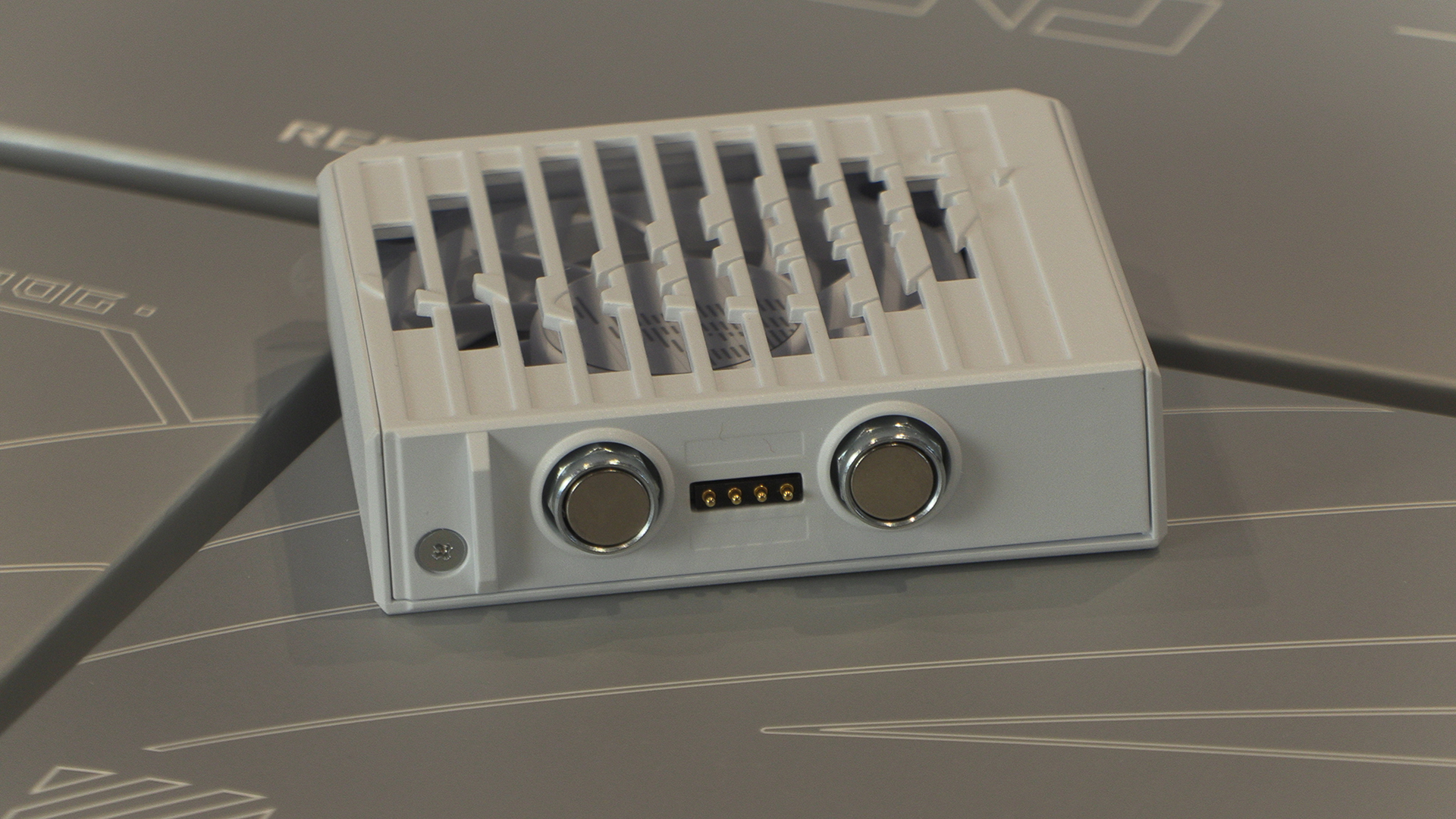
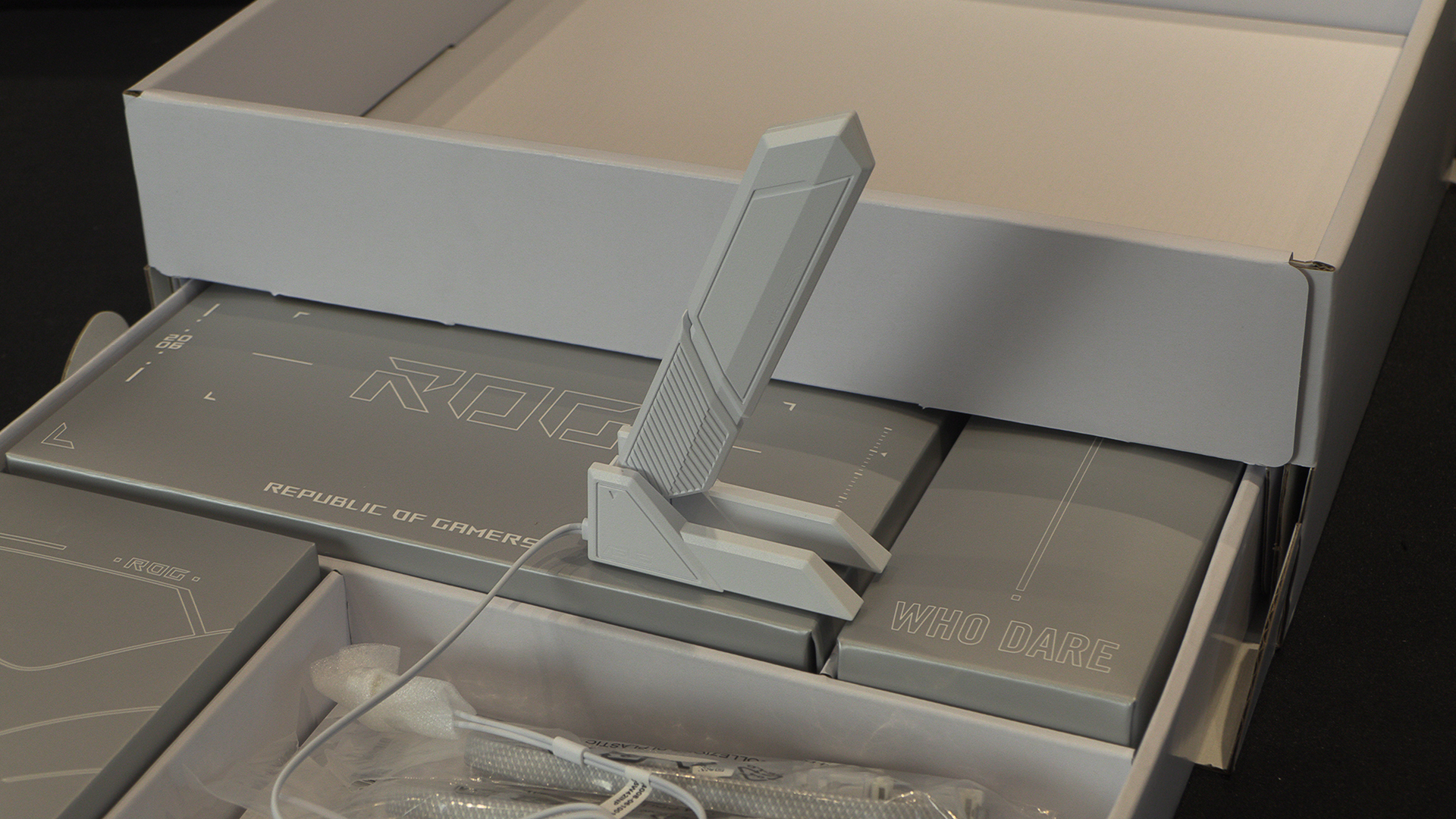
With the kind of speed the Glacial can take your DDR5 to, it’s no surprising to find a dedicate cooling fan. What is surprising is how beautifully designed it is. Totally toolless. Magnet attachment and 4 pins connection that just attach without needing anything else.
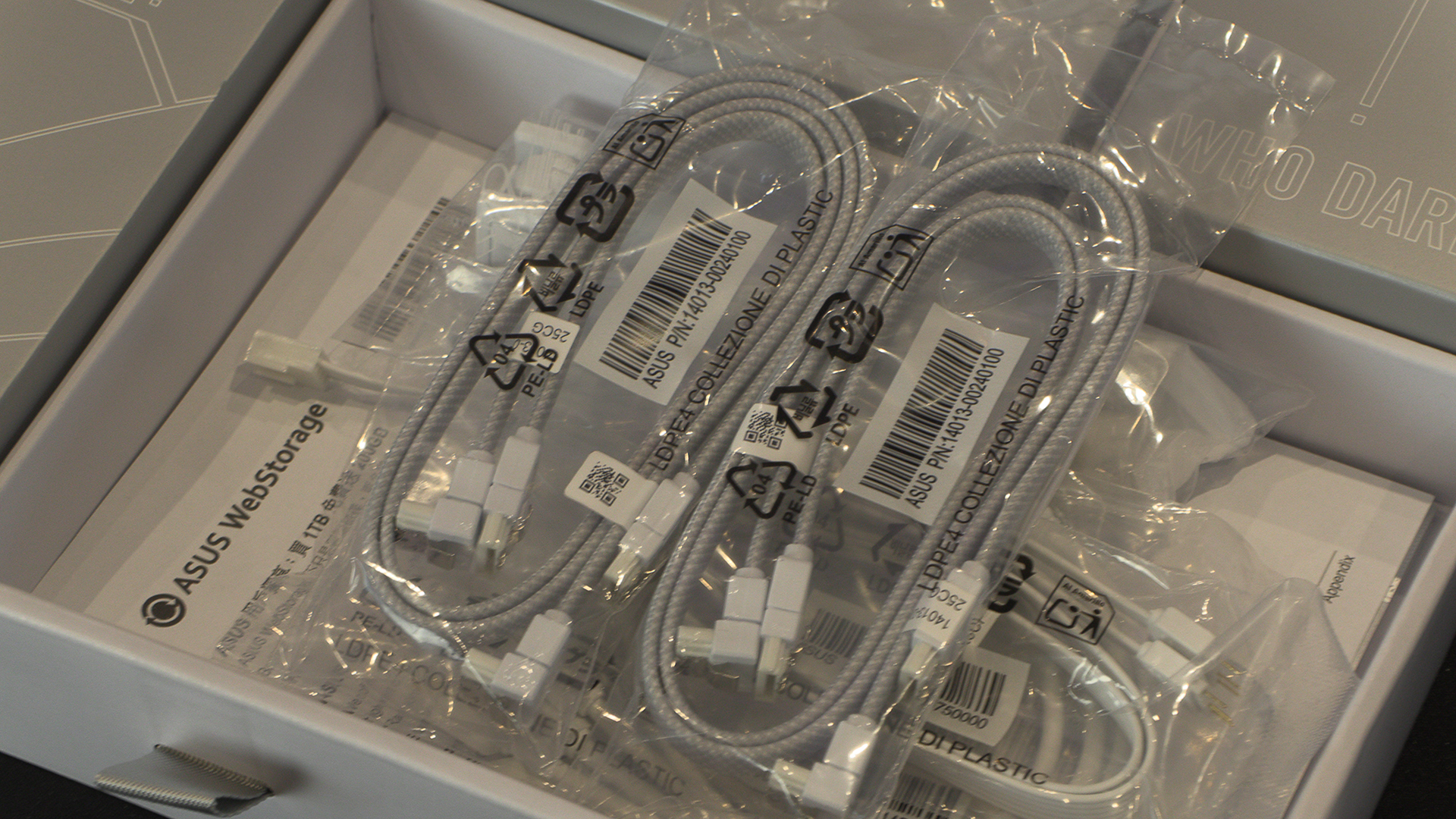
Like all ASUS ROG products you get a great selection of cables too, covering all your needs.
ASUS famous ROG WiFi antenna. When a design works this well, why change?
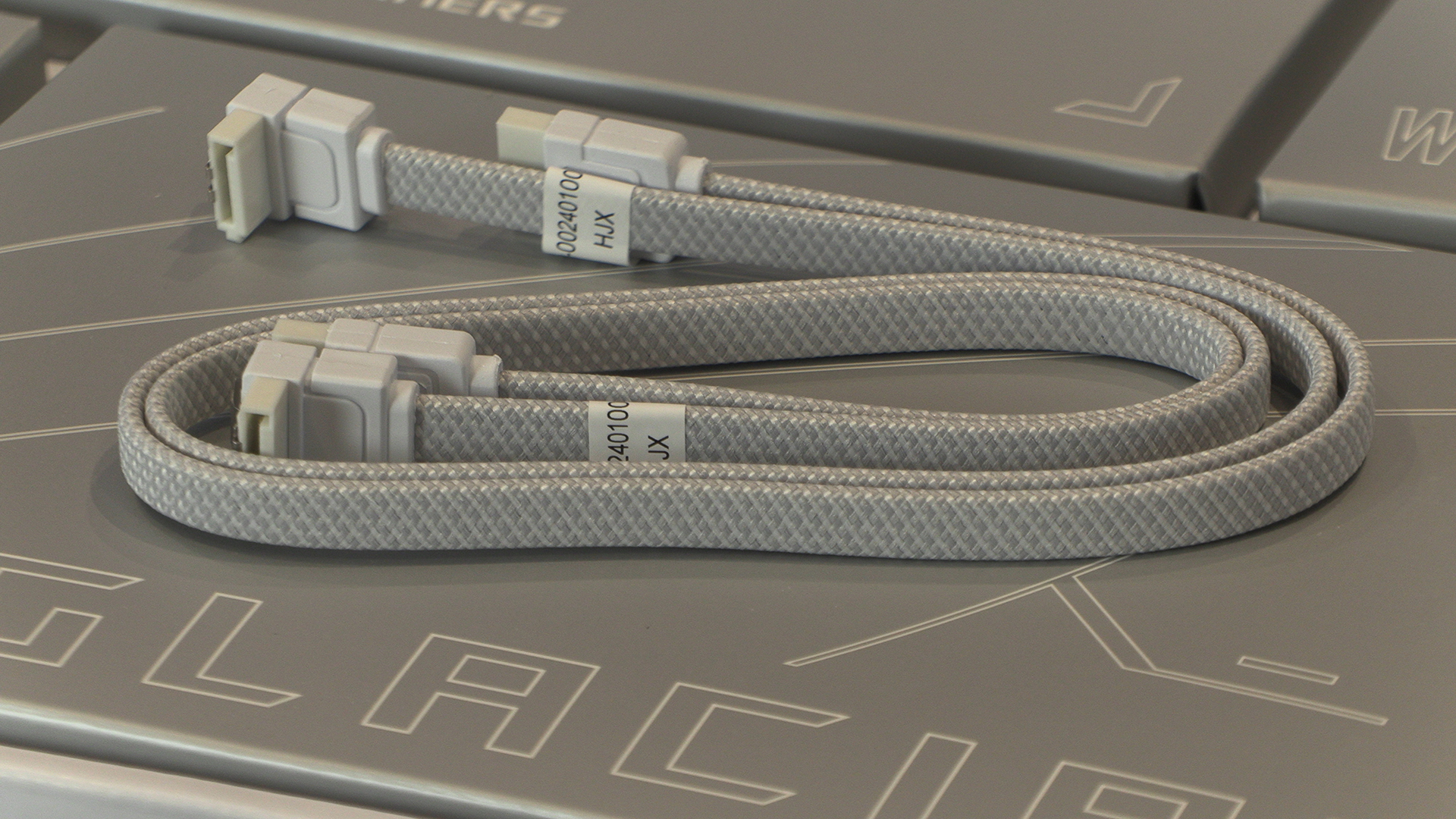
Prettiest SATA cables ever, or the prettiest SATA cables ever?
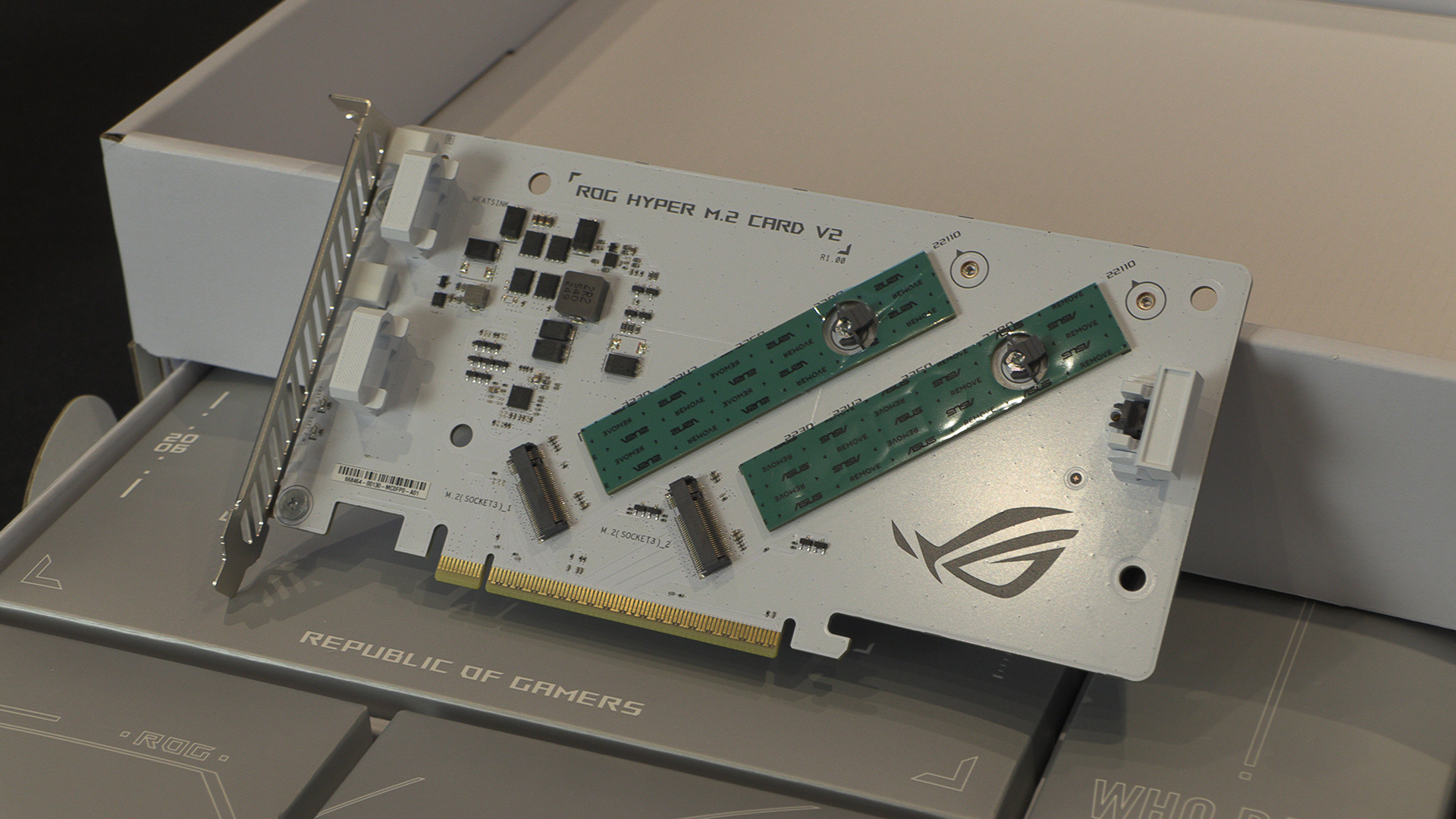
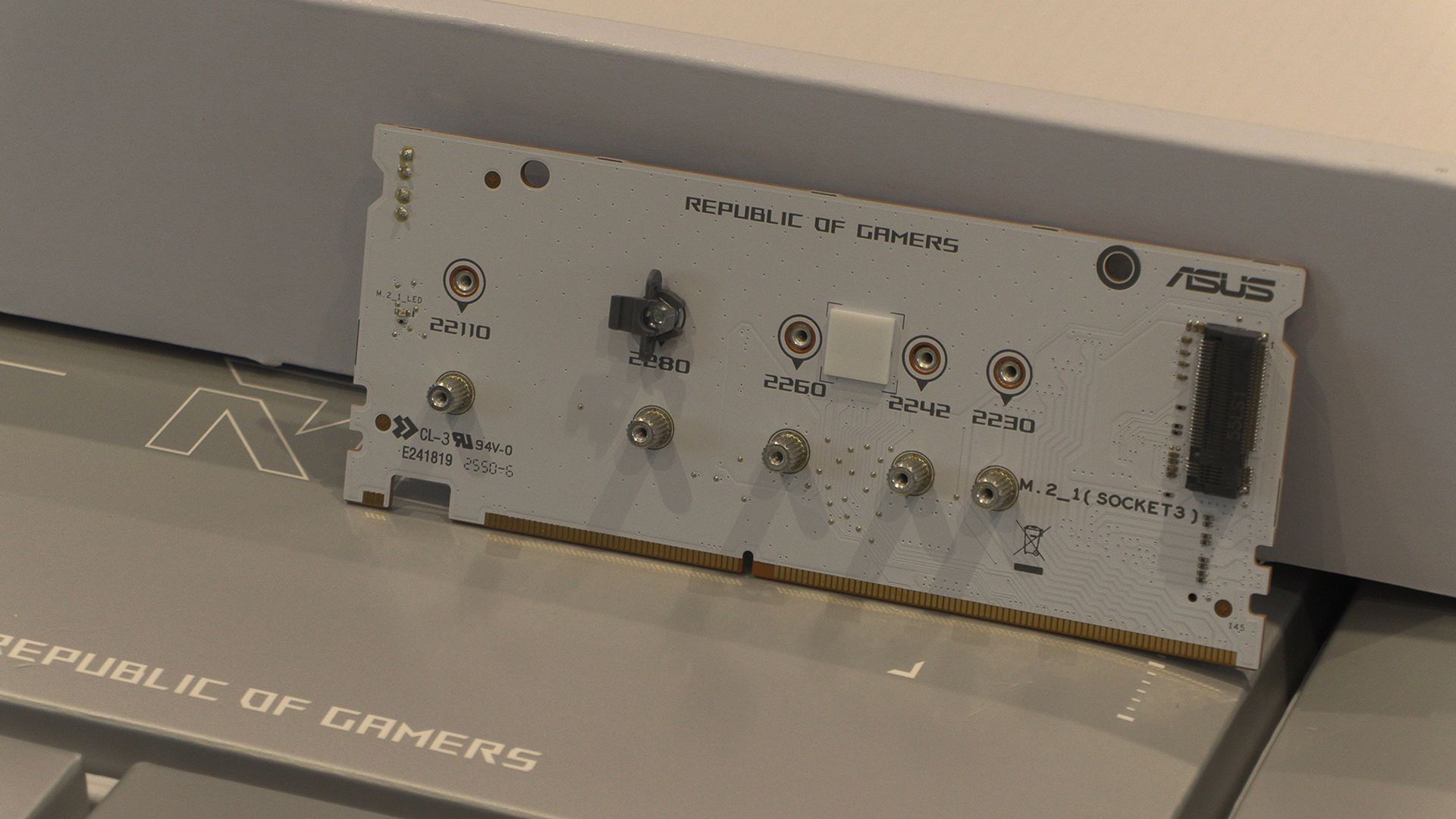
We can never have too many M.2 slots. Fortunately when you’re playing at the premium end of the ASUS range you get lots of options. You can see them with their heatsinks on in other photos in today’s review. Underneath is where it matters and the Hyper M.2 and DIMM.2 both have plenty of slots. We especially like that the toolless design appears here too. It would be easy for ASUS to cheapen out and make us use screws and standoffs as it can’t be seen. Another example of the bipolar nature of the design.