ASUS ROG Crosshair X870E Glacial Review

Board Tour
Board Tour
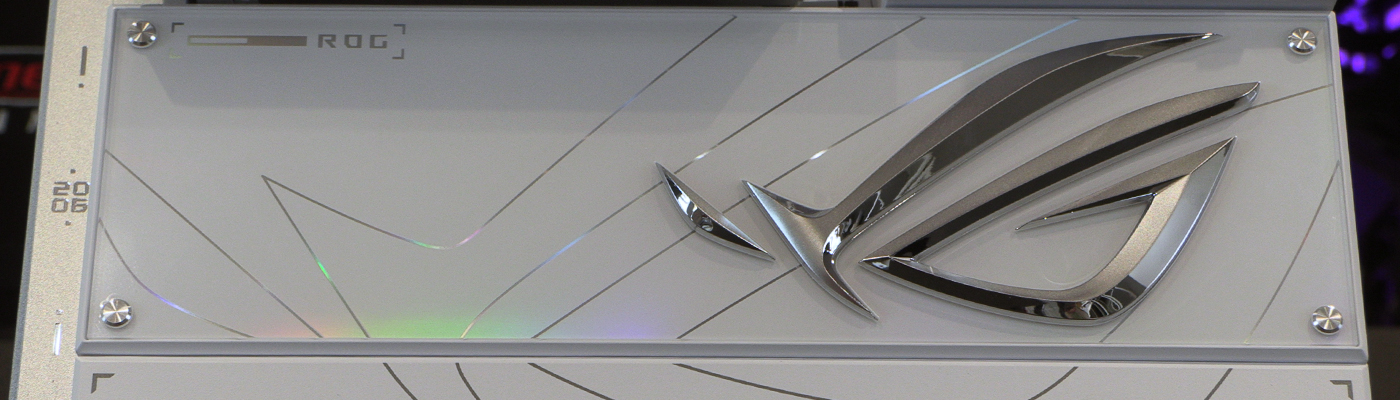
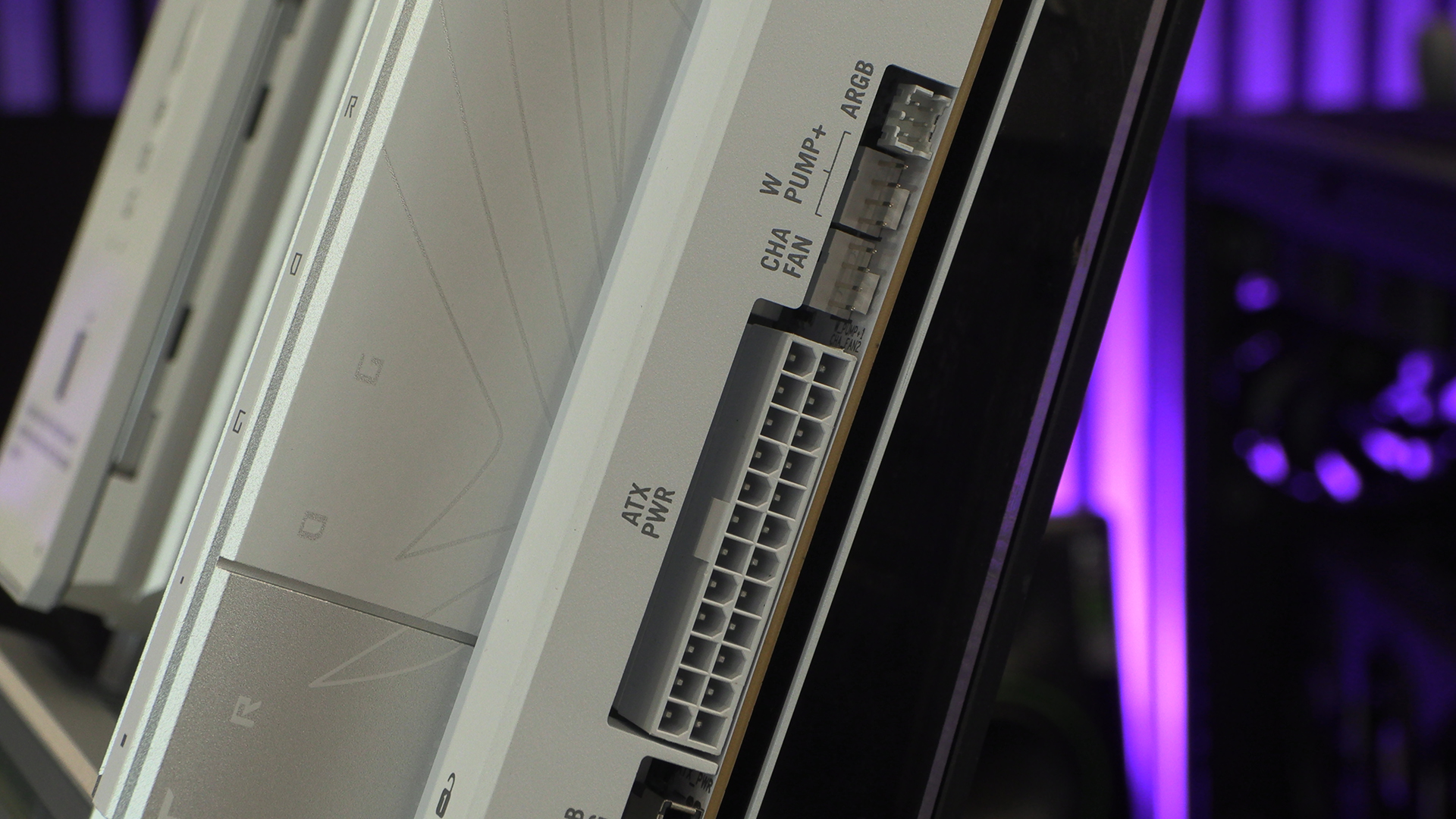
Underneath the top cover is where you connect all the things that allow your processor to do it’s thing. Power and cooling. Fortunately there is just enough room you can reseat the cover once everything is plugged in. Although if you plan to use the voltage monitoring points then we’d suggest leaving it off.
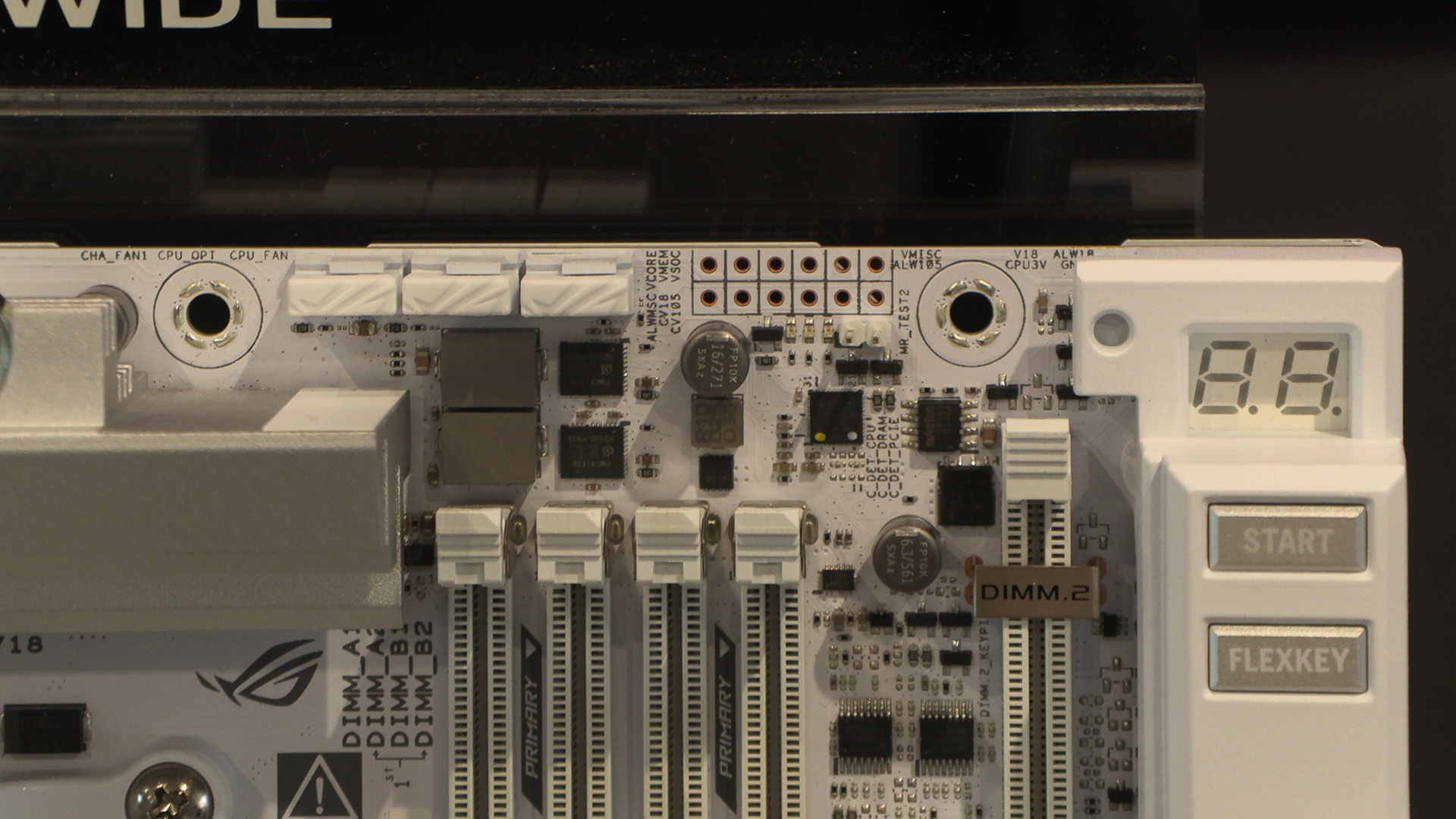
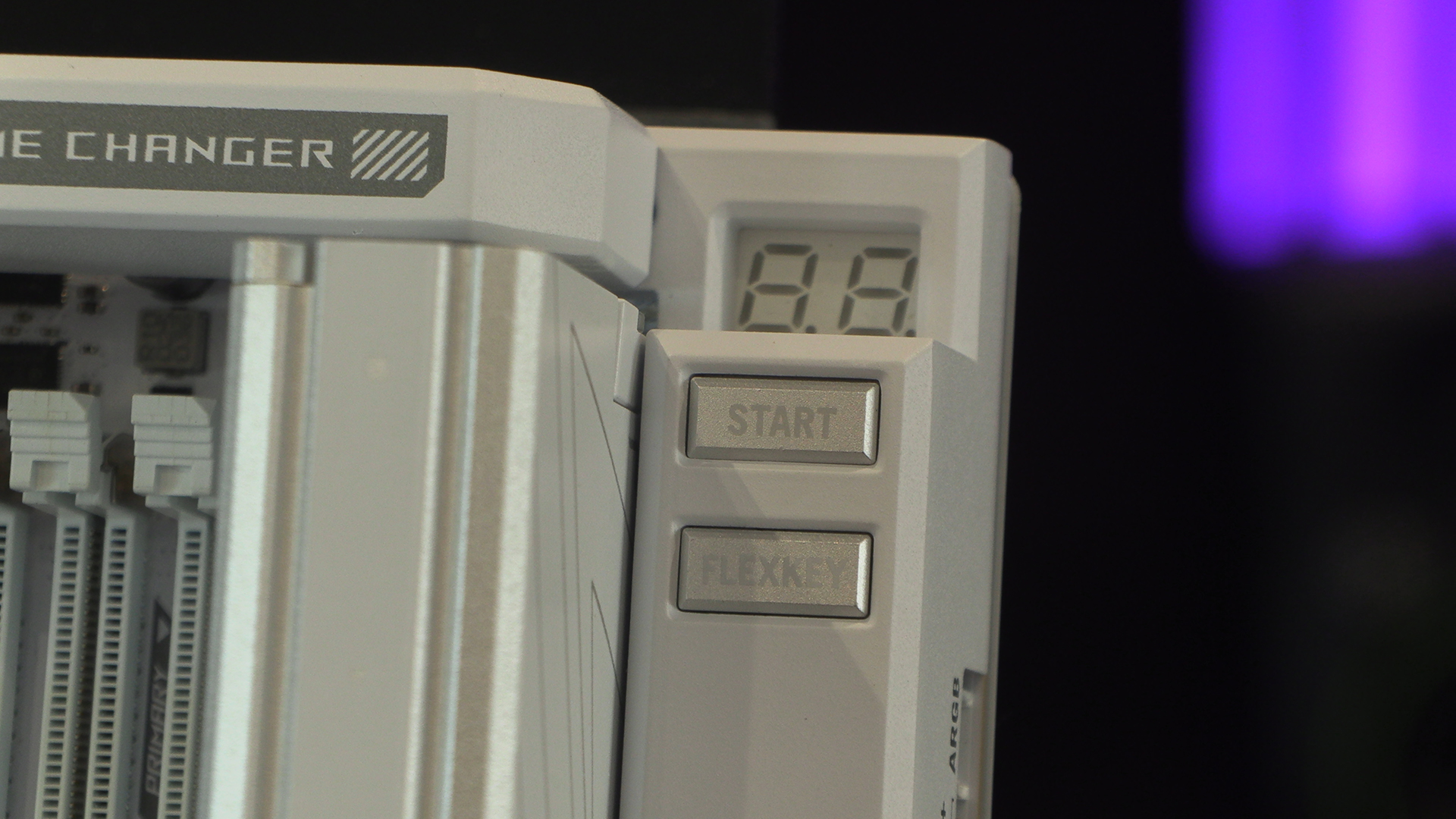
Away from the covered power inputs shown on the previous page, we have the 7 segment POST indicator above the onboard power buttons. In keeping with the many other odd decisions, ASUS have left this at PCB height. With an AIO in place it’s almost impossible to see.
For every bad there is a good though. For the X870E Glacial it’s horizontal headers. Perfect keeping your system neat and tidy.
You will need to invest in one of the limited number of cases that support two Type-C front panel connectors, but if you find one then the Crosshair has you covered.
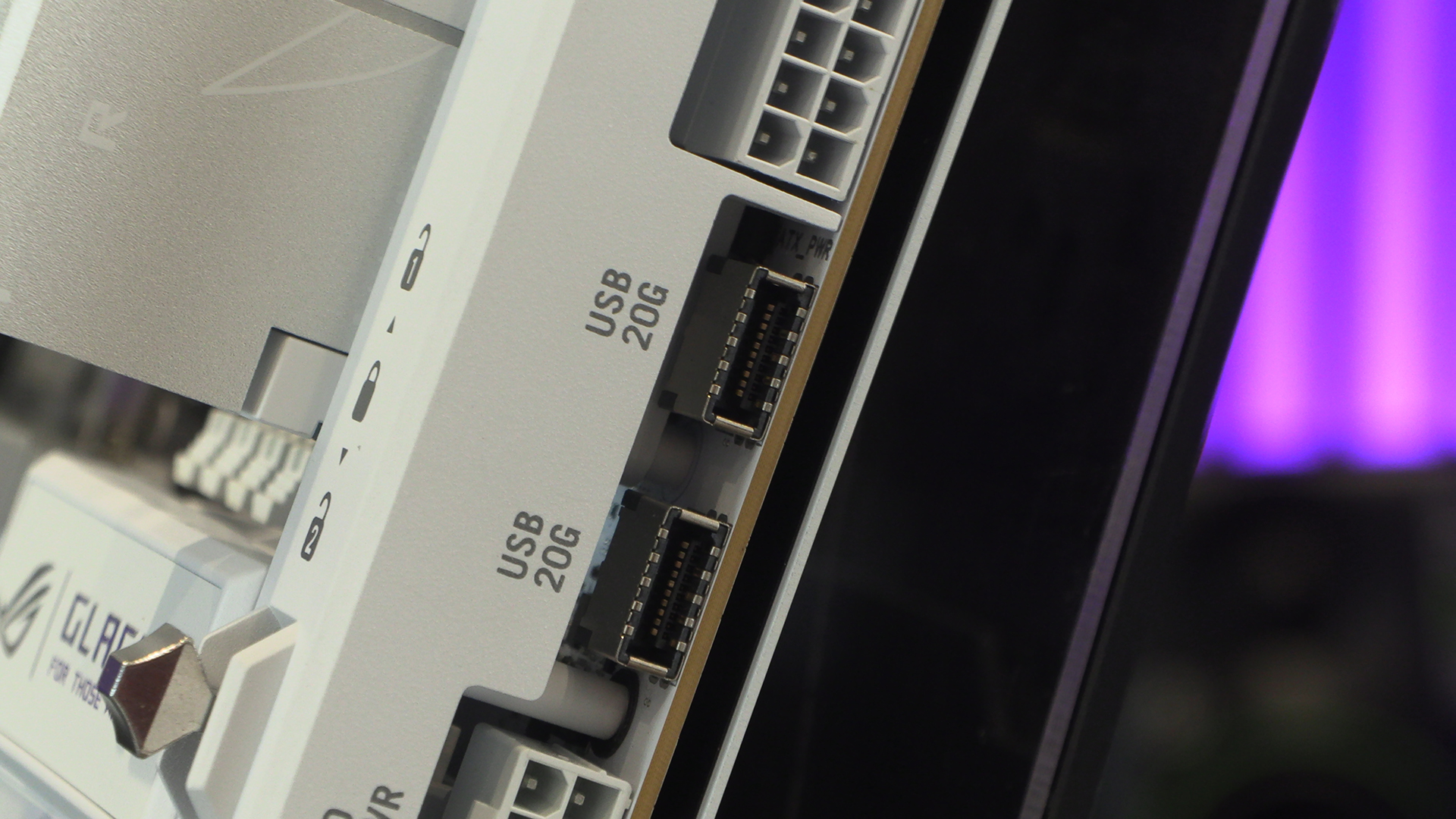
Type-A front panel ones are measured in a pair too. Lots of connectivity. Exactly what we want on a premium product such as this. Although this photo does make us sad that the cover has to be removed. Also, like the one at the top we bemoaned previously, if you plan to input anything down the bottom both covers will need to come off.
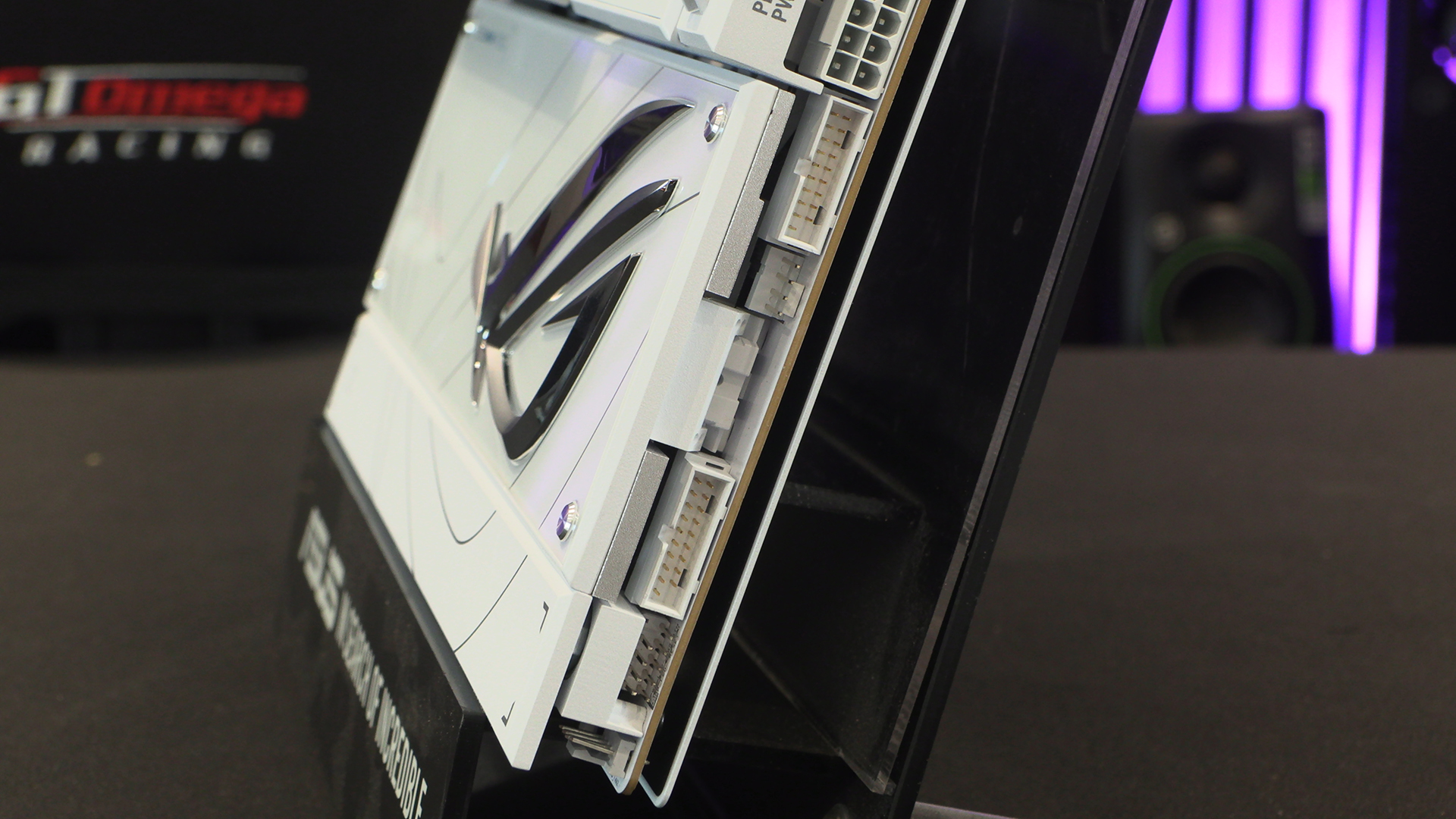
We’re not professional designers. Obviously. But if you look at the shots above and the horizontal connectors it all looks great. Here we have the flipside of that coin. A cover you have to remove to connect fans or USB controlled devices. Why couldn’t the cover have holes? Or why couldn’t the connectors be horizontally mounted here too? Yet another design decision that is utterly insane. This is freaking ASUS Republic of Gamers, not some TEMU POS.
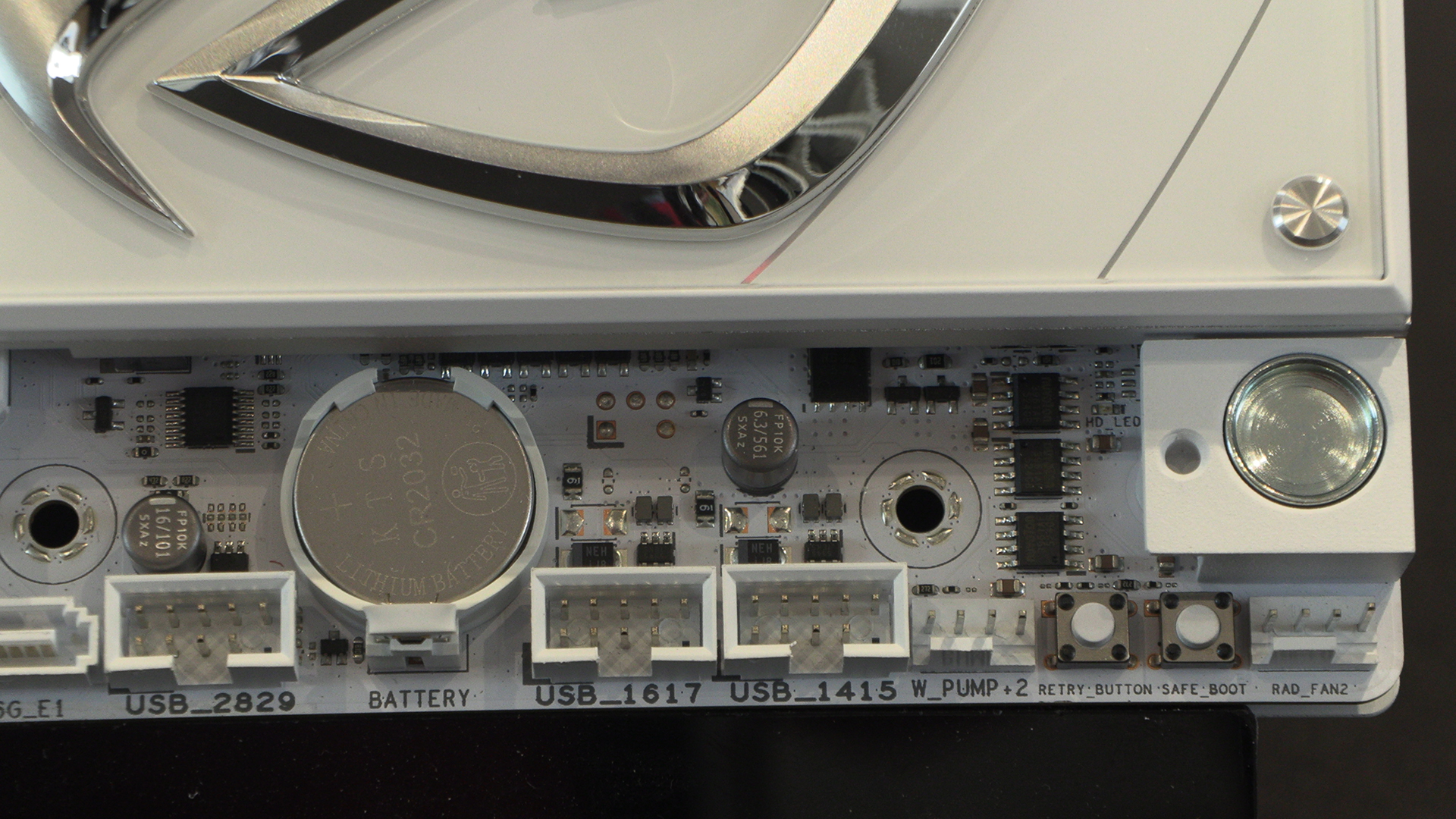
Even SATA ports are more normally found horizontally. You have to go out of your way to buy vertical connectors wholesale. Or maybe ASUS just assume nobody is going to run ARGB or SATA or USB 2.0 devices?
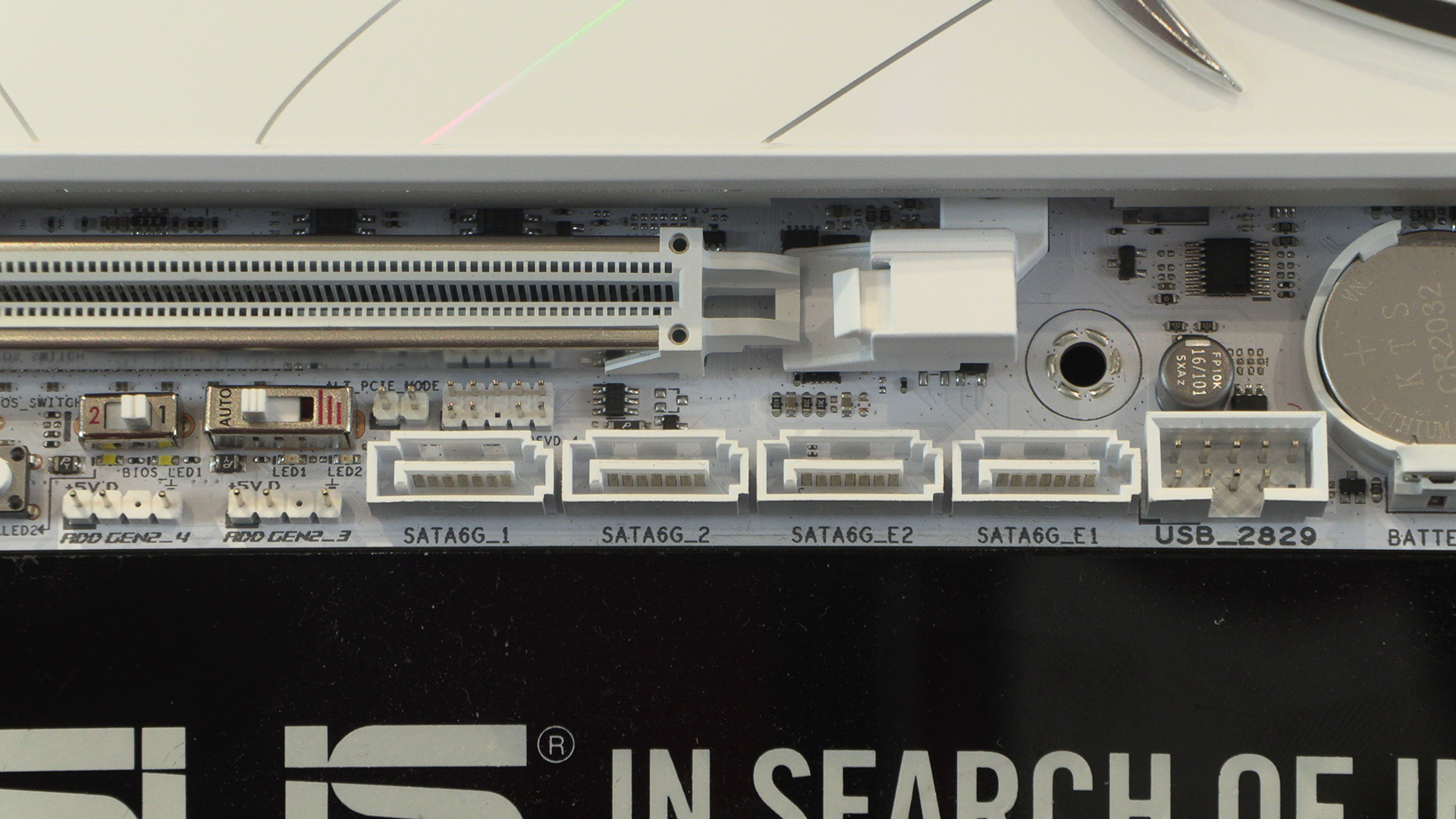
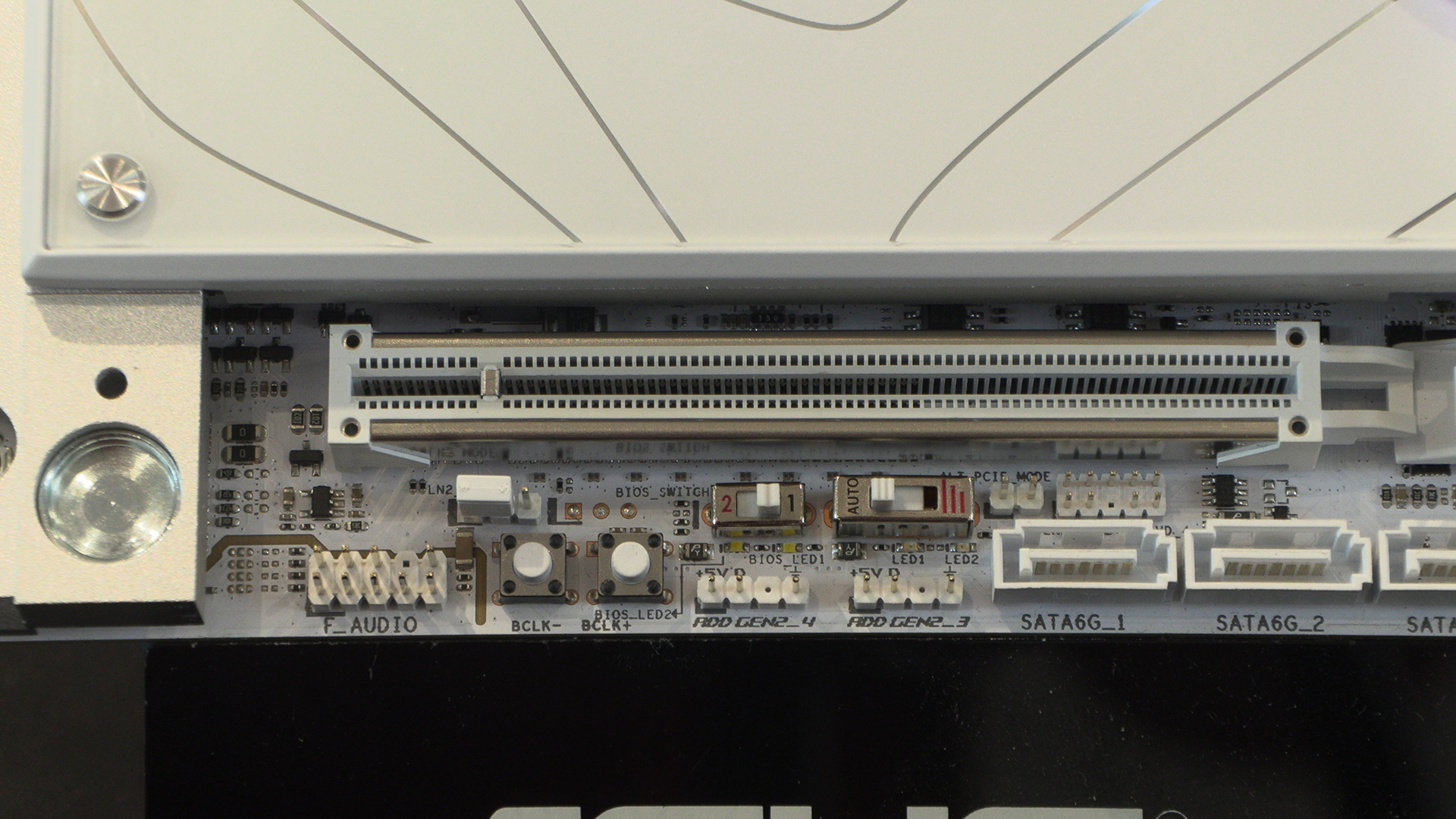
Even the darn BLCK tuning buttons are hidden beneath this cover. We don’t mean to keep on, but the decision to design it this way is shocking at any price point, let alone that of the Glacial.
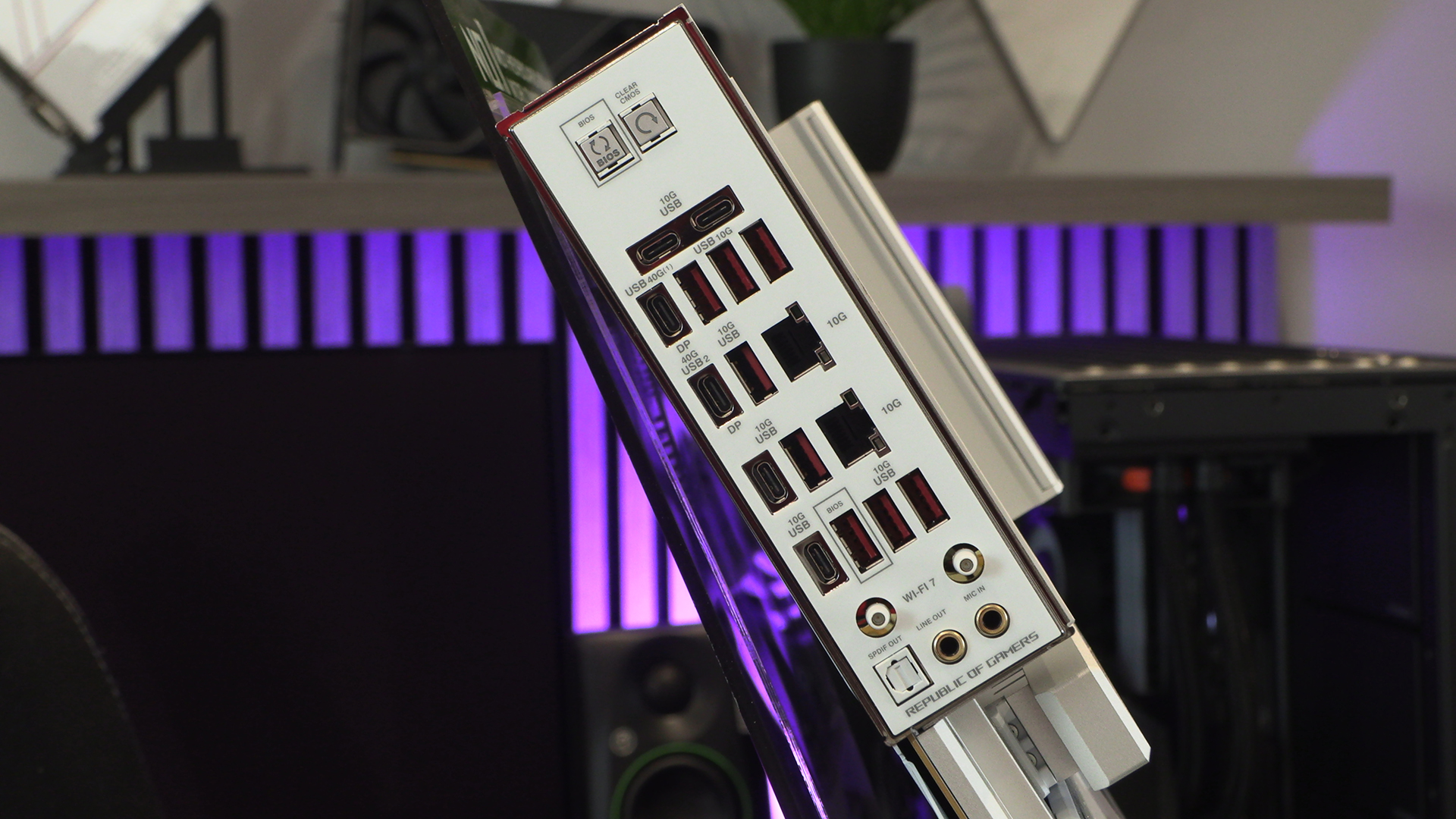
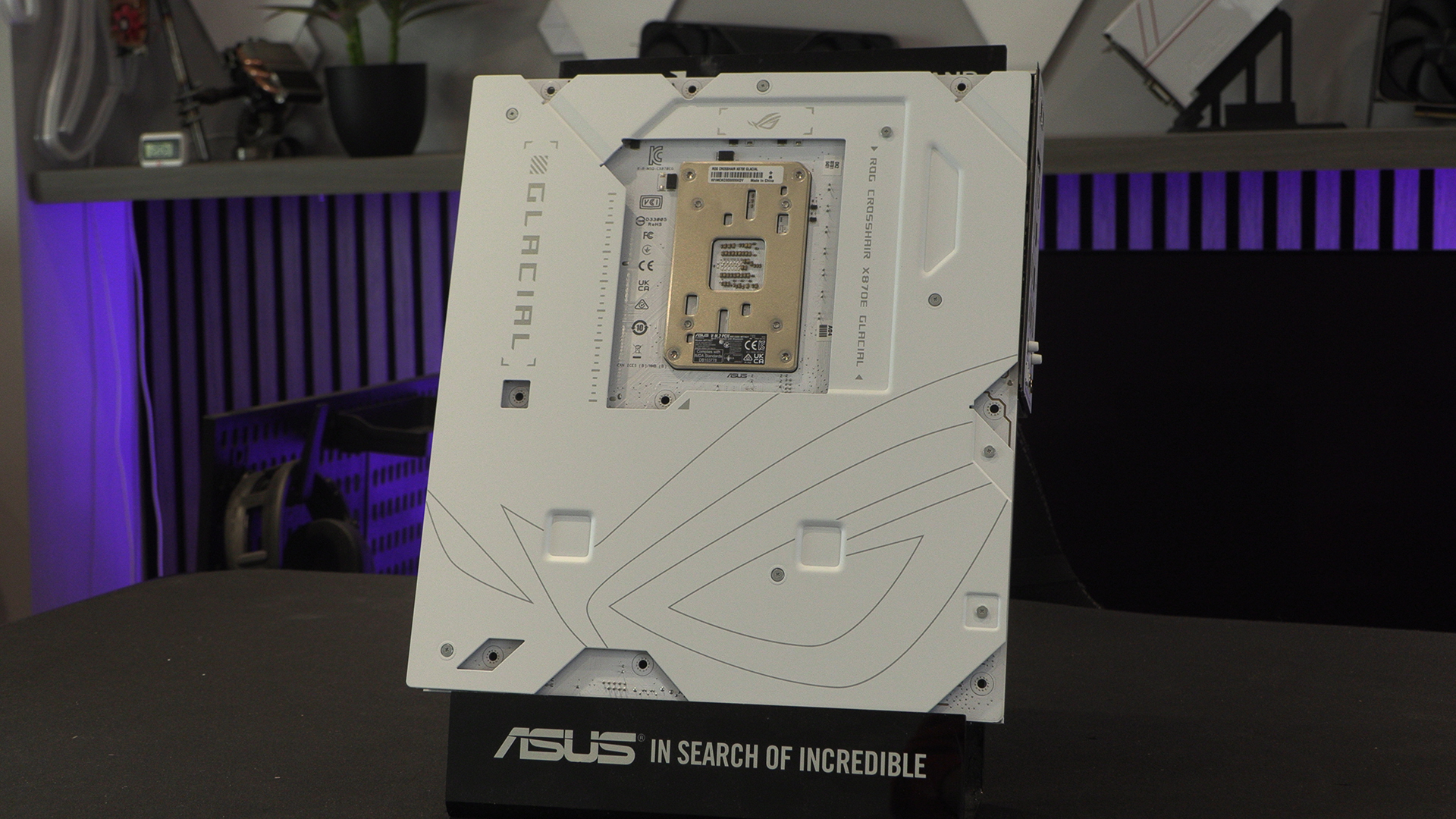
At least the back is pretty huh.
Whilst we are complaining about so much of the Glacial design, the rear panel shows that this is still a ROG product. How many USB ports would you like? Yes.