ASUS ROG Crosshair X870E Glacial Review

Up Close – Overview
Up Close
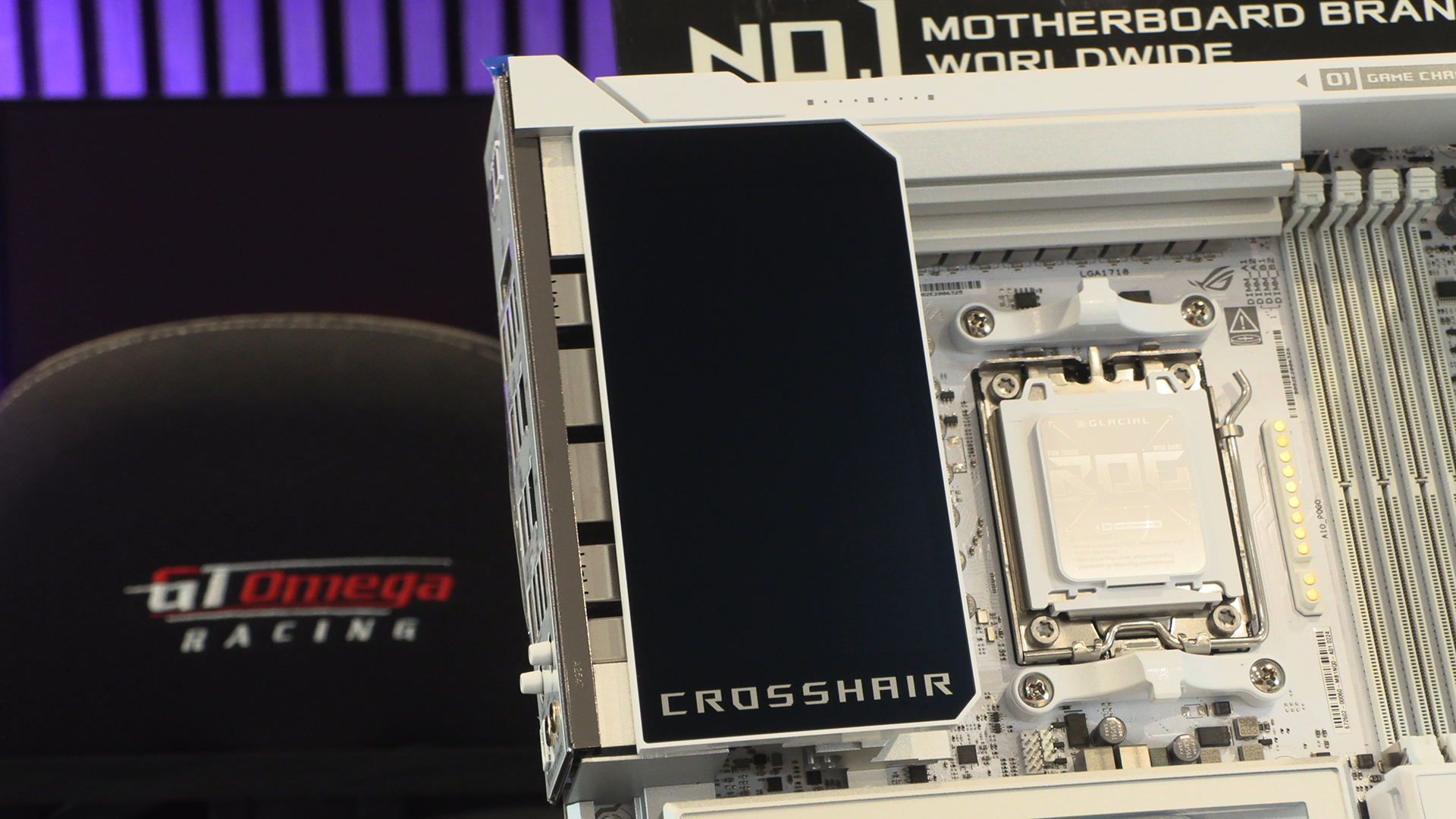
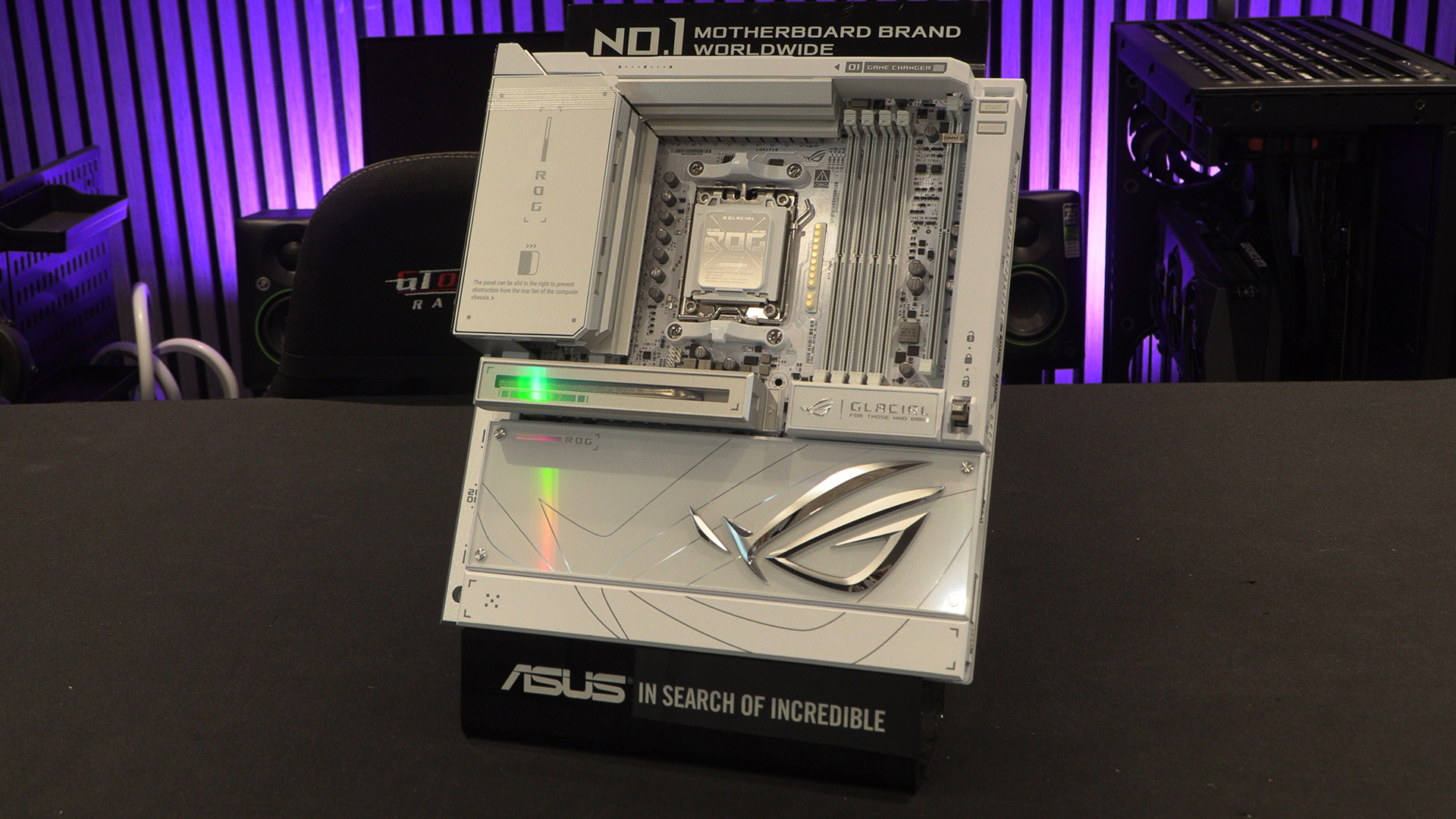
We’re going to start by diving straight in at the deep end. Pull the Band Aid off in one go. A lot of the vanity panels on the Glacial are magnetic. Excellent for easy fitting and removal. They are also, though, oddly designed. Let’s look at this picture. The right hand side shows us the 12V CPU power inputs, and the CPU fan headers. Covered up by a vanity panel. Meaning you can either leave the latest Crosshair looking great, or remove all the bits so you can use it.
You might want to implement the fan for your speed RAM, or to help guide air across the DIMM.2 storage add-in. Either way, this fan and how it fits is the opposite end of the design genius scale, if the PCI Express cover is on one end.
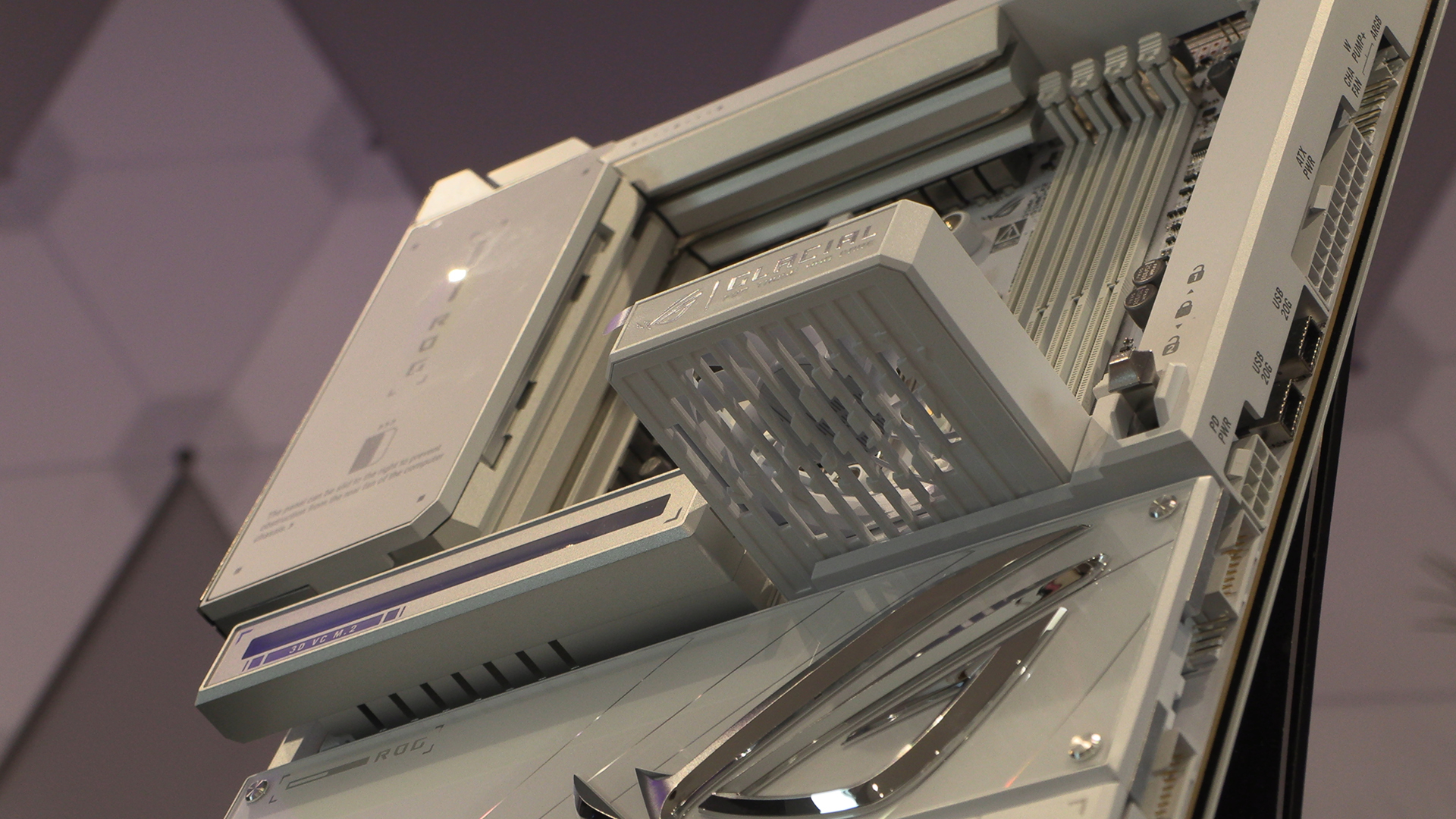
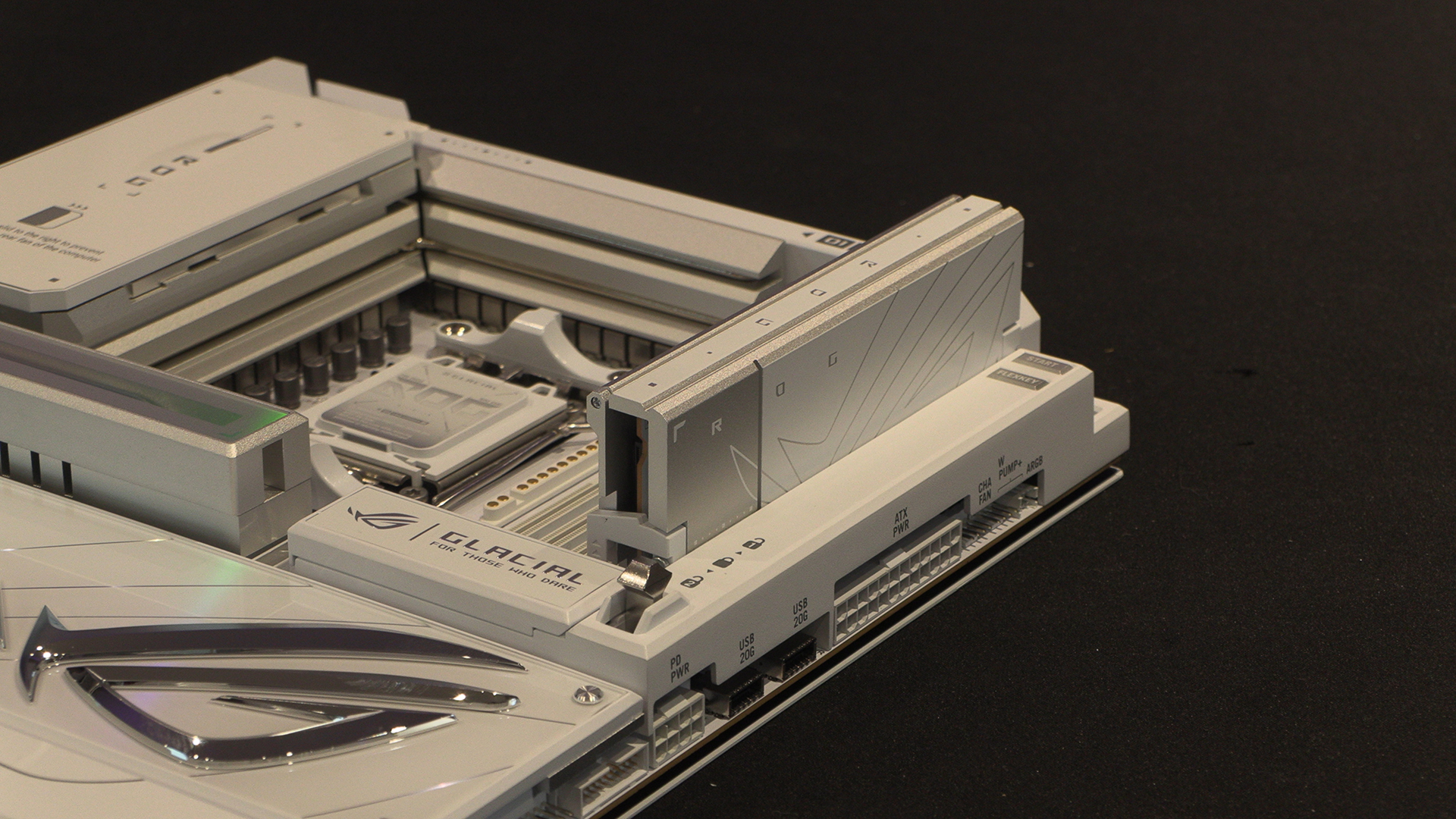
The DIMM.2 in position should you want to utilise the empty DIMM slot after looking at current pricing. Or if you just need to utilise more storage space.
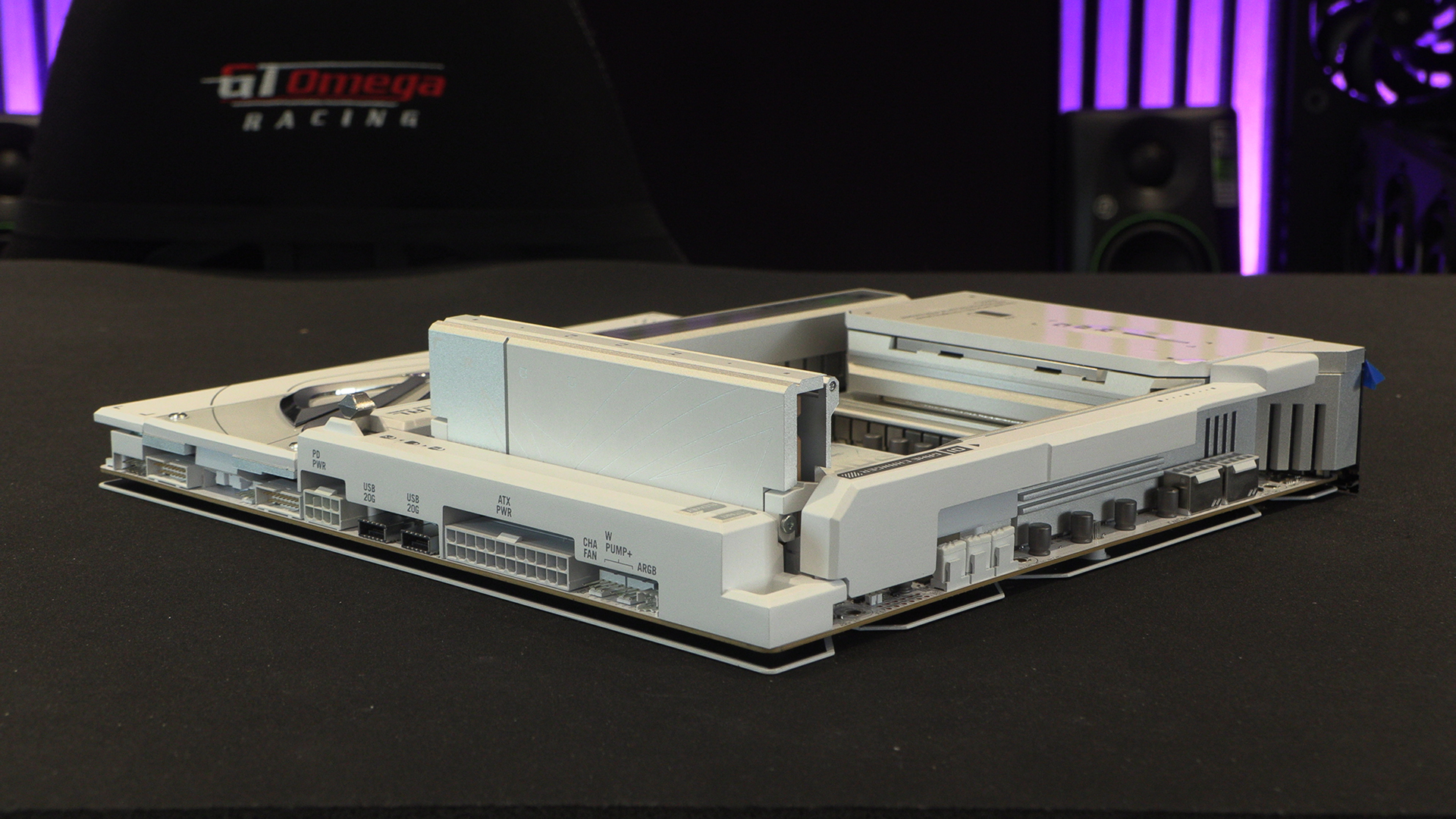
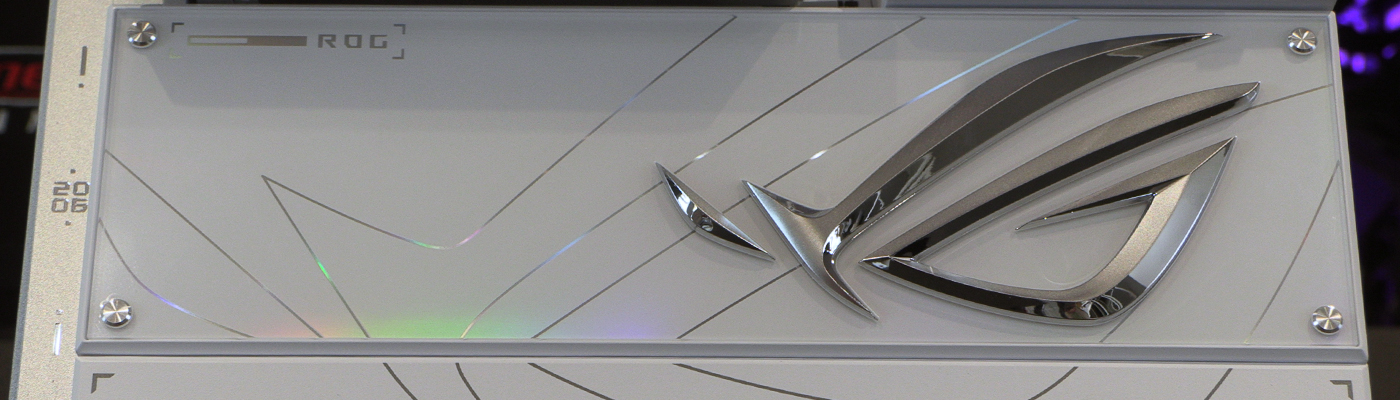
The strangest decision; the bottom half. Now it’s gorgeous. That’s undeniable. Huge ROG Eye logo, absolutely resplendent in it’s embossed silver. But where are you putting your graphics card?
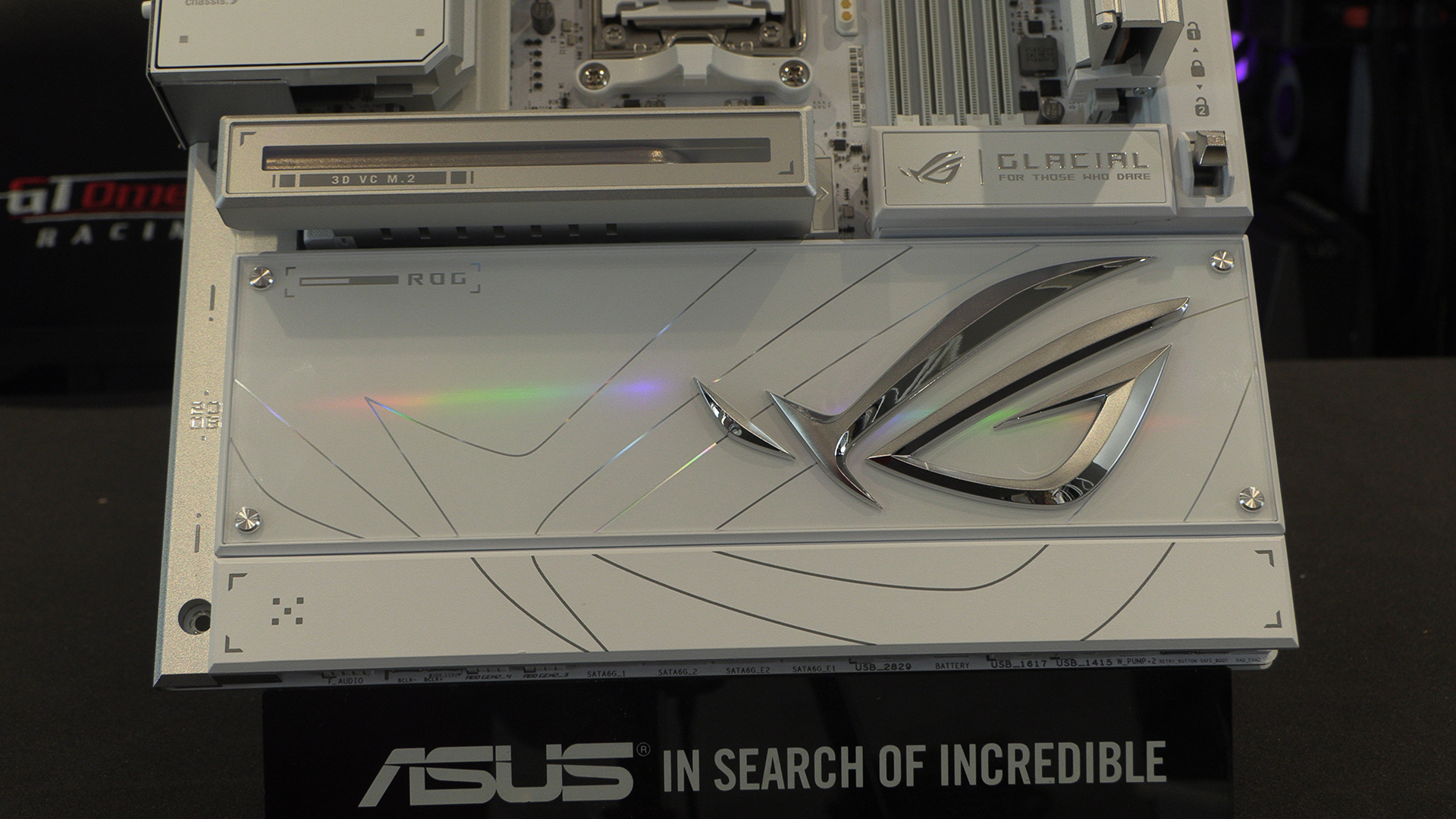
Here it is. Under the cover. So you have to remove the cover. And you can’t put it back, because it’s designed badly. And the underside isn’t half as gorgeous as the cover. What idiot signed this off? W get that the cover can be fitted in your case or put on display, but why not have it so its completely separate, a box accessory? Leaving the rest of the board with visible mounts and such a mediocre design when compared to the cover that does NOTHING for the board when in use is not what we expect from Asus. Sadly its not the only questionable design choice.
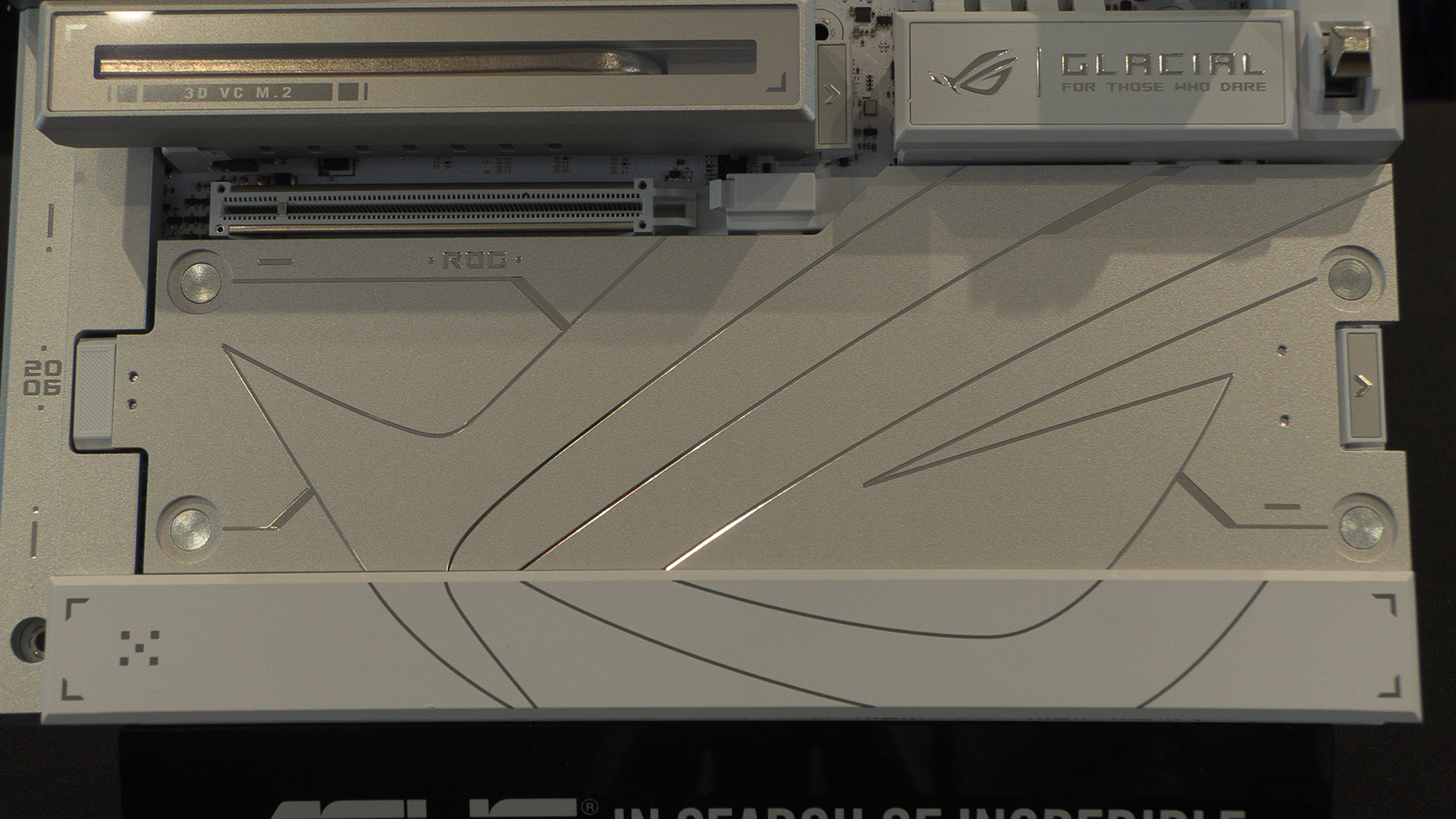
Like a set of matryoshkas, under the cover is another cover, and under that cover is another cover, and under those covers are these chipset covers. That price tag seems almost deliberate at this point. It’s fortunate for ASUS that the performance is so good.
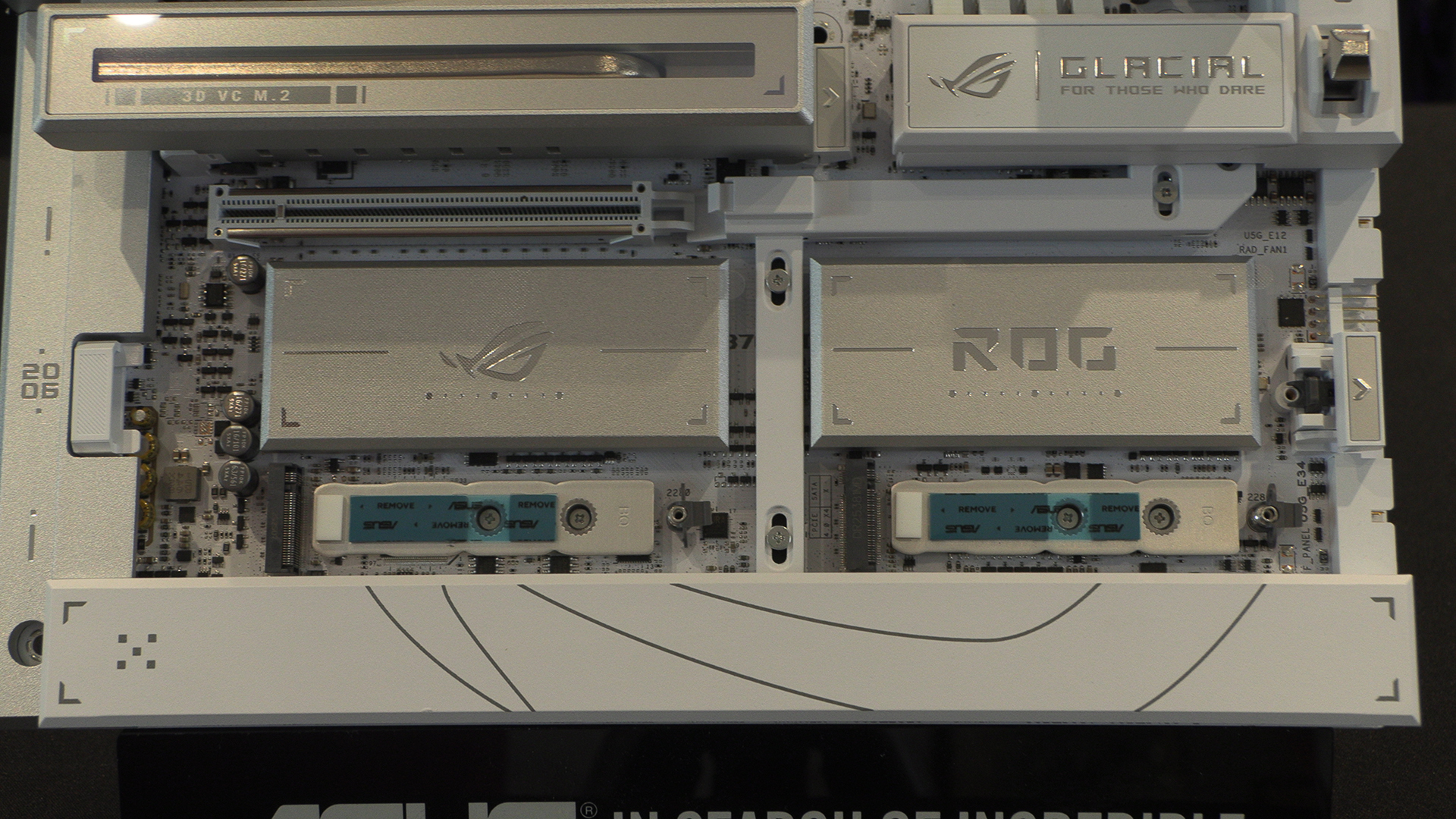
It’s not just the main cover that can, or indeed has, to be removed either. The bottom one has exactly the same issue whereby it looks incredible in place, but the Glacial can’t be used with it in place. If you know it’s got to be taken off, put that design expertise into the bit we will see.
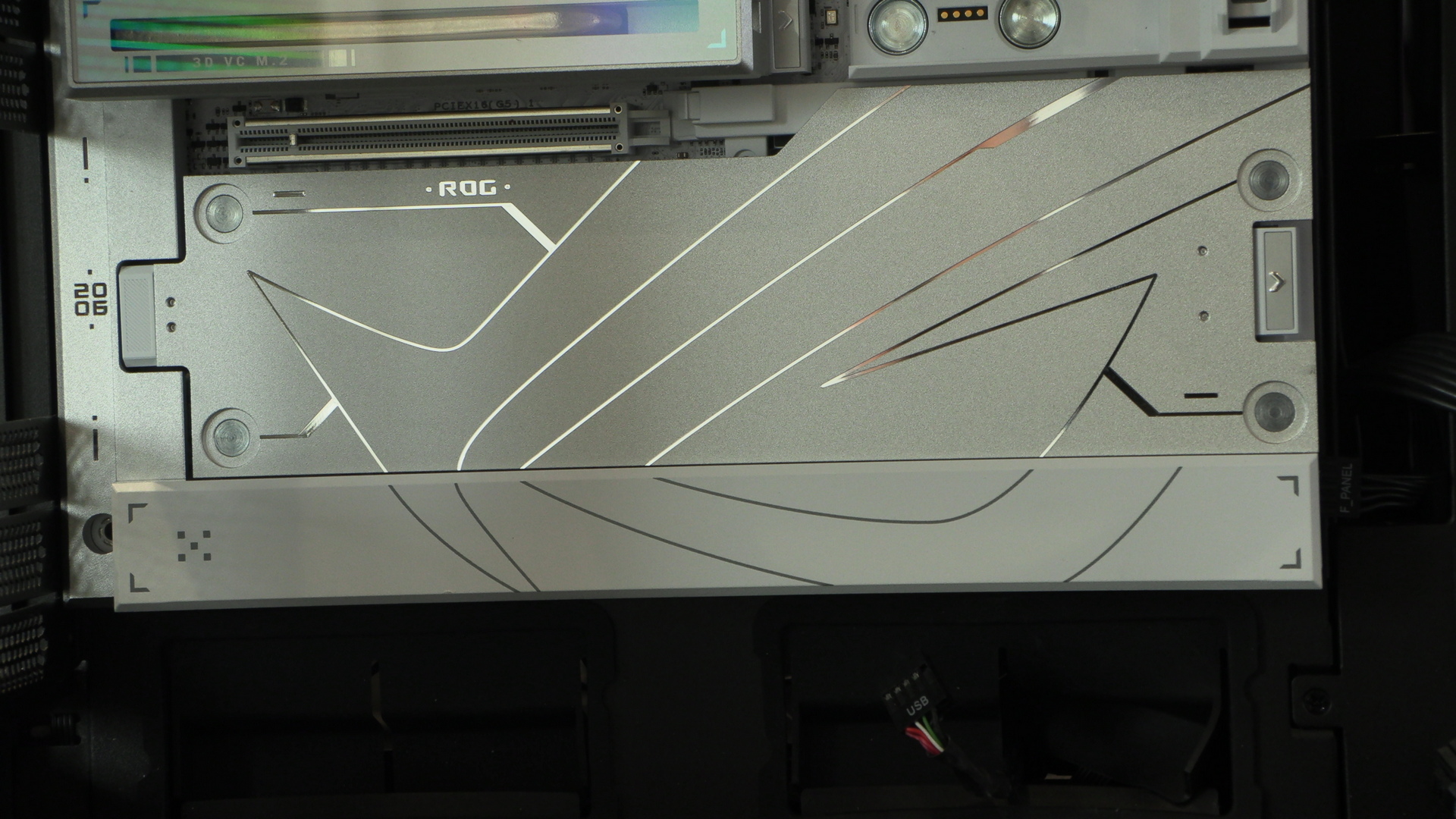
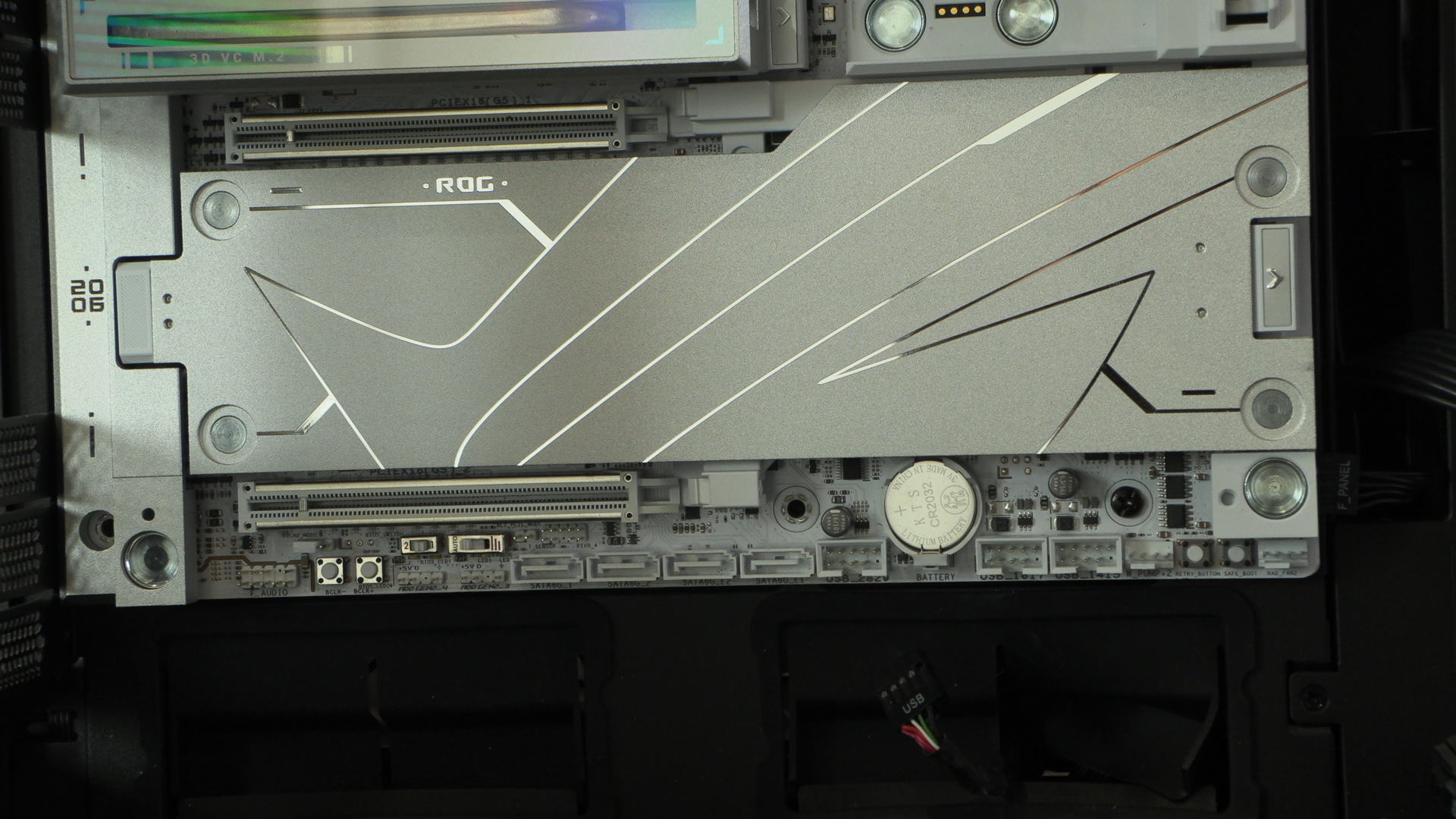
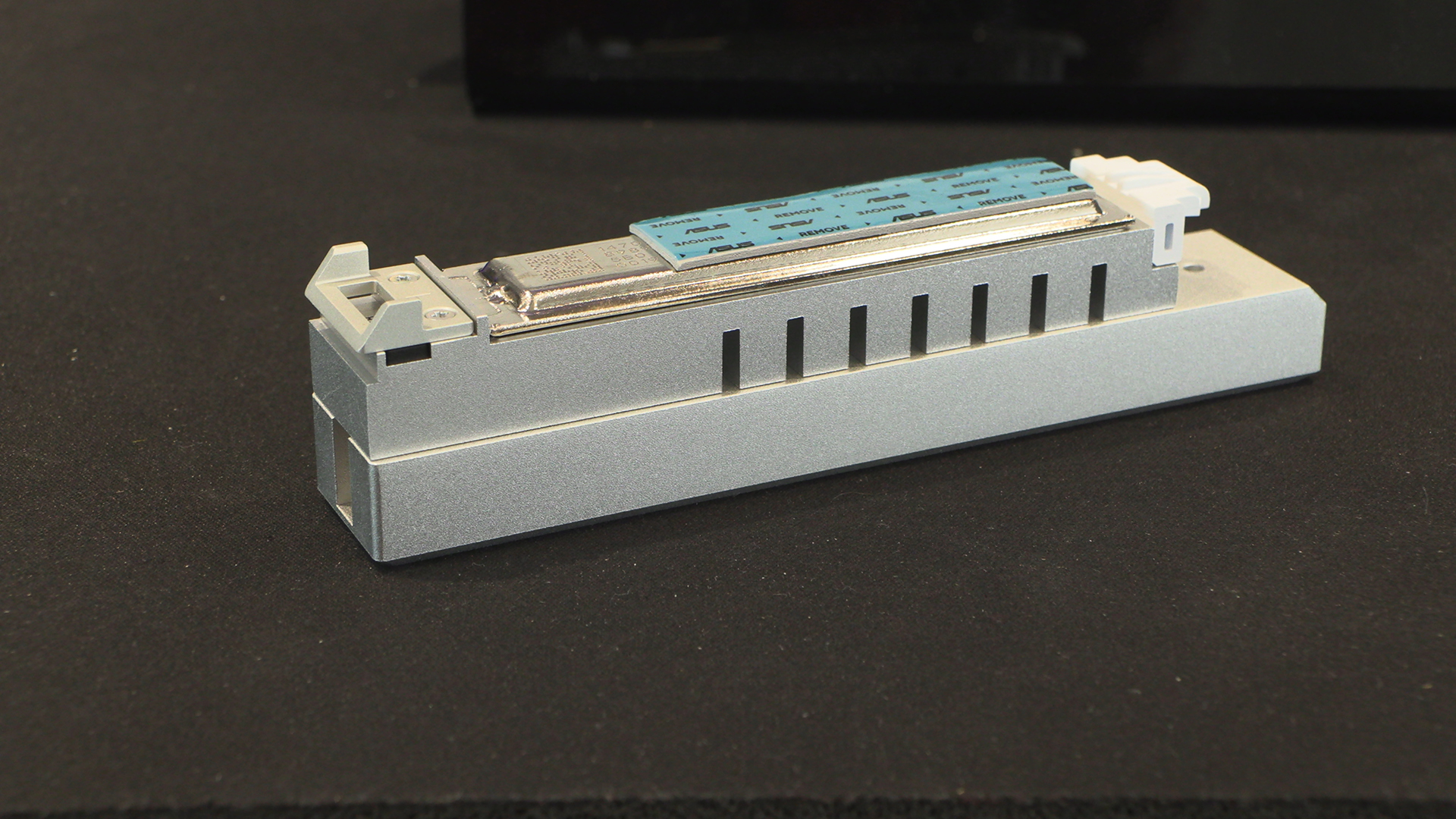
The main M.2 slot heatsink is a serious bit of kit with that vapour chamber. Perfect if you’ve got a Gen5 drive running flat chat all day long.
Big Ol’ Screen
With the IO cover on many motherboards now sporting a screen, having your exhaust fan covering some of it is a shame. ASUS designers have, in contrast to most of the above, come up trumps with a slidable solution.
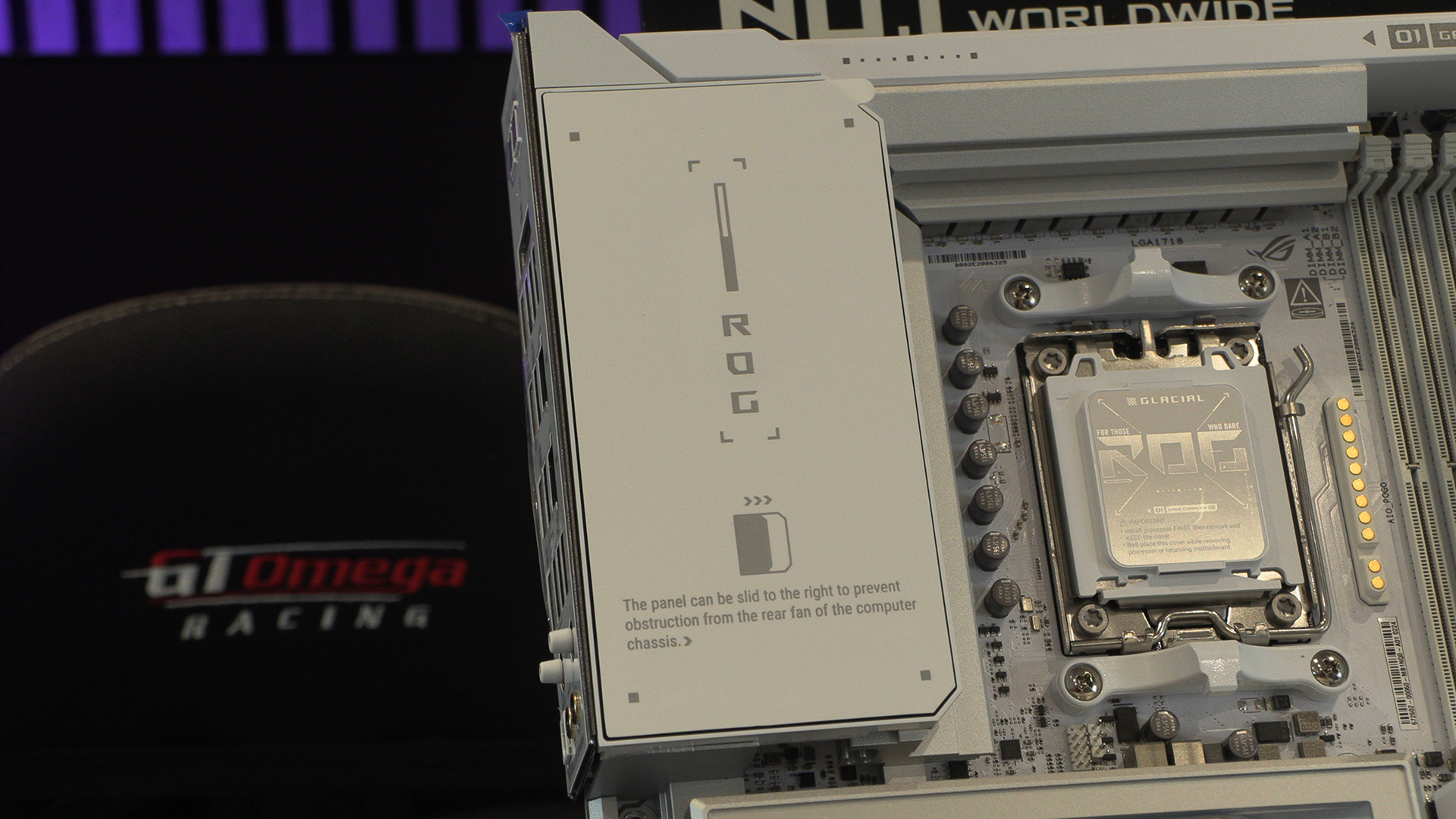
As well as showing off the sliding screen, you can also see a row of gold connectors to the right of the AM5 socket. This is for the ASUS AIO Q-Connector. Whilst we’ve been unable to get an ASUS AIO yet, they will attach to this connector, totally removing the need for fan, USB or pump cables. Neat and tidy. Given most people stick to one brand when building, it’s not that wild that it’s a proprietary connector either. Amongst some dodgy design choices, ASUS can still move the game forwards with ease.
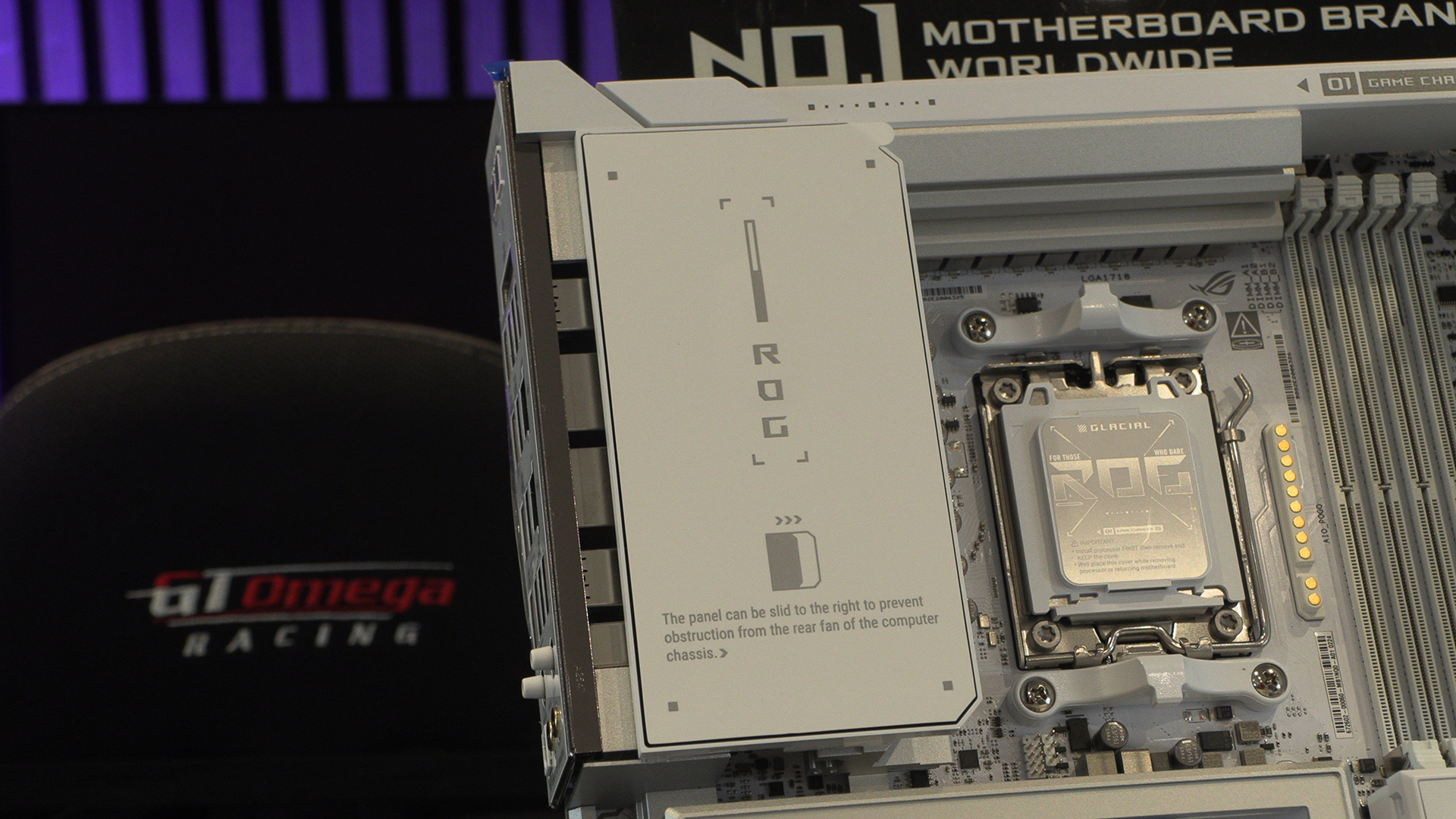
Beneath the label shown above is the full colour, 5 inch LCD screen that is the heart of the Crosshair Glacial. It can show you everything from hardware monitoring to custom images. Befitting of a flagship model.
That screen covers the VRM heatsinks which handle the massive 24+2+2 SPS. 110A on the 24+2, and 80A on the last 2. More than enough for every overclocking effort you feel like attempting.