


ASUS ROG Maximus Z790 Formula Preview

Z790 Maximus Formula Tour
Motherboard Tour
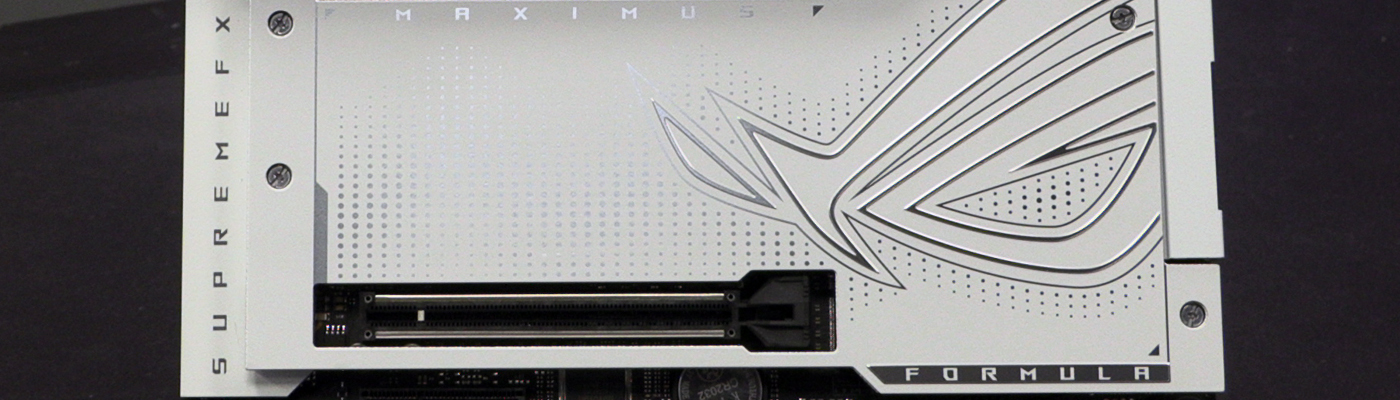
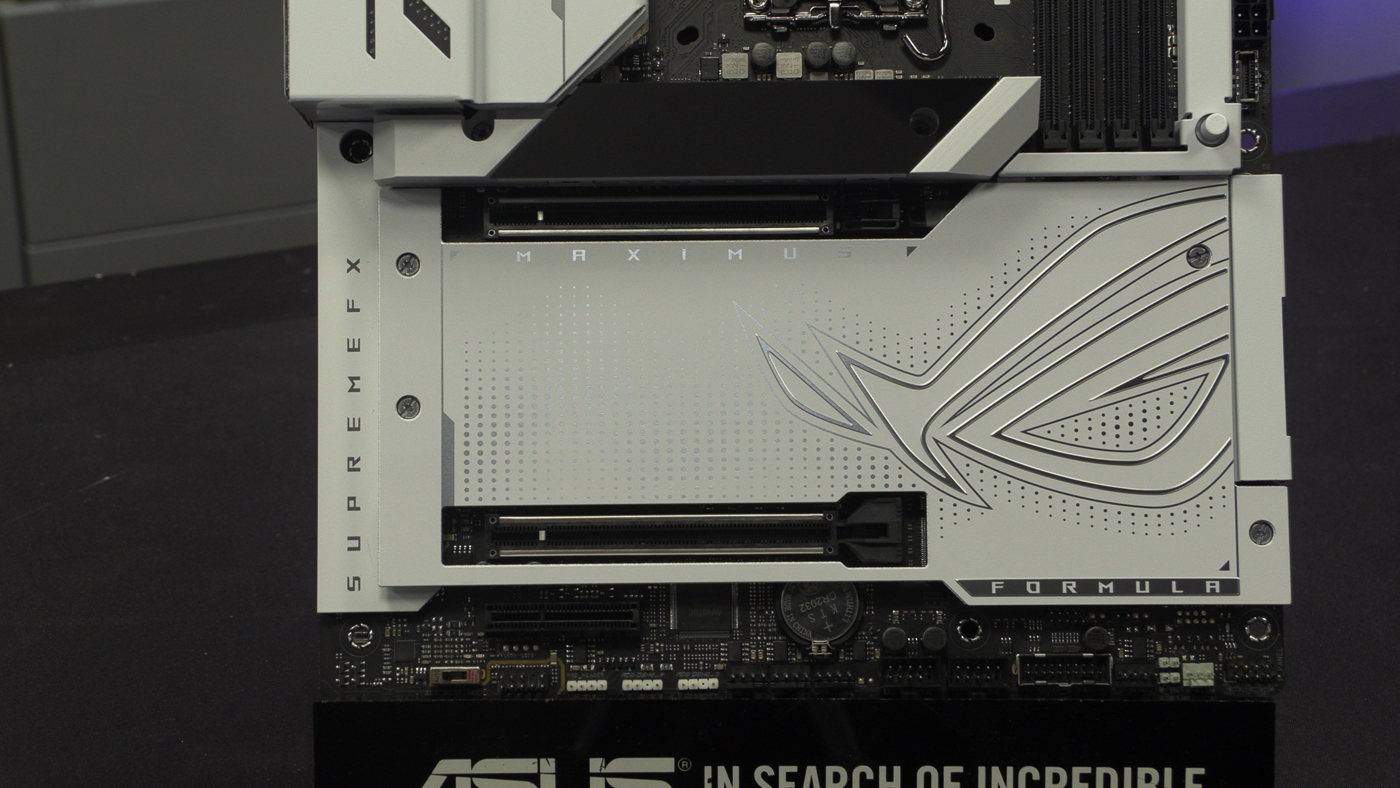
Before we embark upon our close-up tour of the motherboard, we know many of you like to see things a little closer than our overview photograph on the previous page. Key points are the hybrid VRM heatsinks, easy PCI card removal button, and plentiful M.2 heatspreaders.
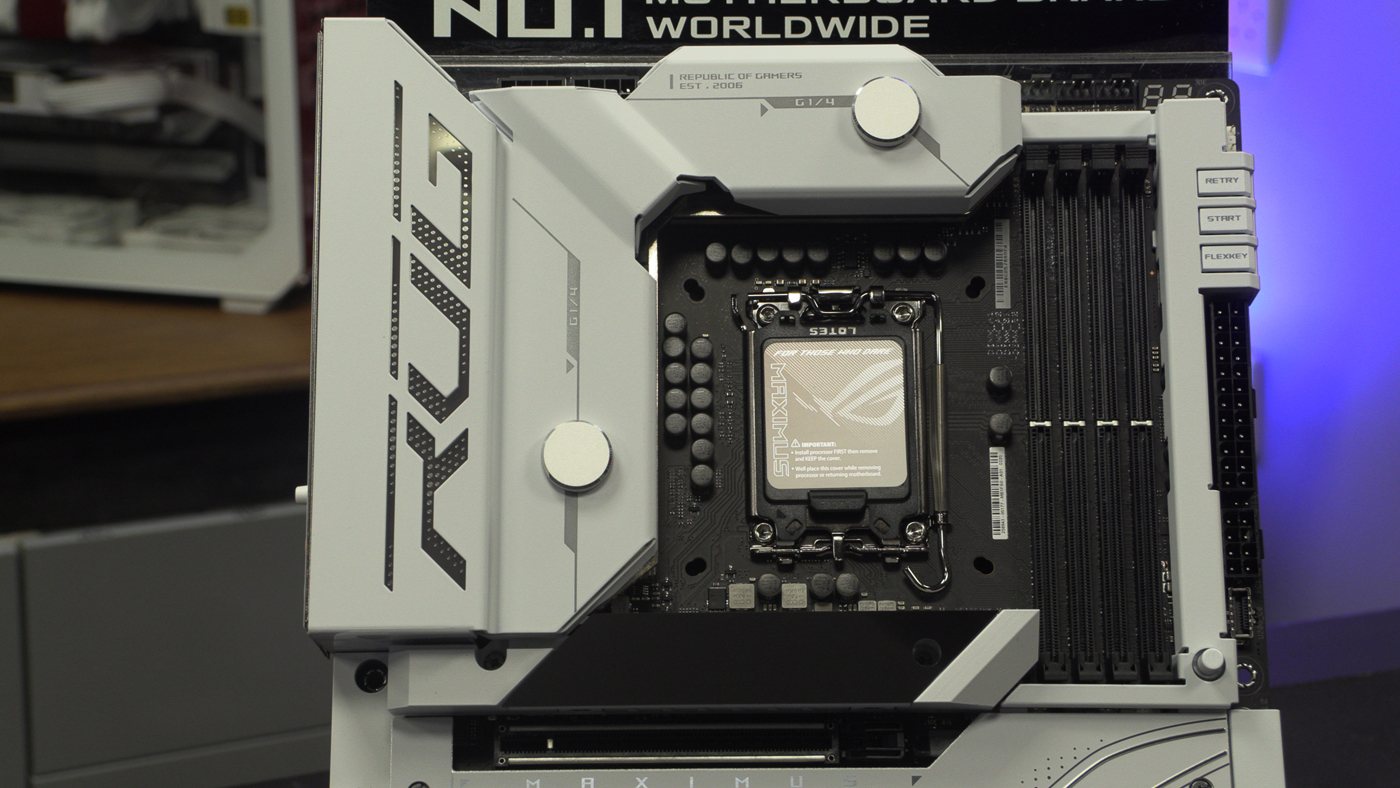
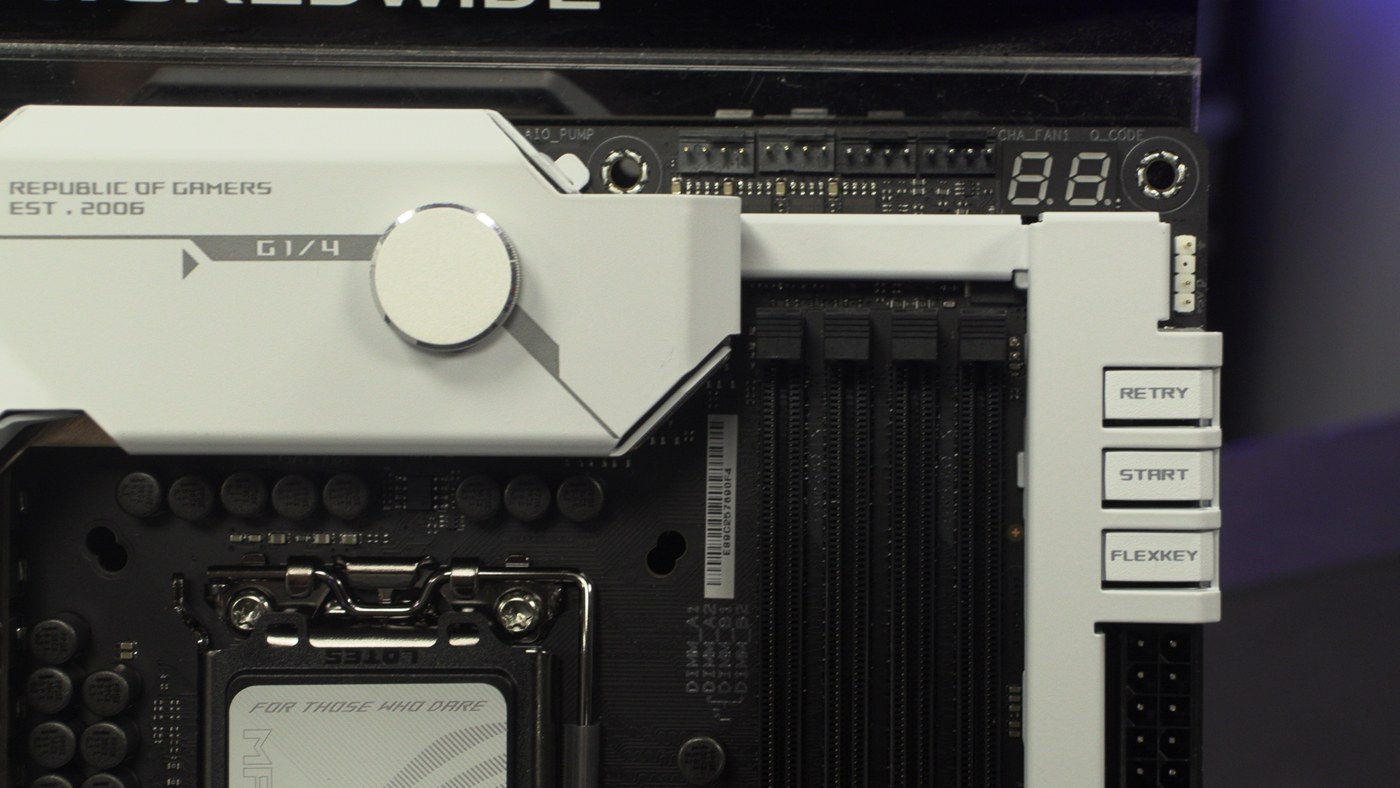
On teh top left we find the braced, or armoured, 12V CPU power inputs.
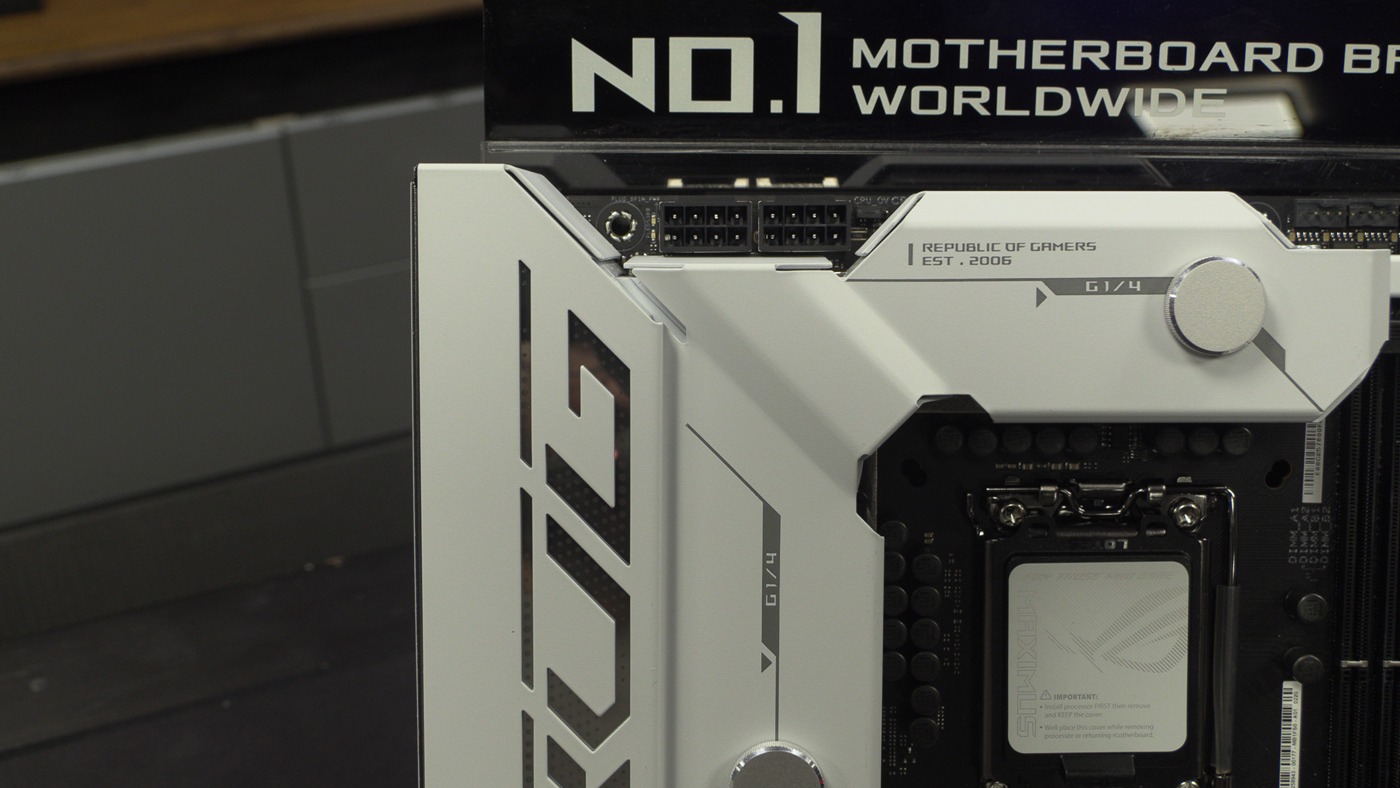
Moving along there are four cooling headers for your AIO and fans, or just fans, or whatever cooling method you choose. The onboard buttons are easy to hit with their larger buttons, rather than the small press-switches we saw on the Apex Encore.
Additional PCI Express power can be easily added with a nice placement below the big 24 pin main power connector. You’ll also see the Type-C front panel USB header here, because we all want speedy data transfer.
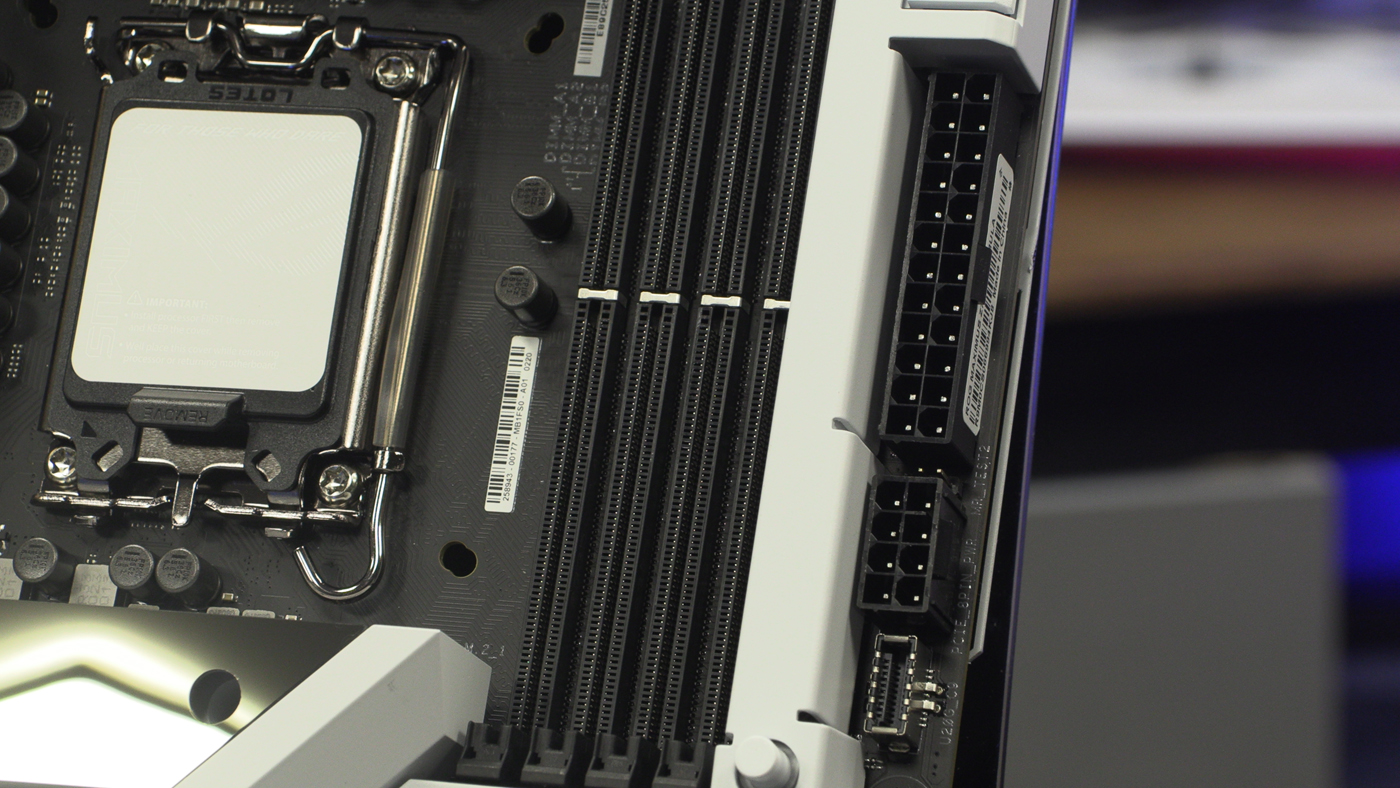
For those who require Type-A front panel USB you’re well catered to here, and there are four SATA ports for those old-school drives we still all own.
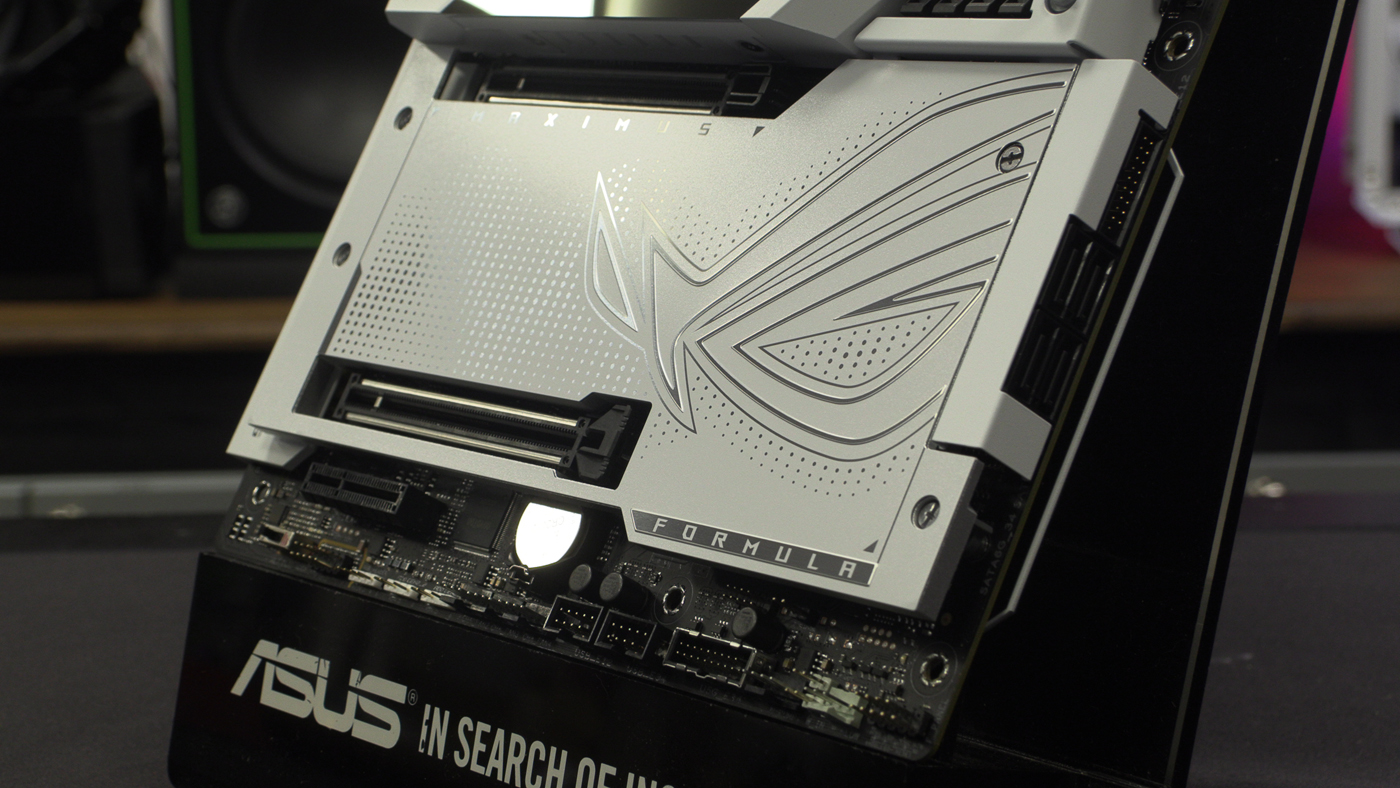
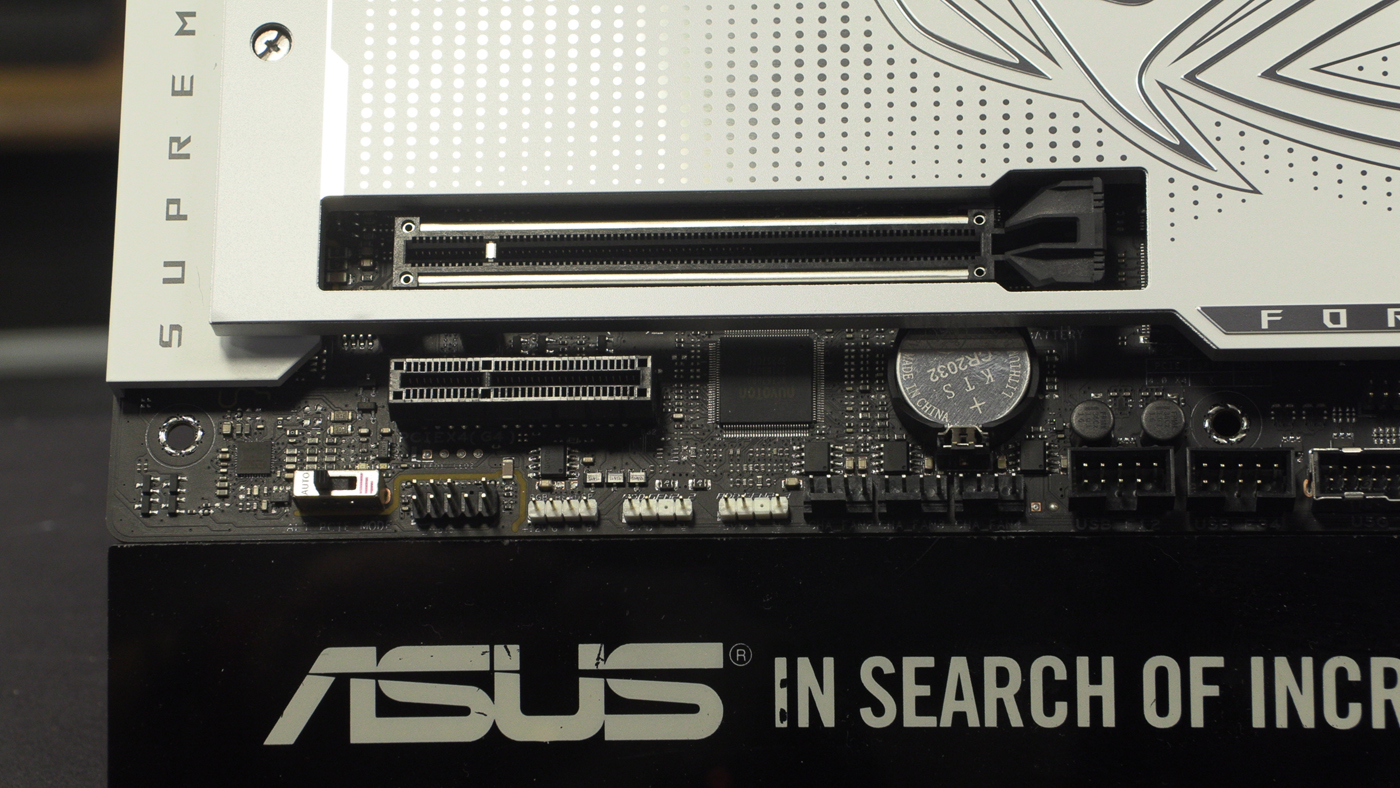
The bottom edge has all the good stuff. From right to left we have front panel connectors, water flow monitoring points for those of you with custom loops. USB front panel headers are in both USB 2.0 and USB 3.2 formats. USB 2.0 has been reborn as the controller for all your RGB AIOs and water loops.
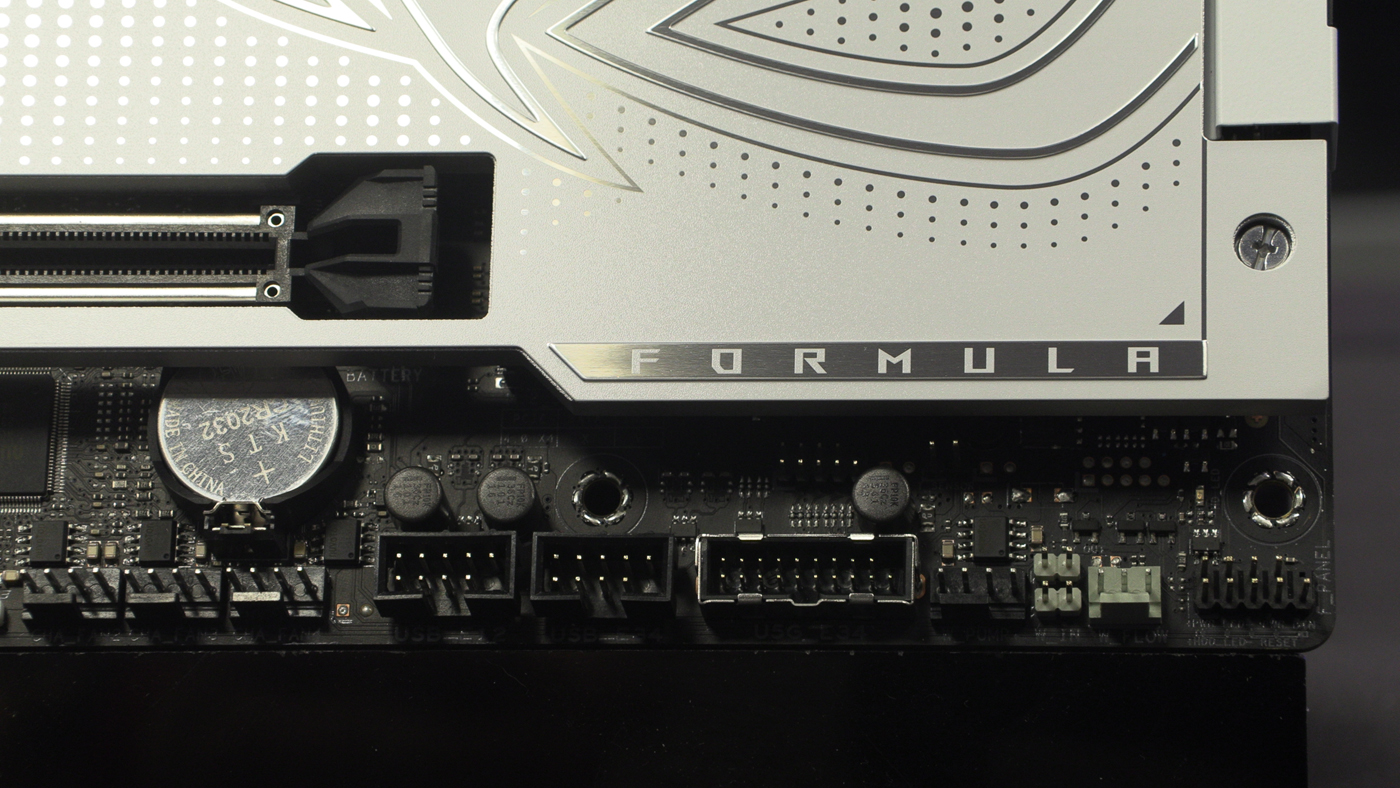
Three more fan headers, because you cannot have too much cooling. Next to those 3 other RGB headers that make up the ASUS AURA Sync lighting ecosystem. Lastly front panel audio. You can also see how well braced the PCI Express slots are.
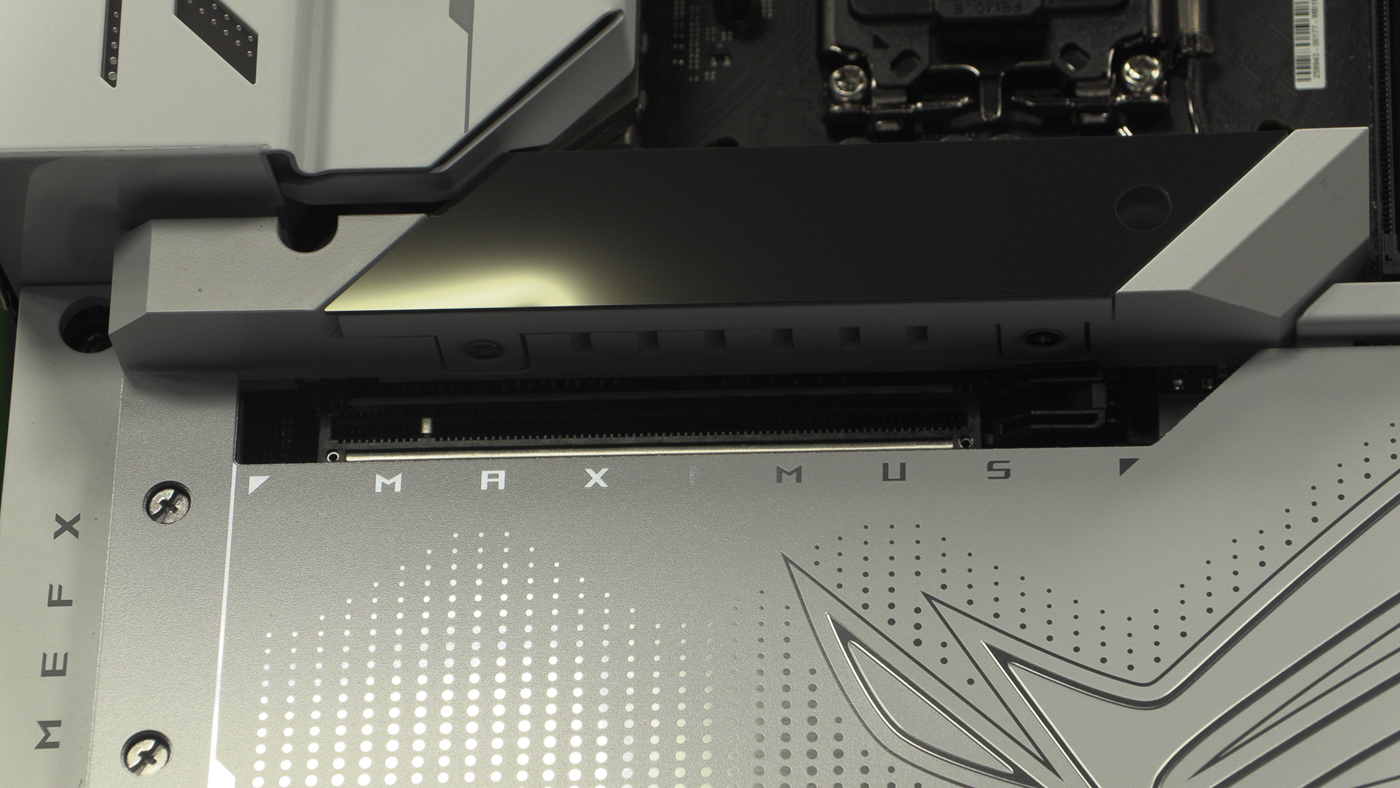
Above the main PCIe slot is a M.2 heatspreader which doubles up as a monochrome display. We’ll show you that in a moment.
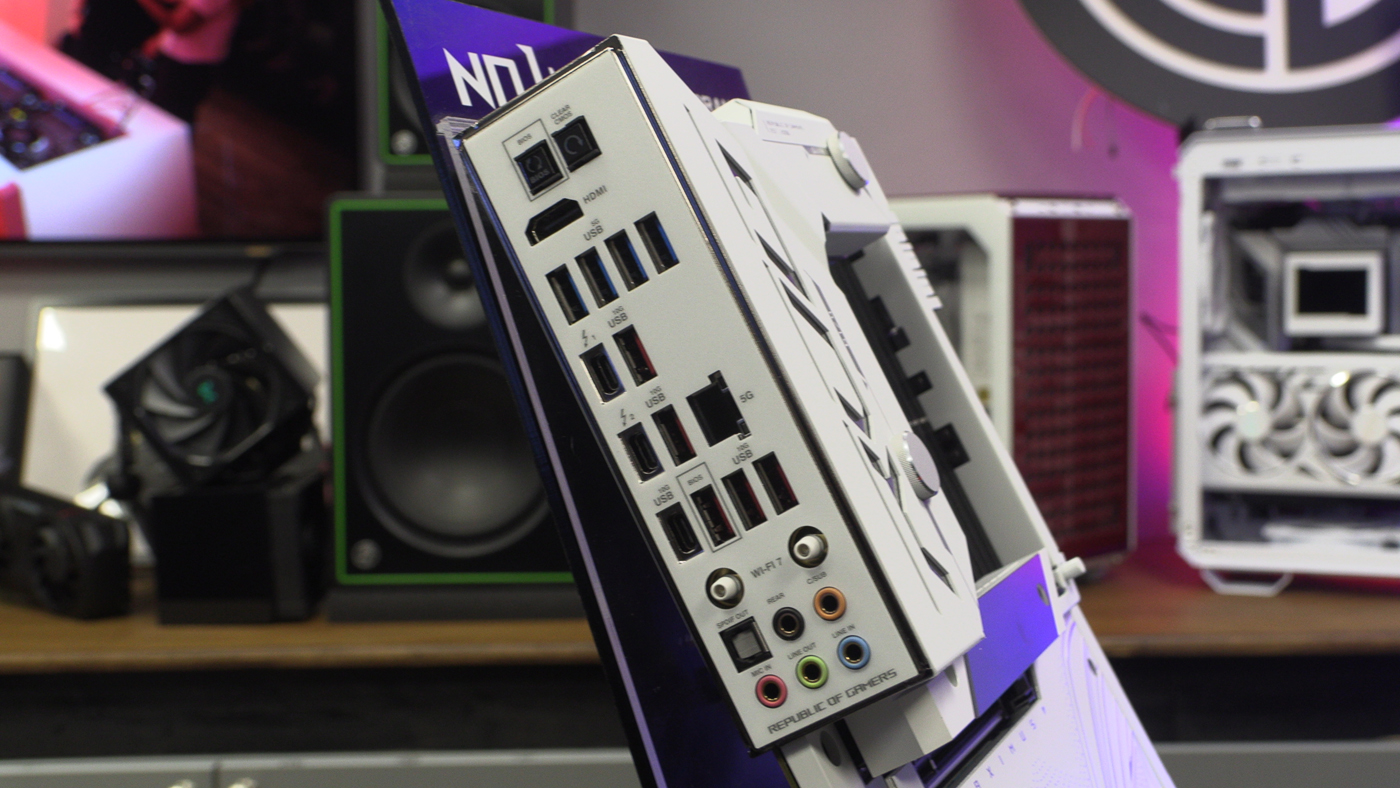
Around the back you’ll find all the goodies you would expect on any motherboard that bears the famous ROG brand. Plentiful USB ports in all types, a HDMI and SPDIF. Networking is well catered to with a 5G LAN and WiFi 7.
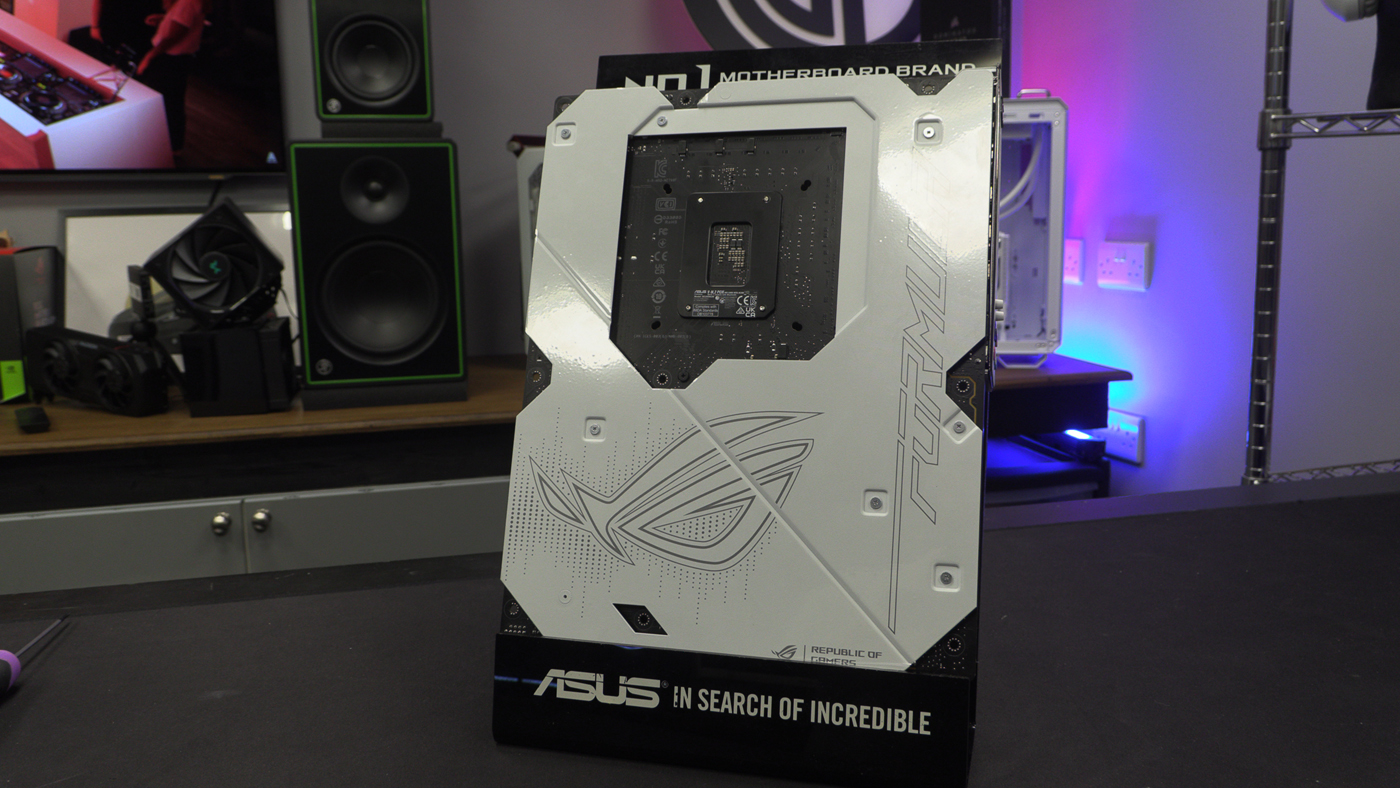
Lastly ASUS have given the Formula a full white backplate too.
Video

