


ASUS ROG Z890 Maximus Hero Preview

ASUS ROG Z890 Maximus Hero Up Close
ASUS ROG Z890 Maximus Hero Up Close
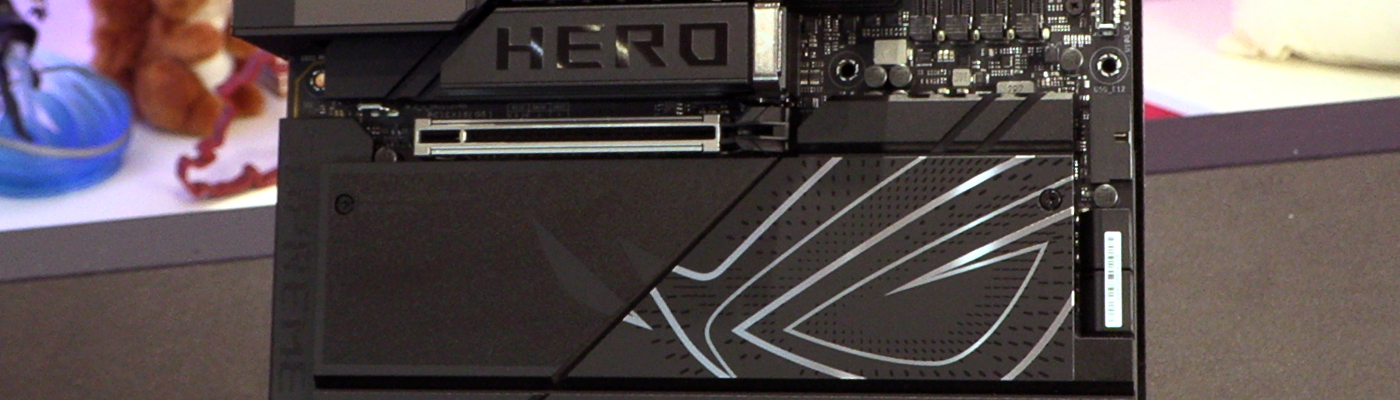
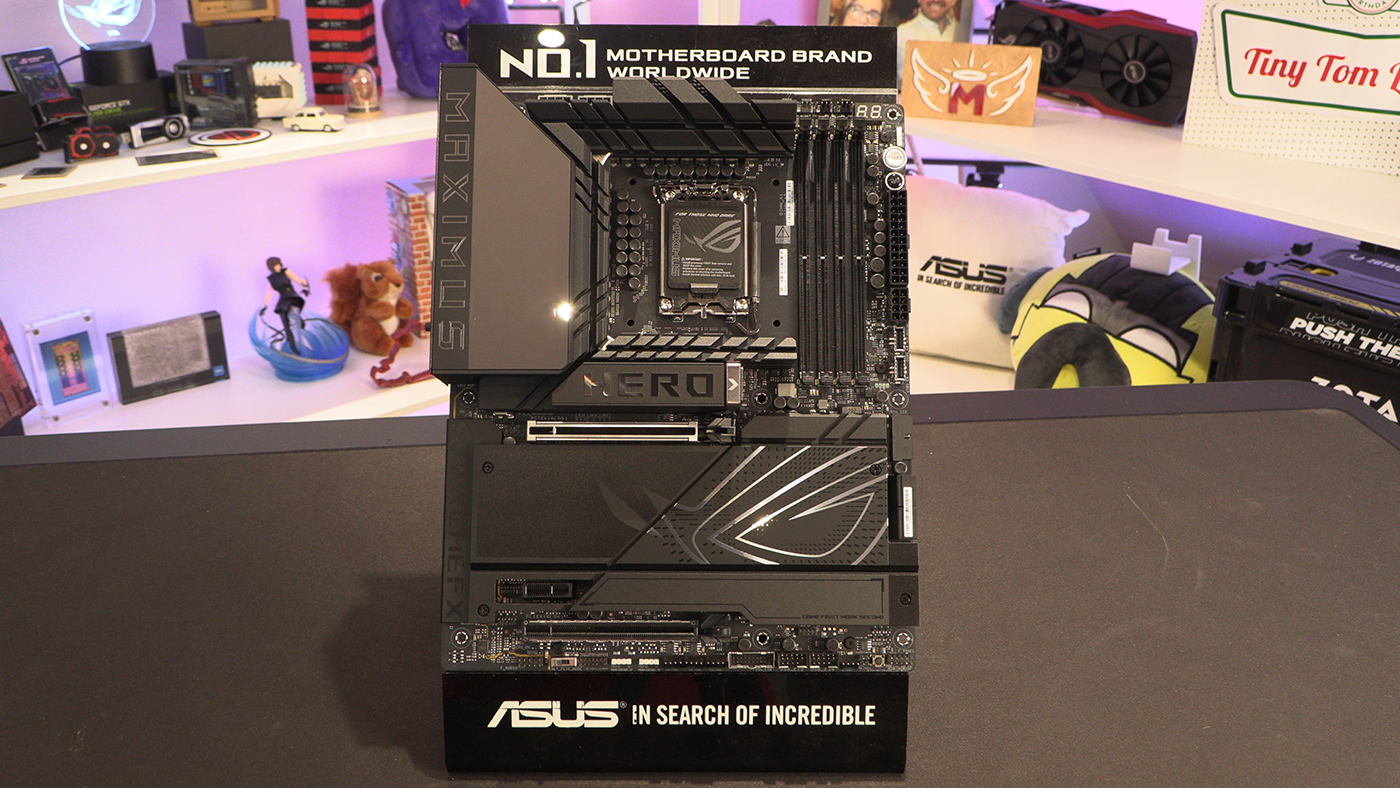
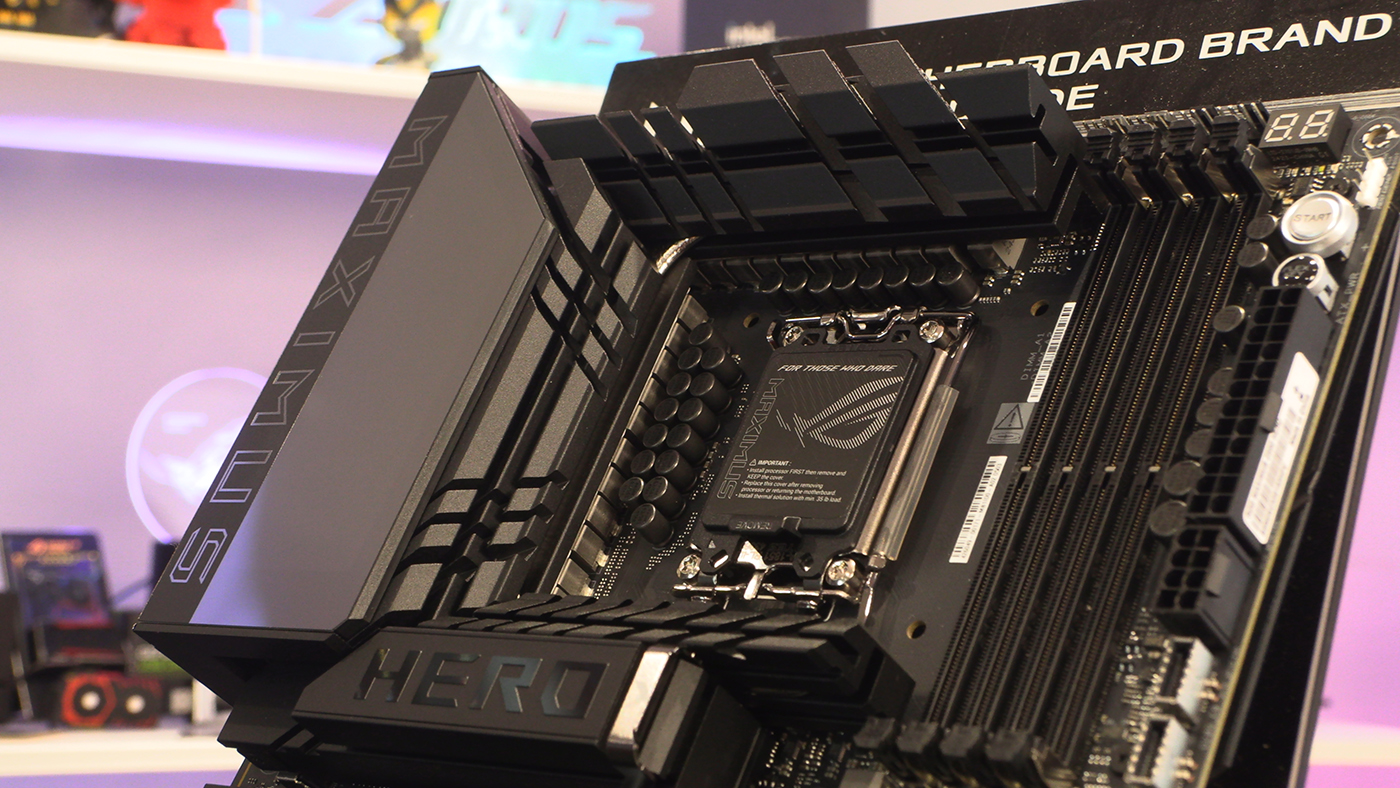
We adore the bold branding of the Z890 Maximus Hero. A huge ROG Eye logo dominates the lower half, whilst the typeface for both Maximus and Hero is bold and clear. If you like to shout about your purchase choice on the ‘Gram then this is the motherboard for you.
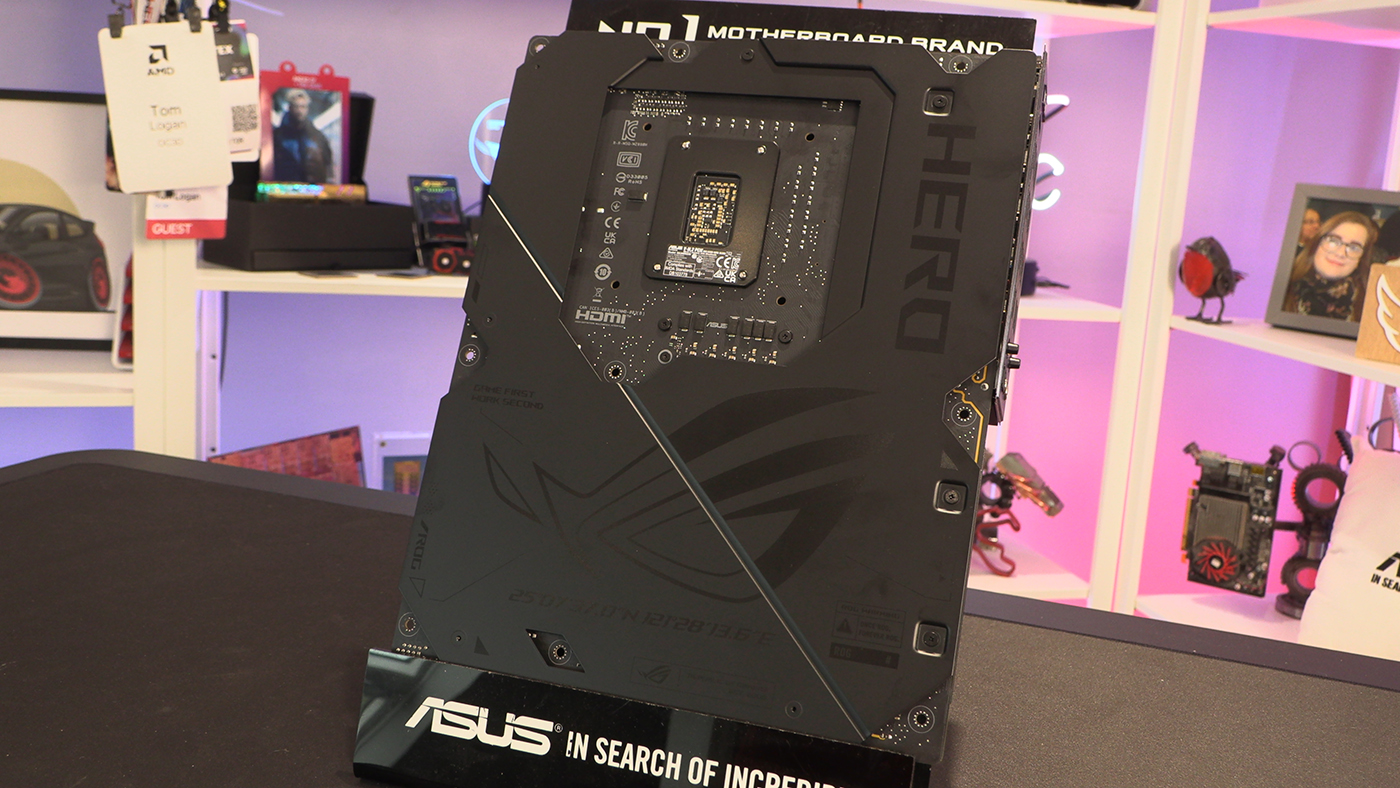
A big Hero – not Big Hero 6, just large Hero – branded backplate helps keep the heat spread across the whole PCB. Additionally more surface area is always good, even if it’s not really attached to the high heat generating hardware.
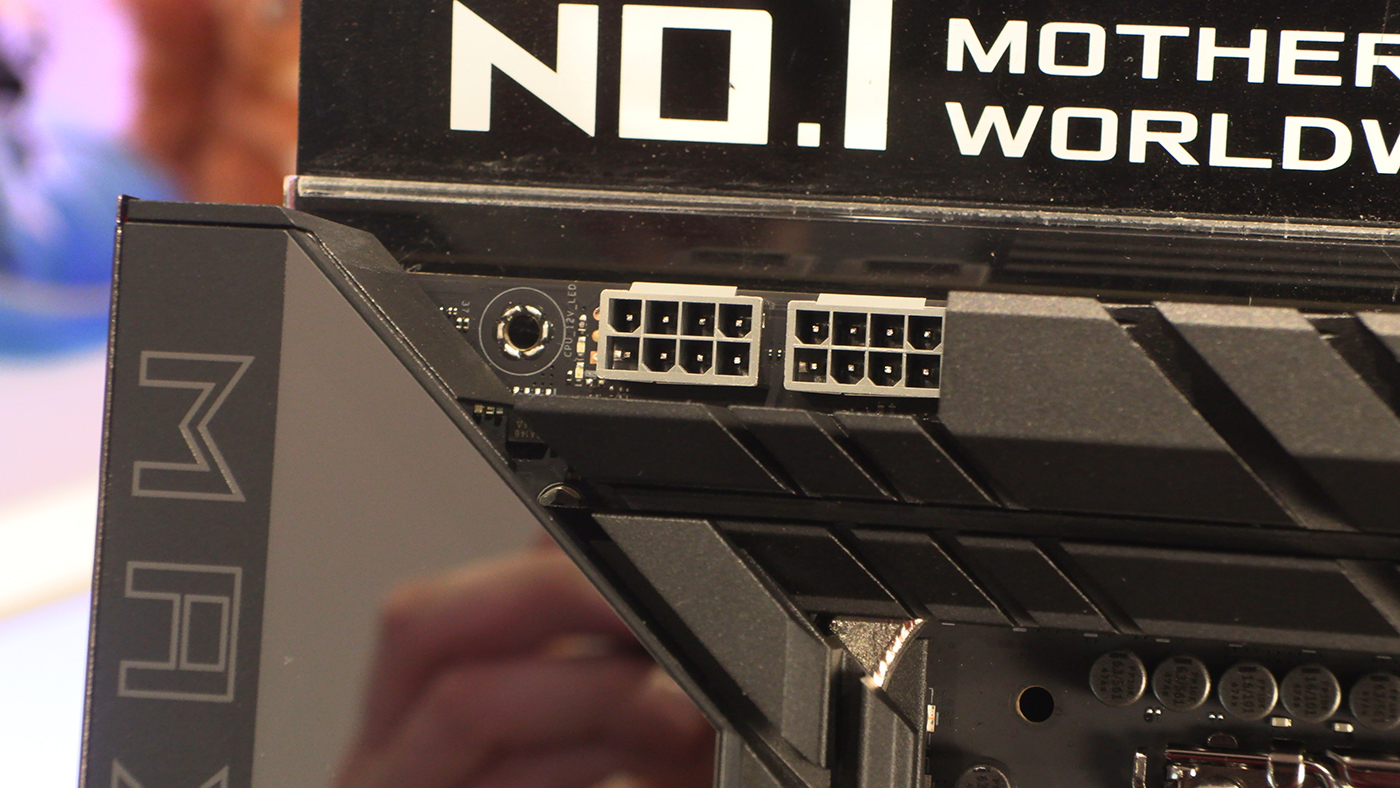
Two 8pin 12V CPU power headers start us off as always. There must have been a job lot of grey ones produced as we saw a lot with the AMD X870s. Odd.
All The Fan Headers
The top right hand corner of the Maximus Hero hints at its high performance expectations. Four fans, including a AIO Pump header, are enough for even the most demanding user. As the Intel Ultra 200S range promises less power draw than the 14th Gen, hopefully we won’t need to populate every header.
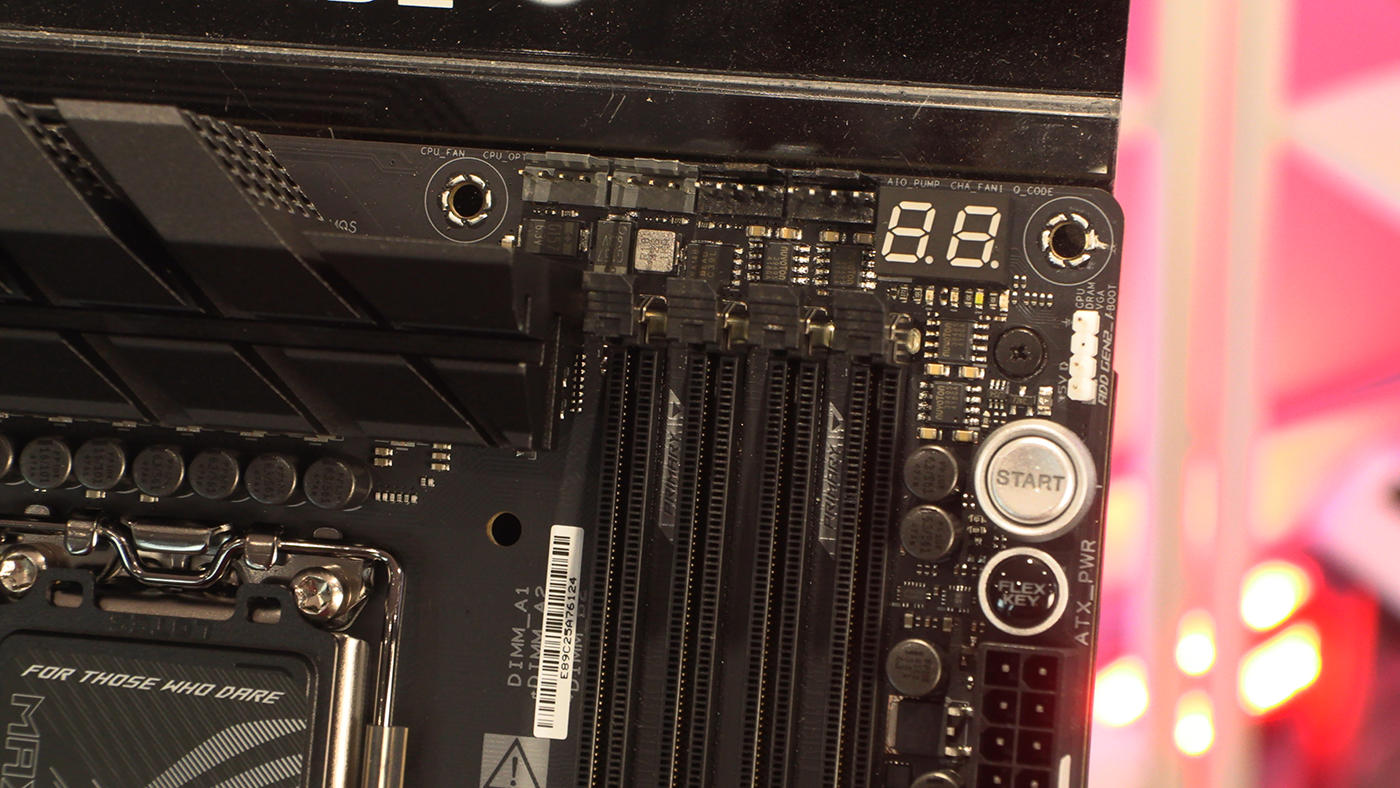
We can’t think of any cases off the top of our heads which have dual front panel USB Type-C ports. Futureproofed.
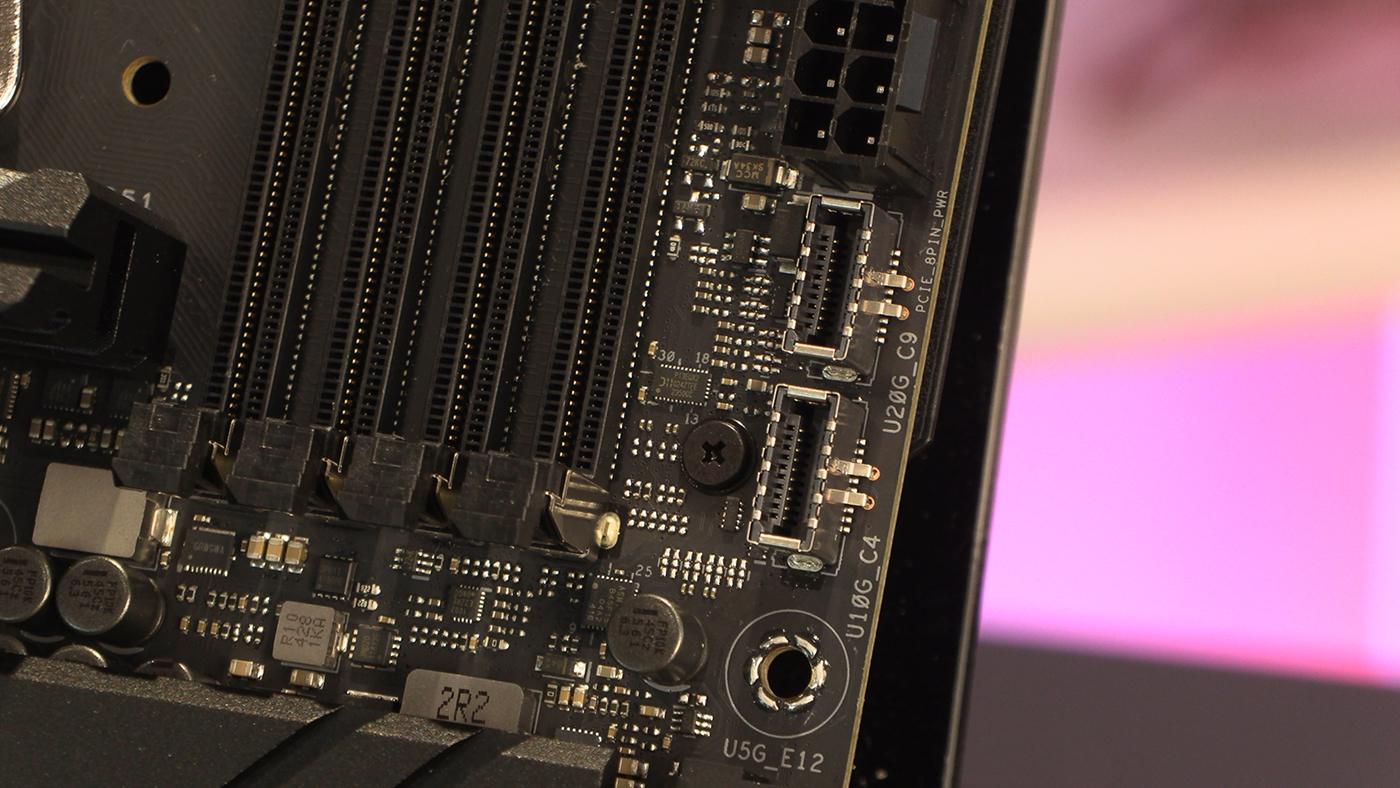
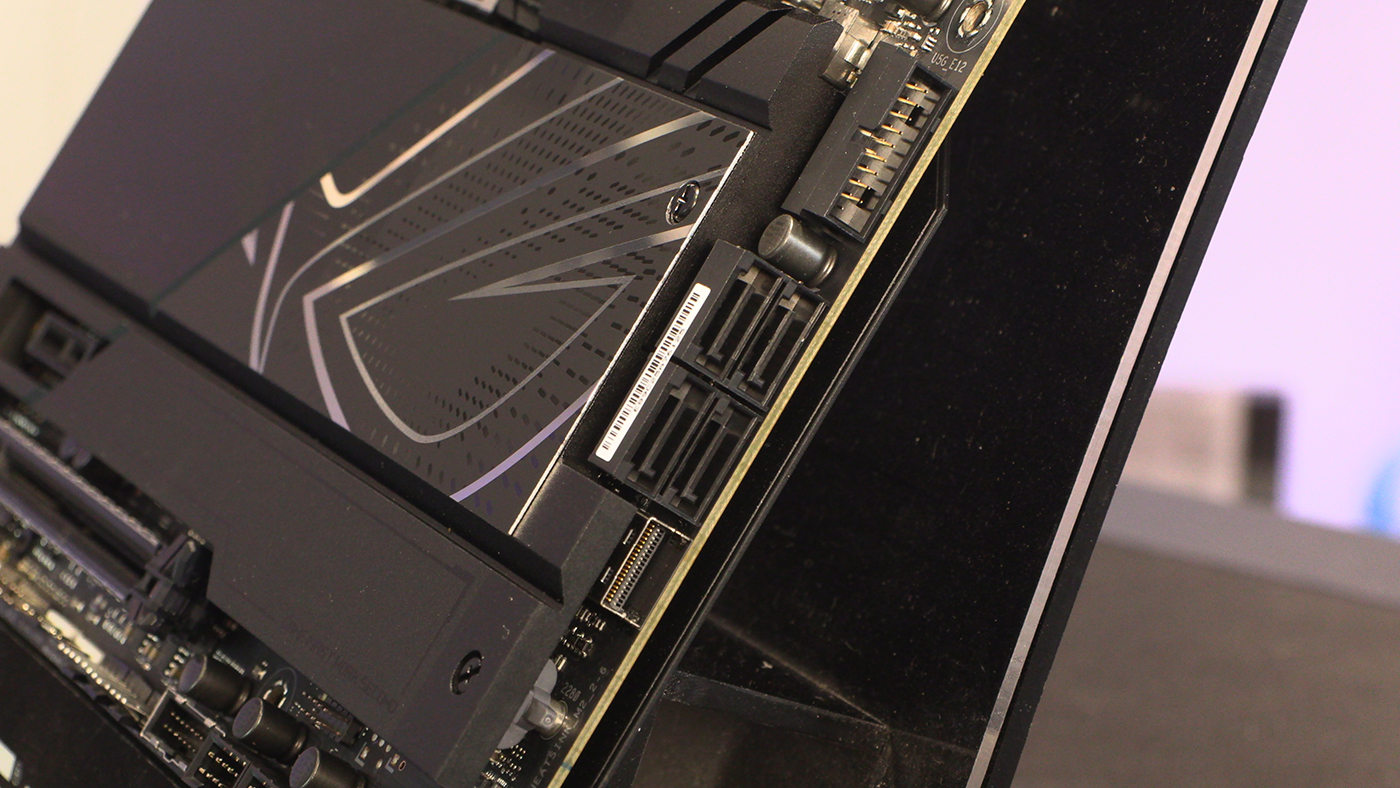
We said about the sudden appearance of the SAS drive port on the ASUS X870E chipset models, and here it is again. Thankfully it isn’t taking up any lanes from M.2 slots – as you’ll see below – nor SATA ones. All four present and correct.
If you ever feel that your rig hasn’t enough fan headers, the Maximus Hero has you covered. 4 more to be found at the bottom, as well as two USB 2.0 front panel connectors and another USB 3 Type-A. As I’m writing late at night with Remnant II burning a hole in my brain, can I just say that actually it’s “work first, game second”.
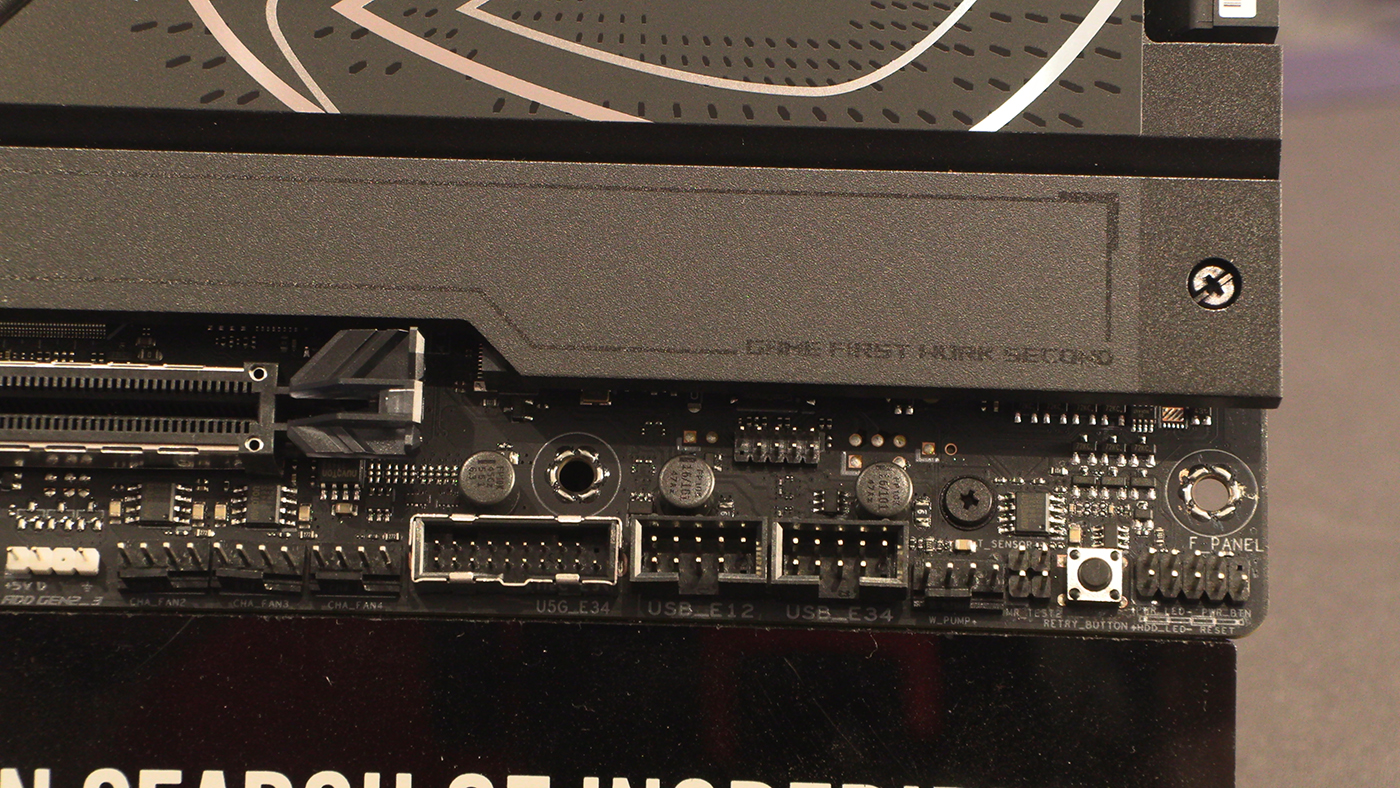
The ROG AM5 motherboard we’ve just reviewed showed a move by ASUS to mainly Addressable RGB headers, and the Maximus Hero continues this. Given how much of our cooling uses ARGB these days, that’s not a bad thing.

Power and Connection
We haven’t got the full VRM specifications on hand at time of writing. Judging from the huge heatsinks, and indeed the fact they’re tied together with a heat pipe, makes us think they are 110A minimum. It does give us a chance to show you it in this amphitheatre view though. DIMM A1, you’re on stage.
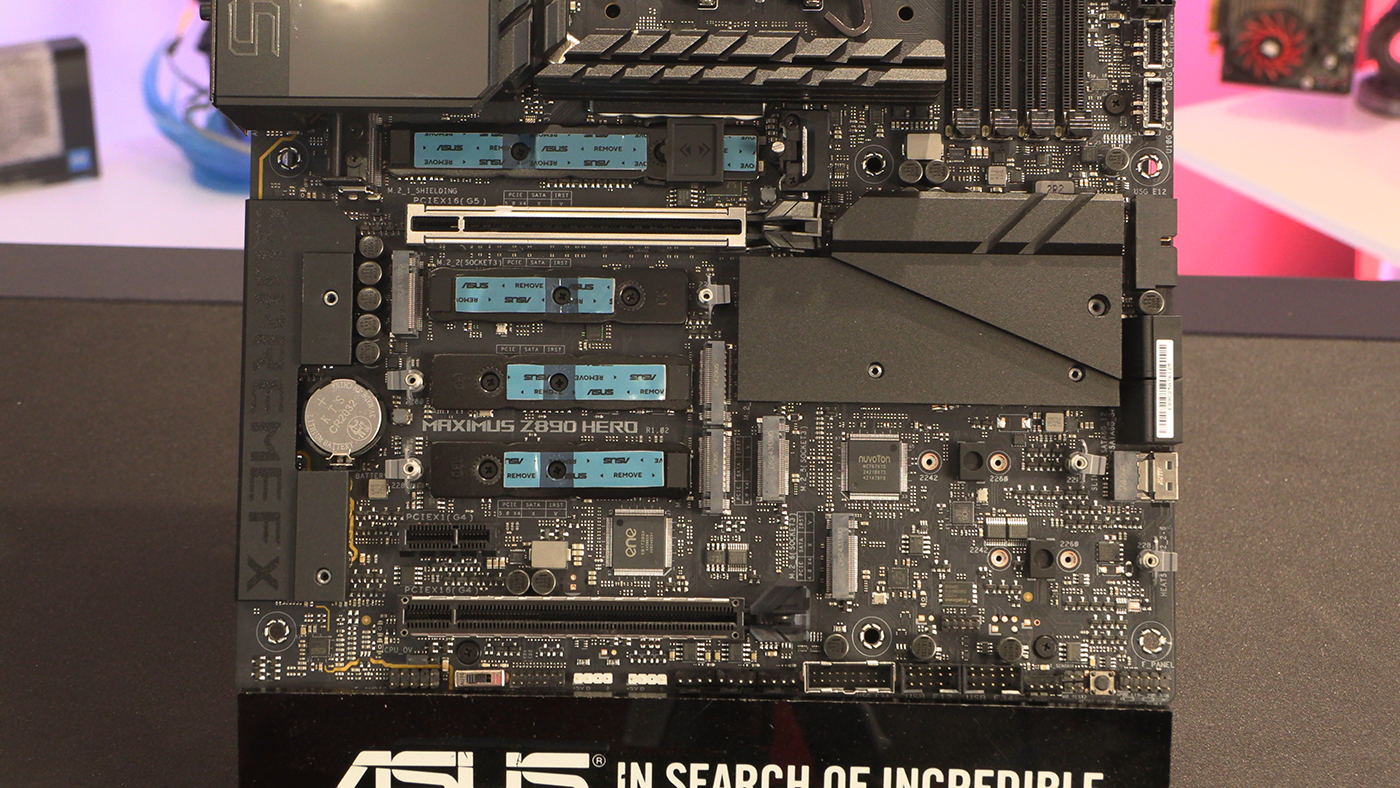
The Maximus Hero has six M.2 slots, with four of them having thermal pads. The naked ones are on the right below the chipset. The keen eyed amongst you will note that the main M.2 slot has ASUS adjustable bracket we first saw on the X870 Crosshair Hero. It’s probably called the ROG Variable NVMe Turbo Bracing Device or something, but it’s 10pm and we haven’t got the name on hand, so adjustable bracket will have to do.
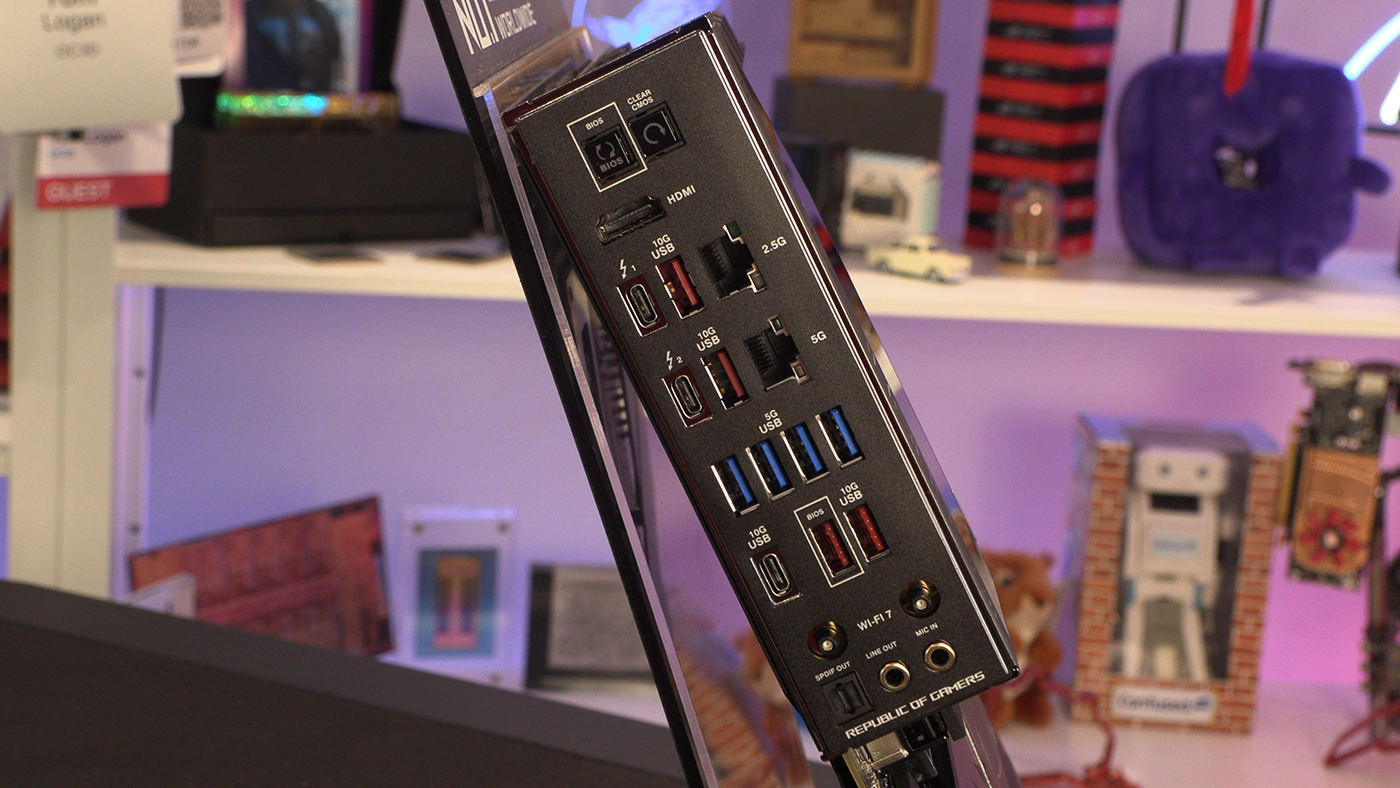
Around the back you can see the amount of connectivity offered up on the Z890 Maximus Hero. Two different LAN speeds sit alongside the WiFi 7 wireless option. There are two Thunderbolt 4 ports, and four 10G USB ports. It’s not the most USB ports we’ve seen on a Z890 motherboard so far, but neither are you left wanting.
Discuss the ASUS ROG Z890 Maximus Hero in our OC3D Forums.

