ASUS TUF Gaming Z890-Pro WiFi Preview

TUF Z890-Pro In Detail
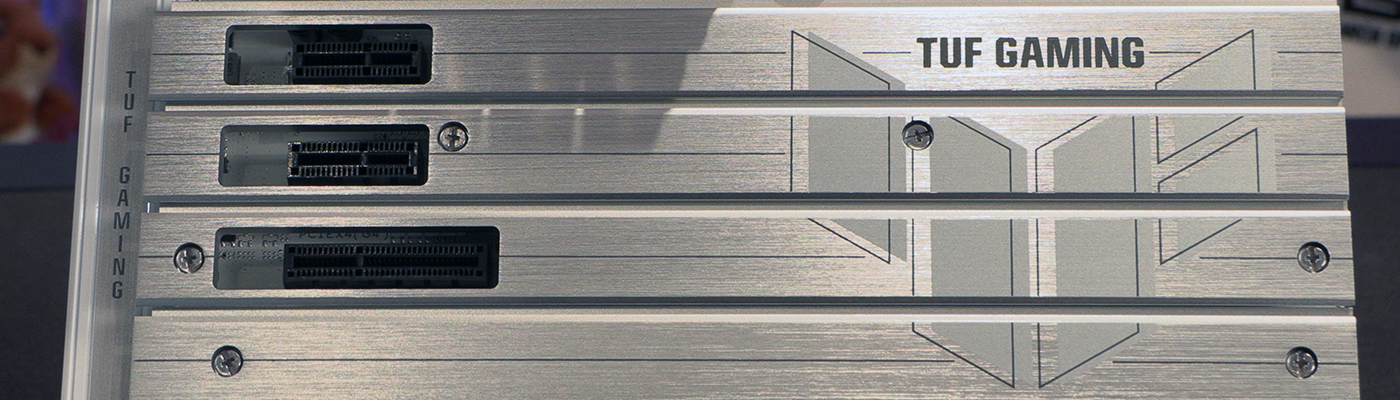
TUF Z890-Pro In Detail
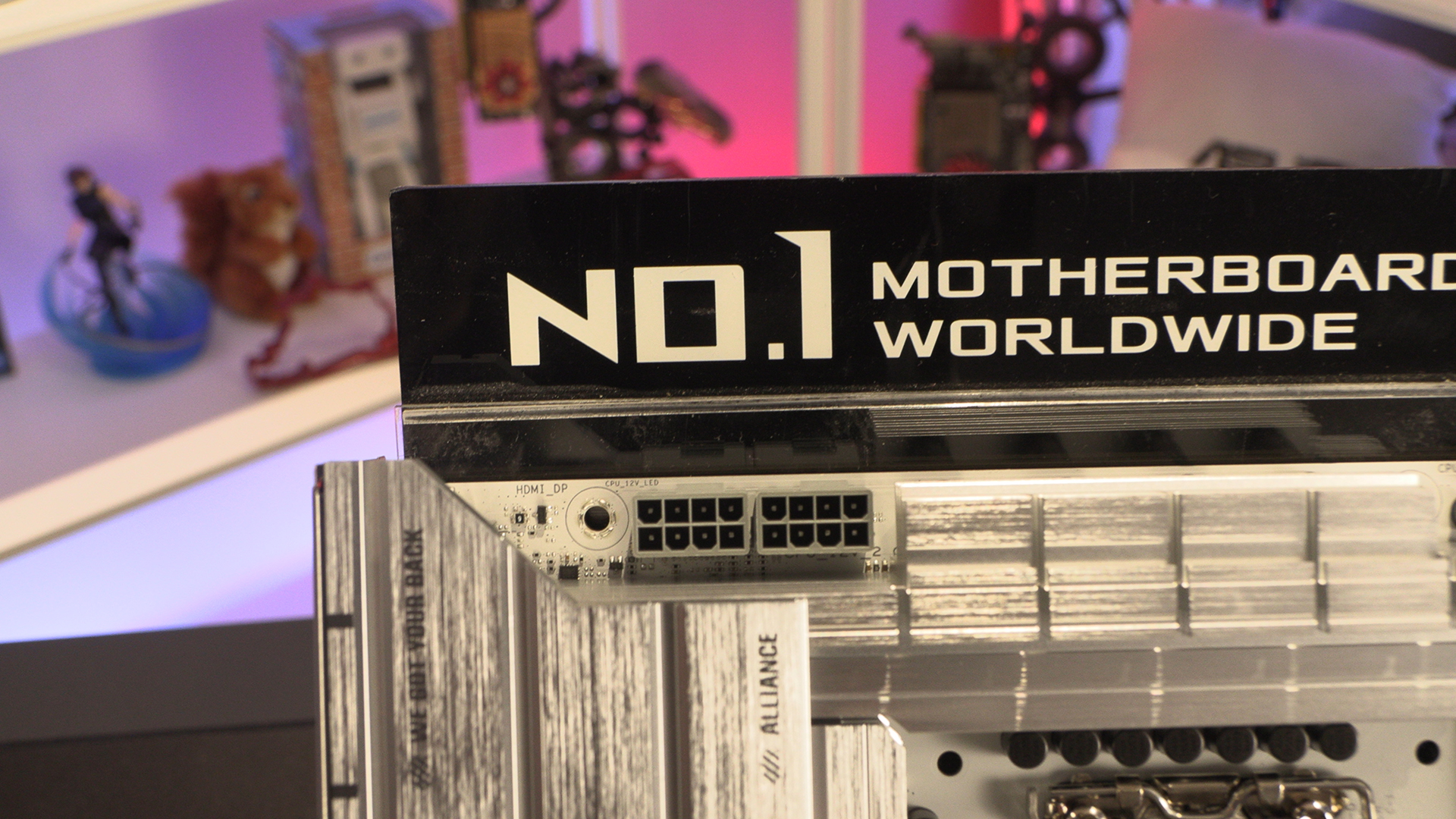
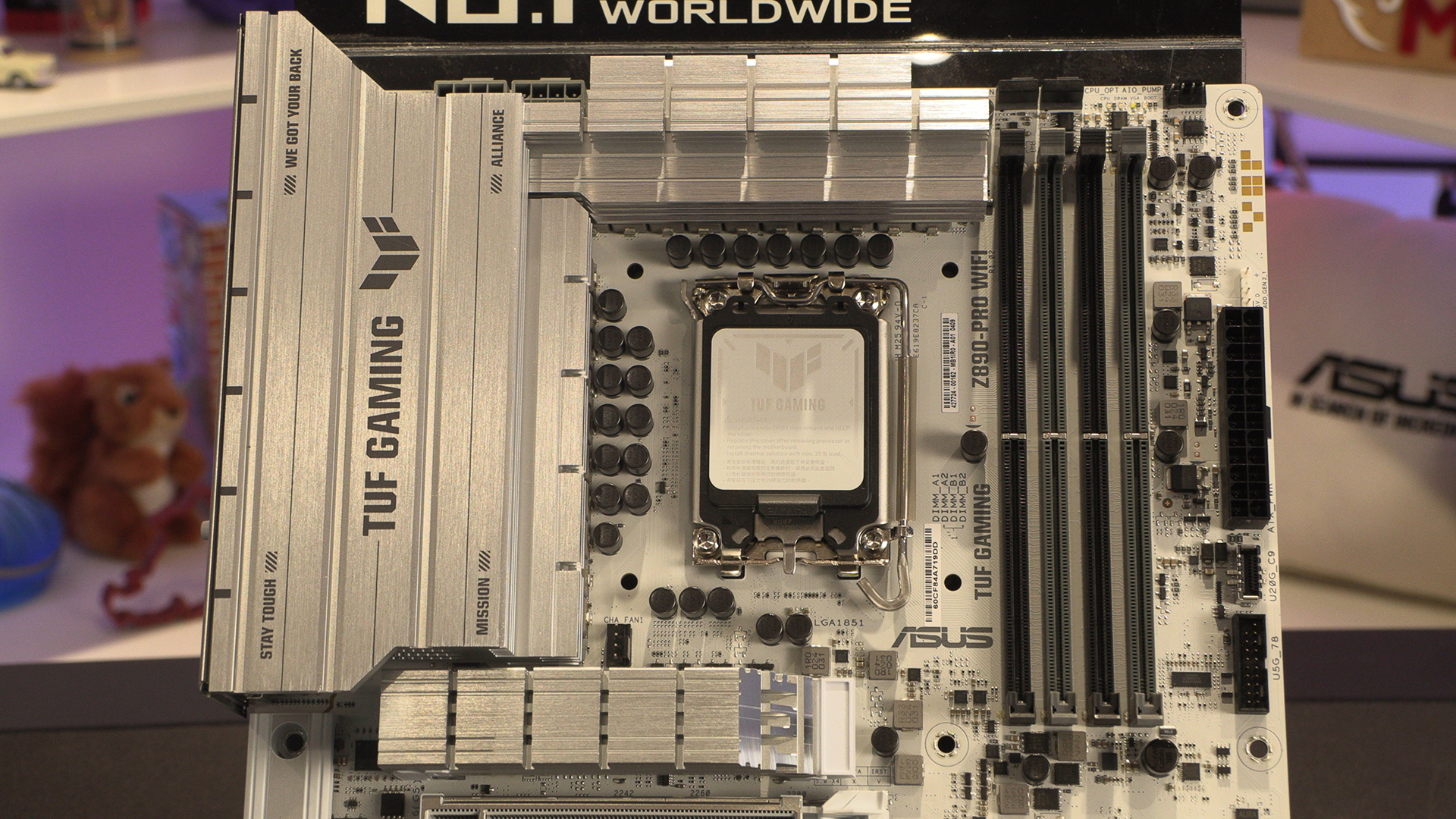
The running theme in the Z890 motherboards has been grey 12V CPU power in for black PCBs, and grey ones for white PCBs. Thankfully on the TUF Pro those worlds have collided. The correct colour plastics at last.
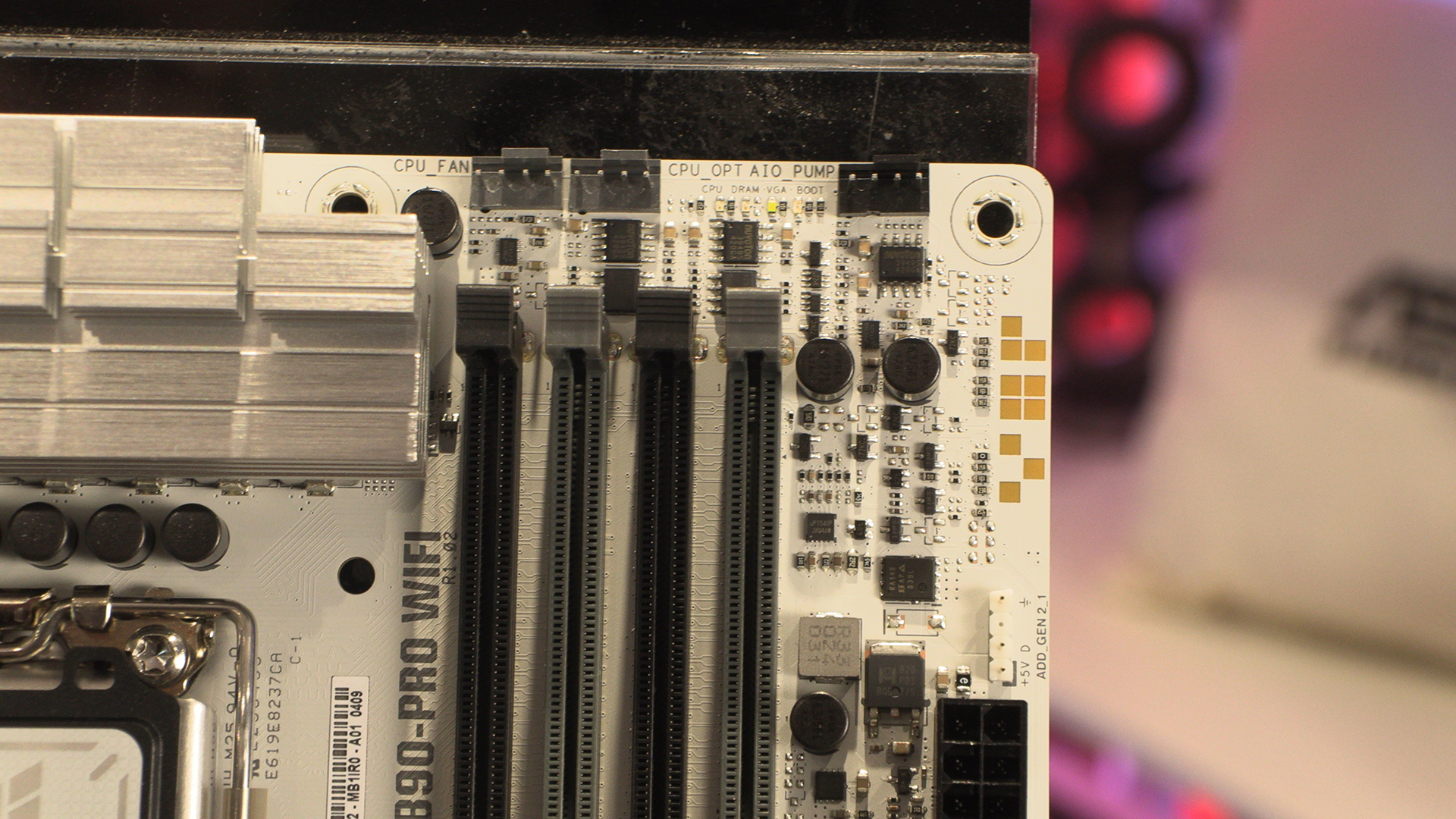
Two CPU headers as well as an AIO/Pump offering ensure your processor can be kept frosty. The Ultra 200 processor range might be cooler and more efficient than the 14th Gen, but you still need to throw the kitchen sink at it if you can.
As you might expect from a – relatively – affordable motherboard, the TUF Z890-Pro has split the SATA ports between the horizontal ones here and …
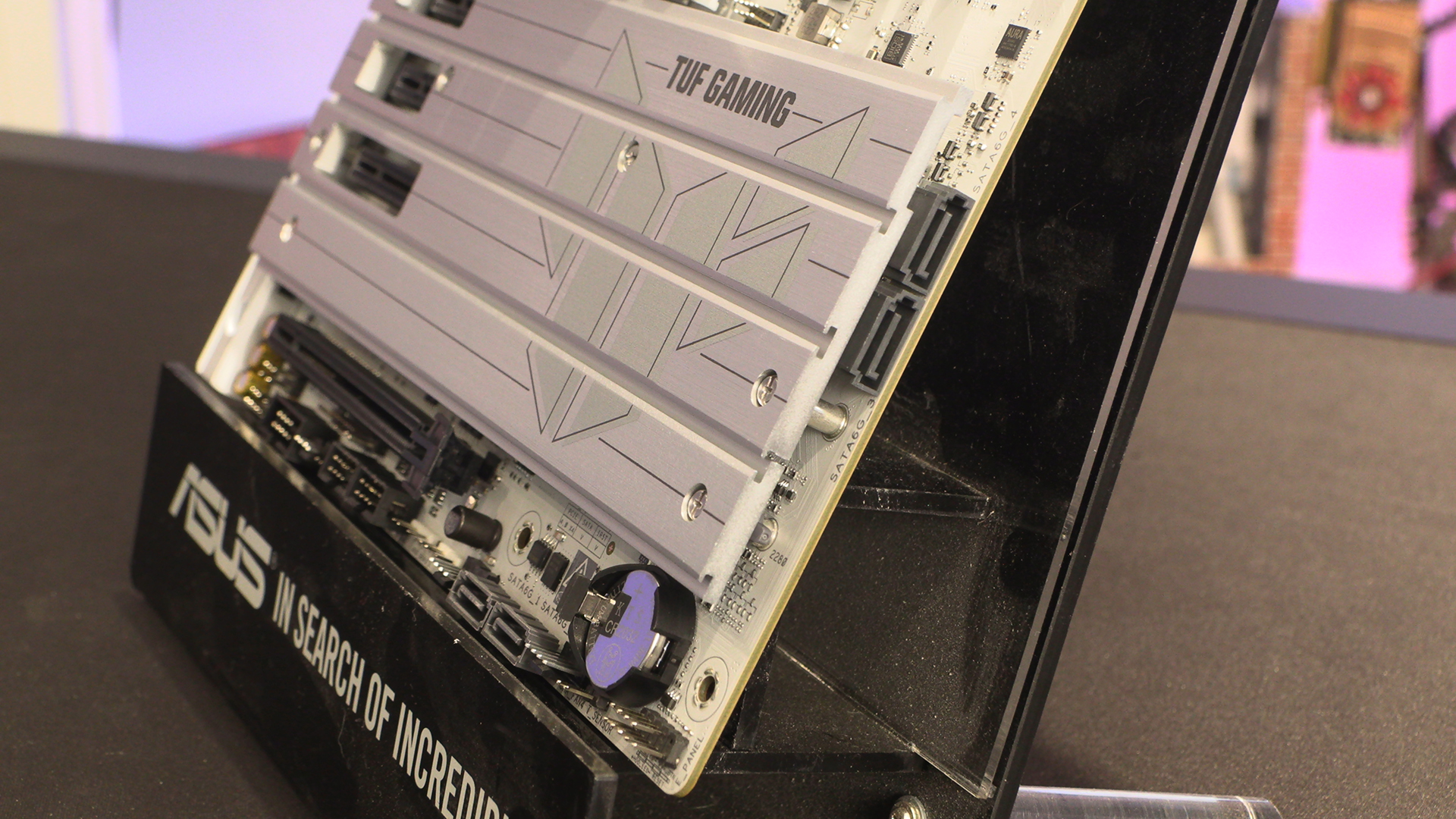
… two vertical ones on the bottom edge. However, whilst that might be an odd decision, we like the clarity of the front panel headers. Two case fans and addressable RGB headers help your system remain cool and bright with the minimum of fuss.
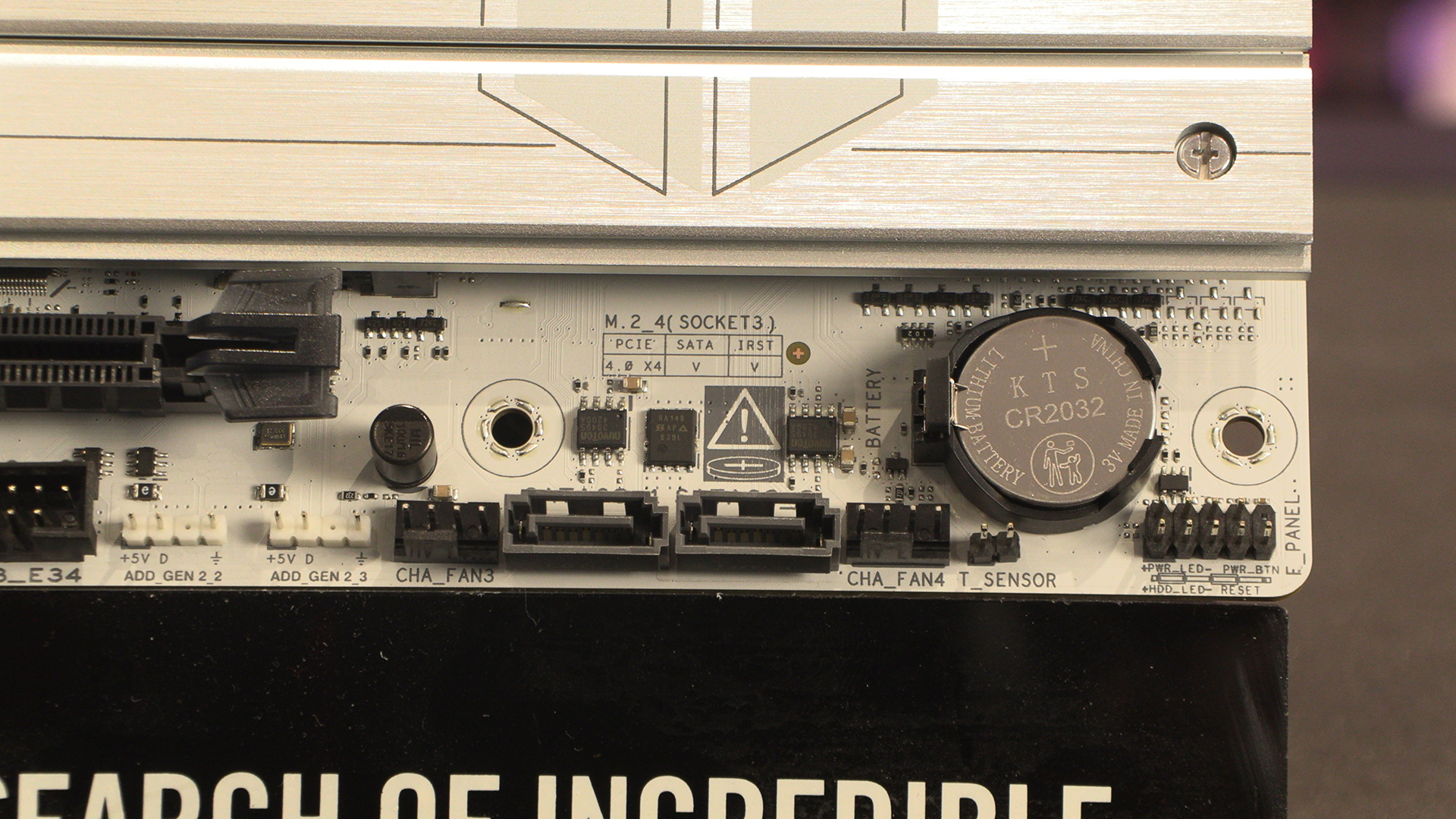
There is another case fan if those weren’t enough, as well as some front panel USB 2.0 if your AIO requires an internal connection to control it.
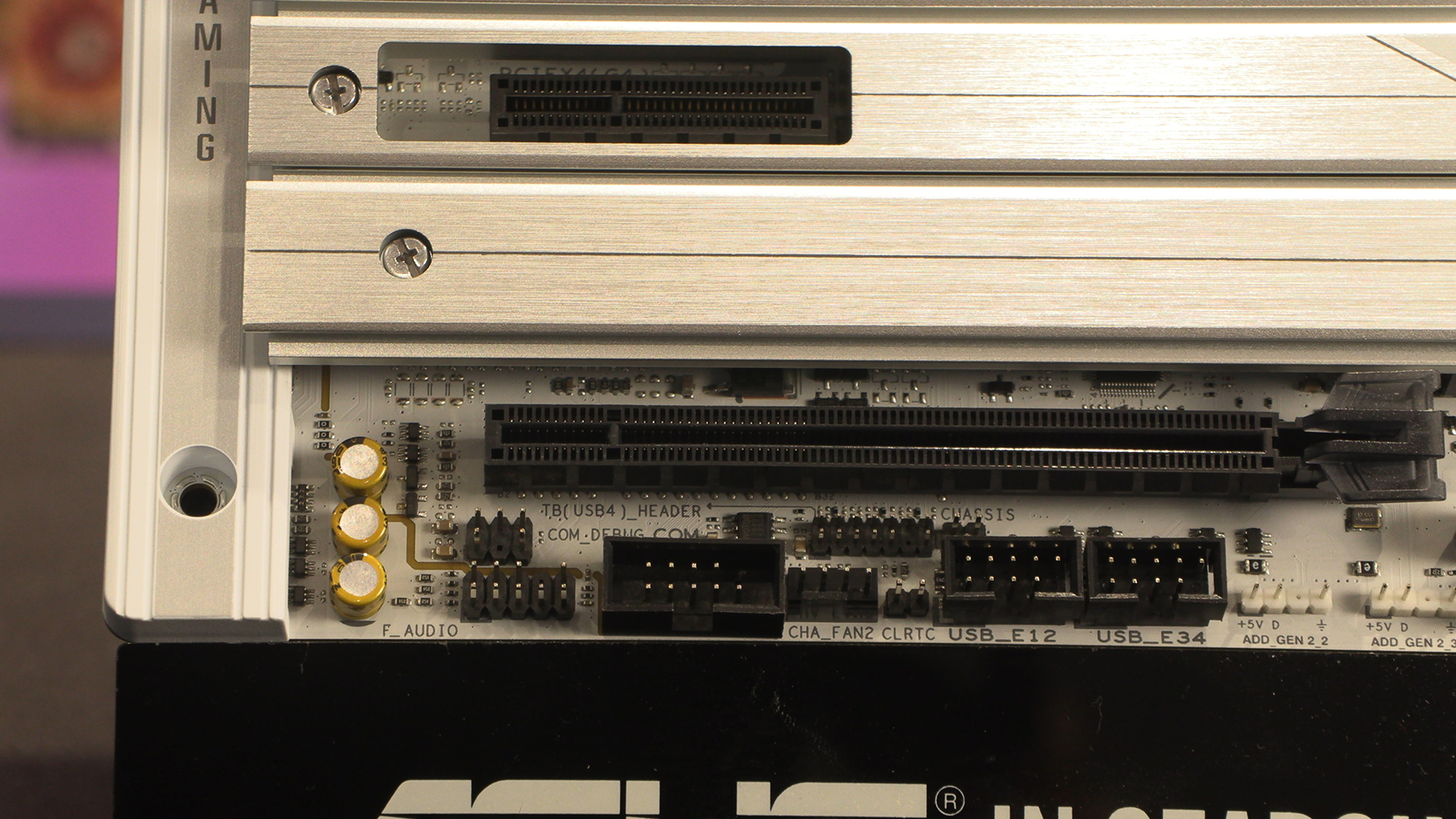
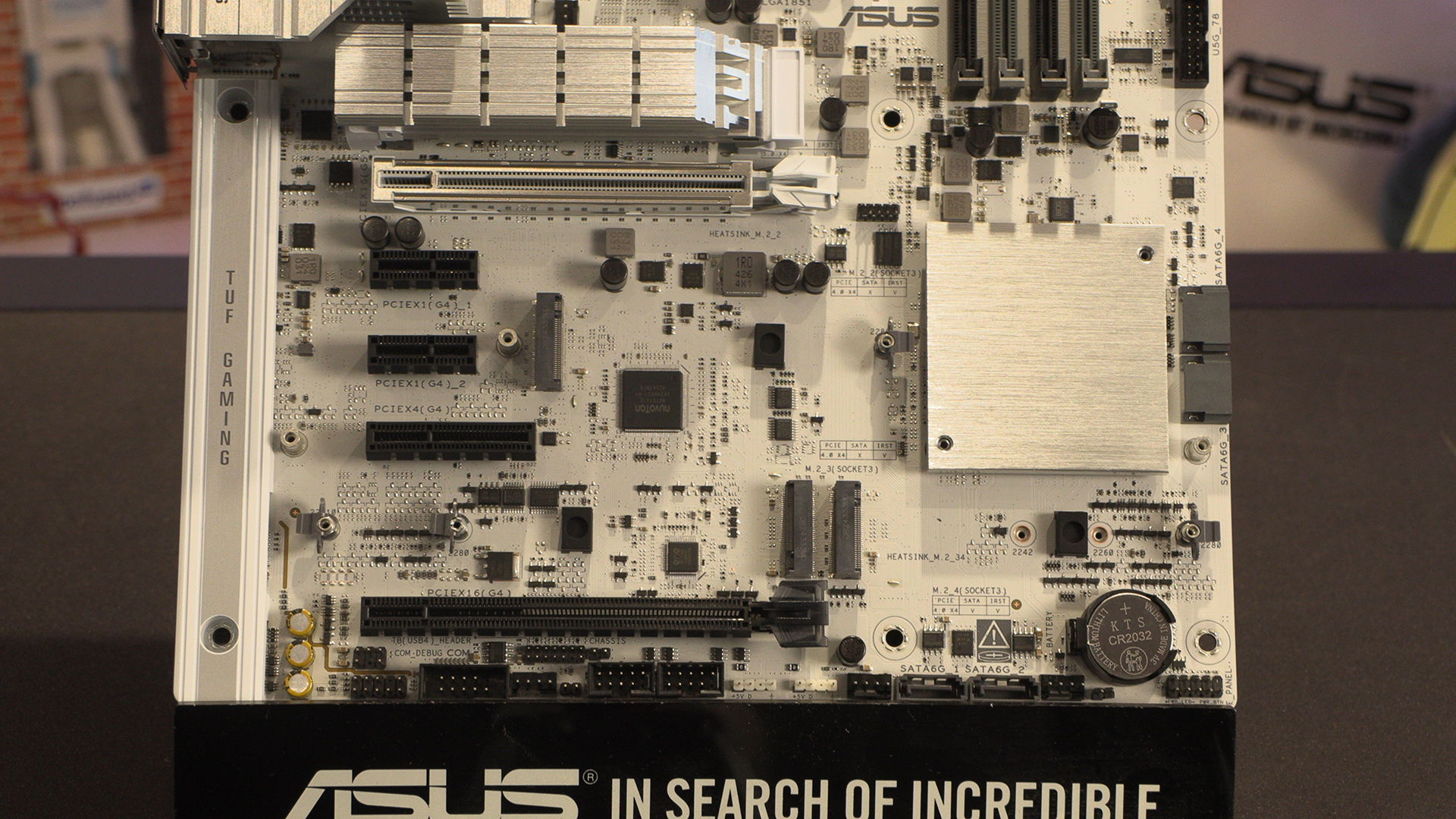
Sliding the heatsink off reveals three of the four M.2 slots. The other being above the main PCI Express slot. All the ones beneath the main heatsink at Gen 4 options.
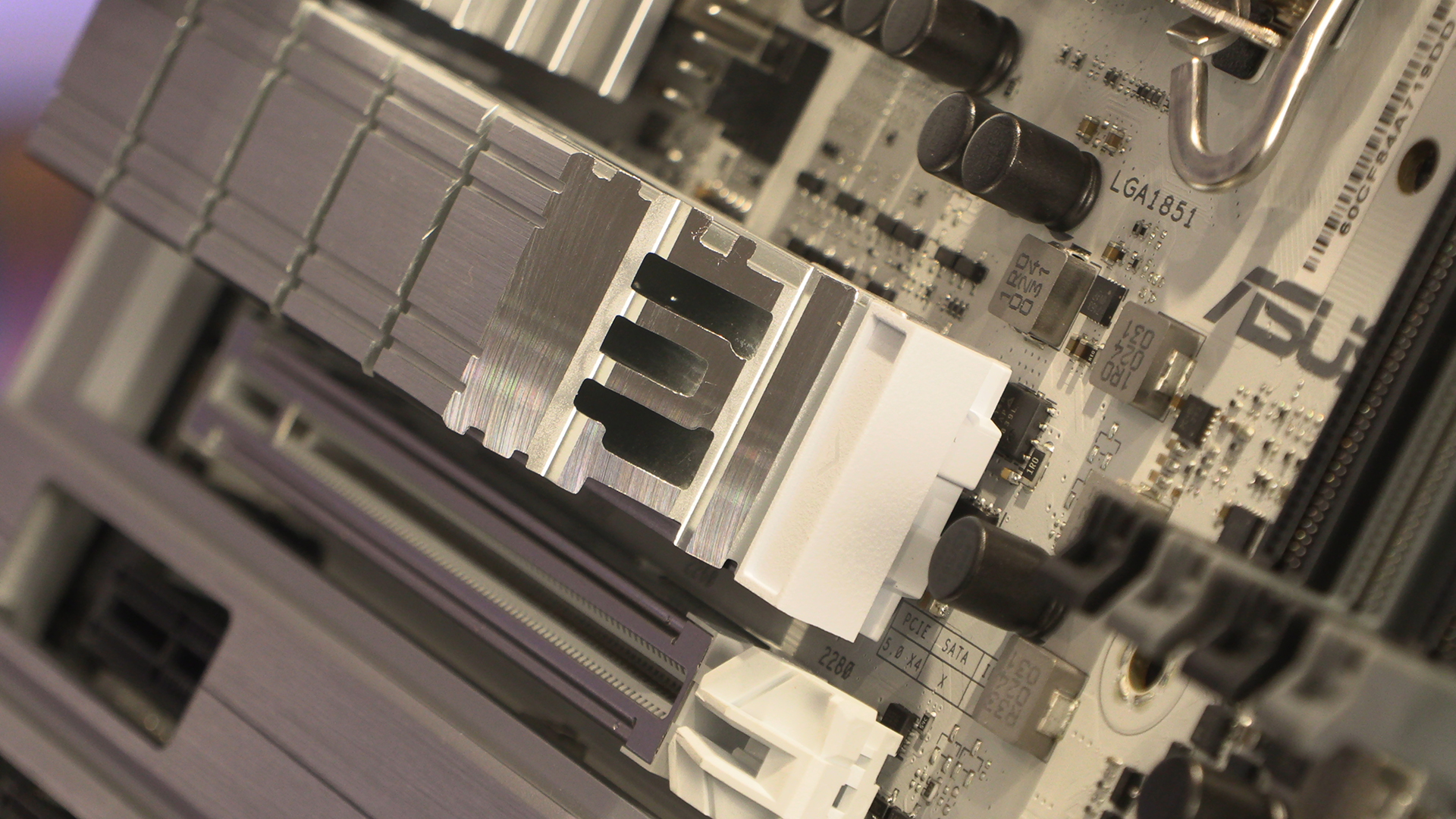
Under this is the Gen5 M.2. We love that ASUS have gone the extra mile to name the TUF on the primary heatsink. It’s little touches like this that can help people go from on the fence to into the basket.
Lastly the ASUS TUF Gaming Z890-Pro WiFi has a 16+1+2+1 80A Power stage. This should be plenty for the Intel Core Ultra processors, although the Core 9 285K might just be pushing it.
Discuss the ASUS TUF Gaming Z890-Pro WiFi in our OC3D Forums.