ASUS X870E ROG Crosshair 2006 Preview

The OG Crosshair
The OG Crosshair
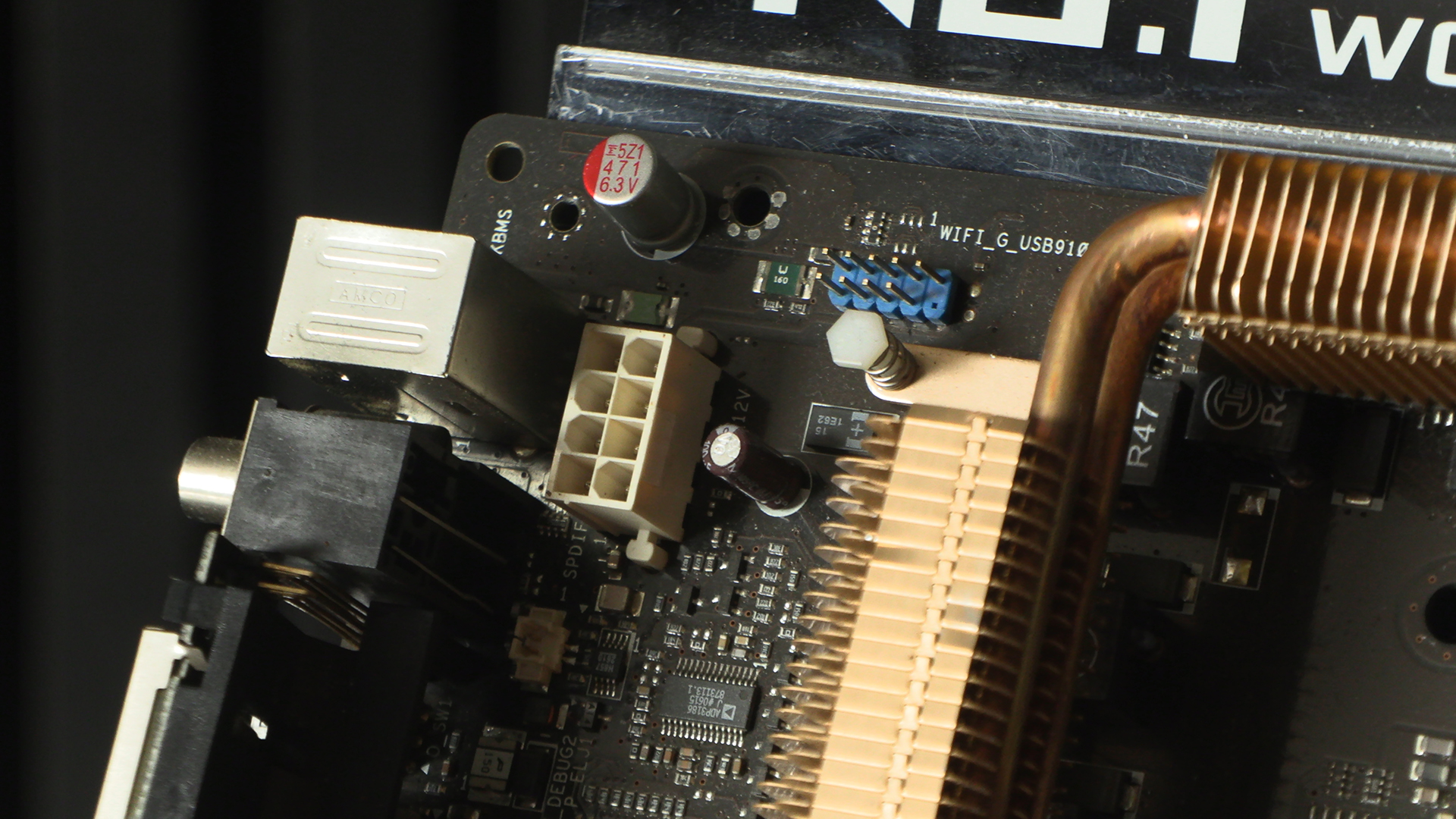
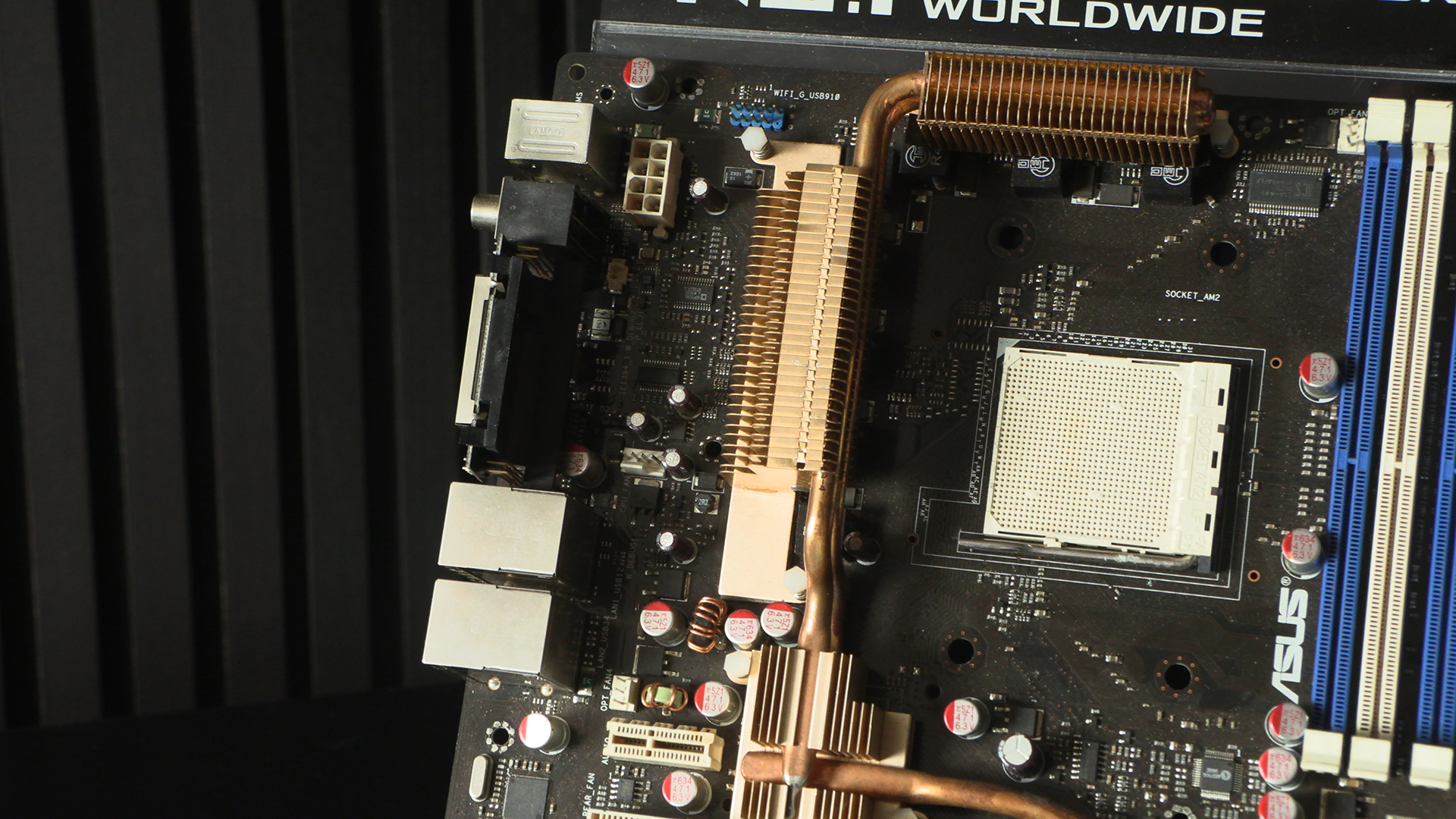
Changes generally happen incrementally. You only notice when you’ve not seen it for a while. Like seeing an old friend and noticing how fat/thin/bald/grey they have become. Just the single 8 pin CPU power here, even though the Crosshair was the flagship AMD option. Vertical SATA ports. Fan headers all over the shop. Floppy and IDE connectors. It might only be 20 years ago but in computing terms it’s only just this side of steam. By which we mean James Watt, not Gabe Newell.
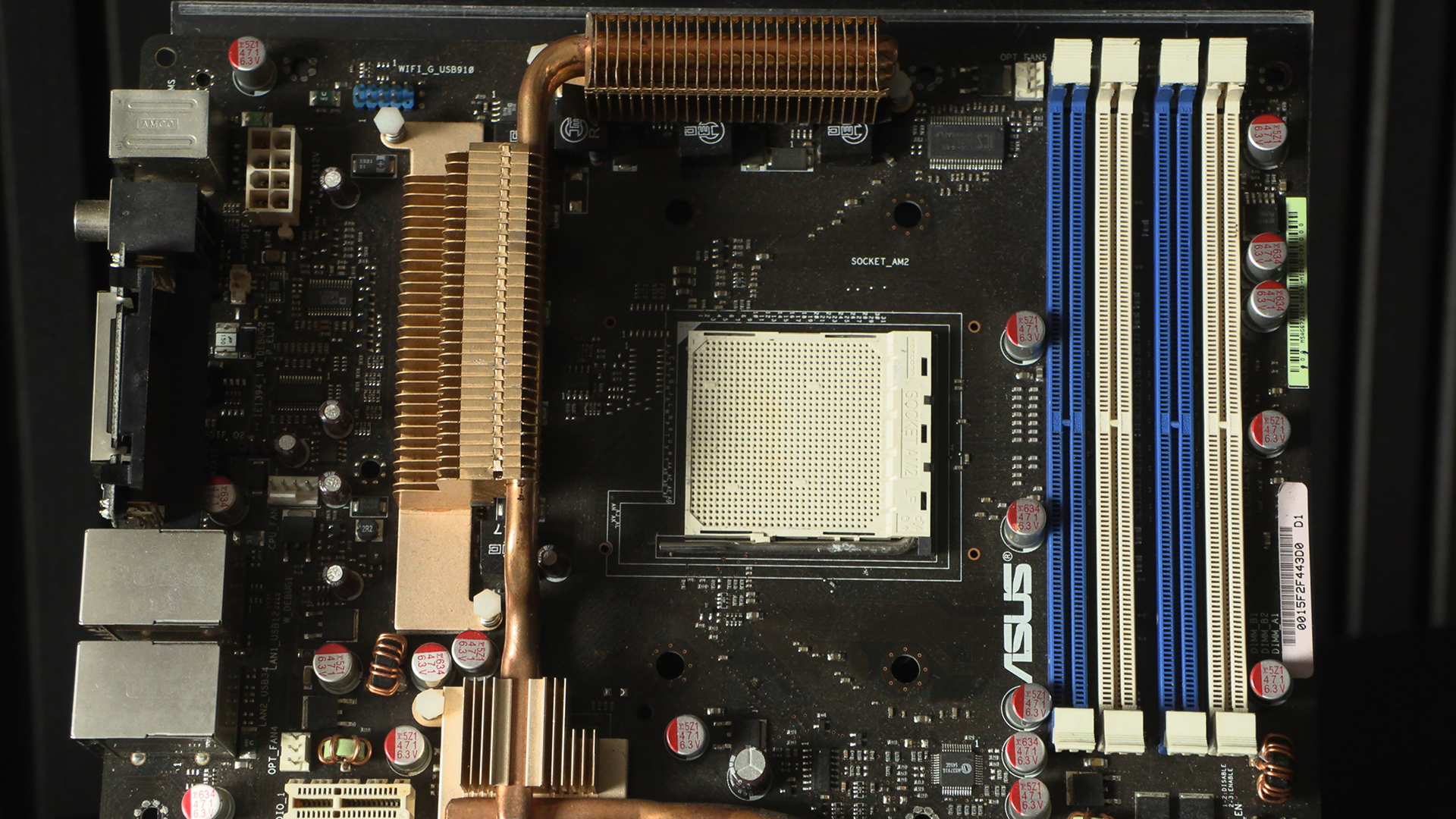
When your WiFi was an expansion rather than an add-in. Something that applies to the sound too but we’ll get there. We’re so used to giant covers on the IO section showing off a manufacturer logo that to see it bare comes as a shock.
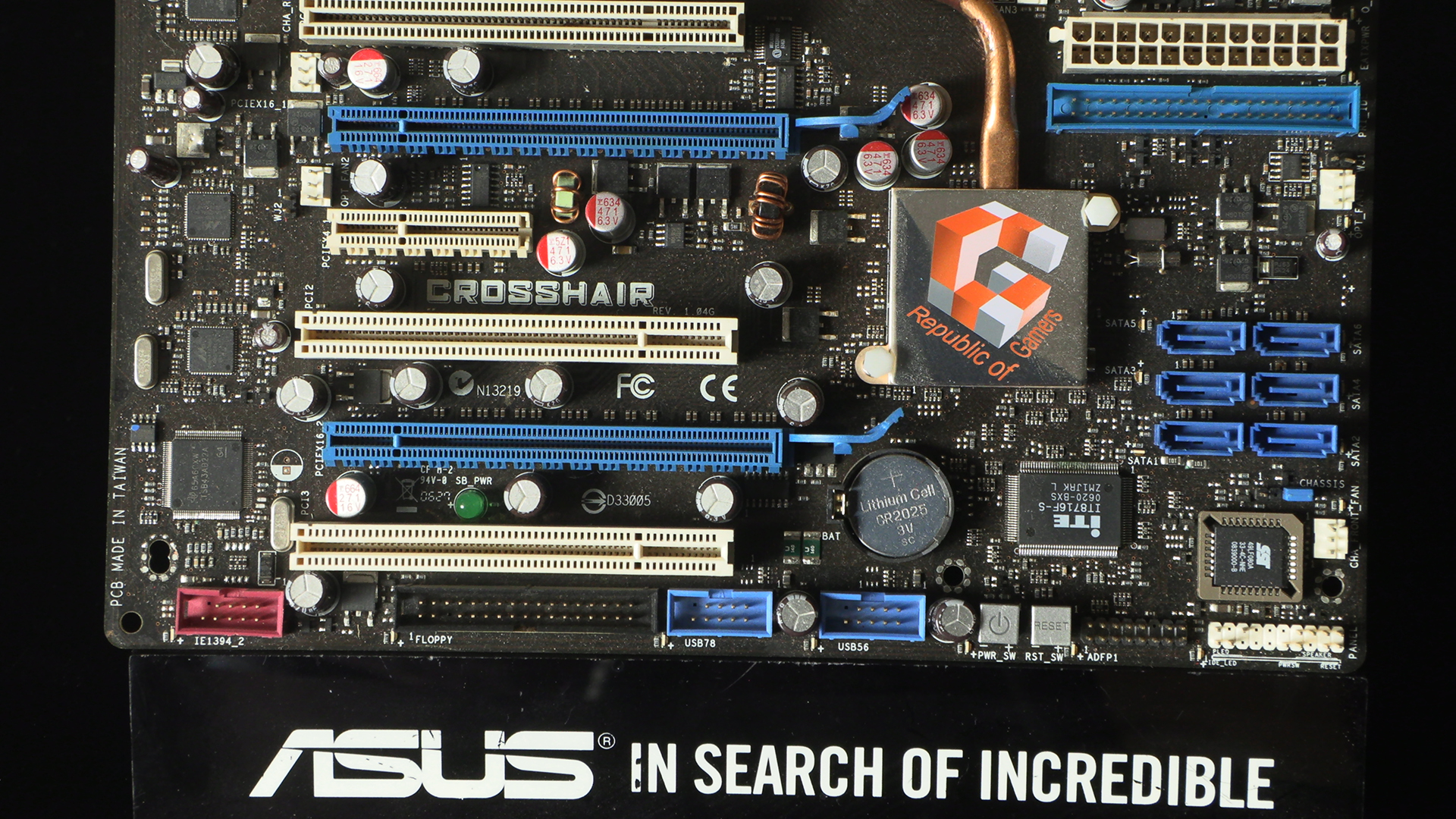
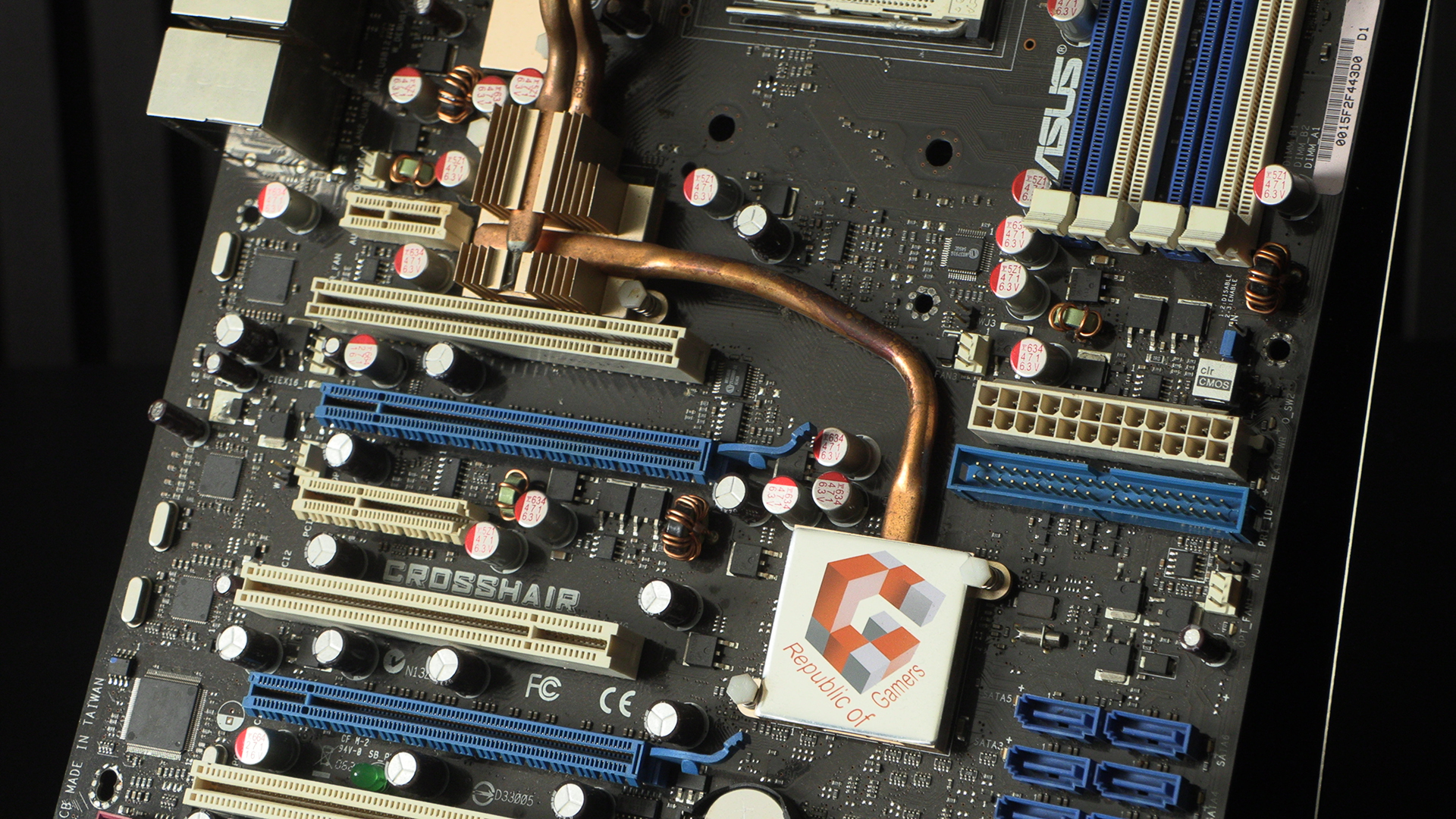
This is probably the area with the biggest difference. Horizontally orientated 24 pin ATX power. It seems so obvious to have it in it’s current place. But remember, these are early explorations into the form. Below that an IDE connector. Giant ribbon cables are things we definitely don’t miss. Somewhere I have a set that were rolled up and then had a heatshrink wrap applied. Just to try and keep things tidy in my Thermaltake Skull case. Ah the old days. Moving on.
Two quick things and then we’ll go to the next picture. One, the CMOS clear is a jumper, rather than a button. Given how often we had to clear it in the old days, and we almost never do these days, it’s funny that the user-friendly option appeared when it fell into obsolescence. And of course here is that old ROG logo. Not even a custom typeface. Tempora mutantur.
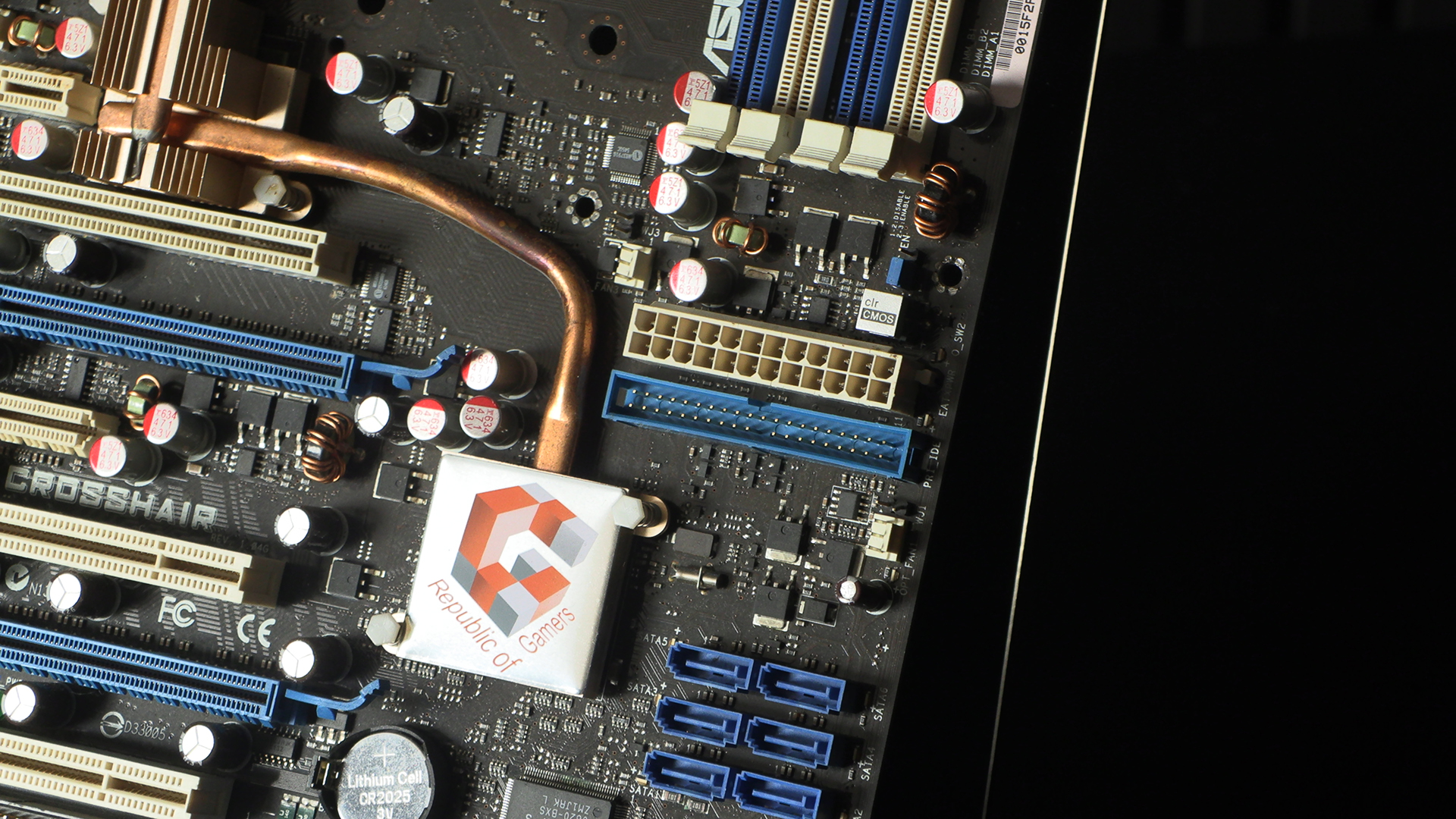
Three pin fan headers. It’s just the wild west out here.
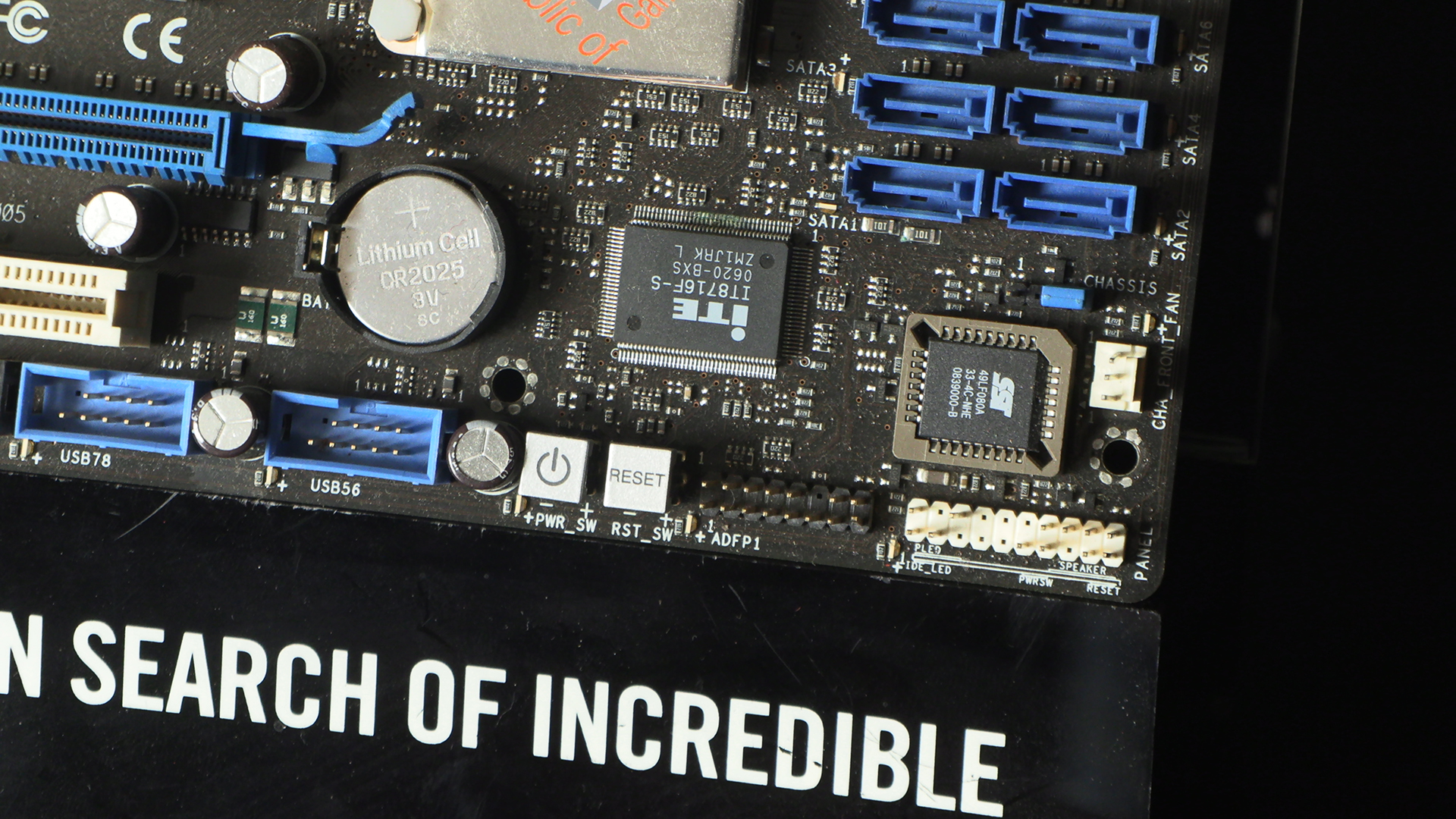
Some things haven’t changed though. CMOS battery placement is one. The bottom edge with, from right to left, front panel chassis connectors, power and reset buttons, and USB front panel headers, are very much the order they’re usually found now. Odd how some things endure.
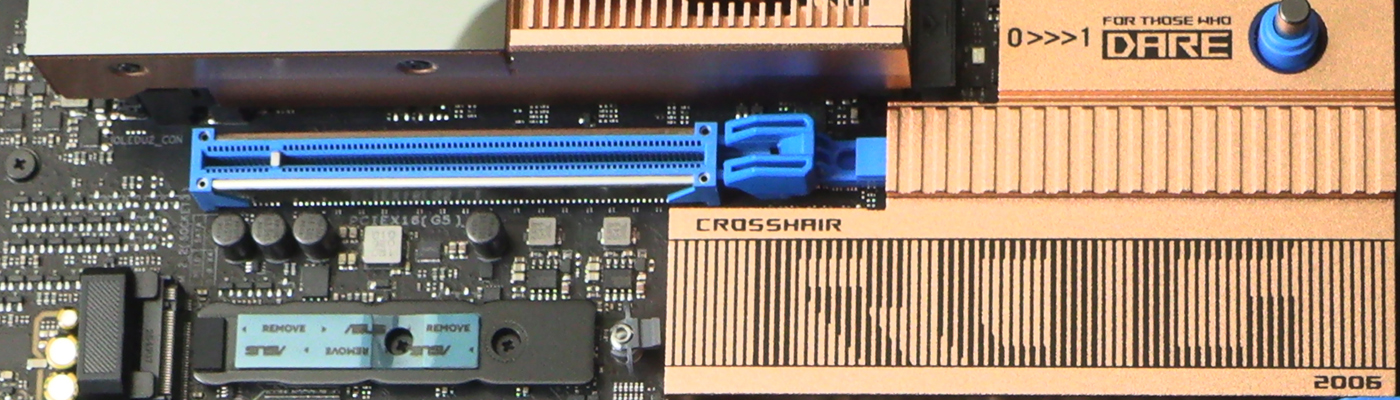
Heatpipe from the chipset to the northbridge is certainly one thing lost to the mists of time. Primarily because it’s all in one chip now and the M.2 is where the northbridge used to be.
The copper might have tarnished in the last 20 years, but the design is very familiar. Two VRM heatpipes though. Only 8 power phases. Over-engineered. Not that we’re complaining.
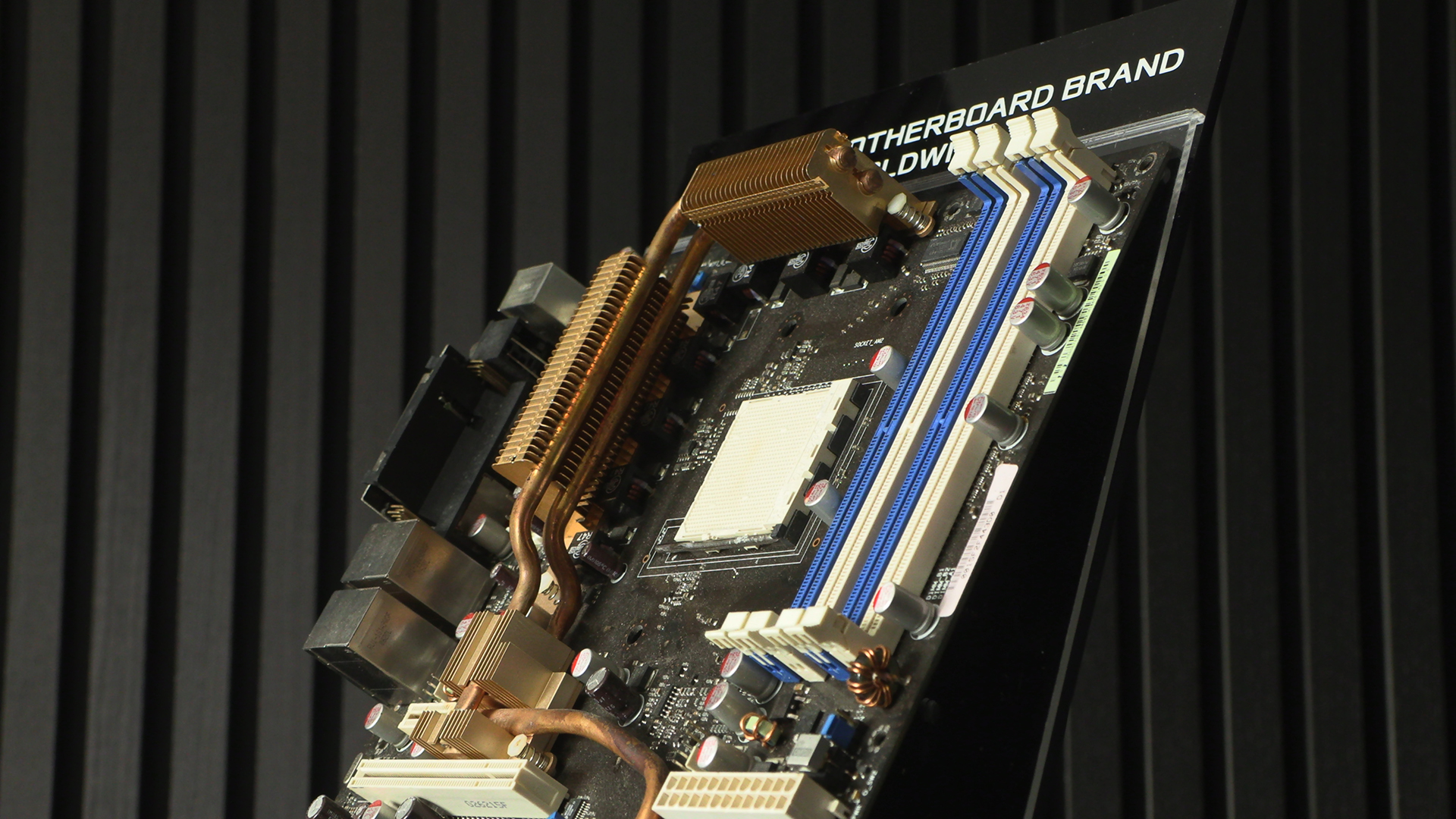
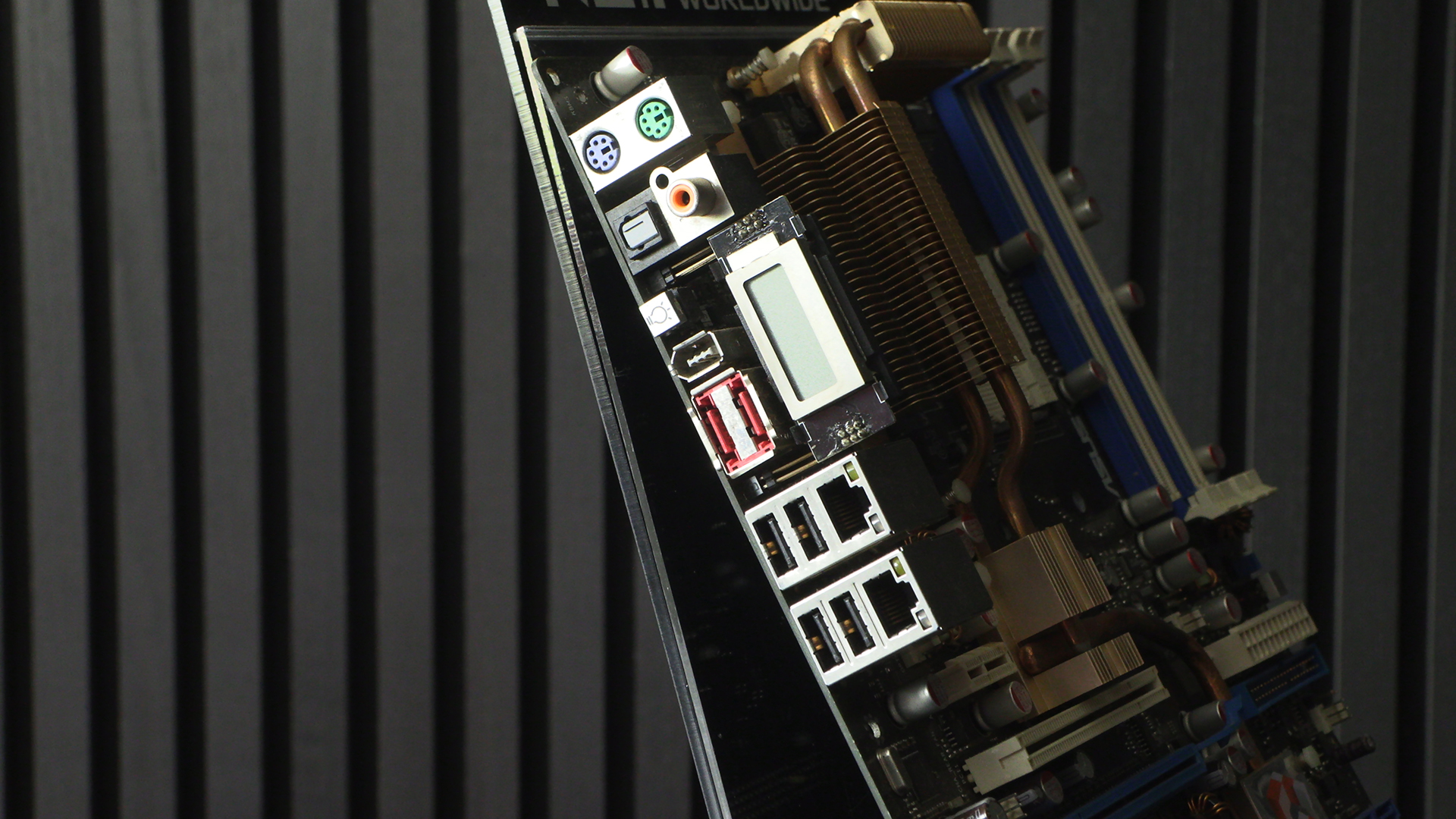
Showing how ahead of the game ROG was even here, look at this. From top to bottom we have dual PS/2 connectors for mouse (green) and keyboard (purple). SPDIF out, the only audio connector as the actual audio is on a daughterboard. Firewire sits above a dual eSATA. Yet another tech lost to time as USB got faster and more prevalent. Dual Gigabit connectors though. Four SATA ports. Oh that odd grey thing? LCD post display. Yep, even 20 years ago ROG were giving you a display.